charge KIA NIRO 2021 Repair Manual
[x] Cancel search | Manufacturer: KIA, Model Year: 2021, Model line: NIRO, Model: KIA NIRO 2021Pages: 710, PDF Size: 14.77 MB
Page 308 of 710

Features of your vehicle
168 4
Only use 12V electric accessories
which are less than 10A in electric
capacity.
Adjust the air-conditioner or heater
to the lowest operating level when
using the power outlet.
Close the cover when not in use.
Some electronic devices can cause
electronic interference when
plugged into a vehicle’s power out-
let. These devices may cause
excessive audio static and malfunc-
tions in other electronic systems or
devices used in your vehicle.
Push the plug in as far as it will go.
If good contact is not made, the
plug may overheat and the fuse
may open.
Plug in battery equipped electronic
devices with reverse current pro-
tection. The current from the bat-
tery may flow into the vehicle’s
electri cal/electronic system and
cause system malfunction.USB charger (if equipped)
The USB charger is designed to
recharge batteries of small size elec-
trical devices using a USB cable. The
electrical devices can be recharged
when the Engine Start/Stop button is
in ACC/ON/START position.
The battery charging state may be
monitored on the electrical device.
Disconnect the USB cable from the
USB port after use.
Some devices are not supported
for fast charging but will be
charged with normal speed.
WARNING - Electric shock
Do not put a finger or a foreign
object (pen, etc.) into a power
outlet and do not touch with a
wet hand. You may receive an
electric shock.
ODEP049532
Page 309 of 710

4169
Features of your vehicle
Use the USB charger when the
engine is running to prevent bat-
tery discharge.
Only devices that fit the USB port
can be used.
The USB charger can be used only
for battery charging purposes.
Battery chargers cannot be
charged.Wireless smart phone charg-
ing system (if equipped)
A wireless smart phone charging
system is located in front of the cen-
ter console
Firmly close all doors, and turn the
ignition to ACC or IGN ON. To start
wireless charging, place the smart
phone equipped with wireless charg-
ing function on the wireless charging
pad.For best wireless charging results,
place the smart phone on the center
of the charging pad.
The wireless charging system is
designed for one smart phone
equipped with QI per single usage
only. Please refer to the smart phone
accessory cover or the smart phone
manufacturer homepage to check
whether your smart phone supports
QI function.
ODEP049424
Page 311 of 710
4171
Features of your vehicle
✽ ✽
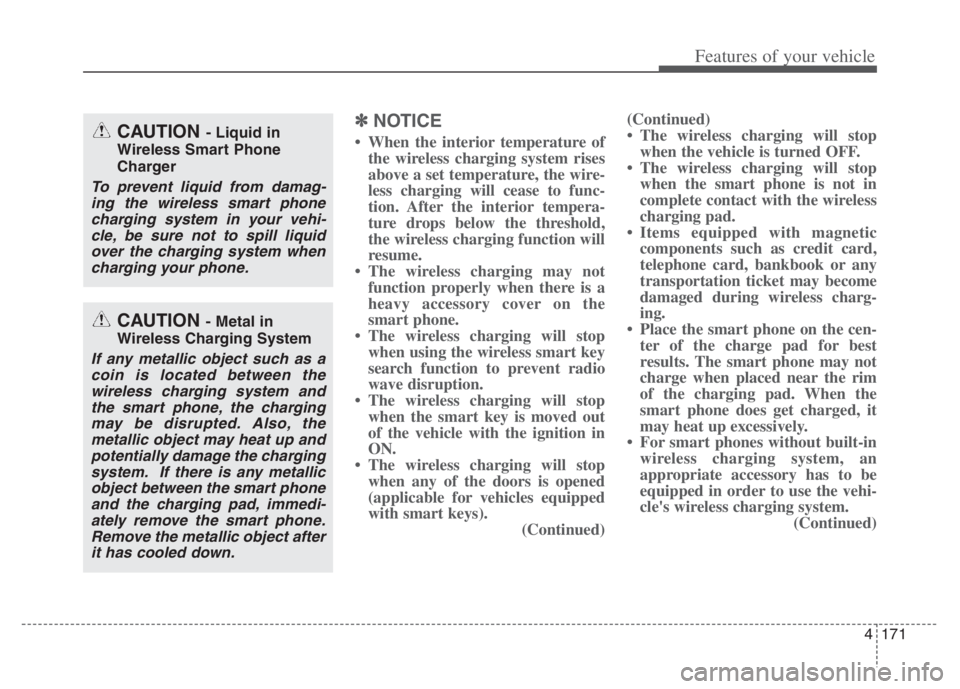
NOTICE
• When the interior temperature of
the wireless charging system rises
above a set temperature, the wire-
less charging will cease to func-
tion. After the interior tempera-
ture drops below the threshold,
the wireless charging function will
resume.
• The wireless charging may not
function properly when there is a
heavy accessory cover on the
smart phone.
• The wireless charging will stop
when using the wireless smart key
search function to prevent radio
wave disruption.
• The wireless charging will stop
when the smart key is moved out
of the vehicle with the ignition in
ON.
• The wireless charging will stop
when any of the doors is opened
(applicable for vehicles equipped
with smart keys).
(Continued)(Continued)
• The wireless charging will stop
when the vehicle is turned OFF.
• The wireless charging will stop
when the smart phone is not in
complete contact with the wireless
charging pad.
• Items equipped with magnetic
components such as credit card,
telephone card, bankbook or any
transportation ticket may become
damaged during wireless charg-
ing.
• Place the smart phone on the cen-
ter of the charge pad for best
results. The smart phone may not
charge when placed near the rim
of the charging pad. When the
smart phone does get charged, it
may heat up excessively.
• For smart phones without built-in
wireless charging system, an
appropriate accessory has to be
equipped in order to use the vehi-
cle's wireless charging system.
(Continued)CAUTION - Liquid in
Wireless Smart Phone
Charger
To prevent liquid from damag-
ing the wireless smart phone
charging system in your vehi-
cle, be sure not to spill liquid
over the charging system when
charging your phone.
CAUTION - Metal in
Wireless Charging System
If any metallic object such as a
coin is located between the
wireless charging system and
the smart phone, the charging
may be disrupted. Also, the
metallic object may heat up and
potentially damage the charging
system. If there is any metallic
object between the smart phone
and the charging pad, immedi-
ately remove the smart phone.
Remove the metallic object after
it has cooled down.
Page 312 of 710
Features of your vehicle
172 4
(Continued)
• Smart phones of some manufac-
turers may display messages on
weak current. This is due to the
particular characteristic of the
smart phone and does not imply a
malfunction on wireless charging
function.
• The indicator light of some manu-
facturers’ smart phones may still
be orange after the smart phone is
fully charged. This is due to the
particular characteristic of the
smart phone and not a malfunc-
tion of the wireless charging.
• When any smart phone without a
wireless charging function or a
metallic object is placed on the
charging pad, a small noise may
sound. This small sound is due to
the vehicle discerning compatibili-
ty of the object placed on the
charging pad. It does not affect
your vehicle or the smart phone in
any way. This device complies with part 15
of the FCC Rules
Operation is subject to the follow-
ing two conditions:
(1) This device may not cause harm-
ful interference, and
(2) this device must accept any inter-
ference received, including inter-
ference that may cause unde-
sired operation.
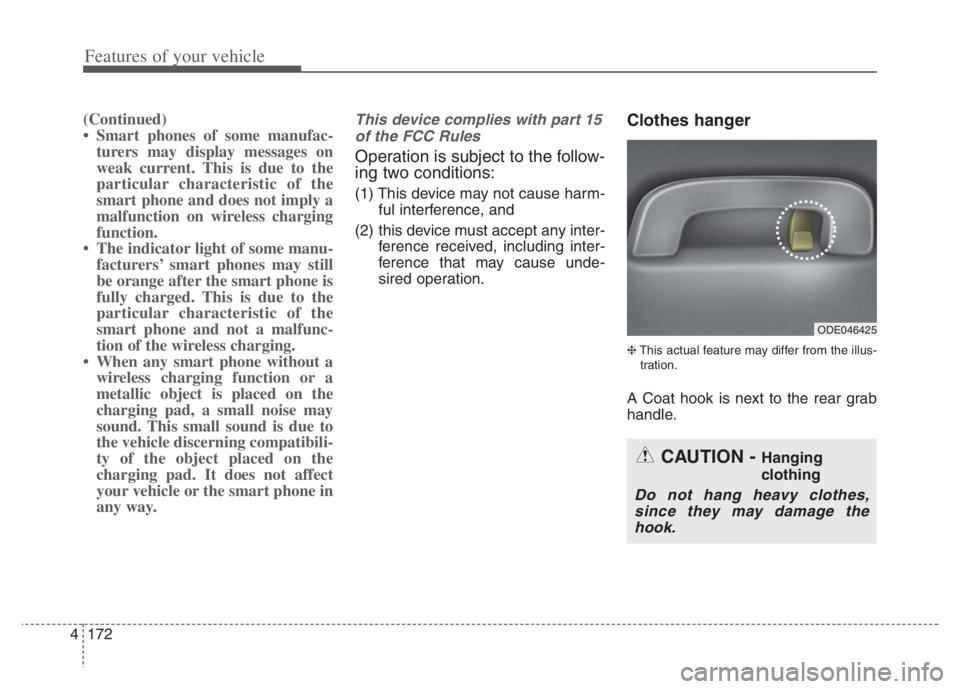
Clothes hanger
❈This actual feature may differ from the illus-
tration.
A Coat hook is next to the rear grab
handle.
ODE046425
CAUTION - Hanging
clothing
Do not hang heavy clothes,
since they may damage the
hook.
Page 331 of 710
Driving your vehicle
8 5
ON
The warning lights can be checked
before the engine is started. This is
the normal running position after the
engine is started.
Do not leave the ignition switch ON if
the engine is not running to prevent
battery discharge.START
Turn the ignition switch to the START
position to start the engine. The
engine will crank until you release
the key; then it returns to the ON
position. The brake warning light can
be checked in this position.
The anti-theft steering column lock (if
equipped) is not a substitute for the
parking brake. Before leaving the dri-
ver’s seat, always make sure the shift
lever is engaged in P (Park) for dual
clutch transmission, set the parking
brake fully and shut the engine off.
Unexpected and sudden vehicle
movement may occur if these pre-
cautions are not taken.
WARNING- Key holder
Do not place small purses, mul-
tiple keys, or other heavy acces-
sories on your vehicle key ring.
The driver can accidently push
these objects causing the ACC
position to change while in
motion and disrupt the proper
operation of some of the vehi-
cle's safety features.
WARNING- Ignition switch
Never turn the ignition switch to
LOCK or ACC while the vehicle
is moving. This would result in
loss of directional control and
braking function, which could
cause an accident.
Page 335 of 710

Driving your vehicle
12 5
ACC(Accessory)
Press the ENGINE START/STOP
button while it is in the OFF position
without depressing the brake pedal.
If the ENGINE START/STOP button
is in the ACC position for more than
1 hour, the button is turned off auto-
matically to prevent battery dis-
charge.
ON
Press the ENGINE START/STOP
button while it is in the ACC position
without depressing the brake pedal.
The warning lights can be checked
before the engine is started. Do not
leave the ENGINE START/STOP
button in the ON position for a long
time. The battery may discharge,
because the engine is not running.
START/RUN
To start the engine, depress the
brake pedal and press the ENGINE
START/ STOP button with the shift
lever in the P (Park) position. For
your safety, start the engine with the
shift lever in the P (Park) position.
If you press the ENGINE START/STOP
button without depressing the brake
pedal for dual clutch transmission vehi-
cles, the engine will not start and the
ENGINE START/STOP button
changes as follow:
OFF ➔ACC ➔ON ➔OFF or ACC
Not illuminated AmberRed
Page 336 of 710

513
Driving your vehicle
✽ ✽
NOTICE
If you leave the ENGINE START/
STOP button in the ACC or ON
position for a long time, the battery
will discharge.
Starting the hybrid system✽ ✽
NOTICE
• The hybrid system will start by
pressing the Engine Start/Stop
button, only when the smart key is
in the vehicle.
• Even when the smart key is in the
vehicle, if it is far away from the
driver, the hybrid system may not
start.
• When the Engine Start/Stop but-
ton is in the ACC or ON position,
and any door is open, the system
checks for the smart key. When
the smart key is not in the vehicle,
the “ ” indicator will blink and
the warning “Key not in vehicle”
will come on. When all doors are
closed, the chime will also sound
for about 5 seconds. Keep the
smart key in the vehicle when in
the ACC position or if the hybrid
system is ON.
WARNING- Starting
vehicle
Never press the ENGINE
START/STOP button while the
vehicle is in motion except in an
emergency. This would result in
loss of directional control and
braking function, which could
cause an accident.
WARNING
Always wear appropriate
shoes when operating your
vehicle. Unsuitable shoes,
such as high heels, ski boots,
sandals, flip-flops, etc., may
interfere with your ability to
use the brake and accelerator
pedals.
Do not start the vehicle with the
accelerator pedal depressed.
The vehicle can move and
lead to an accident.
Page 351 of 710
![KIA NIRO 2021 Repair Manual Driving your vehicle
28 5
Regenerative Braking
(Paddle Shifter)
The paddle shifter is used to adjust
the regenerative braking level from 0
to 3 during decelerating or braking.
Left side [-] : Increa](/img/2/54800/w960_54800-350.png "KIA NIRO 2021 Repair Manual Driving your vehicle
28 5
Regenerative Braking
(Paddle Shifter)
The paddle shifter is used to adjust
the regenerative braking level from 0
to 3 during decelerating or braking.
Left side [-] : Increa")
Driving your vehicle
28 5
Regenerative Braking
(Paddle Shifter)
The paddle shifter is used to adjust
the regenerative braking level from 0
to 3 during decelerating or braking.
Left side [-] : Increases regenera-
tive braking and deceleration.
Right side [+] : Decreases regener-
ative braking and deceleration.
✽ ✽
NOTICE
• The control level will be started at
0 when the engine start. It will
activate only in D (Drive) range.
• If you operate the shift lever (to P,
R, N/Sport), Regen B mode will be
cancelled and if you return to D
(Drive) range, the Regen B mode
will be returned to 0 level.
• Regen B mode will be cancelled
when ABS, ESC operate.
• The speed decrement may differ-
ent depends on the vehicle speed
even in the same Regen B level.
(The speed decrement in each level
is bigger in the city driving than
that of highway driving.)
✽ ✽
NOTICE
The vehicle does not completely stop
by using paddle shifter lever. When
the Regen B power reduced, the
vehicle slowly moves about 10 km/h.
In order to stop the vehicle, depress
the brake pedal.
✽ ✽
NOTICE
The paddle shifter does not operate
when:
• The [-] and [+] paddle shifters are
pulled at the same time.
• The vehicle is decelerating by
depressing the brake pedal.
• Cruise Control or Smart Cruise
Control is activated.
REGENERATIVE BRAKING SYSTEM
ODEP059294
WARNING
Usage of the regenerative brak-
ing function may be limited
according to the battery and
motor’s condition. (over charge,
high and low temperature)
Check traffic and driving condi-
tions. If necessary, control the
vehicle speed by using the
brake pedal.
Page 353 of 710
Driving your vehicle
30 5
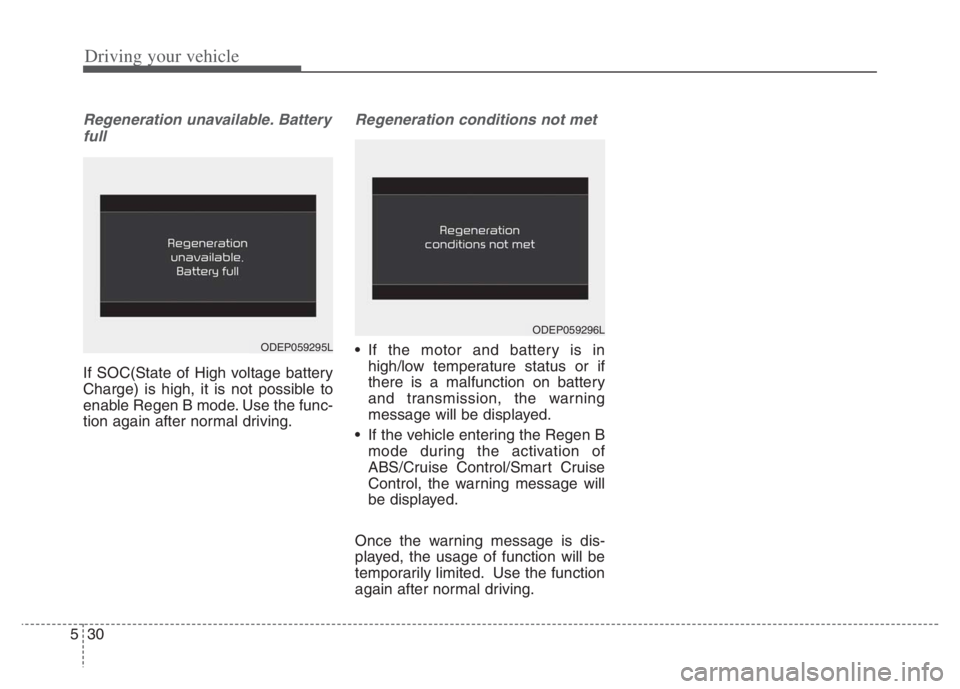
Regeneration unavailable. Battery
full
If SOC(State of High voltage battery
Charge) is high, it is not possible to
enable Regen B mode. Use the func-
tion again after normal driving.
Regeneration conditions not met
If the motor and battery is in
high/low temperature status or if
there is a malfunction on battery
and transmission, the warning
message will be displayed.
If the vehicle entering the Regen B
mode during the activation of
ABS/Cruise Control/Smart Cruise
Control, the warning message will
be displayed.
Once the warning message is dis-
played, the usage of function will be
temporarily limited. Use the function
again after normal driving.
ODEP059296L
ODEP059295L
Page 355 of 710
Driving your vehicle
32 5
Wet brakes may impair the vehicle’s
ability to safely slow down; the vehi-
cle may also pull to one side when
the brakes are applied. Applying the
brakes lightly will indicate whether
they have been affected in this way.
Always test your brakes in this fash-
ion after driving through deep water.
To dry the brakes, apply them lightly
while maintaining a safe forward
speed until brake performance
returns to normal.
✽ ✽
NOTICE
Do not depress the brake pedal con-
tinuously without the “ ” indica-
tor ON. The battery may be dis-
charged.
In the event of brake failure
If service brakes fail to operate while
the vehicle is in motion, you can
make an emergency stop with the
parking brake. The stopping dis-
tance, however, will be much greater
than normal.
Disc brakes wear indicator
When your brake pads are worn and
new pads are required, you will hear
a high-pitched warning sound from
your front brakes or rear brakes. You
may hear this sound come and go or
it may occur whenever you depress
the brake pedal.
Please remember that some driving
conditions or climates may cause a
brake squeal when you first apply (or
lightly apply) the brakes. This is nor-
mal and does not indicate a problem
with your brakes.
Always replace the front or rear
brake pads as pairs.
WARNING- Parking
brake
Avoid applying the parking
brake to stop the vehicle while it
is moving except in an emer-
gency situation. Applying the
parking brake while the vehicle
is moving at normal speeds can
cause a sudden loss of control
of the vehicle. If you must use
the parking brake to stop the
vehicle, use great caution in
applying the brake.
CAUTION- Replace brake
pads
Do not continue to drive with
worn brake pads. Continuing to
drive with worn brake pads can
damage the braking system and
result in costly brake repairs.