light KIA Opirus 2008 1.G Repair Manual
[x] Cancel search | Manufacturer: KIA, Model Year: 2008, Model line: Opirus, Model: KIA Opirus 2008 1.GPages: 283, PDF Size: 20.47 MB
Page 173 of 283
Driving your vehicle
424
✽NOTICE
To prevent damage to the conductors
bonded to the inside surface of the
bottom of the front windshield and the
rear window, never use sharp instru-
ments or window cleaners containing
abrasives to clean the window.
To prevent the battery from being dis- charged, operate the defroster only
while the engine is running.
The front windshield defroster is designed to defrost wiper blades. If
you want to defrost and defog the
front windshield, refer to “Windshield
Defrosting and Defogging” in this sec-
tion.
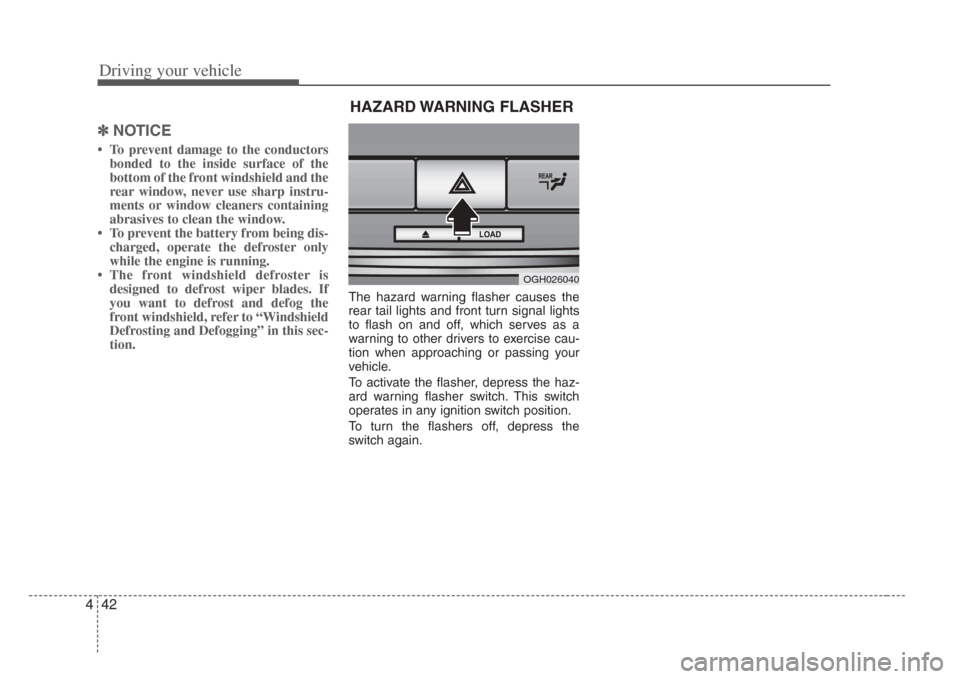
The hazard warning flasher causes the
rear tail lights and front turn signal lights
to flash on and off, which serves as a
warning to other drivers to exercise cau-
tion when approaching or passing your
vehicle.
To activate the flasher, depress the haz-
ard warning flasher switch. This switch
operates in any ignition switch position.
To turn the flashers off, depress the
switch again.
OGH026040
HAZARD WARNING FLASHER
Page 175 of 283
Driving your vehicle
444
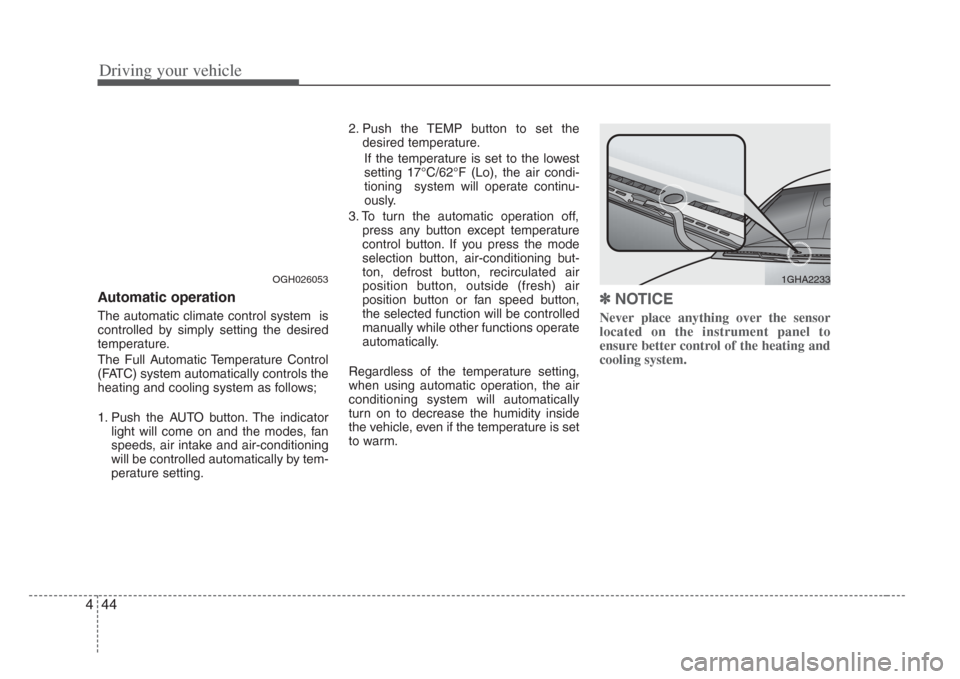
Automatic operation
The automatic climate control system is
controlled by simply setting the desired
temperature.
The Full Automatic Temperature Control
(FATC) system automatically controls the
heating and cooling system as follows;
1. Push the AUTO button. The indicatorlight will come on and the modes, fan
speeds, air intake and air-conditioning
will be controlled automatically by tem-
perature setting. 2. Push the TEMP button to set the
desired temperature.
If the temperature is set to the lowest
setting 17°C/62°F (Lo), the air condi-
tioning system will operate continu-
ously.
3. To turn the automatic operation off, press any button except temperature
control button. If you press the mode
selection button, air-conditioning but-
ton, defrost button, recirculated air
position button, outside (fresh) air
position button or fan speed button,
the selected function will be controlled
manually while other functions operate
automatically.
Regardless of the temperature setting,
when using automatic operation, the air
conditioning system will automatically
turn on to decrease the humidity inside
the vehicle, even if the temperature is set
to warm.
✽ NOTICE
Never place anything over the sensor
located on the instrument panel to
ensure better control of the heating and
cooling system.
OGH0260531GHA2233
Page 176 of 283
445
Driving your vehicle
Manual operation
The heating and cooling system can be
controlled manually as well by pushing
buttons other than the AUTO button. In
this case, the system works sequentially
according to the order of buttons select-
ed.
When pressing any button except AUTO,
the functions of the buttons not selected
will be controlled automatically.
Press the AUTO button in order to con-
vert to full automatic control of the sys-
tem.
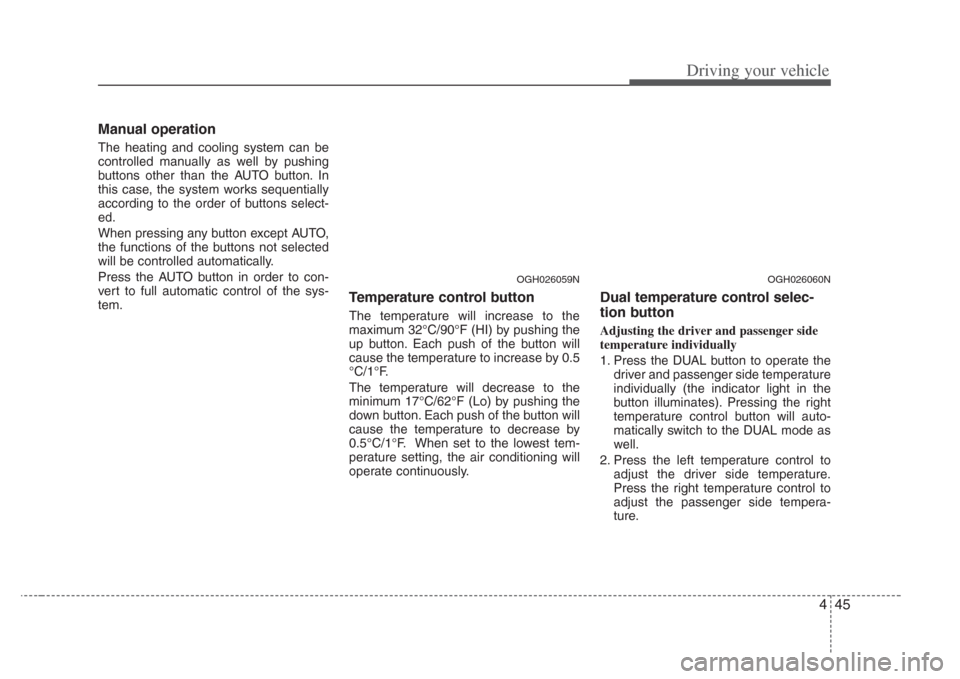
Temperature control button
The temperature will increase to the
maximum 32°C/90°F (HI) by pushing the
up button. Each push of the button will
cause the temperature to increase by 0.5
°C/1°F.
The temperature will decrease to the
minimum 17°C/62°F (Lo) by pushing the
down button. Each push of the button will
cause the temperature to decrease by
0.5°C/1°F. When set to the lowest tem-
perature setting, the air conditioning will
operate continuously.
Dual temperature control selec-
tion button
Adjusting the driver and passenger side
temperature individually
1. Press the DUAL button to operate thedriver and passenger side temperature
individually (the indicator light in the
button illuminates). Pressing the right
temperature control button will auto-
matically switch to the DUAL mode as
well.
2. Press the left temperature control to adjust the driver side temperature.
Press the right temperature control to
adjust the passenger side tempera-
ture.
OGH026060NOGH026059N
Page 177 of 283
Driving your vehicle
464
Adjusting the driver and passenger side
temperature equally
1. Press the DUAL button again or if youselect the highest (HI) or lowest (Lo)
temperature, the DUAL mode deacti-
vates (the indicator light in the button
turns off). The passenger side temper-
ature will be set to the same tempera-
ture as the driver side.
2. Press the left temperature control but- ton. The driver and passenger side
temperature will be adjusted equally.
Temperature conver sion
If the battery has been discharged or dis-
connected, the temperature mode will
reset as Centigrade degrees.
This is normal condition and you can
switch the temperature mode between
Centigrade to Fahrenheit as follows;
While depressing the MODE button,
depress the DUAL button for 3 seconds
or more. The display will change from
Centigrade to Fahrenheit, or from
Fahrenheit to Centigrade.
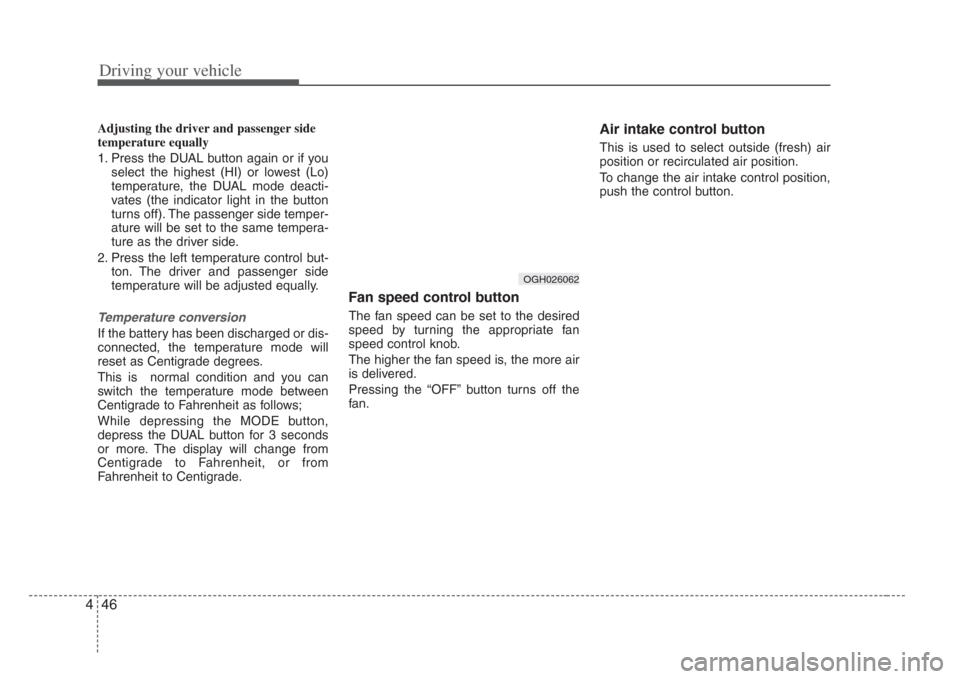
Fan speed control button
The fan speed can be set to the desired
speed by turning the appropriate fan
speed control knob.
The higher the fan speed is, the more air
is delivered.
Pressing the “OFF” button turns off the
fan.
Air intake control button
This is used to select outside (fresh) air
position or recirculated air position.
To change the air intake control position,
push the control button.
OGH026062
Page 178 of 283
447
Driving your vehicle
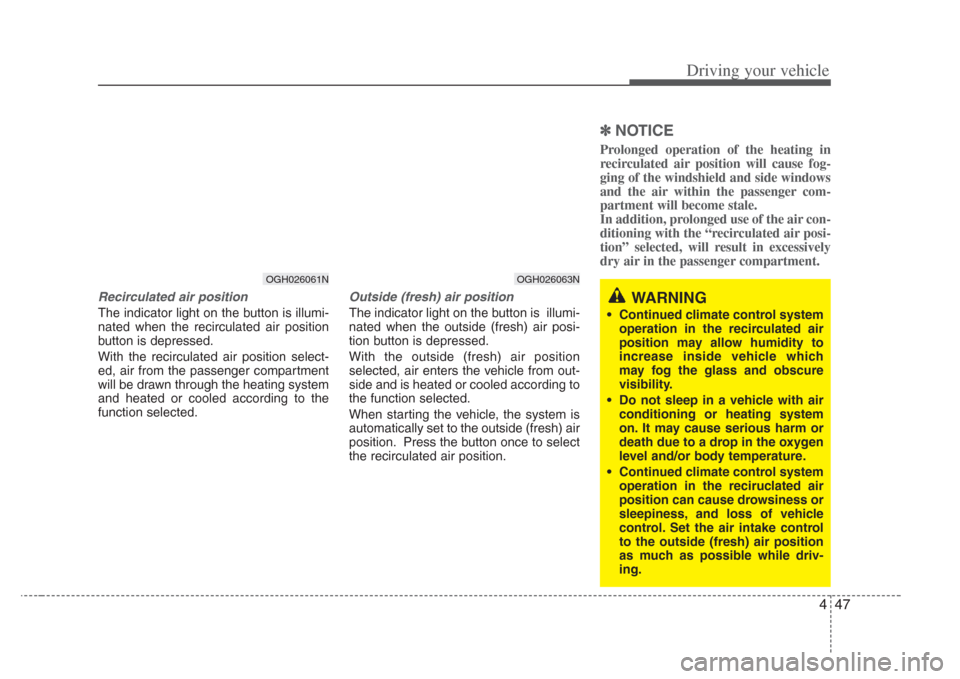
Recirculated air position
The indicator light on the button is illumi-
nated when the recirculated air position
button is depressed.
With the recirculated air position select-
ed, air from the passenger compartment
will be drawn through the heating system
and heated or cooled according to the
function selected.
Outside (fresh) air position
The indicator light on the button is illumi-
nated when the outside (fresh) air posi-
tion button is depressed.
With the outside (fresh) air position
selected, air enters the vehicle from out-
side and is heated or cooled according to
the function selected.
When starting the vehicle, the system is
automatically set to the outside (fresh) air
position. Press the button once to select
the recirculated air position.
✽
NOTICE
Prolonged operation of the heating in
recirculated air position will cause fog-
ging of the windshield and side windows
and the air within the passenger com-
partment will become stale.
In addition, prolonged use of the air con-
ditioning with the “recirculated air posi-
tion” selected, will result in excessively
dry air in the passenger compartment.
OGH026061N
WARNING
• Continued climate control system
operation in the recirculated air
position may allow humidity to
increas e inside vehicle which
may fog the glass and obscure
visibility.
• Do not sleep in a vehicle with air conditioning or heating system
on. It may cause serious harm or
death due to a drop in the oxygen
level and/or body temperature.
• Continued climate control system
operation in the reciruclated air
position can cause drowsiness or
sleepiness, and loss of vehicle
control. Set the air intake control
to the out side (fresh) air position
as much a s possible while driv-
ing.
OGH026063N
Page 181 of 283
Driving your vehicle
504
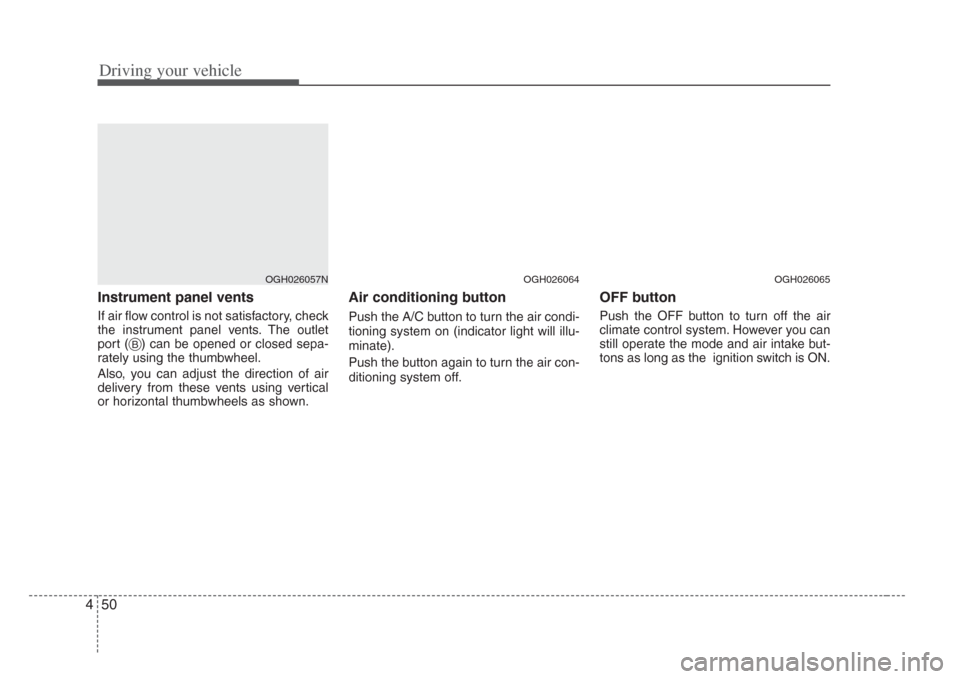
Instrument panel vents
If air flow control is not satisfactory, check
the instrument panel vents. The outlet
port ( ) can be opened or closed sepa-
rately using the thumbwheel.
Also, you can adjust the direction of air
delivery from these vents using vertical
or horizontal thumbwheels as shown.
Air conditioning button
Push the A/C button to turn the air condi-
tioning system on (indicator light will illu-
minate).
Push the button again to turn the air con-
ditioning system off.
OFF button
Push the OFF button to turn off the air
climate control system. However you can
still operate the mode and air intake but-
tons as long as the ignition switch is ON.
OGH026057N
B
OGH026064OGH026065
Page 182 of 283
451
Driving your vehicle
Air conditioning system opera-
tion tips
• If the vehicle has been parked in directsunlight during hot weather, open the
windows for a short time to let the hot
air inside the vehicle escape.
• To help reduce moisture inside of the windows on rainy humid days,
decrease the humidity inside the vehi-
cle by operating the air conditioning
system.
• During air conditioning system opera- tion, you may occasionally notice a
slight change in the engine speed as
the air conditioning compressor cycles
on. This is a normal system operation
characteristics.
• Use the air conditioning system every month only for a few minutes to ensure
maximum system performance.
• When using the air conditioning sys- tem, you may notice clear water drip-
ping (or even pudding) on the ground
under the passenger side of the vehi-
cle. This is a normal system operation
characteristics. • Operating the air conditioning system
in the recirculated air position does
provide maximum cooling, however,
continual operation in this mode may
cause the air inside the vehicle to
become stale.
Checking the amount of air con-
ditioner refrigerant and compres-
sor lubricant
When the amount of refrigerant is low,
the performance of the air conditioning is
reduced. Overfilling also has a bad influ-
ence on the air conditioning system.
Therefore, if abnormal operation is
found, have the system inspected by an
authorized Kia dealer.
CAUTION
When the performance of the air
conditioning system is reduced it is
important that the correct type and amount of oil and refrigerant isu sed. Otherwis e, damage to the
compressor and abnormal system operation may occur.
CAUTION
When us ing the air conditioning
s ystem, monitor the temperature
gauge closely while driving up hill s
or in heavy traffic when out side
temperatures are high. Air condi- tioning system operation may
caus e engine overheating.
Continue to use the blower fan but turn the air conditioning system off
if the temperature gauge indicate s
engine overheating.
WARNING
The air conditioning system should
be serviced by an authorized Kia
dealer. Improper service may cause
serious injury to the per son per-
forming the service.
Page 183 of 283
Driving your vehicle
524
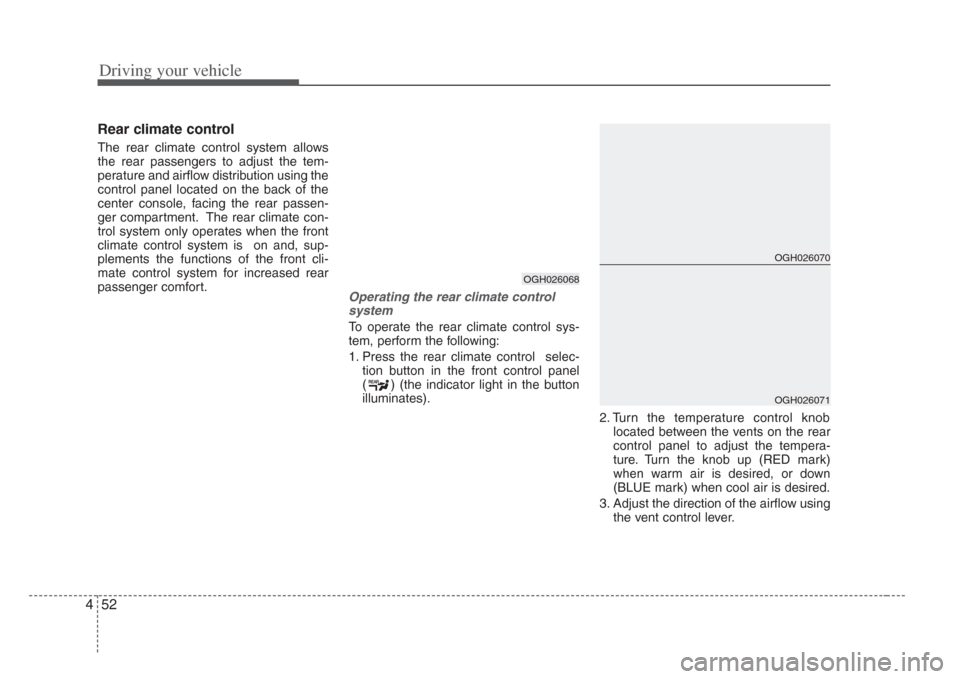
Rear climate control
The rear climate control system allows
the rear passengers to adjust the tem-
perature and airflow distribution using the
control panel located on the back of the
center console, facing the rear passen-
ger compartment. The rear climate con-
trol system only operates when the front
climate control system is on and, sup-
plements the functions of the front cli-
mate control system for increased rear
passenger comfort.
Operating the rear climate controlsystem
To operate the rear climate control sys-
tem, perform the following:
1. Press the rear climate control selec- tion button in the front control panel
( ) (the indicator light in the button
illuminates).
2. Turn the temperature control knoblocated between the vents on the rear
control panel to adjust the tempera-
ture. Turn the knob up (RED mark)
when warm air is desired, or down
(BLUE mark) when cool air is desired.
3. Adjust the direction of the airflow using the vent control lever.
REARREAR
OGH026068
OGH026070
OGH026071
Page 189 of 283
55
Driving tips
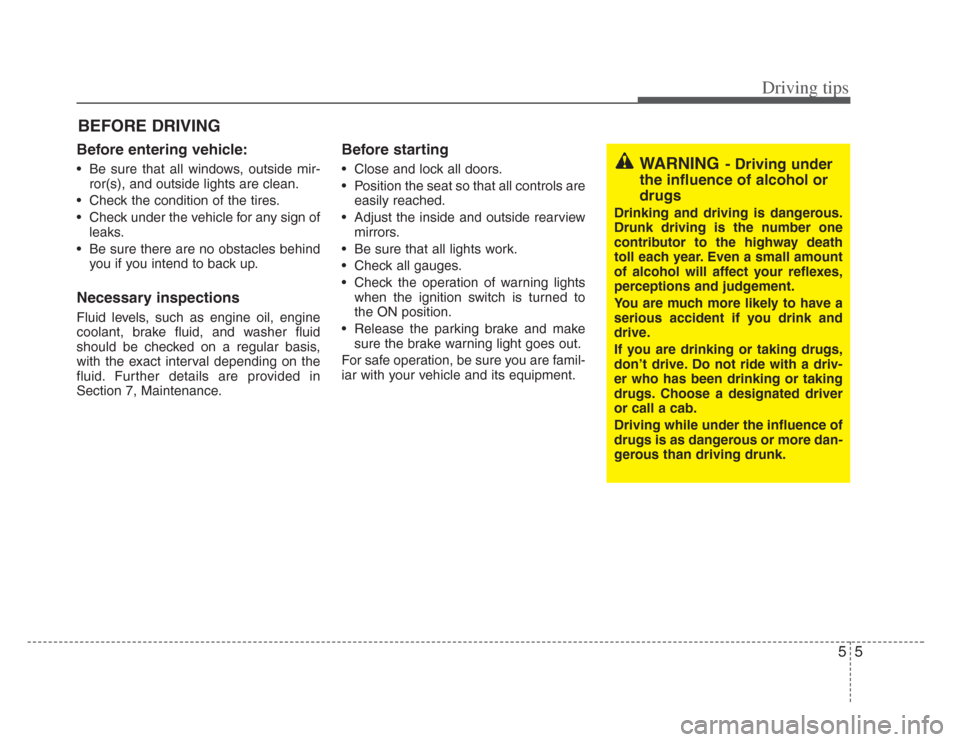
BEFORE DRIVING
Before entering vehicle:
• Be sure that all windows, outside mir-ror(s), and outside lights are clean.
• Check the condition of the tires.
• Check under the vehicle for any sign of leaks.
• Be sure there are no obstacles behind you if you intend to back up.
Necessary inspections
Fluid levels, such as engine oil, engine
coolant, brake fluid, and washer fluid
should be checked on a regular basis,
with the exact interval depending on the
fluid. Further details are provided in
Section 7, Maintenance.
Before starting
• Close and lock all doors.
• Position the seat so that all controls are
easily reached.
• Adjust the inside and outside rearview mirrors.
• Be sure that all lights work.
• Check all gauges.
• Check the operation of warning lights when the ignition switch is turned to
the ON position.
• Release the parking brake and make sure the brake warning light goes out.
For safe operation, be sure you are famil-
iar with your vehicle and its equipment.WARNING- Driving under
the influence of alcohol or
drugs
Drinking and driving i s dangerous.
Drunk driving is the number one
contributor to the highway death
toll each year. Even a small amount
of alcohol will affect your reflexe s,
perceptions and judgement.
You are much more likely to have a
serious accident if you drink and
drive.
If you are drinking or taking drug s,
don’t drive. Do not ride with a driv-
er who has been drinking or taking
drugs. Choose a designated driver
or call a cab.
Driving while under the influence of
drugs i s as dangerous or more dan-
gerou s than driving drunk.
Page 191 of 283
57
Driving tips
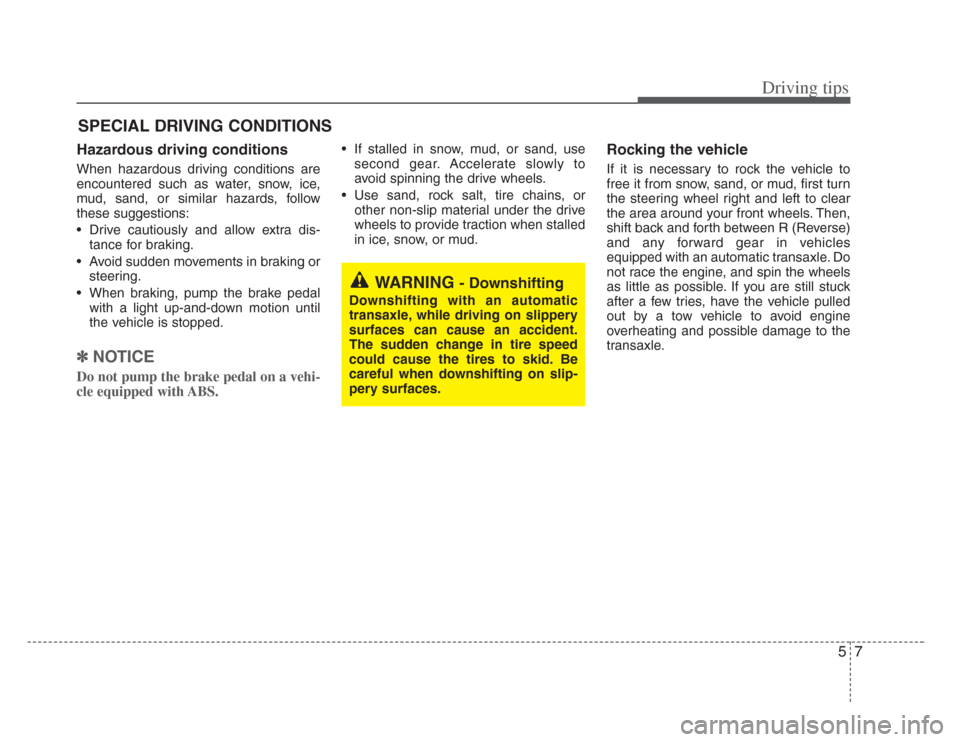
SPECIAL DRIVING CONDITIONS
Hazardous driving conditions
When hazardous driving conditions are
encountered such as water, snow, ice,
mud, sand, or similar hazards, follow
these suggestions:
• Drive cautiously and allow extra dis-
tance for braking.
• Avoid sudden movements in braking or steering.
• When braking, pump the brake pedal with a light up-and-down motion until
the vehicle is stopped.
✽ NOTICE
Do not pump the brake pedal on a vehi-
cle equipped with ABS.
• If stalled in snow, mud, or sand, use
second gear. Accelerate slowly to
avoid spinning the drive wheels.
• Use sand, rock salt, tire chains, or other non-slip material under the drive
wheels to provide traction when stalled
in ice, snow, or mud.Rocking the vehicle
If it is necessary to rock the vehicle to
free it from snow, sand, or mud, first turn
the steering wheel right and left to clear
the area around your front wheels. Then,
shift back and forth between R (Reverse)
and any forward gear in vehicles
equipped with an automatic transaxle. Do
not race the engine, and spin the wheels
as little as possible. If you are still stuck
after a few tries, have the vehicle pulled
out by a tow vehicle to avoid engine
overheating and possible damage to the
transaxle.
WARNING - Downshifting
Downs hifting with an automatic
transaxle, while driving on slippery
surfaces can cause an accident.
The sudden change in tire speed
could cause the tires to skid. Be
careful when downshifting on slip-
pery surfaces.