ignition KIA Optima 2007 2.G Owner's Guide
[x] Cancel search | Manufacturer: KIA, Model Year: 2007, Model line: Optima, Model: KIA Optima 2007 2.GPages: 294, PDF Size: 3.37 MB
Page 64 of 294
355
Knowing your vehicle
CAUTION
If the occupant classification sys-tem is not working properly, the airbag warning light ( ) on theinstrument panel will illuminate because the passenger’s air bag isconnected with the occupant clas-sification system. If there is a mal- function of the occupant classifica-tion system, the "Passenger Air bagOff" indicator will not illuminate and the front passenger's air bag willdeploy in frontal crashes even ifthere is child or no occupant in the front passenger's seat.
Have an authorized Kia dealerinspect the occupant classification system with the SRS air bag systemas soon as possible if any of follow- ing occur;
The SRS air bag warning light does not illuminate when the igni-tion key is turned to "ON" posi-tion.
The SRS air bag warning light remains illuminated after illumi-nating or blinking for approxi- mately 6 seconds.
The SRS air bag warning light illu- minates while the vehicle is beingdriven.
AIR
BAG
WARNING
The occupant classification sys-
tem can function only when the
ignition key is in the "ON" posi-
tion.
If a very low weight adult is seat- ed in the front passenger seat, the
occupant classification system
may or may not turn off the right
front passenger air bag, depend-
ing upon the person's seating
position and body type. Everyone
in your vehicle should wear a
safety belt properly -- whether or
not there is an air bag for that per-
son.
If the front seat passenger changes their seating position
(for example, by not sitting
upright, by sitting on the edge of
the seat, or by otherwise being
out of position), the "Passenger
Air bag Off" indicator may be
turned on, and the passenger's air
bag may not deploy in a collision.
Always be sure to sit properly in
the front passenger’s seat and
wear the safety belt properly and
do not do any of the following.
(Continued)
WARNING
- Children in rear
seat
Even though your vehicle is
equipped with the occupant classi-
fication system, children aged 12
and under should be seated in the
rear seats. Do not install a child
restraint system in the front pas-
senger’s seat since a child restraint
may result in an improper reading
by the occupant classification sen-
sor. The infant/child could be
severely injured or killed by an air
bag deployment in case of an acci-
dent.
Children are afforded the most pro-
tection in the event of an accident
when they are restrained by the
proper restraint system in the rear
seat.
Page 74 of 294
365
Knowing your vehicle
Air bag system operation Air bags only operate when the ignition
switch is turned to the ON or START
positions.
Air bags inflate instantly in the event of
serious frontal or side collision (if
equipped with side air bag or curtain
air bag) in order to help protect the
occupants from serious physical injury.
There is no single vehicle speed at
which the air bags will inflate.
Air bag deployment depends on a
number of factors including vehicle
speed, angles of impact and the densi-
ty and stiffness of the vehicles or
objects which your vehicle hits in the
collision. However, factors are not limit-
ed to those mentioned above.
The front air bags will completely
inflate and deflate in an instant.
It is impossible for you to see the air
bags inflate during an accident. It is
much more likely that you will simply
see the deflated air bags hanging out
of their storage compartments after the
collision.
In order to help provide protection in a
severe collision, the air bags must
inflate rapidly. The speed of air bag
inflation is a consequence of the
extremely short time in which a collision
occurs and the need to get the air bag
between the occupant and the vehicle
structures before the occupant impacts
those structures. This speed of inflation
reduces the risk of serious or life-
threatening injuries in a severe collision
and is thus a necessary part of air bag
design.
However, air bag inflation can also
cause injuries which normally can
include facial abrasions, bruises and
broken bones, and sometimes more
serious injuries because the inflation
speed also causes the air bags to
expand with a great deal of force.
There are even circumstances under which contact with the steer-
ing wheel air bag can cause fatal
injuries, especially if the occupant
is positioned excessively close to
the steering wheel.
WARNING -
Seated
positioning
To avoid severe personal injury ordeath caused by deploying air
bags in a collision, the driver
should sit as far back from the
steering wheel air bag as possible
(at least 250 mm (10 inches) away).
The front passenger should
always move their seat as far back
as possible and sit back in their
seat.
Air bag inflates instantly in an event of collision, passengers
may be injured by the air bag
expansion force if they are not in
proper position.
Air bag inflation may cause injuries which normally include
facial or bodily abrasions, injuries
by the broken glasses or burns by
the explosives.
Page 76 of 294
367
Knowing your vehicle
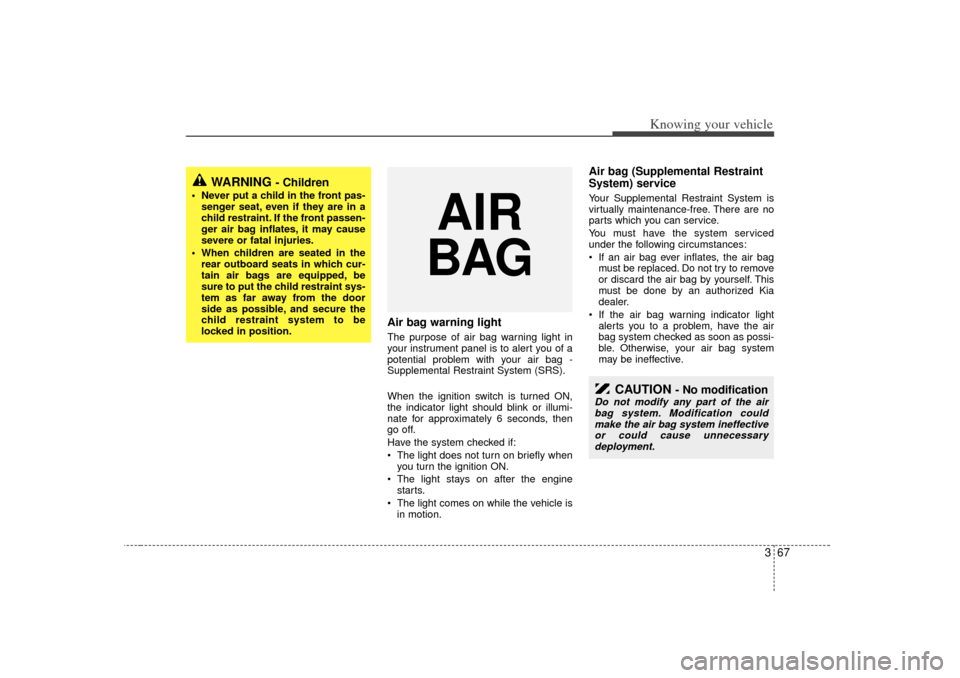
Air bag warning lightThe purpose of air bag warning light in
your instrument panel is to alert you of a
potential problem with your air bag -
Supplemental Restraint System (SRS).
When the ignition switch is turned ON,
the indicator light should blink or illumi-
nate for approximately 6 seconds, then
go off.
Have the system checked if:
The light does not turn on briefly when
you turn the ignition ON.
The light stays on after the engine
starts.
The light comes on while the vehicle is
in motion.
Air bag (Supplemental Restraint
System) service Your Supplemental Restraint System is
virtually maintenance-free. There are no
parts which you can service.
You must have the system serviced
under the following circumstances:
If an air bag ever inflates, the air bag
must be replaced. Do not try to remove
or discard the air bag by yourself. This
must be done by an authorized Kia
dealer.
If the air bag warning indicator light
alerts you to a problem, have the air
bag system checked as soon as possi-
ble. Otherwise, your air bag system
may be ineffective.
WARNING
- Children
Never put a child in the front pas-
senger seat, even if they are in a
child restraint. If the front passen-
ger air bag inflates, it may cause
severe or fatal injuries.
When children are seated in the rear outboard seats in which cur-
tain air bags are equipped, be
sure to put the child restraint sys-
tem as far away from the door
side as possible, and secure the
child restraint system to be
locked in position.
AIR
BAG
CAUTION
- No modification
Do not modify any part of the air
bag system. Modification couldmake the air bag system ineffective or could cause unnecessarydeployment.
Page 87 of 294
Knowing your vehicle78
3Electric type (if equipped)When the engine is running, the glare is
automatically controlled by the sensor
mounted in the rearview mirror. The sen-
sor mounted in the mirror senses the light
level around the vehicle, and through a
chemical reaction, automatically controls
the headlight glare from vehicles behind
you.
Whenever the shift lever is shifted into
reverse (R), the mirror will automatically
go to the brightest setting in order to
improve the drivers view behind the vehi-
cle.
When the ignition switch is ON, the auto-
matic- dimming function will turn on auto-
matically.✽ ✽
NOTICEWhen cleaning the mirror, use a paper
towel or similar material dampened
with glass cleaner. Do not spray glass
cleaner directly on the mirror as that
may cause the liquid cleaner to enter the
mirror housing.
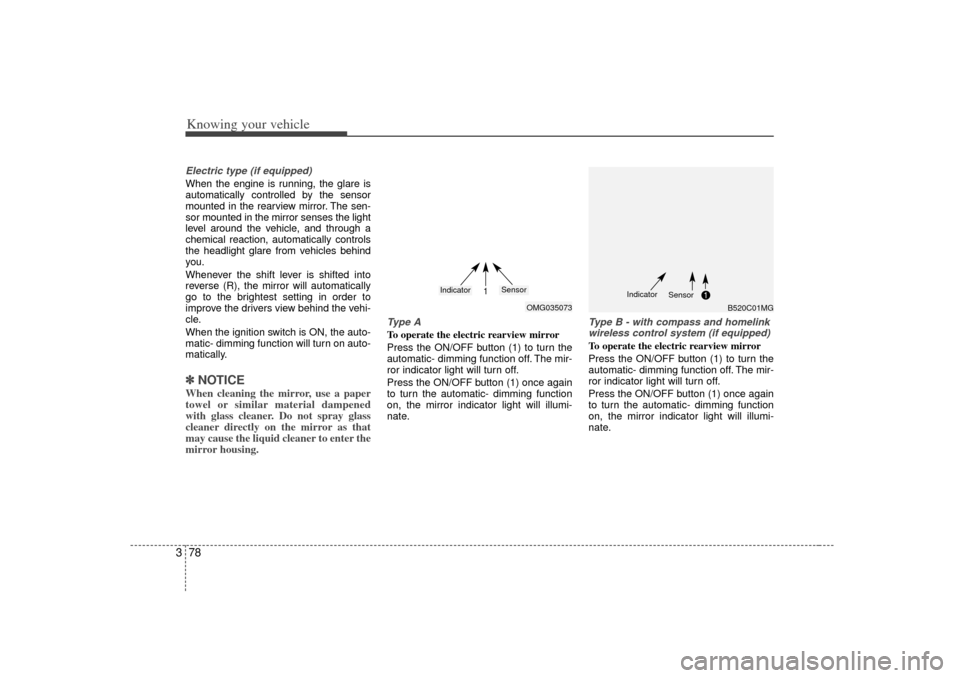
Type ATo operate the electric rearview mirror
Press the ON/OFF button (1) to turn the
automatic- dimming function off. The mir-
ror indicator light will turn off.
Press the ON/OFF button (1) once again
to turn the automatic- dimming function
on, the mirror indicator light will illumi-
nate.
Type B - with compass and homelink
wireless control system (if equipped)To operate the electric rearview mirror
Press the ON/OFF button (1) to turn the
automatic- dimming function off. The mir-
ror indicator light will turn off.
Press the ON/OFF button (1) once again
to turn the automatic- dimming function
on, the mirror indicator light will illumi-
nate.
OMG035073
1
Indicator
Sensor
B520C01MG
Indicator
Sensor
Page 92 of 294
383
Knowing your vehicle
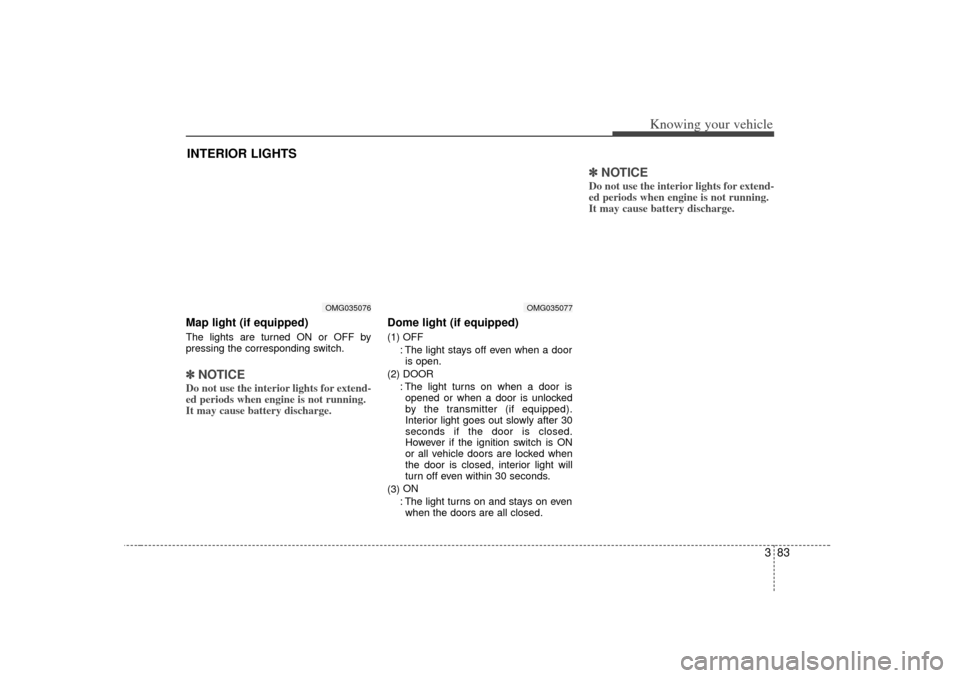
Map light (if equipped)The lights are turned ON or OFF by
pressing the corresponding switch.✽ ✽NOTICEDo not use the interior lights for extend-
ed periods when engine is not running.
It may cause battery discharge.
Dome light (if equipped)(1) OFF
: The light stays off even when a dooris open.
(2) DOOR : The light turns on when a door isopened or when a door is unlocked
by the transmitter (if equipped).
Interior light goes out slowly after 30
seconds if the door is closed.
However if the ignition switch is ON
or all vehicle doors are locked when
the door is closed, interior light will
turn off even within 30 seconds.
(3) ON
: The light turns on and stays on even when the doors are all closed.
✽ ✽ NOTICEDo not use the interior lights for extend-
ed periods when engine is not running.
It may cause battery discharge.
INTERIOR LIGHTS
OMG035077
OMG035076
Page 95 of 294
Knowing your vehicle86
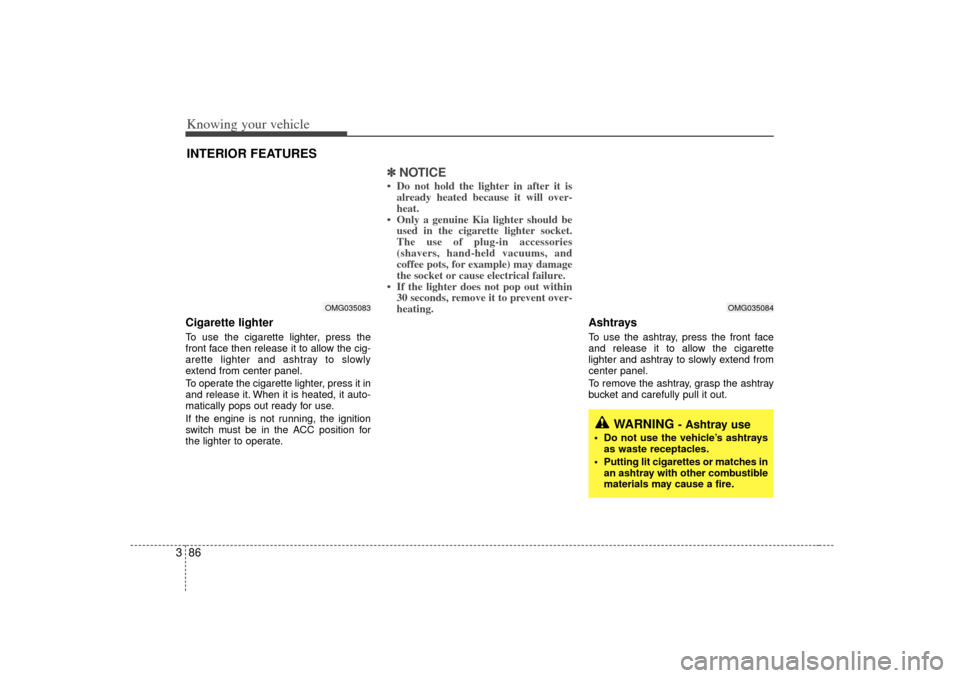
3Cigarette lighterTo use the cigarette lighter, press the
front face then release it to allow the cig-
arette lighter and ashtray to slowly
extend from center panel.
To operate the cigarette lighter, press it in
and release it. When it is heated, it auto-
matically pops out ready for use.
If the engine is not running, the ignition
switch must be in the ACC position for
the lighter to operate.
✽ ✽
NOTICE• Do not hold the lighter in after it is
already heated because it will over-
heat.
• Only a genuine Kia lighter should be used in the cigarette lighter socket.
The use of plug-in accessories
(shavers, hand-held vacuums, and
coffee pots, for example) may damage
the socket or cause electrical failure.
• If the lighter does not pop out within 30 seconds, remove it to prevent over-
heating.
Ashtrays To use the ashtray, press the front face
and release it to allow the cigarette
lighter and ashtray to slowly extend from
center panel.
To remove the ashtray, grasp the ashtray
bucket and carefully pull it out.
INTERIOR FEATURES
WARNING
- Ashtray use
Do not use the vehicle’s ashtrays
as waste receptacles.
Putting lit cigarettes or matches in an ashtray with other combustible
materials may cause a fire.
OMG035083
OMG035084
Page 98 of 294

389
Knowing your vehicle
✽
✽NOTICE• Use the power outlet when the engine
is running, and remove a plug from
the power outlet after using the elec-
tric appliance. Using the power outlet
excessively or while the engine is not
running or leaving appliances plugged
into the power outlet when not in use
will cause battery discharge
• Only use the electric appliances which are less than 12V and 10A in electric
capacity.
• Adjust the air-conditioner or heater to the lowest operation level when you
have to use the power socket while
using air-conditioner or heater.
• Close the cover when not in use.
• Some electronic devices can cause electronic interference when plugged
into a vehicle’s power outlet. These
devices may cause excessive audio
static and malfunctions in other elec-
tronic systems or devices used in your
vehicle.
Digital clock (if equipped)Whenever the battery terminals or mem-
ory fuse are disconnected, you must
reset the time.
When the ignition switch is in the ACC or
ON position, the clock buttons operates
as follows: HOUR:
Pressing the “H”button with your fin-
ger, a pencil or similar object will
advance the time displayed by one
hour.
MINUTE: Pressing the “M”button with your fin-
ger, a pencil or similar object will
advance the time displayed by one
minute.
RESET:
To clear away minutes, press the “R”
button with your finger, a pencil or sim-
ilar object. Then the clock will be set
precisely on the hour.
For example, if the “R ” button is
pressed while the time is between 9:01
and 9:29, the display will be reset to
9:00.
9:01 ~ 9:29 ➾ 9:00
9:30 ~ 9:59 ➾ 10:00
To change the 12 hour format to the 24
hour format, press the “R”button for
more than 5 seconds.
For example, if the “R”button is pressed
for more than 5 seconds while the time is
10:15 p.m., the display will be changed to
22:15.
OMG035090
Page 99 of 294
Knowing your vehicle90
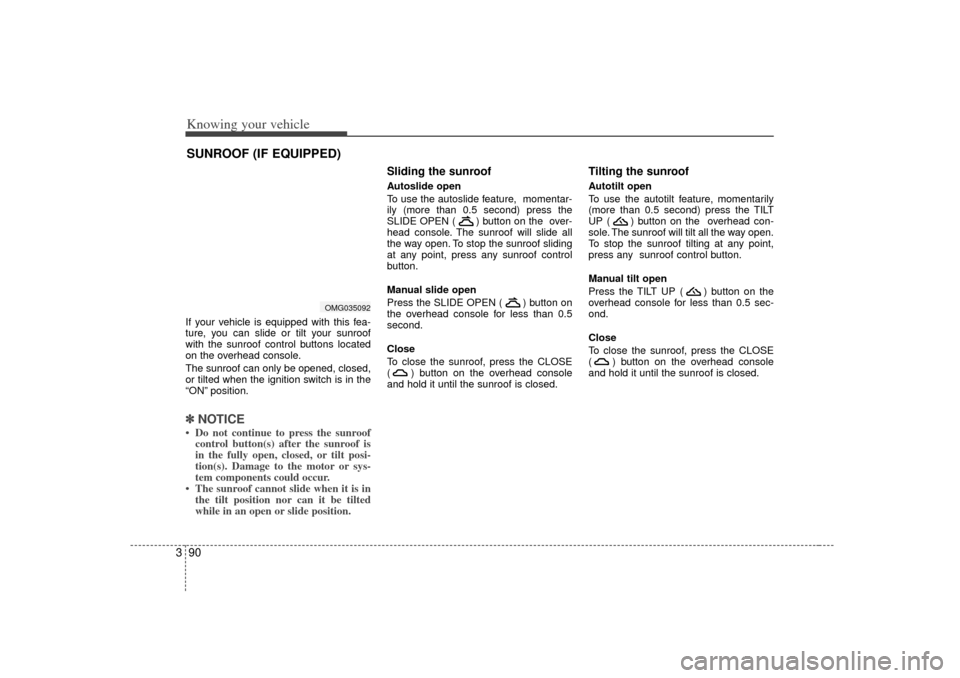
3If your vehicle is equipped with this fea-
ture, you can slide or tilt your sunroof
with the sunroof control buttons located
on the overhead console.
The sunroof can only be opened, closed,
or tilted when the ignition switch is in the
“ON” position.✽ ✽
NOTICE• Do not continue to press the sunroof
control button(s) after the sunroof is
in the fully open, closed, or tilt posi-
tion(s). Damage to the motor or sys-
tem components could occur.
• The sunroof cannot slide when it is in the tilt position nor can it be tilted
while in an open or slide position.
Sliding the sunroof Autoslide open
To use the autoslide feature, momentar-
ily (more than 0.5 second) press the
SLIDE OPEN ( ) button on the over-
head console. The sunroof will slide all
the way open. To stop the sunroof sliding
at any point, press any sunroof control
button.
Manual slide open
Press the SLIDE OPEN ( ) button on
the overhead console for less than 0.5
second.
Close
To close the sunroof, press the CLOSE
( ) button on the overhead console
and hold it until the sunroof is closed.
Tilting the sunroof Autotilt open
To use the autotilt feature, momentarily
(more than 0.5 second) press the TILT
UP ( ) button on the overhead con-
sole. The sunroof will tilt all the way open.
To stop the sunroof tilting at any point,
press any sunroof control button.
Manual tilt open
Press the TILT UP ( ) button on the
overhead console for less than 0.5 sec-
ond.
Close
To close the sunroof, press the CLOSE
( ) button on the overhead console
and hold it until the sunroof is closed.
SUNROOF (IF EQUIPPED)
OMG035092
Page 101 of 294
Knowing your vehicle92
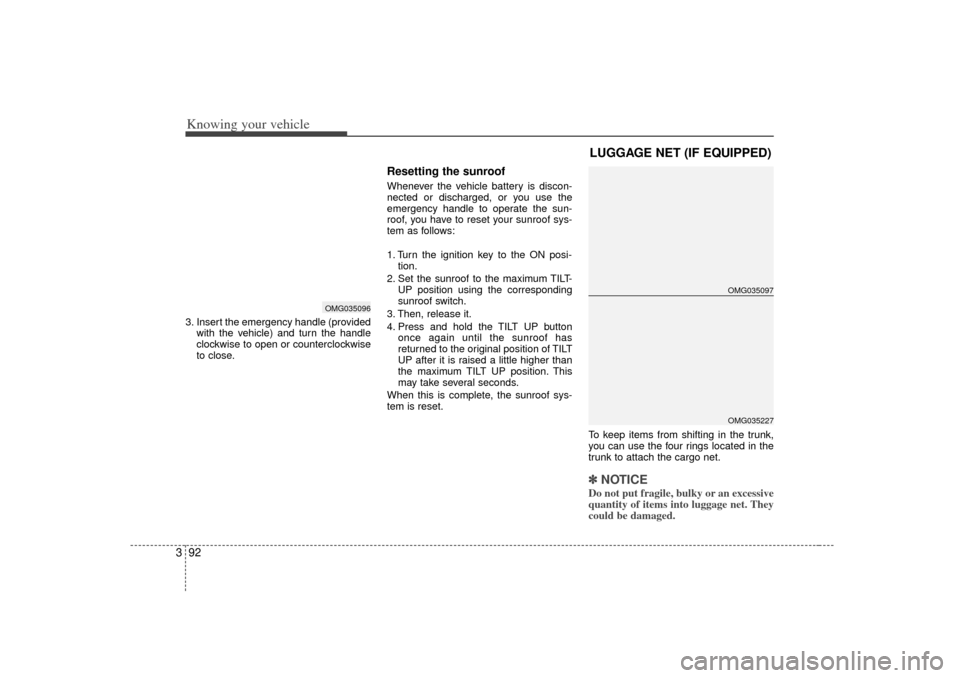
33. Insert the emergency handle (provided
with the vehicle) and turn the handle
clockwise to open or counterclockwise
to close.
Resetting the sunroofWhenever the vehicle battery is discon-
nected or discharged, or you use the
emergency handle to operate the sun-
roof, you have to reset your sunroof sys-
tem as follows:
1. Turn the ignition key to the ON posi-tion.
2. Set the sunroof to the maximum TILT- UP position using the corresponding
sunroof switch.
3. Then, release it.
4. Press and hold the TILT UP button once again until the sunroof has
returned to the original position of TILT
UP after it is raised a little higher than
the maximum TILT UP position. This
may take several seconds.
When this is complete, the sunroof sys-
tem is reset.
To keep items from shifting in the trunk,
you can use the four rings located in the
trunk to attach the cargo net.
✽ ✽NOTICEDo not put fragile, bulky or an excessive
quantity of items into luggage net. They
could be damaged.
OMG035096
LUGGAGE NET (IF EQUIPPED)
OMG035097OMG035227
Page 102 of 294
393
Knowing your vehicle
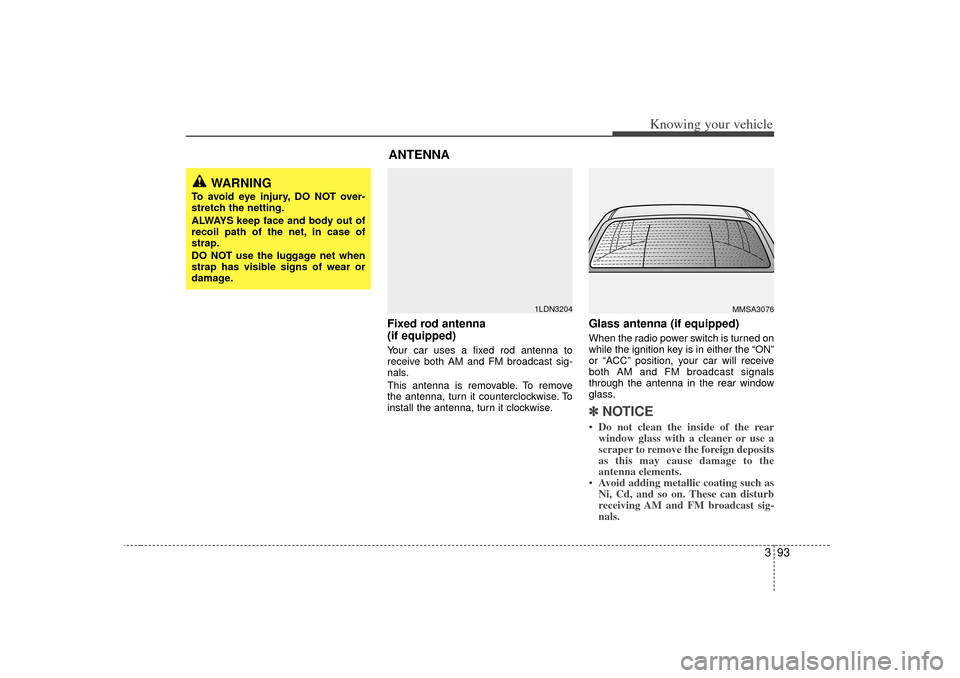
Fixed rod antenna
(if equipped)Your car uses a fixed rod antenna to
receive both AM and FM broadcast sig-
nals.
This antenna is removable. To remove
the antenna, turn it counterclockwise. To
install the antenna, turn it clockwise.
Glass antenna (if equipped)When the radio power switch is turned on
while the ignition key is in either the “ON”
or “ACC ”position, your car will receive
both AM and FM broadcast signals
through the antenna in the rear window
glass.✽ ✽ NOTICE• Do not clean the inside of the rear
window glass with a cleaner or use a
scraper to remove the foreign deposits
as this may cause damage to the
antenna elements.
• Avoid adding metallic coating such as Ni, Cd, and so on. These can disturb
receiving AM and FM broadcast sig-
nals.
MMSA3076
1LDN3204
WARNING
To avoid eye injury, DO NOT over-
stretch the netting.
ALWAYS keep face and body out of
recoil path of the net, in case of
strap.
DO NOT use the luggage net when
strap has visible signs of wear or
damage.
ANTENNA