fuel KIA Optima 2011 3.G User Guide
[x] Cancel search | Manufacturer: KIA, Model Year: 2011, Model line: Optima, Model: KIA Optima 2011 3.GPages: 385, PDF Size: 8.85 MB
Page 128 of 385
Features of your vehicle
50
4
The tachometer pointer may move slight-
ly when the ignition switch is in ACC or
ON position with the engine OFF. This
movement is normal and will not affect
the accuracy of the tachometer once the
engine is running.
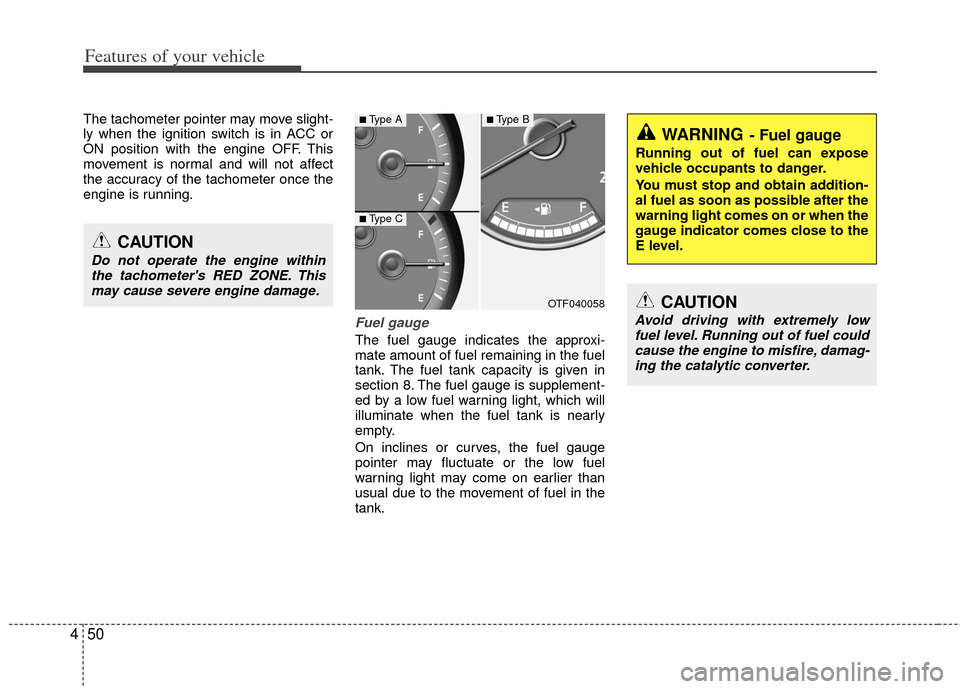
Fuel gauge
The fuel gauge indicates the approxi-
mate amount of fuel remaining in the fuel
tank. The fuel tank capacity is given in
section 8. The fuel gauge is supplement-
ed by a low fuel warning light, which will
illuminate when the fuel tank is nearly
empty.
On inclines or curves, the fuel gauge
pointer may fluctuate or the low fuel
warning light may come on earlier than
usual due to the movement of fuel in the
tank.
CAUTION
Do not operate the engine within
the tachometer's RED ZONE. This may cause severe engine damage.
OTF040058
WARNING- Fuel gauge
Running out of fuel can expose
vehicle occupants to danger.
You must stop and obtain addition-
al fuel as soon as possible after the
warning light comes on or when the
gauge indicator comes close to the
E level.
CAUTION
Avoid driving with extremely lowfuel level. Running out of fuel couldcause the engine to misfire, damag- ing the catalytic converter.
■Type A
■Type C
■Type B
Page 129 of 385
451
Features of your vehicle
Engine temperature gauge
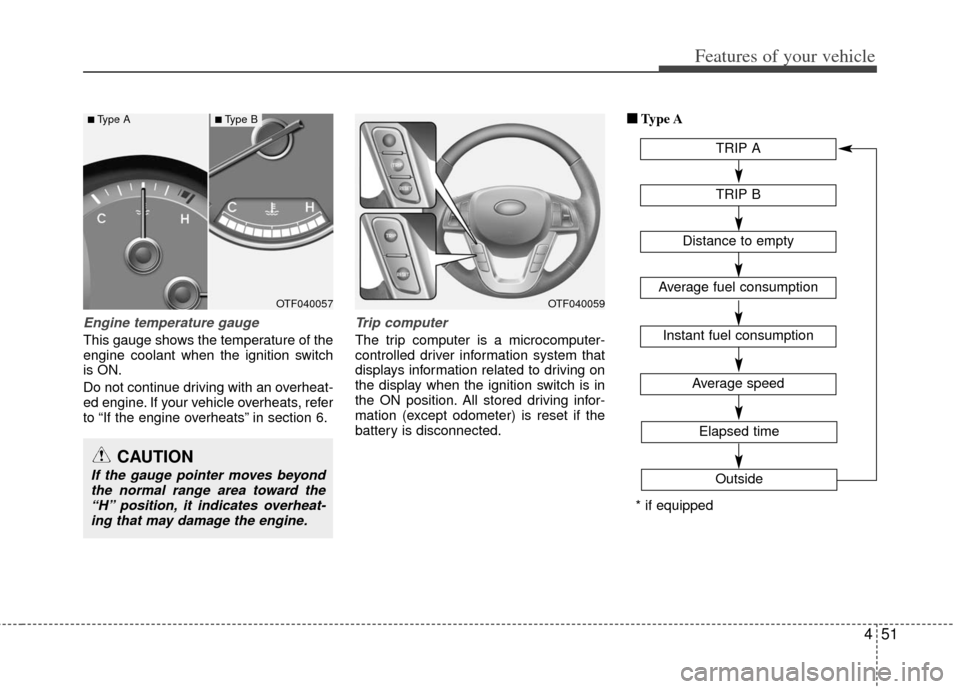
This gauge shows the temperature of the
engine coolant when the ignition switch
is ON.
Do not continue driving with an overheat-
ed engine. If your vehicle overheats, refer
to “If the engine overheats” in section 6.
Trip computer
The trip computer is a microcomputer-
controlled driver information system that
displays information related to driving on
the display when the ignition switch is in
the ON position. All stored driving infor-
mation (except odometer) is reset if the
battery is disconnected.■ ■
Type A
TRIP A
TRIP B
Average speed
Elapsed time
Outside
Distance to empty
Average fuel consumption
Instant fuel consumption
* if equipped
OTF040059OTF040057
CAUTION
If the gauge pointer moves beyondthe normal range area toward the“H” position, it indicates overheat-ing that may damage the engine.
■Type A■Type B
Page 130 of 385
Features of your vehicle
52
4
■
■
Type B
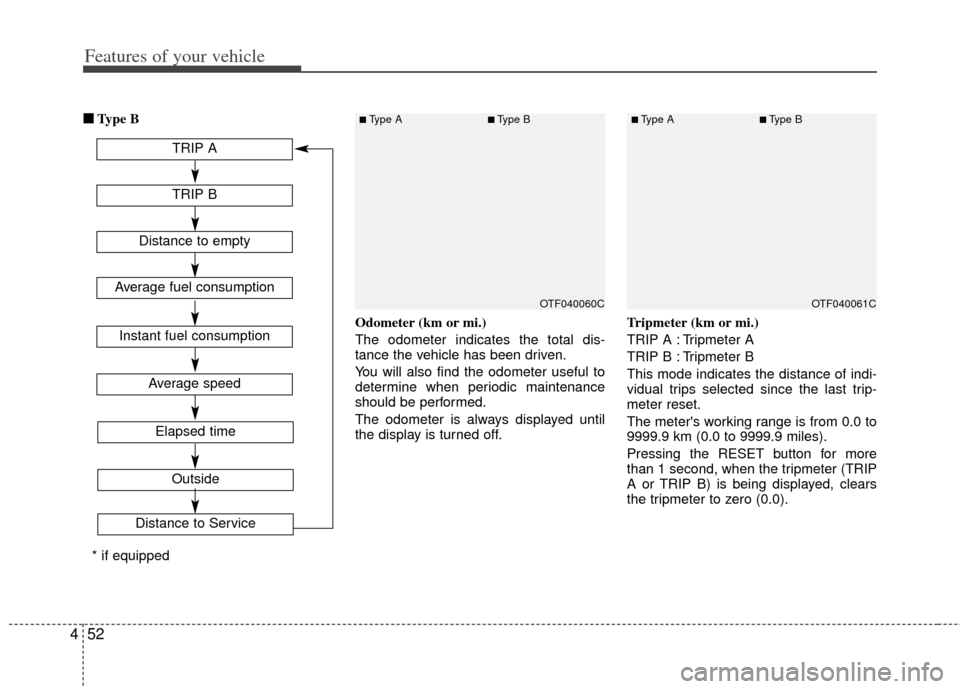
Odometer (km or mi.)
The odometer indicates the total dis-
tance the vehicle has been driven.
You will also find the odometer useful to
determine when periodic maintenance
should be performed.
The odometer is always displayed until
the display is turned off. Tripmeter (km or mi.)
TRIP A : Tripmeter A
TRIP B : Tripmeter B
This mode indicates the distance of indi-
vidual trips selected since the last trip-
meter reset.
The meter's working range is from 0.0 to
9999.9 km (0.0 to 9999.9 miles).
Pressing the RESET button for more
than 1 second, when the tripmeter (TRIP
A or TRIP B) is being displayed, clears
the tripmeter to zero (0.0).
OTF040061COTF040060C
TRIP A
TRIP B
Average speed
Elapsed time
Outside
Distance to Service
Distance to empty
Average fuel consumption
Instant fuel consumption
* if equipped
■Type A■Type B■Type A■Type B
Page 131 of 385
453
Features of your vehicle
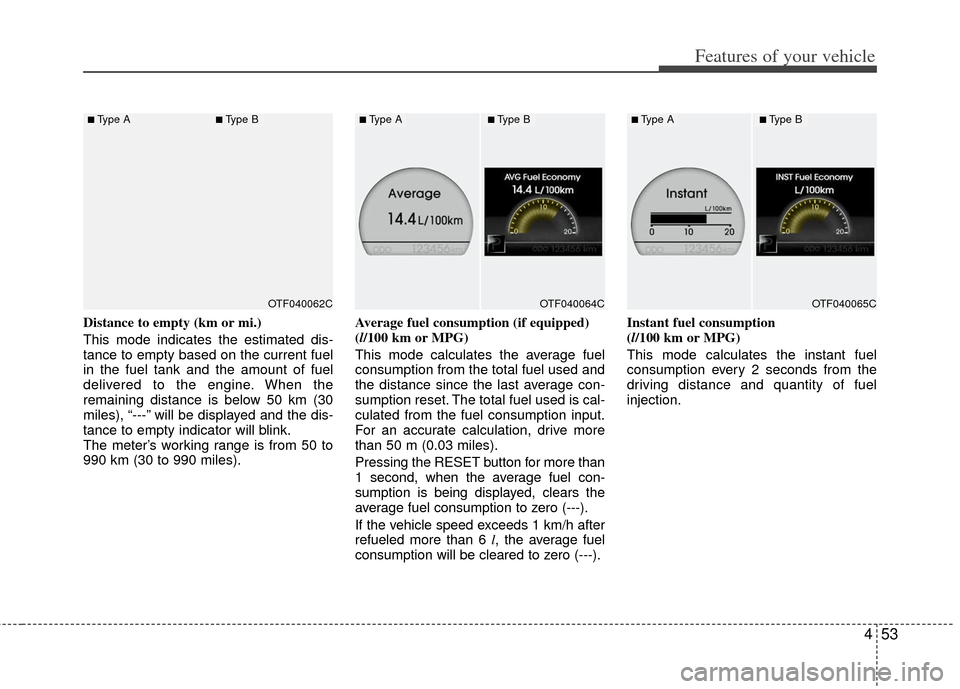
Distance to empty (km or mi.)
This mode indicates the estimated dis-
tance to empty based on the current fuel
in the fuel tank and the amount of fuel
delivered to the engine. When the
remaining distance is below 50 km (30
miles), “---” will be displayed and the dis-
tance to empty indicator will blink.
The meter’s working range is from 50 to
990 km (30 to 990 miles).Average fuel consumption (if equipped)
(l/100 km or MPG)
This mode calculates the average fuel
consumption from the total fuel used and
the distance since the last average con-
sumption reset. The total fuel used is cal-
culated from the fuel consumption input.
For an accurate calculation, drive more
than 50 m (0.03 miles).
Pressing the RESET
button for more than
1 second, when the average fuel con-
sumption is being displayed, clears the
average fuel consumption to zero (---).
If the vehicle speed exceeds 1 km/h after
refueled more than 6 l , the average fuel
consumption will be cleared to zero (---). Instant fuel consumption
(l/100 km or MPG)
This mode calculates the instant fuel
consumption every 2 seconds from the
driving distance and quantity of fuel
injection.
OTF040065COTF040064COTF040062C
■Type A■Type B■Type A■Type B■Type A■Type B
Page 132 of 385
Features of your vehicle
54
4
Average speed (km/h or MPH)
This mode calculates the average speed
of the vehicle since the last average
speed reset.
Even if the vehicle is not in motion, the
average speed keeps going while the
engine is running.
Pressing the RESET button for more
than 1 second, when the average speed
is being displayed, clears the average
speed to zero (---). Elapsed time
This mode indicates the total time trav-
eled since the last driving time reset.
Even if the vehicle is not in motion, the
driving time keeps going while the engine
is running.
The meter’s working range is from
0:00~99:59.
Pressing the RESET button for more
than 1 second, when the driving time is
being displayed, clears the driving time to
zero (0:00).
✽ ✽
NOTICE
• If the vehicle is not on level ground or
the battery power has been interrupt-
ed, the “Distance to empty” function
may not operate correctly.
The trip computer may not register
additional fuel if less than 6 liters (1.6
gallons) of fuel are added to the vehi-
cle.
• The fuel consumption (if equipped) and distance to empty values may
vary significantly based on driving
conditions, driving habits, and condi-
tion of the vehicle.
• The distance to empty value is an esti- mate of the available driving distance.
This value may differ from the actual
driving distance available.
OTF040067NOTF040066C
■Type A■Type B■Type A■Type B
Page 136 of 385
Features of your vehicle
58
4
Welcome Light (if equipped)
On - The Welcome Light function will be
activated.
Off - The Welcome Light function will be inactivated.
Welcome Sound
On - The Welcome Sound function willbe activated.
Off - The Welcome Sound function will be inactivated.
Auto Triple Turn (One-touch tripleturn signal)
On - The lane change signals will blink 3 times when the turn signal lever is
moved slightly.
Off - The Auto Triple Turn function will be inactivated.
Horn feedback
On - The hazard warning light will blinkand the horn will sound when the
door is locked or unlocked with the
transmitter or smart key.
Off - The hazard warning light will blink but the horn will not sound when the
door is locked or unlocked with the
transmitter or smart key.
AVG fuel economy
Auto Reset - The average fuel economy will reset automatically
when you drive after refuel-
ing.
Manual Reset - The average fuel econo- my will not reset auto-
matically when you drive
after refueling.
Warnings and indicators
All warning lights are checked by turning
the ignition switch ON (do not start the
engine). Any light that does not illuminate
should be checked by an authorized KIA
dealer.
After starting the engine, check to make
sure that all warning lights are off. If any
warning lights are still on, this indicates a
situation that needs attention. When
releasing the parking brake, the brake
system warning light should go off. The
fuel warning light will stay on if the fuel
level is low.
Page 142 of 385
Features of your vehicle
64
4
When the ignition switch is turned to
the ON position and the indicator turns
off after 2 seconds, the system may
need repair. Have the vehicle checked
by an authorized KIA dealer.
When the battery is weak, if the engine start/stop button is depressed, the indi-
cator will blink and you will not be able
to start the engine. However, you may
still be able to start the engine by
inserting the smart key in the smart
key holder. If smart key system related
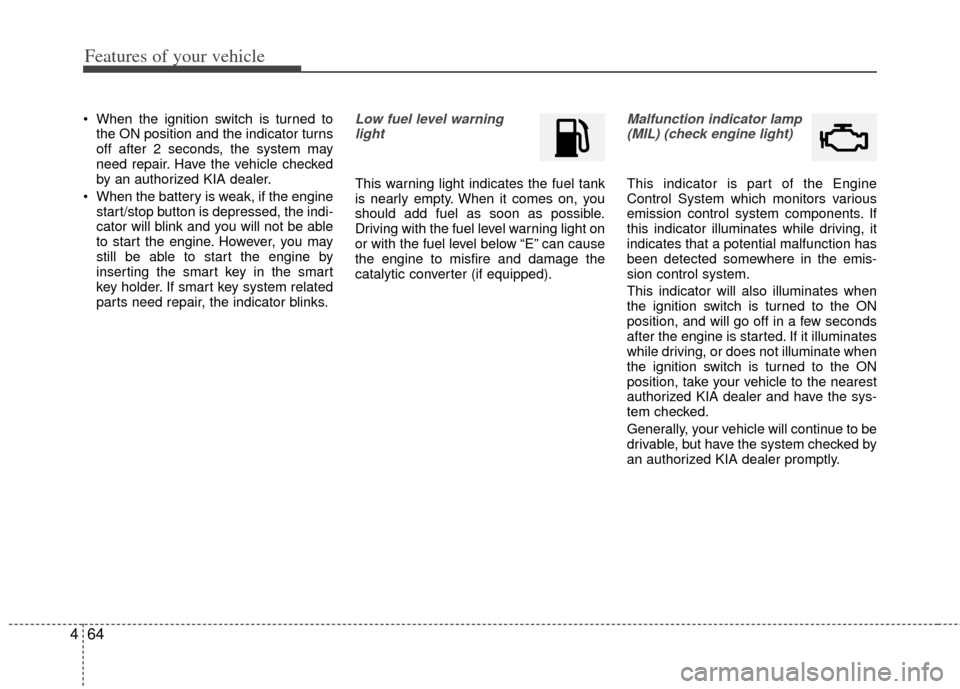
parts need repair, the indicator blinks.Low fuel level warning light
This warning light indicates the fuel tank
is nearly empty. When it comes on, you
should add fuel as soon as possible.
Driving with the fuel level warning light on
or with the fuel level below “E” can cause
the engine to misfire and damage the
catalytic converter (if equipped).
Malfunction indicator lamp(MIL) (check engine light)
This indicator is part of the Engine
Control System which monitors various
emission control system components. If
this indicator illuminates while driving, it
indicates that a potential malfunction has
been detected somewhere in the emis-
sion control system.
This indicator will also illuminates when
the ignition switch is turned to the ON
position, and will go off in a few seconds
after the engine is started. If it illuminates
while driving, or does not illuminate when
the ignition switch is turned to the ON
position, take your vehicle to the nearest
authorized KIA dealer and have the sys-
tem checked.
Generally, your vehicle will continue to be
drivable, but have the system checked by
an authorized KIA dealer promptly.
Page 143 of 385
465
Features of your vehicle
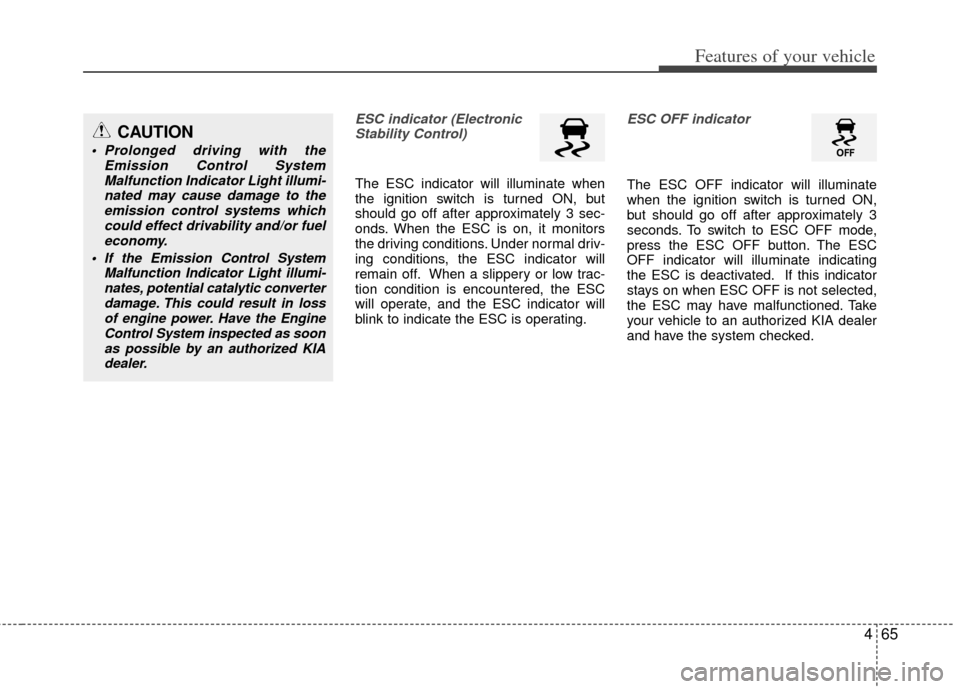
ESC indicator (ElectronicStability Control)
The ESC indicator will illuminate when
the ignition switch is turned ON, but
should go off after approximately 3 sec-
onds. When the ESC is on, it monitors
the driving conditions. Under normal driv-
ing conditions, the ESC indicator will
remain off. When a slippery or low trac-
tion condition is encountered, the ESC
will operate, and the ESC indicator will
blink to indicate the ESC is operating.
ESC OFF indicator
The ESC OFF indicator will illuminate
when the ignition switch is turned ON,
but should go off after approximately 3
seconds. To switch to ESC OFF mode,
press the ESC OFF button. The ESC
OFF indicator will illuminate indicating
the ESC is deactivated. If this indicator
stays on when ESC OFF is not selected,
the ESC may have malfunctioned. Take
your vehicle to an authorized KIA dealer
and have the system checked.
CAUTION
Prolonged driving with the Emission Control SystemMalfunction Indicator Light illumi-nated may cause damage to theemission control systems which could effect drivability and/or fueleconomy.
If the EmissionControl System
Malfunction Indicator Light illumi- nates, potential catalytic converterdamage. This could result in lossof engine power. Have the EngineControl System inspected as soonas possible by an authorized KIAdealer.
Page 248 of 385
517
Driving your vehicle
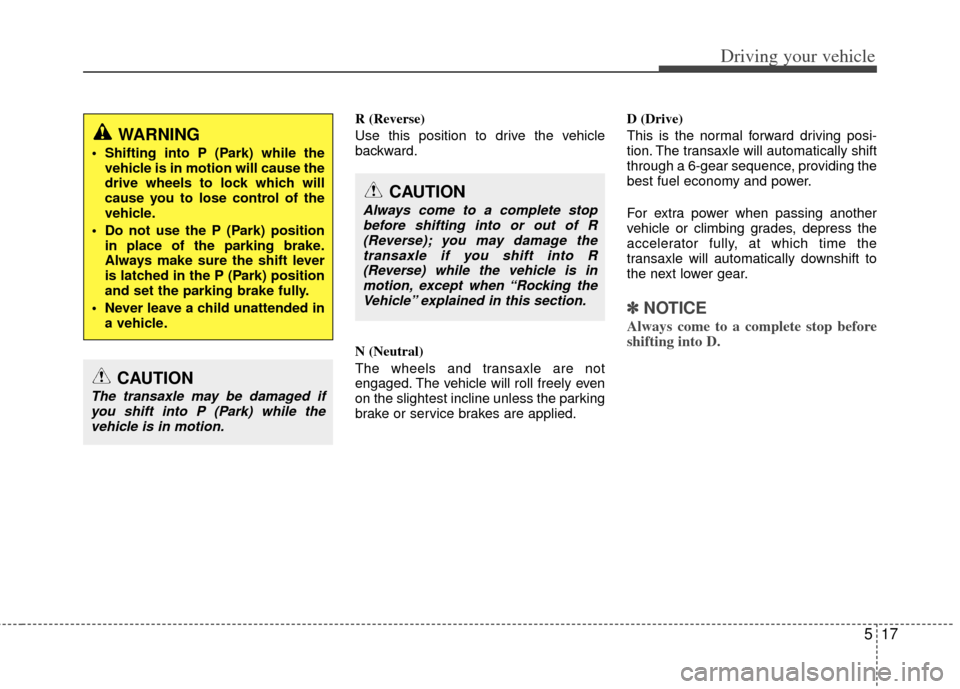
R (Reverse)
Use this position to drive the vehicle
backward.
N (Neutral)
The wheels and transaxle are not
engaged. The vehicle will roll freely even
on the slightest incline unless the parking
brake or service brakes are applied.D (Drive)
This is the normal forward driving posi-
tion. The transaxle will automatically shift
through a 6-gear sequence, providing the
best fuel economy and power.
For extra power when passing another
vehicle or climbing grades, depress the
accelerator fully, at which time the
transaxle will automatically downshift to
the next lower gear.
✽ ✽
NOTICE
Always come to a complete stop before
shifting into D.
WARNING
Shifting into P (Park) while the
vehicle is in motion will cause the
drive wheels to lock which will
cause you to lose control of the
vehicle.
Do not use the P (Park) position in place of the parking brake.
Always make sure the shift lever
is latched in the P (Park) position
and set the parking brake fully.
Never leave a child unattended in a vehicle.
CAUTION
The transaxle may be damaged ifyou shift into P (Park) while the vehicle is in motion.
CAUTION
Always come to a complete stopbefore shifting into or out of R (Reverse); you may damage thetransaxle if you shift into R(Reverse) while the vehicle is inmotion, except when “Rocking theVehicle” explained in this section.
Page 267 of 385
Driving your vehicle
36
5
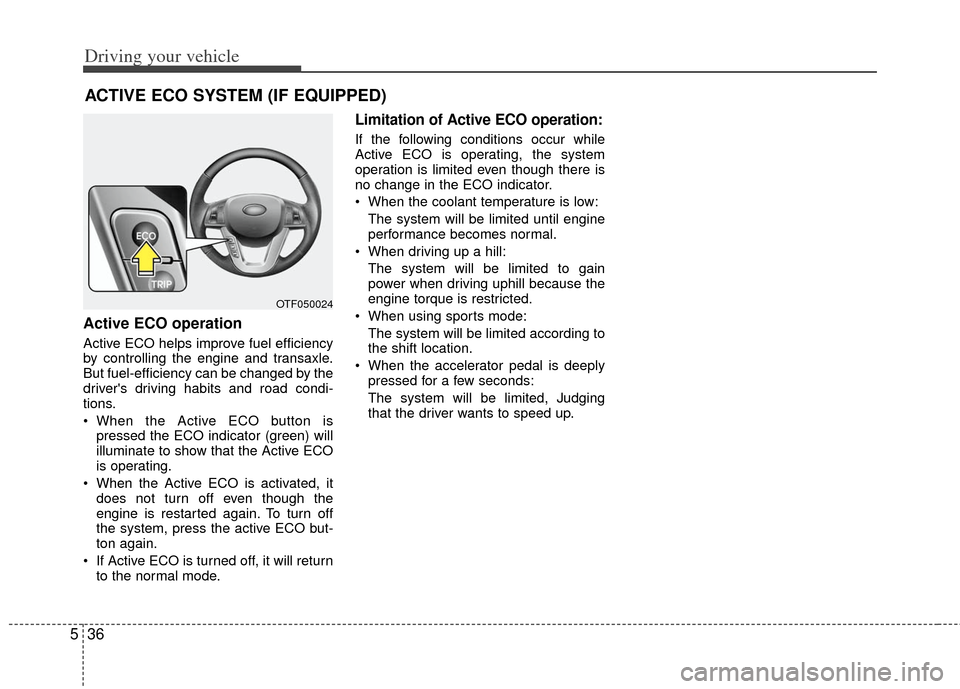
Active ECO operation
Active ECO helps improve fuel efficiency
by controlling the engine and transaxle.
But fuel-efficiency can be changed by the
driver's driving habits and road condi-
tions.
When the Active ECO button is
pressed the ECO indicator (green) will
illuminate to show that the Active ECO
is operating.
When the Active ECO is activated, it does not turn off even though the
engine is restarted again. To turn off
the system, press the active ECO but-
ton again.
If Active ECO is turned off, it will return to the normal mode.
Limitation of Active ECO operation:
If the following conditions occur while
Active ECO is operating, the system
operation is limited even though there is
no change in the ECO indicator.
When the coolant temperature is low:
The system will be limited until engine
performance becomes normal.
When driving up a hill: The system will be limited to gain
power when driving uphill because the
engine torque is restricted.
When using sports mode: The system will be limited according to
the shift location.
When the accelerator pedal is deeply pressed for a few seconds:
The system will be limited, Judging
that the driver wants to speed up.
ACTIVE ECO SYSTEM (IF EQUIPPED)
OTF050024