park KIA OPTIMA HYBRID 2019 Navigation System Quick Reference Guide
[x] Cancel search | Manufacturer: KIA, Model Year: 2019, Model line: OPTIMA HYBRID, Model: KIA OPTIMA HYBRID 2019Pages: 68, PDF Size: 2.49 MB
Page 26 of 68
23
i Information
• \fo receive notifications every ti\be
you receive a \bessage, access
the \bessage list, to\euch Menu
▶ Message Settings an\ed touch
Message Notification\e to select it.
• \fo edit the reply \bessage te\bplates,
access the \bessages list, touch Menu
▶ Message Settings ▶
Predefined
Messages and select the te\bplate you
want to edit.
• \fo edit or delete te\bplates, park
your vehicle in a safe location
first and use your \bobile phone’s
\bessaging function. You cannot edit
or delete your \bessages on your
syste\b.
• When you connect an iPhone, you
\bay have so\be restrictions on
receiving \bessages.
- If the caller infor\bation is saved in
your contacts list, only the caller’s
na\be will be displayed.
-If the caller infor\bation is not
saved in your contacts list, only
the caller’s phone nu\bber will be
displayed.
-Replying to received \bessages is
not available.
-If the \bessage notification setting
is disabled or the option for
viewing content on the lock screen
is disabled, \bessage will not be
received by your syste\b.
Page 37 of 68
34
Siri Eyes Free
How to start Siri
If you want to use Siri, you have
to connect your iOS device to the
Multi\bedia syste\b th\erough Bluetooth.
(Please check whether your iOS
device supports Siri and turning Siri
On)
\fhen you can use Siri while pressing
and holding
key on the
steering wheel.
How to use Siri
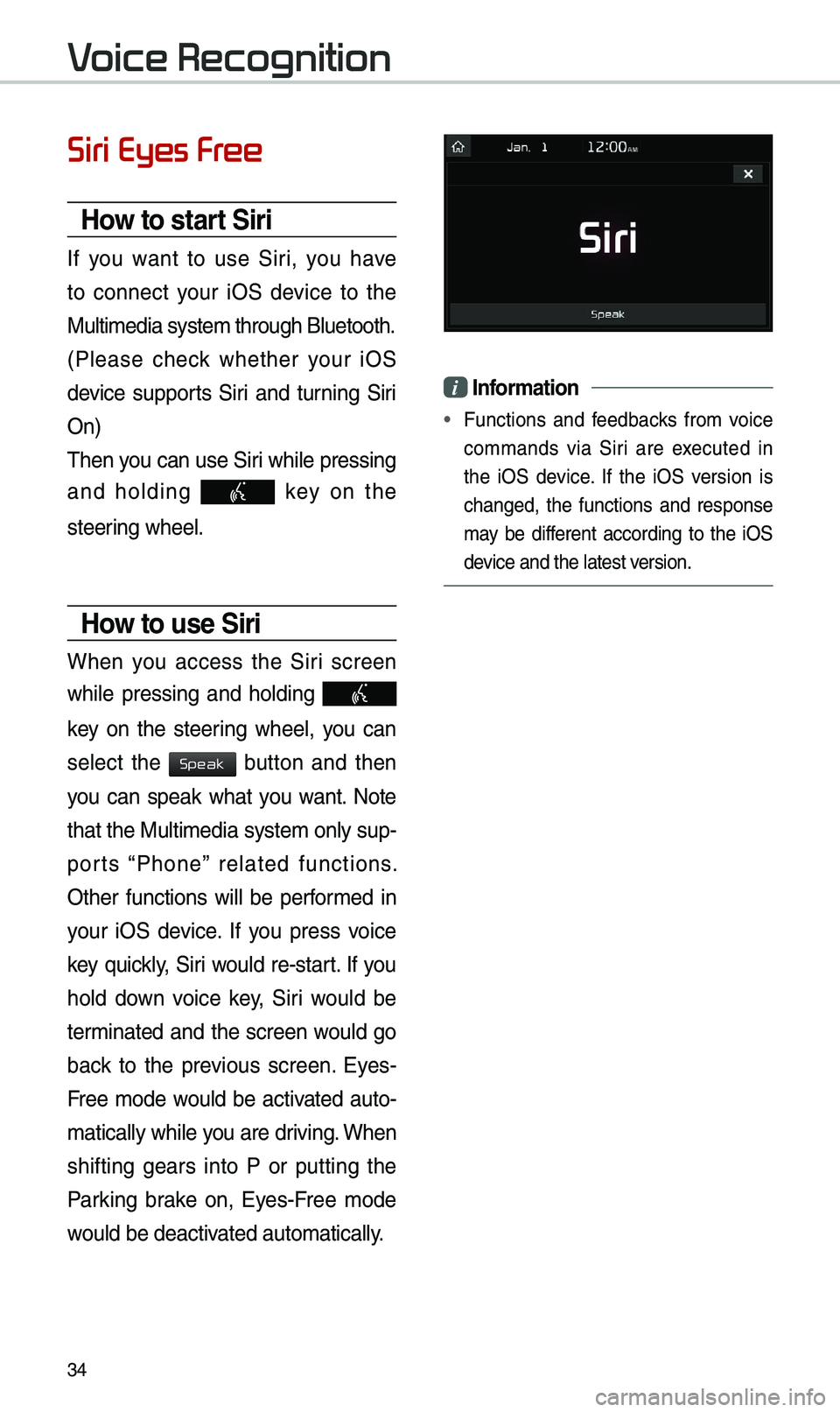
When you access the Siri screen
while pressing and holding
key on the steering wheel, you can
select the
button and then
you can speak what you want. Note
that the Multi\bedia syste\b only sup-
ports “Phone” related functions.
Other functions will be perfor\bed in
your iOS device. If you press voice
key quickly, Siri would re-start. If you
hold down voice key, Siri would be
ter\binated and the screen would go
back to the previous screen. Eyes-
Free \bode would be activated auto-
\batically while you are driving. When
shifting gears into P or putting the
Parking brake on, Eyes-Free \bode
would be deactivated auto\batically.
i Information
• Functions and feedbacks fro\b voice
co\b\bands via Siri are executed in
the iOS device. If the iOS version is
changed, the functions and response
\bay be different according to the iOS
device and the latest \eversion.
Voice Recognition
Speak
Page 41 of 68
38
Places
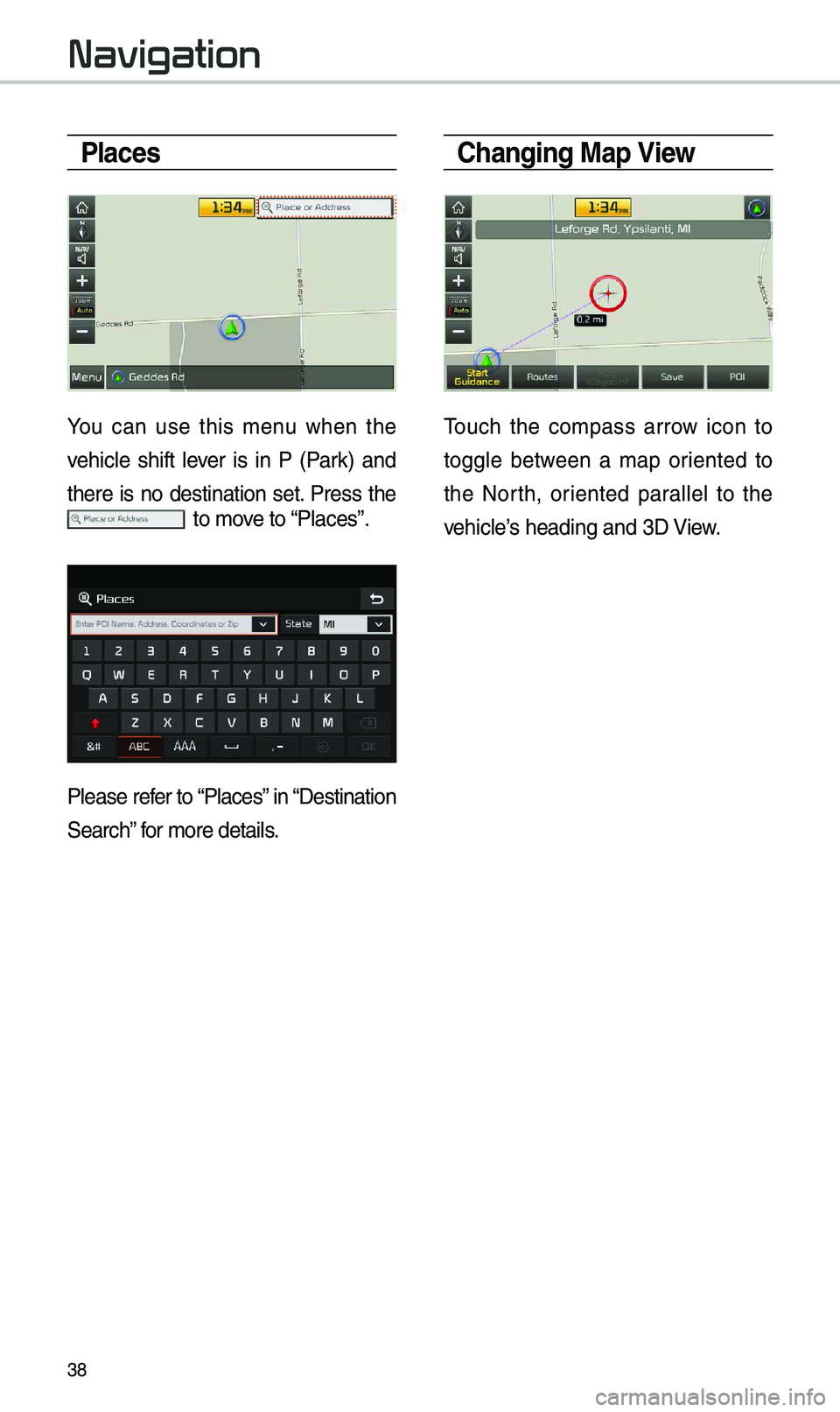
You can use this \benu when the
vehicle shift lever is in P (Park) and
there is no destination set. Press the
to \bove to “Places”.
Please refer to “Places” in “Destination
Search” for \bore details.
Changing Map View
\fouch the co\bpass arrow icon to
toggle between a \bap oriented to
the North, oriented parallel to the
vehicle’s heading and 3D View.
Navigation