change time KIA RIO 2018 Owner's Manual
[x] Cancel search | Manufacturer: KIA, Model Year: 2018, Model line: RIO, Model: KIA RIO 2018Pages: 490, PDF Size: 11.28 MB
Page 246 of 490
![KIA RIO 2018 Owners Manual Audio system
37
5
Bluetooth (if equipped)
Press the [SETUP] button on the
audio system ➟ Select [Bluetooth].
Connections: Control pairing, dele- tion, connection and disconnection
of
Bluetooth®Wi](/img/2/40415/w960_40415-245.png "KIA RIO 2018 Owners Manual Audio system
37
5
Bluetooth (if equipped)
Press the [SETUP] button on the
audio system ➟ Select [Bluetooth].
Connections: Control pairing, dele- tion, connection and disconnection
of
Bluetooth®Wi")
Audio system
37
5
Bluetooth (if equipped)
Press the [SETUP] button on the
audio system ➟ Select [Bluetooth].
Connections: Control pairing, dele- tion, connection and disconnection
of
Bluetooth®Wireless Technology
devices.
Auto Connection Priority: Set the connection priority of
Bluetooth®
Wireless Technology devices when
the vehicle is started.
Download Contacts: Contacts can be downloaded from connected
Bluetooth®Wireless Technology
devices.
Bluetooth Voice Prompts: Play or mute voice prompts for
Bluetooth®
Wireless Technology device pair-
ing, connection and errors.
✽ ✽ NOTICE
• When paired devices are deleted,
the call history and contacts of the
device saved to the audio system
are deleted.
• For Bluetooth
®Wireless Technology
connections with low connection pri-
ority, some time may be required for
the connection to be established.
• Contacts can be downloaded only from the currently connected
Bluetooth
®Wireless Technology
device.
If no Bluetooth
®Wireless Technology
device is connected, the download
contacts button is disabled.
• If the language setting is Korean, Bluetooth
®Wireless Technology
voice prompts are not supported.
System
Press the [SETUP] button on the
audio system ➟ Select [System].
Language: Change the user lan- guage.
Default: Reset the audio system.
✽ ✽ NOTICE
• The system resets to the default
values, and all saved data and set-
tings are lost.
Page 251 of 490
63
Driving your vehicle
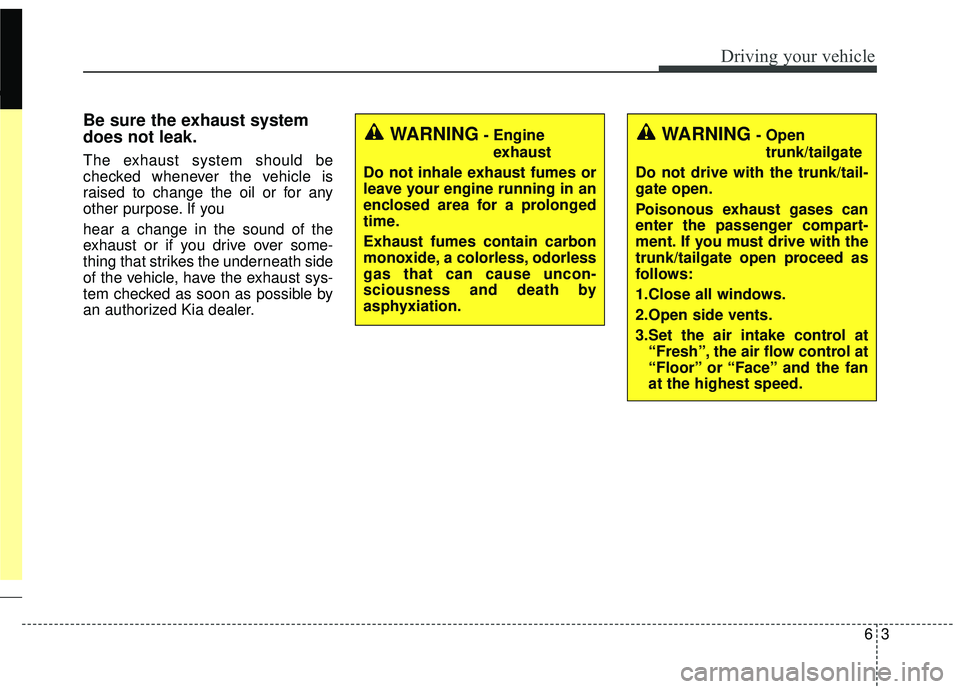
Be sure the exhaust system
does not leak.
The exhaust system should be
checked whenever the vehicle is
raised to change the oil or for any
other purpose. If you
hear a change in the sound of the
exhaust or if you drive over some-
thing that strikes the underneath side
of the vehicle, have the exhaust sys-
tem checked as soon as possible by
an authorized Kia dealer.
WARNING- Engineexhaust
Do not inhale exhaust fumes or
leave your engine running in an
enclosed area for a prolonged
time.
Exhaust fumes contain carbon
monoxide, a colorless, odorless
gas that can cause uncon-
sciousness and death by
asphyxiation.WARNING- Open trunk/tailgate
Do not drive with the trunk/tail-
gate open.
Poisonous exhaust gases can
enter the passenger compart-
ment. If you must drive with the
trunk/tailgate open proceed as
follows:
1.Close all windows.
2.Open side vents.
3.Set the air intake control at “Fresh”, the air flow control at
“Floor” or “Face” and the fan
at the highest speed.
Page 268 of 490
Driving your vehicle
20
6
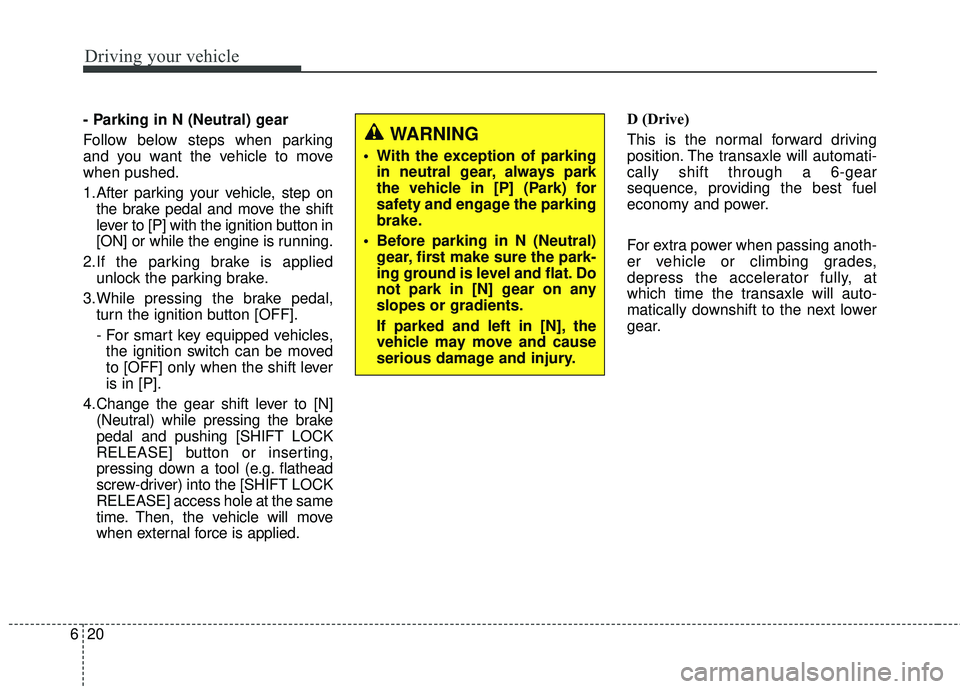
- Parking in N (Neutral) gear
Follow below steps when parking
and you want the vehicle to move
when pushed.
1.After parking your vehicle, step on
the brake pedal and move the shift
lever to [P] with the ignition button in
[ON] or while the engine is running.
2.If the parking brake is applied unlock the parking brake.
3.While pressing the brake pedal, turn the ignition button [OFF].
- For smart key equipped vehicles,the ignition switch can be moved
to [OFF] only when the shift lever
is in [P].
4.Change the gear shift lever to [N] (Neutral) while pressing the brake
pedal and pushing [SHIFT LOCK
RELEASE] button or inserting,
pressing down a tool (e.g. flathead
screw-driver) into the [SHIFT LOCK
RELEASE] access hole at the same
time. Then, the vehicle will move
when external force is applied. D (Drive)
This is the normal forward driving
position. The transaxle will automati-
cally shift through a 6-gear
sequence, providing the best fuel
economy and power.
For extra power when passing anoth-
er vehicle or climbing grades,
depress the accelerator fully, at
which time the transaxle will auto-
matically downshift to the next lower
gear.
WARNING
With the exception of parking
in neutral gear, always park
the vehicle in [P] (Park) for
safety and engage the parking
brake.
Before parking in N (Neutral) gear, first make sure the park-
ing ground is level and flat. Do
not park in [N] gear on any
slopes or gradients.
If parked and left in [N], the
vehicle may move and cause
serious damage and injury.
Page 272 of 490
Driving your vehicle
24
6
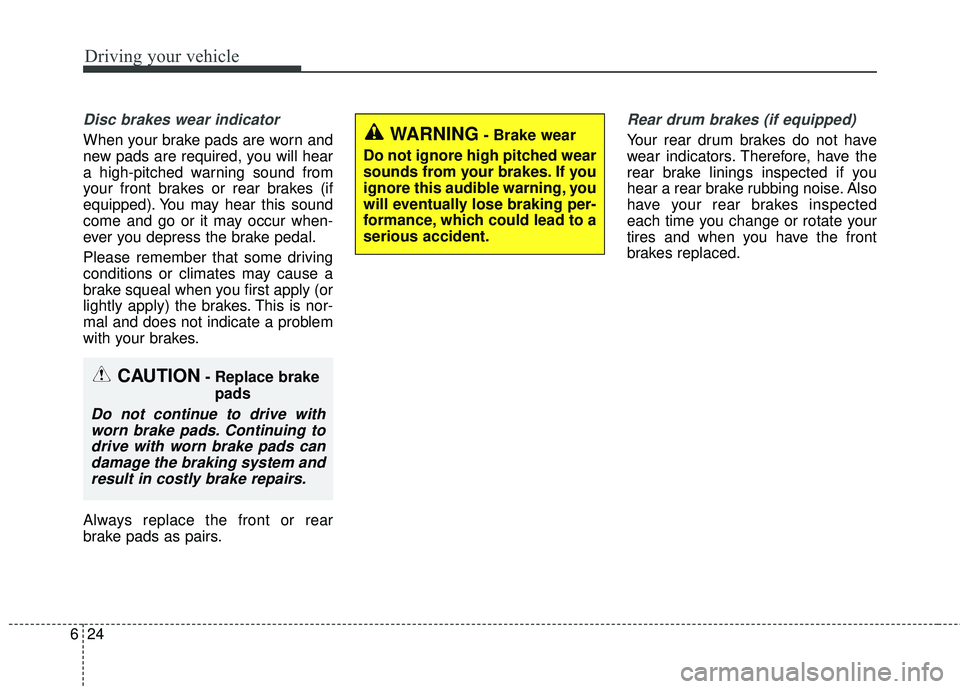
Disc brakes wear indicator
When your brake pads are worn and
new pads are required, you will hear
a high-pitched warning sound from
your front brakes or rear brakes (if
equipped). You may hear this sound
come and go or it may occur when-
ever you depress the brake pedal.
Please remember that some driving
conditions or climates may cause a
brake squeal when you first apply (or
lightly apply) the brakes. This is nor-
mal and does not indicate a problem
with your brakes.
Always replace the front or rear
brake pads as pairs.
Rear drum brakes (if equipped)
Your rear drum brakes do not have
wear indicators. Therefore, have the
rear brake linings inspected if you
hear a rear brake rubbing noise. Also
have your rear brakes inspected
each time you change or rotate your
tires and when you have the front
brakes replaced.
CAUTION- Replace brake
pads
Do not continue to drive withworn brake pads. Continuing todrive with worn brake pads candamage the braking system andresult in costly brake repairs.
WARNING- Brake wear
Do not ignore high pitched wear
sounds from your brakes. If you
ignore this audible warning, you
will eventually lose braking per-
formance, which could lead to a
serious accident.
Page 286 of 490
Driving your vehicle
38
6
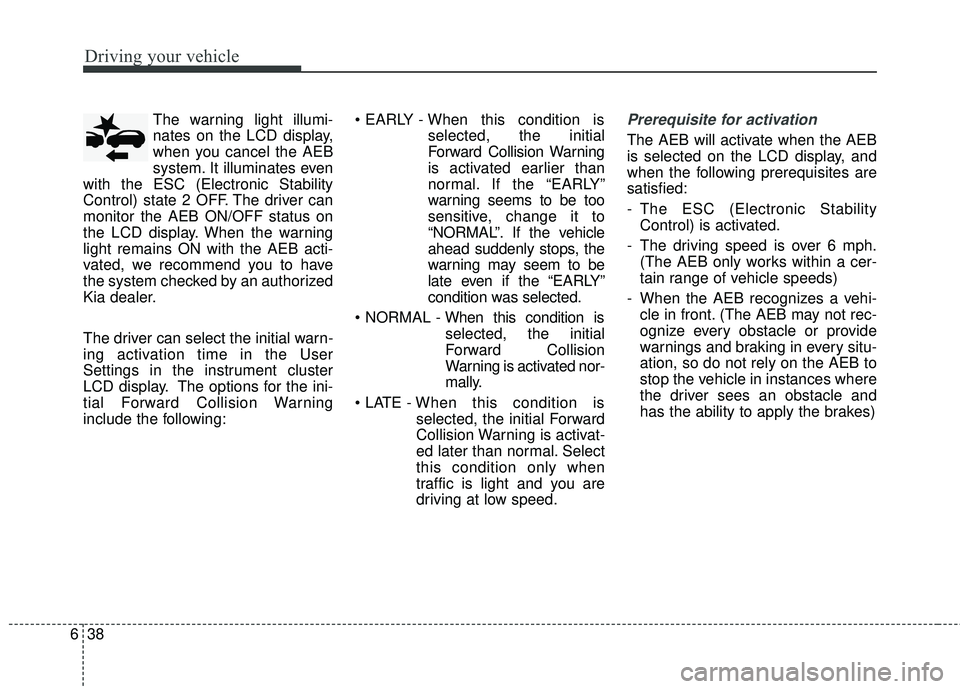
The warning light illumi-
nates on the LCD display,
when you cancel the AEB
system. It illuminates even
with the ESC (Electronic Stability
Control) state 2 OFF. The driver can
monitor the AEB ON/OFF status on
the LCD display. When the warning
light remains ON with the AEB acti-
vated, we recommend you to have
the system checked by an authorized
Kia dealer.
The driver can select the initial warn-
ing activation time in the User
Settings in the instrument cluster
LCD display. The options for the ini-
tial Forward Collision Warning
include the following:
selected, the initial
Forward Collision Warning
is activated earlier than
normal. If the “EARLY”
warning seems to be too
sensitive, change it to
“NORMAL”. If the vehicle
ahead suddenly stops, the
warning may seem to be
late even if the “EARLY”
condition was selected.
selected, the initial
Forward Collision
Warning is activated nor-
mally.
selected, the initial Forward
Collision Warning is activat-
ed later than normal. Select
this condition only when
traffic is light and you are
driving at low speed.Prerequisite for activation
The AEB will activate when the AEB
is selected on the LCD display, and
when the following prerequisites are
satisfied:
- The ESC (Electronic StabilityControl) is activated.
- The driving speed is over 6 mph. (The AEB only works within a cer-
tain range of vehicle speeds)
- When the AEB recognizes a vehi- cle in front. (The AEB may not rec-
ognize every obstacle or provide
warnings and braking in every situ-
ation, so do not rely on the AEB to
stop the vehicle in instances where
the driver sees an obstacle and
has the ability to apply the brakes)
Page 298 of 490
Driving your vehicle
50
6
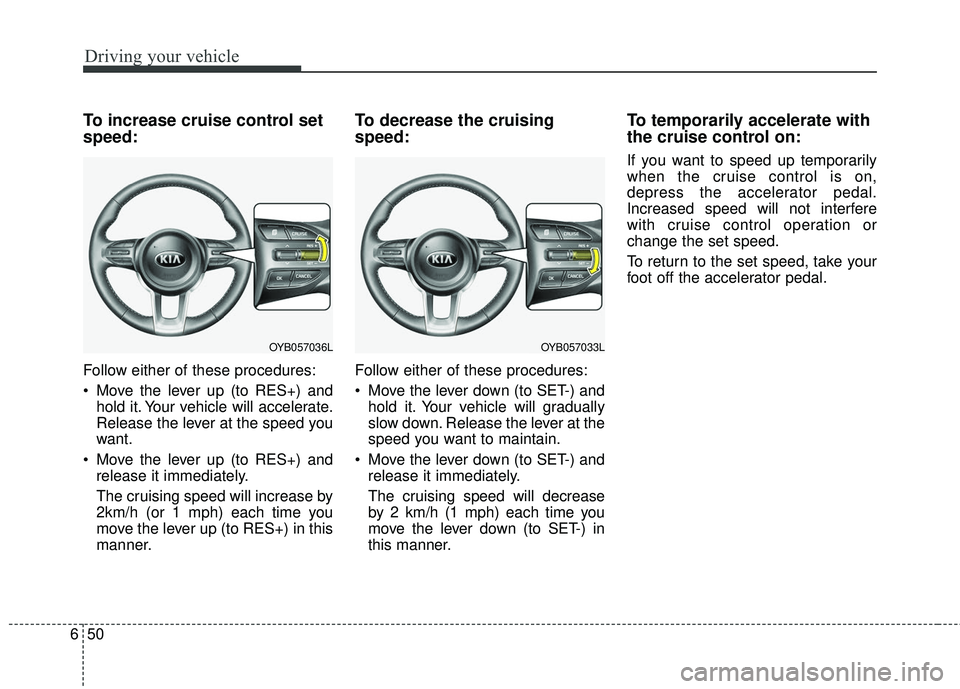
To increase cruise control set
speed:
Follow either of these procedures:
Move the lever up (to RES+) and
hold it. Your vehicle will accelerate.
Release the lever at the speed you
want.
Move the lever up (to RES+) and release it immediately.
The cruising speed will increase by
2km/h (or 1 mph) each time you
move the lever up (to RES+) in this
manner.
To decrease the cruising
speed:
Follow either of these procedures:
Move the lever down (to SET-) andhold it. Your vehicle will gradually
slow down. Release the lever at the
speed you want to maintain.
Move the lever down (to SET-) and release it immediately.
The cruising speed will decrease
by 2 km/h (1 mph) each time you
move the lever down (to SET-) in
this manner.
To temporarily accelerate with
the cruise control on:
If you want to speed up temporarily
when the cruise control is on,
depress the accelerator pedal.
Increased speed will not interfere
with cruise control operation or
change the set speed.
To return to the set speed, take your
foot off the accelerator pedal.
OYB057033LOYB057036L
Page 379 of 490
Maintenance
22
8
EXPLANATION OF SCHEDULED MAINTENANCE ITEMS
Engine oil and filter
The engine oil and filter should be
changed at the intervals specified in
the maintenance schedule. If the
vehicle is being driven in severe con-
ditions, more frequent oil and filter
changes are required.
Drive belts
Inspect all drive belts for evidence of
cuts, cracks, excessive wear or oil
saturation and replace if necessary.
Drive belts should be checked peri-
odically for proper tension and
adjusted as necessary.
Fuel filter (for gasoline)
Kia gasoline vehicle is equipped a
lifetime fuel filter that integrated with
the fuel tank. Regular maintenance
or replacement is not needed but
depends on fuel quality. If there are
some important safety matters like
fuel flow restriction, surging, loss of
power, hard starting problem etc, fuel
filter inspection or replace is needed.
The fuel filter be Inspected or
replaced by an authorized Kia dealer.
Fuel lines, fuel hoses and con-
nections
Check the fuel lines, fuel hoses and
connections for leakage and dam-
age. Have an authorized Kia dealer
replace any damaged or leaking
parts immediately.
Vapor hose and fuel filler cap
The vapor hose and fuel filler cap
should be inspected at those inter-
vals specified in the maintenance
schedule. Make sure that a new
vapor hose or fuel filler cap is cor-
rectly replaced.
Page 385 of 490
Maintenance
28
8
Changing the engine oil and
filter
Have engine oil and filter changed by
an authorized Kia dealer according
to the Maintenance Schedule at the
beginning of this chapter.
WARNING
Used engine oil may cause irrita-
tion or cancer of the skin if left in
contact with the skin for pro-
longed periods of time. Always
protect your skin by washing
your hands thoroughly with
soap and warm water as soon as
possible after handling used oil.
Page 486 of 490
Index
6I
Headlamp (Low/High beam) bulb replacement(Headlamp Type A) ..................................................8-80
High mounted stop lamp bulb replacement (4 door)..8-96
High mounted stop lamp bulb replacement (5 Door) ..8-91
License plate lamp bulb replacement (5, 4 door) ......8-91
Light bulb position (Front) ........................................8-77
Light bulb position (Rear) (4 door) ............................8-79
Light bulb position (Rear) (5 door) ............................8-78
Light bulb position (Side) ..........................................8-80
Map lamp bulb replacement ......................................8-97
Position lamp + DRL (LED type) bulb replacement..8-84
Rear turn signal lamp bulb replacement (4 door) ......8-92
Rear turn signal lamp bulb replacement (5 door) ......8-88
Room lamp bulb replacement ....................................8-99
Side repeater lamp (Bulb type) bulb Replacement ....8-86
Side repeater lamp (LED type) bulb Replacement....8-85
Stop and tail lamp (LED type) bulb replacement (4 door) ....................................................................8-96\
Stop and tail lamp (LED type) bulb replacement (5 Door) ....................................................................8-89\
Stop and tail lamp bulb replacement (5 door) ............8-86
Stop and tail lamp/Side marker (Bulb type) replacement (4 door) ....................................................................8-93\
Tail lamp (Bulb type) bulb replacement (4 door) ......8-95
Tail lamp (Inside) bulb replacement (5 door) ............8-90
Tailgate room lamp bulb replacement (5 door) ........8-100
Trunk lamp bulb replacement (4 door) ......................8-97
Vanity mirror lamp bulb replacement ........................8-98 Lighting........................................................................\
..4-87
Battery saver function ................................................4-87
Daytime running light ................................................4-88
Front fog light ............................................................4-92
Headlight escort function ............................................4-87
Headlight welcome function ......................................4-87
High beam operation ..................................................4-90
Lighting control ..........................................................4-88
Turn signals and lane change signals ........................4-91
Maintenance services ......................................................8-5 Owner maintenance precautions ..................................8-6
Owner’s responsibility ..................................................8-5
Manual climate control system....................................4-104 Checking the amount of air conditioner refrigerant and compressor lubricant ..............................................4-113
Climate control air filter ..........................................4-112
Heating and air conditioning ....................................4-105
System operation ......................................................4-110
Manual transaxle............................................................6-15 Good driving practices ................................................6-17
Manual transaxle operation ........................................6-15
Mirrors ........................................................................\
..4-50 Inside rearview mirror ................................................4-50
Outside rearview mirror ..............................................4-50
M