engine KIA RIO 2019 Owner's Guide
[x] Cancel search | Manufacturer: KIA, Model Year: 2019, Model line: RIO, Model: KIA RIO 2019Pages: 503, PDF Size: 10.4 MB
Page 138 of 503
Features of your vehicle
60
4
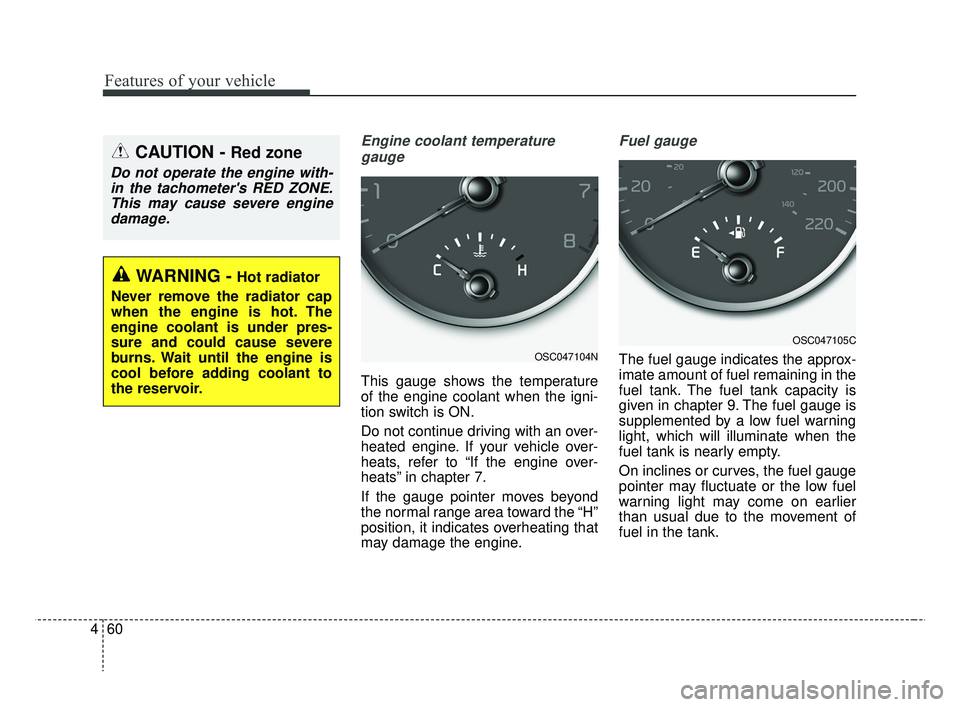
Engine coolant temperature
gauge
This gauge shows the temperature
of the engine coolant when the igni-
tion switch is ON.
Do not continue driving with an over-
heated engine. If your vehicle over-
heats, refer to “If the engine over-
heats” in chapter 7.
If the gauge pointer moves beyond
the normal range area toward the “H”
position, it indicates overheating that
may damage the engine.
Fuel gauge
The fuel gauge indicates the approx-
imate amount of fuel remaining in the
fuel tank. The fuel tank capacity is
given in chapter 9. The fuel gauge is
supplemented by a low fuel warning
light, which will illuminate when the
fuel tank is nearly empty.
On inclines or curves, the fuel gauge
pointer may fluctuate or the low fuel
warning light may come on earlier
than usual due to the movement of
fuel in the tank.
CAUTION - Red zone
Do not operate the engine with-in the tachometer's RED ZONE.This may cause severe enginedamage.
OSC047104N
OSC047105C
WARNING - Hot radiator
Never remove the radiator cap
when the engine is hot. The
engine coolant is under pres-
sure and could cause severe
burns. Wait until the engine is
cool before adding coolant to
the reservoir.
SC CAN (ENG) 4.QXP 7/18/2018 5:48 PM Page 60
Page 139 of 503
461
Features of your vehicle
✽ ✽NOTICE- Fuel gauge
Running out of fuel can expose vehi-
cle occupants to danger. You must
stop and obtain additional fuel as
soon as possible after the warning
light comes on or when the gauge
indicator comes close to the “E”
(Empty) level.
✽ ✽NOTICE
The fuel display may not be accu-
rate if the vehicle is on an incline.
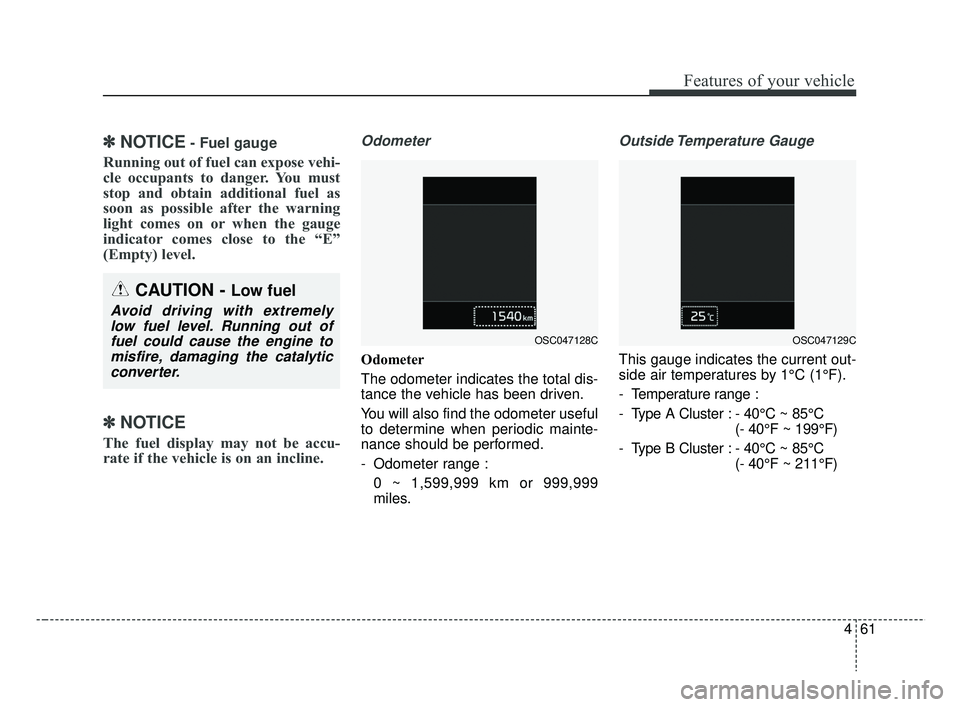
Odometer
Odometer
The odometer indicates the total dis-
tance the vehicle has been driven.
You will also find the odometer useful
to determine when periodic mainte-
nance should be performed.
- Odometer range :
0 ~ 1,599,999 km or 999,999
miles.
Outside Temperature Gauge
This gauge indicates the current out-
side air temperatures by 1°C (1°F).
- Temperature range :
- Type A Cluster : - 40°C ~ 85°C (- 40°F ~ 199°F)
- Type B Cluster : - 40°C ~ 85°C (- 40°F ~ 211°F)
CAUTION - Low fuel
Avoid driving with extremelylow fuel level. Running out offuel could cause the engine tomisfire, damaging the catalyticconverter.
OSC047128COSC047129C
SC CAN (ENG) 4.QXP 7/18/2018 5:48 PM Page 61
Page 144 of 503
Features of your vehicle
66
4
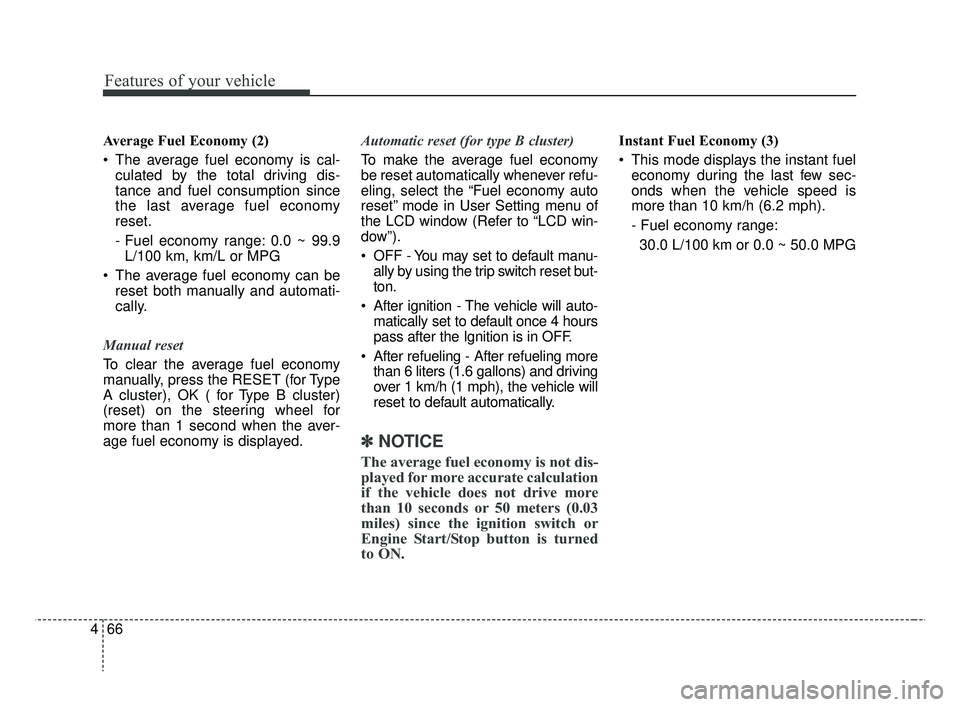
Average Fuel Economy (2)
The average fuel economy is cal-
culated by the total driving dis-
tance and fuel consumption since
the last average fuel economy
reset.
- Fuel economy range: 0.0 ~ 99.9L/100 km, km/L or MPG
The average fuel economy can be reset both manually and automati-
cally.
Manual reset
To clear the average fuel economy
manually, press the RESET (for Type
A cluster), OK ( for Type B cluster)
(reset) on the steering wheel for
more than 1 second when the aver-
age fuel economy is displayed. Automatic reset (for type B cluster)
To make the average fuel economy
be reset automatically whenever refu-
eling, select the “Fuel economy auto
reset” mode in User Setting menu of
the LCD window (Refer to “LCD win-
dow”).
OFF - You may set to default manu-
ally by using the trip switch reset but-
ton.
After ignition - The vehicle will auto- matically set to default once 4 hours
pass after the Ignition is in OFF.
After refueling - After refueling more than 6 liters (1.6 gallons) and driving
over 1 km/h (1 mph), the vehicle will
reset to default automatically.
✽ ✽ NOTICE
The average fuel economy is not dis-
played for more accurate calculation
if the vehicle does not drive more
than 10 seconds or 50 meters (0.03
miles) since the ignition switch or
Engine Start/Stop button is turned
to ON.
Instant Fuel Economy (3)
This mode displays the instant fuel
economy during the last few sec-
onds when the vehicle speed is
more than 10 km/h (6.2 mph).
- Fuel economy range:
30.0 L/100 km or 0.0 ~ 50.0 MPG
SC CAN (ENG) 4.QXP 7/18/2018 5:49 PM Page 66
Page 145 of 503
467
Features of your vehicle
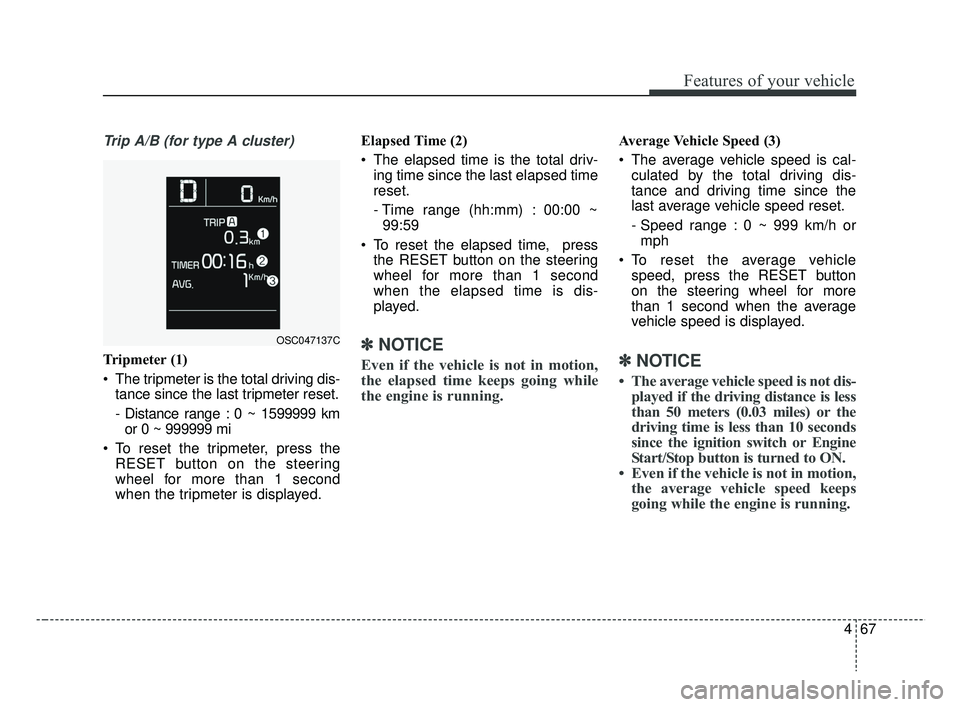
Trip A/B (for type A cluster)
Tripmeter (1)
The tripmeter is the total driving dis-tance since the last tripmeter reset.
- Distance range : 0 ~ 1599999 kmor 0 ~ 999999 mi
To reset the tripmeter, press the RESET button on the steering
wheel for more than 1 second
when the tripmeter is displayed. Elapsed Time (2)
The elapsed time is the total driv-
ing time since the last elapsed time
reset.
- Time range (hh:mm) : 00:00 ~99:59
To reset the elapsed time, press the RESET button on the steering
wheel for more than 1 second
when the elapsed time is dis-
played.✽ ✽ NOTICE
Even if the vehicle is not in motion,
the elapsed time keeps going while
the engine is running.
Average Vehicle Speed (3)
The average vehicle speed is cal-
culated by the total driving dis-
tance and driving time since the
last average vehicle speed reset.
- Speed range : 0 ~ 999 km/h ormph
To reset the average vehicle speed, press the RESET button
on the steering wheel for more
than 1 second when the average
vehicle speed is displayed.
✽ ✽ NOTICE
• The average vehicle speed is not dis-
played if the driving distance is less
than 50 meters (0.03 miles) or the
driving time is less than 10 seconds
since the ignition switch or Engine
Start/Stop button is turned to ON.
• Even if the vehicle is not in motion, the average vehicle speed keeps
going while the engine is running.
OSC047137C
SC CAN (ENG) 4.QXP 7/18/2018 5:49 PM Page 67
Page 146 of 503
Features of your vehicle
68
4
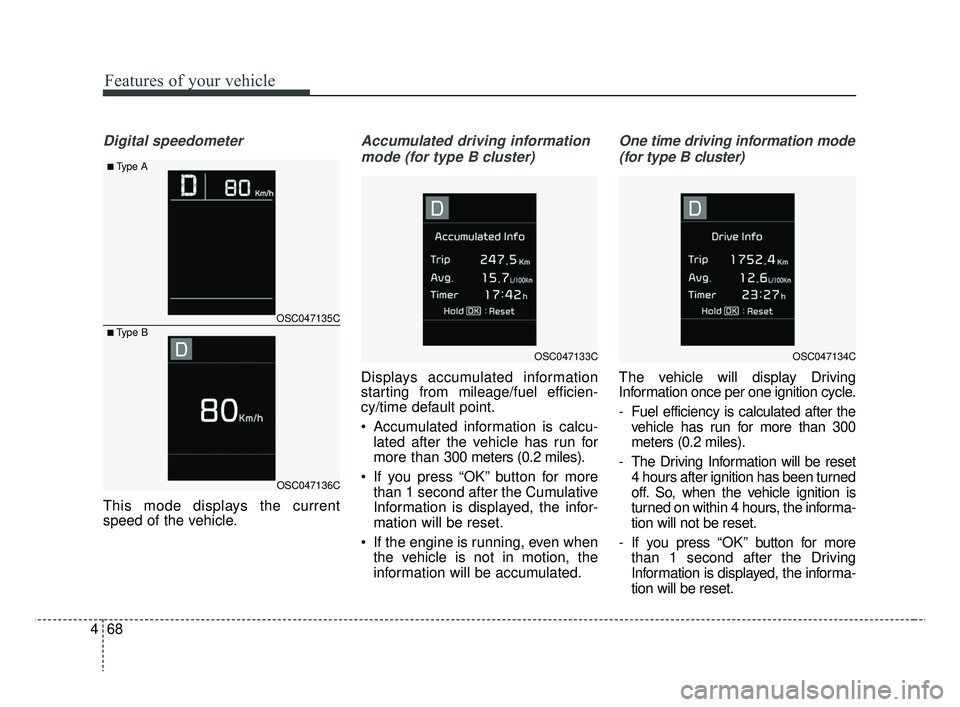
Digital speedometer
This mode displays the current
speed of the vehicle.
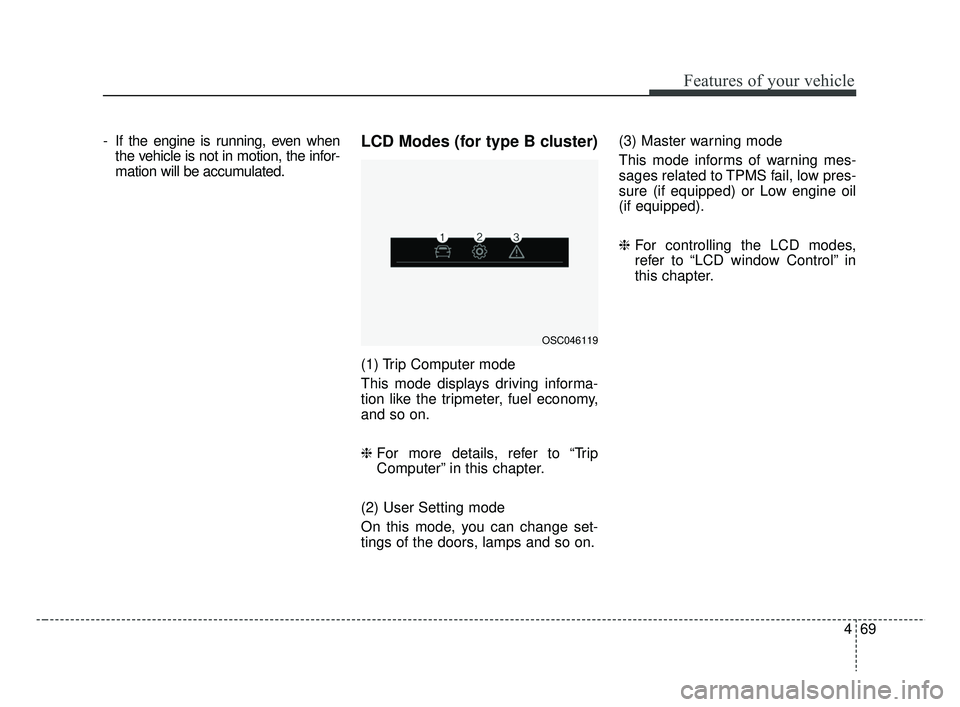
Accumulated driving information
mode (for type B cluster)
Displays accumulated information
starting from mileage/fuel efficien-
cy/time default point.
Accumulated information is calcu- lated after the vehicle has run for
more than 300 meters (0.2 miles).
If you press “OK” button for more than 1 second after the Cumulative
Information is displayed, the infor-
mation will be reset.
If the engine is running, even when the vehicle is not in motion, the
information will be accumulated.
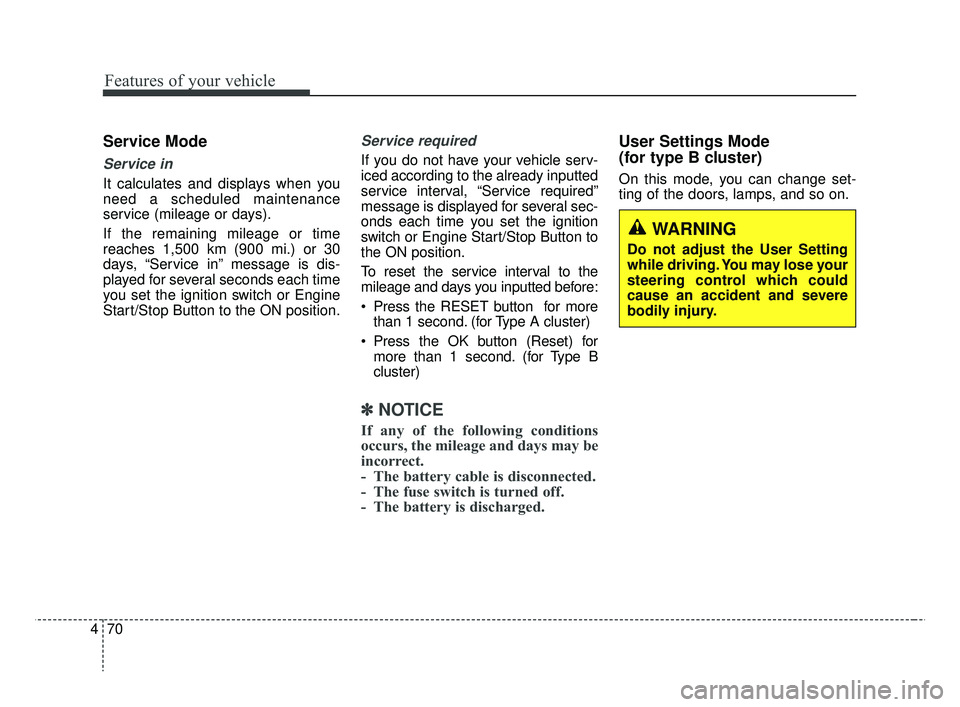
One time driving information mode
(for type B cluster)
The vehicle will display Driving
Information once per one ignition cycle.
- Fuel efficiency is calculated after the vehicle has run for more than 300
meters (0.2 miles).
- The Driving Information will be reset 4 hours after ignition has been turned
off. So, when the vehicle ignition is
turned on within 4 hours, the informa-
tion will not be reset.
- If you press “OK” button for more
than 1 second after the Driving
Information is displayed, the informa-
tion will be reset.
OSC047135C
OSC047136C
■Type A
■ Type B
OSC047133COSC047134C
SC CAN (ENG) 4.QXP 7/18/2018 5:49 PM Page 68
Page 147 of 503
469
Features of your vehicle
- If the engine is running, even whenthe vehicle is not in motion, the infor-
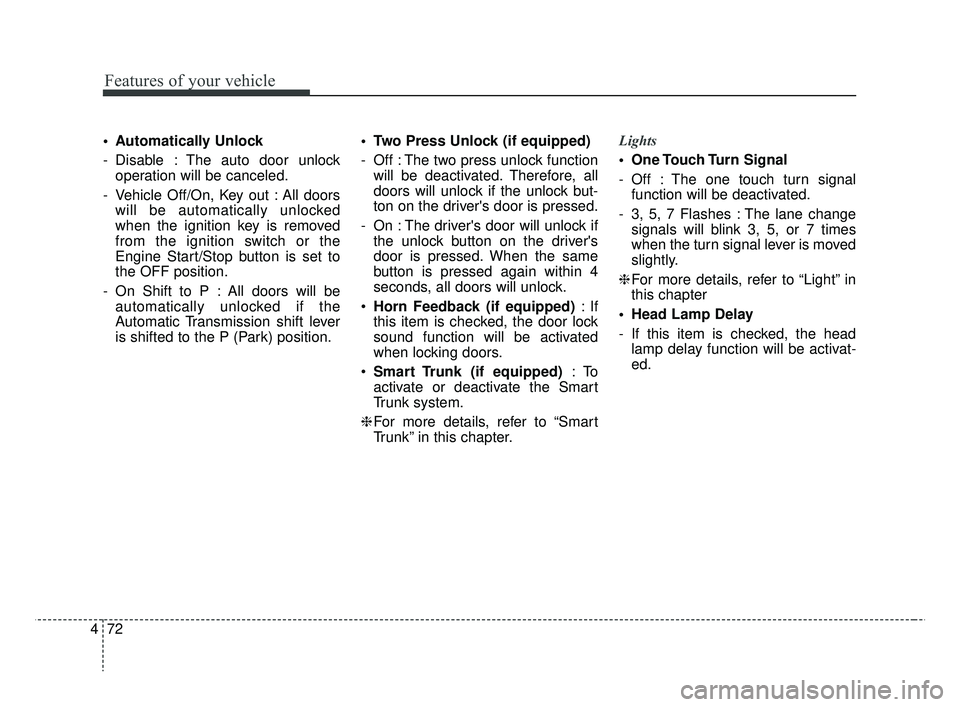
mation will be accumulated.LCD Modes (for type B cluster)
(1) Trip Computer mode
This mode displays driving informa-
tion like the tripmeter, fuel economy,
and so on.
❈ For more details, refer to “Trip
Computer” in this chapter.
(2) User Setting mode
On this mode, you can change set-
tings of the doors, lamps and so on. (3) Master warning mode
This mode informs of warning mes-
sages related to TPMS fail, low pres-
sure (if equipped) or Low engine oil
(if equipped).
❈
For controlling the LCD modes,
refer to “LCD window Control” in
this chapter.
OSC046119
SC CAN (ENG) 4.QXP 7/18/2018 5:49 PM Page 69
Page 148 of 503
Features of your vehicle
70
4
Service Mode
Service in
It calculates and displays when you
need a scheduled maintenance
service (mileage or days).
If the remaining mileage or time
reaches 1,500 km (900 mi.) or 30
days, “Service in” message is dis-
played for several seconds each time
you set the ignition switch or Engine
Start/Stop Button to the ON position.
Service required
If you do not have your vehicle serv-
iced according to the already inputted
service interval, “Service required”
message is displayed for several sec-
onds each time you set the ignition
switch or Engine Start/Stop Button to
the ON position.
To reset the service interval to the
mileage and days you inputted before:
Press the RESET button for more
than 1 second. (for Type A cluster)
Press the OK button (Reset) for more than 1 second. (for Type B
cluster)
✽ ✽ NOTICE
If any of the following conditions
occurs, the mileage and days may be
incorrect.
- The battery cable is disconnected.
- The fuse switch is turned off.
- The battery is discharged.
User Settings Mode
(for type B cluster)
On this mode, you can change set-
ting of the doors, lamps, and so on.
WARNING
Do not adjust the User Setting
while driving. You may lose your
steering control which could
cause an accident and severe
bodily injury.
SC CAN (ENG) 4.QXP 7/18/2018 5:49 PM Page 70
Page 150 of 503
Features of your vehicle
72
4
Automatically Unlock
- Disable : The auto door unlock
operation will be canceled.
- Vehicle Off/On, Key out : All doors will be automatically unlocked
when the ignition key is removed
from the ignition switch or the
Engine Start/Stop button is set to
the OFF position.
- On Shift to P : All doors will be automatically unlocked if the
Automatic Transmission shift lever
is shifted to the P (Park) position. Two Press Unlock (if equipped)
- Off : The two press unlock function
will be deactivated. Therefore, all
doors will unlock if the unlock but-
ton on the driver's door is pressed.
- On : The driver's door will unlock if the unlock button on the driver's
door is pressed. When the same
button is pressed again within 4
seconds, all doors will unlock.
Horn Feedback (if equipped) :If
this item is checked, the door lock
sound function will be activated
when locking doors.
Smart Trunk (if equipped) :To
activate or deactivate the Smart
Trunk system.
❈ For more details, refer to “Smart
Trunk” in this chapter. Lights
One Touch Turn Signal
- Off : The one touch turn signal
function will be deactivated.
- 3, 5, 7 Flashes : The lane change signals will blink 3, 5, or 7 times
when the turn signal lever is moved
slightly.
❈ For more details, refer to “Light” in
this chapter
Head Lamp Delay
- If this item is checked, the head lamp delay function will be activat-
ed.
SC CAN (ENG) 4.QXP 7/18/2018 5:49 PM Page 72
Page 151 of 503
473
Features of your vehicle
Convenience
• Wiper/Light Display (if equipped): If this item is checked, the
Wiper/Light Display will be activat-
ed.
Auto rear wiper (reverse) (If equipped) : If this item is checked,
the rear wiper will automatically
activated when the front wiper is in
ON position and shift lever is in R
(reverse) position.
Gear Position Pop-up (if equipped) : If this item is checked,
the gear position pop-up display will
be activated.
• Icy road warning (if equipped) :If
this item is checked, the Icy road
warning will be activated. Service interval
Service Interval
To activate or deactivate the serv-
ice interval function.
Adjust Interval
To adjust the interval to kilometer
(or mileage) and period.
Reset To reset the service interval func-
tion. Other Features
Fuel Economy Auto Reset
- Off : The average fuel economy will
not reset automatically whenever
refueling.
- After Ignition : The average fuel economy will reset automatically
whenever it has passed 4 hours
after turning OFF the engine.
- After Refueling : The average fuel economy will reset automatically
when refueling.
Fuel Economy Unit To select the fuel economy unit.
(UK gallon ↔ US gallon)
Temperature Unit To select the temperature unit.
(°C,°F)
Tire Pressure Unit (if equipped) :
Choose the tire pressure unit. (psi,
kPa, bar)
SC CAN (ENG) 4.QXP 8/3/2018 5:44 PM Page 73
Page 153 of 503
475
Features of your vehicle
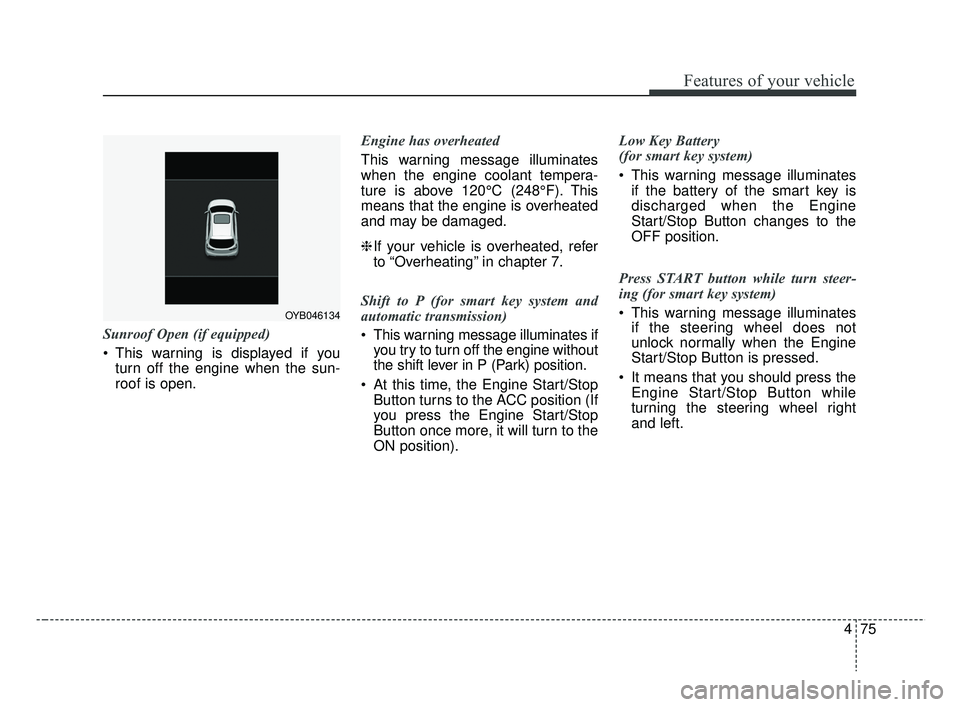
Sunroof Open (if equipped)
This warning is displayed if youturn off the engine when the sun-
roof is open. Engine has overheated
This warning message illuminates
when the engine coolant tempera-
ture is above 120°C (248°F). This
means that the engine is overheated
and may be damaged.
❈
If your vehicle is overheated, refer
to “Overheating” in chapter 7.
Shift to P (for smart key system and
automatic transmission)
This warning message illuminates if you try to turn off the engine without
the shift lever in P (Park) position.
At this time, the Engine Start/Stop Button turns to the ACC position (If
you press the Engine Start/Stop
Button once more, it will turn to the
ON position). Low Key Battery
(for smart key system)
This warning message illuminates
if the battery of the smart key is
discharged when the Engine
Start/Stop Button changes to the
OFF position.
Press START button while turn steer-
ing (for smart key system)
This warning message illuminates if the steering wheel does not
unlock normally when the Engine
Start/Stop Button is pressed.
It means that you should press the Engine Start/Stop Button while
turning the steering wheel right
and left.
OYB046134
SC CAN (ENG) 4.QXP 7/18/2018 5:49 PM Page 75