warning KIA RIO HATCHBACK 2013 Manual Online
[x] Cancel search | Manufacturer: KIA, Model Year: 2013, Model line: RIO HATCHBACK, Model: KIA RIO HATCHBACK 2013Pages: 385, PDF Size: 9.68 MB
Page 135 of 385
Features of your vehicle
60
4
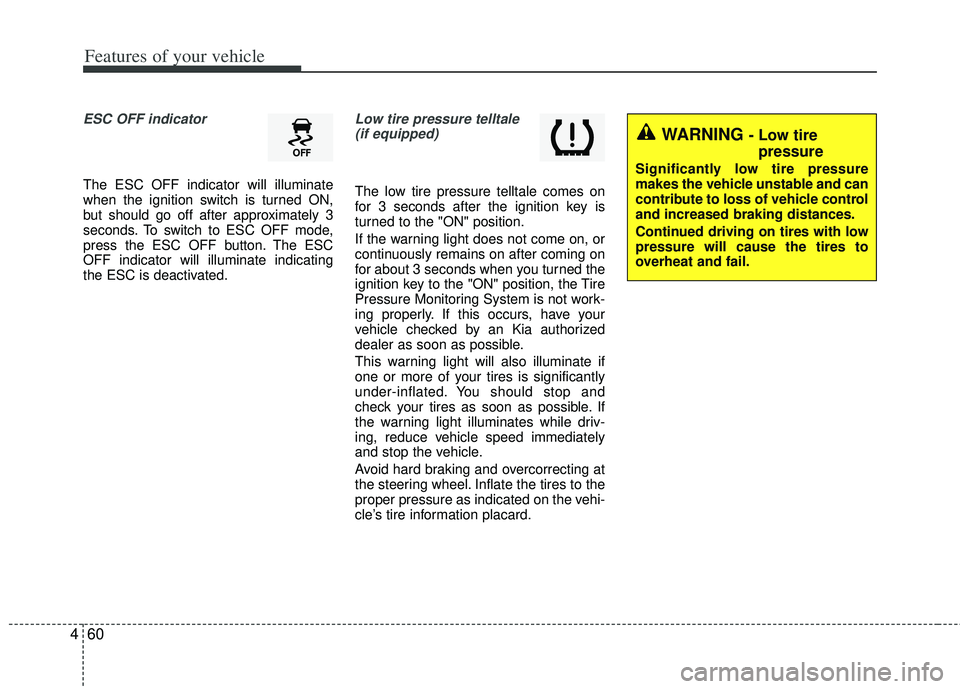
ESC OFF indicator
The ESC OFF indicator will illuminate
when the ignition switch is turned ON,
but should go off after approximately 3
seconds. To switch to ESC OFF mode,
press the ESC OFF button. The ESC
OFF indicator will illuminate indicating
the ESC is deactivated.
Low tire pressure telltale
(if equipped)
The low tire pressure telltale comes on
for 3 seconds after the ignition key is
turned to the "ON" position.
If the warning light does not come on, or
continuously remains on after coming on
for about 3 seconds when you turned the
ignition key to the "ON" position, the Tire
Pressure Monitoring System is not work-
ing properly. If this occurs, have your
vehicle checked by an Kia authorized
dealer as soon as possible.
This warning light will also illuminate if
one or more of your tires is significantly
under-inflated. You should stop and
check your tires as soon as possible. If
the warning light illuminates while driv-
ing, reduce vehicle speed immediately
and stop the vehicle.
Avoid hard braking and overcorrecting at
the steering wheel. Inflate the tires to the
proper pressure as indicated on the vehi-
cle’s tire information placard.
WARNING - Low tire pressure
Significantly low tire pressure
makes the vehicle unstable and can
contribute to loss of vehicle control
and increased braking distances.
Continued driving on tires with low
pressure will cause the tires to
overheat and fail.
Page 136 of 385
461
Features of your vehicle
Cruise indicator (if equipped)
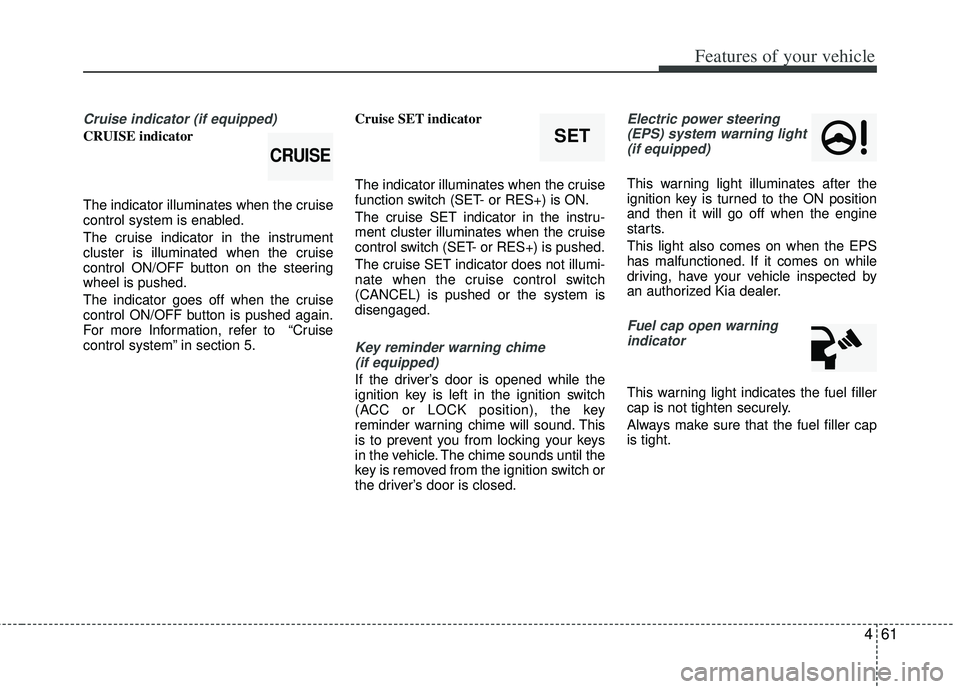
CRUISE indicator
The indicator illuminates when the cruise
control system is enabled.
The cruise indicator in the instrument
cluster is illuminated when the cruise
control ON/OFF button on the steering
wheel is pushed.
The indicator goes off when the cruise
control ON/OFF button is pushed again.
For more Information, refer to “Cruise
control system” in section 5.Cruise SET indicator
The indicator illuminates when the cruise
function switch (SET- or RES+) is ON.
The cruise SET indicator in the instru-
ment cluster illuminates when the cruise
control switch (SET- or RES+) is pushed.
The cruise SET indicator does not illumi-
nate when the cruise control switch
(CANCEL) is pushed or the system is
disengaged.
Key reminder warning chime
(if equipped)
If the driver’s door is opened while the
ignition key is left in the ignition switch
(ACC or LOCK position), the key
reminder warning chime will sound. This
is to prevent you from locking your keys
in the vehicle. The chime sounds until the
key is removed from the ignition switch or
the driver’s door is closed.
Electric power steering(EPS) system warning light (if equipped)
This warning light illuminates after the
ignition key is turned to the ON position
and then it will go off when the engine
starts.
This light also comes on when the EPS
has malfunctioned. If it comes on while
driving, have your vehicle inspected by
an authorized Kia dealer.
Fuel cap open warningindicator
This warning light indicates the fuel filler
cap is not tighten securely.
Always make sure that the fuel filler cap
is tight.
SET
CRUISE
Page 137 of 385
Features of your vehicle
62
4
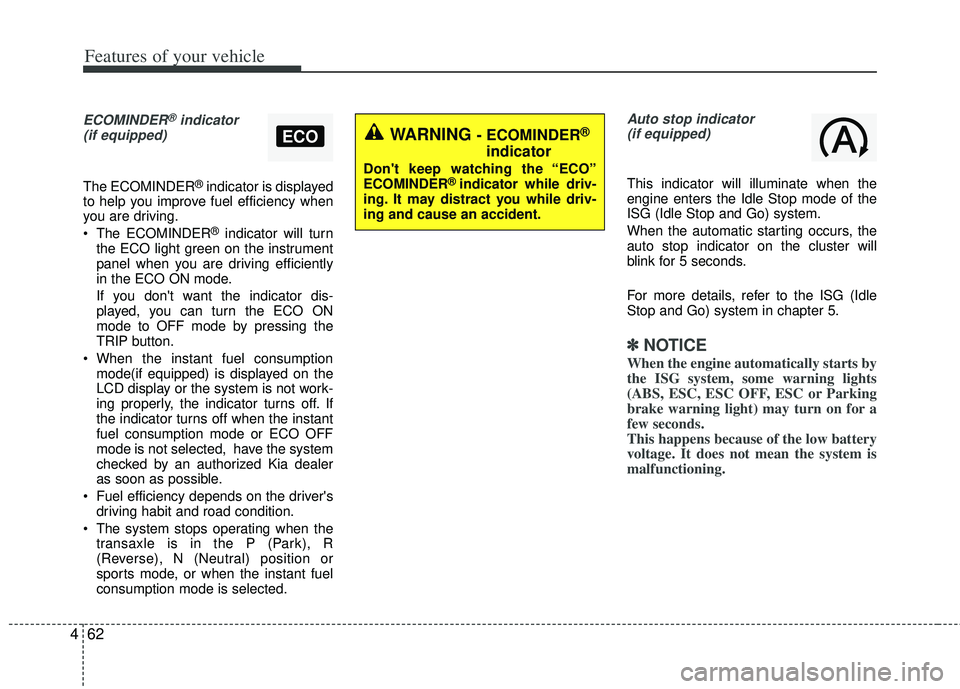
ECOMINDER®indicator
(if equipped)
The ECOMINDER®indicator is displayed
to help you improve fuel efficiency when
you are driving.
The ECOMINDER
®indicator will turn
the ECO light green on the instrument
panel when you are driving efficiently
in the ECO ON mode.
If you don't want the indicator dis-
played, you can turn the ECO ON
mode to OFF mode by pressing the
TRIP button.
When the instant fuel consumption mode(if equipped) is displayed on the
LCD display or the system is not work-
ing properly, the indicator turns off. If
the indicator turns off when the instant
fuel consumption mode or ECO OFF
mode is not selected, have the system
checked by an authorized Kia dealer
as soon as possible.
Fuel efficiency depends on the driver's driving habit and road condition.
The system stops operating when the transaxle is in the P (Park), R
(Reverse), N (Neutral) position or
sports mode, or when the instant fuel
consumption mode is selected.
Auto stop indicator(if equipped)
This indicator will illuminate when the
engine enters the Idle Stop mode of the
ISG (Idle Stop and Go) system.
When the automatic starting occurs, the
auto stop indicator on the cluster will
blink for 5 seconds.
For more details, refer to the ISG (Idle
Stop and Go) system in chapter 5.
✽ ✽ NOTICE
When the engine automatically starts by
the ISG system, some warning lights
(ABS, ESC, ESC OFF, ESC or Parking
brake warning light) may turn on for a
few seconds.
This happens because of the low battery
voltage. It does not mean the system is
malfunctioning.
WARNING - ECOMINDER®
indicator
Don't keep watching the “ECO”
ECOMINDER®indicator while driv-
ing. It may distract you while driv-
ing and cause an accident.
ECO
Page 138 of 385
463
Features of your vehicle
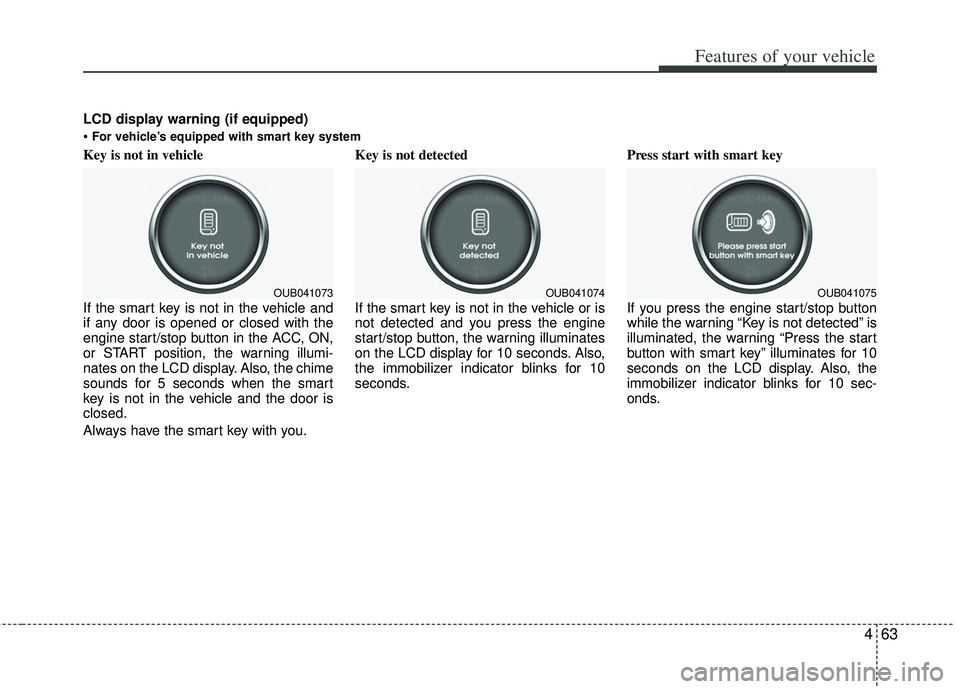
Key is not in vehicle
If the smart key is not in the vehicle and
if any door is opened or closed with the
engine start/stop button in the ACC, ON,
or START position, the warning illumi-
nates on the LCD display. Also, the chime
sounds for 5 seconds when the smart
key is not in the vehicle and the door is
closed.
Always have the smart key with you.Key is not detected
If the smart key is not in the vehicle or is
not detected and you press the engine
start/stop button, the warning illuminates
on the LCD display for 10 seconds. Also,
the immobilizer indicator blinks for 10
seconds.
Press start with smart key
If you press the engine start/stop button
while the warning “Key is not detected” is
illuminated, the warning “Press the start
button with smart key” illuminates for 10
seconds on the LCD display. Also, the
immobilizer indicator blinks for 10 sec-
onds.
OUB041073OUB041074OUB041075
LCD display warning (if equipped)
For vehicle’s equipped with smart key system
Page 139 of 385
Features of your vehicle
64
4
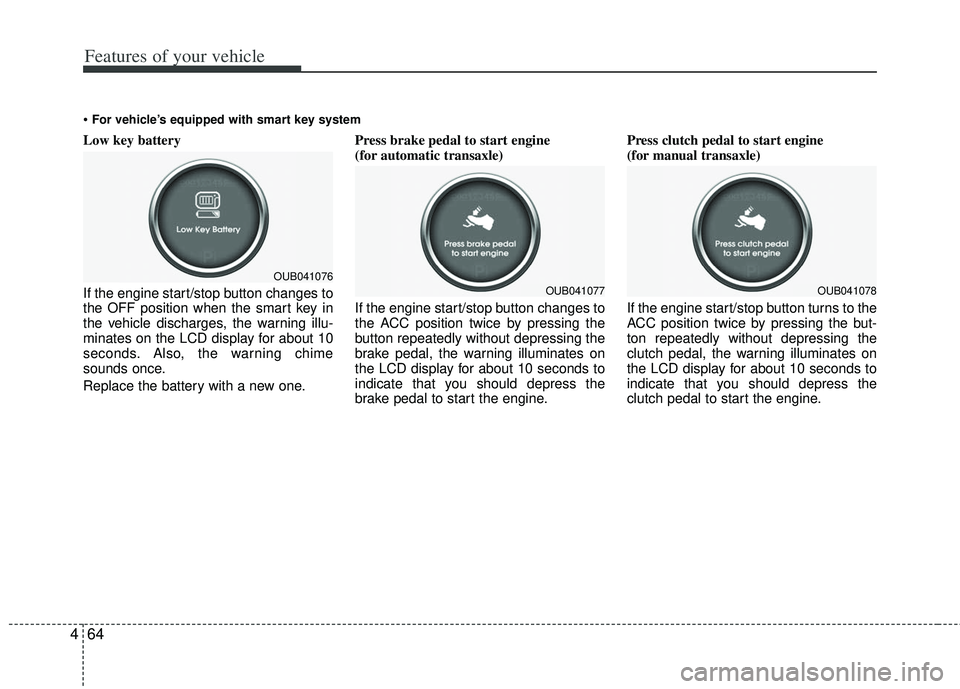
Low key battery
If the engine start/stop button changes to
the OFF position when the smart key in
the vehicle discharges, the warning illu-
minates on the LCD display for about 10
seconds. Also, the warning chime
sounds once.
Replace the battery with a new one. Press brake pedal to start engine
(for automatic transaxle)
If the engine start/stop button changes to
the ACC position twice by pressing the
button repeatedly without depressing the
brake pedal, the warning illuminates on
the LCD display for about 10 seconds to
indicate that you should depress the
brake pedal to start the engine.Press clutch pedal to start engine
(for manual transaxle)
If the engine start/stop button turns to the
ACC position twice by pressing the but-
ton repeatedly without depressing the
clutch pedal, the warning illuminates on
the LCD display for about 10 seconds to
indicate that you should depress the
clutch pedal to start the engine.
For vehicle’s equipped with smart key system
OUB041076OUB041077OUB041078
Page 140 of 385
465
Features of your vehicle
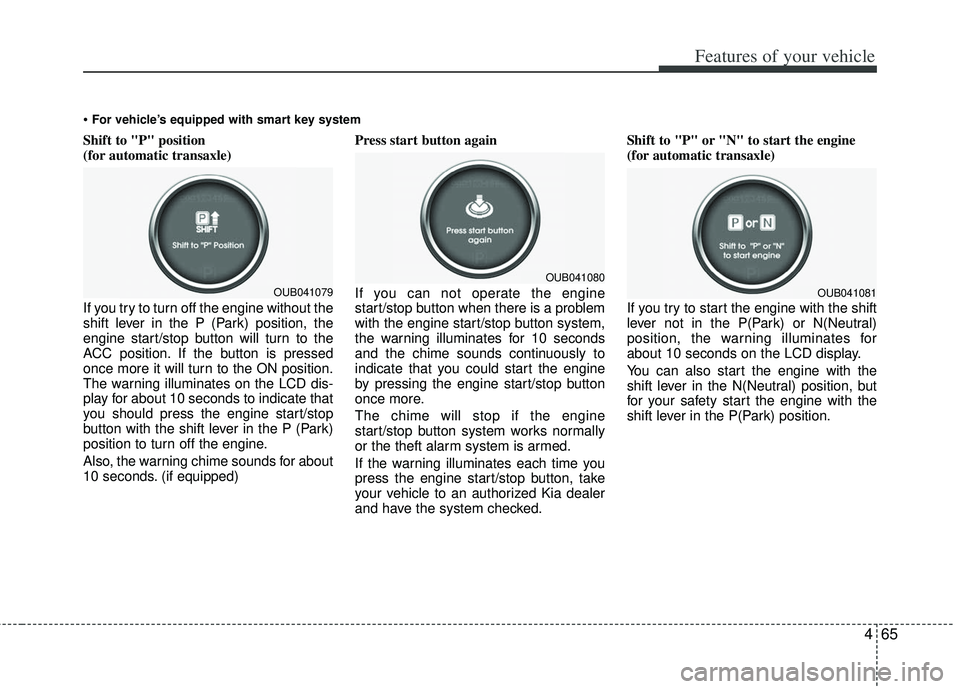
Shift to "P" position
(for automatic transaxle)
If you try to turn off the engine without the
shift lever in the P (Park) position, the
engine start/stop button will turn to the
ACC position. If the button is pressed
once more it will turn to the ON position.
The warning illuminates on the LCD dis-
play for about 10 seconds to indicate that
you should press the engine start/stop
button with the shift lever in the P (Park)
position to turn off the engine.
Also, the warning chime sounds for about
10 seconds. (if equipped)Press start button again
If you can not operate the engine
start/stop button when there is a problem
with the engine start/stop button system,
the warning illuminates for 10 seconds
and the chime sounds continuously to
indicate that you could start the engine
by pressing the engine start/stop button
once more.
The chime will stop if the engine
start/stop button system works normally
or the theft alarm system is armed.
If the warning illuminates each time you
press the engine start/stop button, take
your vehicle to an authorized Kia dealer
and have the system checked.Shift to "P" or "N" to start the engine
(for automatic transaxle)
If you try to start the engine with the shift
lever not in the P(Park) or N(Neutral)
position, the warning illuminates for
about 10 seconds on the LCD display.
You can also start the engine with the
shift lever in the N(Neutral) position, but
for your safety start the engine with the
shift lever in the P(Park) position.
OUB041080OUB041081
For vehicle’s equipped with smart key system
OUB041079
Page 141 of 385
Features of your vehicle
66
4
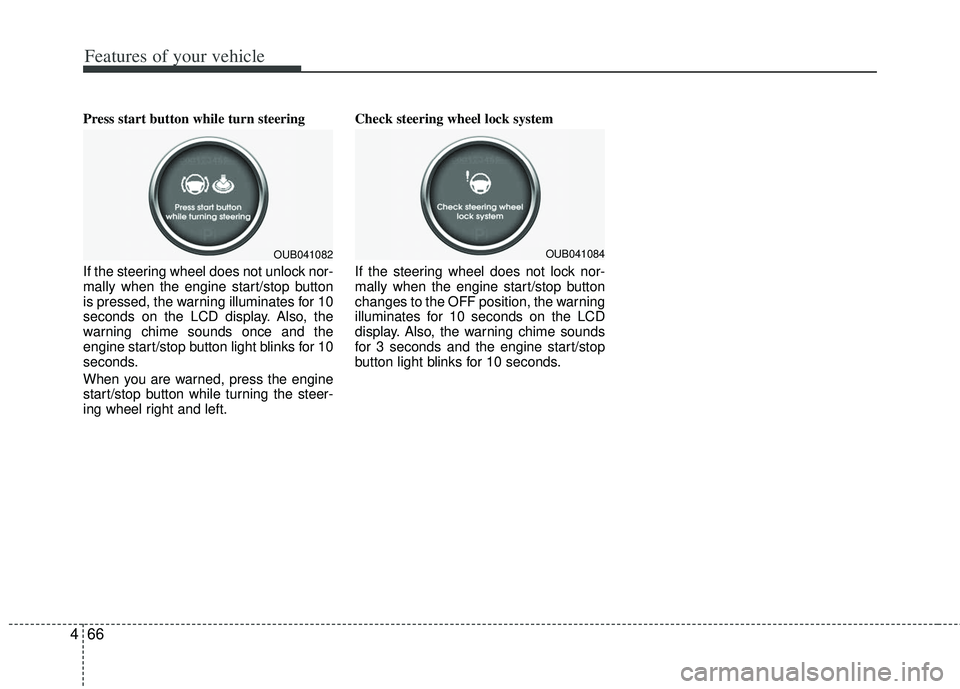
Press start button while turn steering
If the steering wheel does not unlock nor-
mally when the engine start/stop button
is pressed, the warning illuminates for 10
seconds on the LCD display. Also, the
warning chime sounds once and the
engine start/stop button light blinks for 10
seconds.
When you are warned, press the engine
start/stop button while turning the steer-
ing wheel right and left. Check steering wheel lock system
If the steering wheel does not lock nor-
mally when the engine start/stop button
changes to the OFF position, the warning
illuminates for 10 seconds on the LCD
display. Also, the warning chime sounds
for 3 seconds and the engine start/stop
button light blinks for 10 seconds.
OUB041082OUB041084
Page 142 of 385
467
Features of your vehicle
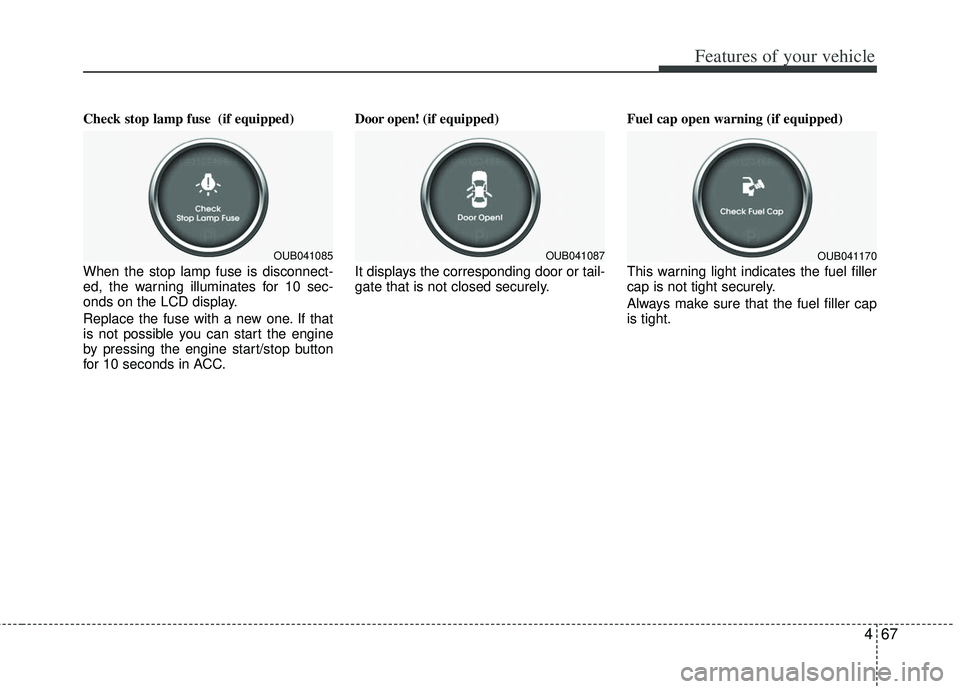
Check stop lamp fuse (if equipped)
When the stop lamp fuse is disconnect-
ed, the warning illuminates for 10 sec-
onds on the LCD display.
Replace the fuse with a new one. If that
is not possible you can start the engine
by pressing the engine start/stop button
for 10 seconds in ACC.Door open!
(if equipped)
It displays the corresponding door or tail-
gate that is not closed securely. Fuel cap open warning (if equipped)
This warning light indicates the fuel filler
cap is not tight securely.
Always make sure that the fuel filler cap
is tight.
OUB041085OUB041087OUB041170
Page 144 of 385
469
Features of your vehicle
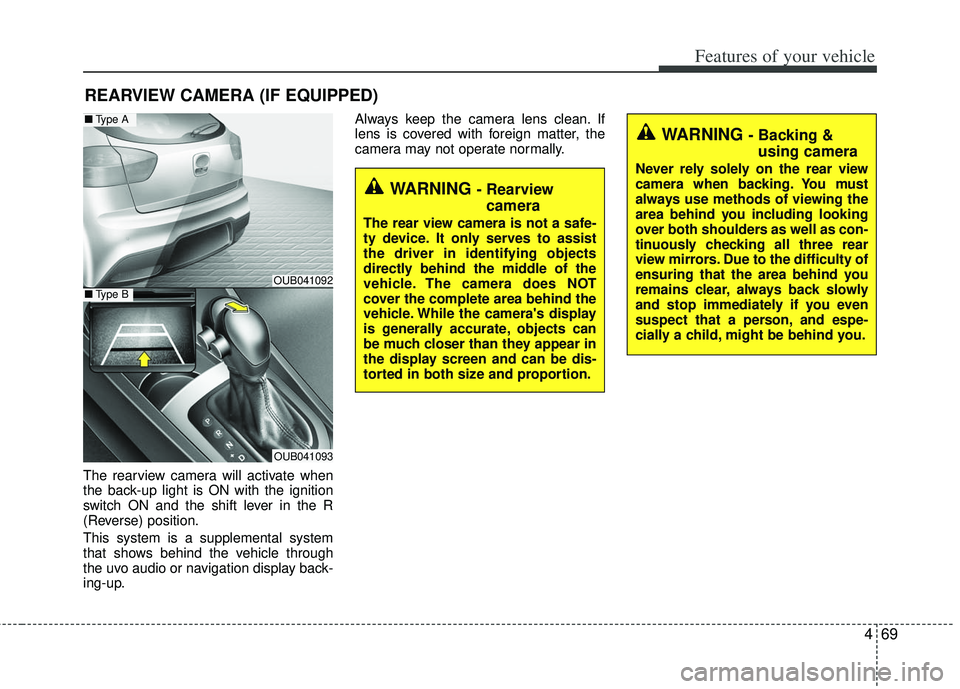
The rearview camera will activate when
the back-up light is ON with the ignition
switch ON and the shift lever in the R
(Reverse) position.
This system is a supplemental system
that shows behind the vehicle through
the uvo audio or navigation display back-
ing-up.Always keep the camera lens clean. If
lens is covered with foreign matter, the
camera may not operate normally.
REARVIEW CAMERA (IF EQUIPPED)
WARNING - Rearview
camera
The rear view camera is not a safe-
ty device. It only serves to assist
the driver in identifying objects
directly behind the middle of the
vehicle. The camera does NOT
cover the complete area behind the
vehicle. While the camera's display
is generally accurate, objects can
be much closer than they appear in
the display screen and can be dis-
torted in both size and proportion.
WARNING - Backing &using camera
Never rely solely on the rear view
camera when backing. You must
always use methods of viewing the
area behind you including looking
over both shoulders as well as con-
tinuously checking all three rear
view mirrors. Due to the difficulty of
ensuring that the area behind you
remains clear, always back slowly
and stop immediately if you even
suspect that a person, and espe-
cially a child, might be behind you.
OUB041092
OUB041093
■ Type A
■Type B
Page 145 of 385
Features of your vehicle
70
4
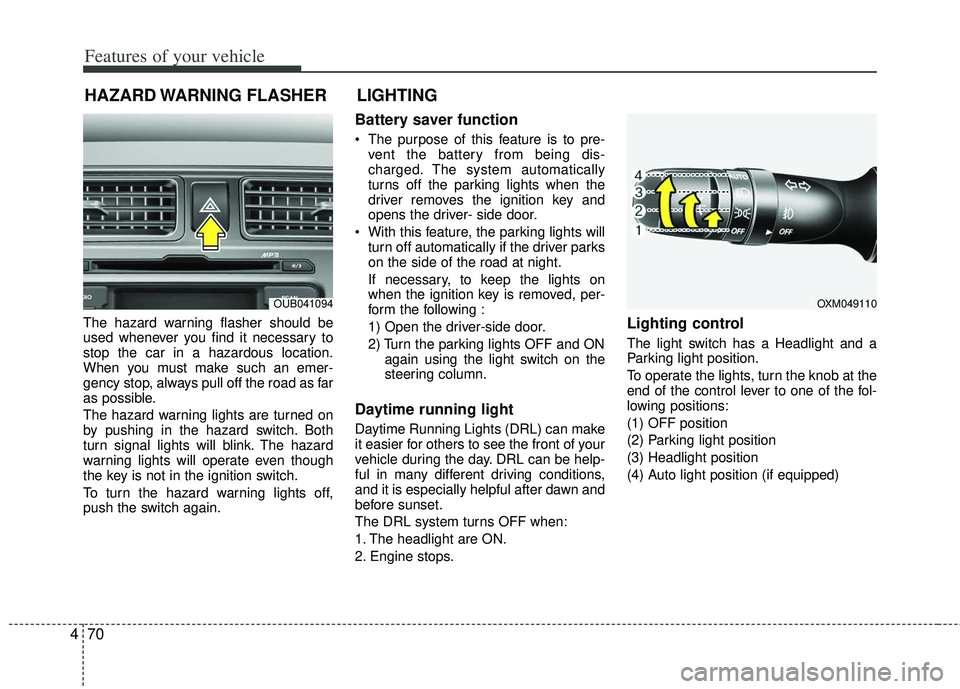
The hazard warning flasher should be
used whenever you find it necessary to
stop the car in a hazardous location.
When you must make such an emer-
gency stop, always pull off the road as far
as possible.
The hazard warning lights are turned on
by pushing in the hazard switch. Both
turn signal lights will blink. The hazard
warning lights will operate even though
the key is not in the ignition switch.
To turn the hazard warning lights off,
push the switch again.
Battery saver function
The purpose of this feature is to pre-
vent the battery from being dis-
charged. The system automatically
turns off the parking lights when the
driver removes the ignition key and
opens the driver- side door.
With this feature, the parking lights will turn off automatically if the driver parks
on the side of the road at night.
If necessary, to keep the lights on
when the ignition key is removed, per-
form the following :
1) Open the driver-side door.
2) Turn the parking lights OFF and ON again using the light switch on the
steering column.
Daytime running light
Daytime Running Lights (DRL) can make
it easier for others to see the front of your
vehicle during the day. DRL can be help-
ful in many different driving conditions,
and it is especially helpful after dawn and
before sunset.
The DRL system turns OFF when:
1. The headlight are ON.
2. Engine stops.
Lighting control
The light switch has a Headlight and a
Parking light position.
To operate the lights, turn the knob at the
end of the control lever to one of the fol-
lowing positions:
(1) OFF position
(2) Parking light position
(3) Headlight position
(4) Auto light position (if equipped)
HAZARD WARNING FLASHER
OXM049110
LIGHTING
OUB041094