lights KIA Rondo 2009 2.G User Guide
[x] Cancel search | Manufacturer: KIA, Model Year: 2009, Model line: Rondo, Model: KIA Rondo 2009 2.GPages: 338, PDF Size: 3.69 MB
Page 122 of 338
443
Features of your vehicle
D150304BUN-EUSeat belt warningDriver's seat belt warning
As a reminder to the driver, the seat belt
warning light will blink for approximately
6 seconds each time you turn the ignition
switch ON regardless of belt fastening.
If the driver's seat belt is not fastened
when the ignition switch is turned ON,
the seat belt warning light and chime will
operate for approximately 6 seconds. The
warning chime will stop at once if the
seat belt is fastened.
If the driver's seat belt is disconnected
after the ignition switch is turned ON, the
seat belt warning light (and chime - the
vehicle speed is over 5 km/h (3 mph)) will
operate for approximately 6 seconds.
The warning light and chime will stop at
once if the seat belt is fastened.
If the vehicle speed exceeds 10 km/h (6
mph) when the seat belt is not fastened,
the seat belt warning light and chime will
operate for approximately 11 times with a
pattern of 6 seconds on and 24 seconds
off. If the vehicle speed decreases below
5 km/h (3 mph) during the warning oper-
ation, the warning light will go off after 6
seconds on and the chime will stop at
once. The warning light and chime will
stop at once if the seat belt is fastened.Front passenger's seat belt warning
As a reminder to the front passenger, the
front passenger's seat belt warning light
will blink for approximately 6 seconds
each time you turn the ignition switch ON
regardless of belt fastening. If the pas-
senger's seat belt is unfastened when
the vehicle speed exceeds 5 km/h (3
mph), the passenger's seat belt warning
light will blink for at least 6 seconds or
until the belt is fastened.
✽ ✽
NOTICE• You can find the front passenger’s
seat belt warning light on the center
fascia panel.
• Although the front passenger seat is not occupied, the seat belt warning
light will blink for 6 seconds.
• The front passenger's seat belt warn- ing can be operated when luggage is
placed on the front passenger seat.
D150305AUNTurn signal indicator lightsThe blinking green arrows on the instru-
ment panel show the direction indicated
by the turn signals. If the arrow comes on
but does not blink, blinks more rapidly
than normal, or does not illuminate at all,
a malfunction in the turn signal system is
indicated. Your dealer should be consult-
ed for repairs.D150306AUNHigh beam indicator This indicator illuminates when the head-
lights are on and in the high beam posi-
tion or when the turn signal lever is pulled
into the Flash-to-Pass position.
Page 123 of 338
Features of your vehicle44
4D150307AUNEngine oil pressure
warning This warning light indicates the engine oil
pressure is low.
If the warning light illuminates while driv-
ing:
1. Drive safely to the side of the road and stop.
2. With the engine off, check the engine oil level. If the level is low, add oil as
required.
If the warning light remains on after
adding oil or if oil is not available, call an
authorized KIA dealer.
D150308AUN-EUParking brake & brake fluid warning Parking brake warning
This light is illuminated when the parking
brake is applied with the ignition switch in
the START or ON position. The warning
light should go off when the parking
brake is released while engine is run-
ning.
Low brake fluid level warning
If the warning light remains on, it may
indicate that the brake fluid level in the
reservoir is low.
If the warning light remains on:
1. Drive carefully to the nearest safe location and stop your vehicle.
2. With the engine stopped, check the brake fluid level immediately and add
fluid as required. Then check all brake
components for fluid leaks.
3. Do not drive the vehicle if leaks are found, the warning light remains on or
the brakes do not operate properly.
Have the vehicle towed to any author-
ized KIA dealer for a brake system
inspection and necessary repairs.
CAUTION
If the engine is not stopped imme-diately after the engine oil pressurewarning light is illuminated, severedamage could result.
CAUTION
If the oil pressure warning lightstays on while the engine is run- ning, serious engine damage mayresult. The oil pressure warninglight comes on whenever there is insufficient oil pressure. In normaloperation, it should come on whenthe ignition switch is turned on, then go out when the engine isstarted. If the oil pressure warninglight stays on while the engine is running, there is a serious malfunc-tion.
If this happens, stop the car assoon as it is safe to do so, turn off the engine and check the oil level. Ifthe oil level is low, fill the engine oilto the proper level and start theengine again. If the light stays on with the engine running, turn theengine off immediately. In anyinstance where the oil light stays on when the engine is running, theengine should be checked by an authorized KIA dealer before thecar is driven again.
Page 124 of 338
445
Features of your vehicle
Your vehicle is equipped with dual-diago-
nal braking systems. This means you still
have braking on two wheels even if one
of the dual systems should fail. With only
one of the dual systems working, more
than normal pedal travel and greater
pedal pressure are required to stop the
car. Also, the car will not stop in as short
a distance with only a portion of the
brake system working. If the brakes fail
while you are driving, shift to a lower gear
for additional engine braking and stop the
car as soon as it is safe to do so.
To check bulb operation, check whether
the parking brake and brake fluid warning
light illuminates when the ignition switch
is in the ON position.
D150309AUNFront fog light indicator (if equipped) This light comes on when the front fog
lights are ON.D150312AUNShift pattern indicator The indicator displays to show the auto-
matic transaxle shift lever selection.D150313AUNCharging system warning This warning light indicates a malfunction
of either the generator or electrical charg-
ing system.
If the warning light comes on while the
vehicle is in motion:
1. Drive to the nearest safe location.
2. With the engine off, check the generator drive belt for looseness or breakage.
3. If the belt is adjusted properly, a prob- lem exists somewhere in the electrical
charging system. Have an authorized
KIA dealer correct the problem as soon
as possible.
D150315AUNTailgate open warning lightThis warning light illuminates when the
tailgate is not closed securely with the
ignition switch in any position.D150316AUNDoor ajar warning lightThis warning light illuminates when a
door is not closed securely with the igni-
tion switch in any position.D150317AUNImmobilizer indicator (if equipped)This light illuminates when the immobiliz-
er key is inserted and turned to the ON
position to start the engine.
At this time, you can start the engine. The
light goes out after the engine is running.
If this light blinks when the ignition switch
is in the ON position before starting the
engine, have the system checked by an
authorized KIA dealer.
WARNING
Driving the vehicle with a warning
light on is dangerous. If the brake
warning light remains on, have the
brakes checked and repaired imme-
diately by an authorized KIA dealer.
Page 129 of 338
Features of your vehicle50
4✽
✽
NOTICEThis system can only sense objects with-
in the range and location of the sensors;
It can not detect objects in other areas
where sensors are not installed. Also,
small or slim objects, such as poles or
objects located between sensors may not
be detected by the sensors.
Always visually check behind the vehi-
cle when backing up.
Be sure to inform any drivers of the
vehicle that may be unfamiliar with the
system regarding the systems capabili-
ties and limitations.
D170400BUNSelf-diagnosisIf you don’t hear an audible warning
sound or if the buzzer sounds intermit-
tently when shifting the gear to the R
(Reverse) position, this may indicate a
malfunction in the rear parking assist sys-
tem. If this occurs, have your vehicle
checked by an authorized KIA dealer as
soon as possible.
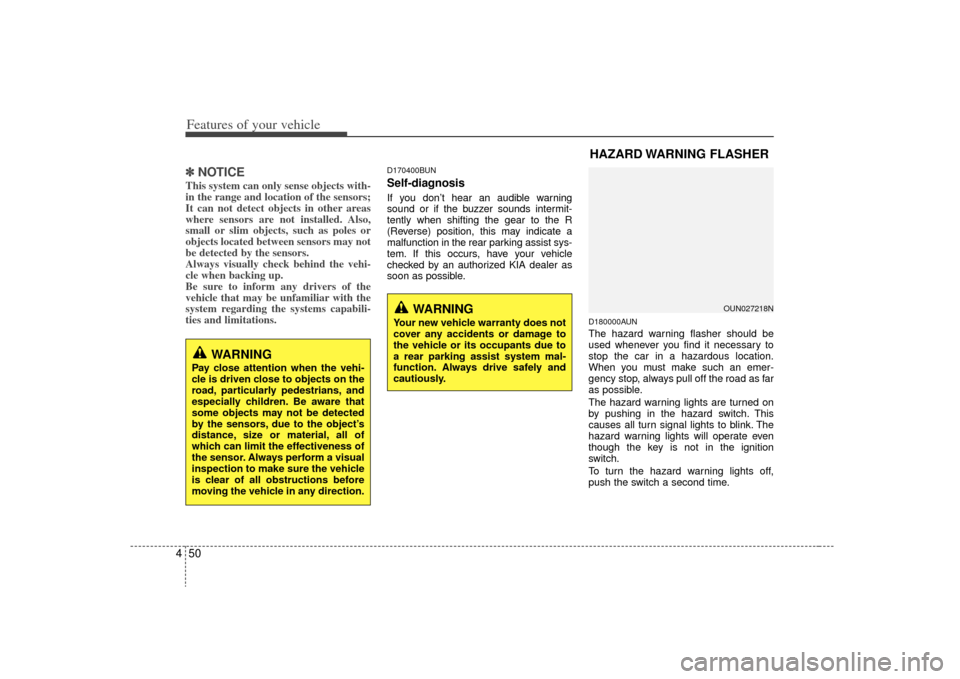
D180000AUNThe hazard warning flasher should be
used whenever you find it necessary to
stop the car in a hazardous location.
When you must make such an emer-
gency stop, always pull off the road as far
as possible.
The hazard warning lights are turned on
by pushing in the hazard switch. This
causes all turn signal lights to blink. The
hazard warning lights will operate even
though the key is not in the ignition
switch.
To turn the hazard warning lights off,
push the switch a second time.
WARNING
Pay close attention when the vehi-
cle is driven close to objects on the
road, particularly pedestrians, and
especially children. Be aware that
some objects may not be detected
by the sensors, due to the object’s
distance, size or material, all of
which can limit the effectiveness of
the sensor. Always perform a visual
inspection to make sure the vehicle
is clear of all obstructions before
moving the vehicle in any direction.
WARNING
Your new vehicle warranty does not
cover any accidents or damage to
the vehicle or its occupants due to
a rear parking assist system mal-
function. Always drive safely and
cautiously.
HAZARD WARNING FLASHER
OUN027218N
Page 130 of 338
451
Features of your vehicle
D190100AUNBattery saver function The purpose of this feature is to pre-vent the battery from being dis-
charged. The system automatically
turns off the exterior lights when the
driver removes the ignition key and
opens the driver-side door.
With this feature, the parking lights will be turned off automatically if the driver
parks on the side of road at night.
If necessary, to keep the lights on
when the ignition key is removed, per-
form the following:
1) Open the driver-side door.
2) Turn the parking lights OFF and ON again using the light switch on the
steering column.
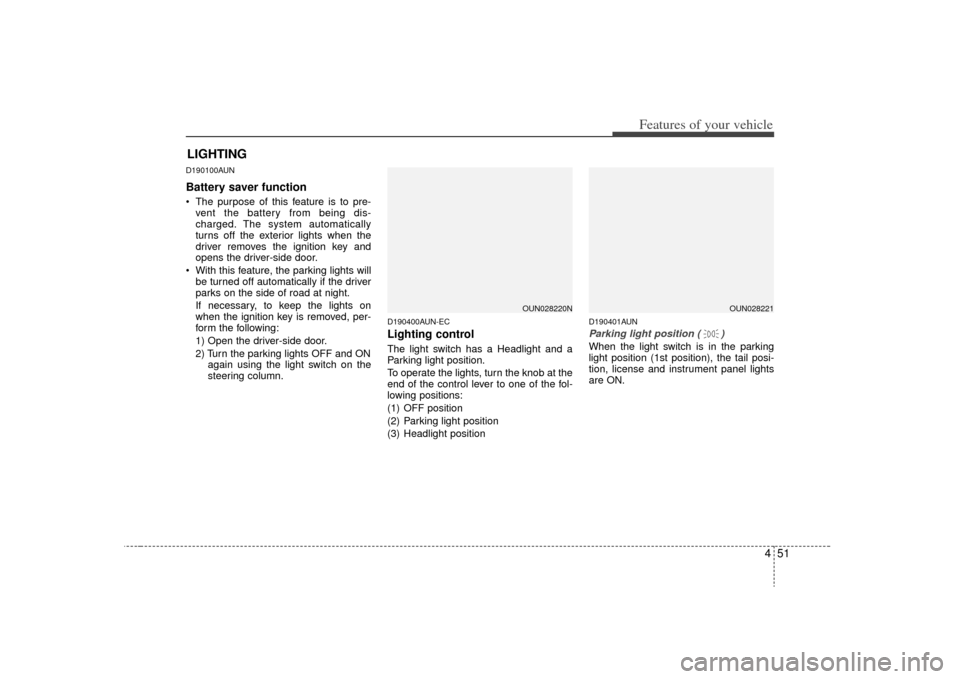
D190400AUN-ECLighting controlThe light switch has a Headlight and a
Parking light position.
To operate the lights, turn the knob at the
end of the control lever to one of the fol-
lowing positions:
(1) OFF position
(2) Parking light position
(3) Headlight position
D190401AUNParking light position ( )When the light switch is in the parking
light position (1st position), the tail posi-
tion, license and instrument panel lights
are ON.
LIGHTING
OUN028220N
OUN028221
Page 131 of 338
Features of your vehicle52
4D190402AUNHeadlight position ( )When the light switch is in the headlight
position (2nd position) the head, tail posi-
tion, license and instrument panel lights
are ON.✽ ✽
NOTICEThe ignition switch must be in the ON
position to turn on the headlights.
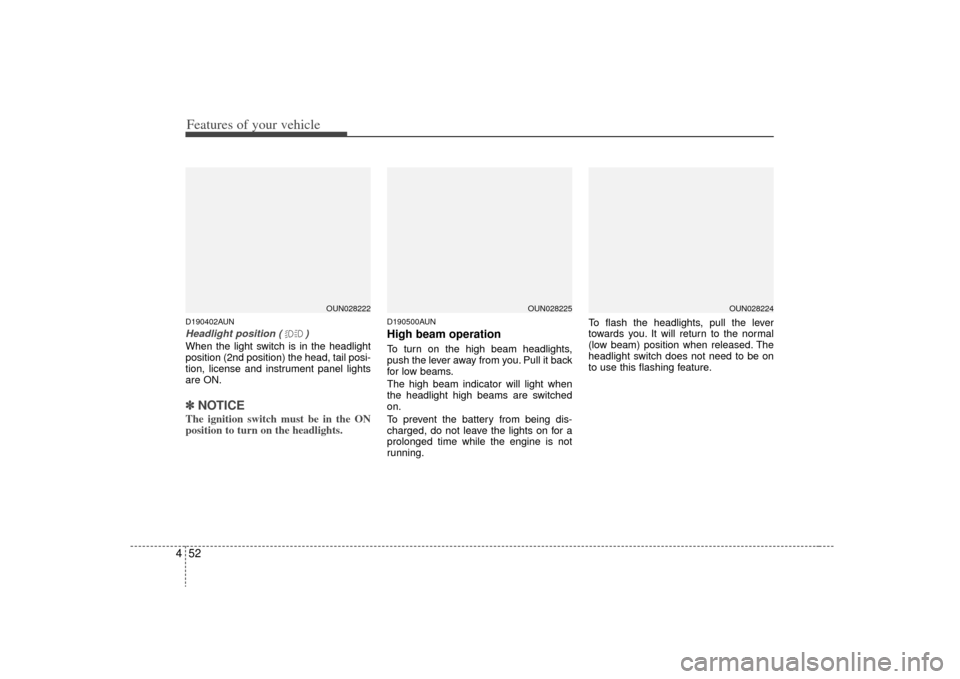
D190500AUNHigh beam operation To turn on the high beam headlights,
push the lever away from you. Pull it back
for low beams.
The high beam indicator will light when
the headlight high beams are switched
on.
To prevent the battery from being dis-
charged, do not leave the lights on for a
prolonged time while the engine is not
running. To flash the headlights, pull the lever
towards you. It will return to the normal
(low beam) position when released. The
headlight switch does not need to be on
to use this flashing feature.
OUN028222
OUN028224
OUN028225
Page 132 of 338
453
Features of your vehicle
D190600AUNTurn signals and lane change sig-
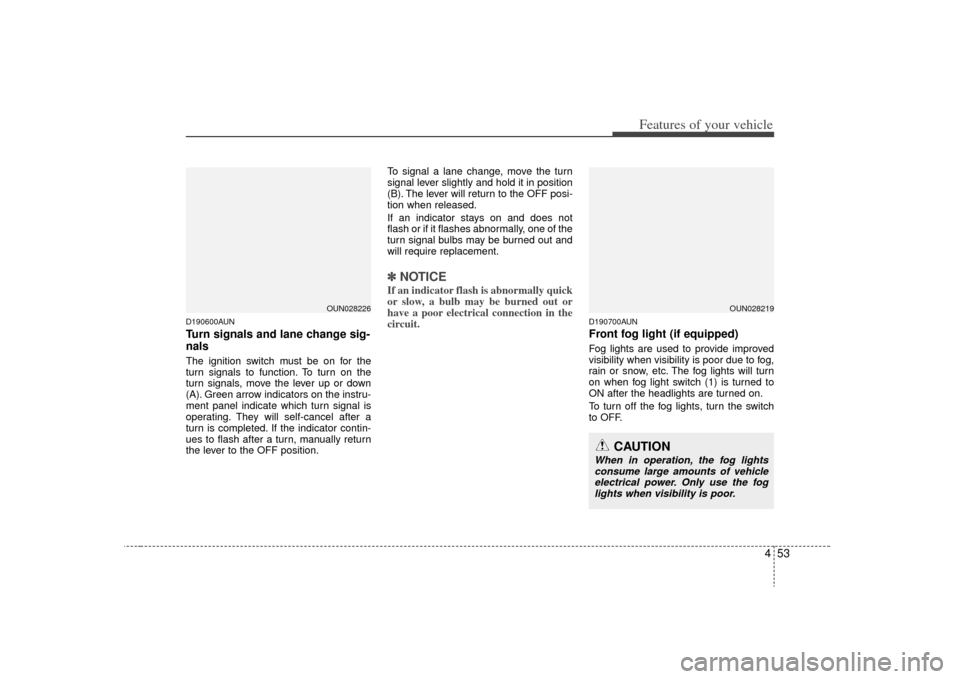
nalsThe ignition switch must be on for the
turn signals to function. To turn on the
turn signals, move the lever up or down
(A). Green arrow indicators on the instru-
ment panel indicate which turn signal is
operating. They will self-cancel after a
turn is completed. If the indicator contin-
ues to flash after a turn, manually return
the lever to the OFF position.To signal a lane change, move the turn
signal lever slightly and hold it in position
(B). The lever will return to the OFF posi-
tion when released.
If an indicator stays on and does not
flash or if it flashes abnormally, one of the
turn signal bulbs may be burned out and
will require replacement.
✽ ✽
NOTICEIf an indicator flash is abnormally quick
or slow, a bulb may be burned out or
have a poor electrical connection in the
circuit.
D190700AUNFront fog light (if equipped) Fog lights are used to provide improved
visibility when visibility is poor due to fog,
rain or snow, etc. The fog lights will turn
on when fog light switch (1) is turned to
ON after the headlights are turned on.
To turn off the fog lights, turn the switch
to OFF.
OUN028226
OUN028219
CAUTION
When in operation, the fog lights
consume large amounts of vehicle electrical power. Only use the foglights when visibility is poor.
Page 133 of 338
Features of your vehicle54
4D190900AUN-EUDaytime running light
(if equipped)Daytime Running Lights (DRL) can make
it easier for others to see the front of your
vehicle during the day. DRL can be help-
ful in many different driving conditions,
and it is especially helpful after dawn and
before sunset.
The DRL system will make the head-
lights turn OFF when:
1. The headlight switch is ON.
2. The parking brake is applied.
3. Engine stops.
Page 138 of 338
459
Features of your vehicle
D210000AUND210100AUN
Map lamp (if equipped)Push the switch to turn the light on or off.
This light produces a spot beam for con-
venient use as a map lamp at night or as
a personal lamp for the driver and the
front passenger.
D210200BUNRoom lamp
In the DOOR position, the light comes on
when any door is opened regardless of
the ignition switch position.
INTERIOR LIGHT
OUN026231
OUN026245
CAUTION
Do not use the interior lights forextended periods when engine isnot running.
It may cause battery discharge.
Page 196 of 338
4117
Features of your vehicle
How to Use SIRIUS Satellite
RadioYour Kia vehicle is equipped with 3 months
complimentary period of SIRIUS Satellite
Radio so you have access to over 130
channels of music, information, and enter-
tainment programming.ActivationIn order to extend or reactivate your sub-
scription to SIRIUS Satellite Radio, you
will need to contact SIRIUS Customer
Care at 888-539-7474. Have your 12 digit
SID (Sirius Identification Number)/ESN
(Electronic Serial Number) ready. To
retrieve the SID/ESN, turn on the radio,
press the [SAT] button and tune to chan-
nel zero. Please note that the vehicle will
need to be turned on, in Sirius mode, and
have an unobstructed view of the sky in
order for the radio to receive the activa-
tion signal.1. SATELLITE RADIO SelectionButton(SIRIUS Satellite Radio)Press the [SAT] button to switch to SIR-
IUS Satellite Radio. It cycles through the
different bands as noted below.
SAT1
➟ SAT2
➟ SAT3
➟ SAT1
➟...
2. Channel Selection Button ] or [SEEK ] but-
ton for less than 0.8 second to select
previous or next channel.
] or [SEEK ] but- ton for 0.8 or longer to continuously
move to previous or next channel.
top of the screen, channel up/down is
done through the channels within cur-
rent category.3. Preset Selection Buttonond to play the channel saved in each
button.
second or longer to save current chan-
nel. An audible beep will play to confirm
the preset is stored.4. SCAN Button ically scans the radio stations upwards.
channel, starting from the initial chan-
nel, for ten seconds.
the scan feature and to listen to the cur-
rently selected channel.
top of the screen, channel changing is
done through the channels in current
category.
5. TUNE Knob and ENTER ButtonWhile listening to SIRIUS broadcast,
rotate this knob to the right or left to
search other channels while listening to
current channels and push this knob to
select what you want to listen to.
(Turn to the right to search higher chan-
nels and left lower channels)6. CAT/FOLDER Button ] or [FOLDER ] buttonto enter the Category List Mode, it dis-
plays cateogry items and highlights the
category that currently tuned channel
belongs to.
buttons to navigate category list.
Press [ENTER] button to select the low- est channel in highlighted category.
gory "CATEGORY" Icon is displayed at
the top of the screen.