light KIA Sorento 2008 1.G Owner's Guide
[x] Cancel search | Manufacturer: KIA, Model Year: 2008, Model line: Sorento, Model: KIA Sorento 2008 1.GPages: 326, PDF Size: 8.63 MB
Page 95 of 326
Knowing your vehicle
86 3
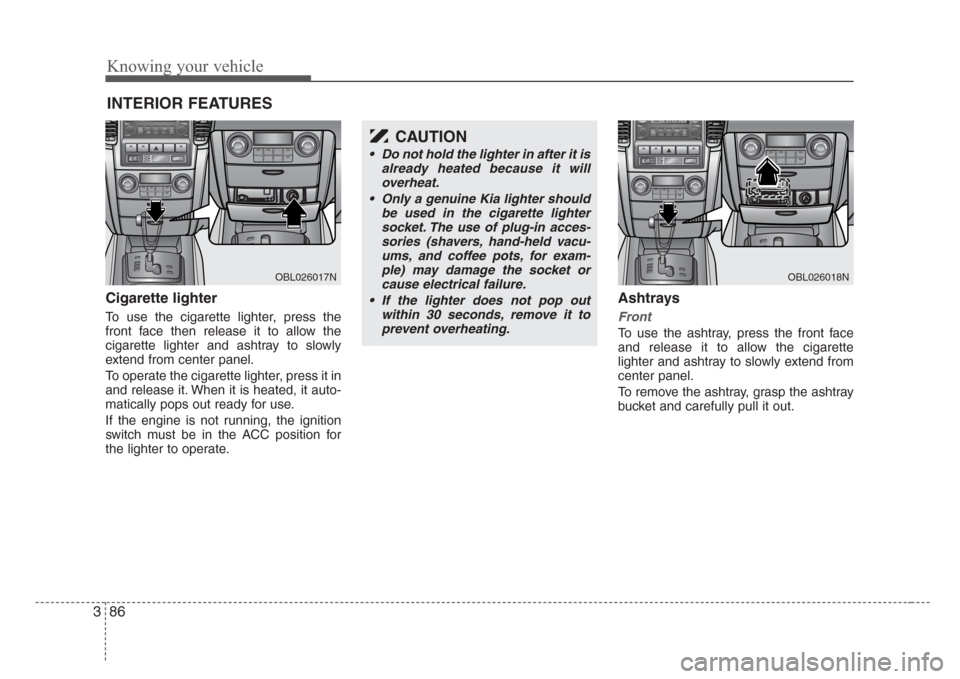
Cigarette lighter
To use the cigarette lighter, press the
front face then release it to allow the
cigarette lighter and ashtray to slowly
extend from center panel.
To operate the cigarette lighter, press it in
and release it. When it is heated, it auto-
matically pops out ready for use.
If the engine is not running, the ignition
switch must be in the ACC position for
the lighter to operate.
Ashtrays
Front
To use the ashtray, press the front face
and release it to allow the cigarette
lighter and ashtray to slowly extend from
center panel.
To remove the ashtray, grasp the ashtray
bucket and carefully pull it out.
INTERIOR FEATURES
OBL026017N
CAUTION
• Do not hold the lighter in after it is
already heated because it will
overheat.
• Only a genuine Kia lighter should
be used in the cigarette lighter
socket. The use of plug-in acces-
sories (shavers, hand-held vacu-
ums, and coffee pots, for exam-
ple) may damage the socket or
cause electrical failure.
• If the lighter does not pop out
within 30 seconds, remove it to
prevent overheating.
OBL026018N
Page 97 of 326
Knowing your vehicle
88 3
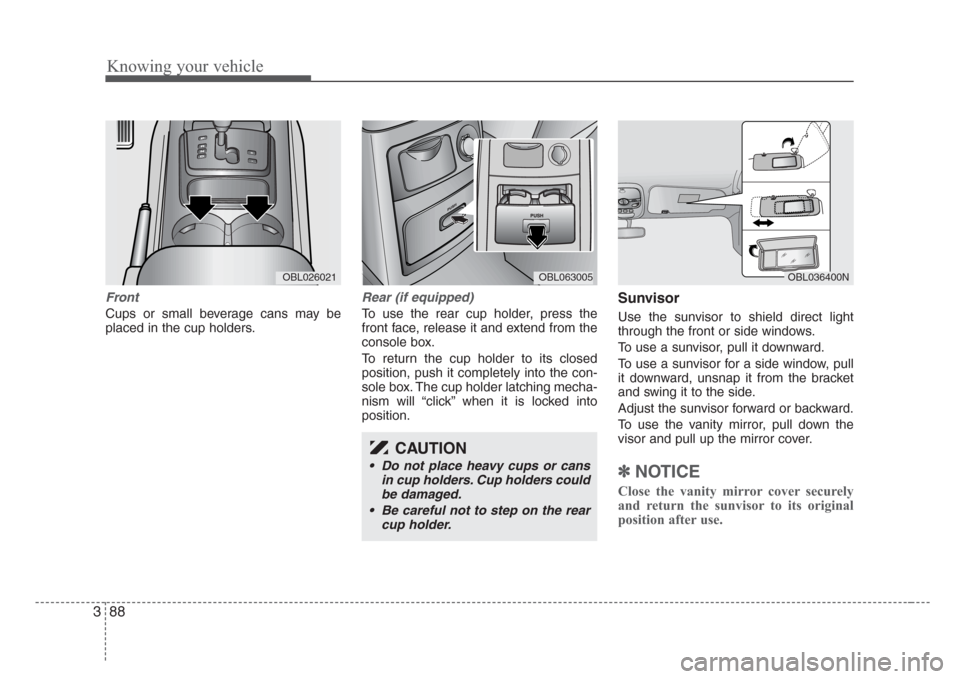
Front
Cups or small beverage cans may be
placed in the cup holders.
Rear (if equipped)
To use the rear cup holder, press the
front face, release it and extend from the
console box.
To return the cup holder to its closed
position, push it completely into the con-
sole box. The cup holder latching mecha-
nism will “click” when it is locked into
position.
Sunvisor
Use the sunvisor to shield direct light
through the front or side windows.
To use a sunvisor, pull it downward.
To use a sunvisor for a side window, pull
it downward, unsnap it from the bracket
and swing it to the side.
Adjust the sunvisor forward or backward.
To use the vanity mirror, pull down the
visor and pull up the mirror cover.
✽
NOTICE
Close the vanity mirror cover securely
and return the sunvisor to its original
position after use.
OBL036400NOBL026021OBL063005
CAUTION
• Do not place heavy cups or cans
in cup holders. Cup holders could
be damaged.
• Be careful not to step on the rear
cup holder.
Page 101 of 326
Knowing your vehicle
92 3
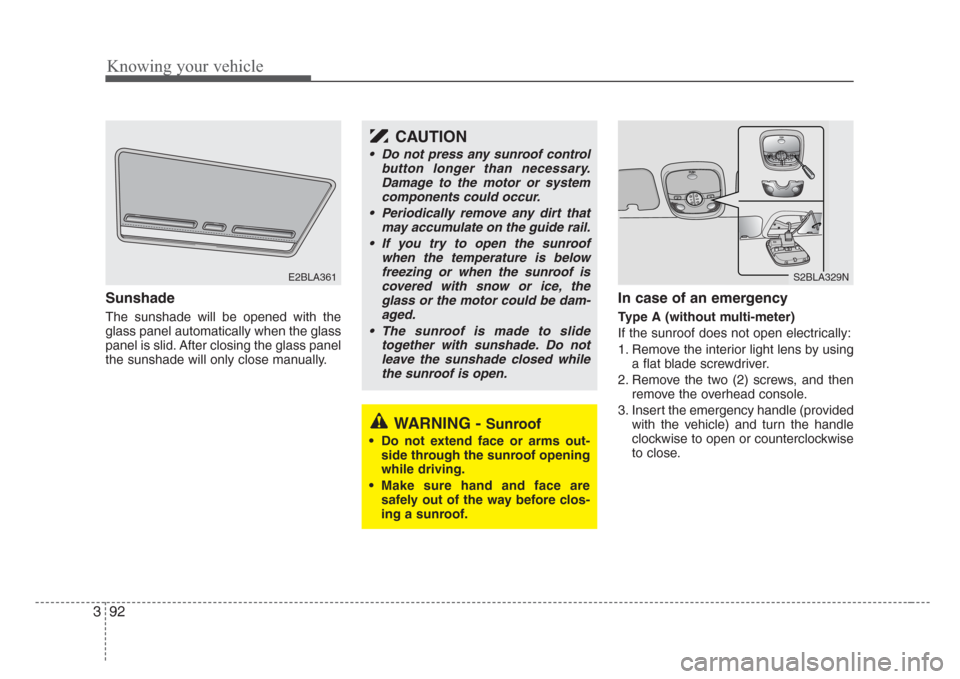
Sunshade
The sunshade will be opened with the
glass panel automatically when the glass
panel is slid. After closing the glass panel
the sunshade will only close manually.
In case of an emergency
Type A (without multi-meter)
If the sunroof does not open electrically:
1. Remove the interior light lens by using
a flat blade screwdriver.
2. Remove the two (2) screws, and then
remove the overhead console.
3. Insert the emergency handle (provided
with the vehicle) and turn the handle
clockwise to open or counterclockwise
to close.
E2BLA361S2BLA329N
CAUTION
• Do not press any sunroof control
button longer than necessary.
Damage to the motor or system
components could occur.
• Periodically remove any dirt that
may accumulate on the guide rail.
• If you try to open the sunroof
when the temperature is below
freezing or when the sunroof is
covered with snow or ice, the
glass or the motor could be dam-
aged.
• The sunroof is made to slide
together with sunshade. Do not
leave the sunshade closed while
the sunroof is open.
WARNING - Sunroof
• Do not extend face or arms out-
side through the sunroof opening
while driving.
• Make sure hand and face are
safely out of the way before clos-
ing a sunroof.
Page 131 of 326
4
Ignition switch / 4-2
Starting the engine / 4-4
Automatic transmission / 4-5
Four wheel drive (4WD) / 4-10
Limited slip differential / 4-19
Brake system / 4-20
Steering wheel / 4-25
Cruise control system / 4-27
Electronic stability control / 4-30
Rear parking assist system / 4-33
Instrument cluster / 4-36
Gauges / 4-37
Warnings and indicators / 4-39
Multi-meter / 4-45
Lighting / 4-51
Wipers and washers / 4-54
Defroster / 4-57
Hazard warning flasher / 4-58
Manual climate control system / 4-59
Automatic climate control system / 4-66
Windshield defrosting and defogging / 4-75
Driving your vehicle
Page 132 of 326
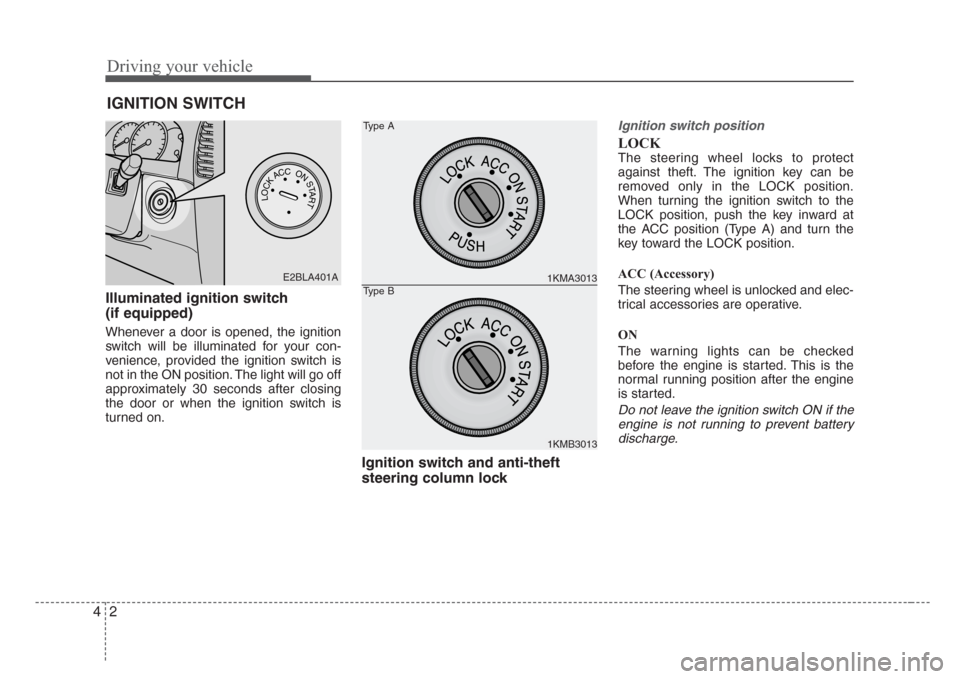
Driving your vehicle
2 4
Illuminated ignition switch
(if equipped)
Whenever a door is opened, the ignition
switch will be illuminated for your con-
venience, provided the ignition switch is
not in the ON position. The light will go off
approximately 30 seconds after closing
the door or when the ignition switch is
turned on.
Ignition switch and anti-theft
steering column lock
Ignition switch position
LOCK
The steering wheel locks to protect
against theft. The ignition key can be
removed only in the LOCK position.
When turning the ignition switch to the
LOCK position, push the key inward at
the ACC position (Type A) and turn the
key toward the LOCK position.
ACC (Accessory)
The steering wheel is unlocked and elec-
trical accessories are operative.
ON
The warning lights can be checked
before the engine is started. This is the
normal running position after the engine
is started.
Do not leave the ignition switch ON if the
engine is not running to prevent battery
discharge.
IGNITION SWITCH
PUSH
LOCKACCONSTART
E2BLA401A1KMA3013
1KMB3013
Type A
Type B
Page 137 of 326
47
Driving your vehicle
Transmission ranges
P (park)
Always come to a complete stop before
shifting into P. This position locks the
transmission and prevents the front
wheels from rotating.
R (reverse)
Use this position to drive the vehicle
backward.
N (neutral)
The wheels and transmission are not
locked. The vehicle will roll freely even on
the slightest incline unless the parking
brake or service brakes are applied.
D (drive)
This is the normal forward driving posi-
tion. The transmission will automatically
shift through a 4-gear sequence, provid-
ing the best fuel economy and power.
For extra power when passing another
vehicle or climbing grades, depress the
accelerator fully, at which time the trans-
mission will automatically downshift to
the next lower gear.
(Continued)
• Before leaving the driver’s seat,
always make sure the shift lever
is in the P (PARK) position. Set
the parking brake fully,shut the
engine off and take the key with
you. Unexpected and sudden
vehicle movement can occur if
you do not follow these precau-
tions in the order specified.
• Never leave a child unattended in
a vehicle.
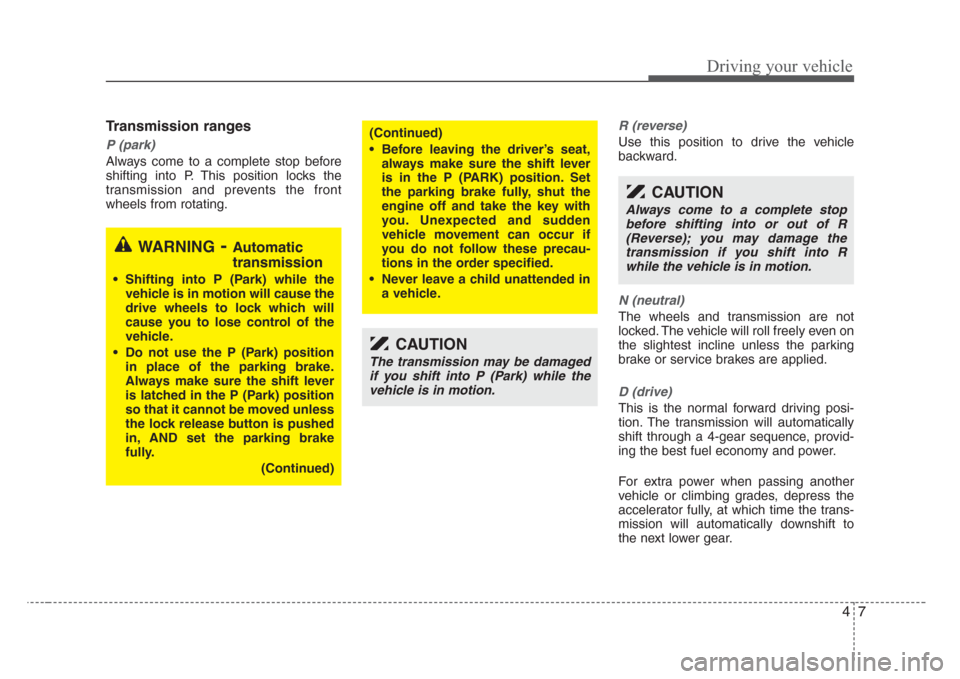
WARNING-Automatic
transmission
• Shifting into P (Park) while the
vehicle is in motion will cause the
drive wheels to lock which will
cause you to lose control of the
vehicle.
• Do not use the P (Park) position
in place of the parking brake.
Always make sure the shift lever
is latched in the P (Park) position
so that it cannot be moved unless
the lock release button is pushed
in, AND set the parking brake
fully.
(Continued)
CAUTION
The transmission may be damaged
if you shift into P (Park) while the
vehicle is in motion.
CAUTION
Always come to a complete stop
before shifting into or out of R
(Reverse); you may damage the
transmission if you shift into R
while the vehicle is in motion.
Page 140 of 326
Driving your vehicle
10 4
For safe four-wheel drive opera-
tion
• Your vehicle allows you to drive in on-
road and off-road conditions.
• However, do not try to drive in deep
standing water, mud, or over steep
hills.
• When you are driving up or down hills
drive as close to straight up and down
the hill as possible. Use extreme cau-
tion in going up or down steep hills,
since you may flip your vehicle over
depending on the grade, terrain and
water/mud conditions.
• You must learn how to corner in a 4WD
vehicle as soon as possible. Do not
rely on your experience in convention-
al 2WD vehicles in choosing safe cor-
nering speed. You must drive more
slowly.
• Drive off-road carefully because your
vehicle may be damaged by rocks or
roots of trees. Become familiar with the
off-road conditions you are going to
drive before you start.
FOUR WHEEL DRIVE (4WD) (IF EQUIPPED)
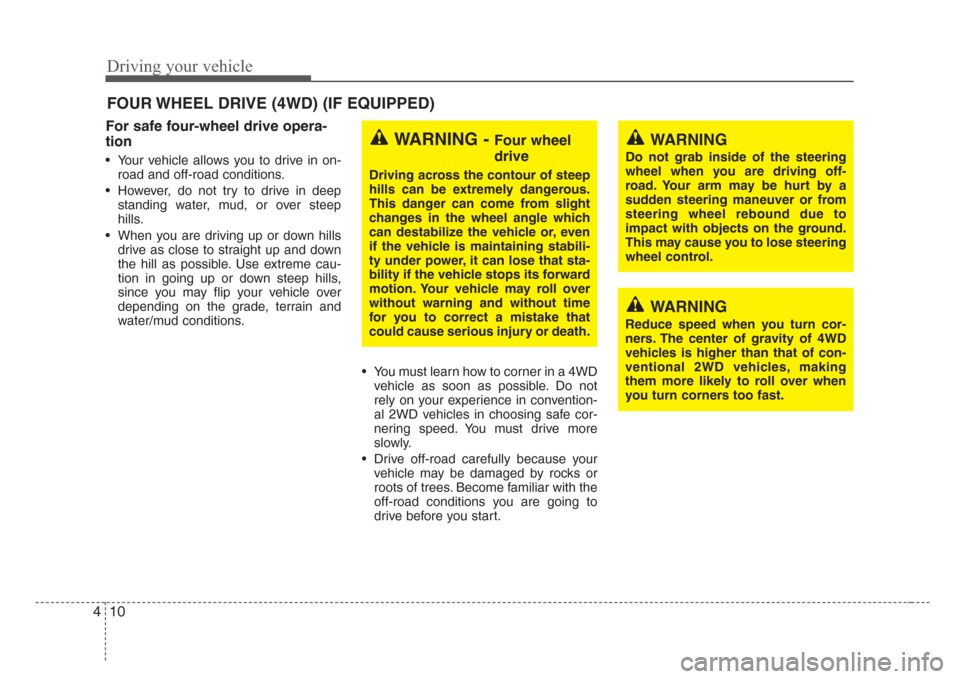
WARNING - Four wheel
drive
Driving across the contour of steep
hills can be extremely dangerous.
This danger can come from slight
changes in the wheel angle which
can destabilize the vehicle or, even
if the vehicle is maintaining stabili-
ty under power, it can lose that sta-
bility if the vehicle stops its forward
motion. Your vehicle may roll over
without warning and without time
for you to correct a mistake that
could cause serious injury or death.
WARNING
Reduce speed when you turn cor-
ners. The center of gravity of 4WD
vehicles is higher than that of con-
ventional 2WD vehicles, making
them more likely to roll over when
you turn corners too fast.
WARNING
Do not grab inside of the steering
wheel when you are driving off-
road. Your arm may be hurt by a
sudden steering maneuver or from
steering wheel rebound due to
impact with objects on the ground.
This may cause you to lose steering
wheel control.
Page 142 of 326
Driving your vehicle
12 4
✽
NOTICE
When the vehicle shifts into 4WD mode,
a slight mechanical sound and vibration
may be felt and does not indicate a prob-
lem with the system.
To avoid shift shock, when the vehicle is
stopped and you make a transfer case
shift using the transfer shift knob, wait
until the corresponding indicator light in
the instrument cluster illuminates before
driving.
Knob position
This is used to set different positions.
AUTO
Full power delivered to front and rear
axle for increased traction. Use this mode
for normal on-road driving.
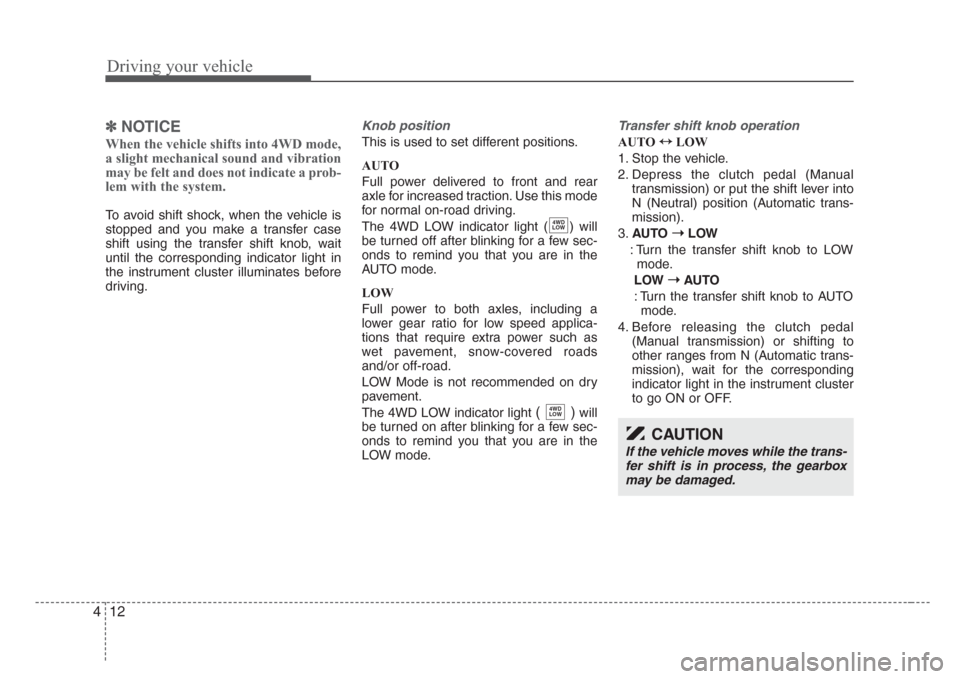
The 4WD LOW indicator light ( ) will
be turned off after blinking for a few sec-
onds to remind you that you are in the
AUTO mode.
LOW
Full power to both axles, including a
lower gear ratio for low speed applica-
tions that require extra power such as
wet pavement, snow-covered roads
and/or off-road.
LOW Mode is not recommended on dry
pavement.
The 4WD LOW indicator light
( )will
be turned on after blinking for a few sec-
onds to remind you that you are in the
LOW mode.
Transfer shift knob operation
AUTO ↔
LOW
1. Stop the vehicle.
2. Depress the clutch pedal (Manual
transmission) or put the shift lever into
N (Neutral) position (Automatic trans-
mission).
3.AUTO ➝
LOW
: Turn the transfer shift knob to LOW
mode.
LOW ➝
AUTO
: Turn the transfer shift knob to AUTO
mode.
4. Before releasing the clutch pedal
(Manual transmission) or shifting to
other ranges from N (Automatic trans-
mission), wait for the corresponding
indicator light in the instrument cluster
to go ON or OFF.
4WD
LOW
4WD
LOW
CAUTION
If the vehicle moves while the trans-
fer shift is in process, the gearbox
may be damaged.
Page 143 of 326
413
Driving your vehicle
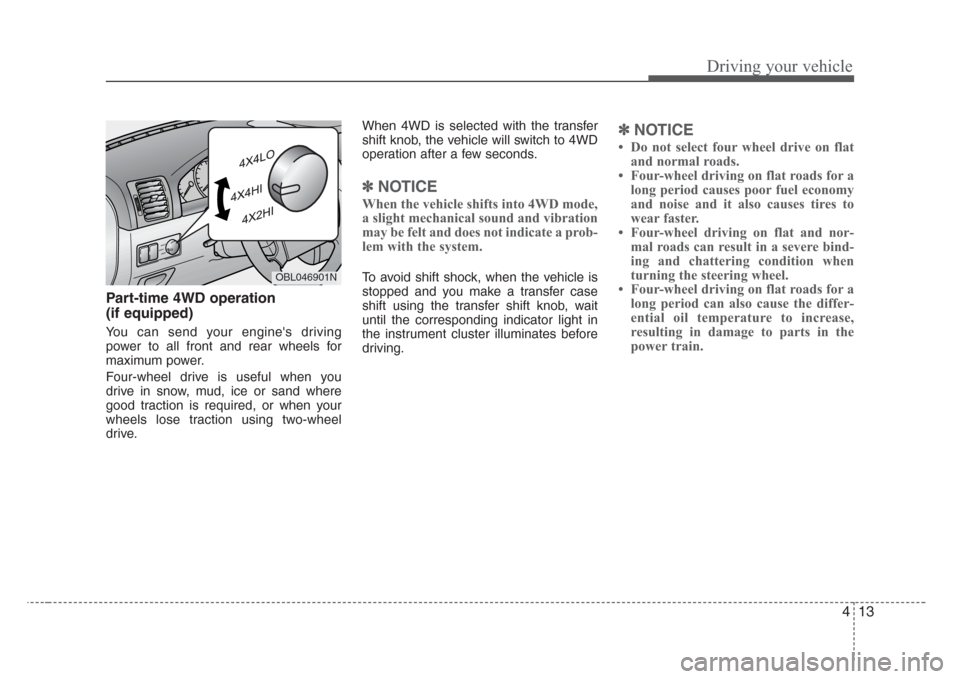
Part-time 4WD operation
(if equipped)
You can send your engine's driving
power to all front and rear wheels for
maximum power.
Four-wheel drive is useful when you
drive in snow, mud, ice or sand where
good traction is required, or when your
wheels lose traction using two-wheel
drive.When 4WD is selected with the transfer
shift knob, the vehicle will switch to 4WD
operation after a few seconds.
✽
NOTICE
When the vehicle shifts into 4WD mode,
a slight mechanical sound and vibration
may be felt and does not indicate a prob-
lem with the system.
To avoid shift shock, when the vehicle is
stopped and you make a transfer case
shift using the transfer shift knob, wait
until the corresponding indicator light in
the instrument cluster illuminates before
driving.
✽
NOTICE
Do not select four wheel drive on flat
and normal roads.
Four-wheel driving on flat roads for a
long period causes poor fuel economy
and noise and it also causes tires to
wear faster.
Four-wheel driving on flat and nor-
mal roads can result in a severe bind-
ing and chattering condition when
turning the steering wheel.
Four-wheel driving on flat roads for a
long period can also cause the differ-
ential oil temperature to increase,
resulting in damage to parts in the
power train.
OBL046901N
Page 144 of 326
Driving your vehicle
14 4
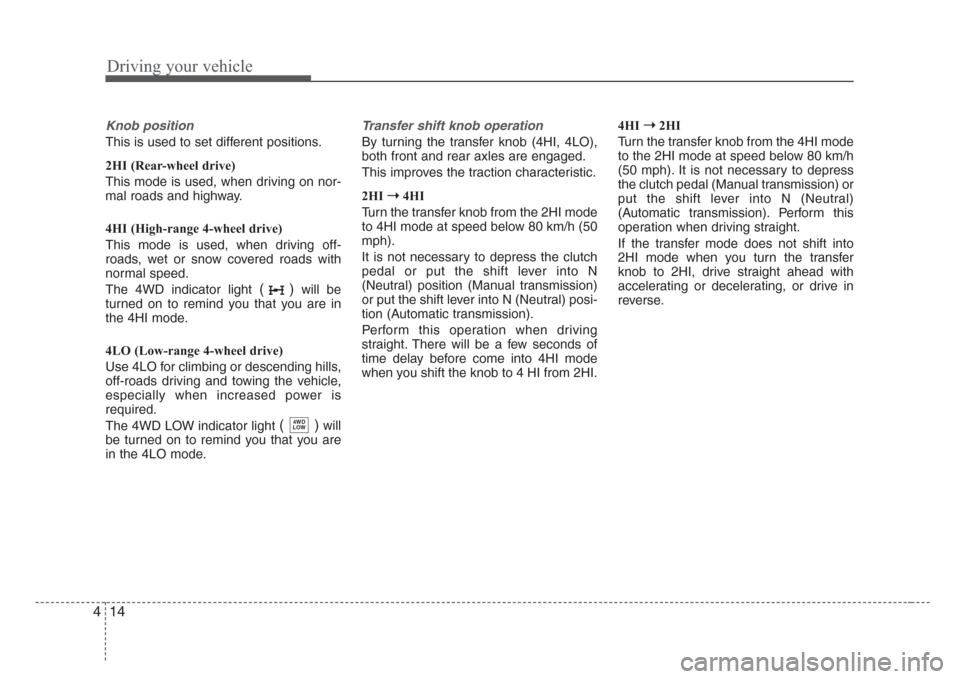
Knob position
This is used to set different positions.
2HI (Rear-wheel drive)
This mode is used, when driving on nor-
mal roads and highway.
4HI (High-range 4-wheel drive)
This mode is used, when driving off-
roads, wet or snow covered roads with
normal speed.
The 4WD indicator light
()will be
turned on to remind you that you are in
the 4HI mode.
4LO (Low-range 4-wheel drive)
Use 4LO for climbing or descending hills,
off-roads driving and towing the vehicle,
especially when increased power is
required.
The 4WD LOW indicator light
( )will
be turned on to remind you that you are
in the 4LO mode.
Transfer shift knob operation
By turning the transfer knob (4HI, 4LO),
both front and rear axles are engaged.
This improves the traction characteristic.
2HI➝
4HI
Turn the transfer knob from the 2HI mode
to 4HI mode at speed below 80 km/h (50
mph).
It is not necessary to depress the clutch
pedal or put the shift lever into N
(Neutral) position (Manual transmission)
or put the shift lever into N (Neutral) posi-
tion (Automatic transmission).
Perform this operation when driving
straight. There will be a few seconds of
time delay before come into 4HI mode
when you shift the knob to 4 HI from 2HI.4HI➝
2HI
Turn the transfer knob from the 4HI mode
to the 2HI mode at speed below 80 km/h
(50 mph). It is not necessary to depress
the clutch pedal (Manual transmission) or
put the shift lever into N (Neutral)
(Automatic transmission). Perform this
operation when driving straight.
If the transfer mode does not shift into
2HI mode when you turn the transfer
knob to 2HI, drive straight ahead with
accelerating or decelerating, or drive in
reverse.
4WD
LOW