ESP KIA Sorento 2011 2.G Owner's Guide
[x] Cancel search | Manufacturer: KIA, Model Year: 2011, Model line: Sorento, Model: KIA Sorento 2011 2.GPages: 377, PDF Size: 7.51 MB
Page 201 of 377
4 123
Features of your vehicle
Using SIRIUS Satellite RadioYour Kia vehicle is equipped with a 3
month complimentary period of SIRIUS
Satellite Radio so you have access to
over 130 channels of music, information,
and entertainment programming.ActivationIn order to extend or reactivate your sub-
scription to SIRIUS Satellite Radio, you
will need to contact SIRIUS Customer
Care at 888-539-7474. Have your 12 digit
SID (Sirius Identification Number)/ESN
(Electronic Serial Number) ready. To
retrieve the SID/ESN, turn on the radio,
press the [SAT] button, and tune to chan-
nel zero. Please note that the vehicle will
need to be turned on, in Sirius mode, and
have an unobstructed view of the sky in
order for the radio to receive the activa-
tion signal.
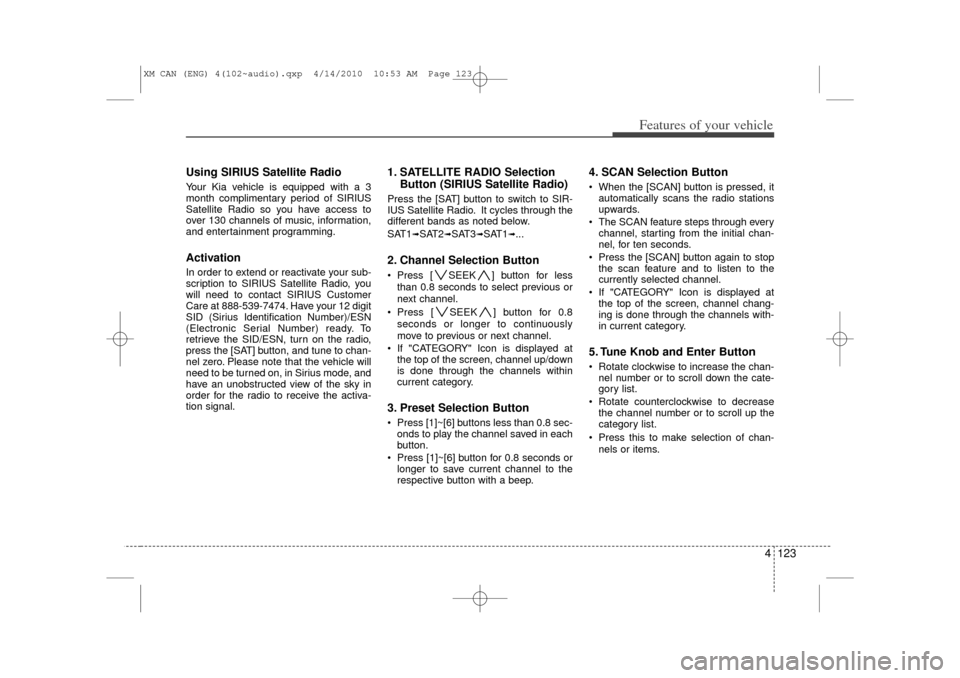
1. SATELLITE RADIO SelectionButton (SIRIUS Satellite Radio)Press the [SAT] button to switch to SIR-
IUS Satellite Radio. It cycles through the
different bands as noted below.
SAT1
➟SAT2
➟SAT3
➟SAT1
➟...
2. Channel Selection Button Press [ SEEK ] button for less
than 0.8 seconds to select previous or
next channel.
Press [ SEEK ] button for 0.8 seconds or longer to continuously
move to previous or next channel.
If "CATEGORY" Icon is displayed at the top of the screen, channel up/down
is done through the channels within
current category.3. Preset Selection Button Press [1]~[6] buttons less than 0.8 sec-onds to play the channel saved in each
button.
Press [1]~[6] button for 0.8 seconds or longer to save current channel to the
respective button with a beep.
4. SCAN Selection Button When the [SCAN] button is pressed, itautomatically scans the radio stations
upwards.
The SCAN feature steps through every channel, starting from the initial chan-
nel, for ten seconds.
Press the [SCAN] button again to stop the scan feature and to listen to the
currently selected channel.
If "CATEGORY" Icon is displayed at the top of the screen, channel chang-
ing is done through the channels with-
in current category.5. Tune Knob and Enter Button Rotate clockwise to increase the chan-nel number or to scroll down the cate-
gory list.
Rotate counterclockwise to decrease the channel number or to scroll up the
category list.
Press this to make selection of chan- nels or items.
XM CAN (ENG) 4(102~audio).qxp 4/14/2010 10:53 AM Page 123
Page 205 of 377
4 127
Features of your vehicle
■Voice Recognition Activation The voice recognition engine containedin the Bluetooth System can be activat-
ed in the following conditions:
- Button Activation
The voice recognition system will be
active when the button is
pressed and after the sound of a
Beep.
- Active Listening The voice recognition system will be
active for a period of time when the
Voice Recognition system has asked
for a customer response.
The system can recognize single digits- from zero to nine while number greater
than ten will not be recognized.
If the command is not recognized, the system will announce "Pardon" or No
input voice signal from microphone. (No
response)
The system shall cancel voice recogn- tion mode in following cases : When
pressing the button and saying
cancel following the beep. When not
making a call and pressing the
button. When voice recognition has
failed 3 consecutive times. At any time if you say “help”, the system
will announce what commands are
available.
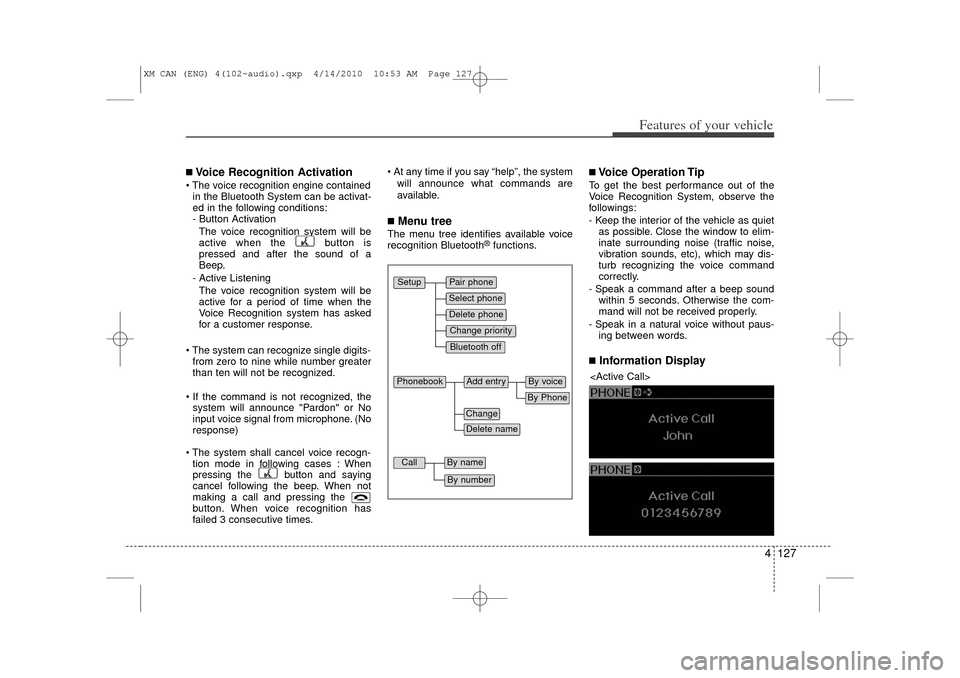
■Menu treeThe menu tree identifies available voice
recognition Bluetooth
®functions.
■Voice Operation TipTo get the best performance out of the
Voice Recognition System, observe the
followings:
- Keep the interior of the vehicle as quietas possible. Close the window to elim-
inate surrounding noise (traffic noise,
vibration sounds, etc), which may dis-
turb recognizing the voice command
correctly.
- Speak a command after a beep sound within 5 seconds. Otherwise the com-
mand will not be received properly.
- Speak in a natural voice without paus- ing between words.■Information Display
Pair phoneSelect phoneChange priorityDelete phoneBluetooth off
Setup
Add entry
Phonebook
ChangeDelete name
By PhoneBy voice
Call
By nameBy number
XM CAN (ENG) 4(102~audio).qxp 4/14/2010 10:53 AM Page 127
Page 209 of 377
4 131
Features of your vehicle
✽
✽NOTICE- The system can recognize single digits
from zero to nine. Numbers that are
ten or greater cannot be recognized.
- You can enter each digit individually or group digits together in preferred
string lengths.
- To speed up input, it is a good idea to group all digits into a continuous
string.
- The display corresponding to each operation appears on the screen as fol-
lows:
- Input operation example: 1. Say: “Nine, nine, five”➟ Display: “995”
2. And say: “Seven, three, four”➟ Display: “995734”
Adding Entry by Phone
1. Press button.
2. Say "Phonebook".
3. Say "Add Entry" after prompt.
4. Say "By Phone" to proceed.
5. Say “Yes” to confirm.
6. Your phone will start to transfer phone/contact list to the audio system.
This process may take over 10 minutes
depending on the phone model and
number of entries
7. Wait until the audio displays “Transfer Complete” message.
Changing Name
The registered names can be modified.
1. Press button.
2. Say “Phonebook”.
3. Say “Change Name” after prompt.
4. Say the name of the entry (voice tag).
5. Say “Yes” to confirm.
6. Say new desired name.
Deleting Name
The registered names can be deleted.
1. Press button.
2. Say “Phonebook”.
3. Say “Delete Name” after prompt.
4. Say the name of the entry (voice tag).
5. Say “Yes” to confirm.
■Making a Phone Call Calling by Name
A phone call can be made by speaking
names registered in the audio system.
1. Press button.
2. Say "Call".
3. Say “Name” when prompted.
4. Say desired name (voice tag).
5. Say desired location (phone number type). Only stored locations can be
selected.
6. Say “Yes” to confirm and make a call.
✽ ✽ TipA shortcut to each of the following func-
tions is available:
1. Say “Call Name”
2. Say “Call
3. Say “Call
XM CAN (ENG) 4(102~audio).qxp 4/14/2010 10:53 AM Page 131
Page 214 of 377
53
Driving your vehicle
E020100AUNBefore entering vehicle• Be sure that all windows, outside mir-ror(s), and outside lights are clean.
Check the condition of the tires.
Check under the vehicle for any sign of leaks.
Be sure there are no obstacles behind you if you intend to back up.E020200AXMNecessary inspectionsFluid levels, such as engine oil, engine
coolant, brake fluid, and washer fluid
should be checked on a regular basis, at
the exact interval depending on the fluid.
Further details are provided in section 7,
“Maintenance”.E020300AHMBefore starting Close and lock all doors.
Position the seat so that all controls areeasily reached.
Adjust the inside and outside rearview mirrors. Be sure that all lights work.
Check all gauges.
Check the operation of warning lights
when the ignition switch is turned to
the ON position.
Release the parking brake and make sure the brake warning light goes out.
For safe operation, be sure you are famil-
iar with your vehicle and its equipment.BEFORE DRIVING
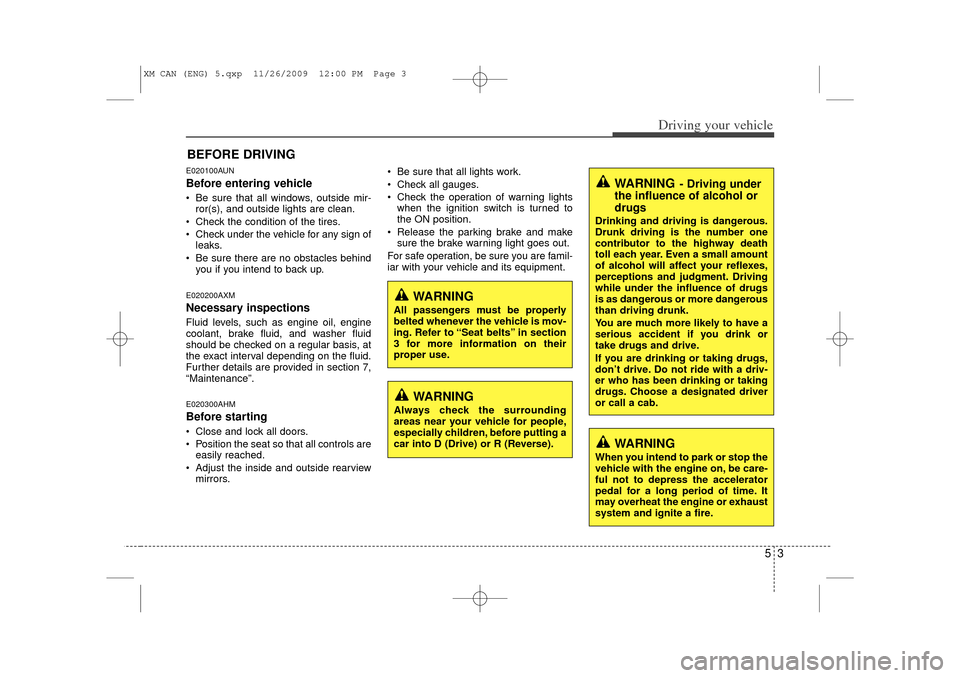
WARNING
All passengers must be properly
belted whenever the vehicle is mov-
ing. Refer to “Seat belts” in section
3 for more information on their
proper use.
WARNING
Always check the surrounding
areas near your vehicle for people,
especially children, before putting a
car into D (Drive) or R (Reverse).
WARNING
- Driving under
the influence of alcohol or
drugs
Drinking and driving is dangerous.
Drunk driving is the number one
contributor to the highway death
toll each year. Even a small amount
of alcohol will affect your reflexes,
perceptions and judgment. Driving
while under the influence of drugs
is as dangerous or more dangerous
than driving drunk.
You are much more likely to have a
serious accident if you drink or
take drugs and drive.
If you are drinking or taking drugs,
don’t drive. Do not ride with a driv-
er who has been drinking or taking
drugs. Choose a designated driver
or call a cab.
WARNING
When you intend to park or stop the
vehicle with the engine on, be care-
ful not to depress the accelerator
pedal for a long period of time. It
may overheat the engine or exhaust
system and ignite a fire.
XM CAN (ENG) 5.qxp 11/26/2009 12:00 PM Page 3
Page 225 of 377
Driving your vehicle14
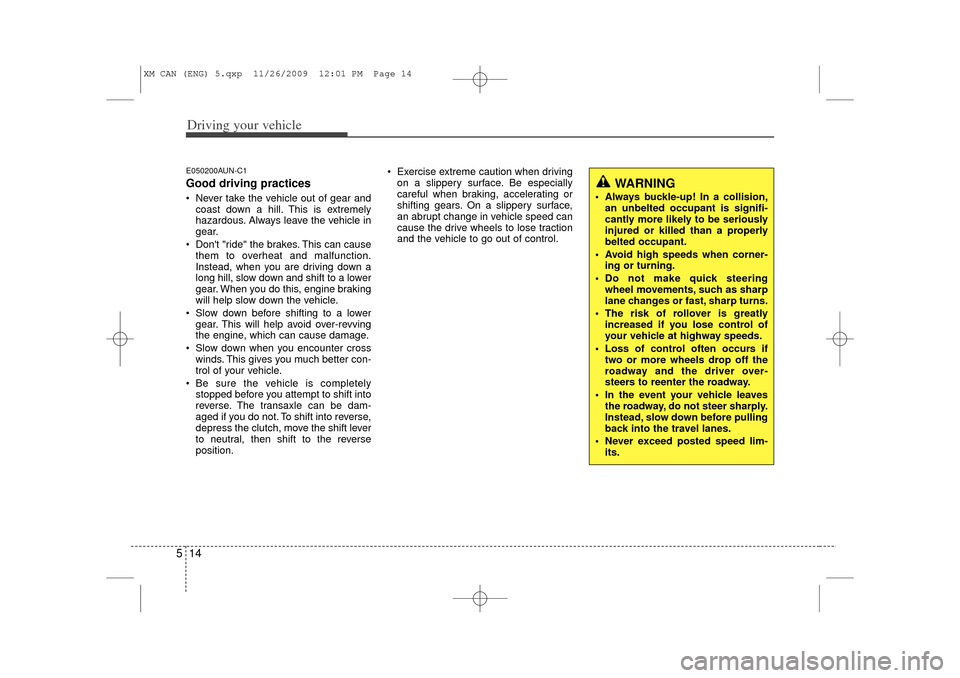
5E050200AUN-C1Good driving practices Never take the vehicle out of gear and
coast down a hill. This is extremely
hazardous. Always leave the vehicle in
gear.
Don't "ride" the brakes. This can cause them to overheat and malfunction.
Instead, when you are driving down a
long hill, slow down and shift to a lower
gear. When you do this, engine braking
will help slow down the vehicle.
Slow down before shifting to a lower gear. This will help avoid over-revving
the engine, which can cause damage.
Slow down when you encounter cross winds. This gives you much better con-
trol of your vehicle.
Be sure the vehicle is completely stopped before you attempt to shift into
reverse. The transaxle can be dam-
aged if you do not. To shift into reverse,
depress the clutch, move the shift lever
to neutral, then shift to the reverse
position. Exercise extreme caution when driving
on a slippery surface. Be especially
careful when braking, accelerating or
shifting gears. On a slippery surface,
an abrupt change in vehicle speed can
cause the drive wheels to lose traction
and the vehicle to go out of control.
WARNING
Always buckle-up! In a collision,an unbelted occupant is signifi-
cantly more likely to be seriously
injured or killed than a properly
belted occupant.
Avoid high speeds when corner- ing or turning.
Do not make quick steering wheel movements, such as sharp
lane changes or fast, sharp turns.
The risk of rollover is greatly increased if you lose control of
your vehicle at highway speeds.
Loss of control often occurs if two or more wheels drop off the
roadway and the driver over-
steers to reenter the roadway.
In the event your vehicle leaves the roadway, do not steer sharply.
Instead, slow down before pulling
back into the travel lanes.
Never exceed posted speed lim- its.
XM CAN (ENG) 5.qxp 11/26/2009 12:01 PM Page 14
Page 227 of 377
Driving your vehicle16
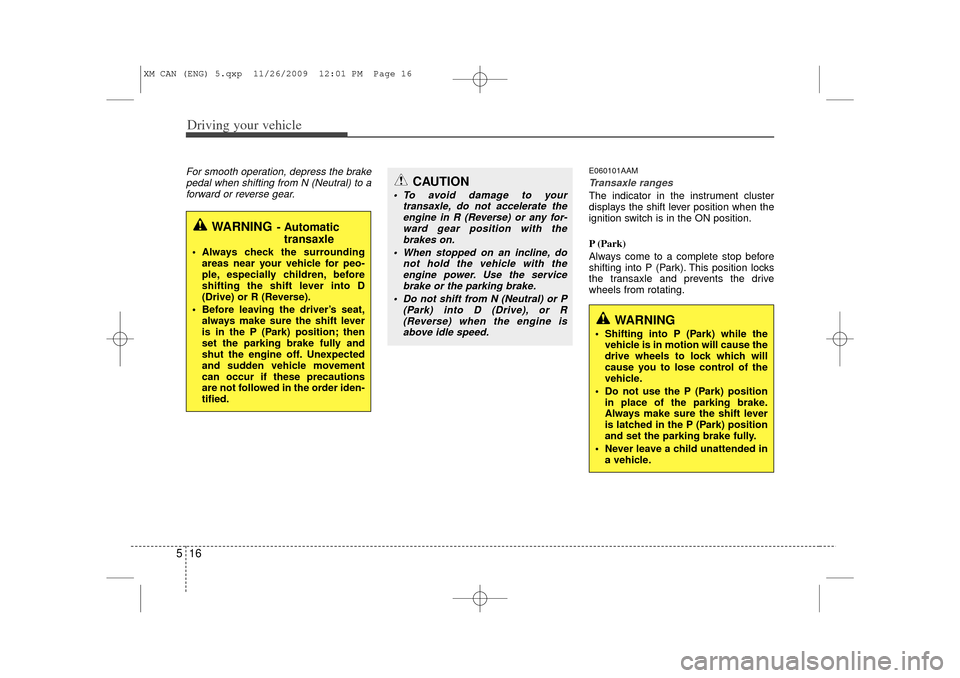
5For smooth operation, depress the brake
pedal when shifting from N (Neutral) to aforward or reverse gear.
E060101AAMTransaxle rangesThe indicator in the instrument cluster
displays the shift lever position when the
ignition switch is in the ON position.
P (Park)
Always come to a complete stop before
shifting into P (Park). This position locks
the transaxle and prevents the drive
wheels from rotating.
WARNING
- Automatic transaxle
Always check the surrounding
areas near your vehicle for peo-
ple, especially children, before
shifting the shift lever into D
(Drive) or R (Reverse).
Before leaving the driver’s seat, always make sure the shift lever
is in the P (Park) position; then
set the parking brake fully and
shut the engine off. Unexpected
and sudden vehicle movement
can occur if these precautions
are not followed in the order iden-
tified.
CAUTION
To avoid damage to your transaxle, do not accelerate theengine in R (Reverse) or any for-ward gear position with thebrakes on.
When stopped on an incline, do not hold the vehicle with theengine power. Use the service brake or the parking brake.
Do not shift from N (Neutral) or P (Park) into D (Drive), or R(Reverse) when the engine isabove idle speed.
WARNING
Shifting into P (Park) while the vehicle is in motion will cause the
drive wheels to lock which will
cause you to lose control of the
vehicle.
Do not use the P (Park) position in place of the parking brake.
Always make sure the shift lever
is latched in the P (Park) position
and set the parking brake fully.
Never leave a child unattended in a vehicle.
XM CAN (ENG) 5.qxp 11/26/2009 12:01 PM Page 16
Page 230 of 377
519
Driving your vehicle
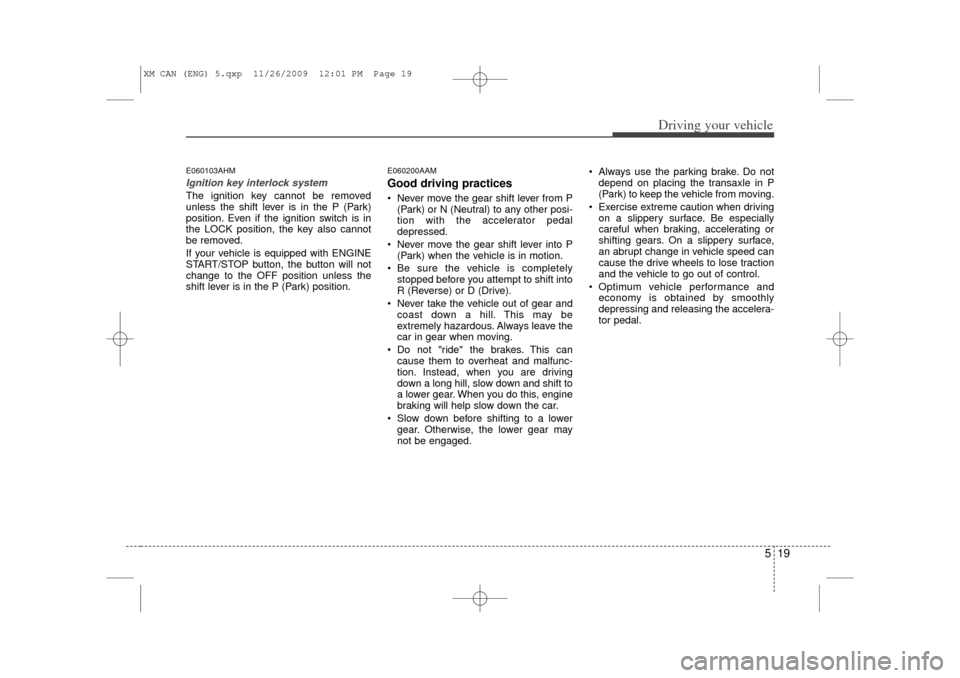
E060103AHMIgnition key interlock system The ignition key cannot be removed
unless the shift lever is in the P (Park)
position. Even if the ignition switch is in
the LOCK position, the key also cannot
be removed.
If your vehicle is equipped with ENGINE
START/STOP button, the button will not
change to the OFF position unless the
shift lever is in the P (Park) position.
E060200AAMGood driving practices Never move the gear shift lever from P(Park) or N (Neutral) to any other posi-
tion with the accelerator pedal
depressed.
Never move the gear shift lever into P (Park) when the vehicle is in motion.
Be sure the vehicle is completely stopped before you attempt to shift into
R (Reverse) or D (Drive).
Never take the vehicle out of gear and coast down a hill. This may be
extremely hazardous. Always leave the
car in gear when moving.
Do not "ride" the brakes. This can cause them to overheat and malfunc-
tion. Instead, when you are driving
down a long hill, slow down and shift to
a lower gear. When you do this, engine
braking will help slow down the car.
Slow down before shifting to a lower gear. Otherwise, the lower gear may
not be engaged. Always use the parking brake. Do not
depend on placing the transaxle in P
(Park) to keep the vehicle from moving.
Exercise extreme caution when driving on a slippery surface. Be especially
careful when braking, accelerating or
shifting gears. On a slippery surface,
an abrupt change in vehicle speed can
cause the drive wheels to lose traction
and the vehicle to go out of control.
Optimum vehicle performance and economy is obtained by smoothly
depressing and releasing the accelera-
tor pedal.
XM CAN (ENG) 5.qxp 11/26/2009 12:01 PM Page 19
Page 232 of 377
521
Driving your vehicle
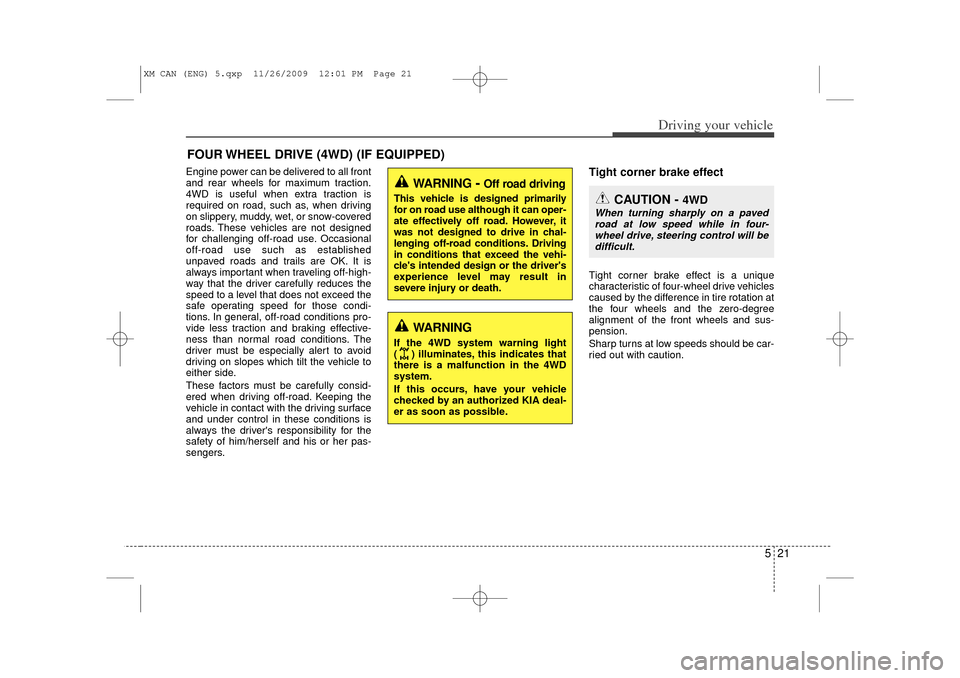
Engine power can be delivered to all front
and rear wheels for maximum traction.
4WD is useful when extra traction is
required on road, such as, when driving
on slippery, muddy, wet, or snow-covered
roads. These vehicles are not designed
for challenging off-road use. Occasional
off-road use such as established
unpaved roads and trails are OK. It is
always important when traveling off-high-
way that the driver carefully reduces the
speed to a level that does not exceed the
safe operating speed for those condi-
tions. In general, off-road conditions pro-
vide less traction and braking effective-
ness than normal road conditions. The
driver must be especially alert to avoid
driving on slopes which tilt the vehicle to
either side.
These factors must be carefully consid-
ered when driving off-road. Keeping the
vehicle in contact with the driving surface
and under control in these conditions is
always the driver's responsibility for the
safety of him/herself and his or her pas-
sengers.
Tight corner brake effectTight corner brake effect is a unique
characteristic of four-wheel drive vehicles
caused by the difference in tire rotation at
the four wheels and the zero-degree
alignment of the front wheels and sus-
pension.
Sharp turns at low speeds should be car-
ried out with caution.
FOUR WHEEL DRIVE (4WD) (IF EQUIPPED)
WARNING
- Off road driving
This vehicle is designed primarily
for on road use although it can oper-
ate effectively off road. However, it
was not designed to drive in chal-
lenging off-road conditions. Driving
in conditions that exceed the vehi-
cle's intended design or the driver's
experience level may result in
severe injury or death.
WARNING
If the 4WD system warning light
( ) illuminates, this indicates that
there is a malfunction in the 4WD
system.
If this occurs, have your vehicle
checked by an authorized KIA deal-
er as soon as possible.
CAUTION -
4WD
When turning sharply on a pavedroad at low speed while in four- wheel drive, steering control will bedifficult.
XM CAN (ENG) 5.qxp 11/26/2009 12:01 PM Page 21
Page 233 of 377
Driving your vehicle22
5
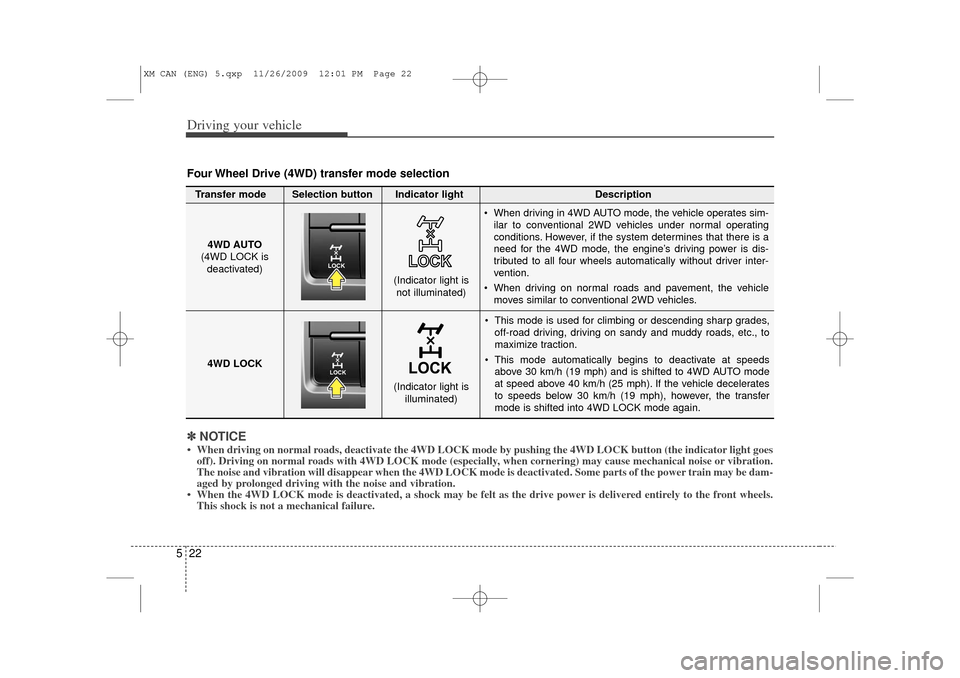
This mode is used for climbing or descending sharp grades,
off-road driving, driving on sandy and muddy roads, etc., to
maximize traction.
This mode automatically begins to deactivate at speeds above 30 km/h (19 mph) and is shifted to 4WD AUTO mode
at speed above 40 km/h (25 mph). If the vehicle decelerates
to speeds below 30 km/h (19 mph), however, the transfer
mode is shifted into 4WD LOCK mode again.
4WD AUTO
(4WD LOCK is
deactivated)
(Indicator light isnot illuminated)
✽ ✽ NOTICE• When driving on normal roads, deactivate the 4WD LOCK mode by pushing the 4WD LOCK button (the \
indicator light goes
off). Driving on normal roads with 4WD LOCK mode (especially, when cornering) may cause mechanical noise or vibration.
The noise and vibration will disappear when the 4WD LOCK mode is deactivated. Some parts of the power train may be dam-
aged by prolonged driving with the noise and vibration.
• When the 4WD LOCK mode is deactivated, a shock may be felt as the drive \
power is delivered entirely to the front wheels. This shock is not a mechanical failure.Four Wheel Drive (4WD) transfer mode selectionTransfer mode Selection button Indicator light Description
When driving in 4WD AUTO mode, the vehicle operates sim-
ilar to conventional 2WD vehicles under normal operating
conditions. However, if the system determines that there is a
need for the 4WD mode, the engine’s driving power is dis-
tributed to all four wheels automatically without driver inter-
vention.
When driving on normal roads and pavement, the vehicle moves similar to conventional 2WD vehicles.
4WD LOCK
(Indicator light is illuminated)
XM CAN (ENG) 5.qxp 11/26/2009 12:01 PM Page 22
Page 236 of 377
525
Driving your vehicle
✽
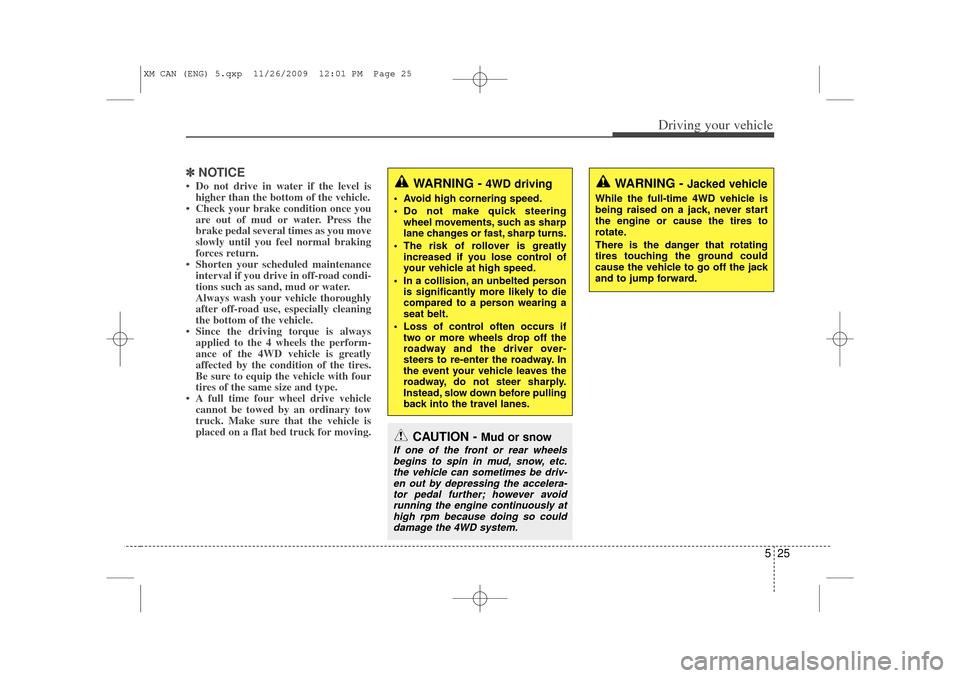
✽NOTICE• Do not drive in water if the level is
higher than the bottom of the vehicle.
• Check your brake condition once you are out of mud or water. Press the
brake pedal several times as you move
slowly until you feel normal braking
forces return.
• Shorten your scheduled maintenance interval if you drive in off-road condi-
tions such as sand, mud or water.
Always wash your vehicle thoroughly
after off-road use, especially cleaning
the bottom of the vehicle.
• Since the driving torque is always applied to the 4 wheels the perform-
ance of the 4WD vehicle is greatly
affected by the condition of the tires.
Be sure to equip the vehicle with four
tires of the same size and type.
• A full time four wheel drive vehicle cannot be towed by an ordinary tow
truck. Make sure that the vehicle is
placed on a flat bed truck for moving.
CAUTION -
Mud or snow
If one of the front or rear wheels
begins to spin in mud, snow, etc.the vehicle can sometimes be driv-en out by depressing the accelera-tor pedal further; however avoidrunning the engine continuously athigh rpm because doing so coulddamage the 4WD system.
WARNING -
4WD driving
Avoid high cornering speed.
Do not make quick steering wheel movements, such as sharp
lane changes or fast, sharp turns.
The risk of rollover is greatly increased if you lose control of
your vehicle at high speed.
In a collision, an unbelted person is significantly more likely to die
compared to a person wearing a
seat belt.
Loss of control often occurs if two or more wheels drop off the
roadway and the driver over-
steers to re-enter the roadway. In
the event your vehicle leaves the
roadway, do not steer sharply.
Instead, slow down before pulling
back into the travel lanes.
WARNING -
Jacked vehicle
While the full-time 4WD vehicle is
being raised on a jack, never start
the engine or cause the tires to
rotate.
There is the danger that rotating
tires touching the ground could
cause the vehicle to go off the jack
and to jump forward.
XM CAN (ENG) 5.qxp 11/26/2009 12:01 PM Page 25