ECU KIA Soul 2012 1.G Owner's Guide
[x] Cancel search | Manufacturer: KIA, Model Year: 2012, Model line: Soul, Model: KIA Soul 2012 1.GPages: 393, PDF Size: 8.76 MB
Page 153 of 393
Features of your vehicle
74
4
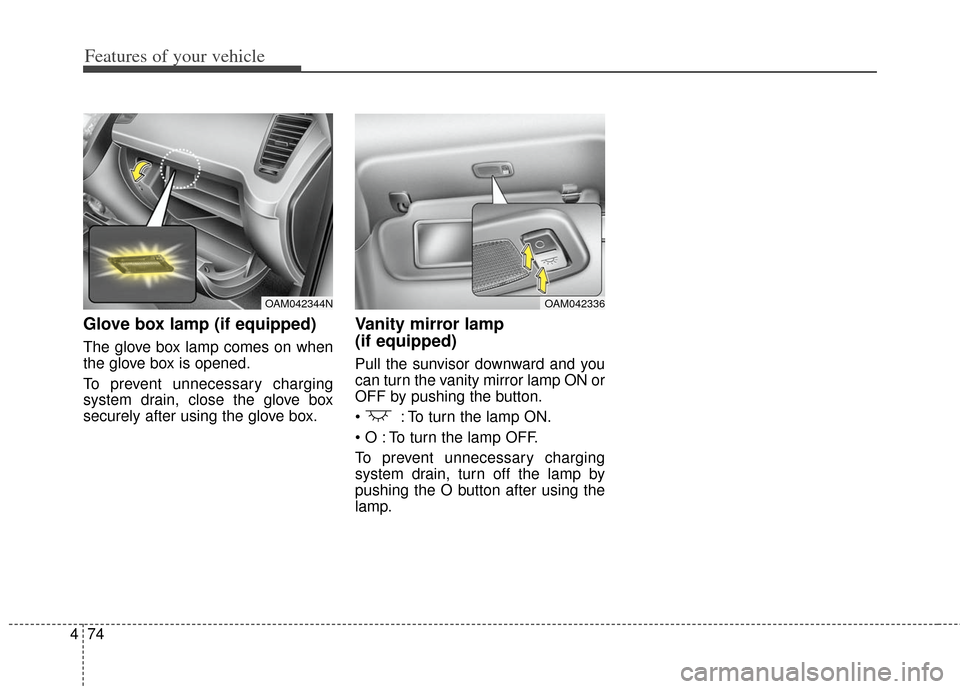
Glove box lamp (if equipped)
The glove box lamp comes on when
the glove box is opened.
To prevent unnecessary charging
system drain, close the glove box
securely after using the glove box.
Vanity mirror lamp
(if equipped)
Pull the sunvisor downward and you
can turn the vanity mirror lamp ON or
OFF by pushing the button.
: To turn the lamp ON.
To turn the lamp OFF.
To prevent unnecessary charging
system drain, turn off the lamp by
pushing the O button after using the
lamp.
OAM042344NOAM042336
Page 177 of 393
Features of your vehicle
98
4
These compartments can be used to
store small items.
To avoid possible theft, do not
leave valuables in the storage
compartment.
Always keep the storage compart- ment covers closed while driving.
Do not attempt to place so many
items in the storage compartment
that the storage compartment
cover cannot close securely.
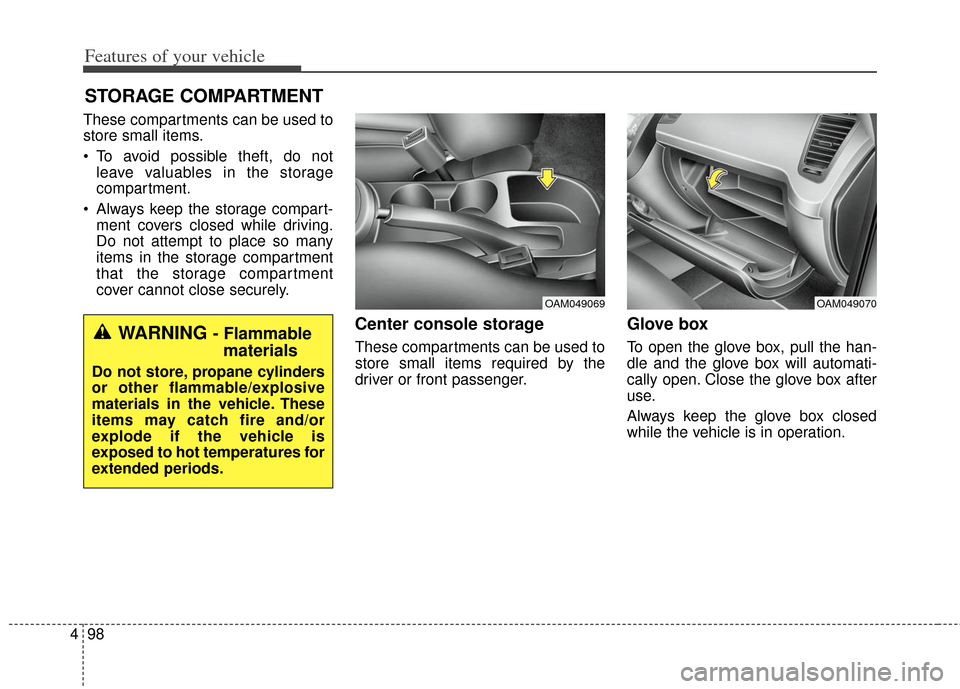
Center console storage
These compartments can be used to
store small items required by the
driver or front passenger.
Glove box
To open the glove box, pull the han-
dle and the glove box will automati-
cally open. Close the glove box after
use.
Always keep the glove box closed
while the vehicle is in operation.
STORAGE COMPARTMENT
OAM049070OAM049069
WARNING - Flammablematerials
Do not store, propane cylinders
or other flammable/explosive
materials in the vehicle. These
items may catch fire and/or
explode if the vehicle is
exposed to hot temperatures for
extended periods.
Page 183 of 393
Features of your vehicle
104
4
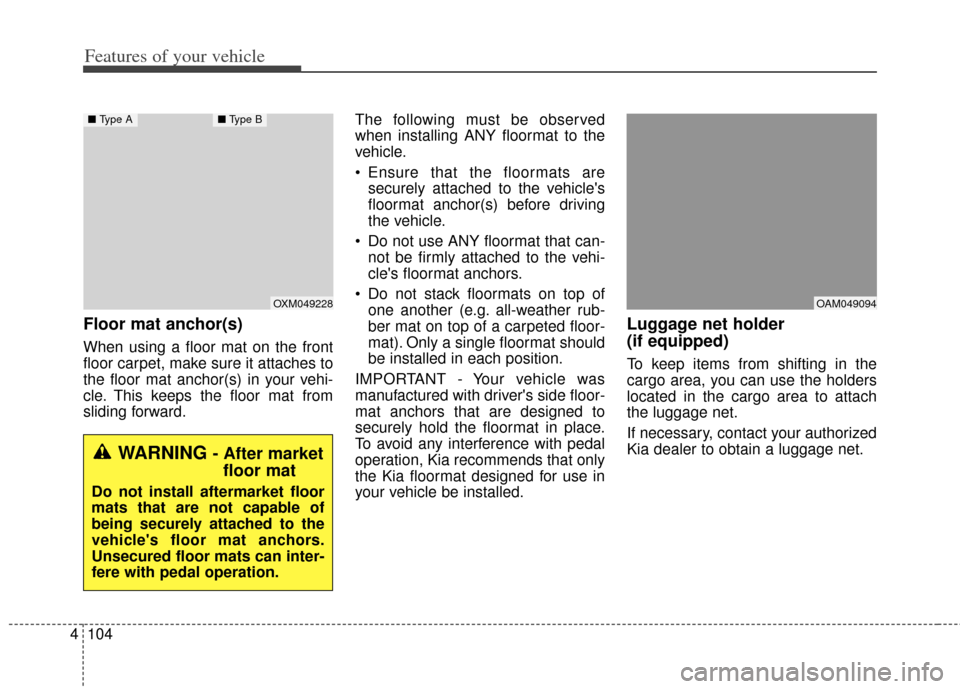
Floor mat anchor(s)
When using a floor mat on the front
floor carpet, make sure it attaches to
the floor mat anchor(s) in your vehi-
cle. This keeps the floor mat from
sliding forward. The following must be observed
when installing ANY floormat to the
vehicle.
Ensure that the floormats are
securely attached to the vehicle's
floormat anchor(s) before driving
the vehicle.
Do not use ANY floormat that can- not be firmly attached to the vehi-
cle's floormat anchors.
Do not stack floormats on top of one another (e.g. all-weather rub-
ber mat on top of a carpeted floor-
mat). Only a single floormat should
be installed in each position.
IMPORTANT - Your vehicle was
manufactured with driver's side floor-
mat anchors that are designed to
securely hold the floormat in place.
To avoid any interference with pedal
operation, Kia recommends that only
the Kia floormat designed for use in
your vehicle be installed.
Luggage net holder
(if equipped)
To keep items from shifting in the
cargo area, you can use the holders
located in the cargo area to attach
the luggage net.
If necessary, contact your authorized
Kia dealer to obtain a luggage net.
OXM049228
■ Type A■ Type B
WARNING - After market
floor mat
Do not install aftermarket floor
mats that are not capable of
being securely attached to the
vehicle's floor mat anchors.
Unsecured floor mats can inter-
fere with pedal operation.
OAM049094
Page 186 of 393
4107
Features of your vehicle
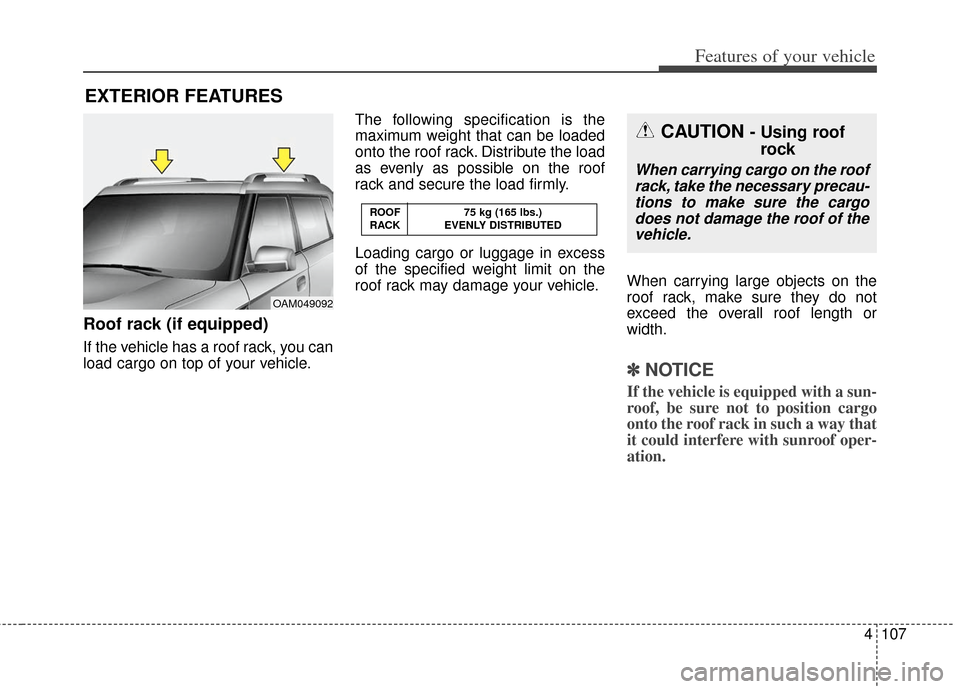
Roof rack (if equipped)
If the vehicle has a roof rack, you can
load cargo on top of your vehicle.The following specification is the
maximum weight that can be loaded
onto the roof rack. Distribute the load
as evenly as possible on the roof
rack and secure the load firmly.
Loading cargo or luggage in excess
of the specified weight limit on the
roof rack may damage your vehicle.
When carrying large objects on the
roof rack, make sure they do not
exceed the overall roof length or
width.
✽ ✽
NOTICE
If the vehicle is equipped with a sun-
roof, be sure not to position cargo
onto the roof rack in such a way that
it could interfere with sunroof oper-
ation.
EXTERIOR FEATURES
OAM049092 ROOF 75 kg (165 lbs.)
RACK EVENLY DISTRIBUTED
CAUTION - Using roof
rock
When carrying cargo on the roof
rack, take the necessary precau-tions to make sure the cargodoes not damage the roof of thevehicle.
Page 187 of 393
Features of your vehicle
108
4
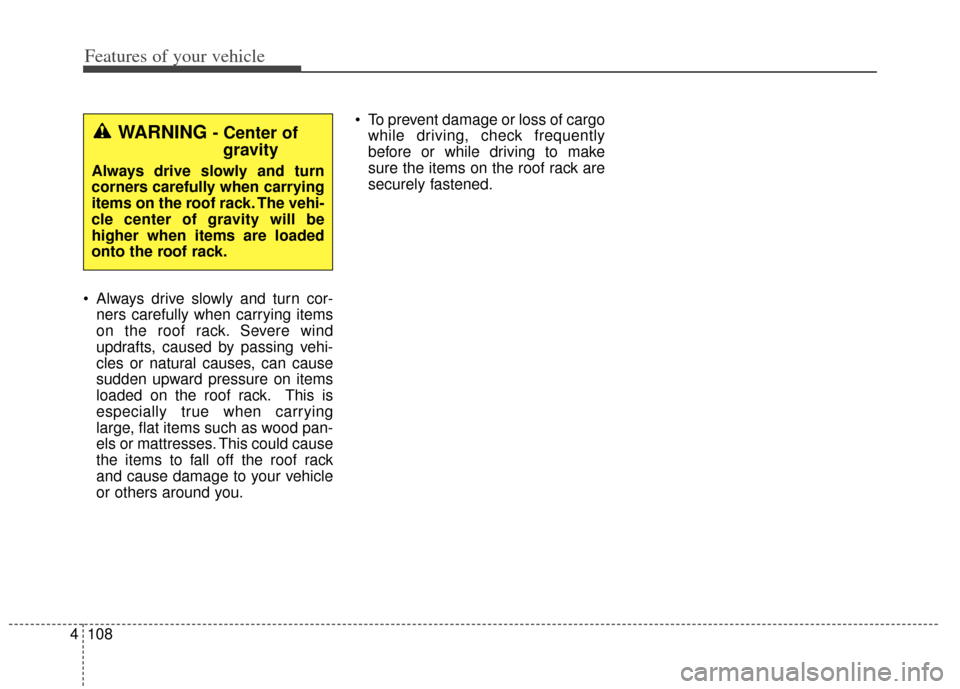
Always drive slowly and turn cor-
ners carefully when carrying items
on the roof rack. Severe wind
updrafts, caused by passing vehi-
cles or natural causes, can cause
sudden upward pressure on items
loaded on the roof rack. This is
especially true when carrying
large, flat items such as wood pan-
els or mattresses. This could cause
the items to fall off the roof rack
and cause damage to your vehicle
or others around you. To prevent damage or loss of cargo
while driving, check frequently
before or while driving to make
sure the items on the roof rack are
securely fastened.
WARNING - Center ofgravity
Always drive slowly and turn
corners carefully when carrying
items on the roof rack. The vehi-
cle center of gravity will be
higher when items are loaded
onto the roof rack.
Page 219 of 393
Features of your vehicle
140
4
Contacts Sync (Automatic
Phonebook download setting)
While in Advanced menu, select
“Contacts” To automatically save the
contacts and call history in your
mobile phone each time you connect
a mobile device, select ON. If you do
not wish for automatic download,
select OFF.
It’s not available to make a phone
call by
Bluetooth®wireless technolo-
gy enabled audio system while the
phonebook is being downloaded.
Language of Bluetooth®wireless
technology
voice recognition
While in ADVANCED menu, select
“Language”. To change the lan-
guage, select the desired language
and press the button.
Bluetooth®wireless technology
system off
While in ADVANCED menu, select
“BT Off ” to turn off the
Bluetooth®
wireless technology System.
■Voice Recognition Activation
The voice recognition engine con- tained in the
Bluetooth®wireless
technology System can be activat-
ed in the following conditions:
- Button Activation The voice recognition system will
be active when the button is
pressed and after the sound of a
Beep.
- Active Listening The voice recognition system will
be active for a period of time when
the Voice Recognition system has
asked for a customer response.
The system can recognize single digits from zero to nine while num-
ber greater than ten will not be rec-
ognized.
The system shall cancel voice recognition mode in following
cases : When pressing the but-
ton and saying “cancel” following
the beep. When not making a call
and pressing the button.
When voice recognition has failed
3 consecutive times. At any time if you say “help”, the
system will announce what com-
mands are available.
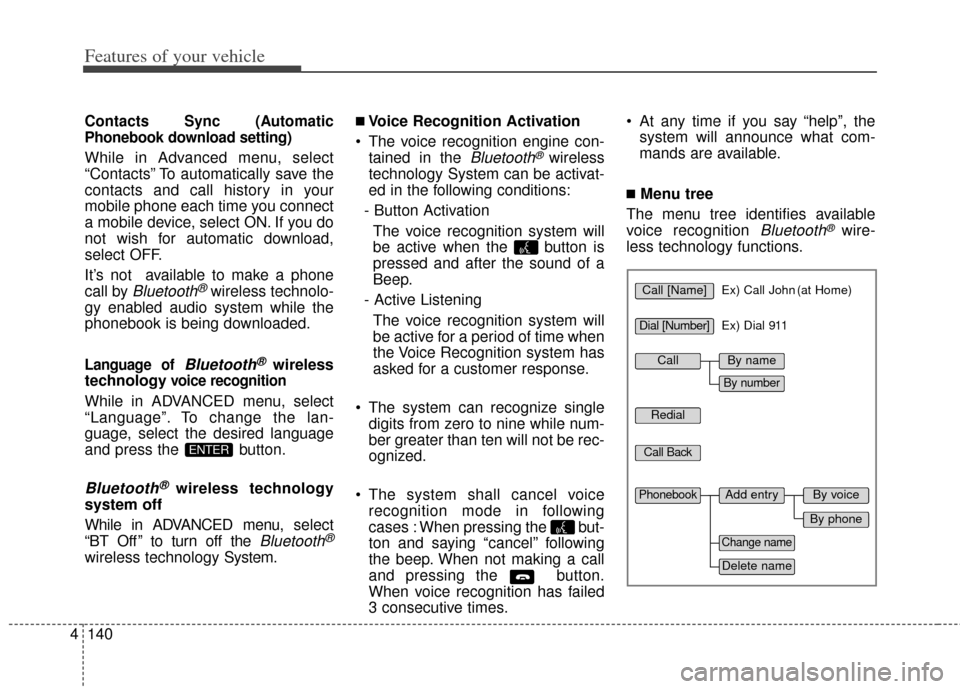
■Menu tree
The menu tree identifies available
voice recognition
Bluetooth®wire-
less technology functions.
ENTER
Call [Name]Ex) Call John (at Home)
Ex) Dial 911
Dial [Number]
Redial
Call Back
Add entryPhonebook
Change name
Delete name
By phone
By voice
CallBy name
By number
Page 226 of 393
Driving your vehicle
45
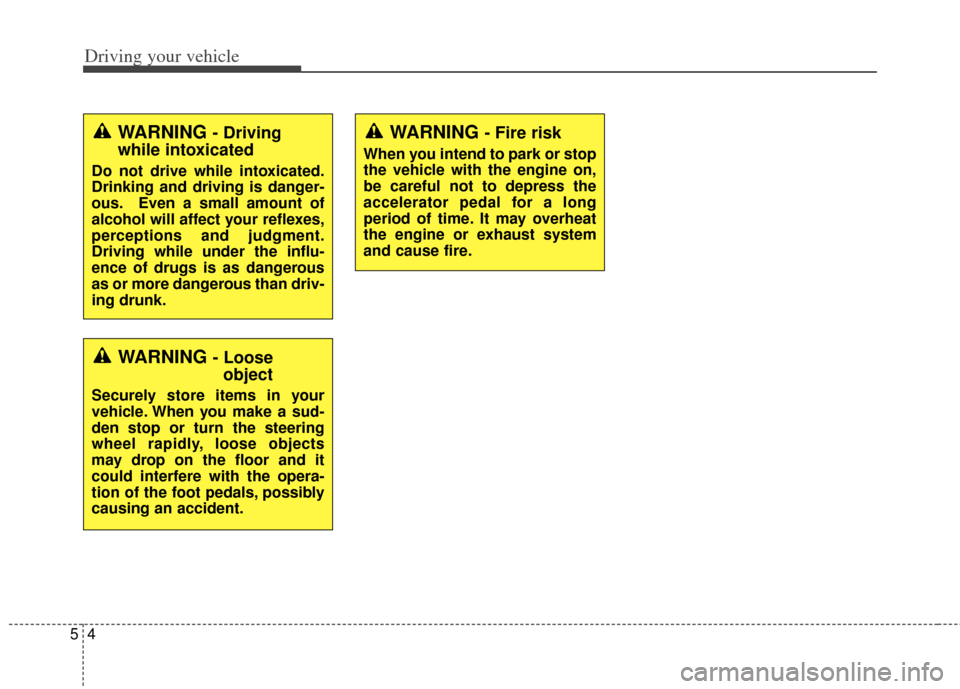
WARNING - Driving
while intoxicated
Do not drive while intoxicated.
Drinking and driving is danger-
ous. Even a small amount of
alcohol will affect your reflexes,
perceptions and judgment.
Driving while under the influ-
ence of drugs is as dangerous
as or more dangerous than driv-
ing drunk.
WARNING - Loose object
Securely store items in your
vehicle. When you make a sud-
den stop or turn the steering
wheel rapidly, loose objects
may drop on the floor and it
could interfere with the opera-
tion of the foot pedals, possibly
causing an accident.
WARNING - Fire risk
When you intend to park or stop
the vehicle with the engine on,
be careful not to depress the
accelerator pedal for a long
period of time. It may overheat
the engine or exhaust system
and cause fire.
Page 245 of 393
523
Driving your vehicle
In sports mode, the driver mustexecute upshifts in accordance
with road conditions, taking care to
keep the engine speed below the
red zone.
In sports mode, only the 6 forward gears can be selected. To reverse
or park the vehicle, move the shift
lever to the R (Reverse) or P (Park)
position as required.
In sports mode, downshifts are made automatically when the vehi-
cle slows down. When the vehicle
stops, 1st gear is automatically
selected.
In sports mode, when the engine rpm approaches the red zone shift
points are varied to upshift auto-
matically.
To maintain the required levels of vehicle performance and safety,
the system may not execute cer-
tain gearshifts when the shift lever
is operated. When driving on a slippery road,
push the shift lever forward into the
+(up) position. This causes the
transaxle to shift into the 2nd (or
third) gear which is better for
smooth driving on a slippery road.
Push the shift lever to the -(down)
side to shift back to the 1st gear.Shift lock system
For your safety, the automatic
transaxle has a shift lock system
which prevents shifting the transaxle
out of P (Park) unless the brake
pedal is depressed.
To shift the transaxle from P (Park)
into R (Reverse):
1. Depress and hold the brake pedal.
2. Start the engine or turn the ignition switch to the ON position.
3. Move the shift lever.
If the brake pedal is repeatedly
depressed and released with the
shift lever in the P (Park) position, a
chattering noise near the shift lever
may be heard. This is a normal con-
dition.
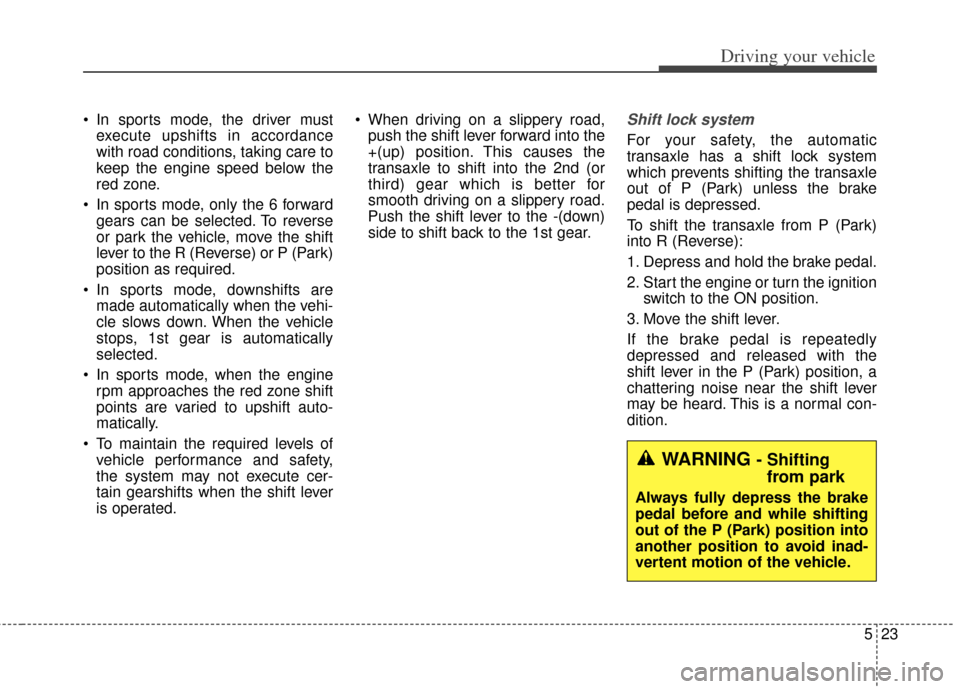
WARNING - Shifting from park
Always fully depress the brake
pedal before and while shifting
out of the P (Park) position into
another position to avoid inad-
vertent motion of the vehicle.
Page 278 of 393
Driving your vehicle
56
5
✽
✽
NOTICE
Overloading your vehicle may cause
damage. Repairs would not be cov-
ered by your warranty. Do not over-
load your vehicle.
WARNING - Loose cargo
Do not travel with unsecured
blunt objects in the passenger
compartment of your vehicle
(e.g. suit cases or unsecured
child seats). These items may
strike occupant during a sud-
den stop or crash.
Page 283 of 393
What to do in an emergency
46
IF THE ENGINE WILL NOT START
If engine doesn't turn over or
turns over slowly
1. If your car has an automatictransaxle, be sure the shift lever is
in N (Neutral) or P (Park) and the
emergency brake is set.
2. Check the battery connections to be sure they are clean and tight.
3. Turn on the interior light. If the light dims or goes out when you oper-
ate the starter, the battery is dis-
charged.
4. Check the starter connections to be sure they are securely tight-
ened.
5. Do not push or pull the vehicle to start it. See instructions for "Jump
starting".
If engine turns over normally
but does not start
1. Check the fuel level.
2. With the ignition switch in theLOCK position, check all connec-
tors at the ignition coils and spark
plugs. Reconnect any that may be
disconnected or loose.
3. Check the fuel line in the engine compartment.
4. If the engine still does not start, call an authorized Kia dealer or
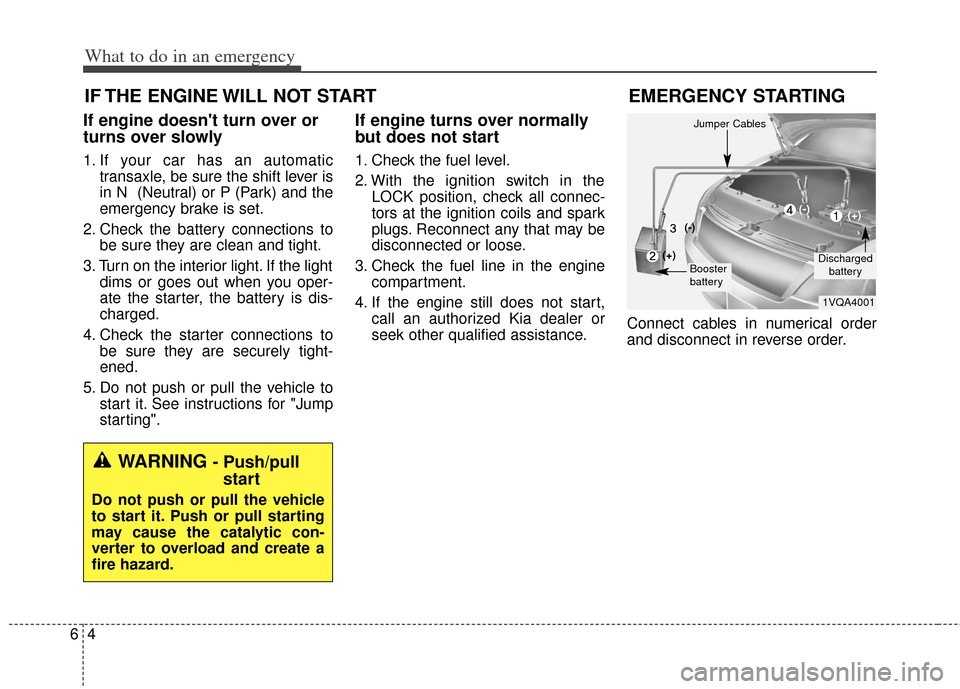
seek other qualified assistance. Connect cables in numerical order
and disconnect in reverse order.
WARNING - Push/pull
start
Do not push or pull the vehicle
to start it. Push or pull starting
may cause the catalytic con-
verter to overload and create a
fire hazard.
EMERGENCY STARTING
1VQA4001
Discharged
battery
Jumper Cables
Booster
battery
(-)
(+)
(+)(-)