engine KIA Soul 2014 2.G Owners Manual
[x] Cancel search | Manufacturer: KIA, Model Year: 2014, Model line: Soul, Model: KIA Soul 2014 2.GPages: 500, PDF Size: 13.89 MB
Page 310 of 500
523
Driving your vehicle
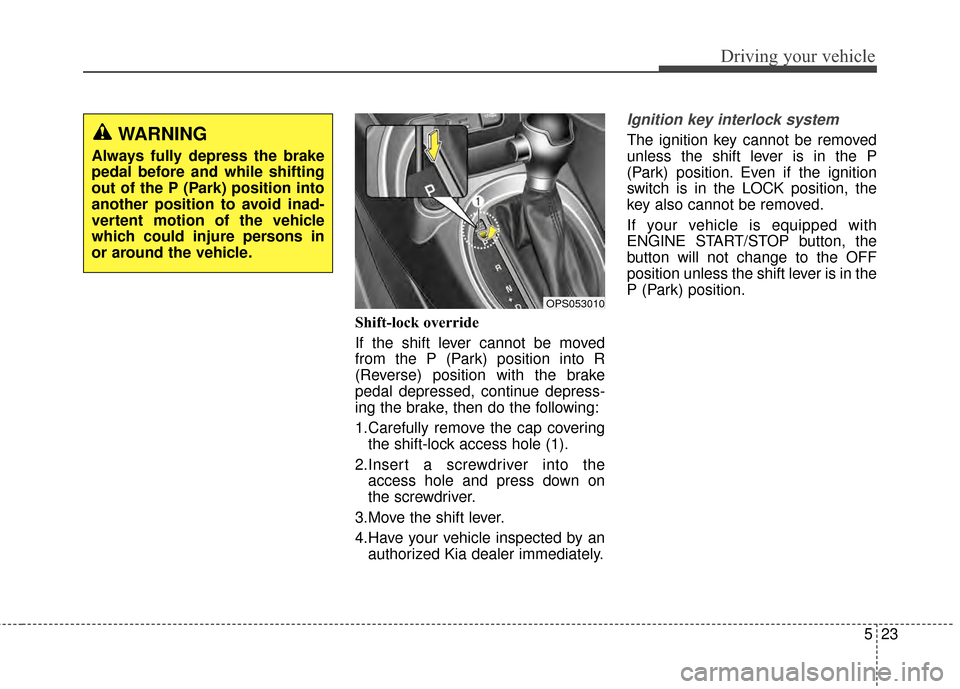
Shift-lock override
If the shift lever cannot be moved
from the P (Park) position into R
(Reverse) position with the brake
pedal depressed, continue depress-
ing the brake, then do the following:
1.Carefully remove the cap coveringthe shift-lock access hole (1).
2.Insert a screwdriver into the access hole and press down on
the screwdriver.
3.Move the shift lever.
4.Have your vehicle inspected by an authorized Kia dealer immediately.
Ignition key interlock system
The ignition key cannot be removed
unless the shift lever is in the P
(Park) position. Even if the ignition
switch is in the LOCK position, the
key also cannot be removed.
If your vehicle is equipped with
ENGINE START/STOP button, the
button will not change to the OFF
position unless the shift lever is in the
P (Park) position.WARNING
Always fully depress the brake
pedal before and while shifting
out of the P (Park) position into
another position to avoid inad-
vertent motion of the vehicle
which could injure persons in
or around the vehicle.
OPS053010
Page 311 of 500
Driving your vehicle
24
5
Good driving practices
Never move the gear shift lever
from P (Park) to any other position
with the accelerator pedal
depressed.
Never move the gear shift lever into P (Park) when the vehicle is in
motion.
Be sure the vehicle is completely stopped before you attempt to shift
into R (Reverse) or D (Drive).
Never take the vehicle out of gear and coast down a hill. This may be
extremely hazardous. Always leave
the vehicle in gear when moving.
Do not "ride" the brakes. This can cause them to overheat and mal-
function. Instead, when you are
driving down a long hill, slow down
and shift to a lower gear. When you
do this, engine braking will help
slow down the vehicle.
Slow down before shifting to a lower gear. Otherwise, the lower
gear may not be engaged. Always use the parking brake. Do
not depend on placing the
transaxle in P (Park) to keep the
vehicle from moving.
Exercise extreme caution when driving on a slippery surface. Be
especially careful when braking,
accelerating or shifting gears. On a
slippery surface, an abrupt change
in vehicle speed can cause the
drive wheels to lose traction and
the vehicle to go out of control.
Optimum vehicle performance and economy is obtained by smoothly
depressing and releasing the
accelerator pedal.WARNING
Always buckle-up! In a colli-sion, an unbelted occupant is
significantly more likely to be
seriously injured or killed than
a properly belted occupant.
Avoid high speeds when cor- nering or turning.
Do not make quick steering wheel movements, such as
sharp lane changes or fast,
sharp turns.
The risk of rollover is greatly increased if you lose control
of your vehicle at highway
speeds.
Loss of control often occurs if two or more wheels drop off
the roadway and the driver
oversteers to reenter the road-
way.
In the event your vehicle leaves the roadway, do not
steer sharply. Instead, slow
down before pulling back into
the travel lanes.
Never exceed posted speed limits.
Page 313 of 500
Driving your vehicle
26
5
Power brakes
Your vehicle has power-assisted
brakes that adjust automatically
through normal usage.
In the event that the power-assisted
brakes lose power because of a
stalled engine or some other reason,
you can still stop your vehicle by
applying greater force to the brake
pedal than you normally would. The
stopping distance, however, will be
longer.
When the engine is not running, the
reserve brake power is partially
depleted each time the brake pedal
is applied. Do not pump the brake
pedal when the power assist has
been interrupted.
Pump the brake pedal only when
necessary to maintain steering con-
trol on slippery surfaces.
BRAKE SYSTEM
(Continued)
Wet brakes may impair the
vehicle’s ability to safely slow
down; the vehicle may also
pull to one side when the
brakes are applied. Applying
the brakes lightly will indicate
whether they have been
affected in this way. Always
test your brakes in this fash-
ion after driving through deep
water. To dry the brakes, apply
them lightly while maintaining
a safe forward speed until
brake performance returns to
normal.
Always, confirm the position of the brake and accelerator
pedal before driving. If you
don’t check the position of the
accelerator and brake pedal
before driving, you may
depress the accelerator
instead of the brake pedal. It
may cause a serious accident.WARNING - Brakes
Do not drive with your footresting on the brake pedal.
This will create abnormal high
brake temperatures, exces-
sive brake lining and pad
wear, and increased stopping
distances.
When descending a long or steep hill, shift to a lower gear
and avoid continuous applica-
tion of the brakes. Continuous
brake application will cause
the brakes to overheat and
could result in a temporary
loss of braking performance.
(Continued)
Page 316 of 500
529
Driving your vehicle
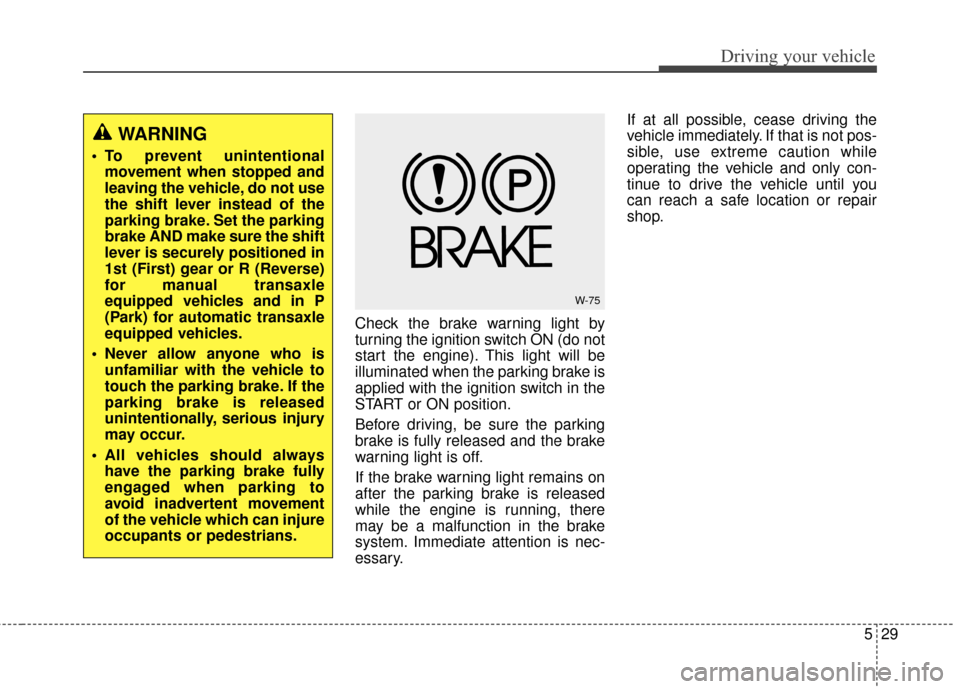
Check the brake warning light by
turning the ignition switch ON (do not
start the engine). This light will be
illuminated when the parking brake is
applied with the ignition switch in the
START or ON position.
Before driving, be sure the parking
brake is fully released and the brake
warning light is off.
If the brake warning light remains on
after the parking brake is released
while the engine is running, there
may be a malfunction in the brake
system. Immediate attention is nec-
essary.If at all possible, cease driving the
vehicle immediately. If that is not pos-
sible, use extreme caution while
operating the vehicle and only con-
tinue to drive the vehicle until you
can reach a safe location or repair
shop.
WARNING
To prevent unintentional
movement when stopped and
leaving the vehicle, do not use
the shift lever instead of the
parking brake. Set the parking
brake AND make sure the shift
lever is securely positioned in
1st (First) gear or R (Reverse)
for manual transaxle
equipped vehicles and in P
(Park) for automatic transaxle
equipped vehicles.
Never allow anyone who is unfamiliar with the vehicle to
touch the parking brake. If the
parking brake is released
unintentionally, serious injury
may occur.
All vehicles should always have the parking brake fully
engaged when parking to
avoid inadvertent movement
of the vehicle which can injure
occupants or pedestrians.
W-75
Page 318 of 500
531
Driving your vehicle
✽
✽NOTICE
A click sound may be heard in the
engine compartment when the vehi-
cle begins to move after the engine is
started. These conditions are normal
and indicate that the anti-lock brake
system is functioning properly.
Even with the anti-lock brake sys-
tem, your vehicle still requires suf-
ficient stopping distance. Always
maintain a safe distance from the
vehicle in front of you.
Always slow down when cornering. The anti-lock brake system cannot
prevent accidents resulting from
excessive speeds.
On loose or uneven road surfaces, operation of the anti-lock brake
system may result in a longer stop-
ping distance than for vehicles
equipped with a conventional
brake system.
CAUTION
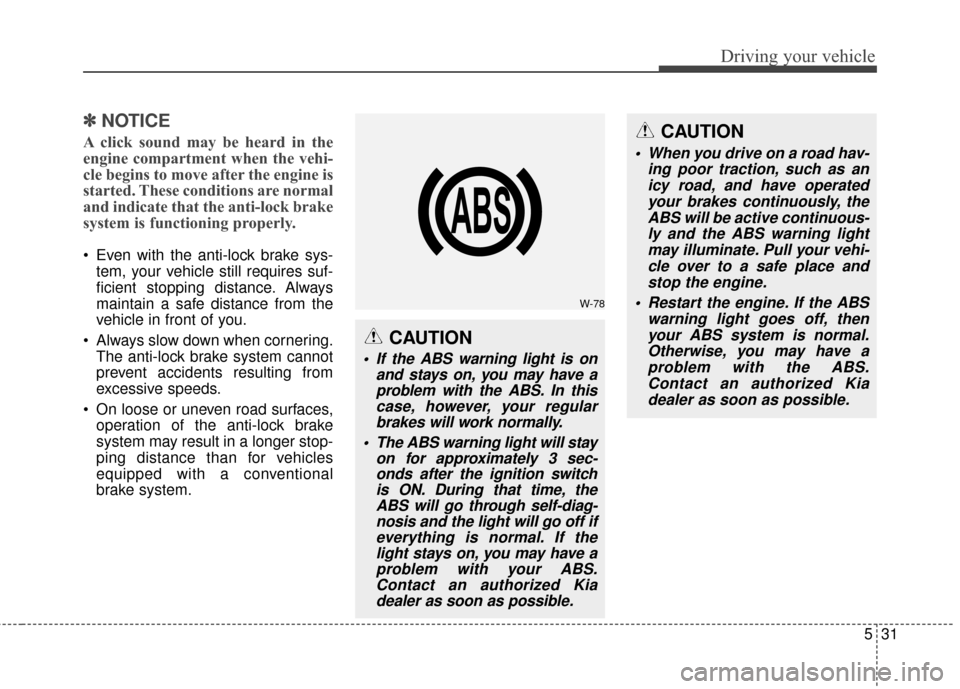
If the ABS warning light is on and stays on, you may have aproblem with the ABS. In thiscase, however, your regularbrakes will work normally.
The ABS warning light will stay on for approximately 3 sec-onds after the ignition switchis ON. During that time, theABS will go through self-diag-nosis and the light will go off ifeverything is normal. If thelight stays on, you may have aproblem with your ABS.Contact an authorized Kiadealer as soon as possible.
W-78
CAUTION
When you drive on a road hav-
ing poor traction, such as anicy road, and have operatedyour brakes continuously, theABS will be active continuous-ly and the ABS warning lightmay illuminate. Pull your vehi-cle over to a safe place andstop the engine.
Restart the engine. If the ABS warning light goes off, thenyour ABS system is normal.Otherwise, you may have aproblem with the ABS.Contact an authorized Kiadealer as soon as possible.
Page 319 of 500
Driving your vehicle
32
5
✽
✽
NOTICE
When you jump start your vehicle
because of a drained battery, the
engine may not run as smoothly and
the ABS warning light may turn on
at the same time. This happens
because of low battery voltage. It
does not mean your ABS has mal-
functioned.
• Do not pump your brakes!
• Have the battery recharged before
driving the vehicle.
Electronic stability control
(ESC)
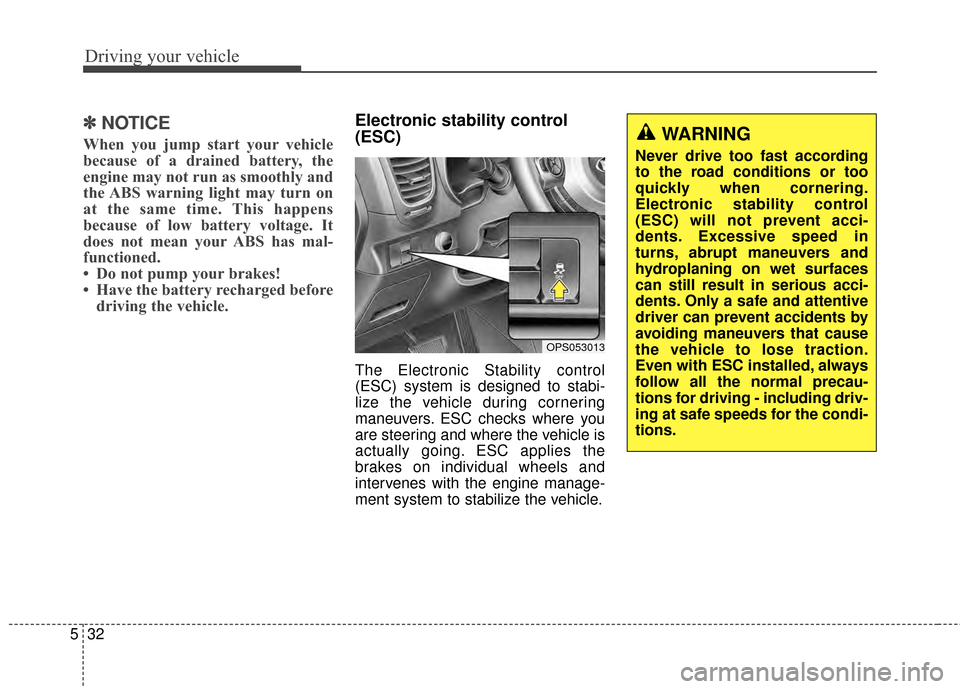
The Electronic Stability control
(ESC) system is designed to stabi-
lize the vehicle during cornering
maneuvers. ESC checks where you
are steering and where the vehicle is
actually going. ESC applies the
brakes on individual wheels and
intervenes with the engine manage-
ment system to stabilize the vehicle.
OPS053013
WARNING
Never drive too fast according
to the road conditions or too
quickly when cornering.
Electronic stability control
(ESC) will not prevent acci-
dents. Excessive speed in
turns, abrupt maneuvers and
hydroplaning on wet surfaces
can still result in serious acci-
dents. Only a safe and attentive
driver can prevent accidents by
avoiding maneuvers that cause
the vehicle to lose traction.
Even with ESC installed, always
follow all the normal precau-
tions for driving - including driv-
ing at safe speeds for the condi-
tions.
Page 320 of 500
533
Driving your vehicle
The Electronic Stability Control
(ESC) system is an electronic sys-
tem designed to help the driver main-
tain vehicle control under adverse
conditions. It is not a substitute for
safe driving practices. Factors includ-
ing speed, road conditions and driv-
er steering input can all affect
whether ESC will be effective in pre-
venting a loss of control. It is still your
responsibility to drive and corner at
reasonable speeds and to leave a
sufficient margin of safety.
When you apply your brakes under
conditions which may lock the
wheels, you may hear a “tik-tik’’
sound from the brakes, or feel a cor-
responding sensation in the brake
pedal. This is normal and it means
your ESC is active.
✽ ✽NOTICE
A click sound may be heard in the
engine compartment when the vehi-
cle begins to move after the engine is
started. These conditions are normal
and indicate that the Electronic
Stability Control System is function-
ing properly.
ESC operation
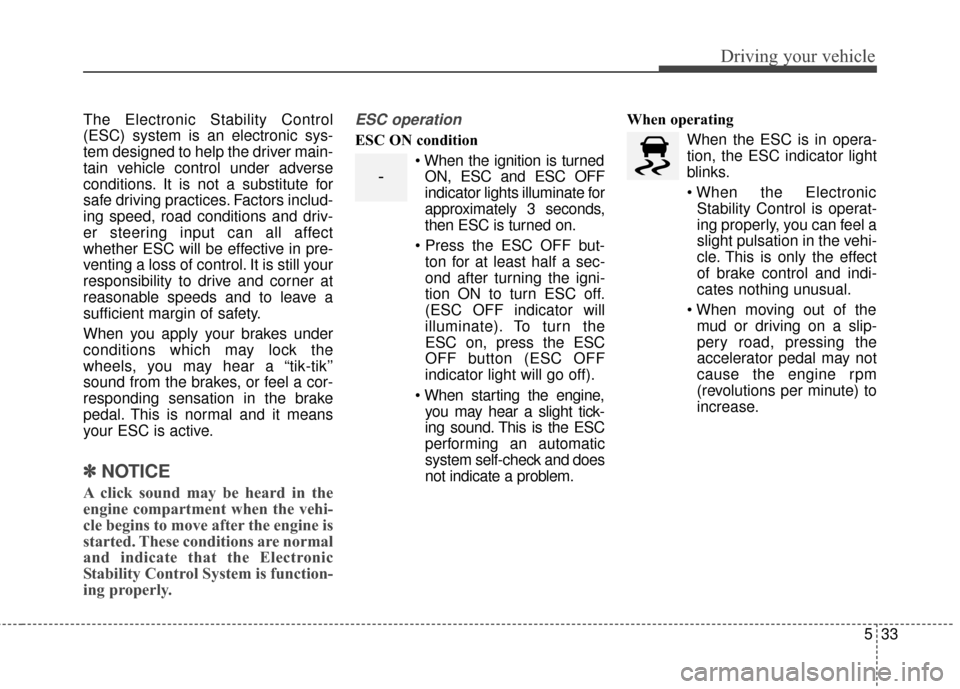
ESC ON condition
When the ignition is turnedON, ESC and ESC OFF
indicator lights illuminate for
approximately 3 seconds,
then ESC is turned on.
ton for at least half a sec-
ond after turning the igni-
tion ON to turn ESC off.
(ESC OFF indicator will
illuminate). To turn the
ESC on, press the ESC
OFF button (ESC OFF
indicator light will go off).
you may hear a slight tick-
ing sound. This is the ESC
performing an automatic
system self-check and does
not indicate a problem. When operating
When the ESC is in opera-
tion, the ESC indicator light
blinks.
Stability Control is operat-
ing properly, you can feel a
slight pulsation in the vehi-
cle. This is only the effect
of brake control and indi-
cates nothing unusual.
mud or driving on a slip-
pery road, pressing the
accelerator pedal may not
cause the engine rpm
(revolutions per minute) to
increase.
-
Page 321 of 500
Driving your vehicle
34
5
ESC operation off
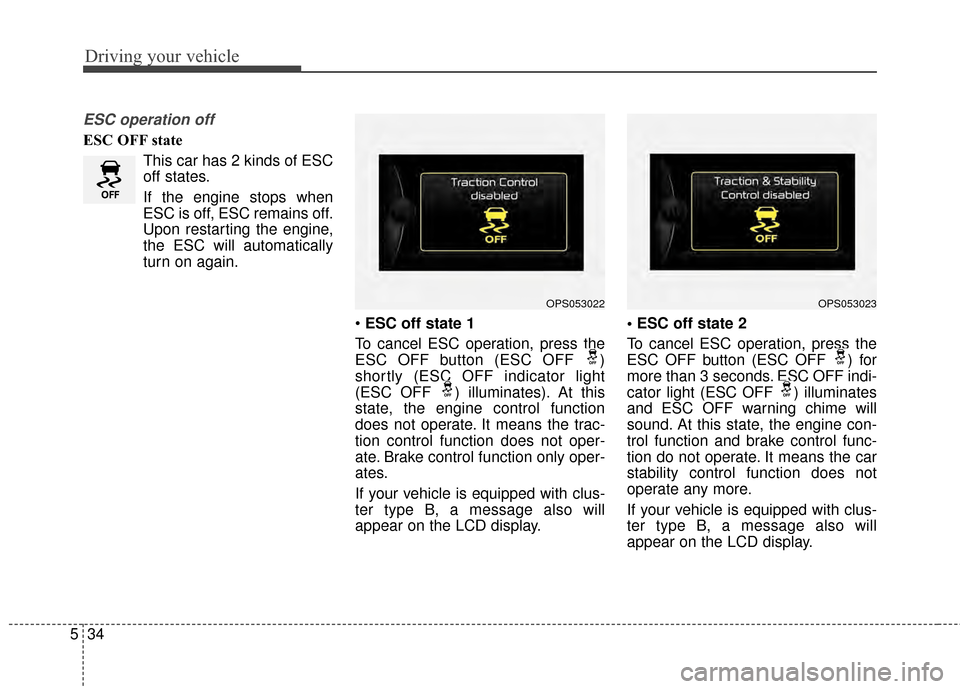
ESC OFF state
This car has 2 kinds of ESC
off states.
If the engine stops when
ESC is off, ESC remains off.
Upon restarting the engine,
the ESC will automatically
turn on again.
ESC off state 1
To cancel ESC operation, press the
ESC OFF button (ESC OFF )
shortly (ESC OFF indicator light
(ESC OFF ) illuminates). At this
state, the engine control function
does not operate. It means the trac-
tion control function does not oper-
ate. Brake control function only oper-
ates.
If your vehicle is equipped with clus-
ter type B, a message also will
appear on the LCD display.
To cancel ESC operation, press the
ESC OFF button (ESC OFF ) for
more than 3 seconds. ESC OFF indi-
cator light (ESC OFF ) illuminates
and ESC OFF warning chime will
sound. At this state, the engine con-
trol function and brake control func-
tion do not operate. It means the car
stability control function does not
operate any more.
If your vehicle is equipped with clus-
ter type B, a message also will
appear on the LCD display.
OPS053022OPS053023
Page 326 of 500
539
Driving your vehicle
Don't coast down hills with thevehicle out of gear. This is extreme-
ly hazardous. Keep the vehicle in
gear at all times, use the brakes to
slow down, then shift to a lower
gear so that engine braking will
help you maintain a safe speed.
Don't "ride" the brake pedal. Resting your foot on the brake
pedal while driving can be danger-
ous because the brakes might
overheat and lose their effective-
ness. It also increases the wear of
the brake components.
If a tire goes flat while you are driv- ing, apply the brakes gently and
keep the vehicle pointed straight
ahead while you slow down. When
you are moving slowly enough for it
to be safe to do so, pull off the road
and stop in a safe place. If your vehicle is equipped with an
automatic transaxle, don't let your
vehicle creep forward. To avoid
creeping forward, keep your foot
firmly on the brake pedal when the
vehicle is stopped.
Be cautious when parking on a hill. Firmly engage the parking brake
and place the shift lever in P (auto-
matic transaxle) or in first or
reverse gear (manual transaxle). If
your vehicle is facing downhill, turn
the front wheels into the curb to
help keep the vehicle from rolling. If
your vehicle is facing uphill, turn
the front wheels away from the
curb to help keep the vehicle from
rolling. If there is no curb or if it is
required by other conditions to
keep the vehicle from rolling, block
the wheels. Under some conditions your park-
ing brake can freeze in the
engaged position. This is most like-
ly to happen when there is an
accumulation of snow or ice
around or near the rear brakes or if
the brakes are wet. If there is a risk
that the parking brake may freeze,
apply it only temporarily while you
put the shift lever in P (automatic
transaxle) or in first or reverse gear
(manual transaxle) and block the
rear wheels so the vehicle cannot
roll. Then release the parking
brake.
Do not hold the vehicle on the upgrade with the accelerator
pedal. This can cause the transaxle
to overheat. Always use the brake
pedal or parking brake.
Page 327 of 500
Driving your vehicle
40
5
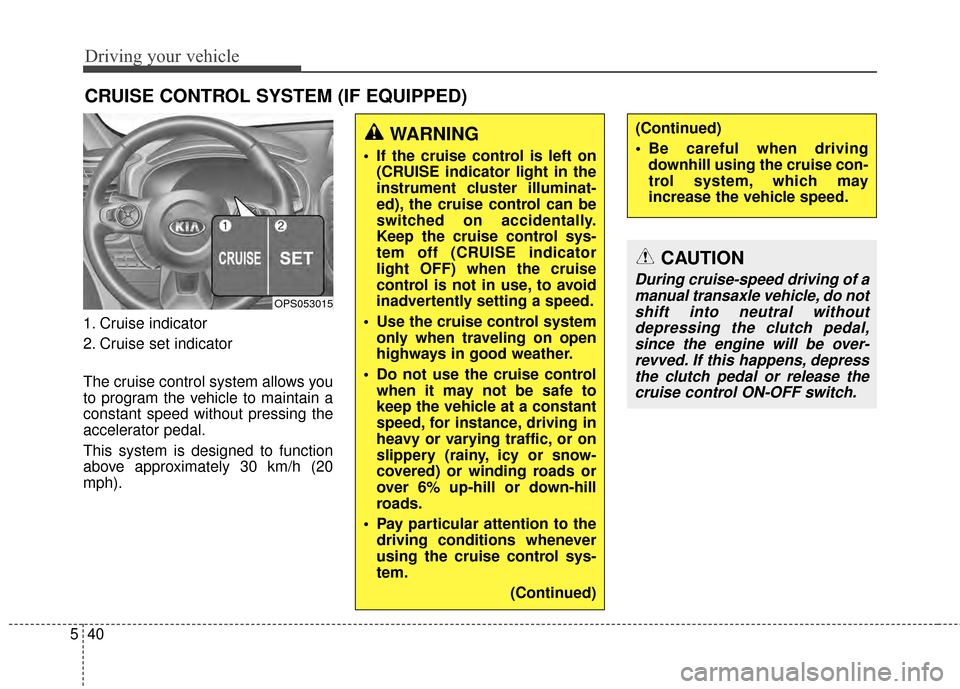
1. Cruise indicator
2. Cruise set indicator
The cruise control system allows you
to program the vehicle to maintain a
constant speed without pressing the
accelerator pedal.
This system is designed to function
above approximately 30 km/h (20
mph).
CRUISE CONTROL SYSTEM (IF EQUIPPED)
WARNING
If the cruise control is left on
(CRUISE indicator light in the
instrument cluster illuminat-
ed), the cruise control can be
switched on accidentally.
Keep the cruise control sys-
tem off (CRUISE indicator
light OFF) when the cruise
control is not in use, to avoid
inadvertently setting a speed.
Use the cruise control system only when traveling on open
highways in good weather.
Do not use the cruise control when it may not be safe to
keep the vehicle at a constant
speed, for instance, driving in
heavy or varying traffic, or on
slippery (rainy, icy or snow-
covered) or winding roads or
over 6% up-hill or down-hill
roads.
Pay particular attention to the driving conditions whenever
using the cruise control sys-
tem.
(Continued)
(Continued)
Be careful when drivingdownhill using the cruise con-
trol system, which may
increase the vehicle speed.
OPS053015
CAUTION
During cruise-speed driving of amanual transaxle vehicle, do notshift into neutral withoutdepressing the clutch pedal,since the engine will be over-revved. If this happens, depressthe clutch pedal or release thecruise control ON-OFF switch.