ECO mode KIA Sportage 2010 SL / 3.G Owner's Guide
[x] Cancel search | Manufacturer: KIA, Model Year: 2010, Model line: Sportage, Model: KIA Sportage 2010 SL / 3.GPages: 371, PDF Size: 5.23 MB
Page 162 of 371
415
Driving your vehicle
You must consciously take theeffort to learn how to corner in a
4WD vehicle. Do not rely on your
experience in conventional 2WD
vehicles in choosing safe cornering
speed in 4WD mode. For starters,
you must drive more slowly in
4WD.
Drive carefully off-road because your vehicle may be damaged by
rocks or roots of trees. Become
familiar with the off-road conditions
where you are going to drive
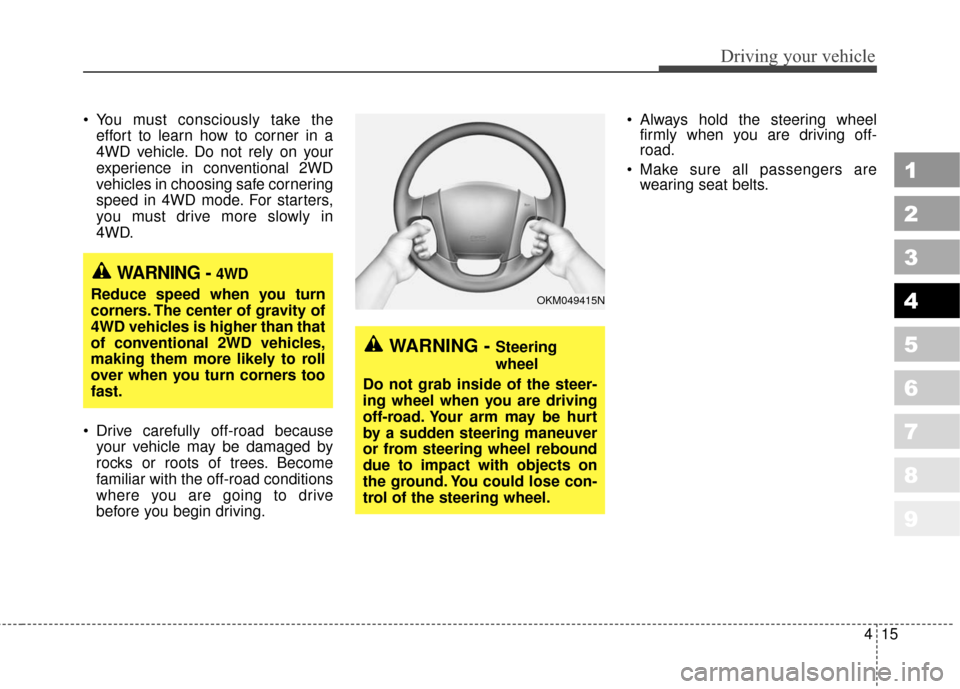
before you begin driving. Always hold the steering wheel
firmly when you are driving off-
road.
Make sure all passengers are wearing seat belts.
1
2
3
4
5
6
7
8
9
WARNING - 4WD
Reduce speed when you turn
corners. The center of gravity of
4WD vehicles is higher than that
of conventional 2WD vehicles,
making them more likely to roll
over when you turn corners too
fast.
WARNING - Steering
wheel
Do not grab inside of the steer-
ing wheel when you are driving
off-road. Your arm may be hurt
by a sudden steering maneuver
or from steering wheel rebound
due to impact with objects on
the ground. You could lose con-
trol of the steering wheel.
OKM049415N
Page 182 of 371
435
Driving your vehicle
1
2
3
4
5
6
7
8
9
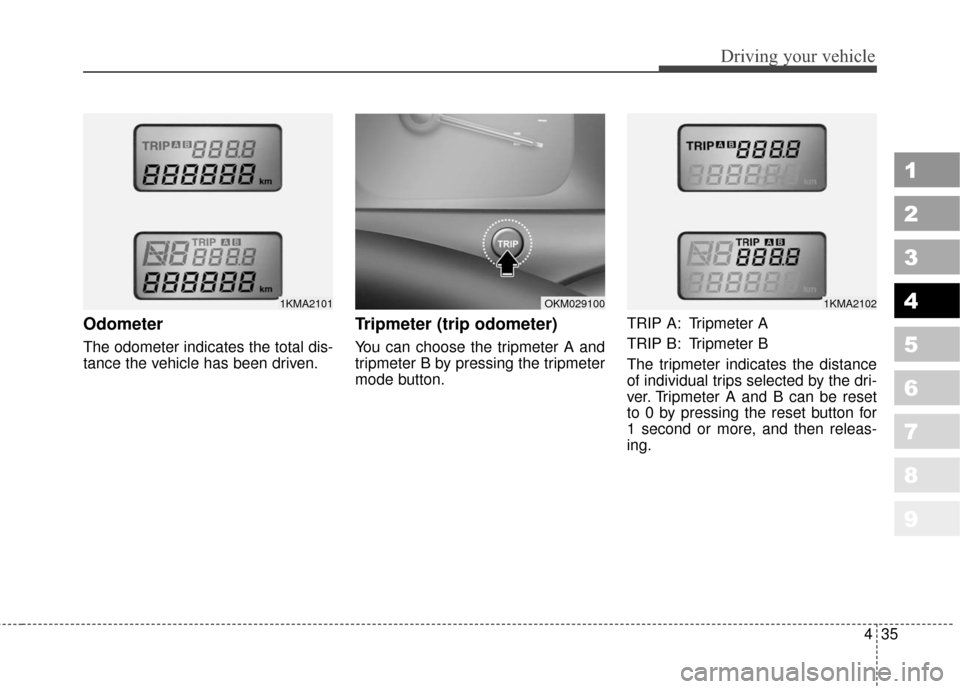
Odometer
The odometer indicates the total dis-
tance the vehicle has been driven.
Tripmeter (trip odometer)
You can choose the tripmeter A and
tripmeter B by pressing the tripmeter
mode button.TRIP A: Tripmeter A
TRIP B: Tripmeter B
The tripmeter indicates the distance
of individual trips selected by the dri-
ver. Tripmeter A and B can be reset
to 0 by pressing the reset button for
1 second or more, and then releas-
ing.
1KMA2102OKM0291001KMA2101
Page 183 of 371
Driving your vehicle
36
4
1
2
3
4
5
6
7
8
9
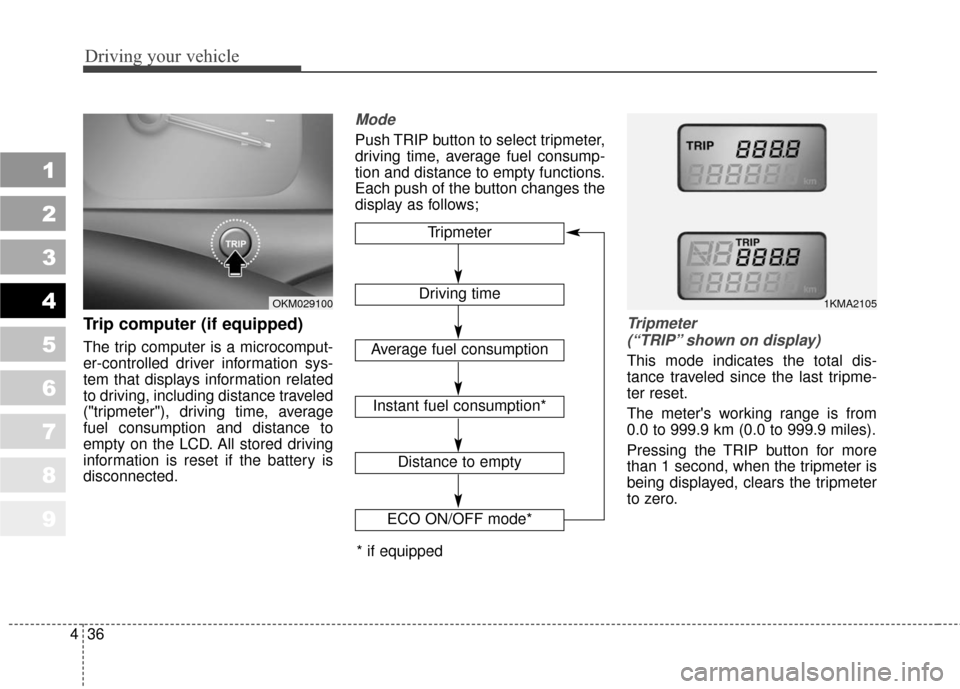
Trip computer (if equipped)
The trip computer is a microcomput-
er-controlled driver information sys-
tem that displays information related
to driving, including distance traveled
("tripmeter"), driving time, average
fuel consumption and distance to
empty on the LCD. All stored driving
information is reset if the battery is
disconnected.
Mode
Push TRIP button to select tripmeter,
driving time, average fuel consump-
tion and distance to empty functions.
Each push of the button changes the
display as follows;
Tripmeter
(“TRIP” shown on display)
This mode indicates the total dis-
tance traveled since the last tripme-
ter reset.
The meter's working range is from
0.0 to 999.9 km (0.0 to 999.9 miles).
Pressing the TRIP button for more
than 1 second, when the tripmeter is
being displayed, clears the tripmeter
to zero.
Tripmeter
Driving time
Average fuel consumption
Distance to empty
1KMA2105OKM029100
ECO ON/OFF mode*
Instant fuel consumption*
* if equipped
Page 184 of 371
437
Driving your vehicle
1
2
3
4
5
6
7
8
9
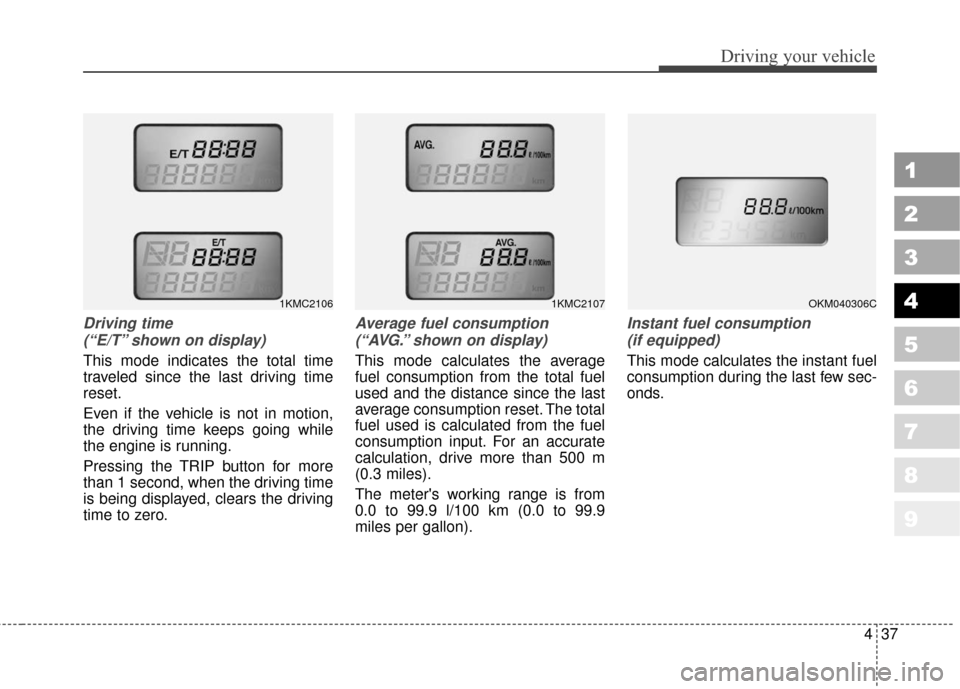
Driving time (“E/T” shown on display)
This mode indicates the total time
traveled since the last driving time
reset.
Even if the vehicle is not in motion,
the driving time keeps going while
the engine is running.
Pressing the TRIP button for more
than 1 second, when the driving time
is being displayed, clears the driving
time to zero.
Average fuel consumption(“AVG.” shown on display)
This mode calculates the average
fuel consumption from the total fuel
used and the distance since the last
average consumption reset. The total
fuel used is calculated from the fuel
consumption input. For an accurate
calculation, drive more than 500 m
(0.3 miles).
The meter's working range is from
0.0 to 99.9 l/100 km (0.0 to 99.9
miles per gallon).
Instant fuel consumption (if equipped)
This mode calculates the instant fuel
consumption during the last few sec-
onds.
1KMC2107OKM040306C1KMC2106
Page 185 of 371
Driving your vehicle
38
4
1
2
3
4
5
6
7
8
9
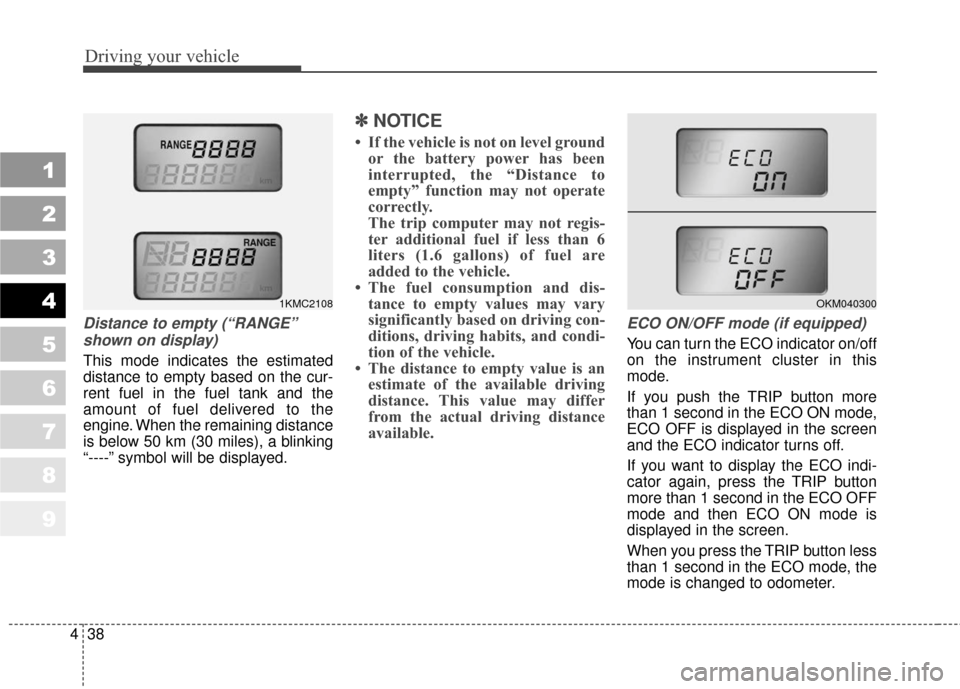
Distance to empty (“RANGE”
shown on display)
This mode indicates the estimated
distance to empty based on the cur-
rent fuel in the fuel tank and the
amount of fuel delivered to the
engine. When the remaining distance
is below 50 km (30 miles), a blinking
“----” symbol will be displayed.
✽ ✽
NOTICE
• If the vehicle is not on level ground
or the battery power has been
interrupted, the “Distance to
empty” function may not operate
correctly.
The trip computer may not regis-
ter additional fuel if less than 6
liters (1.6 gallons) of fuel are
added to the vehicle.
• The fuel consumption and dis- tance to empty values may vary
significantly based on driving con-
ditions, driving habits, and condi-
tion of the vehicle.
• The distance to empty value is an estimate of the available driving
distance. This value may differ
from the actual driving distance
available.
ECO ON/OFF mode (if equipped)
You can turn the ECO indicator on/off
on the instrument cluster in this
mode.
If you push the TRIP button more
than 1 second in the ECO ON mode,
ECO OFF is displayed in the screen
and the ECO indicator turns off.
If you want to display the ECO indi-
cator again, press the TRIP button
more than 1 second in the ECO OFF
mode and then ECO ON mode is
displayed in the screen.
When you press the TRIP button less
than 1 second in the ECO mode, the
mode is changed to odometer.
1KMC2108OKM040300
Page 186 of 371
439
Driving your vehicle
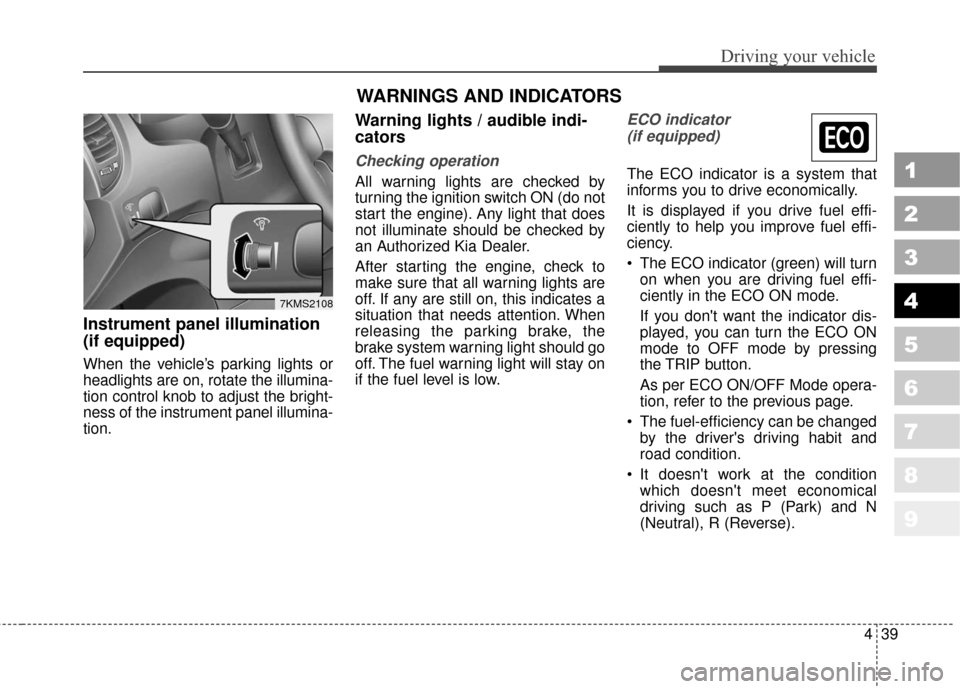
Instrument panel illumination
(if equipped)
When the vehicle’s parking lights or
headlights are on, rotate the illumina-
tion control knob to adjust the bright-
ness of the instrument panel illumina-
tion.
Warning lights / audible indi-
cators
Checking operation
All warning lights are checked by
turning the ignition switch ON (do not
start the engine). Any light that does
not illuminate should be checked by
an Authorized Kia Dealer.
After starting the engine, check to
make sure that all warning lights are
off. If any are still on, this indicates a
situation that needs attention. When
releasing the parking brake, the
brake system warning light should go
off. The fuel warning light will stay on
if the fuel level is low.
ECO indicator (if equipped)
The ECO indicator is a system that
informs you to drive economically.
It is displayed if you drive fuel effi-
ciently to help you improve fuel effi-
ciency.
The ECO indicator (green) will turn on when you are driving fuel effi-
ciently in the ECO ON mode.
If you don't want the indicator dis-
played, you can turn the ECO ON
mode to OFF mode by pressing
the TRIP button.
As per ECO ON/OFF Mode opera-
tion, refer to the previous page.
The fuel-efficiency can be changed by the driver's driving habit and
road condition.
It doesn't work at the condition which doesn't meet economical
driving such as P (Park) and N
(Neutral), R (Reverse).1
2
3
4
5
6
7
8
9
7KMS2108
WARNINGS AND INDICATORS
Page 192 of 371
445
Driving your vehicle
1
2
3
4
5
6
7
8
9
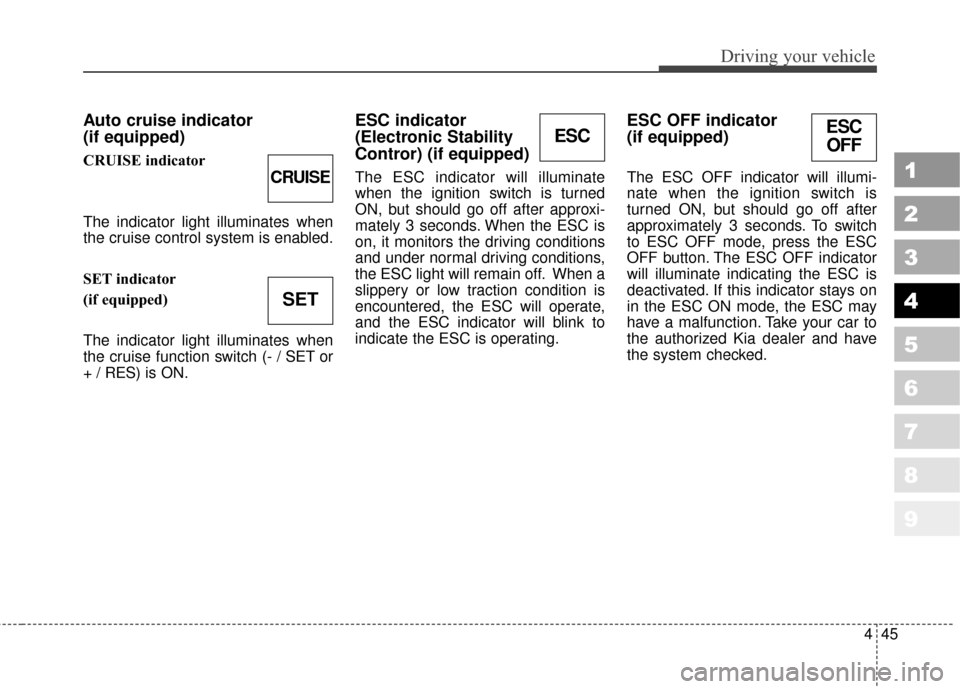
Auto cruise indicator
(if equipped)
CRUISE indicator
The indicator light illuminates when
the cruise control system is enabled.
SET indicator
(if equipped)
The indicator light illuminates when
the cruise function switch (- / SET or
+ / RES) is ON.
ESC indicator
(Electronic Stability
Contror) (if equipped)
The ESC indicator will illuminate
when the ignition switch is turned
ON, but should go off after approxi-
mately 3 seconds. When the ESC is
on, it monitors the driving conditions
and under normal driving conditions,
the ESC light will remain off. When a
slippery or low traction condition is
encountered, the ESC will operate,
and the ESC indicator will blink to
indicate the ESC is operating.
ESC OFF indicator
(if equipped)
The ESC OFF indicator will illumi-
nate when the ignition switch is
turned ON, but should go off after
approximately 3 seconds. To switch
to ESC OFF mode, press the ESC
OFF button. The ESC OFF indicator
will illuminate indicating the ESC is
deactivated. If this indicator stays on
in the ESC ON mode, the ESC may
have a malfunction. Take your car to
the authorized Kia dealer and have
the system checked.
ESC
CRUISE
SET
ESC OFF
Page 193 of 371
Driving your vehicle
46
4
1
2
3
4
5
6
7
8
9
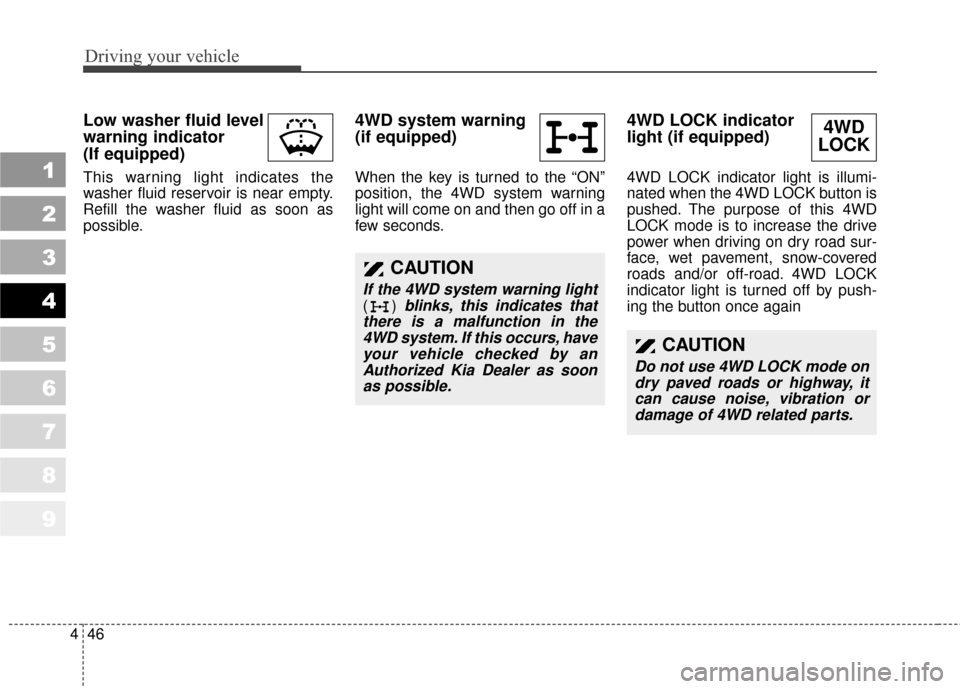
Low washer fluid level
warning indicator
(If equipped)
This warning light indicates the
washer fluid reservoir is near empty.
Refill the washer fluid as soon as
possible.
4WD system warning
(if equipped)
When the key is turned to the “ON”
position, the 4WD system warning
light will come on and then go off in a
few seconds.
4WD LOCK indicator
light (if equipped)
4WD LOCK indicator light is illumi-
nated when the 4WD LOCK button is
pushed. The purpose of this 4WD
LOCK mode is to increase the drive
power when driving on dry road sur-
face, wet pavement, snow-covered
roads and/or off-road. 4WD LOCK
indicator light is turned off by push-
ing the button once again
CAUTION
If the 4WD system warning light
() blinks, this indicates that
there is a malfunction in the 4WD system. If this occurs, haveyour vehicle checked by anAuthorized Kia Dealer as soonas possible.
4WD
LOCK
CAUTION
Do not use 4WD LOCK mode on
dry paved roads or highway, itcan cause noise, vibration ordamage of 4WD related parts.
Page 216 of 371
469
Driving your vehicle
1
2
3
4
5
6
7
8
9
When maximum cooling is desired,set the temperature control to the
extreme left position, set the air
intake control to the recirculated air
position, then set the fan speed
control to the highest speed.
✽ ✽ NOTICE
• When using the air conditioning
system, monitor the temperature
gauge closely while driving up
hills or in heavy traffic when out-
side temperatures are high. Air
conditioning system operation
may cause engine overheating.
Continue to use the blower fan but
turn the air conditioning system
off if the temperature gauge indi-
cates engine overheating.
• When opening the windows in humid weather air conditioning
may create water droplets inside
the vehicle. Since excessive water
droplets may cause damage to
electrical equipment, air condi-
tioning should only be run with
the windows closed.
Air conditioning system oper-
ation tips
If the vehicle has been parked in
direct sunlight during hot weather,
open the windows for a short time
to let the hot air inside the vehicle
escape.
To help reduce moisture inside of windows on rainy humid days,
decrease the humidity inside the
vehicle by operating the air condi-
tioning system.
During air conditioning system operation, you may occasionally
notice a slight change in engine
speed at idle as the air condition-
ing compressor cycles on. This is a
normal system operation charac-
teristics.
Use the air conditioning system every month if only for a few min-
utes to ensure maximum system
performance.
When using the air conditioning system, you may notice clear water
dripping (or even pudding) on the
ground under the passenger side
of the vehicle. This is a normal sys-
tem operation characteristic. The air conditioning system
includes a function that automati-
cally turns the air conditioning
compressor off if engine coolant
temperature approaches an over
heating level. The air conditioning
compressor operation will resume
once engine coolant temperature
returns to the normal range. Also,
the air conditioning compressor is
automatically turned off for a few
seconds when the accelerator is
fully depressed (wide open throt-
tle).
When operating the air condition- ing system use the outside (fresh)
air position.
Operating the air conditioning sys- tem in the recirculated air position
does provide maximum cooling,
however, continual operation in this
mode may cause the air inside the
vehicle to become stale.
Page 225 of 371
Driving your vehicle
78
4
1
2
3
4
5
6
7
8
9
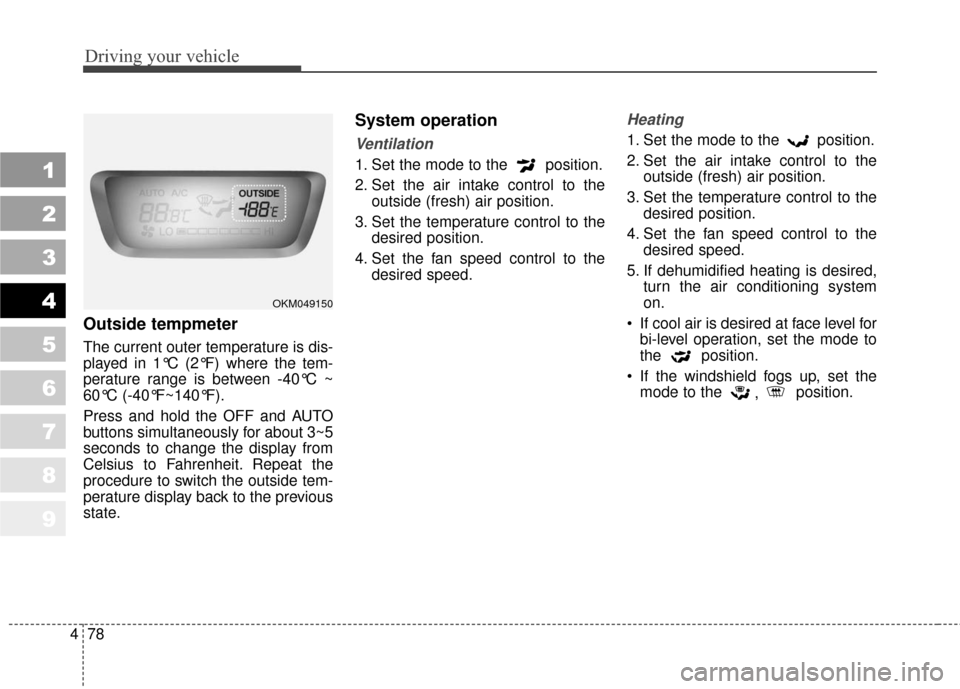
Outside tempmeter
The current outer temperature is dis-
played in 1°C (2°F) where the tem-
perature range is between -40°C ~
60°C (-40°F~140°F).
Press and hold the OFF and AUTO
buttons simultaneously for about 3~5
seconds to change the display from
Celsius to Fahrenheit. Repeat the
procedure to switch the outside tem-
perature display back to the previous
state.
System operation
Ventilation
1. Set the mode to the position.
2. Set the air intake control to the
outside (fresh) air position.
3. Set the temperature control to the desired position.
4. Set the fan speed control to the desired speed.
Heating
1. Set the mode to the position.
2. Set the air intake control to theoutside (fresh) air position.
3. Set the temperature control to the desired position.
4. Set the fan speed control to the desired speed.
5. If dehumidified heating is desired, turn the air conditioning system
on.
If cool air is desired at face level for bi-level operation, set the mode to
the position.
If the windshield fogs up, set the mode to the , position.
OKM049150