power steering Lexus CT200h 2011 Owner's Manual (in English)
[x] Cancel search | Manufacturer: LEXUS, Model Year: 2011, Model line: CT200h, Model: Lexus CT200h 2011Pages: 696
Page 2 of 696
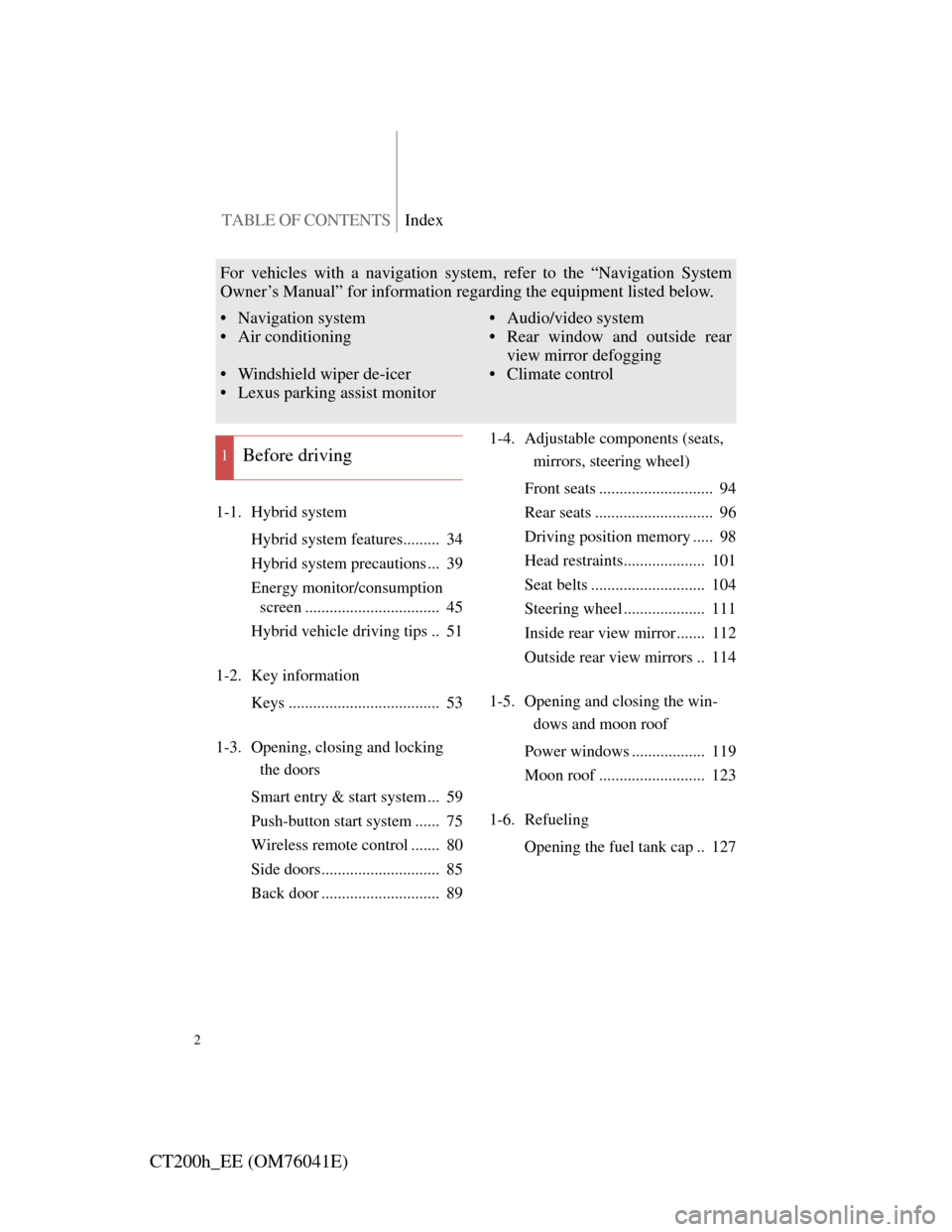
TABLE OF CONTENTSIndex
2
CT200h_EE (OM76041E)
1-1. Hybrid system
Hybrid system features......... 34
Hybrid system precautions ... 39
Energy monitor/consumption
screen ................................. 45
Hybrid vehicle driving tips .. 51
1-2. Key information
Keys ..................................... 53
1-3. Opening, closing and locking
the doors
Smart entry & start system ... 59
Push-button start system ...... 75
Wireless remote control ....... 80
Side doors............................. 85
Back door ............................. 891-4. Adjustable components (seats,
mirrors, steering wheel)
Front seats ............................ 94
Rear seats ............................. 96
Driving position memory ..... 98
Head restraints.................... 101
Seat belts ............................ 104
Steering wheel .................... 111
Inside rear view mirror ....... 112
Outside rear view mirrors .. 114
1-5. Opening and closing the win-
dows and moon roof
Power windows .................. 119
Moon roof .......................... 123
1-6. Refueling
Opening the fuel tank cap .. 127
1Before driving
For vehicles with a navigation system, refer to the “Navigation System
Owner’s Manual” for information regarding the equipment listed below.
• Navigation system
• Air conditioning
• Windshield wiper de-icer
• Lexus parking assist monitor• Audio/video system
• Rear window and outside rear
view mirror defogging
• Climate control
Page 5 of 696

1
2
3
4
5
6
5
CT200h_EE (OM76041E)
3-3. Using the Bluetooth® audio
system
Bluetooth
® audio system ... 381
Using the Bluetooth
® audio
system .............................. 387
Operating a Bluetooth
®
enabled portable player .... 392
Setting up a Bluetooth
®
enabled portable player .... 396
Bluetooth
® audio system
setup ................................. 401
3-4. Using the hands-free phone
system (for cellular phones)
Hands-free system for cellular
phone ................................ 402
Using the hands-free system
(for cellular phone) .......... 411
Making a phone call ........... 417
Setting a cellular phone ...... 422
Security and system setup .. 426
Using the phone book ........ 4313-5. Using the interior lights
Interior lights list ................ 438
• Personal/interior light main
switch ............................... 439
• Front personal/interior
lights................................. 439
• Rear interior light ............. 440
3-6. Using the storage features
List of storage features ....... 441
• Glove box ......................... 442
• Console box ..................... 443
• Cup holders ...................... 444
• Bottle holders ................... 445
• Auxiliary boxes ................ 446
3-7. Other interior features
Sun visors ........................... 448
Vanity mirrors .................... 449
Clock .................................. 450
Power outlet ....................... 451
Heated steering wheel ........ 453
Seat heaters ........................ 455
Floor mat ............................ 457
Luggage compartment
features ............................. 459
Page 14 of 696
14
CT200h_EE (OM76041E)
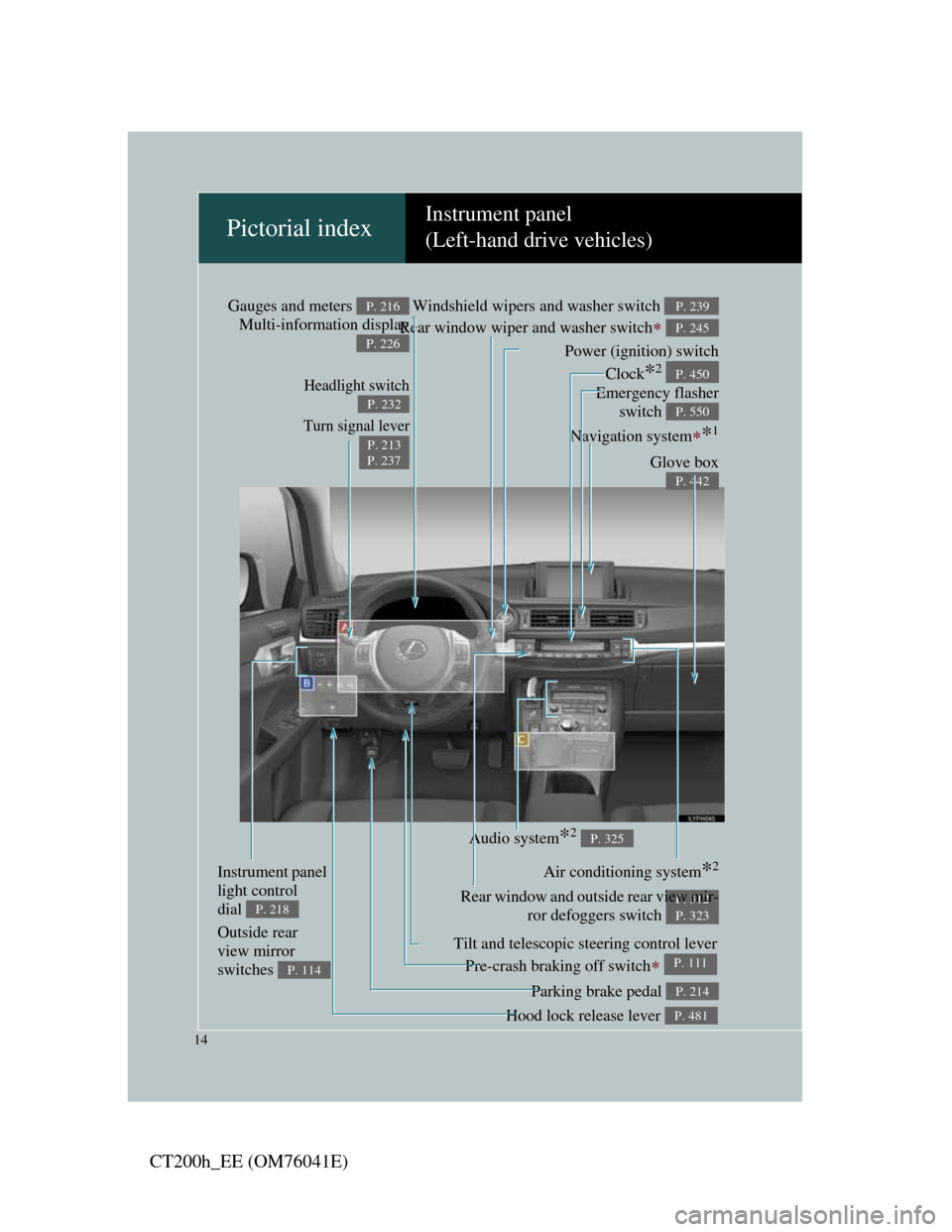
Pictorial indexInstrument panel
(Left-hand drive vehicles)
Headlight switch
Turn signal lever
P. 232
P. 213
P. 237
Pre-crash braking off switch P. 293
Parking brake pedal P. 214
Hood lock release lever P. 481
Tilt and telescopic steering control lever
P. 111
Glove box
P. 442
Power (ignition) switch
P. 196
Windshield wipers and washer switch
Rear window wiper and washer switch
P. 239
P. 245
Gauges and meters
Multi-information displayP. 216
P. 226
Audio system*2 P. 325
Navigation system*1
Emergency flasher
switch
P. 550
Air conditioning system*2
P. 312Rear window and outside rear view mir-
ror defoggers switch
P. 323
Instrument panel
light control
dial
P. 218
Outside rear
view mirror
switches
P. 114
Clock*2 P. 450
Page 22 of 696
22
CT200h_EE (OM76041E)
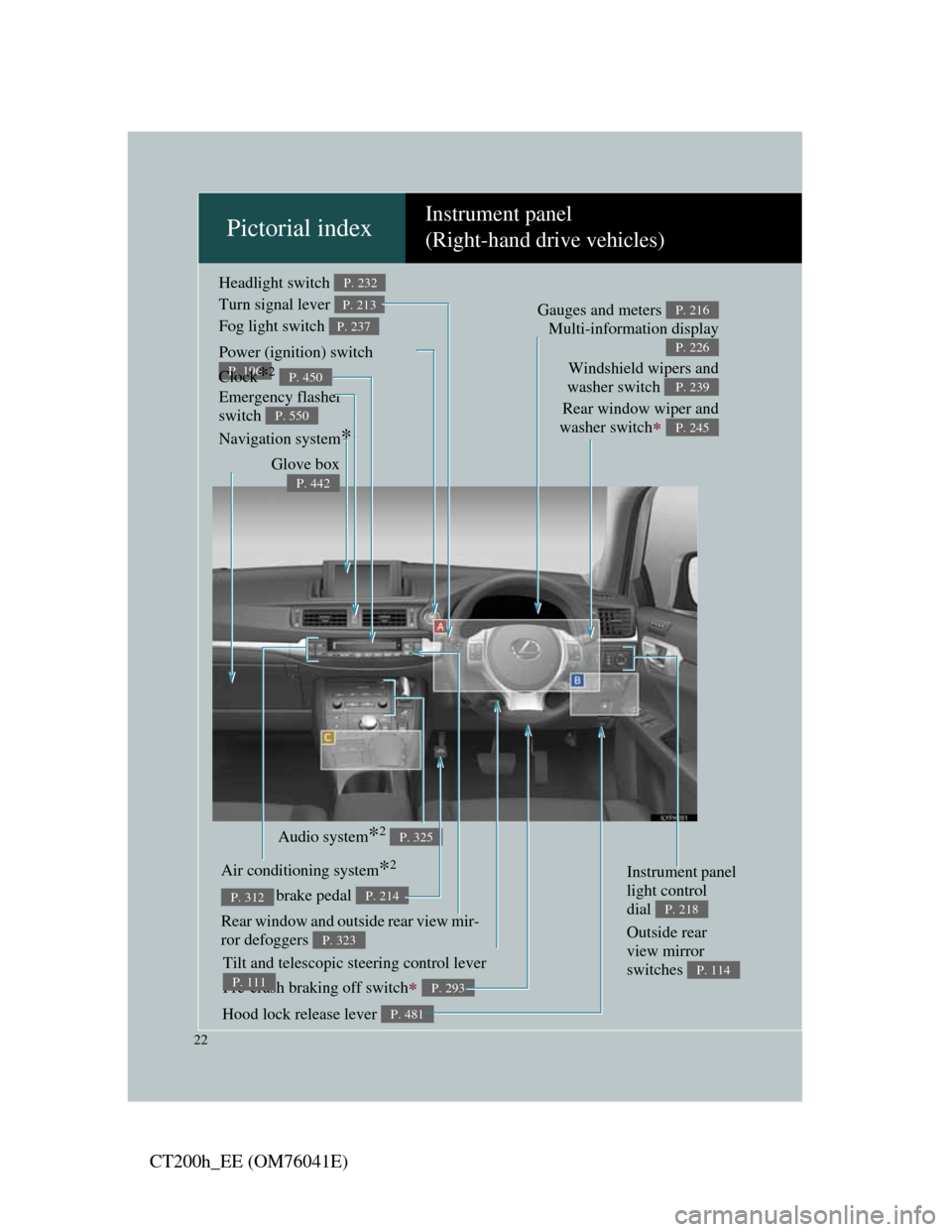
Pictorial indexInstrument panel
(Right-hand drive vehicles)
Headlight switch
Turn signal lever
Fog light switch P. 232
P. 213
P. 237
Pre-crash braking off switch P. 293
Parking brake pedal P. 214
Hood lock release lever P. 481
Tilt and telescopic steering control lever
P. 111
Audio system*2 P. 325
Air conditioning system*2
P. 312
Rear window and outside rear view mir-
ror defoggers
P. 323
Glove box
P. 442
Power (ignition) switch
P. 196Windshield wipers and
washer switch
Rear window wiper and
washer switch
P. 239
P. 245
Gauges and meters
Multi-information displayP. 216
P. 226
Navigation system*1 Emergency flasher
switch
P. 550
Instrument panel
light control
dial
P. 218
Outside rear
view mirror
switches
P. 114
Clock*2 P. 450
Page 33 of 696
1Before driving
33
CT200h_EE (OM76041E)
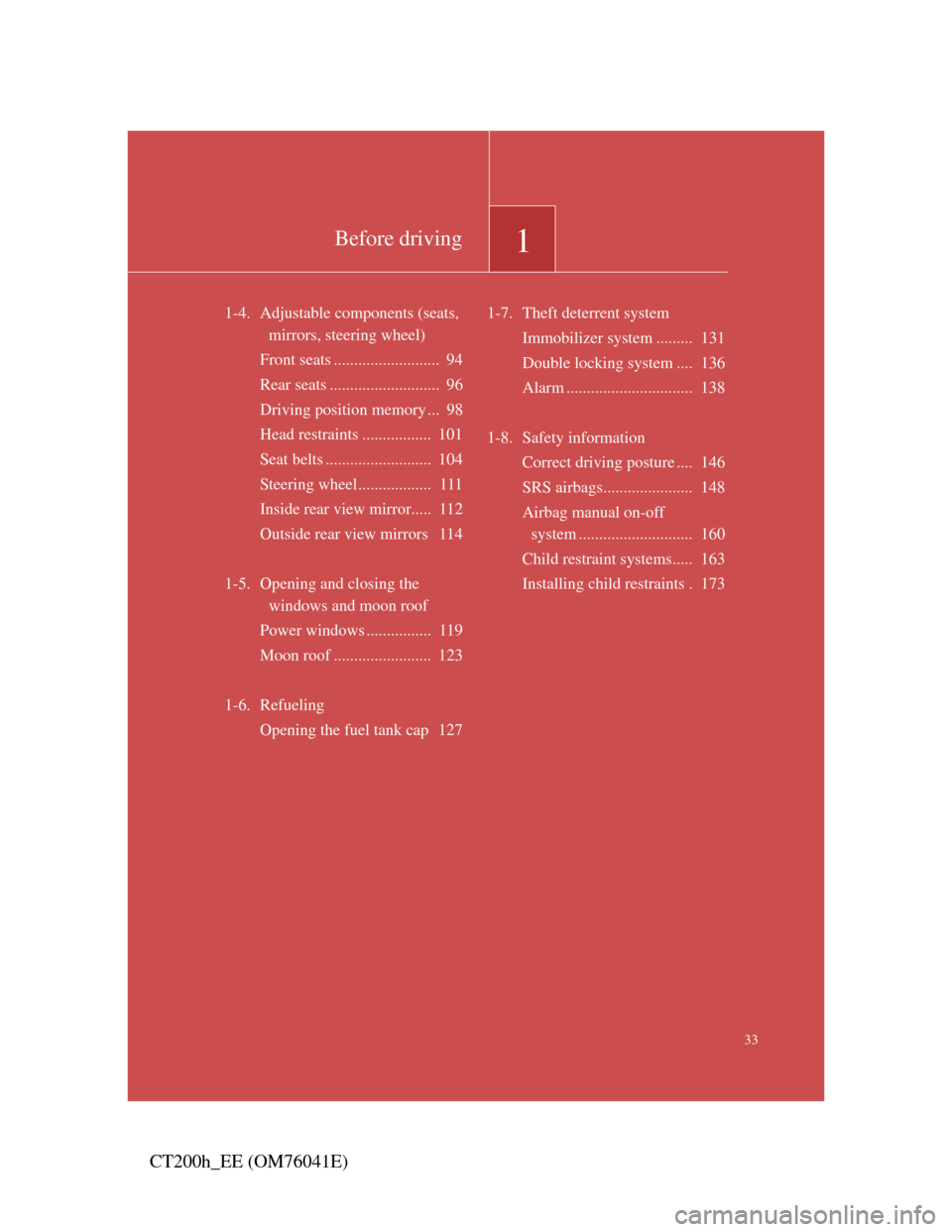
1-4. Adjustable components (seats,
mirrors, steering wheel)
Front seats .......................... 94
Rear seats ........................... 96
Driving position memory ... 98
Head restraints ................. 101
Seat belts .......................... 104
Steering wheel.................. 111
Inside rear view mirror..... 112
Outside rear view mirrors 114
1-5. Opening and closing the
windows and moon roof
Power windows ................ 119
Moon roof ........................ 123
1-6. Refueling
Opening the fuel tank cap 1271-7. Theft deterrent system
Immobilizer system ......... 131
Double locking system .... 136
Alarm ............................... 138
1-8. Safety information
Correct driving posture .... 146
SRS airbags...................... 148
Airbag manual on-off
system ............................ 160
Child restraint systems..... 163
Installing child restraints . 173
Page 94 of 696
94
CT200h_EE (OM76041E)
1-4. Adjustable components (seats, mirrors, steering wheel)
Front seats
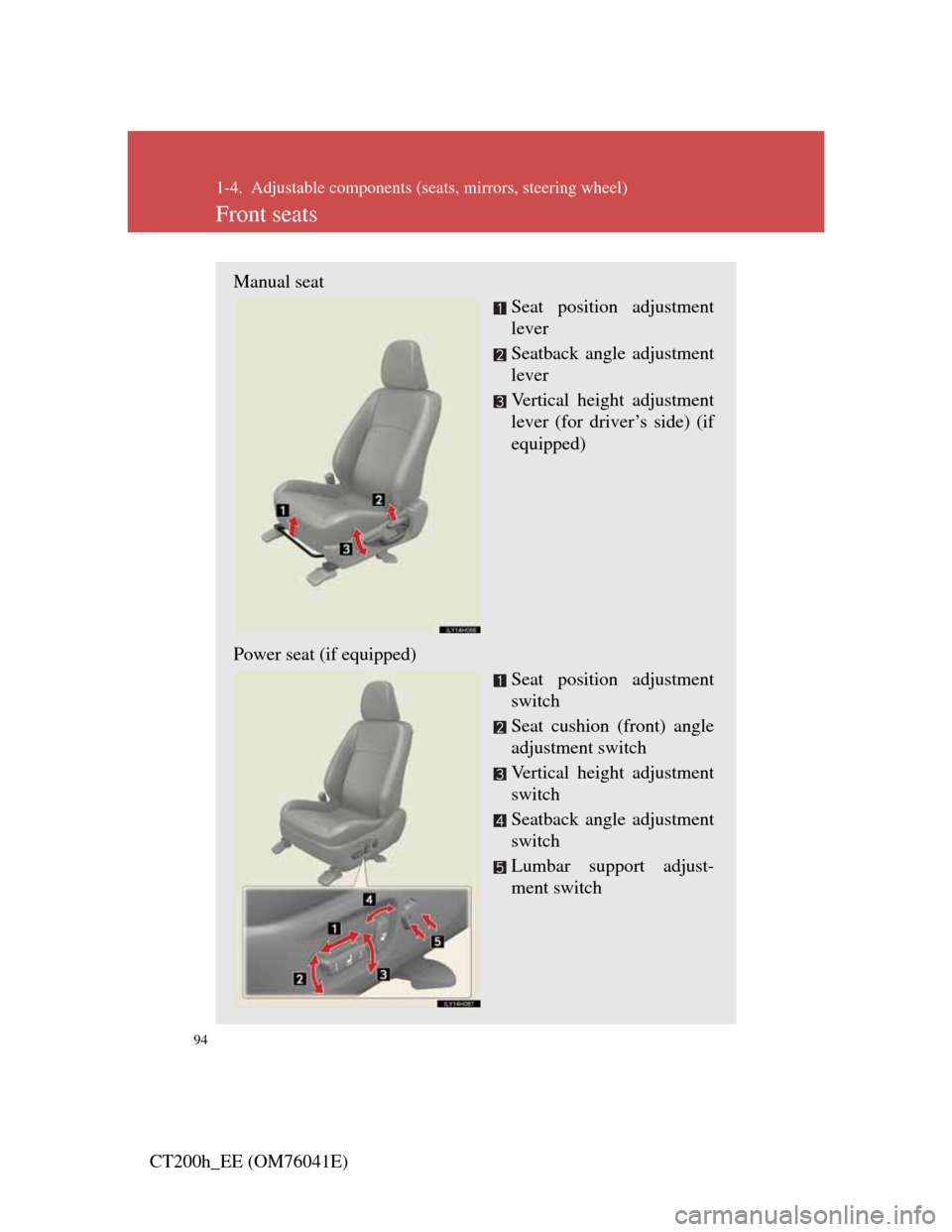
Manual seat
Seat position adjustment
lever
Seatback angle adjustment
lever
Vertical height adjustment
lever (for driver’s side) (if
equipped)
Power seat (if equipped)
Seat position adjustment
switch
Seat cushion (front) angle
adjustment switch
Vertical height adjustment
switch
Seatback angle adjustment
switch
Lumbar support adjust-
ment switch
Page 98 of 696
98
1-4. Adjustable components (seats, mirrors, steering wheel)
CT200h_EE (OM76041E)
Driving position memory
: If equipped
Your preferred driving position (the position of the driver’s seat and
outside rear view mirrors) can be memorized and recalled with the
touch of a button. It is also possible to set this function to activate
automatically when the doors are unlocked.
Three different driving positions can be entered into memory.
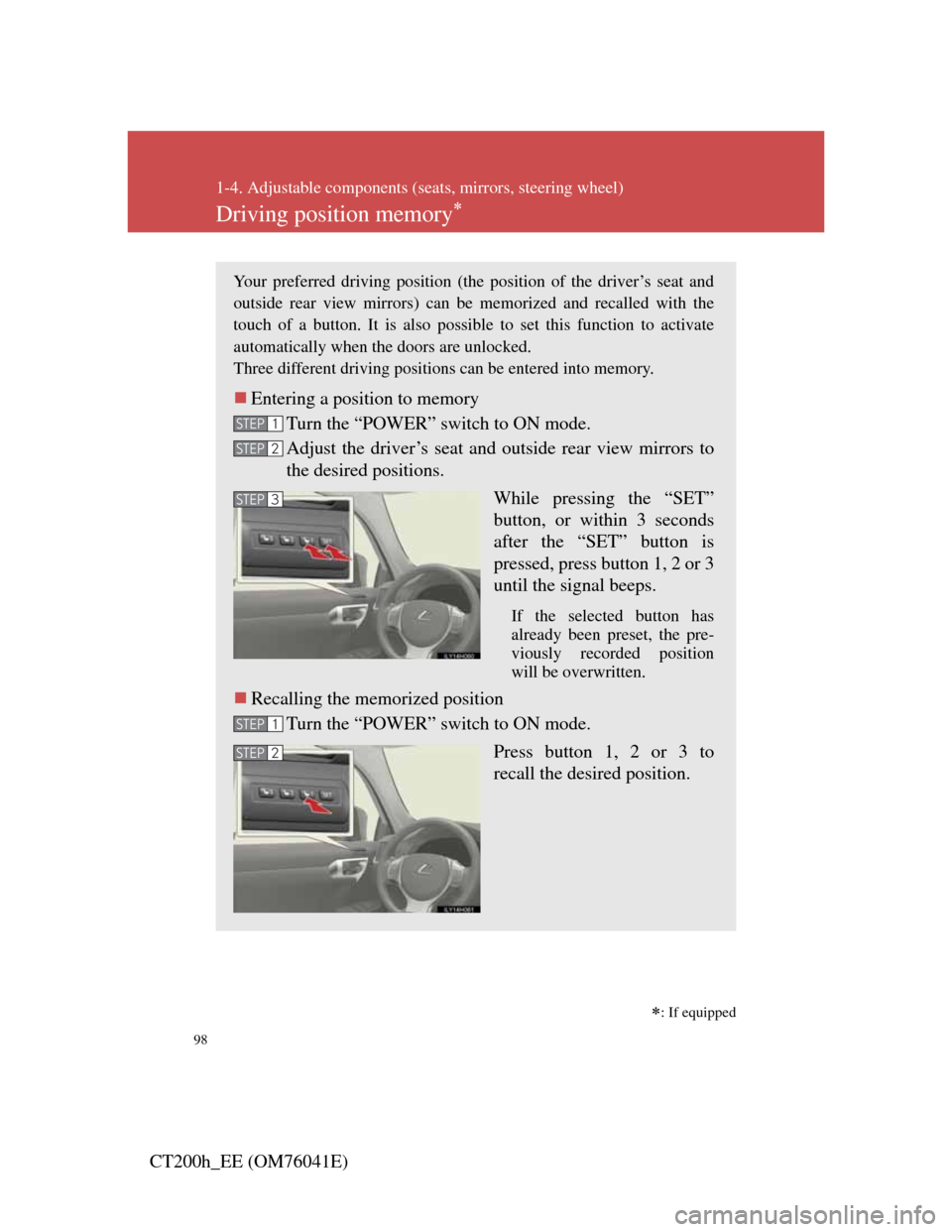
Entering a position to memory
Turn the “POWER” switch to ON mode.
Adjust the driver’s seat and outside rear view mirrors to
the desired positions.
While pressing the “SET”
button, or within 3 seconds
after the “SET” button is
pressed, press button 1, 2 or 3
until the signal beeps.
If the selected button has
already been preset, the pre-
viously recorded position
will be overwritten.
Recalling the memorized position
Turn the “POWER” switch to ON mode.
Press button 1, 2 or 3 to
recall the desired position.
STEP1
STEP2
STEP3
STEP1
STEP2
Page 99 of 696

99
1-4. Adjustable components (seats, mirrors, steering wheel)
1
Before driving
CT200h_EE (OM76041E)
Linking driving position memory with door unlock operation
(driver’s seat only)
Record your driving position to button 1, 2 or 3 before performing
the following:
Carry only the key (including the card key) to which you want to
link the driving position. If 2 or more keys are in the vehicle, the
driving position cannot be linked properly.
Close the driver’s door and turn the “POWER” switch to
OFF mode.
Press the desired button (1, 2 or
3) to recall the position. Then,
while keep pressing the button,
press the driver’s door lock
switches (either lock or unlock)
until the signal beeps.
The driving position is recalled
when the driver’s door is
unlocked using the entry func-
tion or wireless remote control
and the driver’s door is opened.
STEP1
STEP2
Page 100 of 696

100
1-4. Adjustable components (seats, mirrors, steering wheel)
CT200h_EE (OM76041E)
Operating the driving position memory after turning the “POWER” switch
off
Memorized positions can be activated up to 180 seconds after the driver’s
door is opened and another 60 seconds after it is closed again, even after
turning the “POWER” switch off.
Canceling the linked door unlock operation
Turn the “POWER” switch to ON mode and close the driver’s door.
While pressing the “SET” button, press the driver’s door lock
switches (either lock or unlock) until the signal beeps.
Stopping seat position operation part-way through
Perform any of the following operations:
Press the “SET” button.
Press button 1, 2 or 3.
Adjust the seat using the switches (only cancels seat position recall).
Correct seat position
When the seat is in the most forward or most backward position, and the
seat is being moved in those directions, the system may not correctly recog-
nize the current position and the memorized position will not be correctly
recalled.
CAUTION
Seat adjustment caution
Take care during seat adjustment so that the seat does not strike the rear pas-
senger or squeeze your body against the steering wheel.
STEP1
STEP2
Page 112 of 696
112
1-4. Adjustable components (seats, mirrors, steering wheel)
CT200h_EE (OM76041E)
Inside rear view mirror
Glare from the headlights of vehicles behind can be reduced by using
the following functions:
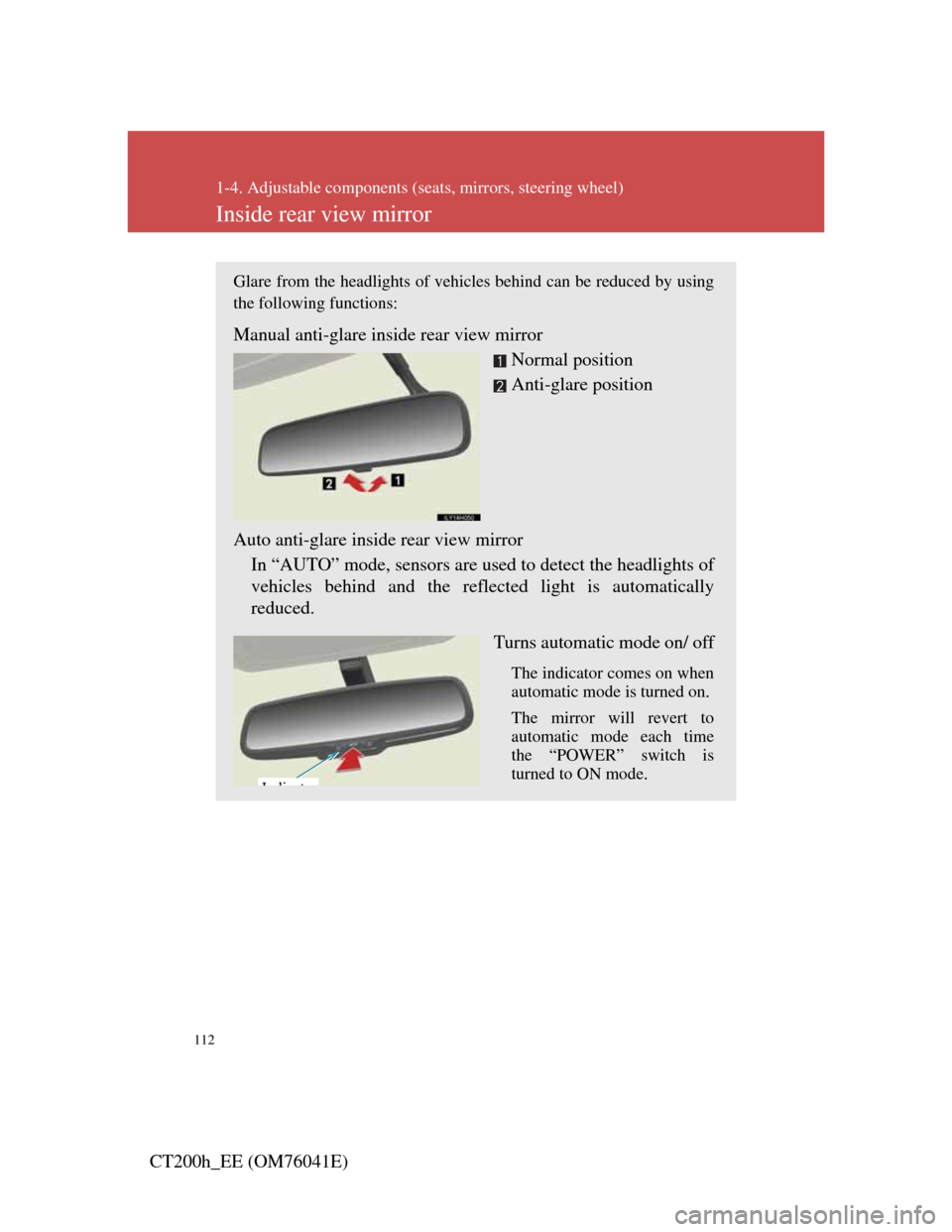
Manual anti-glare inside rear view mirror
Normal position
Anti-glare position
Auto anti-glare inside rear view mirror
In “AUTO” mode, sensors are used to detect the headlights of
vehicles behind and the reflected light is automatically
reduced.
Turns automatic mode on/ off
The indicator comes on when
automatic mode is turned on.
The mirror will revert to
automatic mode each time
the “POWER” switch is
turned to ON mode.
Idi t