display Lexus ES300h 2015 Owner's Manual
[x] Cancel search | Manufacturer: LEXUS, Model Year: 2015, Model line: ES300h, Model: Lexus ES300h 2015Pages: 786, PDF Size: 23.74 MB
Page 400 of 786
399
ES350_300h_OM_OM33B36U_(U)
5-6. Using an external device
5
Lexus Display Audio system
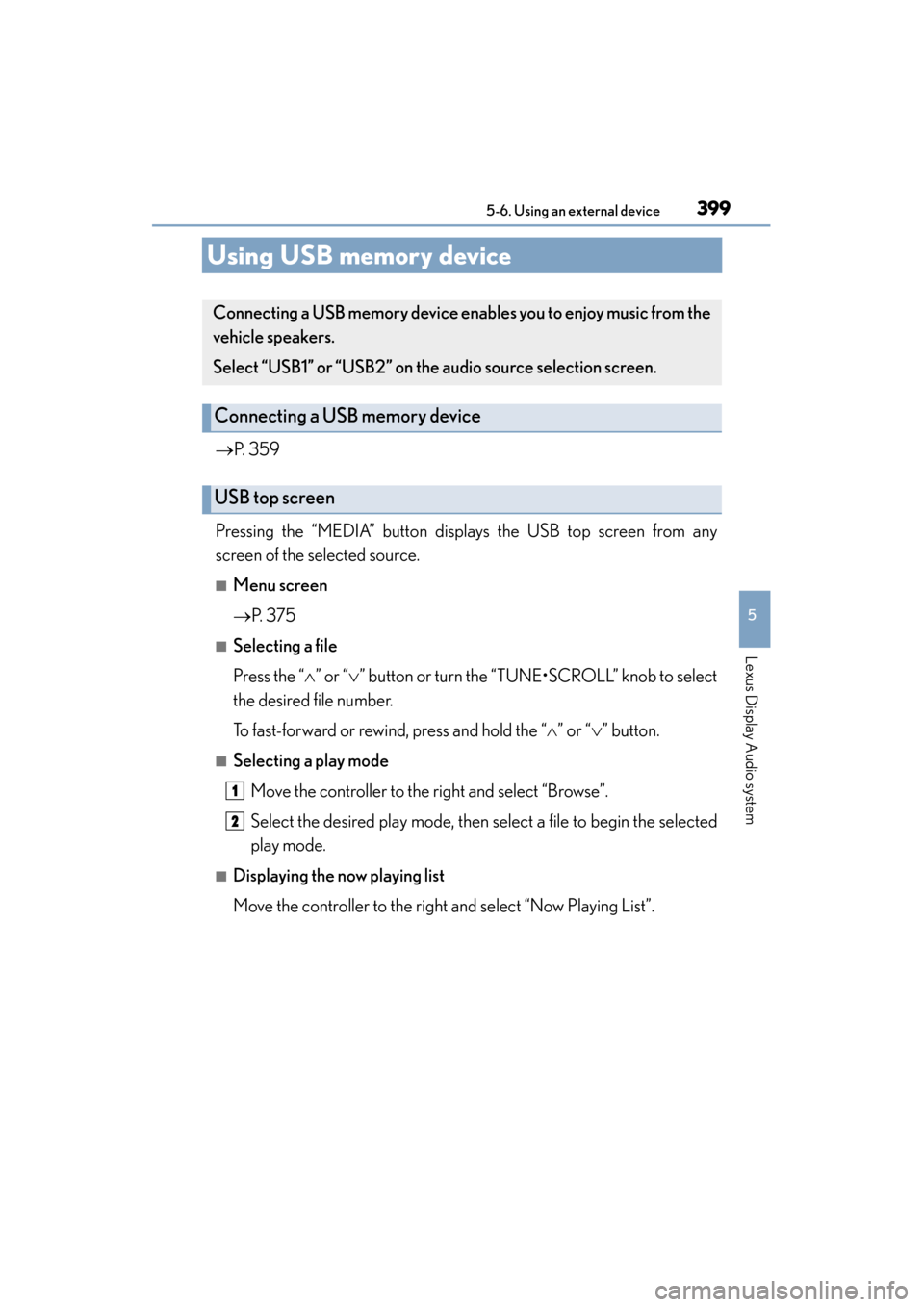
Using USB memory device
→P. 359
Pressing the “MEDIA” button displays the USB top screen from any
screen of the selected source.
■Menu screen
→ P. 3 7 5
■Selecting a file
Press the “ ∧” or “∨ ” button or turn the “TUNE•SCROLL” knob to select
the desired file number.
To fast-forward or rewind, press and hold the “ ∧” or “ ∨” button.
■Selecting a play mode
Move the controller to the right and select “Browse”.
Select the desired play mode, then select a file to begin the selected
play mode.
■Displaying the now playing list
Move the controller to the right and select “Now Playing List”.
Connecting a USB memory device enab les you to enjoy music from the
vehicle speakers.
Select “USB1” or “USB2” on the aud io source selection screen.
Connecting a USB memory device
USB top screen
1
2
Page 401 of 786
4005-6. Using an external device
ES350_300h_OM_OM33B36U_(U)
■USB memory functions
●Depending on the USB memory device that is connected to the system, the device
itself may not be operable and certain functions may not be available. If the device
is inoperable or a function is unavailable due to a malfunction (as opposed to a sys-
tem specification), disconnecting the device and reconnecting it may resolve the
problem.
●If the USB memory device still does not begin operation after being disconnected
and reconnected, format the device.
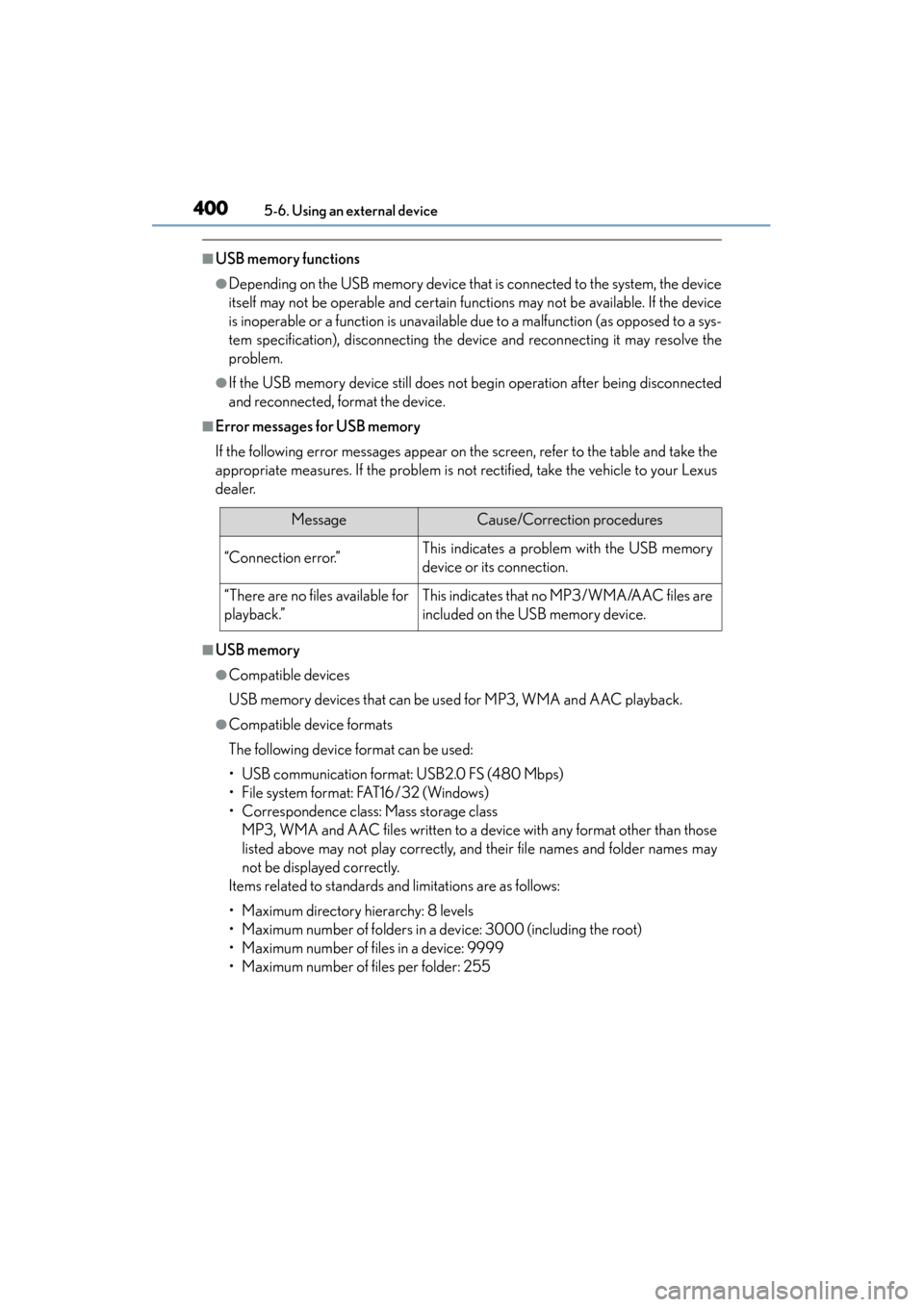
■Error messages for USB memory
If the following error messages appear on the screen, refer to the table and take the
appropriate measures. If the problem is not rectified, take the vehicle to your Lexus
dealer.
■USB memory
●Compatible devices
USB memory devices that can be used for MP3, WMA and AAC playback.
●Compatible device formats
The following device format can be used:
• USB communication format: USB2.0 FS (480 Mbps)
• File system format: FAT16 /32 (Windows)
• Correspondence class: Mass storage class MP3, WMA and AAC files written to a device with any format other than those
listed above may not play correctly, and their file names and folder names may
not be displayed correctly.
Items related to standards and limitations are as follows:
• Maximum directory hierarchy: 8 levels
• Maximum number of folders in a device: 3000 (including the root)
• Maximum number of files in a device: 9999
• Maximum number of files per folder: 255
MessageCause/Correction procedures
“Connection error.”This indicates a problem with the USB memory
device or its connection.
“There are no files available for
playback.”This indicates that no MP3/WMA/AAC files are
included on the USB memory device.
Page 402 of 786
ES350_300h_OM_OM33B36U_(U)
4015-6. Using an external device
5
Lexus Display Audio system
●MP3, WMA and AAC files
MP3 (MPEG Audio LAYER 3) is a standard audio compression format.
Files can be compressed to approximately 1 /10 of their original size using MP3
compression.
WMA (Windows Media Audio) is a Microsoft audio compression format. This for-
mat compresses audio data to a size smaller than that of the MP3 format.
AAC is short for Advanced Audio Coding and refers to an audio compression
technology standard used with MPEG2 and MPEG4.
MP3, WMA and AAC file and media/formats compatibility are limited.
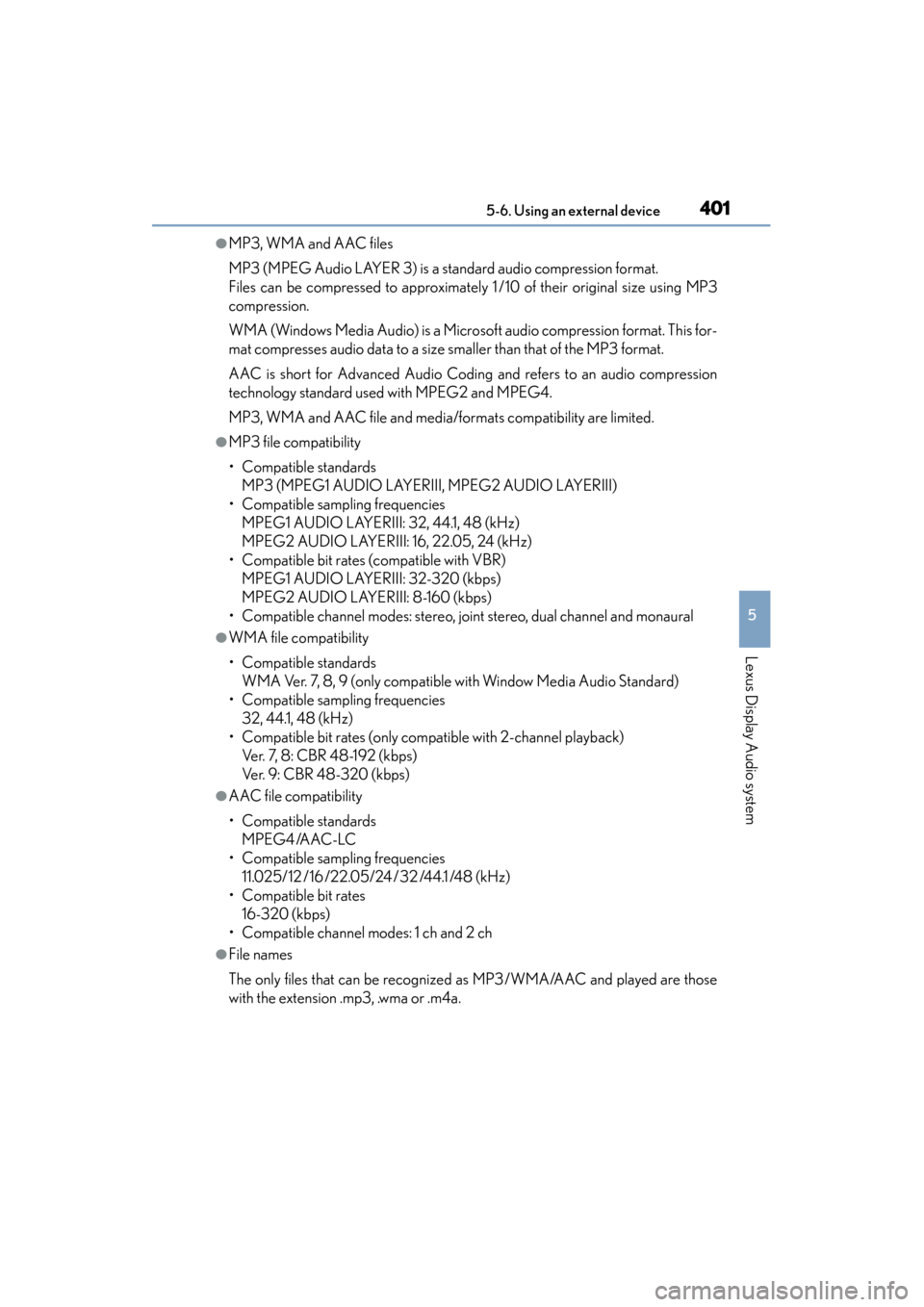
●MP3 file compatibility
• Compatible standards MP3 (MPEG1 AUDIO LAYERIII, MPEG2 AUDIO LAYERIII)
• Compatible sampling frequencies MPEG1 AUDIO LAYERIII: 32, 44.1, 48 (kHz)
MPEG2 AUDIO LAYERIII: 16, 22.05, 24 (kHz)
• Compatible bit rates (compatible with VBR) MPEG1 AUDIO LAYERIII: 32-320 (kbps)
MPEG2 AUDIO LAYERIII: 8-160 (kbps)
• Compatible channel modes: stereo, joint stereo, dual channel and monaural
●WMA file compatibility
• Compatible standards WMA Ver. 7, 8, 9 (only compatible with Window Media Audio Standard)
• Compatible sampling frequencies 32, 44.1, 48 (kHz)
• Compatible bit rates (only compatible with 2-channel playback) Ver. 7, 8: CBR 48-192 (kbps)
Ver. 9: CBR 48-320 (kbps)
●AAC file compatibility
• Compatible standards MPEG4/AAC-LC
• Compatible sampling frequencies 11.025/12 /16/22.05/24/32 /44.1 /48 (kHz)
• Compatible bit rates 16-320 (kbps)
• Compatible channel modes: 1 ch and 2 ch
●File names
The only files that can be recognized as MP3/WMA/AAC and played are those
with the extension .mp3, .wma or .m4a.
Page 404 of 786
ES350_300h_OM_OM33B36U_(U)
4035-6. Using an external device
5
Lexus Display Audio system
NOTICE
■If the armrest cannot be fully closed
Depending on the size and shape of the USB memory that is connected to the sys-
tem, the armrest may not close fully. In this case, do not forcibly close the armrest
as this may damage the USB memory or the terminal, etc.
■To prevent damage to the USB memory device or its terminals
●Do not leave the USB memory device in the vehicle. The temperature inside the
vehicle may become high.
●Do not push down on or apply unnecessary pressure to the USB memory device
while it is connected.
●Do not insert foreign objects into the port.
Page 405 of 786
404
ES350_300h_OM_OM33B36U_(U)
5-6. Using an external device
Using the AUX port
→P. 359
Pressing the “MEDIA” button displays the top screen from any screen of
the selected source.
■Menu screen
→ P. 3 7 5
■Operating portable players connected to the audio system
Volume can be adjusted using the vehicle’s audio controls. All other adjustments
must be made on the portable player itself.
■When using a portable player connected to the power outlet
Noise may occur during playback. Use the power source of the portable player.
To use the AUX port, connect a portable player, press the “MEDIA”
button or select “AUX” or “A/V” on the “Source” screen.
Connecting a portable player
To p s c r e e n
NOTICE
■To prevent damage to the portable player or its terminal
●Do not leave portable player in the vehicle. The temperature inside the vehicle
may become high.
●Do not push down on or apply unnecessary pressure to the portable player while
it is connected.
●Do not insert foreign objects into the port.
Page 406 of 786
405
ES350_300h_OM_OM33B36U_(U)
5-7. Connecting Bluetooth®
5
Lexus Display Audio system
Steps for using Bluetooth® devices
The following can be performed using Bluetooth® wireless communi-
cation:
■A portable audio player can be op erated and listened to via the
Lexus Display Audio system
■Hands-free phone calls can be made via a cellular phone
In order to use wireless commun ication, register and connect a
Bluetooth
® device by performing the following procedures.
Page 408 of 786
ES350_300h_OM_OM33B36U_(U)
4075-7. Connecting Bluetooth®
5
Lexus Display Audio system
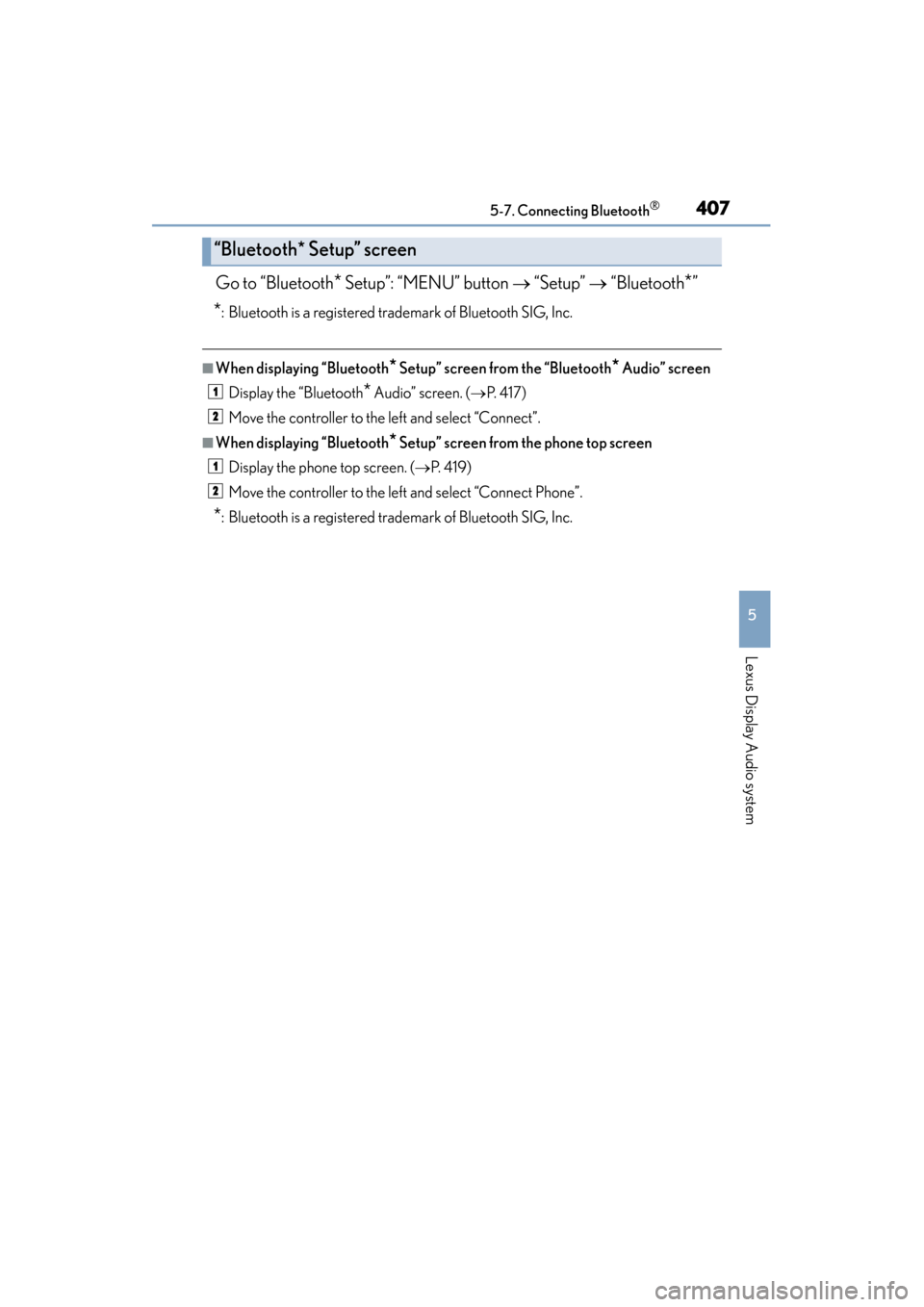
Go to “Bluetooth* Setup”: “MENU” button → “Setup” → “Bluetooth*”
*: Bluetooth is a registered trademark of Bluetooth SIG, Inc.
■When displaying “Bluetooth* Setup” screen from the “Bluetooth* Audio” screen
Display the “Bluetooth
* Audio” screen. ( →P. 4 1 7 )
Move the controller to the left and select “Connect”.
■When displaying “Bluetooth* Setup” screen from the phone top screen
Display the phone top screen. ( →P. 4 1 9 )
Move the controller to the left and select “Connect Phone”.
*: Bluetooth is a registered trademark of Bluetooth SIG, Inc.
“Bluetooth* Setup” screen
1
2
1
2
Page 409 of 786
408
ES350_300h_OM_OM33B36U_(U)
5-7. Connecting Bluetooth®
Registering a Bluetooth® device
Turn the Bluetooth® connection setting of your device set to on.
Go to “Bluetooth* Setup”: “MENU” button → “Setup” → “Bluetooth*”
Move the controller to the left and then select “Add Device”
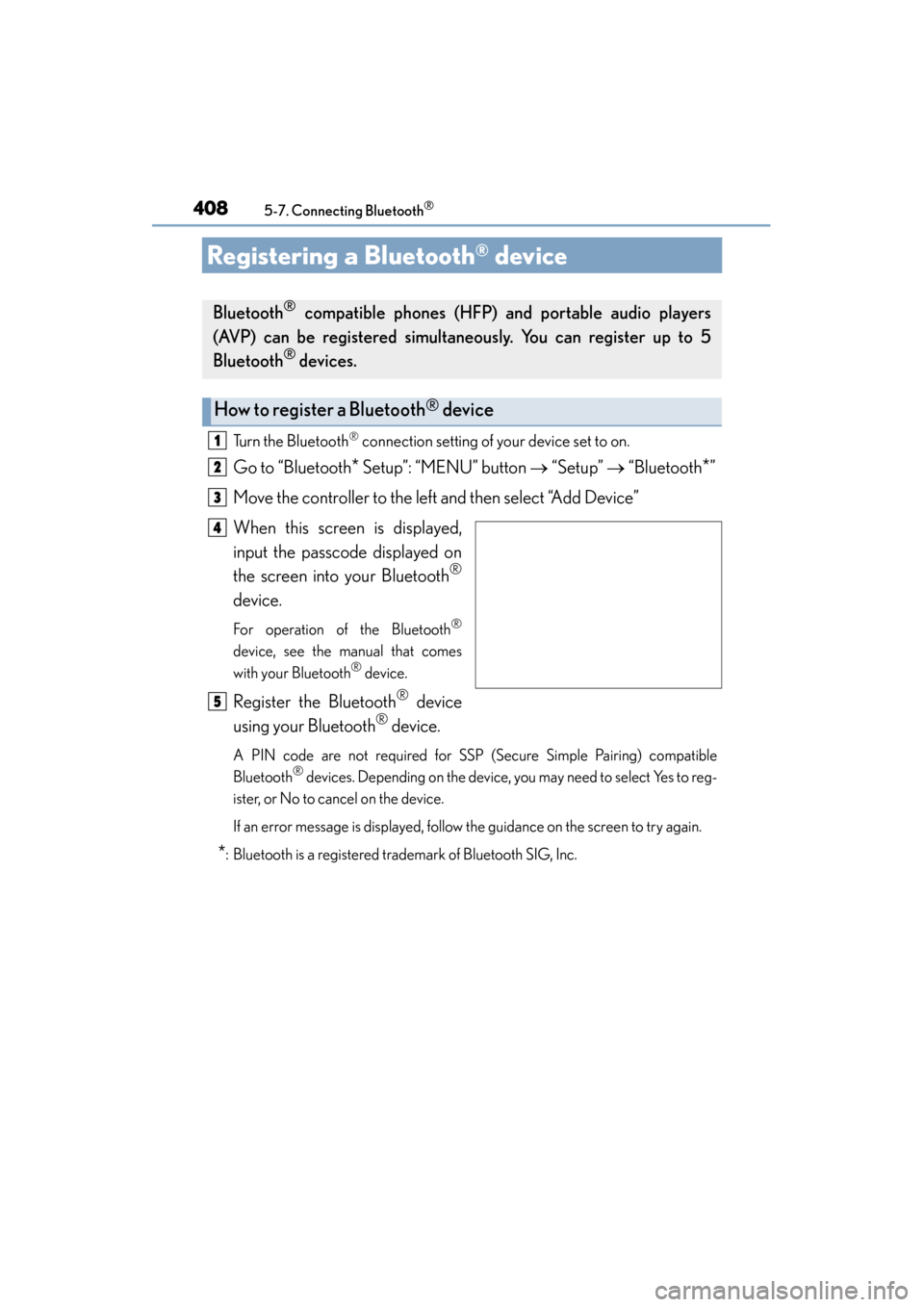
When this screen is displayed,
input the passcode displayed on
the screen into your Bluetooth
®
device.
For operation of the Bluetooth®
device, see the manual that comes
with your Bluetooth® device.
Register the Bluetooth® device
using your Bluetooth
® device.
A PIN code are not required for SSP (Secure Simple Pairing) compatible
Bluetooth® devices. Depending on the device, you may need to select Yes to reg-
ister, or No to cancel on the device.
If an error message is displayed, follow the guidance on the screen to try again.
*: Bluetooth is a registered trademark of Bluetooth SIG, Inc.
Bluetooth® compatible phones (HFP) and portable audio players
(AVP) can be registered simultaneously. You can register up to 5
Bluetooth
® devices.
How to register a Bluetooth® device
1
2
3
4
5
Page 410 of 786
ES350_300h_OM_OM33B36U_(U)
4095-7. Connecting Bluetooth®
5
Lexus Display Audio system
Go to “Bluetooth* Setup”: “MENU” button → “Setup” → “Bluetooth*”
Move the controller to the left and then select “Remove Device”.
Select the device to remove.
*: Bluetooth is a registered trademark of Bluetooth SIG, Inc.
Removing a Bluetooth® device
1
2
3
Page 411 of 786
410
ES350_300h_OM_OM33B36U_(U)
5-7. Connecting Bluetooth®
Selecting a Bluetooth® device
Go to “Bluetooth* Setup”: “MENU” button → “Setup” → “Bluetooth*”
Select the device to connect.
Select “Connect All”, “Connect as a Phone” or “Connect as an Audio
Player”.
If the desired Bluetooth
® device is not displayed, register the device.
(→ P. 4 0 8 )
*: Bluetooth is a registered trademark of Bluetooth SIG, Inc.
If multiple Bluetooth® devices are registered, follow the procedure
below to select the Bluetooth
® device to be used. You may only use one
device at a time.
How to select a Bluetooth® device
1
2
3