bluetooth Lexus ES300h 2015 Owner's Guide
[x] Cancel search | Manufacturer: LEXUS, Model Year: 2015, Model line: ES300h, Model: Lexus ES300h 2015Pages: 786, PDF Size: 23.74 MB
Page 418 of 786
417
ES350_300h_OM_OM33B36U_(U)
5-8. Bluetooth® Audio
5
Lexus Display Audio system
Listening to Bluetooth® Audio
When a Bluetooth® device cannot be connected, check the connection
status on the “Bluetooth
* Audio” screen. If the device is not connected,
either register or reconnect the device. ( →P. 408, 411)
*: Bluetooth is a registered trademark of Bluetooth SIG, Inc.
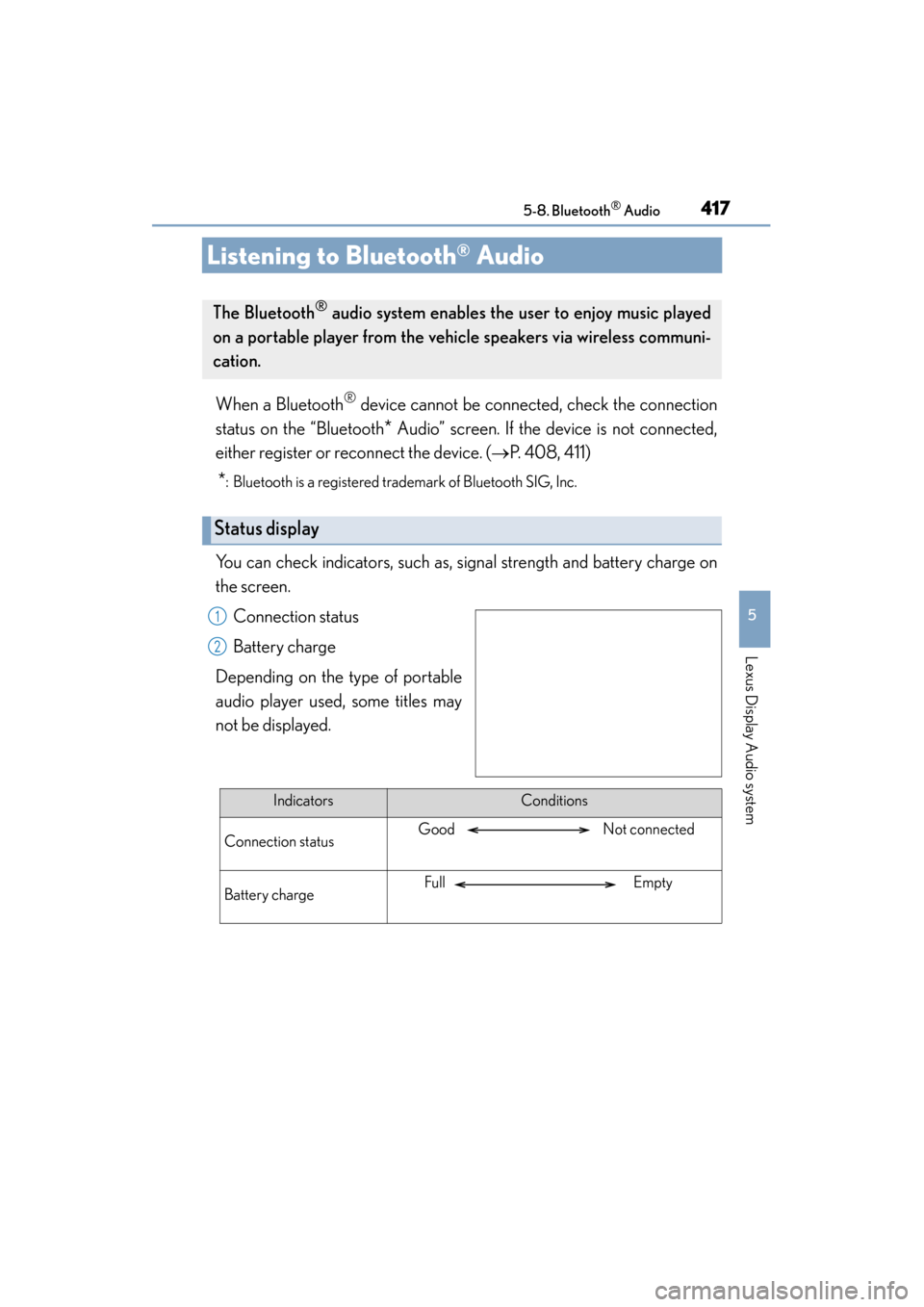
You can check indicators, such as, signal strength and battery charge on
the screen.
Connection status
Battery charge
Depending on the type of portable
audio player used, some titles may
not be displayed.
The Bluetooth® audio system enables the user to enjoy music played
on a portable player from the ve hicle speakers via wireless communi-
cation.
Status display
1
2
IndicatorsConditions
Connection statusGood Not connected
Battery chargeFull Empty
Page 419 of 786
4185-8. Bluetooth® Audio
ES350_300h_OM_OM33B36U_(U)
Pressing the “MEDIA” button displays the Bluetooth® audio top screen
from any screen of the selected source.
■Menu screen
→ P. 3 7 5
■Selecting a song
Press the “ ∧” or “∨ ” button or turn the “TUNE•SCROLL” knob to select
the desired song number.
To fast-forward or reverse, press and hold the “ ∧” or “ ∨” button.
■Selecting a play mode
Move the controller to the right and then select “Browse”.
Select the desired play mode, and th en select a song to begin using
the selected play mode.
■Displaying the now playing list
Move the controller to the right and then select “Now Playing List”.
Bluetooth® audio top screen
1
2
Page 420 of 786
419
ES350_300h_OM_OM33B36U_(U)
5-9. Bluetooth® Phone
5
Lexus Display Audio system
Using a Bluetooth® Phone
Before making a phone call, check the connection status, battery charge,
call area and signal strength. (
→P. 4 2 0 )
If a Bluetooth
® device cannot be connected, check the connection status.
If the device is not connected, either register or reconnect it.
(
→P. 408, 412)
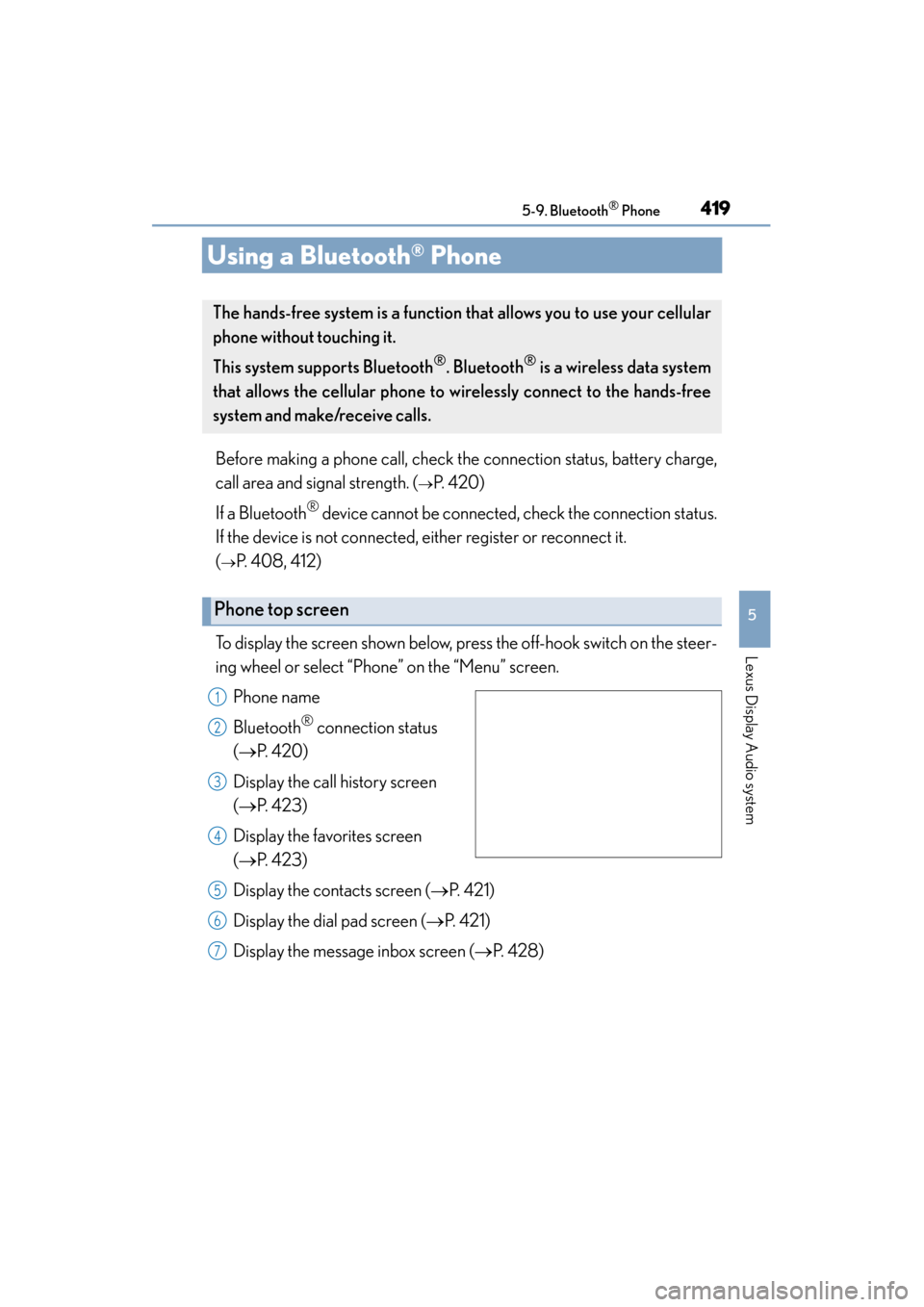
To display the screen shown below, press the off-hook switch on the steer-
ing wheel or select “Phone” on the “Menu” screen. Phone name
Bluetooth
® connection status
(→ P. 4 2 0 )
Display the call history screen
(→ P. 423)
Display the favorites screen
(→ P. 423)
Display the contacts screen ( →P. 4 2 1 )
Display the dial pad screen ( →P. 421)
Display the message inbox screen ( →P. 4 2 8 )
The hands-free system is a function th at allows you to use your cellular
phone without touching it.
This system supports Bluetooth
®. Bluetooth® is a wireless data system
that allows the cellular phone to wirelessly connect to the hands-free
system and make/receive calls.
Phone top screen
1
2
3
4
5
6
7
Page 421 of 786
4205-9. Bluetooth® Phone
ES350_300h_OM_OM33B36U_(U)
◆Telephone switch (→P. 4 3 1 )
◆Microphone
The vehicle’s built-in microphone
is used when talking on the
phone.
The person you are speaking to
can be heard from the front
speakers.
To use the hands-free system, you must register your Bluetooth
®
phone in the system. ( →P. 4 0 8 )
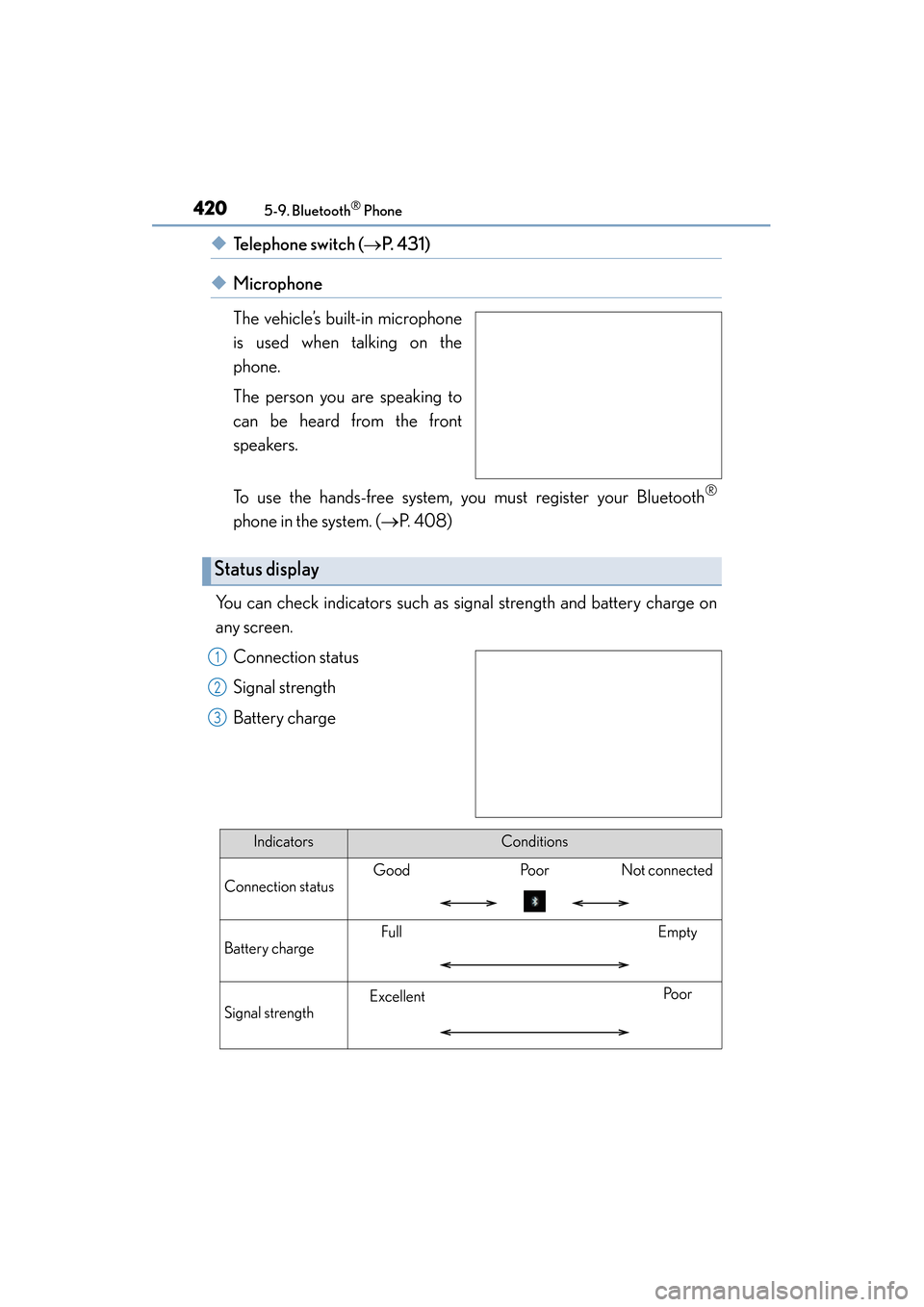
You can check indicators such as signal strength and battery charge on
any screen. Connection status
Signal strength
Battery charge
Status display
1
2
3
IndicatorsConditions
Connection status
GoodPo o rNot connected
Battery charge
FullEmpty
Signal strength
ExcellentPo o r
Page 422 of 786
421
ES350_300h_OM_OM33B36U_(U)
5-9. Bluetooth® Phone
5
Lexus Display Audio system
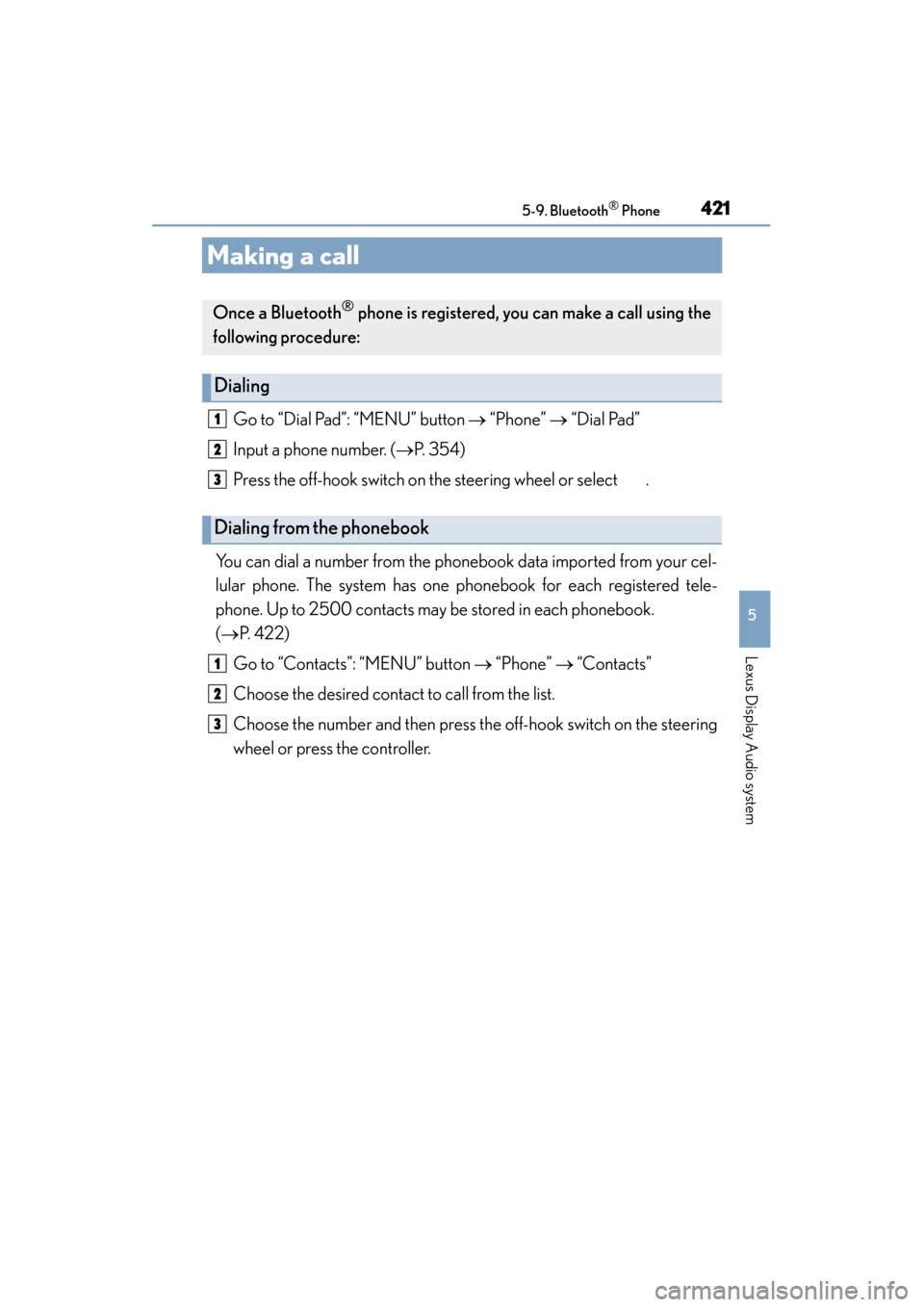
Making a call
Go to “Dial Pad”: “MENU” button → “Phone” → “Dial Pad”
Input a phone number. ( →P. 3 5 4 )
Press the off-hook switch on the steering wheel or select .
You can dial a number from the phonebook data imported from your cel-
lular phone. The system has one phonebook for each registered tele-
phone. Up to 2500 contacts may be stored in each phonebook.
(→ P. 4 2 2 )
Go to “Contacts”: “MENU” button → “Phone” → “Contacts”
Choose the desired contact to call from the list.
Choose the number and then press the off-hook switch on the steering
wheel or press the controller.
Once a Bluetooth® phone is registered, you can make a call using the
following procedure:
Dialing
Dialing from the phonebook
1
2
3
1
2
3
Page 423 of 786
4225-9. Bluetooth® Phone
ES350_300h_OM_OM33B36U_(U)
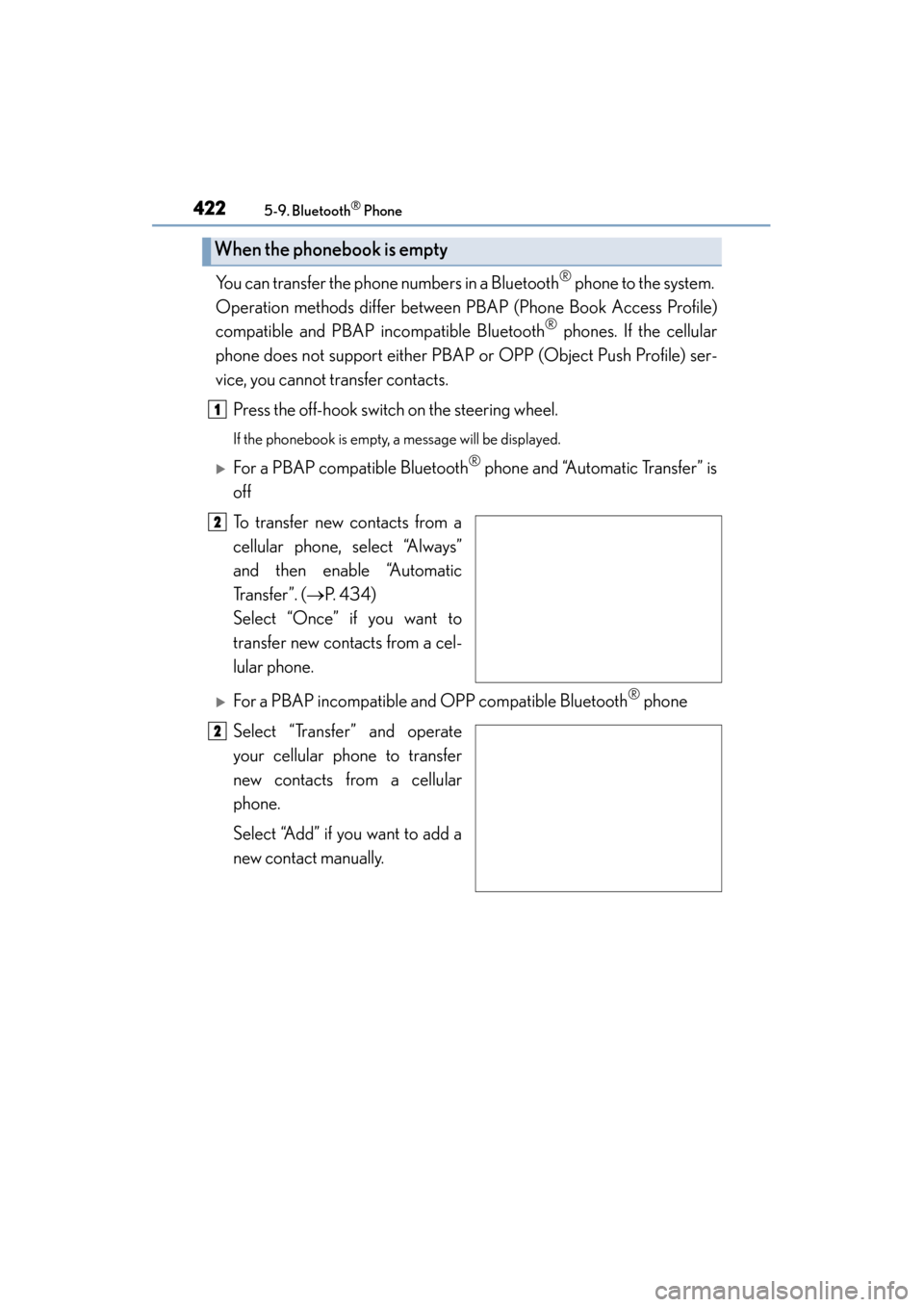
You can transfer the phone numbers in a Bluetooth® phone to the system.
Operation methods differ between PBAP (Phone Book Access Profile)
compatible and PBAP incompatible Bluetooth
® phones. If the cellular
phone does not support either PBAP or OPP (Object Push Profile) ser-
vice, you cannot transfer contacts.
Press the off-hook switch on the steering wheel.
If the phonebook is empty, a message will be displayed.
XFor a PBAP compatible Bluetooth® phone and “Automatic Transfer” is
off
To transfer new contacts from a
cellular phone, select “Always”
and then enable “Automatic
Tr a n s f e r ” . ( →P. 4 3 4 )
Select “Once” if you want to
transfer new contacts from a cel-
lular phone.
XFor a PBAP incompatible and OPP compatible Bluetooth® phone
Select “Transfer” and operate
your cellular phone to transfer
new contacts from a cellular
phone.
Select “Add” if you want to add a
new contact manually.
When the phonebook is empty
1
2
2
Page 424 of 786
ES350_300h_OM_OM33B36U_(U)
4235-9. Bluetooth® Phone
5
Lexus Display Audio system
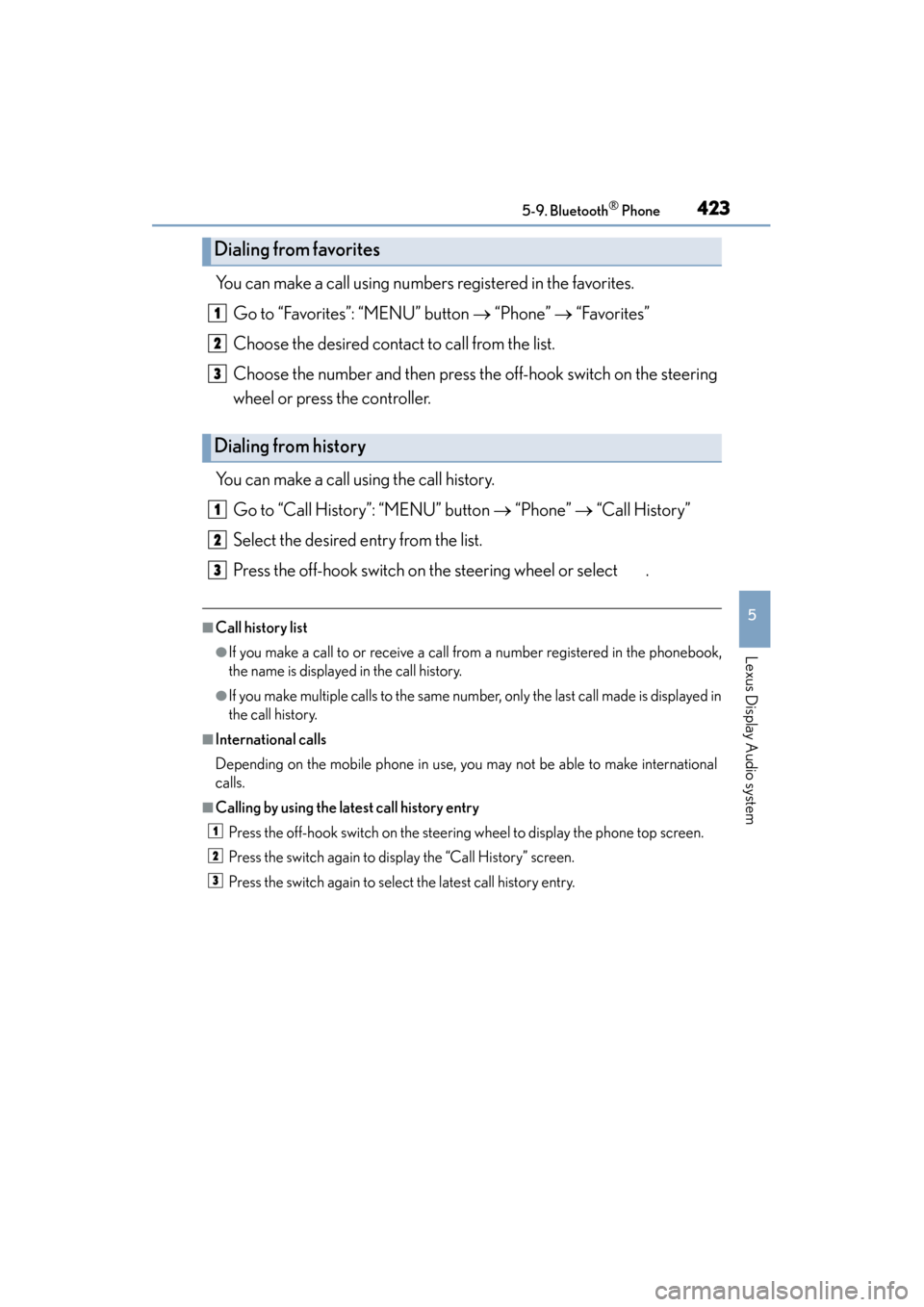
You can make a call using numbers registered in the favorites.Go to “Favorites”: “MENU” button → “Phone” → “Favorites”
Choose the desired contact to call from the list.
Choose the number and then press the off-hook switch on the steering
wheel or press the controller.
You can make a call using the call history. Go to “Call History”: “MENU” button → “Phone” → “Call History”
Select the desired entry from the list.
Press the off-hook switch on the steering wheel or select .
■Call history list
●If you make a call to or receive a call from a number registered in the phonebook,
the name is displayed in the call history.
●If you make multiple calls to the same number, only the last call made is displayed in
the call history.
■International calls
Depending on the mobile phone in use, you may not be able to make international
calls.
■Calling by using the latest call history entry Press the off-hook switch on the steering wheel to display the phone top screen.
Press the switch again to display the “Call History” screen.
Press the switch again to select the latest call history entry.
Dialing from favorites
Dialing from history
1
2
3
1
2
3
1
2
3
Page 425 of 786
424
ES350_300h_OM_OM33B36U_(U)
5-9. Bluetooth® Phone
Receiving a call
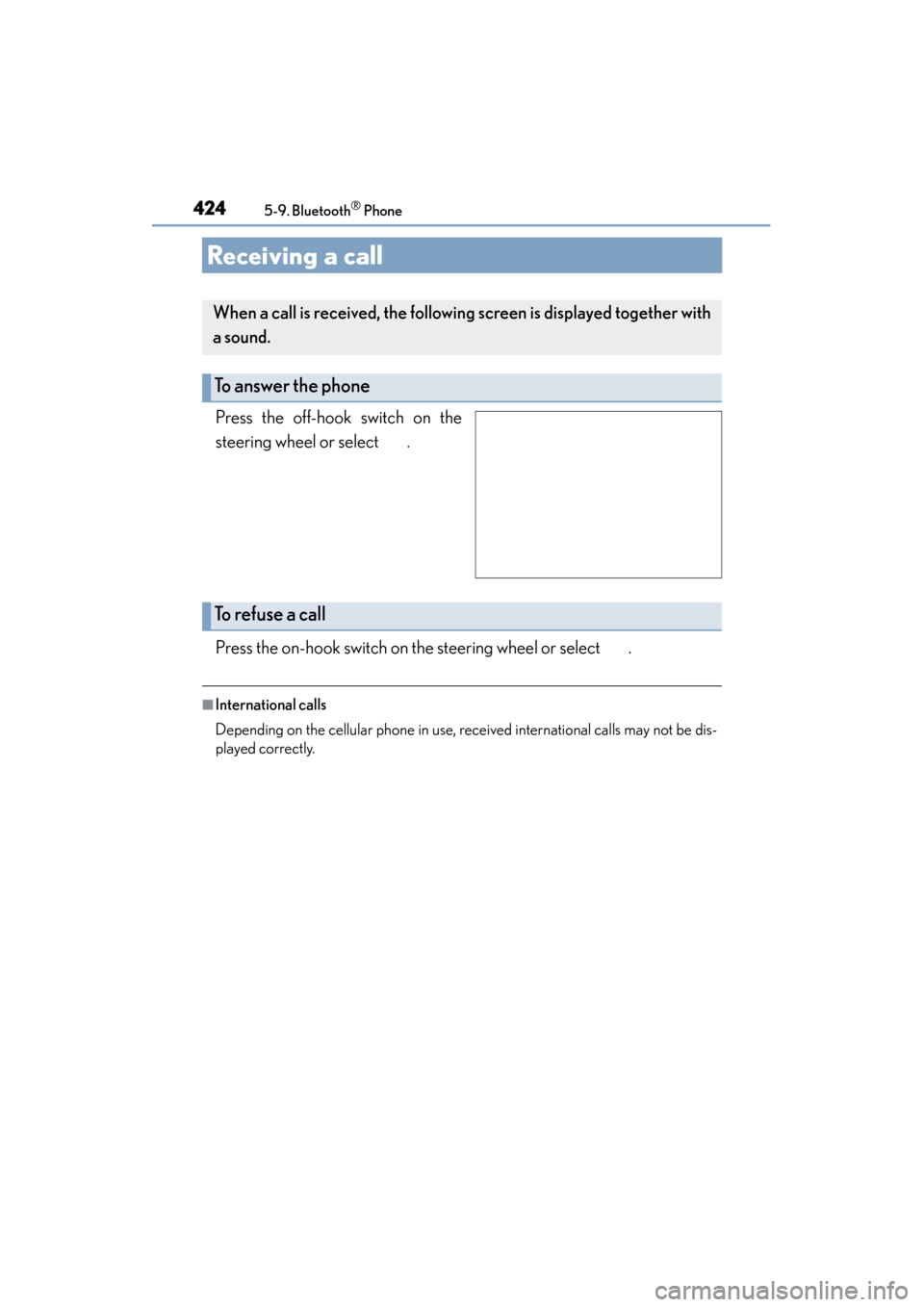
Press the off-hook switch on the
steering wheel or select .
Press the on-hook switch on the steering wheel or select .
■International calls
Depending on the cellular phone in use, received international calls may not be dis-
played correctly.
When a call is received, the following screen is displayed together with
a sound.
To answer the phone
To r e f u s e a c a l l
Page 426 of 786
425
ES350_300h_OM_OM33B36U_(U)
5-9. Bluetooth® Phone
5
Lexus Display Audio system
Speaking on the phone
Select “Transmit Volume”. To restore default volume, move the controller
to the left on the “Transmit Volume” screen and then select “Default”.
Move the controller to the left and then select “In-call Volume”. You can
also adjust the volume using the “PWR•VOL” knob or the steering
switches.
Select “Mute”.
The following screen is displayed when speaking on the phone.
To adjust the transmit volume
To adjust in call volume
To prevent the other party from hearing your voice
Page 427 of 786
4265-9. Bluetooth® Phone
ES350_300h_OM_OM33B36U_(U)
When using phone services such as an answering service or a bank, you
can store phone numbers and code numbers in the contacts using “p” or
“w” symbols (eg. 056133 w 0123p#1).
XContact including a phone number only
Move the controller to the left and then select “0-9”.
Input the number.
XPhone number containing a “p” symbol
When the “p” symbol is dialed in an ou tgoing call, there will be a pause for
2 seconds before the following digits are dialed automatically.
XPhone number containing a “w” symbol
When the “w” symbol is dialed in an outgoing call, you need to go to the
“Release Tones” screen to dial the following digits. Move the controller to
the left and then select “Release Tones”.
Select “Handset Mode” to change from a hands-free call to a cellular
phone call or vice versa.
Press the on-hook switch on the steering wheel or select .
Inputting tones
To transfer a call
To h a n g u p
1
2