navigation system Lexus ES300h 2015 Owner's Guide
[x] Cancel search | Manufacturer: LEXUS, Model Year: 2015, Model line: ES300h, Model: Lexus ES300h 2015Pages: 786, PDF Size: 23.74 MB
Page 461 of 786
4605-12. Other function
ES350_300h_OM_OM33B36U_(U)
■Microphone
●Wait for the listening beeps before using the Mobile Assistant.
●The Mobile Assistant may not recognize commands in the following situations:
• When spoken too quickly.
• When spoken at a low or high volume.
• When the roof or windows are open.
• When passengers are talking while the Mobile Assistant is being used.
• When the air conditioning system’s fan speed is set high.
• When the air conditioning vents are turned toward the microphone.
■Mobile Assistant precautions
●The available features and functions may vary based on the iOS version installed on
the connected device.
●Some Siri features are limited in Eyes Free mode. If you attempt to use an unavail-
able function, Siri will inform you that the function is not available.
●If Siri is not enabled on the cellular phone connected via Bluetooth®, an error mes-
sage will be displayed on the screen.
●While a phone call is active, the Mobile Assistant cannot be used.
●If using the navigation feature of the cellular phone, ensure the active audio source
is Bluetooth® audio or iPod in order to hear turn by turn direction prompts.
It is not necessary to speak directly into the
microphone when using the Mobile Assistant.
Page 465 of 786
464
ES350_300h_OM_OM33B36U_(U)
6-1. Using the air conditioning system and defogger
Automatic air conditioning system
Air outlets and fan speed are automat ically adjusted according to the
temperature setting.
Vehicles with a Lexus Display Au dio system: Press the “MENU” button
on the Lexus Display Audio controller , then select “Climate” to display
the air conditioning operation screen.
For details on the Lexus Display Audio controller, refer to “Lexus
Display Audio controller” on P. 352.
Vehicles with a naviga tion system: Press the “MENU” button on the
Remote Touch, then select “Climate” to display the air conditioning
control screen.
For details on the Remote Touch, refer to the “NAVIGATION SYSTEM
OWNER’S MANUAL”.
Page 468 of 786
ES350_300h_OM_OM33B36U_(U)
4676-1. Using the air conditioning system and defogger
6
Interior features
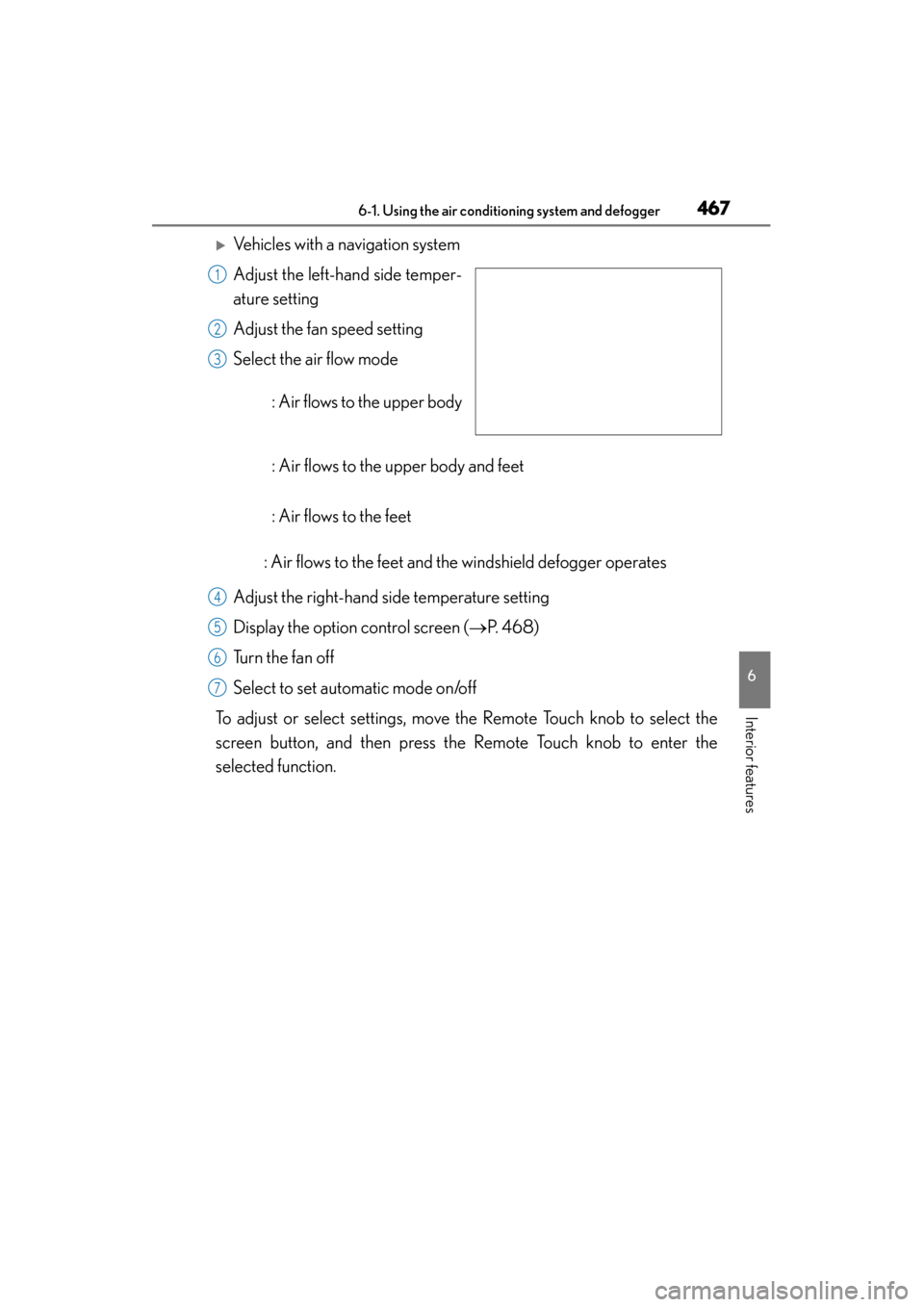
XVehicles with a navigation system
Adjust the left-hand side temper-
ature setting
Adjust the fan speed setting
Select the air flow mode
: Air flows to the upper body
: Air flows to the upper body and feet
: Air flows to the feet
: Air flows to the feet and the windshield defogger operates
Adjust the right-hand side temperature setting
Display the option control screen ( →P. 4 6 8 )
Turn the fan off
Select to set automatic mode on/off
To adjust or select settings, move the Remote Touch knob to select the
screen button, and then press the Remote Touch knob to enter the
selected function.
1
2
3
4
5
6
7
Page 469 of 786
4686-1. Using the air conditioning system and defogger
ES350_300h_OM_OM33B36U_(U)
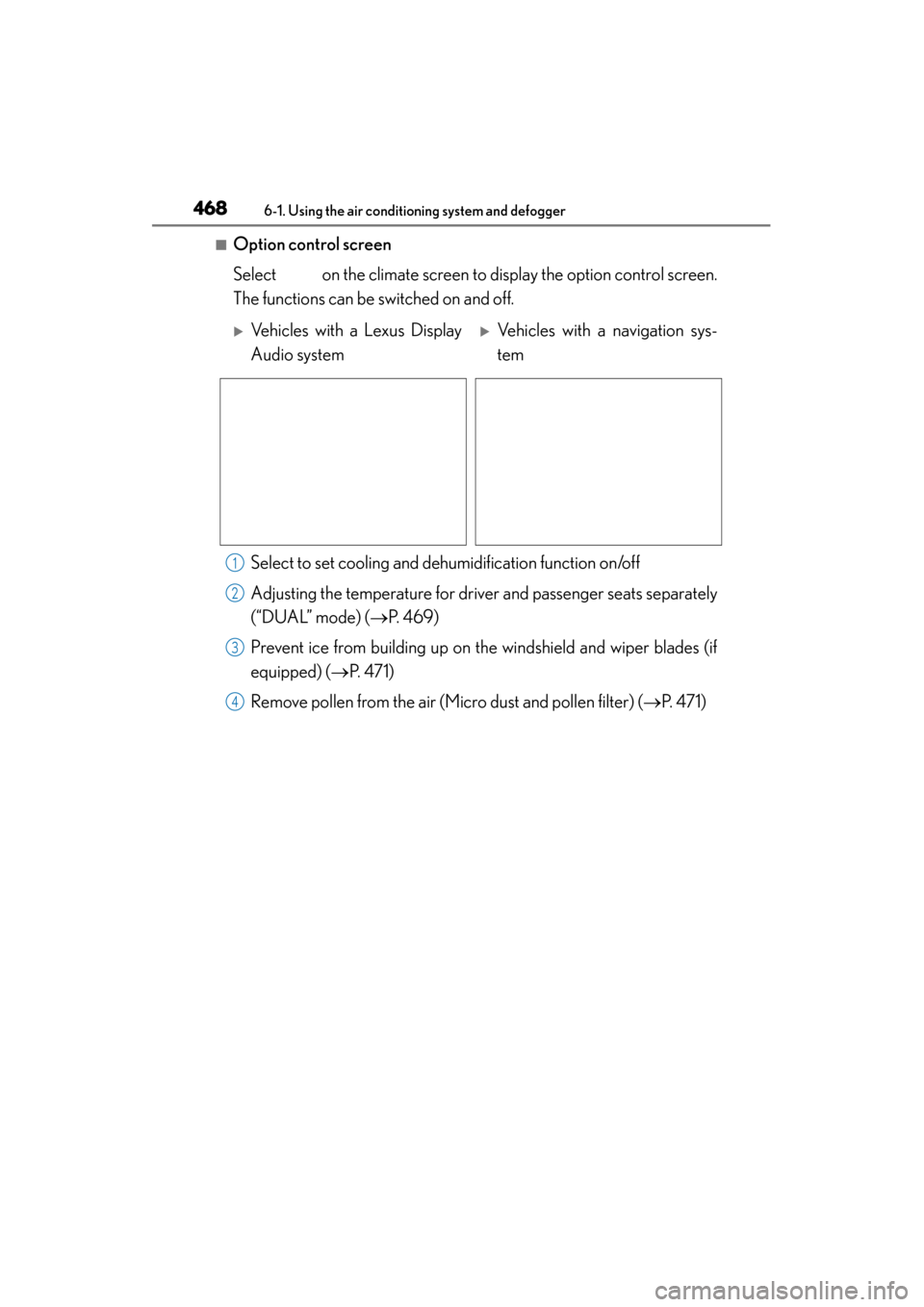
■Option control screen
Select on the climate screen to display the option control screen.
The functions can be switched on and off.
Select to set cooling and de humidification function on/off
Adjusting the temperature for driver and passenger seats separately
(“DUAL” mode) ( →P. 4 6 9 )
Prevent ice from building up on the windshield and wiper blades (if
equipped) (→ P. 4 7 1 )
Remove pollen from the air (Micro dust and pollen filter) ( →P. 4 7 1 )
XVehicles with a Lexus Display
Audio systemXVehicles with a navigation sys-
tem
1
2
3
4
Page 596 of 786

ES350_300h_OM_OM33B36U_(U)
5957-3. Do-it-yourself maintenance
7
Maintenance and care
12WIPER25Windshield wipers
13BKUP LP7. 5
Multiport fuel injection system, sequential
multiport fuel system, electronic controlled
transmission, audio system, navigation sys-
tem, back-up lights
14FUEL OPN10Fuel filler door opener
15EPS-IG110Electric power steering
16P/O U T L E T R R15Po w e r o u t l e t
17RADIO-ACC5Audio system, Remote Touch, multi-informa-
tion display, audio display, navigation system
18S / H T R & FA N F/ R10Seat heaters and ventilators
19S / H T R & FA N F/ L10Seat heaters and ventilators
20OBD7. 5On-Board diagnosis system
21ECU-B NO.210
Power window master switch, air condition-
ing system, smart access system with push-
button start, tire pressure warning system,
rear sunshade
22STRG HTR10Heated steering wheel
23PTL25Power trunk opener and closer ECU
24STOP7. 5
Power management system, multiport fuel
injection system, sequential multiport fuel
system, VSC, ABS, electronic controlled
transmission, driver support system, engine
room junction block assy, tail lights, high
mounted stoplight, smart access system with
push-button start, shift lock system
25P/ S E AT F/ L30Po w e r s e a t s
26A/C-B7. 5Air conditioning system
27S/ROOF10Moon roof
28P/ S E AT F/ R30Po w e r s e a t s
29PSB30Pre-collision seat belt
30D/L-A M120Main body ECU, power door lock system
FuseAmpereCircuit
Page 671 of 786
6708-2. Steps to take in an emergency
ES350_300h_OM_OM33B36U_(U)
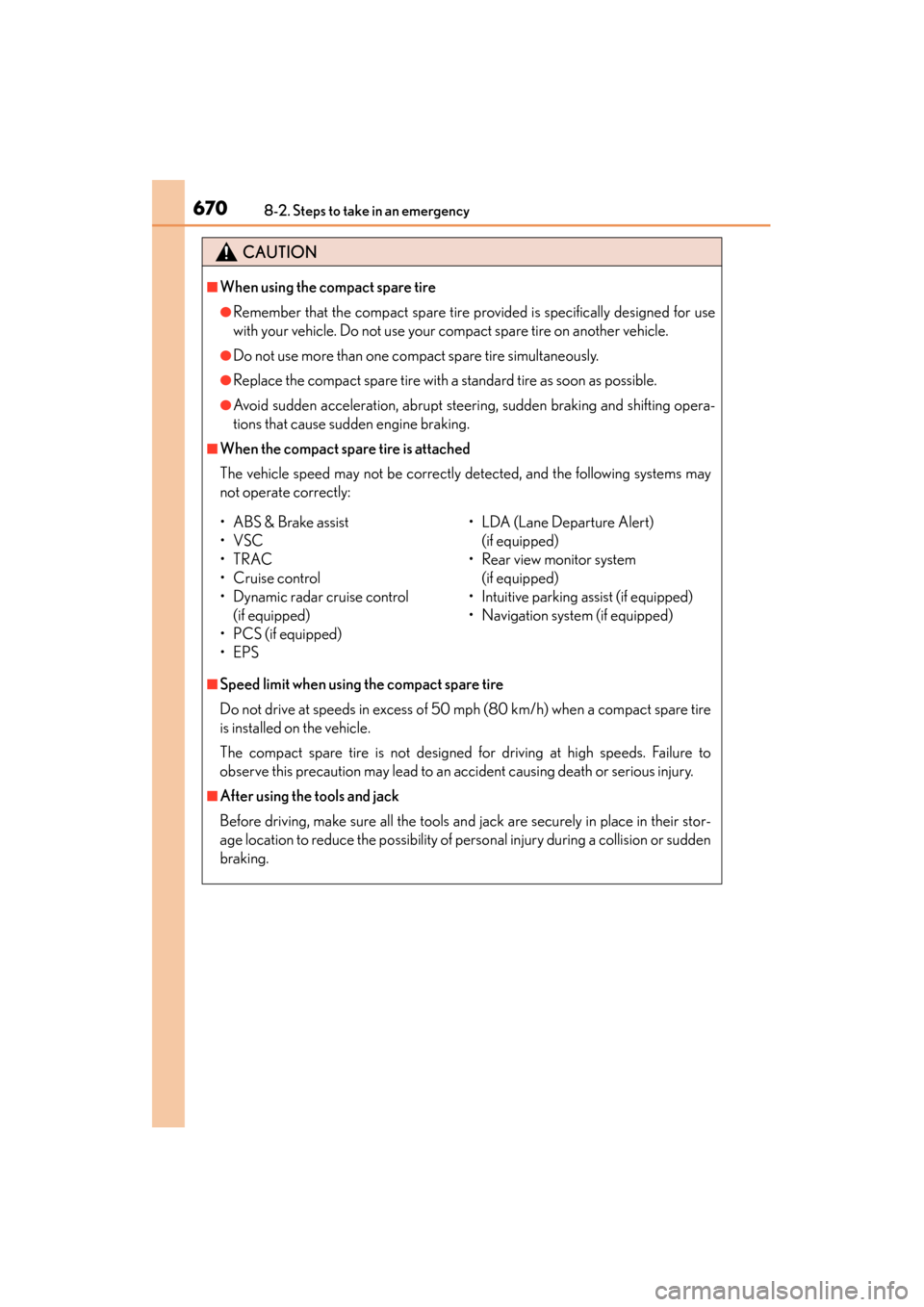
CAUTION
■When using the compact spare tire
●Remember that the compact spare tire provided is specifically designed for use
with your vehicle. Do not use your compact spare tire on another vehicle.
●Do not use more than one compact spare tire simultaneously.
●Replace the compact spare tire with a standard tire as soon as possible.
●Avoid sudden acceleration, abrupt steering, sudden braking and shifting opera-
tions that cause sudden engine braking.
■When the compact spare tire is attached
The vehicle speed may not be correctly detected, and the following systems may
not operate correctly:
■Speed limit when using the compact spare tire
Do not drive at speeds in excess of 50 mph (80 km/h) when a compact spare tire
is installed on the vehicle.
The compact spare tire is not designed for driving at high speeds. Failure to
observe this precaution may lead to an accident causing death or serious injury.
■After using the tools and jack
Before driving, make sure all the tools and jack are securely in place in their stor-
age location to reduce the possibility of personal injury during a collision or sudden
braking.
• ABS & Brake assist
•VSC
•TRAC
•Cruise control
• Dynamic radar cruise control (if equipped)
• PCS (if equipped)
•EPS • LDA (Lane Departure Alert)
(if equipped)
• Rear view monitor system (if equipped)
• Intuitive parking assist (if equipped)
• Navigation system (if equipped)
Page 760 of 786
759
ES350_300h_OM_OM33B36U_(U)
Index
What to do if... (Troubleshooting)................................ 760
Alphabetical index..................................766
For vehicles with a navigation system, refer to the “NAVIGATION
SYSTEM OWNER’S MANUAL” for information regarding the
equipment listed below.
• Navigation system
• Lexus parking assist monitor
• Audio/video system
• Lexus Enform with Safety Connect
Page 768 of 786
767Alphabetical index
ES350_300h_OM_OM33B36U_(U)
Armrest door ......................................... 498
Assist grip ................................................500
Audio input.............................................. 359
Audio system
*.......................................350
Audio input........................................... 359
AUX port .............................................. 359
Bluetooth
® audio ................................417
CD player ..............................................387
iPod .......................................................... 395
MP3/WMA disc ...............................387
Optimal use ..........................................370
Portable music player ..................... 404
Radio ........................................................378
Setup menu ............................................ 361
Steering wheel audio switches ...............................................357
USB memory ...................................... 399
Automatic air conditioning
system .................................................... 464
Automatic headlight leveling
system .................................................... 236
Automatic High Beam ....................... 237
Automatic light control system .................................................... 233
Automatic transmission ..................... 222 If the shift lever
cannot be shifted from P ............676
AUX port
*.............................................. 359
Auxiliary box .......................................... 487 Back-up lights
Replacing light bulbs ...................... 609
Wattage ................................................... 714
Battery (12-volt battery) ......... 557, 562 If the 12-volt battery
is discharged .......................680, 684
Preparing and checking before
winter...................................................... 341
Warning light ....................................... 627
Battery (traction battery) ...................... 77
Bluetooth
®*
Audio system .......................................405
Hands-free system (for cellular phone) .........................419
Brake
Fluid ..........................................................556
Parking brake ........................................ 231
Warning light ...........................626, 628
Brake assist ............................................... 313
Break-in tips .............................................190
Brightness control
Instrument panel light control ........ 99
BSM (Blind Spot Monitor) ............... 328
B
*: For vehicles with a navigation system, refer to the
“NAVIGATION SYSTEM OWNER’S MANUAL”.
Page 770 of 786
769Alphabetical index
ES350_300h_OM_OM33B36U_(U)
Cup holders ............................................ 486
Curtain shield airbags ........................... 39
Customizable features ....................... 730
Daytime running light system .......... 235
DefoggerFront windshield .................................470
Outside rear view mirrors .............470
Rear window ........................................470
Dimension ............................................... 700
Dinghy towing........................................ 204
Display Dynamic radar cruise control..... 258
LDA (Lane Departure Alert) ....... 275
Multi-information display ................ 102
Trip information ................................... 103
Warning message ............................ 636
Display Audio system .........................350 Display settings ................................... 367
Setup menu ............................................ 361
Do-it-yourself maintenance ............. 537
Door courtesy lights Location ..................................................479
Wattage ....................................................714
Doors
Automatic door locking and unlocking system.................... 146
Door glasses ..........................................177
Door lock ................................................ 144
Open door warning buzzer............ 131
Open door warning light...............629
Outside rear view mirrors ...............174
Rear door child-protector.............. 145 Driver’s seat position memory..........159
Driving position memory................ 160
Memory recall function .................... 162
Power easy access system .............159
Driving Break-in tips .......................................... 190
Correct driving posture .................... 30
Driving mode select switch ..............311
Hybrid vehicle driving tips ............338
Procedures ............................................ 188
Winter drive tips .................................. 341
Dynamic radar cruise control
Function ..................................................258
Warning message................ 638, 645
Eco drive mode........................................ 311
Eco Driving Indicator ...........................109
EDR (Event data recorder).....................11
Electric motor (traction motor).......... 73
Electric Power Steering (EPS) Function .................................................... 314
Warning light ....................................... 628
Warning message............................. 639
Electronic key .......................................... 124 Battery-saving function .................... 133
If the electronic key does not operate properly ............................ 677
Replacing the battery ......................584
D
E
*: For vehicles with a navigation system, refer to the
“NAVIGATION SYSTEM OWNER’S MANUAL”.
Page 774 of 786
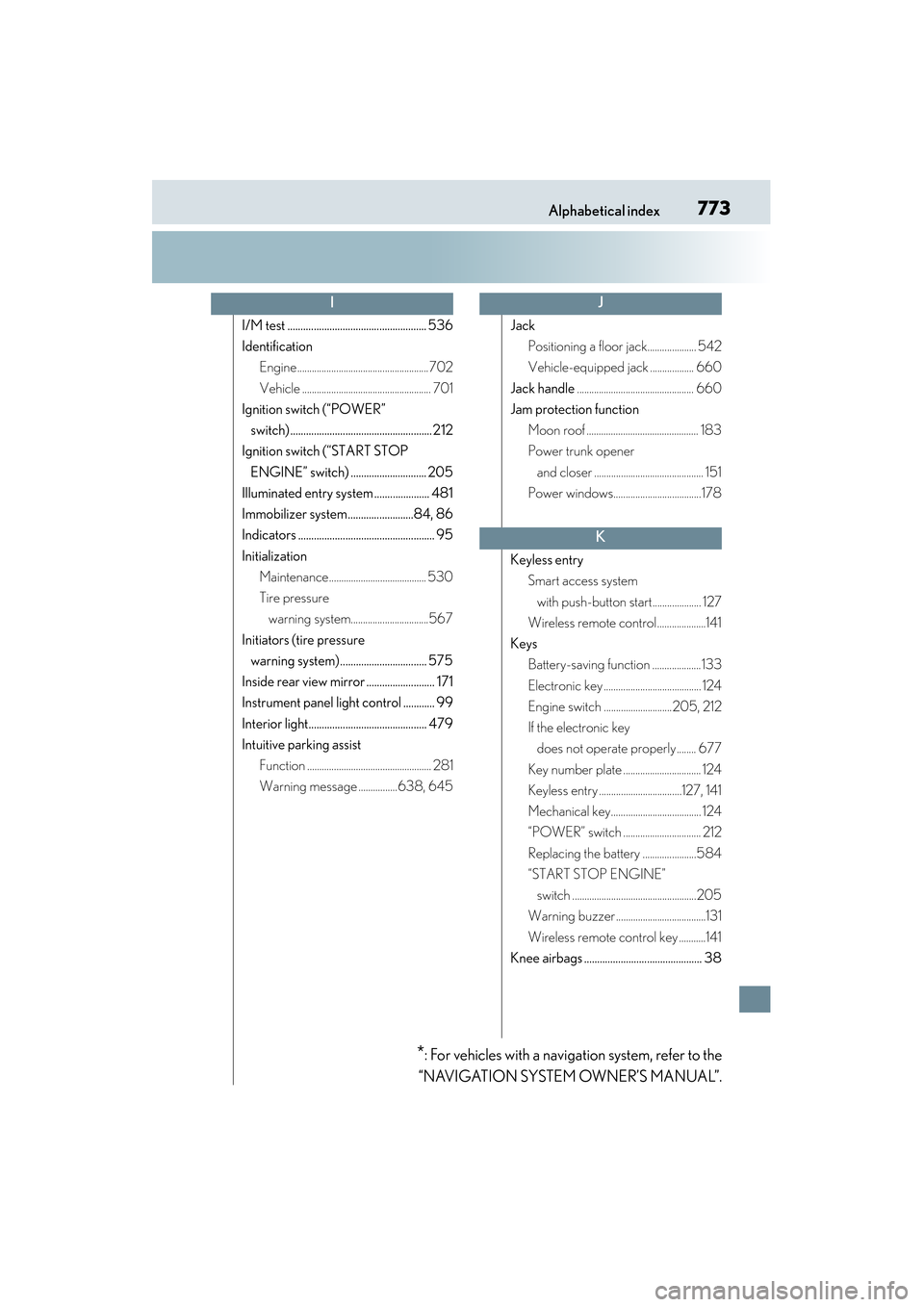
773Alphabetical index
ES350_300h_OM_OM33B36U_(U)
I/M test ..................................................... 536
IdentificationEngine...................................................... 702
Vehicle ..................................................... 701
Ignition switch (“POWER”
switch) ...................................................... 212
Ignition switch (“START STOP
ENGINE” switch) ............................. 205
Illuminated entry system ..................... 481
Immobilizer system.........................84, 86
Indicators .................................................... 95
Initialization Maintenance........................................ 530
Tire pressure warning system................................567
Initiators (tire pressure warning system)................................. 575
Inside rear view mirror .......................... 171
Instrument panel light control ............ 99
Interior light............................................. 479
Intuitive parking assist Function ................................................... 281
Warning message ................638, 645 Jack
Positioning a floor jack.................... 542
Vehicle-equipped jack .................. 660
Jack handle ................................................ 660
Jam protection function
Moon roof .............................................. 183
Power trunk opener and closer ............................................. 151
Power windows....................................178
Keyless entry Smart access system
with push-button start.................... 127
Wireless remote control....................141
Keys Battery-saving function .................... 133
Electronic key ........................................ 124
Engine switch ............................205, 212
If the electronic key does not operate properly........ 677
Key number plate ................................ 124
Keyless entry ..................................127, 141
Mechanical key..................................... 124
“POWER” switch ................................ 212
Replacing the battery ......................584
“START STOP ENGINE” switch ...................................................205
Warning buzzer .....................................131
Wireless remote control key ...........141
Knee airbags ............................................. 38
IJ
K
*: For vehicles with a navigation system, refer to the
“NAVIGATION SYSTEM OWNER’S MANUAL”.