reset Lexus ES350 2011 s User Guide
[x] Cancel search | Manufacturer: LEXUS, Model Year: 2011, Model line: ES350, Model: Lexus ES350 2011Pages: 563, PDF Size: 6.72 MB
Page 223 of 563
221
3-2. Using the audio system
3
Interior features
ES350_U■
Displaying radio text messages
Press twice.
A text message is displayed when “MSG” is shown on the screen.
If the text continues past the end of the display, “ ” is displayed. Press and
hold until you hear a beep.
XM® Satellite Radio (If equipped)
■ Receiving XM
® Satellite Radio
Press .
The display changes as follows each time the button is pressed:
“SAT1” → “ S AT 2 ” → “ S AT 3 ”
Turn to select the desired channel in the all categories or
press “ ∧” or “ ∨” on to select the desired channel in
the current category.
■ Setting XM
® Satellite Radio channel presets
Select the desired channel. Press and hold the button (from
to
) the channel is to be set to until you hear a beep.
■ Changing the channel category
Press “ ∧” or “ ∨” on .
■ Scanning XM
® Satellite Radio channels
● Scanning the channels in the current category
Press .
When the desired channel is reached, press the button
again.
STEP1
STEP2
STEP1
STEP2
Page 224 of 563
222
3-2. Using the audio system
ES350_U●
Scanning the preset channels
Press and hold until you hear a beep.
When the desired channel is reached, press the button
again.
■ Displaying text information
Press .
The display will show up to 10 characters.
The display changes as follows each time the button is pressed.
● “CH NAME”
● “TITLE” (SONG/PROGRAM TITLE)
● “NAME” (ARTIST NAME/FEATURE)
● “CH NUMBER”
STEP1
STEP2
Page 225 of 563
223
3-2. Using the audio system
3
Interior features
ES350_U
■When the battery is disconnected
All preset stations are erased.
■Reception sensitivity
●It is difficult to maintain perfect radio reception at all times due to the continually
changing position of the antenna, differences in signal strength and surrounding
objects, such as trains and transmitters.
●The radio antenna is mounted inside the rear window. To maintain clear radio
reception, do not attach metallic window tinting or other metallic objects to the
antenna wire mounted inside the rear window.
■Receiving XM® Satellite Radio
An XM
® Satellite Radio is a tuner designed exclusively to receive broadcasts pro-
vided under a separate subscription. Availability is limited to the 48 contiguous
states and 10 Canadian provinces.
●XM® subscriptions
For detailed information about XM® Satellite Radio or to subscribe:
U.S.A.
Visit on the web at www.xmradio.com
or call 1-877-515-3987.
Canada
Visit on the web at www.xmradio.ca
or call 1-877-515-3987.
●Radio ID
You will need the radio ID when activating XM
® service or reporting a prob-
lem. Select “CH000” using , and the receiver's 8-character ID number
will appear.
●Satellite tuner
The tuner supports only Audio Services (Music and Talk) and the accompany-
ing Text Information of XM
® Satellite Radio.
Page 246 of 563
244
3-2. Using the audio system
ES350_U
Adjusting sound quality and volume balancePress to enter iPod menu mode.
Pressing changes sound modes. ( →P. 2 5 6 )
■About iPod
●Apple is not responsible for the operation of this device or its compliance with
safety and regulatory standards.
●iPod is a trademark of Apple Inc., registered in the U.S. and other countries.
■iPod functions
●When an iPod is connected and the audio source is changed to iPod mode, the
iPod will resume play from the same point in which it was last used.
●Depending on the iPod that is connected to the system, certain functions may
not be available. If a function is unavailable due to a malfunction (as opposed to
a system specification), disconnecting the device and reconnecting it once
again may resolve the problem.
●While connected to the system, the iPod cannot be operated with its own con-
trols. It is necessary to use the controls of the vehicle’s audio system instead.
■iPod problems
To resolve most problems encountered when using your iPod, disconnect your iPod
from the vehicle iPod connection and reset it.
For instructions on how to reset your iP od, refer to your iPod Owner's Manual.
■Display
→P. 2 3 0
STEP1
STEP2
Page 296 of 563
294
3-4. Using the hands-free system (for mobile phone)
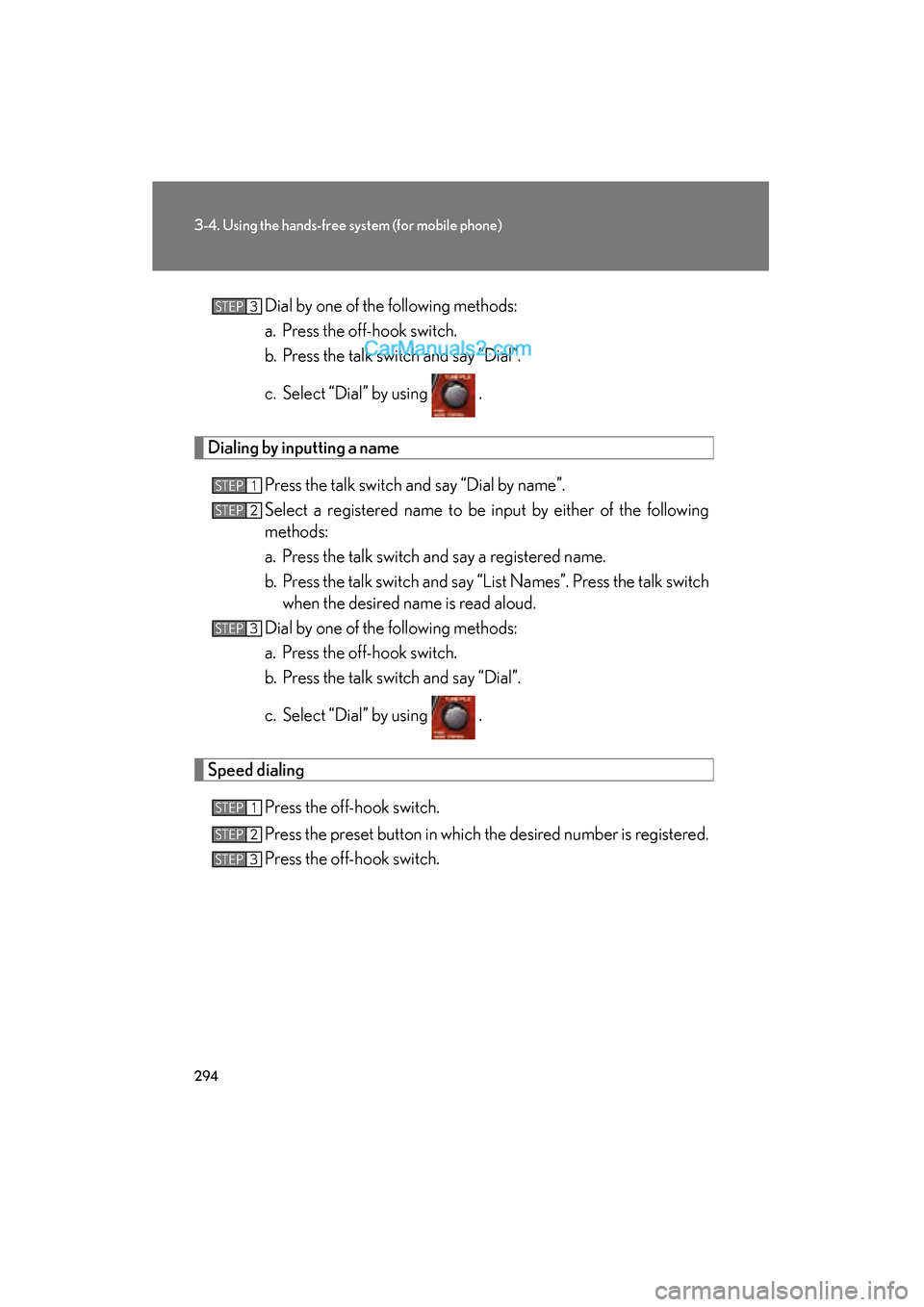
ES350_UDial by one of the following methods:
a. Press the off-hook switch.
b. Press the talk switch and say “Dial”.
c. Select “Dial” by using .
Dialing by inputting a name
Press the talk switch and say “Dial by name”.
Select a registered name to be input by either of the following
methods:
a. Press the talk switch and say a registered name.
b. Press the talk switch and say “List Names”. Press the talk switchwhen the desired name is read aloud.
Dial by one of the following methods:
a. Press the off-hook switch.
b. Press the talk switch and say “Dial”.
c. Select “Dial” by using .
Speed dialing
Press the off-hook switch.
Press the preset button in which the desired number is registered.
Press the off-hook switch.
STEP3
STEP1
STEP2
STEP3
STEP1
STEP2
STEP3
Page 314 of 563
312
3-4. Using the hands-free system (for mobile phone)
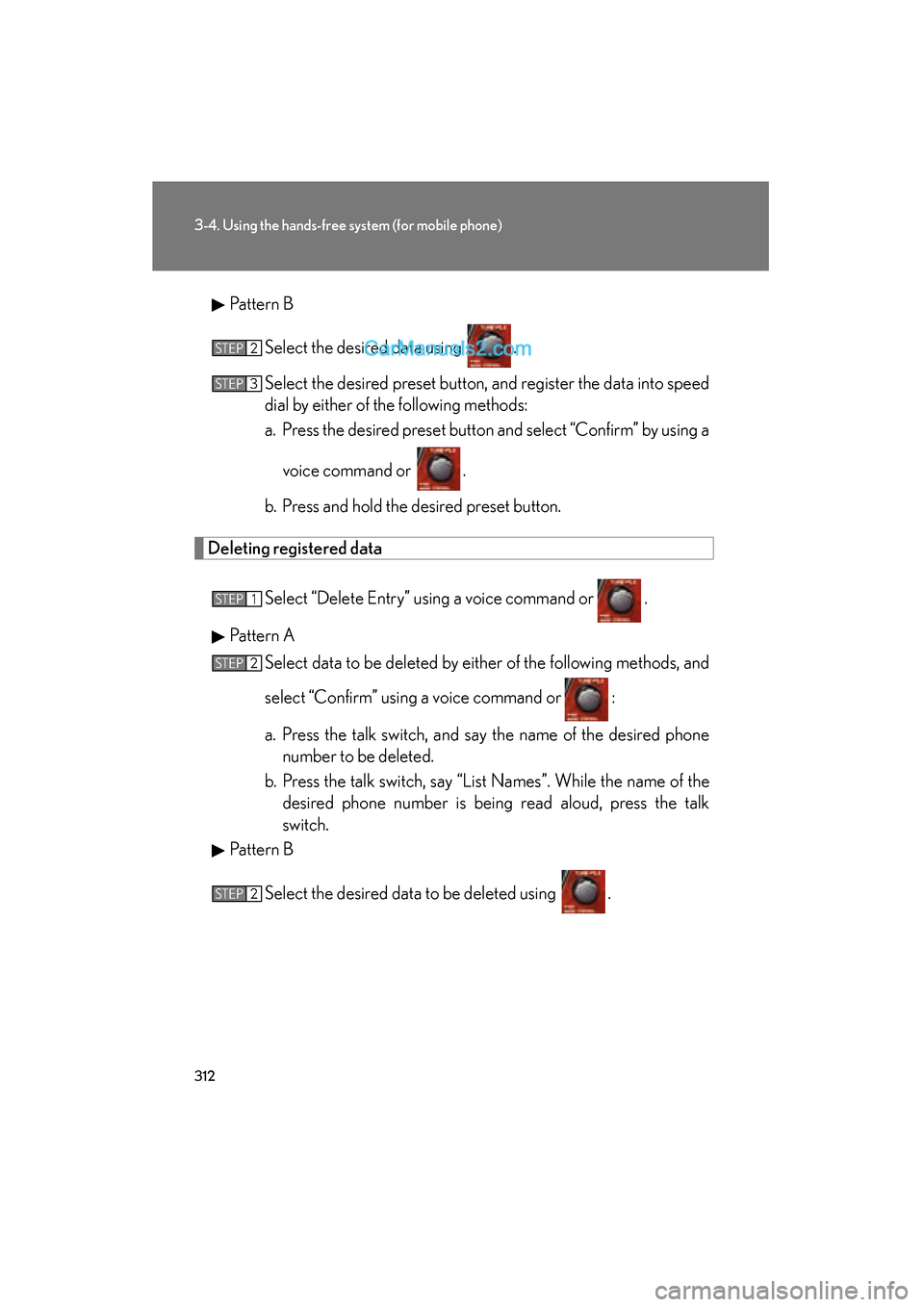
ES350_UPattern B
Select the desired data using .
Select the desired preset button, and register the data into speed
dial by either of the following methods:
a. Press the desired preset button and select “Confirm” by using avoice command or .
b. Press and hold the desired preset button.
Deleting registered data
Select “Delete Entry” using a voice command or .
Pattern A Select data to be deleted by either of the following methods, and
select “Confirm” using a voice command or :
a. Press the talk switch, and say the name of the desired phonenumber to be deleted.
b. Press the talk switch, say “List Names”. While the name of the desired phone number is being read aloud, press the talk
switch.
Pattern B
Select the desired data to be deleted using .
STEP2
STEP3
STEP1
STEP2
STEP2
Page 315 of 563
313
3-4. Using the hands-free system (for mobile phone)
3
Interior features
ES350_U
Deleting speed dialSelect “Delete Speed Dial (Del Spd Dial)” using a voice com-
mand or .
Press the preset button in which the desired speed dial is regis-
tered, and select “Confirm” using a voice command or .
■Limitation of number of digits
A phone number that exceeds 24 digits cannot be registered.
STEP1
STEP2
Page 387 of 563
385
4-3. Do-it-yourself maintenance
4
Maintenance and care
ES350_U
■Engine oil consumption
●The amount of engine oil consumed depends on the oil viscosity, the quality of
the oil and the way the vehicle is driven.
●More oil is consumed under driving conditions such as high speeds and fre-
quent acceleration and deceleration.
●A new engine consumes more oil.
●When judging the amount of oil consumption, keep in mind that the oil may
have become diluted, making it difficult to judge the true level accurately.
●Oil consumption: Max. 1.1 qt./600 miles, 0.9 lmp. qt./600 miles (1.0 L per 1000
km)
●If you consume more than 1.1 qt. (1.0 L, 0.9 lmp. qt.) every 600 miles (1000 km),
contact your Lexus dealer.
■Changing the engine oil (USA only)
To reset the oil change system, follow the procedure below:Turn the “ENGINE START STOP” switch OFF with the trip meter A read-
ing shown. ( →P. 1 3 6 )
While pressing the trip meter reset button, set the “ENGINE START
STOP” switch to the IGNITION ON mode. Continue to press and hold
the button until the trip meter displays “000000”.
CAUTION
■Used engine oil
●Used engine oil contains potentially harmful contaminants which may cause skin
disorders such as inflammation or skin cancer, so care should be taken to avoid
prolonged and repeated contact. To remove used engine oil from your skin, wash
thoroughly with soap and water.
●Dispose of used oil and filters only in a safe and acceptable manner. Do not dis-
pose of used oil and filters in househol d trash, in sewers or onto the ground.
Call your Lexus dealer, service station or auto parts store for information con-
cerning recycling or disposal.
●Do not leave used engine oil within the reach of children.
STEP1
STEP2
Page 398 of 563
396
4-3. Do-it-yourself maintenance
ES350_U
Initializing the tire pressure warning system■ The tire pressure warning system must be initialized in the following
circumstances:
● When changing the tire inflation pressure by changing traveling
speed or load weight, etc.
When the tire pressure warning system is initialized, the current tire
inflation pressure is set as the pressure benchmark.
■ How to initialize the tire pressure warning system
Park the vehicle in safe place and turn the “ENGINE START
STOP” switch OFF.
While the vehicle is moving, initialization is not performed.
Adjust the tire inflation pressure to the specified cold tire inflation
pressure level. ( →P. 4 9 9 )
Make sure to adjust the tire pressure to the specified cold tire inflation
pressure level. The tire pressure warning system will operate based on
this pressure level.
Turn the “ENGINE START STOP” switch to IGNITION ON
mode.
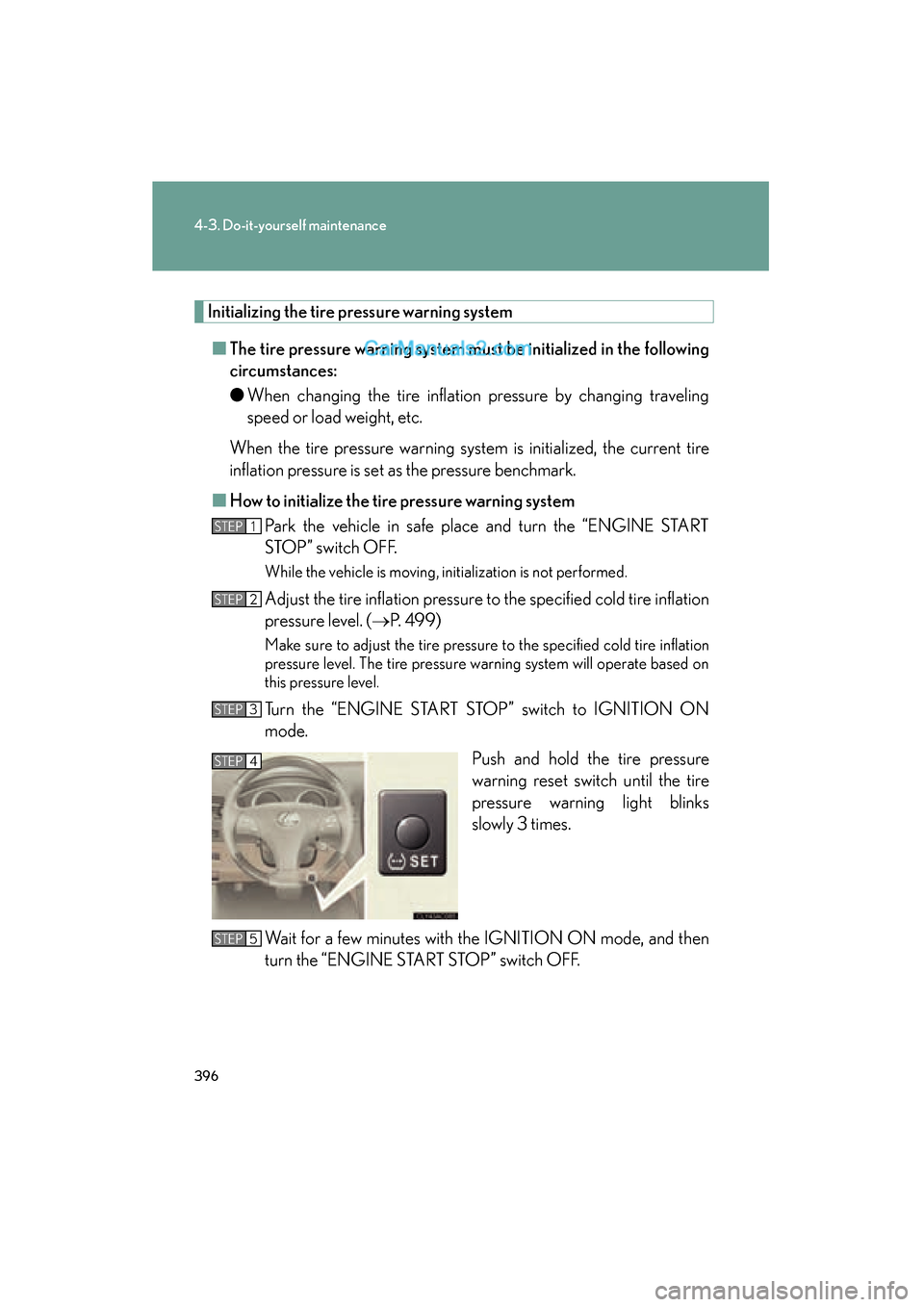
Push and hold the tire pressure
warning reset switch until the tire
pressure warning light blinks
slowly 3 times.
Wait for a few minutes with the IGNITION ON mode, and then
turn the “ENGINE START STOP” switch OFF.
STEP1
STEP2
STEP3
STEP4
STEP5
Page 401 of 563
399
4-3. Do-it-yourself maintenance
4
Maintenance and care
ES350_U
■Tire types
1 Summer tiresSummer tires are high-speed performance tires best suited to highway driving
under dry conditions. Since summer tires do not have the same traction perfor-
mance as snow tires, summer tires are inadequate for driving on snow-covered
or icy roads. For driving on snow-covered roads or icy roads, the use of snow tires
is recommended. When installing snow tires, be sure to replace all four tires.
2 All season tires All season tires are designed to provide better traction in snow and to be ade-
quate for driving in most winter conditions, as well as for use year round. All sea-
son tires, however, do not have adequate traction performance compared with
snow tires in heavy or loose snow. Also, all season tires fall short in acceleration
and handling performance compared wi th summer tires in highway driving.
3 Snow tires For driving on snow-covered roads or icy roads, we recommend using snow tires.
If you need snow tires, select tires of the same size, construction and load capac-
ity as the originally installed tires. Since your vehicle has radial tires as original
equipment, make sure your snow tires also have radial construction. Do not install
studded tires without first checking lo cal regulations for possible restriction.
Snow tires should be installed on all wheels. ( →P. 1 9 1 )
■Initializing the tire pressure warning system
Initialize the tire pressure warning system with the tire inflation pressure adjusted to
the specified level.
■If you push the tire pressure reset switch accidentally
If initialization is performed, adjust the tire inflation pressure to the specified level
and initialize the tire pressure warning system again.
■When the initialization of the tire pressure warning system has failed
Initialization can be completed in a few minutes. However, in the following cases,
the settings have not been recorded and the system will not operate properly. If
repeated attempts to record tire inflation pressure settings are unsuccessful, have
the vehicle inspected by your Lexus dealer.
●When operating the tire pressure warning reset switch, the tire pressure warning
light does not blink 3 times.
●After carrying out the initialization procedure, the tire pressure warning light
blinks for 1 minute then stays on after driving for about 20 minutes.