air condition Lexus ES350 2012 Navigation Manual
[x] Cancel search | Manufacturer: LEXUS, Model Year: 2012, Model line: ES350, Model: Lexus ES350 2012Pages: 391, PDF Size: 38.15 MB
Page 361 of 391
SETUP
360
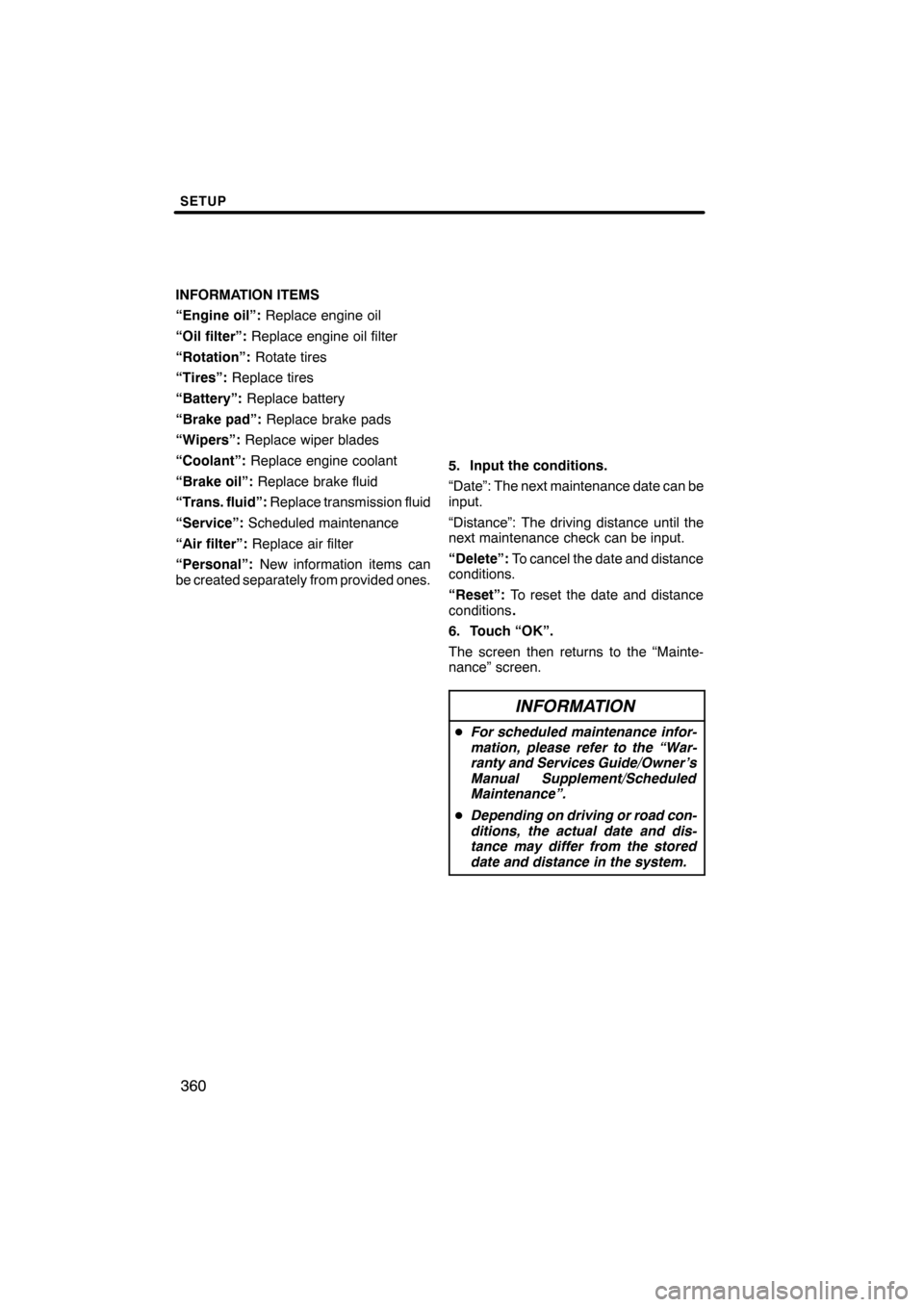
INFORMATION ITEMS
“Engine oil”:Replace engine oil
“Oil filter”: Replace engine oil filter
“Rotation”: Rotate tires
“Tires”: Replace tires
“Battery”: Replace battery
“Brake pad”: Replace brake pads
“Wipers”: Replace wiper blades
“Coolant”: Replace engine coolant
“Brake oil”: Replace brake fluid
“Trans. fluid”: Replace transmission fluid
“Service”: Scheduled maintenance
“Air filter”: Replace air filter
“Personal”: New information items can
be created separately from provided ones.
5. Input the conditions.
“Date”: The next maintenance date can be
input.
“Distance”: The driving distance until the
next maintenance check can be input.
“Delete”: To cancel the date and distance
conditions.
“Reset”: To reset the date and distance
conditions .
6. Touch “OK”.
The screen then returns to the “Mainte-
nance” screen.
INFORMATION
D For scheduled maintenance infor-
mation, please refer to the “War-
ranty and Services Guide/Owner’s
Manual Supplement/Scheduled
Maintenance”.
D Depending on driving or road con-
ditions, the actual date and dis-
tance may differ from the stored
date and distance in the system.
ES350 NAVI (U)
Finish
Page 371 of 391

APPENDIX
370
This navigation system calculates the
current vehicle position using satellite
signals, various vehicle signals, map
data, etc. However, the accurate posi-
tion may not be shown depending on
the satellite condition, road configura-
tion, vehicle condition or other circum-
stances.
The Global Positioning System (GPS) de-
veloped and operated by the U.S. Depart-
ment of Defense provides an accurate cur-
rent vehicle position, normally using 4 or
more satellites, and in some case 3 satel-
lites. The GPS system has a certain level
of inaccuracy. While the navigation sys-
tem will compensate for this most of the
time, occasional positioning errors of up to
300 feet (100 m) can and should be expec-
ted. Generally, position errors will be cor-
rected within a few seconds.
When your vehicle is receiving signals
from the satellites, the “GPS” mark ap-
pears at the top left of the screen.
The GPS signal may be physically ob-
structed, leading to inaccurate vehicle
position on the map display. Tunnels, tall
buildings, trucks, or even the placement of
objects on the instrument panel may ob-
struct the GPS signals.
The GPS satellites may not send signals
due to repairs or improvements being
made to them.
Even when the navigation system is re-
ceiving clear GPS signals, the vehicle
position may not be shown accurately or
inappropriate route guidance may occur in
some cases.
NOTICE
The installation of window tinting
may obstruct the GPS signals. Most
window tinting contains some metal-
lic content that will interfere with GPS
signal reception of the antenna in the
instrument panel. We advise against
the use of window tinting on vehicles
equipped with navigation systems.
ES350 NAVI (U)
Finish
Limitations of the
navigation system
Page 385 of 391

INDEX
384
Numbers/Symbols
? button
20,33
.........................
3 routes selection 85
...................
A
A/C button 270
........................
Activation of service 153
...............
Adding destinations 94
.................
Address book button 20,77
..............
Address book entries 117
...............
Address book entry information 37 .......
Address button 20,65
...................
Adjusting the air conditioning system settings manually 274
..........
Adjusting the air outlets 277
.............
Air conditioning controls 270
............
Air flow control buttons 270,275
.........
Air intake control button 270,273,276 .....
Air outlets 275
........................
Alphabet key 28
.......................
AM button 180
........................
AM·FM button 180
.....................
Angle mark 233
.......................
Areas to avoid 123
....................
Arrow screen 39,90
....................
ASL 190
.............................
AUDIO button 180
.....................
Audio button 22
.......................
Audio language 233
...................
Audio settings 351
.....................
Audio/video remote controls 258
.........
Audio/video system operating hints 260
............................
Auto avoid traffic 170,306
..............
AUTO button 270
......................
Auto start 233
.........................
Automatic air conditioning system 272 ....
Automatic mode 276
...................
Automatic sound levelizer 190
...........
AUX port 193
.........................
AUX button 180
.......................
B
BASS 190
............................
Bluetooth r 130,312,343
.................
Bluetooth raudio operation 243
..........
Bluetooth rconnection status 348,349 ....
Brightness 31
.........................
Building information 43
.................
C
Calendar 149
.........................
Calendar button 23
....................
Call by call history 142
.................
Call by dial 139
.......................
Call by phonebook 140
.................
Call by POI 145
.......................
Call by speed dial 141
.................
Call by voice recognition 143,148 ........
Call on the Bluetooth rphone 139 ........
Categories 71
.........................
CAUTION screen 26
...................
CD button 180
........................
CD changer operation 204
..............
Cellular phone 130
....................
CH/DISC button 180
...................
Change icon 119
......................
Change location 121,126
...............
Change name 120,125
.................
Change phone # 121
...................
Change size 126
......................
Changing a portable player name 352 ....
Changing the angle 233
................
Changing the audio format 232
..........
Changing the audio language 232 .......
Changing the Bluetooth raudio
passcode 357
........................
Changing the Bluetooth raudio
player name 357
.....................
Changing the Bluetooth rsettings 344 ....
Changing the page 231
................
Changing the subtitle language 231 ......
Channel category 199
..................
Chapter 242
..........................
City to search 65,70
....................
CLIMATE button 270,271
...............
Clock button 22
.......................
Clock settings 298
.....................
Color 31
.............................
Command list 49,51
....................
Compass mode screen 39,41
............
Connecting a Bluetooth rphone 136 ......
Connecting a USB memory or
iPod 251
............................
Connecting Bluetooth raudio 356 ........
Connecting Bluetooth raudio
player 246
...........................
Contrast 31
...........................
Coordinates button 20,82
...............
Current position calibration 309
..........
Current position display 33
.............
Cursor position as a destination 34 ......
Cursor position as an address book entry 35
........................
ES350 NAVI (U)
Finish