air condition Lexus ES350 2012 Owner's Guide
[x] Cancel search | Manufacturer: LEXUS, Model Year: 2012, Model line: ES350, Model: Lexus ES350 2012Pages: 554, PDF Size: 6.43 MB
Page 214 of 554

213
3-1. Using the air conditioning system and defogger
3
Interior features
ES350_U
Rear window and outside rear view mirror defoggers
CAUTION
■When the outside rear view mirror defoggers are on
Do not touch the outside surface of the rear view mirror, as it can become very hot
and burn you.
These features are used to defog the rear window, and to remove rain-
drops, dew and frost from the outside rear view mirrors.
Without navigation system ON/OFF
The defoggers will automatically
turn off after 15 to 60 minutes.
The operation time changes
according to the ambient tem-
perature and vehicle speed.
With navigation systemON/OFF
The defoggers will automatically
turn off after 15 to 60 minutes.
The operation time changes
according to the ambient tem-
perature and vehicle speed.
Page 268 of 554

267
3-3. Using the Bluetooth® audio system
3
Interior features
ES350_U
■When using a voice command
For numbers, say a combination of single digits from zero to nine.
Say the command correctly and clearly.
■Situations that the system may not recognize your voice
●When driving on rough roads
●When driving at high speeds
●When air is blowing out of the vents onto the microphone
●When the air conditioning fan emits a loud noise
■Operations that cannot be performed while driving
●Operating the system with
●Registering a portable player to the system
■Changing the passkey
→P. 2 76
Page 281 of 554
280
3-4. Using the hands-free system (for mobile phone)
ES350_U
■Conditions under which the system will not operate
●If using a mobile phone that does not support Bluetooth®
●If the mobile phone is switched off
●If you are outside service range
●If the mobile phone is not connected
●If the mobile phone's battery is low
●If the mobile phone is behind the seat or in the glove box or console box
●If metal is covering or touching the phone
■When using the hands-free system
●The audio system and voice guidance are muted when making a call.
●If both parties speak at the same time, it may be difficult to hear.
●If the incoming call volume is overly loud, an echo may be heard.
●Try to face toward the microphone as much as possible when speaking.
●In the following circumstances, it may be difficult to hear the other party:
• When driving on unpaved roads
• When driving at high speeds
• When a window is open
• When the air conditioning is blowing directly on the microphone
• When the air conditioning is set to high
■When transferring ownership of the vehicle
Be sure to initialize the system to prevent the personal data from being improperly
accessed. (→P. 3 0 4 )
■About Bluetooth®
Bluetooth is a registered trademark of
Bluetooth SIG. Inc.
Page 291 of 554
290
3-4. Using the hands-free system (for mobile phone)
ES350_U
■Automatic volume adjustment
When vehicle speed reaches 50 mph (80 km/h) or more, the volume automati-
cally increases. The volume returns to the previous volume setting when vehicle
speed drops to 43 mph (70 km/h) or less.
■When using a voice command
For numbers, say a combination of single digits from zero to nine, # (pound),
∗ (star), and + (plus).
Say a command correctly and clearly.
■Situations that the system may not recognize your voice
●When driving on rough road
●When driving at high speeds
●When air is blowing out of the vents onto the microphone
●When the air conditioning fan emits a loud noise
■Operations that cannot be performed while driving
●Operating the system with
●Registering a mobile phone to the system
■Changing the passkey
→ P. 2 9 9
Page 358 of 554
Maintenance and care4
357
ES350_U
4-1. Maintenance and careCleaning and protecting the vehicle exterior............ 358
Cleaning and protecting the vehicle interior ............... 361
4-2. Maintenance Maintenance requirements ........................ 364
General maintenance .......... 366
Emission inspection and maintenance (I/M)
programs
................................. 369 4-3. Do-it-yourself
maintenance
Do-it-yourself service precautions ........................... 370
Hood ........................................... 374
Positioning a floor jack ......... 375
Engine compartment ............ 377
Tires............................................ 390
Tire inflation pressure........... 399
Wheels ...................................... 403
Air conditioning filter ........... 405
Electronic key battery.......... 407
Checking and replacing fuses ........................................ 409
Headlight aim .......................... 418
Light bulbs................................ 420
Page 373 of 554
372
4-3. Do-it-yourself maintenance
ES350_U
CAUTION
The engine compartment contains many mechanisms and fluids that may move sud-
denly, become hot, or become electrically energized. To avoid death or serious injury.
■When working on the engine compartment:
●Keep hands, clothing, and tools away from the moving fan and engine drive belt.
●Be careful not to touch the engine, radiator, exhaust manifold, etc. right after driv-
ing as they may be hot. Oil and other fluids may also be hot.
●Do not leave anything that may burn easily, such as paper or rags, in the engine
compartment.
●Do not smoke, cause sparks or expose an open flame to fuel or the battery. Fuel
and battery fumes are flammable.
●Be extremely cautious when working on the battery. It contains poisonous and
corrosive sulfuric acid.
●Take care because brake fluid can harm your hands or eyes and damage painted
surfaces.
If fluid gets on your hands or in your eyes, flush the affected area with clean water
immediately.
If you still experience discomfort, see a doctor.
■When working near the electric cooling fan or radiator grille:
Be sure the “ENGINE START STOP” switch is OFF.
With the “ENGINE START STOP” switch in IGNITION ON mode, the electric
cooling fan may automatically start to run if the air conditioning is on and/or the
coolant temperature is high. (→P. 3 8 4 )
■Safety glasses
Wear safety glasses to prevent flying or falling material, fluid spray, etc. from getting
in the eyes.
Page 385 of 554
384
4-3. Do-it-yourself maintenance
ES350_U
Radiator and condenserCheck the radiator and condenser and clear any foreign objects.
If either of the above parts are extremely dirty or you are not sure of their
condition, have your vehicle checked by your Lexus dealer.
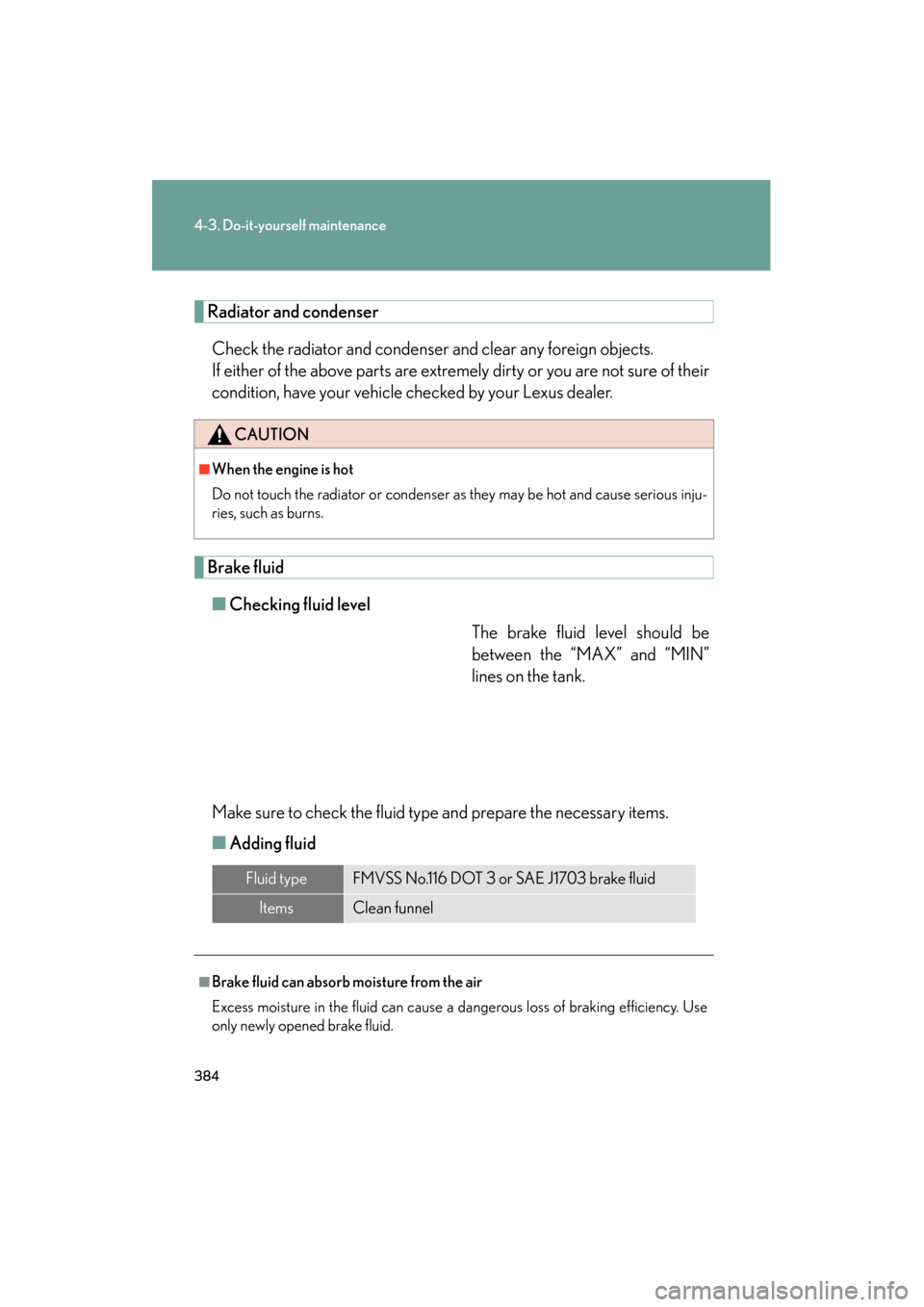
Brake fluid■ Checking fluid level
The brake fluid level should be
between the “MAX” and “MIN”
lines on the tank.
Make sure to check the fluid type and prepare the necessary items.
■ Adding fluid
CAUTION
■When the engine is hot
Do not touch the radiator or condenser as they may be hot and cause serious inju-
ries, such as burns.
Fluid typeFMVSS No.116 DOT 3 or SAE J1703 brake fluid
ItemsClean funnel
■Brake fluid can absorb moisture from the air
Excess moisture in the fluid can cause a dangerous loss of braking efficiency. Use
only newly opened brake fluid.
Page 399 of 554
398
4-3. Do-it-yourself maintenance
ES350_U
NOTICE
■Repairing or replacing tires, wheels, tire pressure warning valves, transmitters
and tire valve caps
●When removing or fitting the wheels, tires or the tire pressure warning valve and
transmitter, contact your Lexus dealer as the tire pressure warning valve and
transmitter may be damaged if not handled correctly.
●When replacing tire valve caps, do not use tire valve caps other than those speci-
fied. The cap may become stuck.
■To avoid damage to the tire pressu re warning valves and transmitters
When a tire is repaired with liquid sealants, the tire pressure warning valve and
transmitter may not operate properly. If a liquid sealant is used, contact your Lexus
dealer or other qualified service shop as soon as possible. Make sure to replace the
tire pressure warning valve and transmitter when replacing the tire. ( →P. 3 9 1 )
■Driving on rough roads
Take particular care when driving on roads with loose surfaces or potholes.
These conditions may cause losses in tire inflation pressure, reducing the cushion-
ing ability of the tires. In addition driving on rough roads may cause damage to the
tires themselves, as well as the vehicle’s wheels and body.
■If tire inflation pressures become low while driving
Do not continue driving, or your tires and/or wheels may be ruined.
Page 403 of 554
402
4-3. Do-it-yourself maintenance
ES350_U
CAUTION
■Proper inflation is critical to save tire performance
Keep your tires properly inflated. Otherwise, the following conditions may occur
and result in an accident causing death or serious injury.
●Excessive wear
●Uneven wear
●Poor handling
●Possibility of blowouts resulting from overheated tires
●Poor sealing of the tire bead
●Wheel deformation and/or tire separation
●A greater possibility of tire damage from road hazards
NOTICE
■When inspecting and adjusting tire inflation pressure
Be sure to reinstall the tire valve caps.
Without the valve caps, dirt or moisture could get into the valve and cause air leak-
age, which could result in an accident. If the caps have been lost, replace them as
soon as possible.
Page 406 of 554
405
4-3. Do-it-yourself maintenance
4
Maintenance and care
ES350_U
Air conditioning filter
The air conditioning filter must be cleaned or changed regularly to main-
tain air conditioning efficiency.
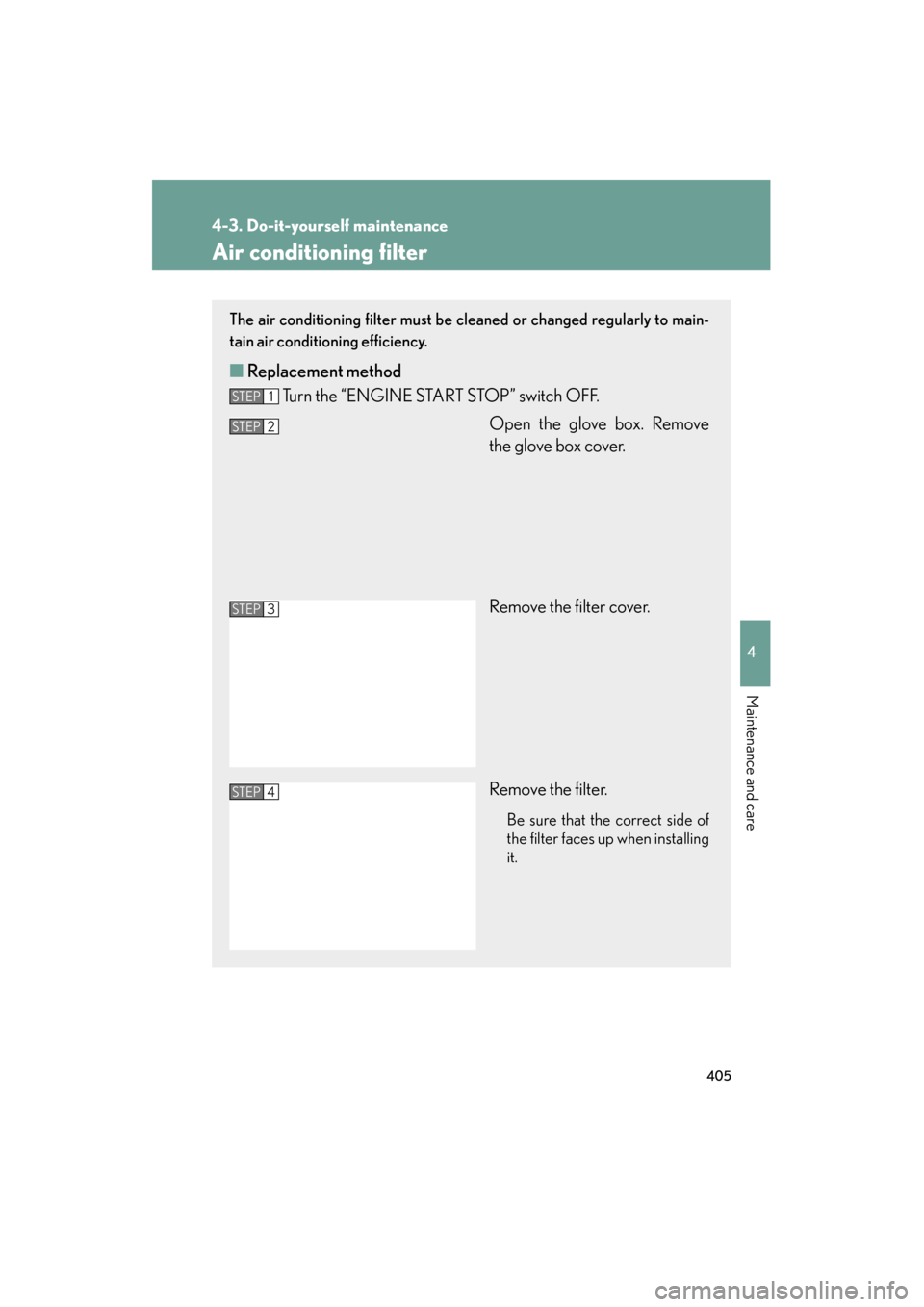
■ Replacement method
Turn the “ENGINE START STOP” switch OFF.
Open the glove box. Remove
the glove box cover.
Remove the filter cover.
Remove the filter.
Be sure that the correct side of
the filter faces up when installing
it.
STEP1
STEP2
STEP3
STEP4