Start Lexus ES350 2012 Workshop Manual
[x] Cancel search | Manufacturer: LEXUS, Model Year: 2012, Model line: ES350, Model: Lexus ES350 2012Pages: 554, PDF Size: 6.43 MB
Page 183 of 554
182
2-4. Using other driving systems
ES350_U
Driving assist systems
When the VSC/TRAC systems are operatingIf the vehicle is in danger of slip-
ping, or if the front wheels spin, the
slip indicator light flashes to indi-
cate that the VSC/TRAC systems
have been engaged.
To help enhance driving safety and performance, the following systems
operate automatically in response to various driving situations. Be aware,
however, that these systems are suppl ementary and should not be relied
upon too heavily when operating the vehicle.
■ ABS (Anti-lock Brake System)
Helps to prevent wheel lock when the brakes are applied suddenly, or if
the brakes are applied while driving on a slippery road surface
■Brake assist
Generates an increased level of braking force after the brake pedal is
depressed, when the system detects a panic stop situation.
■VSC (Vehicle Stability Control)
Helps the driver to control skidding when swerving suddenly or turning on
slippery road surfaces.
■TRAC (Traction Control)
Maintains drive power and prevents the front wheels from spinning when
starting the vehicle or accelerating on slippery roads.
■PCS (Pre-Collision System) (if equipped)
→ P. 1 8 7
Page 185 of 554

184
2-4. Using other driving systems
ES350_U
■When the message is displayed on the multi-information display showing that
TRAC has been disabled even if the VSC off switch has not been pressed
TRAC cannot be operated. Contact your Lexus dealer.
■Sounds and vibrations caused by the ABS, brake assist, VSC and TRAC systems
●A sound may be heard from the engine compartment when the engine is
started or just after the vehicle begins to move. This sound does not indicate that
a malfunction has occurred in any of these systems.
●Any of the following conditions may occur when the above systems are operat-
ing. None of these indicates that a malfunction has occurred.
• Vibrations may be felt through the vehicle body and steering.
• A motor sound may be heard after the vehicle comes to a stop.
• The brake pedal may pulsate slightly after the ABS is activated.
• The brake pedal may move down slightly after the ABS is activated.
■Reactivation of the TRAC /VSC systems after turning off the engine
Turning off the engine after turning off the TRAC/VSC systems will automatically
reactivate them.
■Reactivation of the TRAC system linked to vehicle speed
When only the TRAC system is turned off, the TRAC system will turn on when vehi-
cle speed increases. However, when both TRAC and VSC systems are turned off,
the systems will not turn on even when vehicle speed increases.
■If the slip indicator comes on
It may indicate a malfunction in the VSC and TRAC function. Contact your Lexus
dealer.
Page 213 of 554
212
3-1. Using the air conditioning system and defogger
ES350_U
■Air conditioning odors
●During use, various odors from inside and outside the vehicle may enter into
and accumulate in the air conditioning system. This may then cause odor to be
emitted from the vents.
●To reduce potential odors from occurring:
• It is recommended that the air conditioning system be set to outside air modeprior to turning the vehicle off.
• The start timing of the blower may be delayed for a short period of time
immediately after the air conditioning system is started in automatic mode.
CAUTION
■To prevent the windshield from fogging up
Do not use during cool air operation in extremely humid weather. The dif-
ference between the temperature of the outside air and that of the windshield can
cause the outer surface of the windshield to fog up, blocking your vision.
NOTICE
■To prevent battery discharge
Do not leave the air conditioning system on longer than necessary when the engine
is stopped.
Page 238 of 554
237
3-2. Using the audio system
3
Interior features
ES350_U
●MP3 and WMA playback
When a disc containing MP3 or WMA files is inserted, all files on the disc are first
checked. Once the file check is finished, the first MP3 or WMA file is played. To
make the file check finish more quickly, we recommend you do not write in any
files other than MP3 or WMA files or create any unnecessary folders.
Discs that contain a mixture of music data and MP3 or WMA format data cannot
be played.
●Extensions
If the file extensions .mp3 and .wma are used for files other than MP3 and WMA
files, they will be mistakenly recognized and played as MP3 and WMA files. This
may result in large amounts of interference and damage to the speakers.
●Playback
• To play MP3 file with steady sound quality, we recommend a fixed bit rate of 128 kbps and a sampling frequency of 44.1 kHz.
• CD-R or CD-RW playback may not be po ssible in some instances, depend-
ing on the characteristics of the disc.
• There is a wide variety of freeware and other encoding software for MP3 and WMA files on the market, and depend ing on the status of the encoding
and the file format, poor sound quality or noise at the start of playback may
result. In some cases, playback may not be possible at all.
• When files other than MP3 or WMA files are recorded on a disc, it may take
more time to recognize the disc and in some cases, playback may not be
possible at all.
• Microsoft, Windows, and Windows Media are the registered trademarks of
Microsoft Corporation in the USA and other countries.
NOTICE
■CDs and adapters that cannot be used
→ P. 229
■CD player precautions
→P. 2 3 0
Page 253 of 554
252
3-2. Using the audio system
ES350_U
●MP3 and WMA playback
• When a USB memory containing MP3 or WMA files is connected, all files in the USB memory are checked. Once the file check is finished, the first
MP3 or WMA file is played. To make the file check finish more quickly, we
recommend that you do not include any files other than MP3 or WMA files
or create any unnecessary folders.
• When the USB memory is connected and the audio source is changed to USB memory mode, the USB memory will start playing the first file in the
first folder. If the same USB memory is removed and reinserted (and the
contents have not been changed), the USB memory will resume play from
the same point in which it was last used.
●Extensions
If the file extensions .mp3 and .wma are used for files other than MP3 and WMA
files, they will be skipped (not played).
●Playback
• To play MP3 files with steady sound quality, we recommend a fixed bit rate of at least 128 kbps and a sampling frequency of 44.1 kHz.
• There is a wide variety of freeware and other encoding software for MP3 and WMA files on the market, and depending on the status of the encoding
and the file format, poor sound quality or noise at the start of playback may
result. In some cases, playback may not be possible at all.
• Microsoft, Windows, and Windows Media are registered trademarks of Microsoft Corporation in the U.S.A. and other countries.
CAUTION
■Caution while driving
Do not connect
USB memory or operate the controls.
Page 275 of 554
274
3-3. Using the Bluetooth® audio system
ES350_UPattern A
Press the talk switch and say “From Car” or “From Audio player”,
and select “Confirm” by using a voice command or .
Pattern B
Select “From Car” or “From Audio”, using .
If “From Car” is selected, the portable player will be automatically con-
nected whenever the “ENGINE START STOP” switch is in either
ACCESSORY or IGNITION ON mode.
Changing the registered name of a portable player
Select “Change Name” using a voice command or .
Pattern A Select the name of the portable player to be changed by either of
the following methods, and select “Confirm” using a voice com-
mand or :
a. Press the talk switch and say the name of desired portableplayer.
b. Press the talk switch and say “List Audio Players”. When the name of the desired portable player is read aloud, press the
talk switch.
STEP3
STEP3
STEP1
STEP2
Page 285 of 554
284
3-4. Using the hands-free system (for mobile phone)
ES350_U
■Steering wheel switches
Ty p e A
Vo l u m e
During an incoming call:
Adjusts the ring tone volume
During an ongoing call:
Adjusts the receiver volume
The voice guidance volume can-
not be adjusted using this but-
ton.
Off-hook switch
Turns the hands-free system
on/starts a call
On-hook switch
Turns the hands-free system
off/ends a call/refuses a call
Talk switch
Turns the voice command
system on (press)/turns the
voice command system off
(press and hold)
■ Microphone
Type B
Page 287 of 554

286
3-4. Using the hands-free system (for mobile phone)
ES350_U
Using the hands-free system for the first time
Before using the hands-free system, it is necessary to register a mobile
phone in the system. The system will enter phone registration mode auto-
matically when starting the system with no mobile phone registered. Fol-
low the procedure below to register (pair) a mobile phone: Press the off-hook switch or the talk switch.
The introductory guidance and phone name registration instructions are
heard.
Select “Pair Phone” using a voice command or .
Register a phone name by either of the following methods.
a. Select “Record Name” by using , and say a name to beregistered.
b. Press the talk switch and say a name to be registered.
A voice guidance instruction to confirm the input is heard.
Select “Confirm” by using a voice command or .
A passkey is displayed and heard, and voice guidance instruction for
inputting the passkey into the mobile phone is heard. Input the passkey into the mobile phone.
Refer to the manual that comes with the mobile phone for the operation
of the phone.
Guidance for registration completion is heard.
If the mobile phone has a Bluetooth
® audio player, the audio player can
be registered at the same time. A voice guidance instruction to register a
Bluetooth
® audio player is heard.
STEP1
STEP2
STEP3
STEP4
STEP5
Page 313 of 554
312
ES350_U
3-5. Using the interior lights
Interior lights list
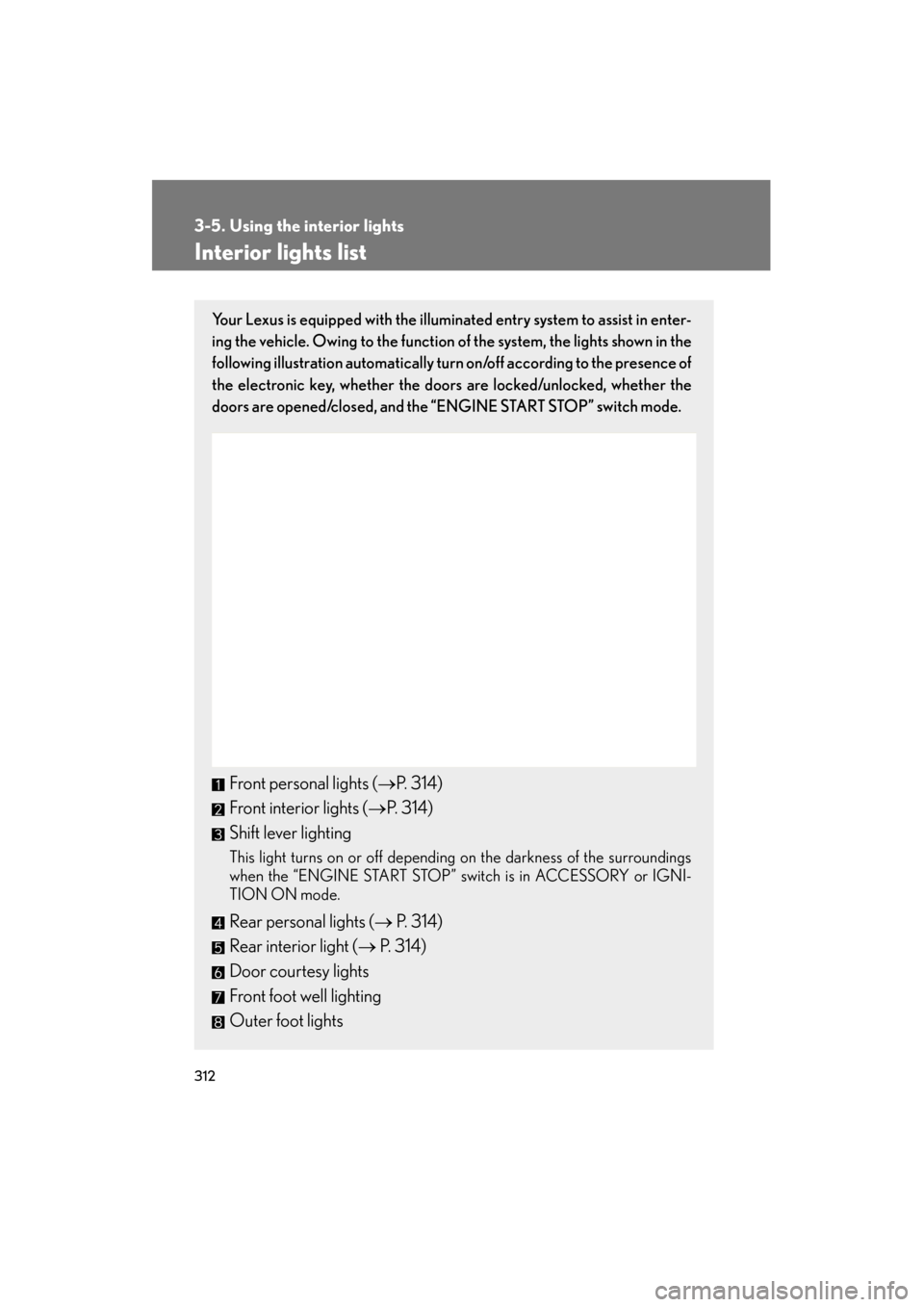
Your Lexus is equipped with the illuminated entry system to assist in enter-
ing the vehicle. Owing to the function of the system, the lights shown in the
following illustration automatically turn on/off according to the presence of
the electronic key, whether the door s are locked/unlocked, whether the
doors are opened/closed, and the “ENGINE START STOP” switch mode.
Front personal lights (→P. 314)
Front interior lights ( →P. 314)
Shift lever lighting
This light turns on or off depending on the darkness of the surroundings
when the “ENGINE START STOP” switch is in ACCESSORY or IGNI-
TION ON mode.
Rear personal lights ( → P. 314)
Rear interior light ( → P. 314)
Door courtesy lights
Front foot well lighting
Outer foot lights
Page 325 of 554

324
3-7. Other interior features
ES350_U
Clock
■The clock is displayed when
The “ENGINE START STOP” switch is in ACCESSORY or IGNITION ON mode.
Without navigation systemAdjusts the hour.
Adjusts the minutes.
Rounds to the nearest hour.
*
*: e.g. 1:00 to 1:29 → 1:00
1:30 to 1:59 → 2:00
With navigation system
Adjusts the hour.
Adjusts the minutes.
Rounds to the nearest hour.
*
*: e.g. 1:00 to 1:29 → 1:00
1:30 to 1:59 → 2:00