clock setting LEXUS ES350 2021 Owners Manual
[x] Cancel search | Manufacturer: LEXUS, Model Year: 2021, Model line: ES350, Model: LEXUS ES350 2021Pages: 464, PDF Size: 9.61 MB
Page 82 of 464
822-1. Instrument cluster
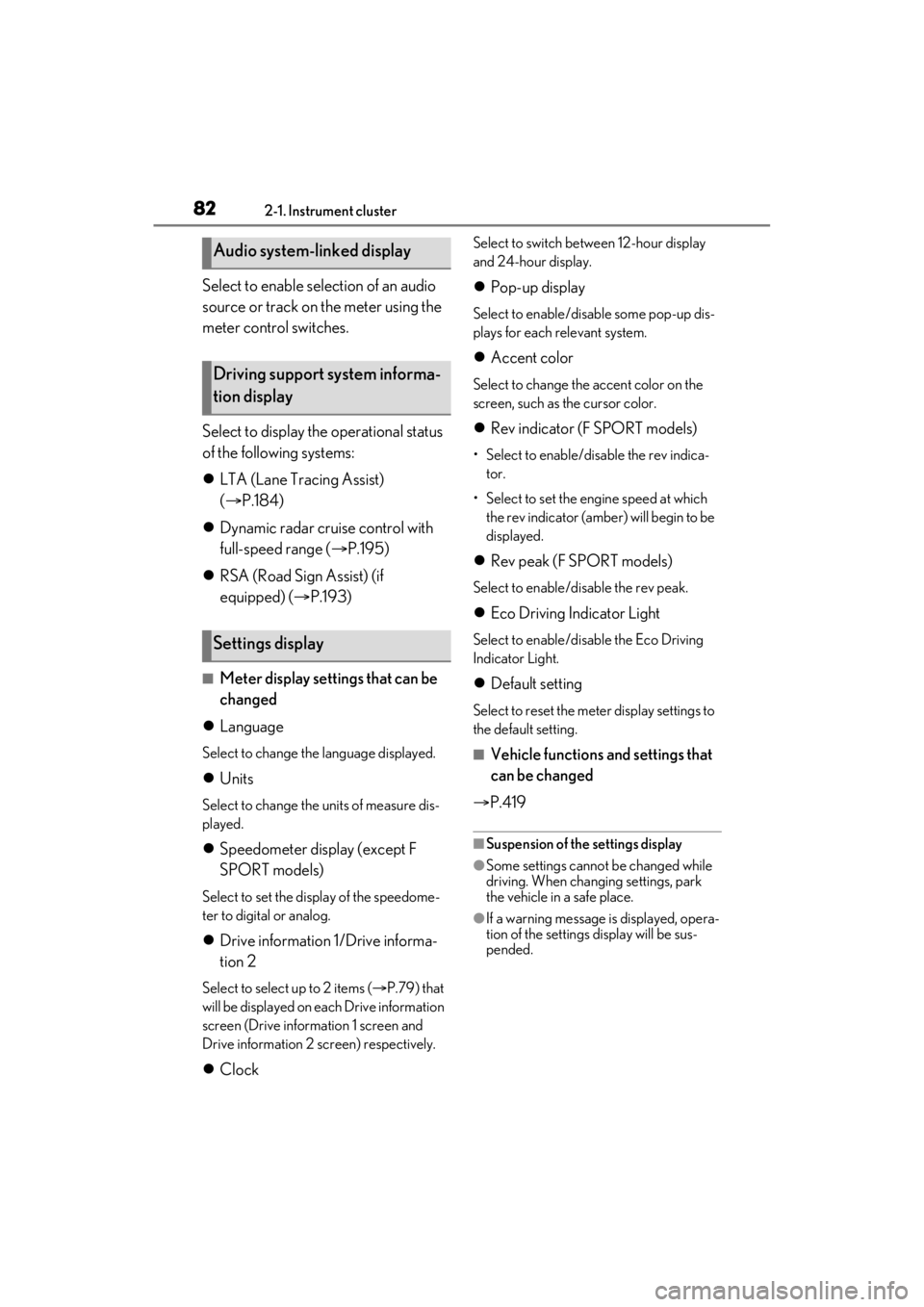
Select to enable selection of an audio
source or track on the meter using the
meter control switches.
Select to display the operational status
of the following systems:
LTA (Lane Tracing Assist)
( P.184)
Dynamic radar cruise control with
full-speed range ( P.195)
RSA (Road Sign Assist) (if
equipped) ( P.193)
■Meter display settings that can be
changed
Language
Select to change th e language displayed.
Units
Select to change the units of measure dis-
played.
Speedometer display (except F
SPORT models)
Select to set the display of the speedome-
ter to digital or analog.
Drive information 1/Drive informa-
tion 2
Select to select up to 2 items ( P.79) that
will be displayed on ea ch Drive information
screen (Drive information 1 screen and
Drive information 2 sc reen) respectively.
Clock
Select to switch between 12-hour display
and 24-hour display.
Pop-up display
Select to enable/disab le some pop-up dis-
plays for each relevant system.
Accent color
Select to change the accent color on the
screen, such as the cursor color.
Rev indicator (F SPORT models)
• Select to enable/disable the rev indica-
tor.
• Select to set the engine speed at which the rev indicator (amber) will begin to be
displayed.
Rev peak (F SPORT models)
Select to enable/disable the rev peak.
Eco Driving Indicator Light
Select to enable/disable the Eco Driving
Indicator Light.
Default setting
Select to reset the meter display settings to
the default setting.
■Vehicle functions and settings that
can be changed
P.419
■Suspension of the settings display
●Some settings cannot be changed while
driving. When changing settings, park
the vehicle in a safe place.
●If a warning message is displayed, opera-
tion of the settings display will be sus-
pended.
Audio system-linked display
Driving support system informa-
tion display
Settings display
Page 321 of 464
3216-3. Do-it-yourself maintenance
6
Maintenance and care
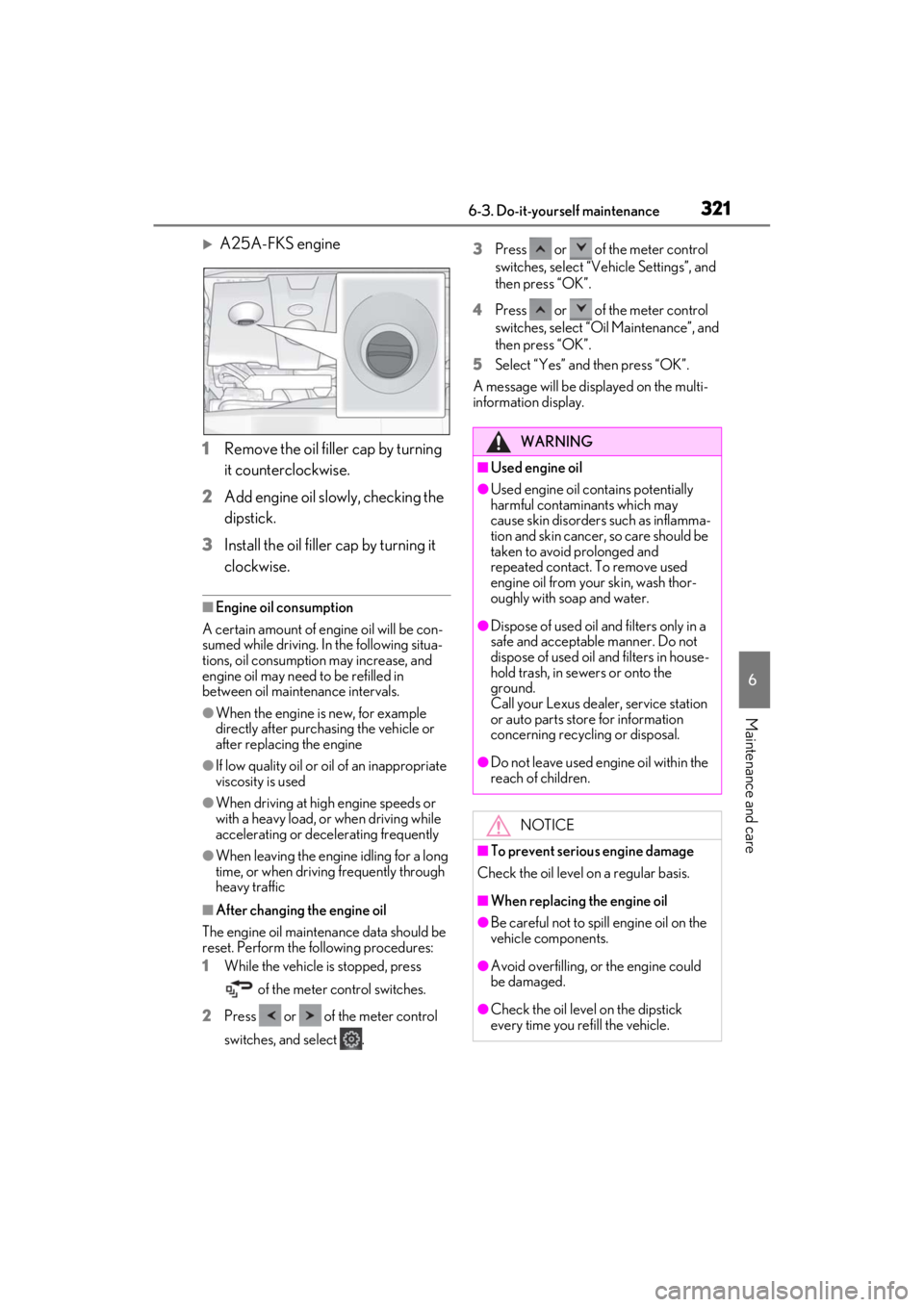
A25A-FKS engine
1 Remove the oil filler cap by turning
it counterclockwise.
2 Add engine oil slowly, checking the
dipstick.
3 Install the oil filler cap by turning it
clockwise.
■Engine oil consumption
A certain amount of engine oil will be con-
sumed while driving. In the following situa-
tions, oil consumption may increase, and
engine oil may need to be refilled in
between oil maintenance intervals.
●When the engine is new, for example
directly after purchasing the vehicle or
after replacing the engine
●If low quality oil or oil of an inappropriate
viscosity is used
●When driving at high engine speeds or
with a heavy load, or when driving while
accelerating or decelerating frequently
●When leaving the engine idling for a long
time, or when driving frequently through
heavy traffic
■After changing the engine oil
The engine oil maintena nce data should be
reset. Perform the following procedures:
1 While the vehicle is stopped, press
of the meter control switches.
2 Press or of the meter control
switches, and select . 3
Press or of the meter control
switches, select “Veh icle Settings”, and
then press “OK”.
4 Press or of the meter control
switches, select “Oil Maintenance”, and
then press “OK”.
5 Select “Yes” and then press “OK”.
A message will be displayed on the multi-
information display.
WARNING
■Used engine oil
●Used engine oil contains potentially
harmful contaminants which may
cause skin disorders such as inflamma-
tion and skin cancer, so care should be
taken to avoid prolonged and
repeated contact. To remove used
engine oil from your skin, wash thor-
oughly with soap and water.
●Dispose of used oil and filters only in a
safe and acceptable manner. Do not
dispose of used oil and filters in house-
hold trash, in sewers or onto the
ground.
Call your Lexus dealer, service station
or auto parts store for information
concerning recycling or disposal.
●Do not leave used engine oil within the
reach of children.
NOTICE
■To prevent serious engine damage
Check the oil level on a regular basis.
■When replacing the engine oil
●Be careful not to spill engine oil on the
vehicle components.
●Avoid overfilling, or the engine could
be damaged.
●Check the oil level on the dipstick
every time you re fill the vehicle.
Page 420 of 464
4208-2. Customization
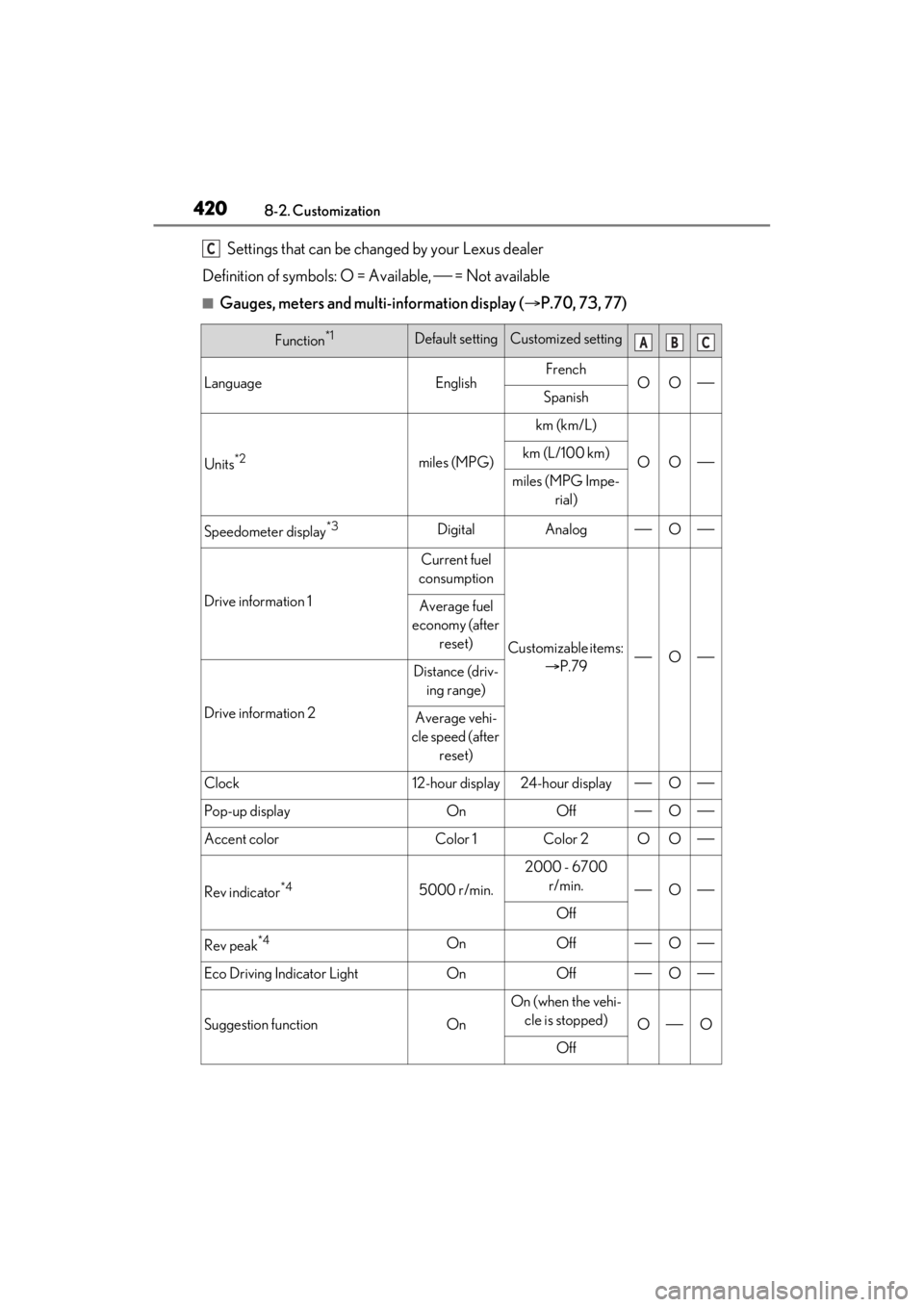
Settings that can be changed by your Lexus dealer
Definition of symbols: O = Available, = Not available
■Gauges, meters and multi-information display ( P.70, 73, 77)
Function*1Default settingCustomized setting
LanguageEnglishFrenchOOSpanish
Units*2miles (MPG)
km (km/L)
OOkm (L/100 km)
miles (MPG Impe-
rial)
Speedometer display*3DigitalAnalogO
Drive information 1
Current fuel
consumption
Customizable items: P.79O
Average fuel
economy (after reset)
Drive information 2
Distance (driv-ing range)
Average vehi-
cle speed (after
reset)
Clock12-hour display24-hour displayO
Pop-up displayOnOffO
Accent colorColor 1Color 2OO
Rev indicator*45000 r/min.
2000 - 6700 r/min.
O
Off
Rev peak*4OnOffO
Eco Driving Indicator LightOnOffO
Suggestion functionOn
On (when the vehi-cle is stopped)
OO
Off
C
ABC
Page 429 of 464

4298-2. Customization
8
Vehicle specifications
switch or the Center Display. If a setting
is changed using a switch, the changed
setting will not be refl ected on the Center
Display until the engine switch is turned
off and then to IGNITION ON mode.
■Clock settings screen
If the clock adjustment screen is displayed
continuously when attempting to change
the clock settings, the system may be mal-
functioning. Have the vehicle inspected by
your Lexus dealer.