USB Lexus GS250 2012 User Guide
[x] Cancel search | Manufacturer: LEXUS, Model Year: 2012, Model line: GS250, Model: Lexus GS250 2012Pages: 914, PDF Size: 53.04 MB
Page 529 of 914
5185-3. Using the audio system
GS350/250_EE (OM30C36E)
If you select
The display returns to the previous screen.
USB memory functions
When the USB memory is connected and the audio source is changed to
USB memory mode, the USB memory will start playing the first file in the
first folder. If the same device is removed and reinserted (and the contents
have not been changed), the USB memory will resume playing from the
same point it was last used.
Depending on the USB memory that is connected to the system, certain
functions may not be available. Disconnecting the device and reconnecting
it once again may resolve some malfunctions.
When using a USB memory
You may be unable to use the instrument panel power outlet if the USB mem-
ory is connected to the USB port at the same time.
Error messages for USB memory
“USB Error”: This indicates a problem in the USB memory or its connection.
“No music files found.”:This indicates that no MP3/WMA files are included
in the USB memory.
USB memory
Compatible devices
USB memory that can be used for MP3 and WMA playback.
Compatible device formats
The following device formats can be used:
• USB communication formats: USB2.0 HS (480 Mbps) and FS (12
Mbps)
• File formats: FAT16/32 (Windows)
• Correspondence class: Mass storage class
MP3 and WMA files written in any format other than those listed above
may not play correctly, and their file names and folder names may not be
displayed correctly.
Items related to standards and limitations are as follows:
• Maximum directory hierarchy: 8 levels
• Maximum number of folders in a device: 3000 (including the root)
• Maximum number of files in a device: 9999
• Maximum number of files per folder: 255
Page 531 of 914
5205-3. Using the audio system
GS350/250_EE (OM30C36E)
MP3 and WMA playback
• When a device containing MP3 or WMA files is connected, all files in
the USB memory device are checked. Once the file check is finished, the
first MP3 or WMA file is played. To make the file check finish more
quickly, we recommend that you do not include any files other than MP3
or WMA files or create any unnecessary folders.
• When the USB device is connected and the audio source is changed to
USB memory mode, the USB device will start playing the first file in the
first folder. If the same device is removed and reinserted (and the con-
tents have not been changed), the USB device will resume play from the
same point in which it was last used.
Extensions
If the file extensions .mp3 and .wma are used for files other than MP3 and
WMA files, they will be skipped (not played).
Playback
• To play MP3 files with steady sound quality, we recommend a fixed bit
rate of at least 128 kbps and a sampling frequency of 44.1 kHz.
• There is a wide variety of freeware and other encoding software for MP3
and WMA files on the market, and depending on the status of the encod-
ing and the file format, poor sound quality or noise at the start of play-
back may result. In some cases, playback may not be possible at all.
• Microsoft, Windows, and Windows Media are registered trademarks of
Microsoft Corporation in the U.S.A. and other countries.
Page 532 of 914
5215-3. Using the audio system
5
Interior features
GS350/250_EE (OM30C36E)
CAUTION
While driving
Do not connect an USB memory or operate the controls.
NOTICE
To prevent damage to the USB memory or its terminal
Do not leave USB memory in the vehicle. The temperature inside of the
vehicle may become high, resulting in damage to the USB memory.
Do not push down on or apply unnecessary pressure to the USB memory
while it is connected.
Do not insert foreign objects into the port.
Page 541 of 914
5305-3. Using the audio system
GS350/250_EE (OM30C36E)
iPod cover art
Depending on the iPod and the songs in the iPod, iPod cover art may be dis-
played. This function can be changed to “On” or “Off”. (P. 524)
It may take time to display iPod cover art, and the iPod may not be operated
while the cover art display is in process.
Only iPod cover art that is saved in JPEG format can be displayed.
iPod functions
When the iPod connected to the system includes iPod video, the system can
only output the sound by selecting “Video” on the “iPod” screen.
Depending on the iPod, the video sound may not be able to be heard.
When an iPod is connected and the audio source is changed to iPod mode,
the iPod will resume play from the same point in which it was last used.
Depending on the iPod that is connected to the system, certain functions
may not be available. If a function is unavailable due to a malfunction (as
opposed to a system specification), disconnecting the device and reconnect-
ing it once again may resolve the problem.
When using an iPod
You maybe unable to use the instrument panel power outlet if the iPod is con-
nected to the USB port at the same time.
Battery charge
When an iPod is connected using a genuine iPod cable, the iPod starts
charging its battery.
Error messages for iPod
“iPod error”:
This indicates a problem in the iPod or its connection.
“No music files found.”:
This indicates that there is no music data in the iPod.
“Please check the iPod firmware version.”:
This indicates that the software version is not compatible. Perform the iPod
firmware updates and try again.
“iPod authorization failed.”:
This indicates that it failed to authorize the iPod. Please check your iPod.
Page 549 of 914
5385-3. Using the audio system
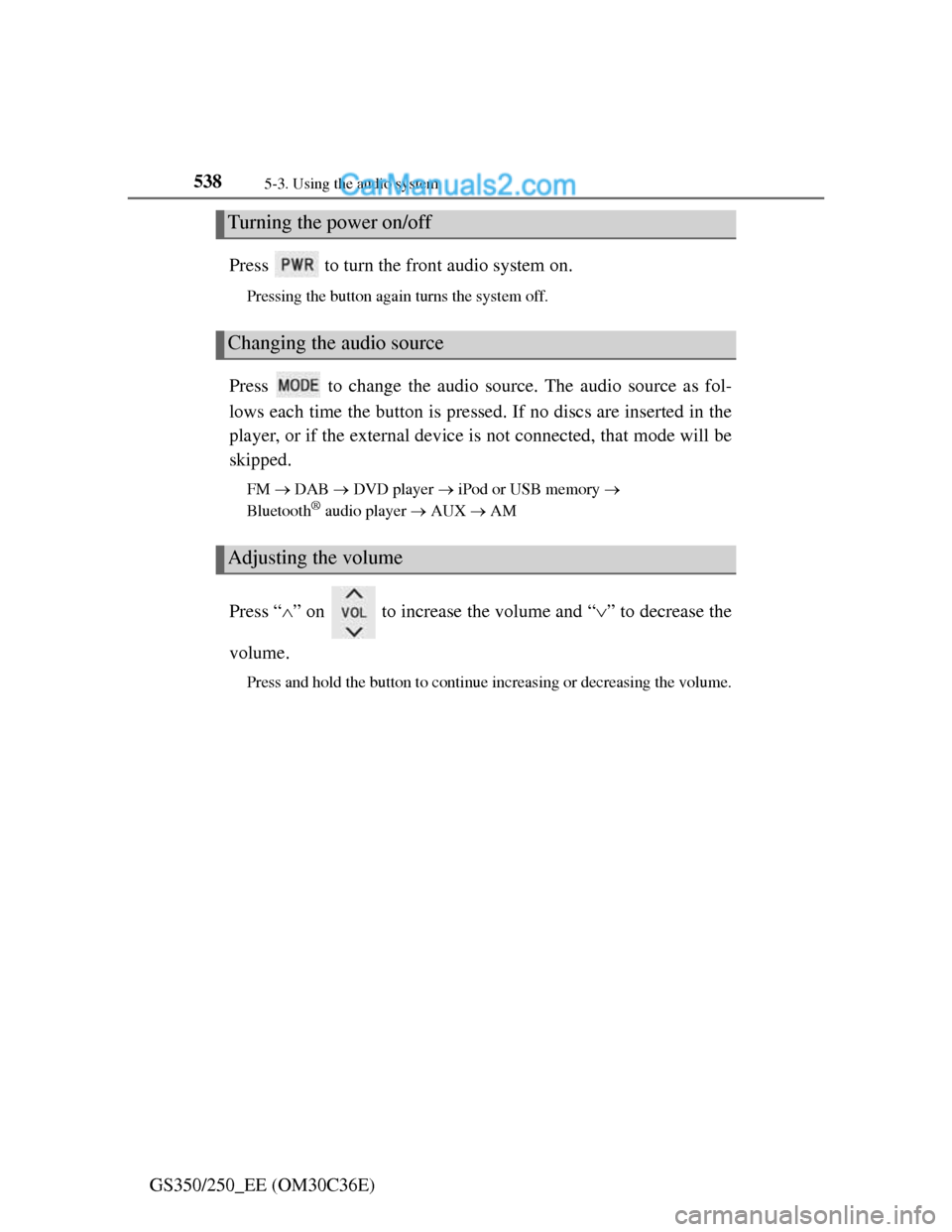
GS350/250_EE (OM30C36E)Press to turn the front audio system on.
Pressing the button again turns the system off.
Press to change the audio source. The audio source as fol-
lows each time the button is pressed. If no discs are inserted in the
player, or if the external device is not connected, that mode will be
skipped.
FM DAB DVD player iPod or USB memory
Bluetooth® audio player AUX AM
Press “” on to increase the volume and “” to decrease the
volume.
Press and hold the button to continue increasing or decreasing the volume.
Turning the power on/off
Changing the audio source
Adjusting the volume
Page 552 of 914
5415-3. Using the audio system
5
Interior features
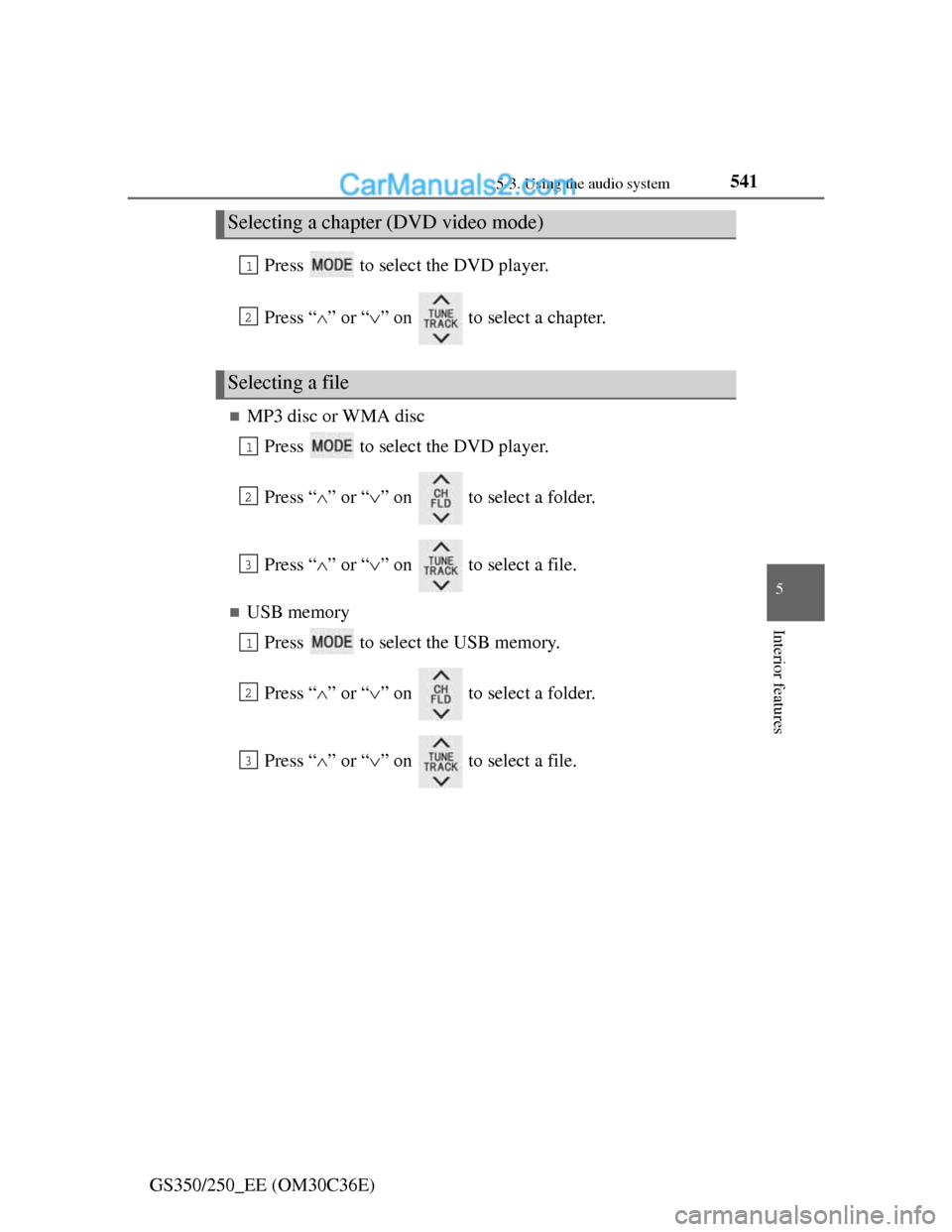
GS350/250_EE (OM30C36E)Press to select the DVD player.
Press “” or “” on to select a chapter.
MP3 disc or WMA disc
Press to select the DVD player.
Press “” or “” on to select a folder.
Press “” or “” on to select a file.
USB memory
Press to select the USB memory.
Press “” or “” on to select a folder.
Press “” or “” on to select a file.
Selecting a chapter (DVD video mode)
Selecting a file
1
2
1
2
3
1
2
3
Page 554 of 914
5435-3. Using the audio system
5
Interior features
GS350/250_EE (OM30C36E)
Using the steering wheel audio switches
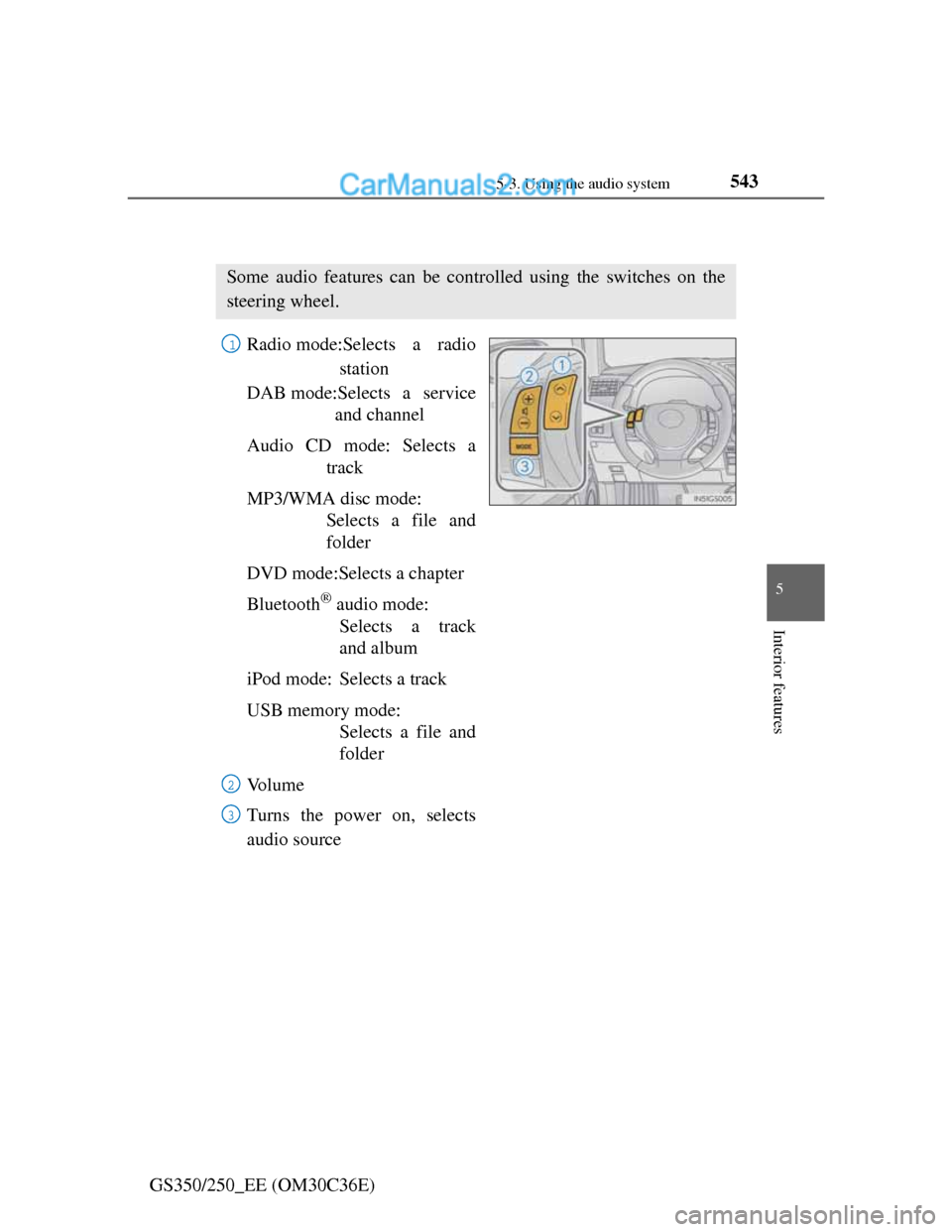
Radio mode:Selects a radio
station
DAB mode:Selects a service
and channel
Audio CD mode: Selects a
track
MP3/WMA disc mode:
Selects a file and
folder
DVD mode:Selects a chapter
Bluetooth
® audio mode:
Selects a track
and album
iPod mode: Selects a track
USB memory mode:
Selects a file and
folder
Vo l u m e
Turns the power on, selects
audio source
Some audio features can be controlled using the switches on the
steering wheel.
1
2
3
Page 556 of 914
5455-3. Using the audio system
5
Interior features
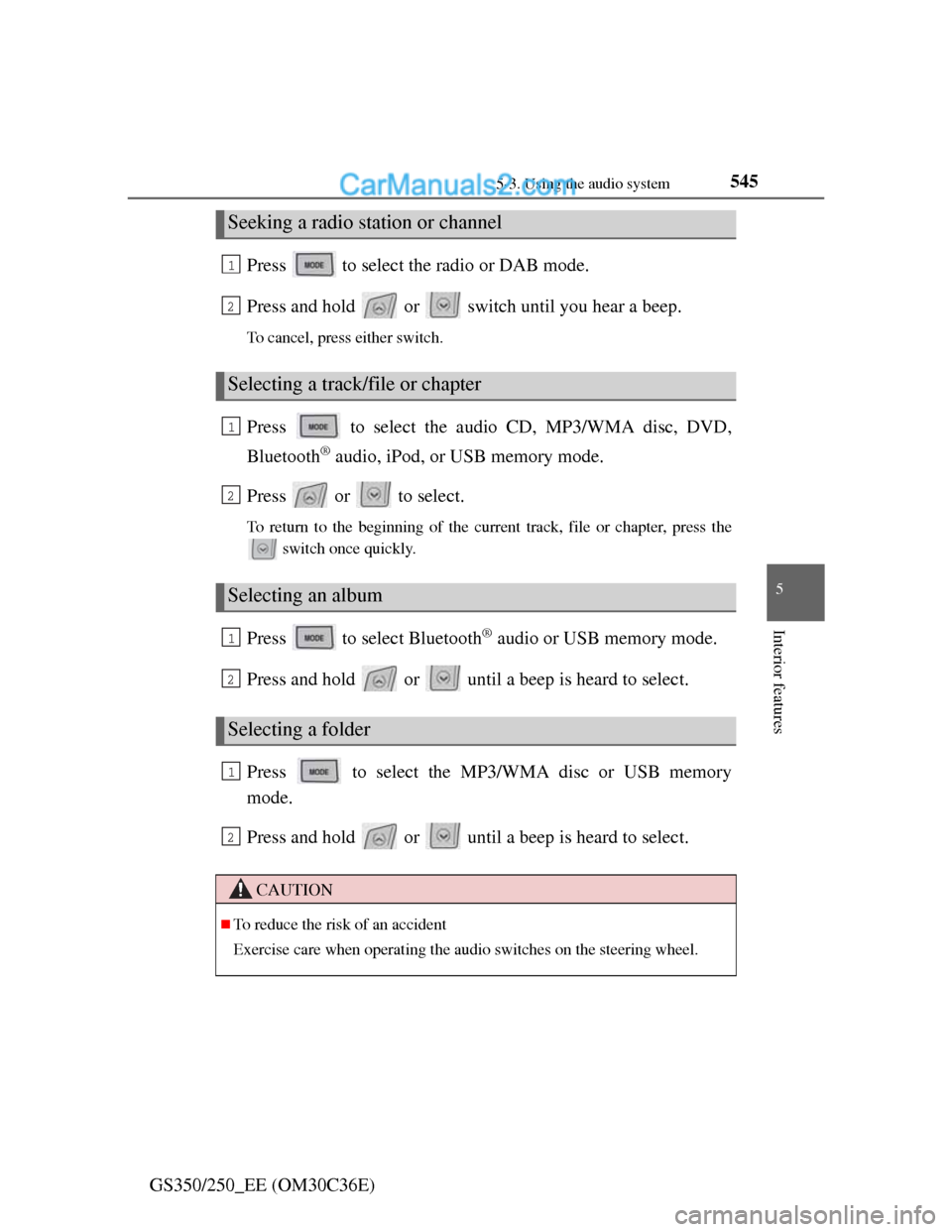
GS350/250_EE (OM30C36E)Press to select the radio or DAB mode.
Press and hold or switch until you hear a beep.
To cancel, press either switch.
Press to select the audio CD, MP3/WMA disc, DVD,
Bluetooth
® audio, iPod, or USB memory mode.
Press or to select.
To return to the beginning of the current track, file or chapter, press the
switch once quickly.
Press to select Bluetooth® audio or USB memory mode.
Press and hold or until a beep is heard to select.
Press to select the MP3/WMA disc or USB memory
mode.
Press and hold or until a beep is heard to select.
Seeking a radio station or channel
Selecting a track/file or chapter
Selecting an album
Selecting a folder
CAUTION
To reduce the risk of an accident
Exercise care when operating the audio switches on the steering wheel.
1
2
1
2
1
2
1
2
Page 899 of 914
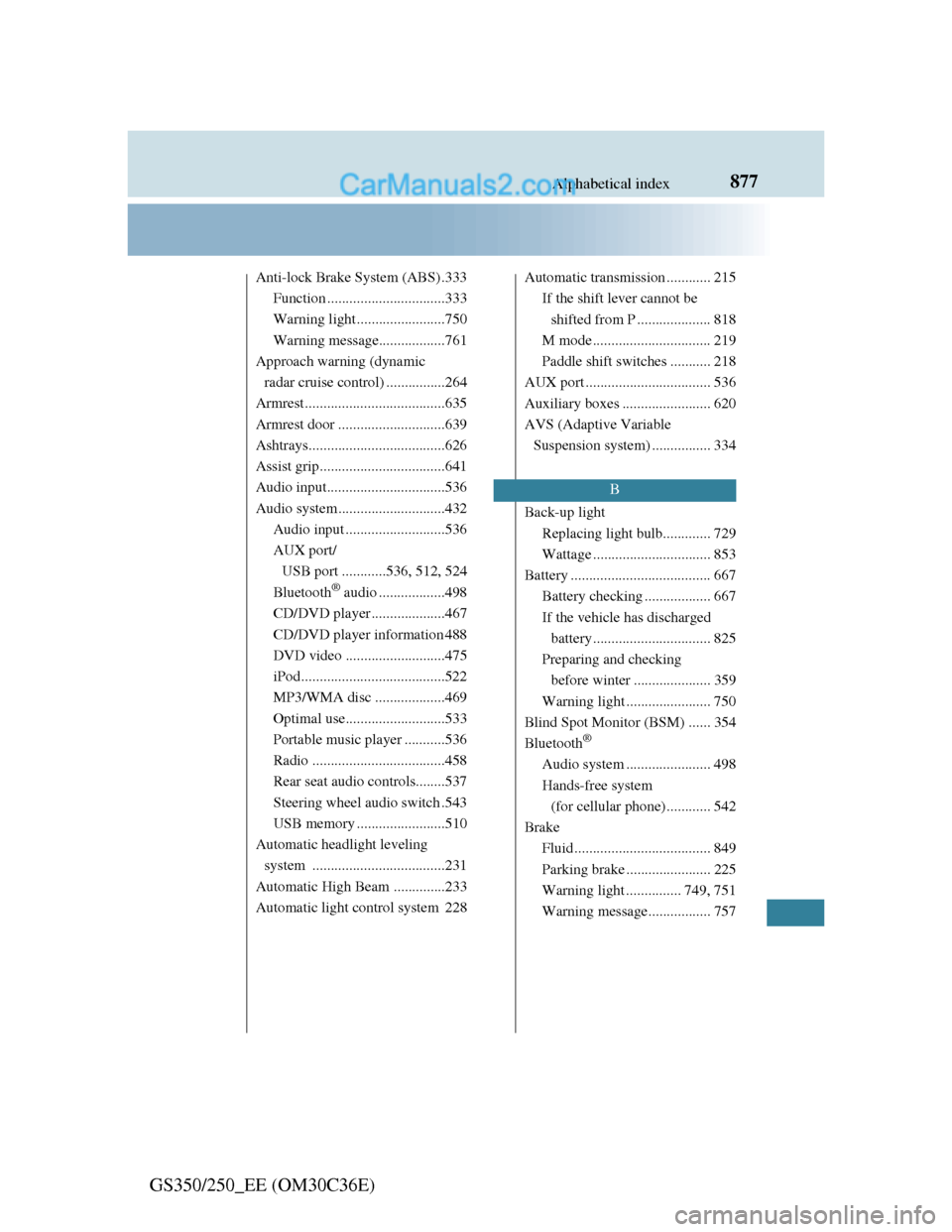
877Alphabetical index
GS350/250_EE (OM30C36E)
Anti-lock Brake System (ABS) .333
Function ................................333
Warning light........................750
Warning message..................761
Approach warning (dynamic
radar cruise control) ................264
Armrest ......................................635
Armrest door .............................639
Ashtrays.....................................626
Assist grip..................................641
Audio input................................536
Audio system .............................432
Audio input ...........................536
AUX port/
USB port ............536, 512, 524
Bluetooth
® audio ..................498
CD/DVD player ....................467
CD/DVD player information 488
DVD video ...........................475
iPod.......................................522
MP3/WMA disc ...................469
Optimal use...........................533
Portable music player ...........536
Radio ....................................458
Rear seat audio controls........537
Steering wheel audio switch .543
USB memory ........................510
Automatic headlight leveling
system ....................................231
Automatic High Beam ..............233
Automatic light control system 228Automatic transmission ............ 215
If the shift lever cannot be
shifted from P .................... 818
M mode ................................ 219
Paddle shift switches ........... 218
AUX port .................................. 536
Auxiliary boxes ........................ 620
AVS (Adaptive Variable
Suspension system) ................ 334
Back-up light
Replacing light bulb............. 729
Wattage ................................ 853
Battery ...................................... 667
Battery checking .................. 667
If the vehicle has discharged
battery................................ 825
Preparing and checking
before winter ..................... 359
Warning light ....................... 750
Blind Spot Monitor (BSM) ...... 354
Bluetooth
®
Audio system ....................... 498
Hands-free system
(for cellular phone)............ 542
Brake
Fluid ..................................... 849
Parking brake ....................... 225
Warning light ............... 749, 751
Warning message................. 757
B
Page 912 of 914
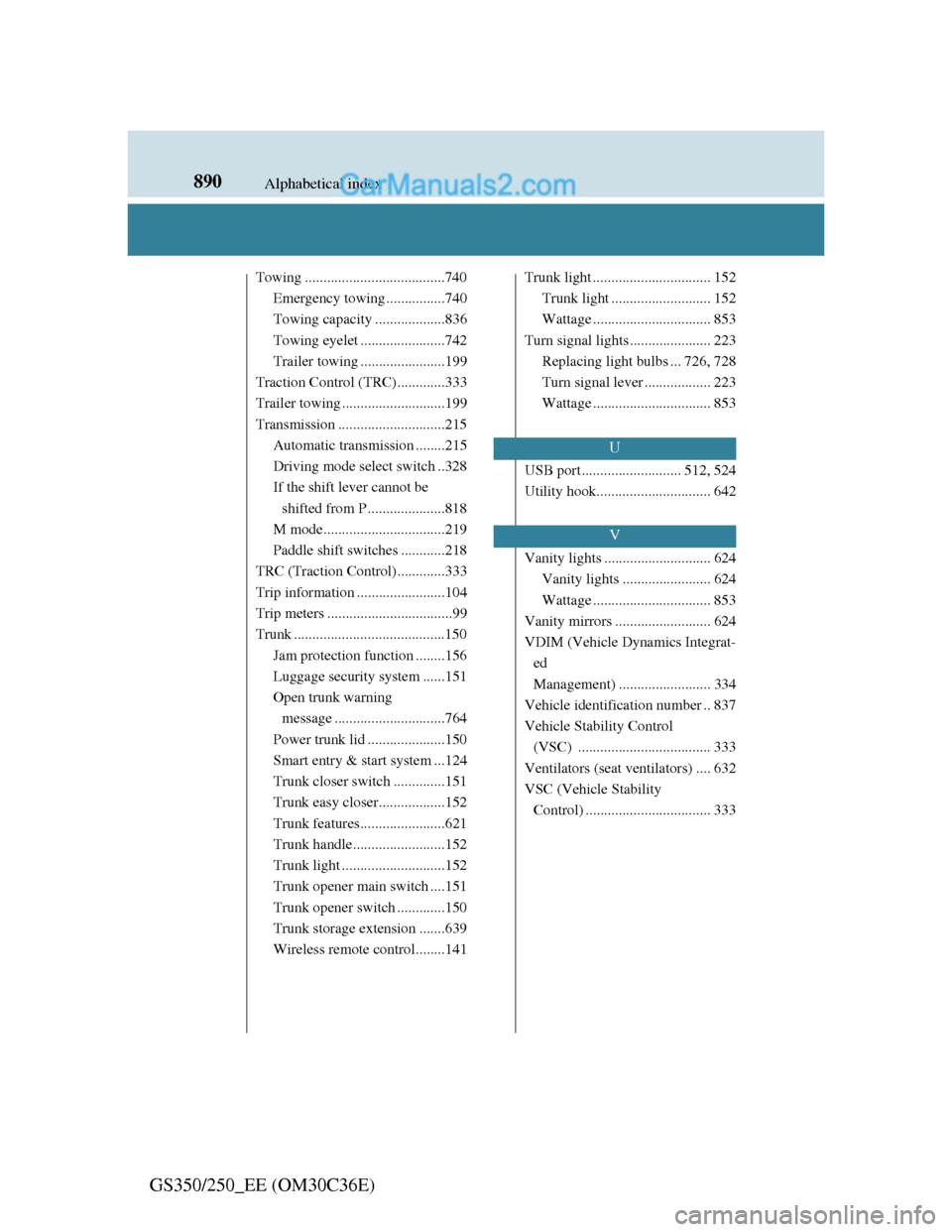
890Alphabetical index
GS350/250_EE (OM30C36E)
Towing ......................................740
Emergency towing ................740
Towing capacity ...................836
Towing eyelet .......................742
Trailer towing .......................199
Traction Control (TRC).............333
Trailer towing ............................199
Transmission .............................215
Automatic transmission ........215
Driving mode select switch ..328
If the shift lever cannot be
shifted from P .....................818
M mode.................................219
Paddle shift switches ............218
TRC (Traction Control).............333
Trip information ........................104
Trip meters ..................................99
Trunk .........................................150
Jam protection function ........156
Luggage security system ......151
Open trunk warning
message ..............................764
Power trunk lid .....................150
Smart entry & start system ...124
Trunk closer switch..............151
Trunk easy closer..................152
Trunk features.......................621
Trunk handle.........................152
Trunk light ............................152
Trunk opener main switch ....151
Trunk opener switch .............150
Trunk storage extension .......639
Wireless remote control........141Trunk light ................................ 152
Trunk light ........................... 152
Wattage ................................ 853
Turn signal lights ...................... 223
Replacing light bulbs ... 726, 728
Turn signal lever .................. 223
Wattage ................................ 853
USB port ........................... 512, 524
Utility hook............................... 642
Vanity lights ............................. 624
Vanity lights ........................ 624
Wattage ................................ 853
Vanity mirrors .......................... 624
VDIM (Vehicle Dynamics Integrat-
ed
Management) ......................... 334
Vehicle identification number .. 837
Vehicle Stability Control
(VSC) .................................... 333
Ventilators (seat ventilators) .... 632
VSC (Vehicle Stability
Control) .................................. 333
U
V