air condition Lexus GS250 2012 User Guide
[x] Cancel search | Manufacturer: LEXUS, Model Year: 2012, Model line: GS250, Model: Lexus GS250 2012Pages: 914, PDF Size: 53.04 MB
Page 217 of 914
2114-2. Driving procedures
4
Driving
GS350/250_EE (OM30C36E)
Auto power off function
If the vehicle is left in ACCESSORY mode for more than 20 minutes or
IGNITION ON mode (the engine is not running) for more than an hour with
the shift lever in P, the engine switch will automatically turn off. However,
this function cannot entirely prevent battery discharge. Do not leave the vehi-
cle with the engine switch in ACCESSORY or IGNITION ON mode for long
periods of time when the engine is not running.
Electronic key battery depletion
P. 1 3 4
Conditions affecting operation
P. 1 3 0
Notes for the entry function
P. 1 3 1
If the engine does not start
The engine immobilizer system may not have been deactivated. (P. 8 0 )
Contact any authorized Lexus dealer or repairer, or another duly qualified
and equipped professional.
Check that the shift lever is securely set in P. The engine may not start if the
shift lever is displaced out of P. “Shift to P position to Start” will be dis-
played on the multi-information display.
Steering lock
After turning the engine switch off and opening and closing the doors, the
steering wheel will be locked due to the steering lock function. Operating the
engine switch again automatically cancels the steering lock.
Page 301 of 914

2944-5. Using the driving support
GS350/250_EE (OM30C36E)
Lexus parking assist-sensor display
When an obstacle is detected while the rear view monitor system, is in use,
the warning indicator will appear in the top right of the screen even if the dis-
play setting has been set to off.
Sensor detection information
The sensor’s detection areas are limited to the areas around the vehicle’s
front corner and rear bumpers.
Certain vehicle conditions and the surrounding environment may affect the
ability of the sensor to correctly detect obstacles. Particular instances where
this may occur are listed below.
• There is dirt, snow or ice on the sensor. (Wiping the sensors will resolve
this problem.)
• The sensor is frozen. (Thawing the area will resolve this problem.)
In especially cold weather, if a sensor is frozen the screen may show an
abnormal display, or obstacles may not be detected.
• The sensor is covered in any way.
• The vehicle is leaning considerably to one side.
• On an extremely bumpy road, on an incline, on gravel, or on grass.
• The vicinity of the vehicle is noisy due to vehicle horns, motorcycle
engines, air brakes of large vehicles, or other loud noises producing
ultrasonic waves.
• There is another vehicle equipped with parking assist sensors in the
vicinity.
• The sensor is coated with a sheet of spray or heavy rain.
• The vehicle is equipped with a fender pole or wireless antenna.
• Towing eyelets are installed.
• The bumper or sensor receives a strong impact.
• The vehicle is approaching a tall or curved curb.
• In harsh sunlight or intense cold weather.
• The area directly under the bumpers is not detected.
• If obstacles draw too close to the sensor.
• A non-genuine Lexus suspension (lowered suspension etc.) is installed.
• People may not be detected if they are wearing certain types of clothing.
In addition to the examples above, there are instances in which, because of
their shape, signs and other objects may be judged by the sensor to be closer
than they are.
Page 302 of 914

2954-5. Using the driving support
4
Driving
GS350/250_EE (OM30C36E)
The shape of the obstacle may prevent the sensor from detecting it. Pay par-
ticular attention to the following obstacles:
• Wires, fences, ropes, etc.
• Cotton, snow and other materials that absorb sound waves
• Sharply-angled objects
•Low obstacles
• Tall obstacles with upper sections projecting outwards in the direction of
your vehicle
The following situations may occur during use.
• Depending on the shape of the obstacle and other factors, the detection
distance may shorten, or detection may be impossible.
• Obstacles may not be detected if they are too close to the sensor.
• There will be a short delay between obstacle detection and display. Even
at slow speeds, there is a possibility that the obstacle will come within
the sensor’s detection areas before the display is shown and the warning
beep sounds.
• Thin posts or objects lower than the sensor may not be detected for colli-
sion when approached, even if they have been detected once.
• It might be difficult to hear beeps due to the volume of audio system or
air flow noise of air conditioning system.
If a message is displayed on the multi-information display
P. 760, 766
Page 328 of 914
3214-5. Using the driving support
4
Driving
GS350/250_EE (OM30C36E)
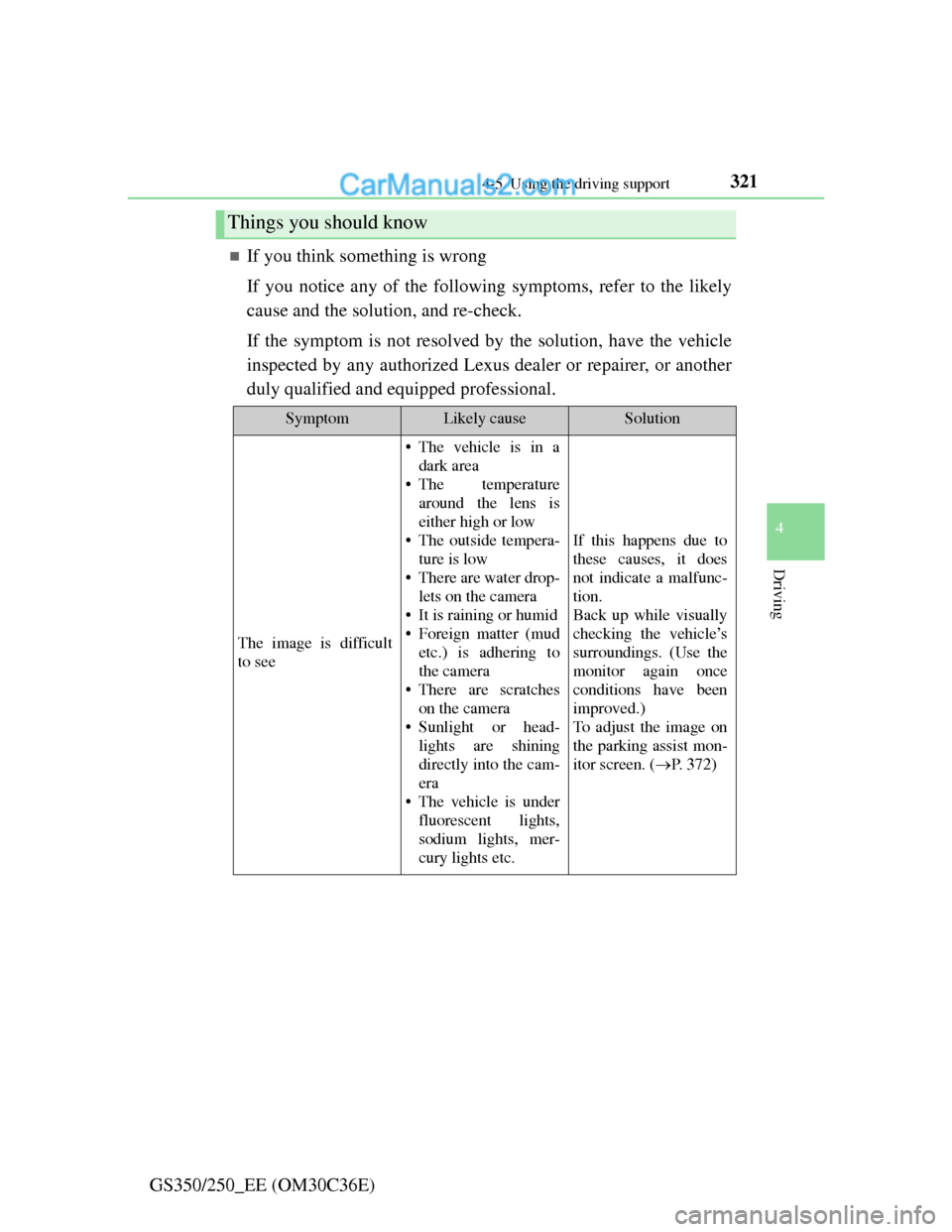
If you think something is wrong
If you notice any of the following symptoms, refer to the likely
cause and the solution, and re-check.
If the symptom is not resolved by the solution, have the vehicle
inspected by any authorized Lexus dealer or repairer, or another
duly qualified and equipped professional.
Things you should know
SymptomLikely causeSolution
The image is difficult
to see
• The vehicle is in a
dark area
• The temperature
around the lens is
either high or low
• The outside tempera-
ture is low
• There are water drop-
lets on the camera
• It is raining or humid
• Foreign matter (mud
etc.) is adhering to
the camera
• There are scratches
on the camera
• Sunlight or head-
lights are shining
directly into the cam-
era
• The vehicle is under
fluorescent lights,
sodium lights, mer-
cury lights etc.
If this happens due to
these causes, it does
not indicate a malfunc-
tion.
Back up while visually
checking the vehicle’s
surroundings. (Use the
monitor again once
conditions have been
improved.)
To adjust the image on
the parking assist mon-
itor screen. (P. 3 7 2 )
Page 339 of 914

3324-5. Using the driving support
GS350/250_EE (OM30C36E)
Operation of the air conditioning system in Eco drive mode
Eco drive mode controls the heating/cooling operations and fan speed of the
air conditioning system to enhance fuel efficiency (P. 409). To improve air
conditioning performance, adjust the fan speed or turn off Eco drive mode.
Automatic operation of the seat heater during Eco drive mode
If the driving mode select switch is switched to Eco drive mode in cold tem-
peratures, the seat heater will be automatically operated to assist heating per-
formance.
Sport mode automatic deactivation
Sport mode is automatically deactivated if the engine switch is turned off
after driving in sport mode.
Page 344 of 914
3374-5. Using the driving support
4
Driving
GS350/250_EE (OM30C36E)
When the message is displayed on the multi-information display showing that
TRC has been disabled even if the VSC OFF switch has not been pressed
TRC cannot be operated. Contact any authorized Lexus dealer or repairer, or
another duly qualified and equipped professional.
Sounds and vibrations caused by the ABS, brake assist, VSC and TRC sys-
tems
A sound may be heard from the engine compartment when the engine is
started or just after the vehicle begins to move. This sound does not indicate
that a malfunction has occurred in any of these systems.
Any of the following conditions may occur when the above systems are
operating. None of these indicates that a malfunction has occurred.
• Vibrations may be felt through the vehicle body and steering.
• A motor sound may be heard after the vehicle comes to a stop.
• The brake pedal may pulsate slightly after the ABS is activated.
• The brake pedal may move down slightly after the ABS is activated.
EPS operation sound
When the steering wheel is operated, a motor sound (whirring sound) may be
heard. This does not indicate a malfunction.
Reactivation of the TRC/VSC systems
Even after the TRC/VSC systems have been turned off, turning the engine
off and then on again will automatically reactivate the TRC/VSC systems.
Page 358 of 914
3514-5. Using the driving support
4
Driving
GS350/250_EE (OM30C36E)
CAUTION
Limitations of the pre-crash safety system
Do not overly rely on the pre-crash safety system. Always drive safely, tak-
ing care to observe your surroundings and checking for any obstacles or
other road hazards.
Failure to do so may cause an accident resulting in death or serious injury.
Handling the radar sensor
Observe the following to ensure the pre-crash safety system can function
effectively. Otherwise, the system may not function correctly and could
result in an accident.
Keep the sensor and grille cover clean at all times.
Clean the sensor and grille cover with a soft cloth so you do not mark or
damage them.
Do not subject the sensor or surrounding area to a strong impact.
If the sensor moves even slightly off position, the system may malfunc-
tion. If the sensor or surrounding area is subject to a strong impact, always
have the area inspected and adjusted by any authorized Lexus dealer or
repairer, or another duly qualified and equipped professional.
Do not disassemble the sensor.
Do not attach accessories or stickers to the sensor, grille cover or sur-
rounding area.
Do not modify or paint the sensor and grille cover.
Do not replace them with non-genuine parts.
Determining the direction the driver is facing and whether the driver’s eyes
are open or closed
The direction the driver is facing and whether the driver’s eyes are open or
closed may not be determined correctly if the following conditions exist:
There is an object between the driver monitor sensor and the driver’s face,
such as when the sensor is blocked.
A part of the driver’s face is covered.
The sensor or the driver’s face is exposed to intense light such as sunlight.
The driving posture is improper.
Page 368 of 914
3614-5. Using the driving support
4
Driving
GS350/250_EE (OM30C36E)
CAUTION
Cautions regarding the use of the system
The driver is solely responsible for safe driving. Always drive safely, taking
care to observe your surroundings.
The Blind Spot Monitor is a supplementary system which alerts the driver
that a vehicle is present in the blind spot. Do not overly rely on the Blind
Spot Monitor system. The system cannot judge if it is safe to change lanes,
therefore over reliance could cause an accident resulting in death or serious
injury. According to conditions, the system may not function correctly.
Therefore the driver’s own visual confirmation of safety is necessary.
Handling the radar sensor
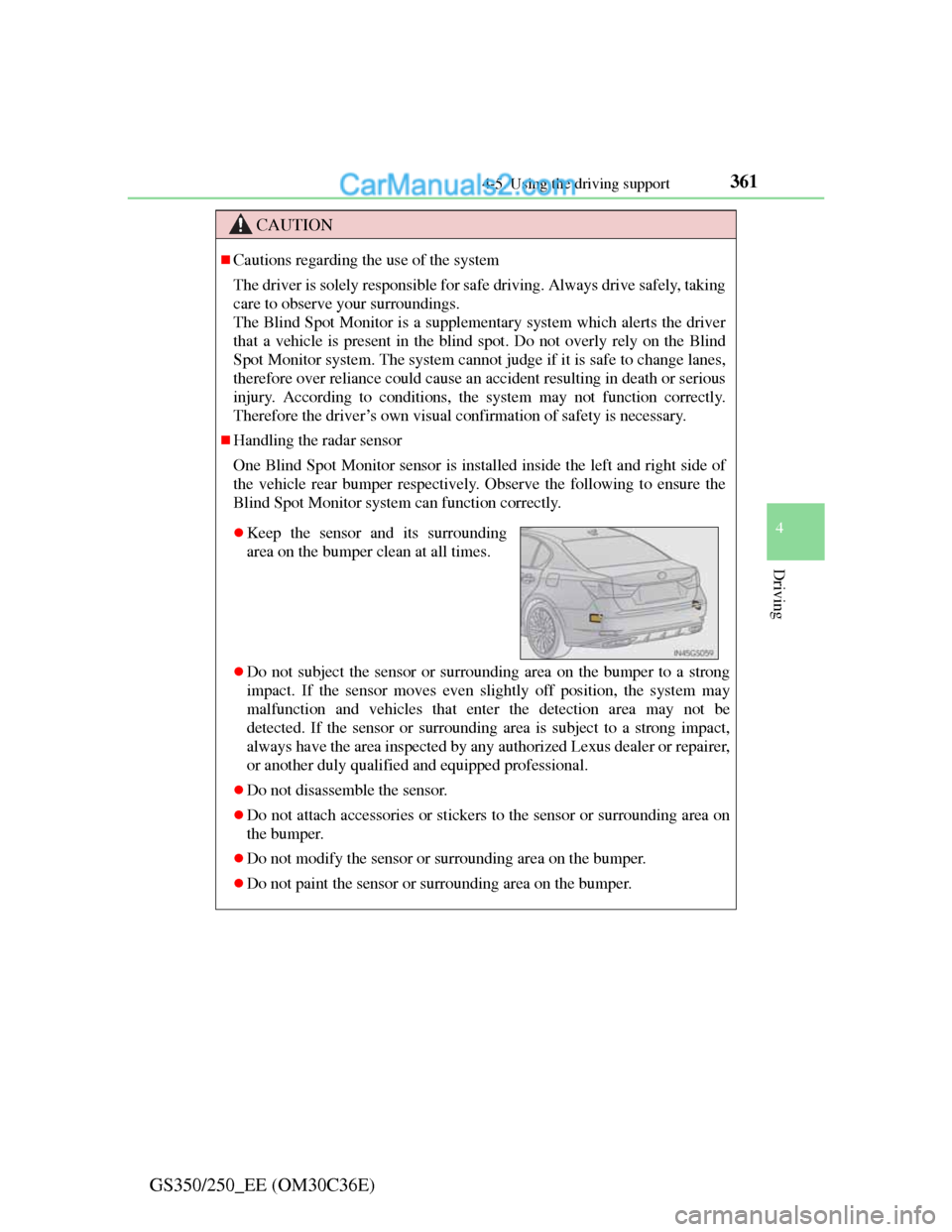
One Blind Spot Monitor sensor is installed inside the left and right side of
the vehicle rear bumper respectively. Observe the following to ensure the
Blind Spot Monitor system can function correctly.
Do not subject the sensor or surrounding area on the bumper to a strong
impact. If the sensor moves even slightly off position, the system may
malfunction and vehicles that enter the detection area may not be
detected. If the sensor or surrounding area is subject to a strong impact,
always have the area inspected by any authorized Lexus dealer or repairer,
or another duly qualified and equipped professional.
Do not disassemble the sensor.
Do not attach accessories or stickers to the sensor or surrounding area on
the bumper.
Do not modify the sensor or surrounding area on the bumper.
Do not paint the sensor or surrounding area on the bumper.
Keep the sensor and its surrounding
area on the bumper clean at all times.
Page 370 of 914
3604-6. Driving tips
GS350/250_EE (OM30C36E)Perform the following according to the driving conditions:
Do not try to forcibly open a window or move a wiper that is fro-
zen. Pour warm water over the frozen area to melt the ice. Wipe
away the water immediately to prevent it from freezing.
To ensure proper operation of the climate control system fan,
remove any snow that has accumulated on the air inlet vents in
front of the windshield.
Check for and remove any excess ice or snow that may have
accumulated on the exterior lights, vehicle’s roof, chassis, around
the tires or on the brakes.
Remove any snow or mud from the bottom of your shoes before
getting in the vehicle.
Accelerate the vehicle slowly, keep a safe distance between you
and the vehicle ahead, and drive at a reduced speed suitable to road
conditions.
Park the vehicle and move the shift lever to P without setting the
parking brake. The parking brake may freeze up, preventing it from
being released. If necessary, block the wheels to prevent inadver-
tent sliding or creeping.
Before driving the vehicle
When driving the vehicle
When parking the vehicle
Page 376 of 914
366
GS350/250_EE (OM30C36E)
5-1. Remote Touch screen
Remote Touch ................... 368
Remote Touch screen ........ 370
Set up screen ..................... 382
Speech command system .. 401
5-2. Using the air conditioning
system and defogger
Front automatic
air conditioning system ... 409
Rear
air conditioning system ... 425
Rear window and outside rear
view mirror defoggers..... 430
Windshield wiper de-icer .. 4315-3. Using the audio system
Audio system type ............ 432
Using the radio.................. 457
Using the CD/DVD
player .............................. 465
Playing an audio CD and
MP3/WMA discs ............ 467
Playing DVD video .......... 473
CD/DVD player and DVD
video disc information .... 486
Listening to
Bluetooth
® audio ............ 496
Listening to
a USB memory ............... 508
Listening to an iPod .......... 519
Optimal use of
the audio/video system ... 530
Using the AUX port.......... 533
Using the rear seat
audio controls ................. 534
Using the steering wheel
audio switches ................ 539