power steering Lexus GS250 2012 User Guide
[x] Cancel search | Manufacturer: LEXUS, Model Year: 2012, Model line: GS250, Model: Lexus GS250 2012Pages: 914, PDF Size: 53.04 MB
Page 219 of 914
2134-2. Driving procedures
4
Driving
GS350/250_EE (OM30C36E)
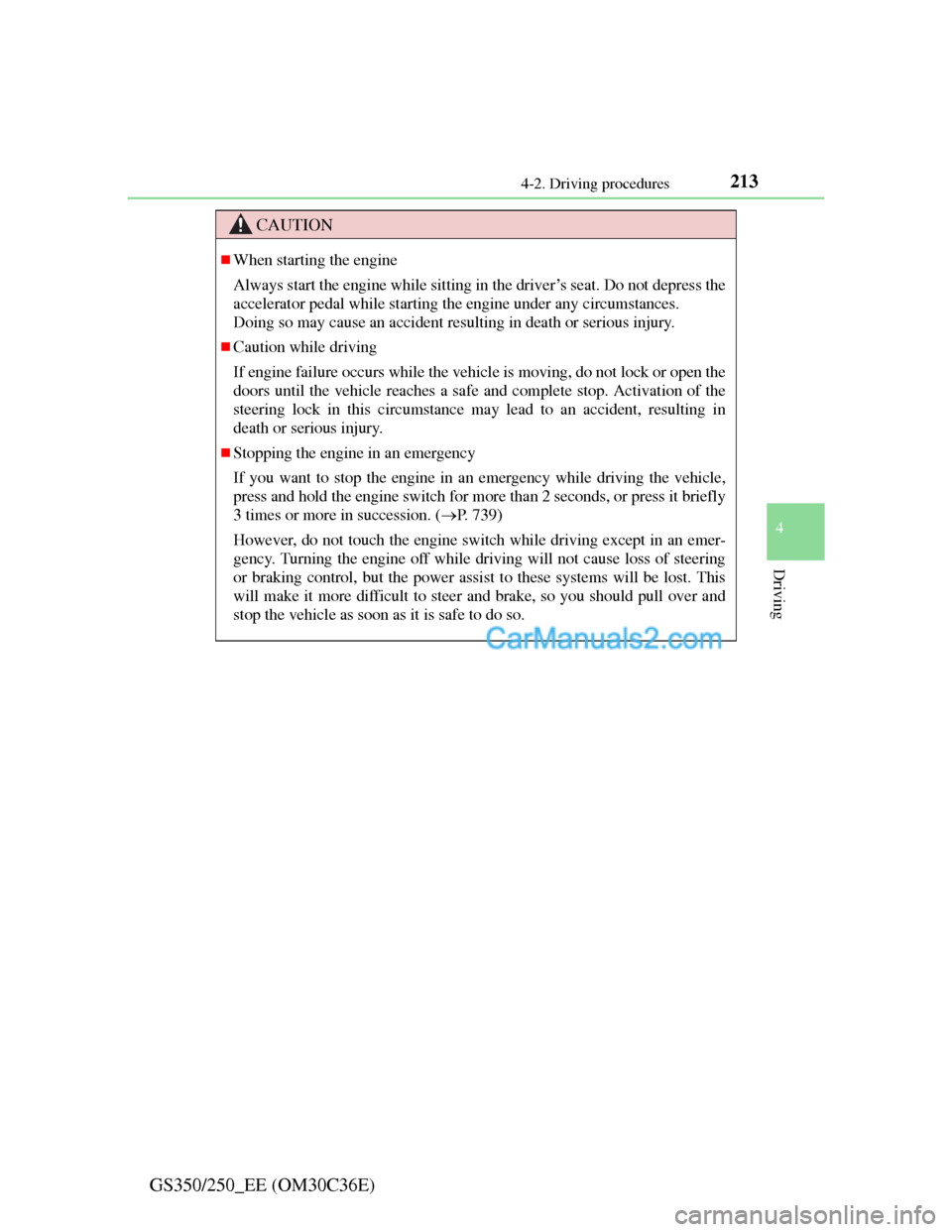
CAUTION
When starting the engine
Always start the engine while sitting in the driver’s seat. Do not depress the
accelerator pedal while starting the engine under any circumstances.
Doing so may cause an accident resulting in death or serious injury.
Caution while driving
If engine failure occurs while the vehicle is moving, do not lock or open the
doors until the vehicle reaches a safe and complete stop. Activation of the
steering lock in this circumstance may lead to an accident, resulting in
death or serious injury.
Stopping the engine in an emergency
If you want to stop the engine in an emergency while driving the vehicle,
press and hold the engine switch for more than 2 seconds, or press it briefly
3 times or more in succession. (P. 739)
However, do not touch the engine switch while driving except in an emer-
gency. Turning the engine off while driving will not cause loss of steering
or braking control, but the power assist to these systems will be lost. This
will make it more difficult to steer and brake, so you should pull over and
stop the vehicle as soon as it is safe to do so.
Page 330 of 914

3234-5. Using the driving support
4
Driving
GS350/250_EE (OM30C36E)
Guide lines are not dis-
playedThe trunk lid is open.
Close the trunk lid.
If this does not resolve
the symptom, have the
vehicle inspected by
any authorized Lexus
dealer or repairer, or
another duly qualified
and equipped profes-
sional.
“System is initializ-
ing.” is displayed
• The battery has been
reinstalled.
• The steering wheel
has been moved
while the battery was
being reinstalled.
• Battery power is low.
• The steering sensor
has been reinstalled.
• There is a malfunc-
tion in the signals
being output by the
steering sensor.
Stop the vehicle, and
turn the steering wheel
as far as it will go to
the left and right.
If this does not resolve
the symptom, have the
vehicle inspected by
any authorized Lexus
dealer or repairer, or
another duly qualified
and equipped profes-
sional.
• On the system initial-
ization screen, select
the “?” button to dis-
play the operating
procedure.
SymptomLikely causeSolution
Page 340 of 914
3334-5. Using the driving support
4
Driving
GS350/250_EE (OM30C36E)
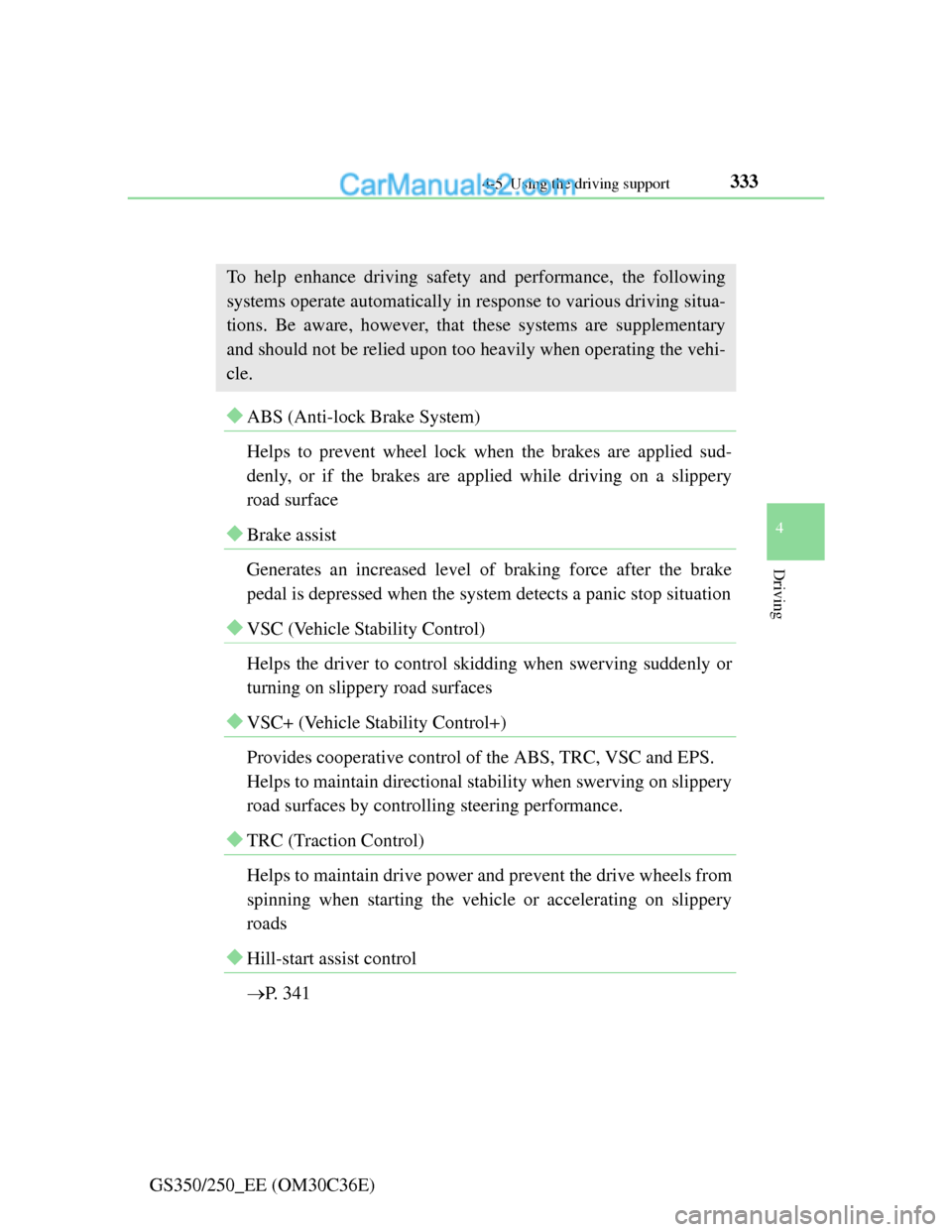
Driving assist systems
ABS (Anti-lock Brake System)
Helps to prevent wheel lock when the brakes are applied sud-
denly, or if the brakes are applied while driving on a slippery
road surface
Brake assist
Generates an increased level of braking force after the brake
pedal is depressed when the system detects a panic stop situation
VSC (Vehicle Stability Control)
Helps the driver to control skidding when swerving suddenly or
turning on slippery road surfaces
VSC+ (Vehicle Stability Control+)
Provides cooperative control of the ABS, TRC, VSC and EPS.
Helps to maintain directional stability when swerving on slippery
road surfaces by controlling steering performance.
TRC (Traction Control)
Helps to maintain drive power and prevent the drive wheels from
spinning when starting the vehicle or accelerating on slippery
roads
Hill-start assist control
P. 341
To help enhance driving safety and performance, the following
systems operate automatically in response to various driving situa-
tions. Be aware, however, that these systems are supplementary
and should not be relied upon too heavily when operating the vehi-
cle.
Page 341 of 914
3344-5. Using the driving support
GS350/250_EE (OM30C36E)
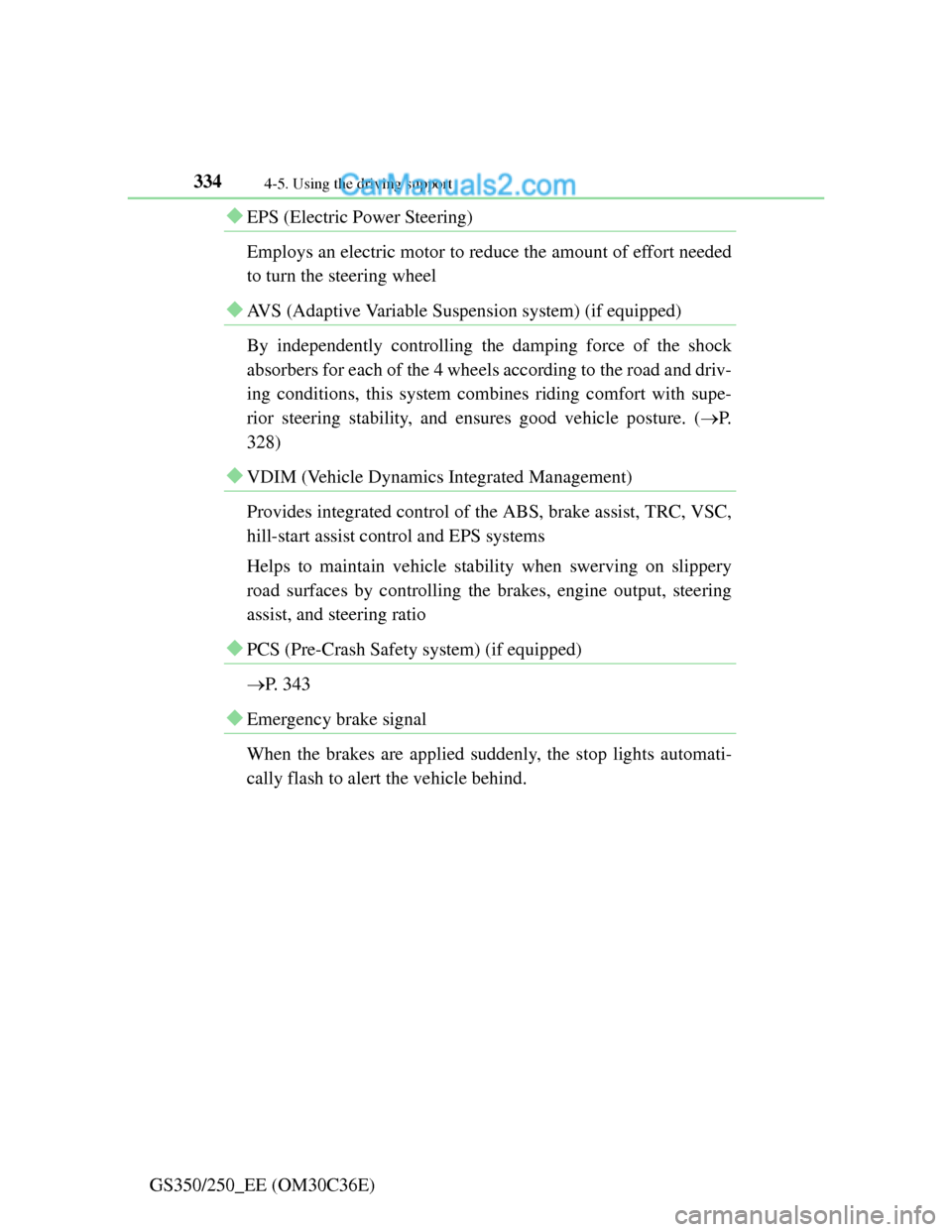
EPS (Electric Power Steering)
Employs an electric motor to reduce the amount of effort needed
to turn the steering wheel
AVS (Adaptive Variable Suspension system) (if equipped)
By independently controlling the damping force of the shock
absorbers for each of the 4 wheels according to the road and driv-
ing conditions, this system combines riding comfort with supe-
rior steering stability, and ensures good vehicle posture. (P.
328)
VDIM (Vehicle Dynamics Integrated Management)
Provides integrated control of the ABS, brake assist, TRC, VSC,
hill-start assist control and EPS systems
Helps to maintain vehicle stability when swerving on slippery
road surfaces by controlling the brakes, engine output, steering
assist, and steering ratio
PCS (Pre-Crash Safety system) (if equipped)
P. 343
Emergency brake signal
When the brakes are applied suddenly, the stop lights automati-
cally flash to alert the vehicle behind.
Page 377 of 914
367
5Interior features
GS350/250_EE (OM30C36E)
5-4. Using the hands-free phone
system (for cellular phone)
Hands-free system
(for cellular phone) ......... 542
Using a Bluetooth
®
phone............................... 556
Setting the hands-free system
(for cellular phone) ......... 575
Setting the Bluetooth
®...... 598
5-5. Using the interior lights
Interior lights list ............... 611
• Interior light .................. 612
• Personal lights............... 6125-6. Using the storage features
List of storage features ..... 614
• Glove box ..................... 616
• Console box .................. 617
• Cup holders .................. 618
• Auxiliary boxes ............ 620
Trunk features ................... 621
5-7. Other interior features
Sun visors and
vanity mirrors ................. 624
Clock................................. 625
Ashtrays ............................ 626
Power outlets .................... 627
Heated steering wheel....... 629
Seat heaters/
seat ventilators ................ 631
Armrest ............................. 635
Rear sunshade/
rear door sunshades ........ 636
Trunk storage extension.... 639
Coat hooks ........................ 640
Assist grip ......................... 641
Utility hook ....................... 642
For vehicles sold outside Europe, some of the functions can-
not be operated while driving.
Page 554 of 914
5435-3. Using the audio system
5
Interior features
GS350/250_EE (OM30C36E)
Using the steering wheel audio switches
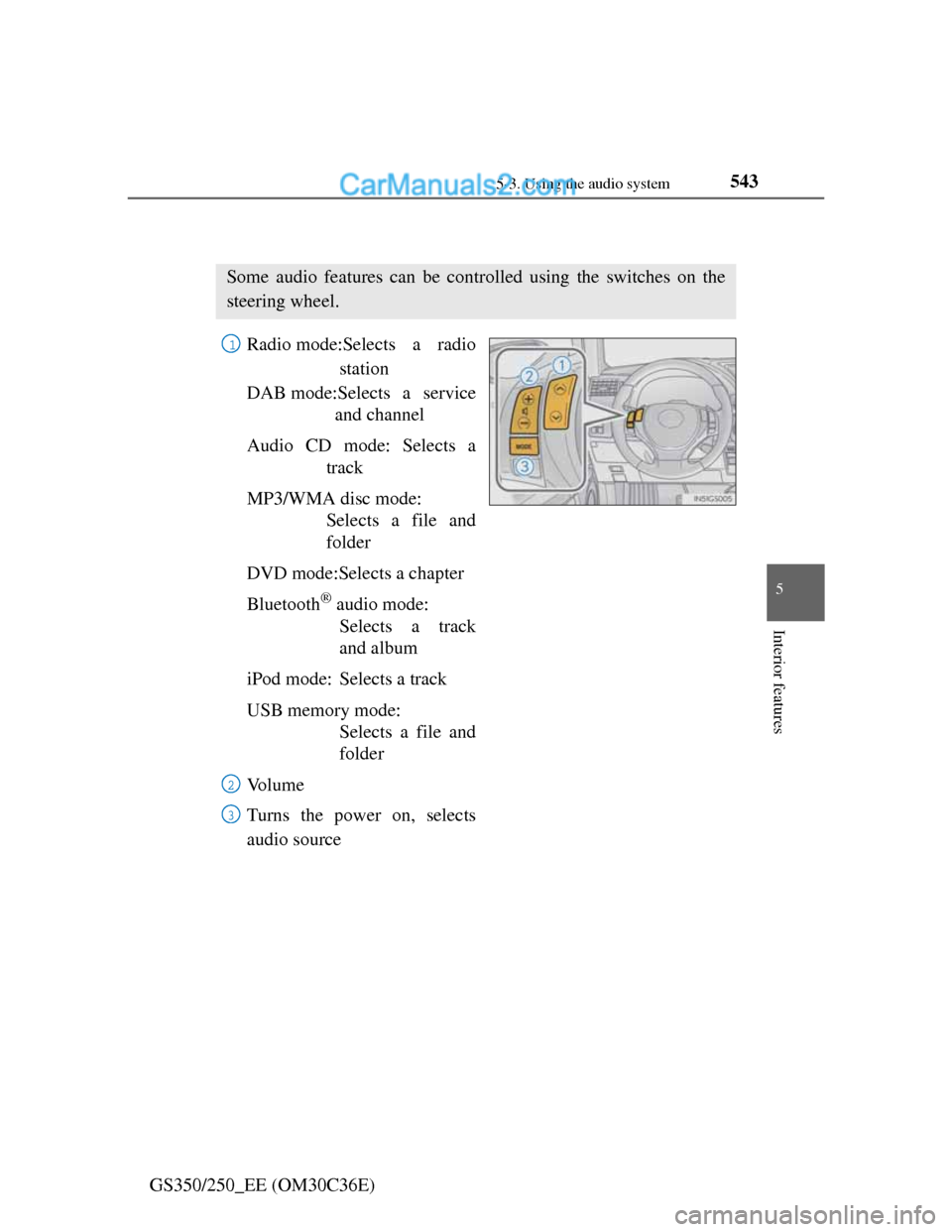
Radio mode:Selects a radio
station
DAB mode:Selects a service
and channel
Audio CD mode: Selects a
track
MP3/WMA disc mode:
Selects a file and
folder
DVD mode:Selects a chapter
Bluetooth
® audio mode:
Selects a track
and album
iPod mode: Selects a track
USB memory mode:
Selects a file and
folder
Vo l u m e
Turns the power on, selects
audio source
Some audio features can be controlled using the switches on the
steering wheel.
1
2
3
Page 587 of 914
5725-4. Using the hands-free phone system (for cellular phone)
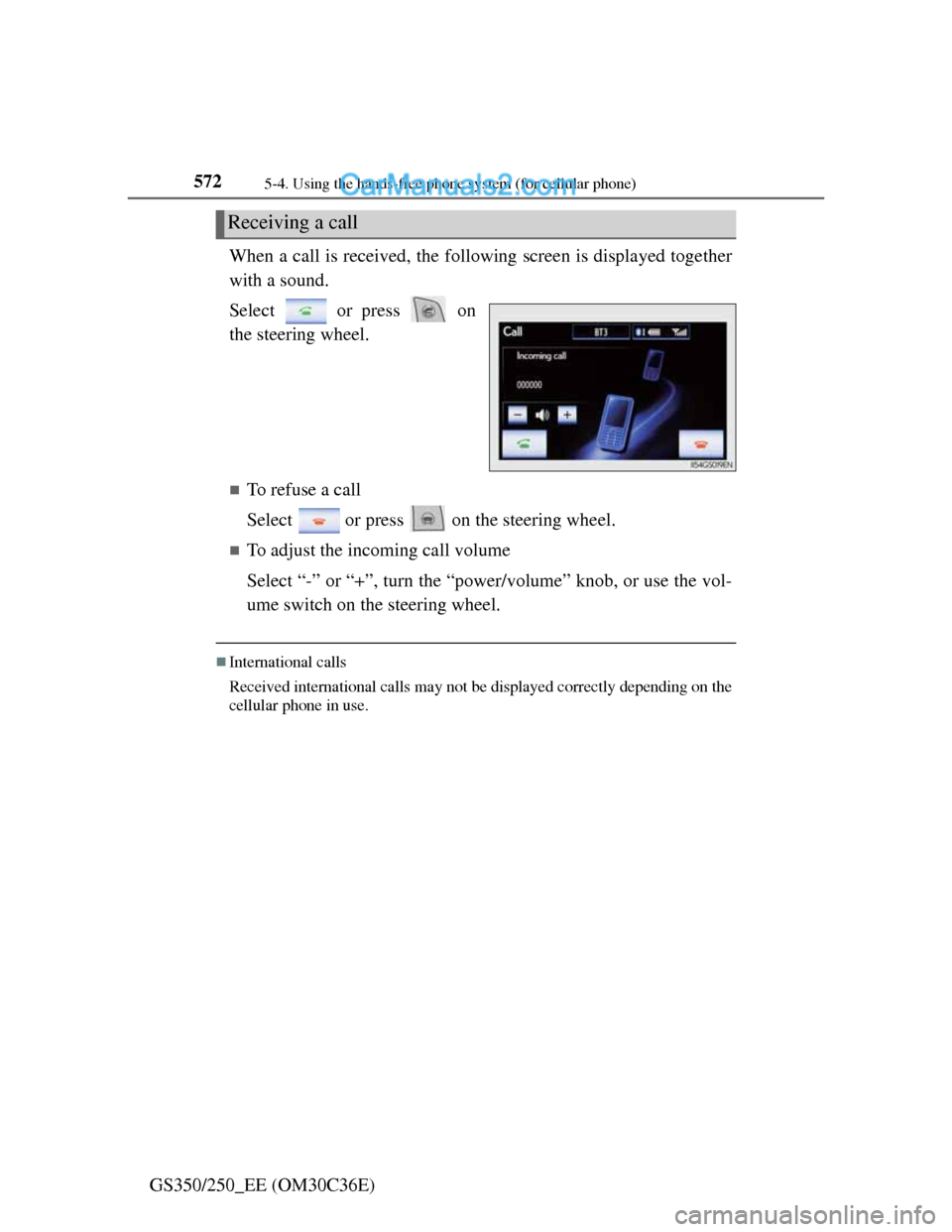
GS350/250_EE (OM30C36E)When a call is received, the following screen is displayed together
with a sound.
Select or press on
the steering wheel.
To refuse a call
Select or press on the steering wheel.
To adjust the incoming call volume
Select “-” or “+”, turn the “power/volume” knob, or use the vol-
ume switch on the steering wheel.
International calls
Received international calls may not be displayed correctly depending on the
cellular phone in use.
Receiving a call
Page 588 of 914
5735-4. Using the hands-free phone system (for cellular phone)
5
Interior features
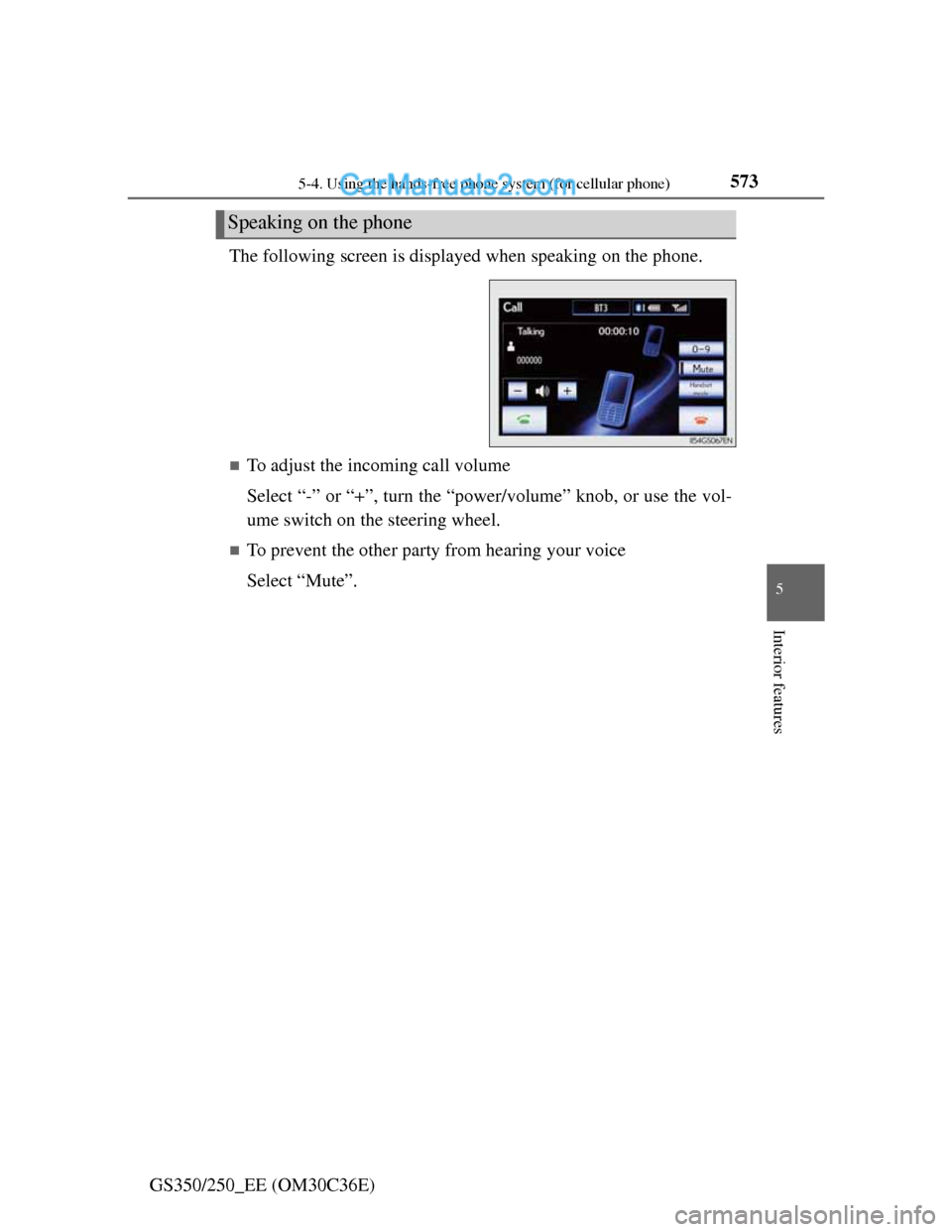
GS350/250_EE (OM30C36E)The following screen is displayed when speaking on the phone.
To adjust the incoming call volume
Select “-” or “+”, turn the “power/volume” knob, or use the vol-
ume switch on the steering wheel.
To prevent the other party from hearing your voice
Select “Mute”.
Speaking on the phone
Page 591 of 914
5765-4. Using the hands-free phone system (for cellular phone)
GS350/250_EE (OM30C36E)Received messages can be forwarded from the connected Blue-
tooth
® phone, enabling checking and replying (Quick reply).
Checking a message
Display the “Telephone” screen. (P. 556)
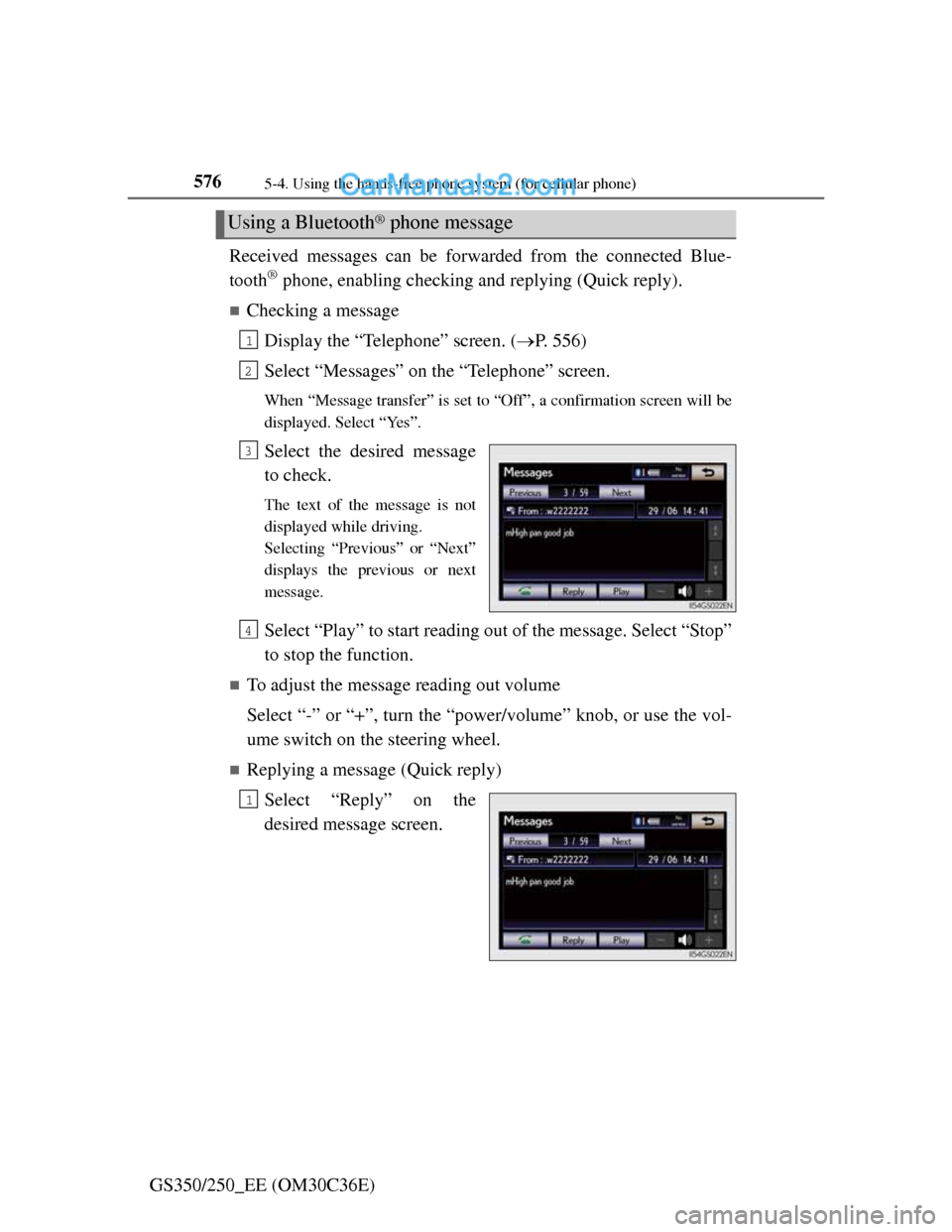
Select “Messages” on the “Telephone” screen.
When “Message transfer” is set to “Off”, a confirmation screen will be
displayed. Select “Yes”.
Select the desired message
to check.
The text of the message is not
displayed while driving.
Selecting “Previous” or “Next”
displays the previous or next
message.
Select “Play” to start reading out of the message. Select “Stop”
to stop the function.
To adjust the message reading out volume
Select “-” or “+”, turn the “power/volume” knob, or use the vol-
ume switch on the steering wheel.
Replying a message (Quick reply)
Select “Reply” on the
desired message screen.
Using a Bluetooth® phone message
1
2
3
4
1
Page 724 of 914
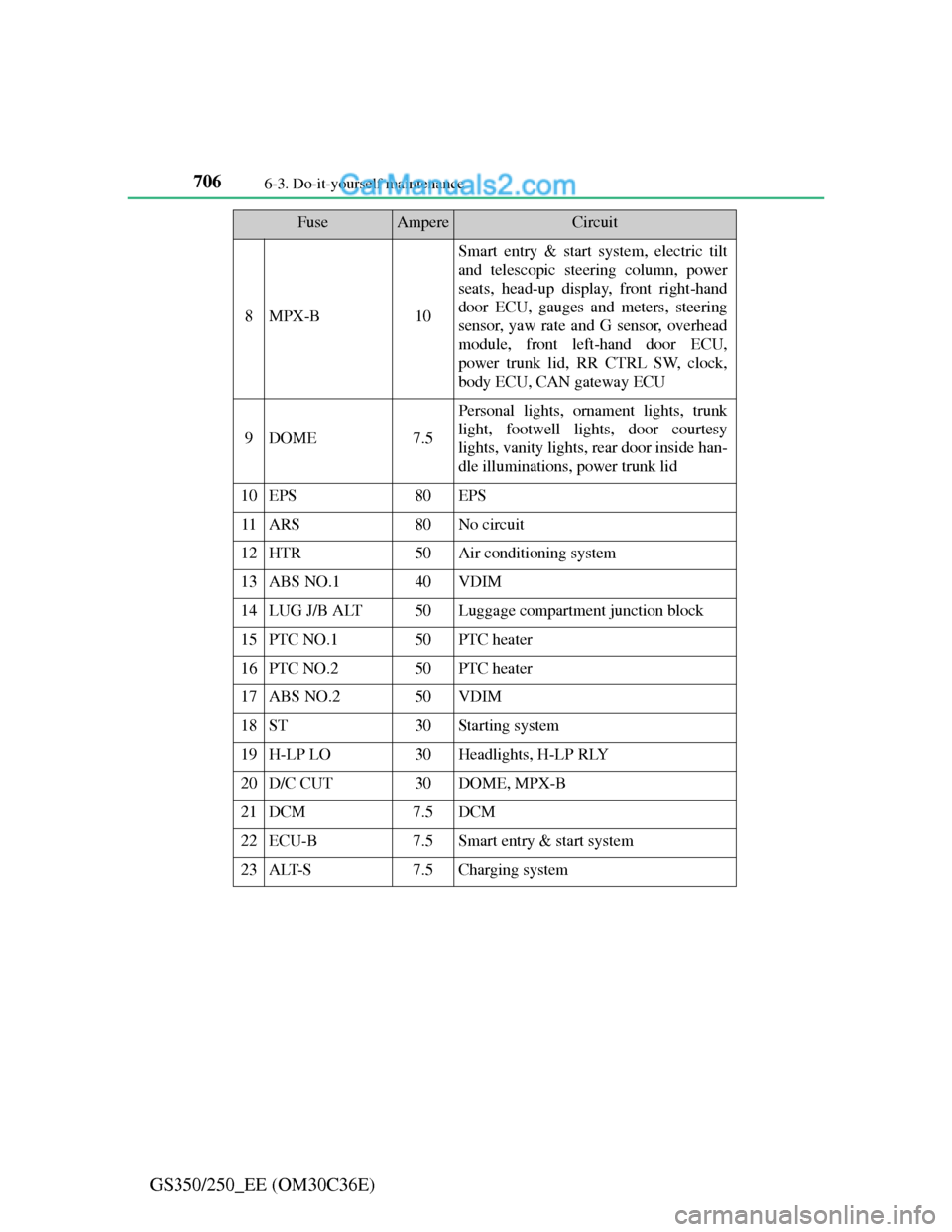
7066-3. Do-it-yourself maintenance
GS350/250_EE (OM30C36E)
8MPX-B10
Smart entry & start system, electric tilt
and telescopic steering column, power
seats, head-up display, front right-hand
door ECU, gauges and meters, steering
sensor, yaw rate and G sensor, overhead
module, front left-hand door ECU,
power trunk lid, RR CTRL SW, clock,
body ECU, CAN gateway ECU
9DOME7.5
Personal lights, ornament lights, trunk
light, footwell lights, door courtesy
lights, vanity lights, rear door inside han-
dle illuminations, power trunk lid
10EPS80EPS
11ARS80No circuit
12HTR50Air conditioning system
13ABS NO.140VDIM
14LUG J/B ALT50Luggage compartment junction block
15PTC NO.150PTC heater
16PTC NO.250PTC heater
17ABS NO.250VDIM
18ST30Starting system
19H-LP LO30Headlights, H-LP RLY
20D/C CUT30DOME, MPX-B
21DCM7.5DCM
22ECU-B7.5Smart entry & start system
23ALT-S7.5Charging system
FuseAmpereCircuit