power steering Lexus GS350 2009 Owner's Manual
[x] Cancel search | Manufacturer: LEXUS, Model Year: 2009, Model line: GS350, Model: Lexus GS350 2009Pages: 622, PDF Size: 17.98 MB
Page 3 of 622
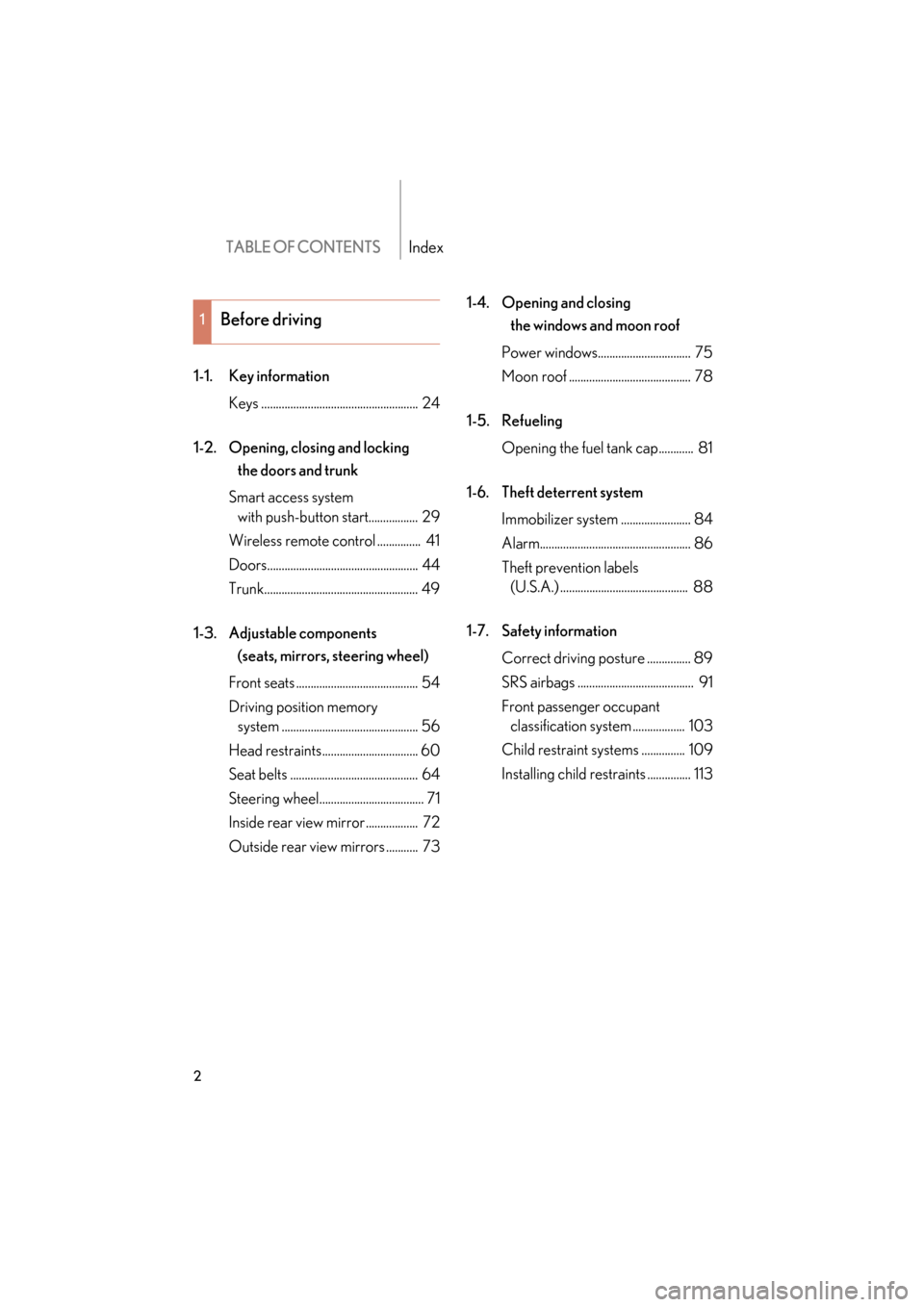
TABLE OF CONTENTSIndex
2
GS_G_U (OM30B43U)
April 27, 2009 10:35 am
1-1. Key informationKeys ...................................................... 24
1-2. Opening, closing and locking the doors and trunk
Smart access system with push-button start................. 29
Wireless remote control ............... 41
Doors.................................................... 44
Trunk..................................................... 49
1-3. Adjustable components (seats, mirrors, steering wheel)
Front seats .......................................... 54
Driving position memory system ............................................... 56
Head restraints................................. 60
Seat belts ............................................ 64
Steering wheel.................................... 71
Inside rear view mirror .................. 72
Outside rear view mirrors ........... 73 1-4. Opening and closing
the windows and moon roof
Power windows................................ 75
Moon roof .......................................... 78
1-5. Refueling Opening the fuel tank cap............ 81
1-6. Theft deterrent system Immobilizer system ........................ 84
Alarm.................................................... 86
Theft prevention labels (U.S.A.) ............................................ 88
1-7. Safety information Correct driving posture ............... 89
SRS airbags ........................................ 91
Front passenger occupant classification system .................. 103
Child restraint sy stems ............... 109
Installing child re straints ............... 113
1Before driving
GS_U_G.book Page 2 Monday, April 27, 2009 10:50 AM
Page 5 of 622
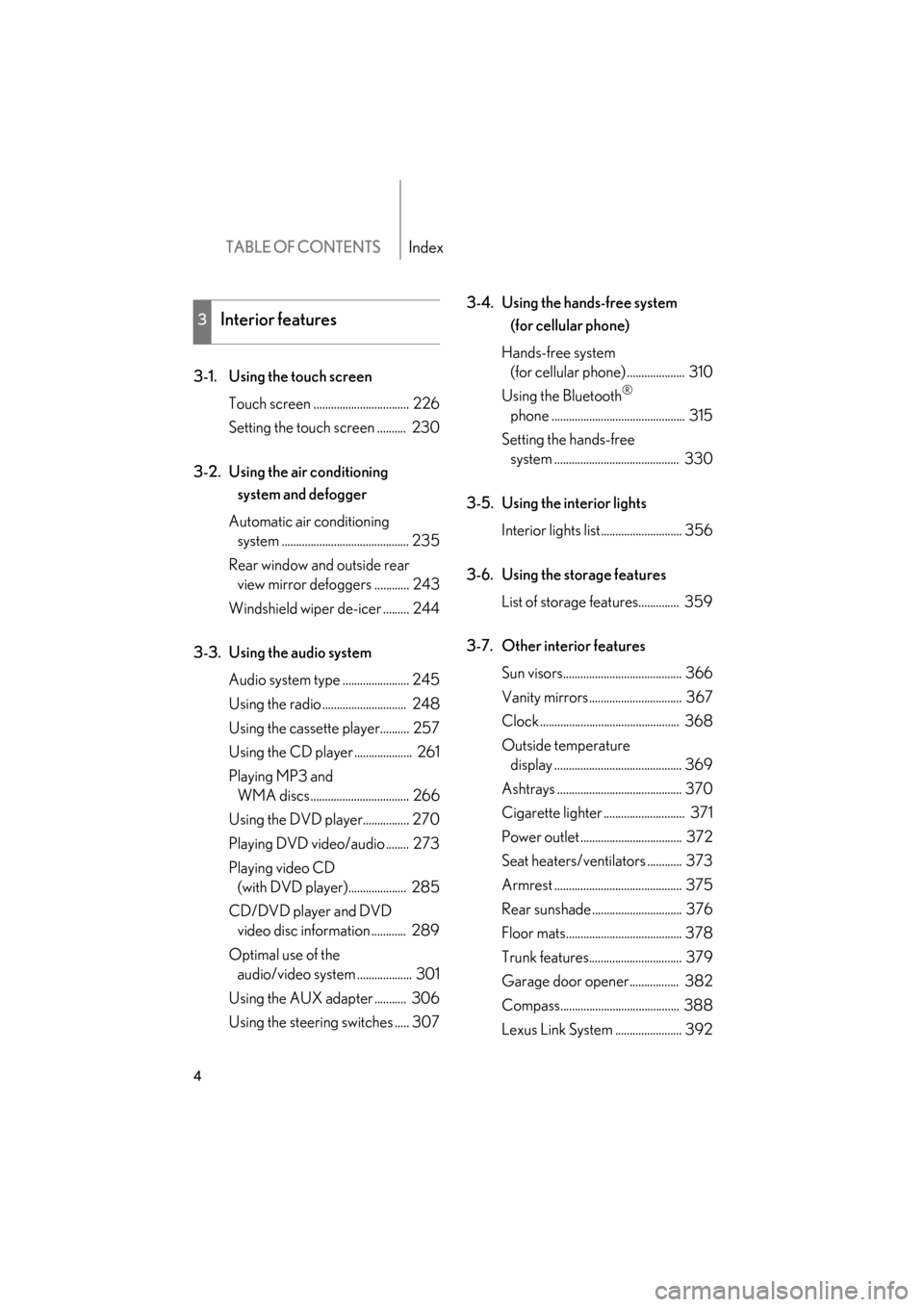
TABLE OF CONTENTSIndex
4
GS_G_U (OM30B43U)
May 1, 2009 1:17 pm
3-1. Using the touch screenTouch screen ................................. 226
Setting the touch screen .......... 230
3-2. Using the air conditioning system and defogger
Automatic air conditioning system ............................................ 235
Rear window and outside rear view mirror defoggers ............ 243
Windshield wiper de-icer ......... 244
3-3. Using the audio system Audio system type ....................... 245
Using the radio ............................. 248
Using the cassette player.......... 257
Using the CD player .................... 261
Playing MP3 and WMA discs.................................. 266
Using the DVD player................ 270
Playing DVD video/audio ........ 273
Playing video CD (with DVD player).................... 285
CD/DVD player and DVD video disc information ............ 289
Optimal use of the audio/video system ................... 301
Using the AUX adapter ........... 306
Using the steering switches ..... 307 3-4. Using the hands-free system
(for cellular phone)
Hands-free system (for cellular phone) .................... 310
Using the Bluetooth®
phone .............................................. 315
Setting the hands-free system ........................................... 330
3-5. Using the interior lights Interior lights list............................ 356
3-6. Using the storage features List of storage features.............. 359
3-7. Other interior features Sun visors......................................... 366
Vanity mirrors................................ 367
Clock ................................................ 368
Outside temperature display ............................................ 369
Ashtrays ........................................... 370
Cigarette lighter ............................ 371
Power outlet ................................... 372
Seat heaters/ventilators ............ 373
Armrest ............................................ 375
Rear sunshade ............................... 376
Floor mats........................................ 378
Trunk features................................ 379
Garage door opener................. 382
Compass......................................... 388
Lexus Link System ....................... 392
3Interior features
GS_U_G_TOC.fm Page 4 Friday, May 1, 2009 1:17 PM
Page 24 of 622
Before driving1
23
GS_G_U (OM30B43U)
April 27, 2009 10:36 am
1-1. Key informationKeys ............................................... 24
1-2. Opening, closing and locking the doors
and trunk
Smart access system with push-button start ........... 29
Wireless remote control .......... 41
Doors ............................................ 44
Trunk ............................................. 49
1-3. Adjustable components
(seats, mirrors,
steering wheel)
Front seats ................................... 54
Driving position memory system ........................................ 56
Head restraints .......................... 60
Seat belts ..................................... 64
Steering wheel ............................ 71
Inside rear view mirror ............ 72
Outside rear view mirrors ...... 73 1-4. Opening and closing the
windows and moon roof
Power windows .......................... 75
Moon roof ................................... 78
1-5. Refueling Opening the fuel tank cap .......81
1-6. Theft deterrent system Immobilizer system .................. 84
Alarm............................................ 86
Theft prevention labels (U.S.A.)...................................... 88
1-7. Safety information Correct driving posture ......... 89
SRS airbags ................................. 91
Front passenger occupant classification system............ 103
Child restraint systems ......... 109
Installing child restraints........ 113
GS_U_G.book Page 23 Monday, April 27, 2009 10:50 AM
Page 60 of 622
59
1-3. Adjustable components (seats, mirrors, steering wheel)
1
Before driving
GS_G_U (OM30B43U)
April 27, 2009 10:48 am
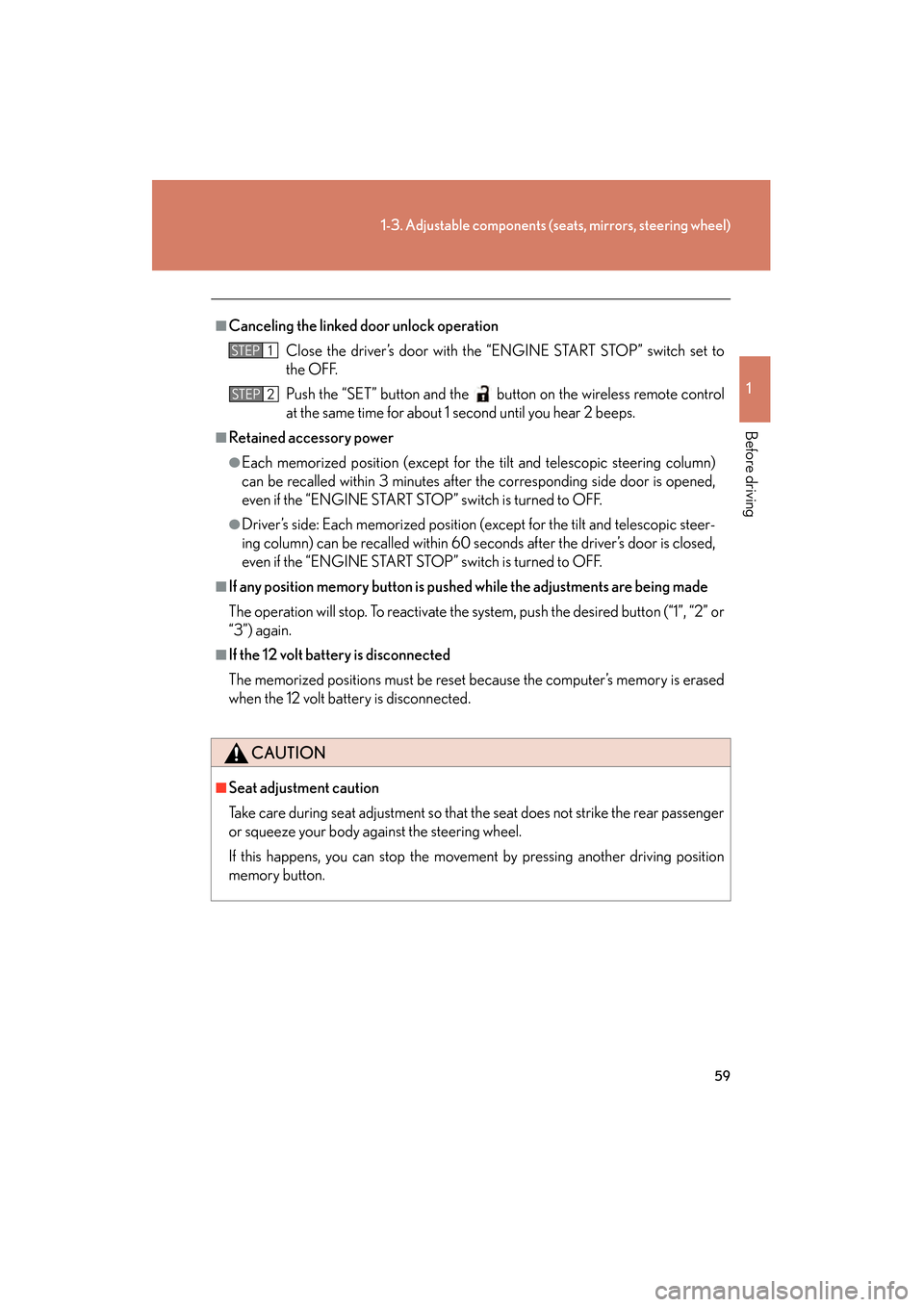
■Canceling the linked door unlock operation
Close the driver’s door with the “ENGINE START STOP” switch set to
the OFF.
Push the “SET” button and the button on the wireless remote control
at the same time for about 1 second until you hear 2 beeps.
■Retained accessory power
●Each memorized position (except for the tilt and telescopic steering column)
can be recalled within 3 minutes after the corresponding side door is opened,
even if the “ENGINE START STOP” switch is turned to OFF.
●Driver’s side: Each memorized position (except for the tilt and telescopic steer-
ing column) can be recalled within 60 se conds after the driver’s door is closed,
even if the “ENGINE START STOP” switch is turned to OFF.
■If any position memory button is push ed while the adjustments are being made
The operation will stop. To reactivate the system, push the desired button (“1”, “2” or
“3”) again.
■If the 12 volt battery is disconnected
The memorized positions must be reset be cause the computer’s memory is erased
when the 12 volt battery is disconnected.
CAUTION
■Seat adjustment caution
Take care during seat adjustment so that th e seat does not strike the rear passenger
or squeeze your body against the steering wheel.
If this happens, you can stop the moveme nt by pressing another driving position
memory button.
STEP1
STEP2
GS_U_G.book Page 59 Monday, April 27, 2009 10:50 AM
Page 94 of 622
93
1-7. Safety information
1
Before driving
GS_G_U (OM30B43U)
April 27, 2009 10:48 am
Your vehicle is equipped with “ADVANCED AIRBAGS” designed based
on US motor vehicle safety standards (FMVSS208). The airbag system
controls airbag deployment power for the driver and front passenger. The
driver airbag system consist s of the driver’s seat position sensor etc. The
front passenger’s airbag system con sists of the front passenger occupant
classification sensor etc.
The main SRS airbag system componen ts are shown above. The SRS air-
bag system is controlled by the airbag sensor assembly. The airbag sen-
sor assembly consists of a safing sensor and an airbag sensor.
In certain types of severe frontal or side impacts, the SRS airbag system
triggers the airbag inflators. A chemica l reaction in the inflators quickly
fills the airbags with non-toxic gas to he lp restrain the motion of the occu-
pants.
■If the SRS airbags deploy (inflate)
●Bruising and slight abrasions may result from contact with a deploying (inflating)
SRS airbag.
●A loud noise and white powder will be emitted.
●Parts of the airbag module (steering wheel hub, airbag cover and inflator) as
well as the seats, and parts of the front pillar and roof side rail, may be hot for
several minutes. The airbag itself may also be hot.
●The windshield may crack.
GS_U_G.book Page 93 Monday, April 27, 2009 10:50 AM
Page 128 of 622
127
2-1. Driving procedures
2
When driving
GS_G_U (OM30B43U)
April 27, 2009 10:48 am
CAUTION
■When driving the vehicle
●Do not shift the shift lever to “N” while the vehicle is moving.
Doing so may cause the engine brake not to operate properly and lead to an
accident.
●Do not turn the engine off while driving.
The power steering and brake actuator (GS460) or brake booster (GS350) will
not operate properly if the engine is off.
●Use engine braking (downshift) to maintain a safe speed when driving down a
steep hill.
Using the brakes continuously may cause the brakes to overheat and lose effec-
tiveness. (→P. 1 3 9 )
●When stopped on an inclined surface, use the brake pedal and parking brake to
prevent the vehicle from rolling backwa rd or forward and causing an accident.
●Be careful when driving on slippery surfaces, as the vehicle may spin or skid when
downshifting, rapidly accelerating, braking or turning.
●Do not adjust the position of the steering wheel, the seat, or the inside or outside
rear view mirrors while driving.
Doing so may result in a loss of vehicle control that can cause accidents that may
result in death or serious injury.
●Always check that all passengers’ arms, heads or other parts of their bodies are
not outside the vehicle, as this may result in death or serious injury.
●Do not drive in excess of the speed limit. Even if the legal speed limit permits it, do
not drive over 85 mph (140 km/h) unless your vehicle has high-speed capability
tires. Driving over 85 mph (140 km/h) may result in tire failure, loss of control and
possible injury. Be sure to consult a tire dealer to determine whether the tires on
your vehicle are high-speed capability tires or not before driving at such speeds.
GS_U_G.book Page 127 Monday, April 27, 2009 10:50 AM
Page 132 of 622
131
2-1. Driving procedures
2
When driving
GS_G_U (OM30B43U)
April 27, 2009 10:48 am
NOTICE
■While driving the vehicle
Do not use the accelerator pedal or depress accelerator and brake pedals together
to hold the vehicle on a hill.
■When parking the vehicle
Always put the shift lever in “P”. Failure to do so may cause the vehicle to move or
the vehicle may accelerate suddenly if the accelerator pedal is accidentally
depressed.
■Avoiding damage to vehicle parts
●Do not turn the steering wheel fully in either direction and hold it there for a long
time.
Doing so may damage the power steering motor.
●When driving over bumps in the road, drive as slowly as possible to avoid damag-
ing the wheels, underside of the vehicle, etc.
■If you hear a squealing or scraping no ise (brake pad wear limit indicators)
Have your Lexus dealer check and replac e the brake pads as soon as possible.
The rotor damage can result if the pads are not replaced when needed.
Front brake only: Moderate levels of the brake pad and disc wear allow enhanced
front braking power. As a result, the discs may wear more quickly than conventional
brake discs. Therefore, when replacing the brake pads, Lexus recommends that you
also have the thickness of the discs measured.
It is dangerous to drive the vehicle when the wear limits of the brake pads and/or
that of the brake discs are exceeded.
GS_U_G.book Page 131 Monday, April 27, 2009 10:50 AM
Page 136 of 622
135
2-1. Driving procedures
2
When driving
GS_G_U (OM30B43U)
April 27, 2009 10:48 am
■If the engine does not start
The immobilizer system may not have been deactivated. (→P. 8 4 )
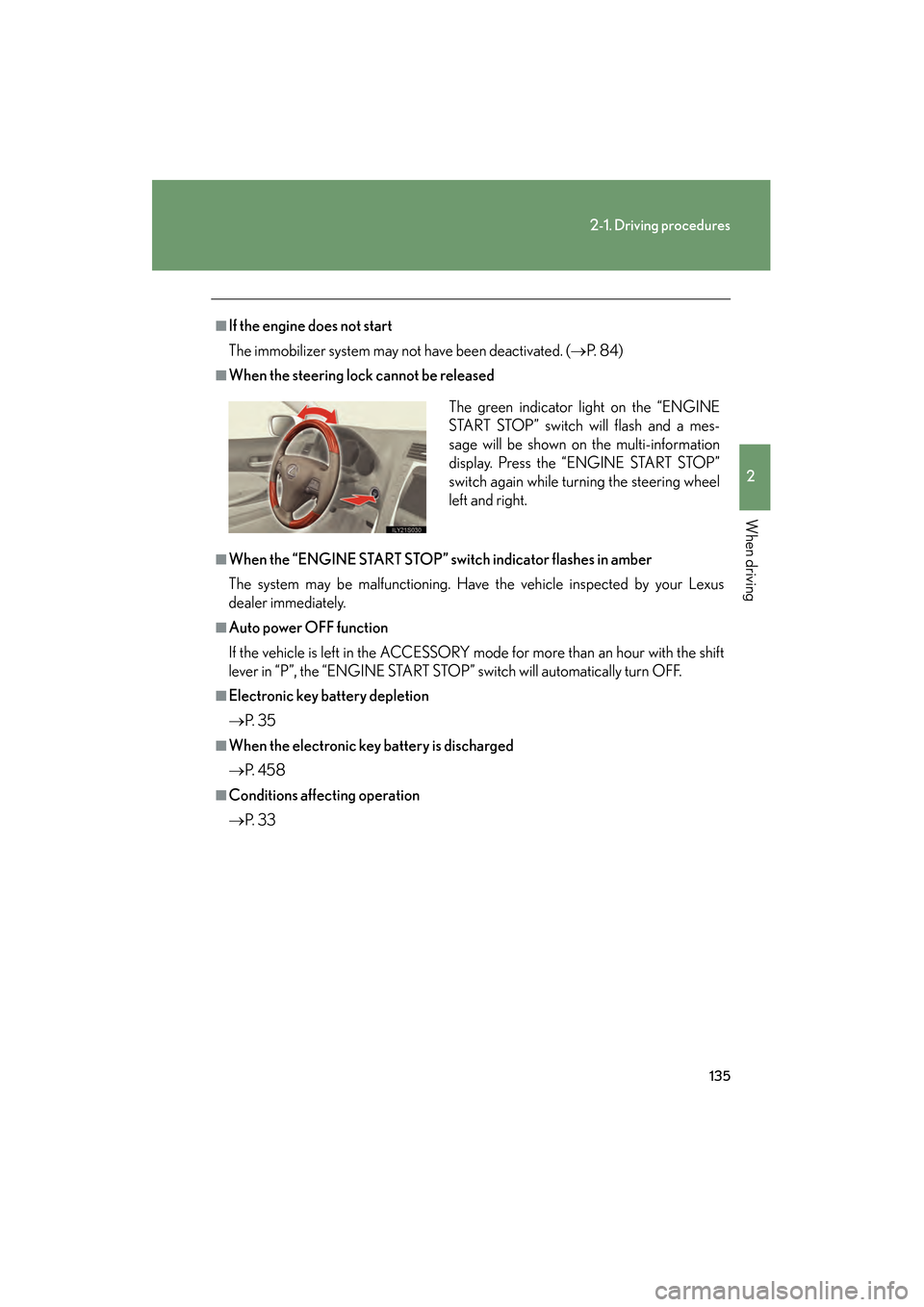
■When the steering lock cannot be released
■When the “ENGINE START STOP” switch indicator flashes in amber
The system may be malfunctioning. Have the vehicle inspected by your Lexus
dealer immediately.
■Auto power OFF function
If the vehicle is left in the ACCESSORY mode for more than an hour with the shift
lever in “P”, the “ENGINE START STOP” switch will automatically turn OFF.
■Electronic key battery depletion
→P. 3 5
■When the electronic key battery is discharged
→P. 4 5 8
■Conditions affecting operation
→P. 3 3 The green indicator light on the “ENGINE
START STOP” switch will flash and a mes-
sage will be shown on the multi-information
display. Press the “ENGINE START STOP”
switch again while turning the steering wheel
left and right.
GS_U_G.book Page 135 Monday, April 27, 2009 10:50 AM
Page 201 of 622
200
2-4. Using other driving systems
GS_G_U (OM30B43U)
April 27, 2009 10:48 am
Driving assist systems
To help enhance driving safety and performance, the following systems
operate automatically in response to various driving situations. Be aware,
however, that these systems are supplementary and should not be relied
upon too heavily when operating the vehicle.
■ABS (Anti-lock Brake System)
Helps to prevent wheel lock when the brakes are applied suddenly, or if
the brakes are applied while driving on a slippery road surface.
■Brake assist
Generates an increased level of braking force after the brake pedal is
depressed, when the system detects a panic stop situation.
■Enhanced VSC (Enhanced Vehicle Stability Control)
Helps the driver to control skidding when swerving suddenly or turning on
slippery road surfaces.
■ TRAC (Traction Control)
Helps to maintain drive power and prev ents the rear wheels from spinning
when starting the vehicle or accelerating on slippery roads.
■ Hill-start assist control
Helps prevent the vehicle from rolling backwards when starting on an
incline or slippery slope. It operates for approximately 5 seconds at maxi-
mum.
■ EPS (Electric Power Steering)
Employs an electric motor to reduce the amount of effort needed to turn
the steering wheel.
■Active stabilizer suspension system (if equipped)
Reduces sway when cornering accord ing to steering wheel movement
and the selected suspension damping mode, in order to maintain a stable
vehicle posture.
GS_U_G.book Page 200 Monday, April 27, 2009 10:50 AM
Page 206 of 622
205
2-4. Using other driving systems
2
When driving
GS_G_U (OM30B43U)
April 27, 2009 10:48 am
■Reduced effectiveness of EPS
The effectiveness of EPS is reduced to prevent the system from overheating when
there is frequent steering input over an extended period of time. The steering wheel
may feel heavy as a result. Should this occur, refrain from excessive steering input or
stop the vehicle and turn the engine off. The system should return to normal about
10 minutes.
■GS460: VGRS is disabled in the following situations
●During stopping or the st eering wheel has been moved for a long time while
driving at lower speeds.
●After the engine is restarted at less than -22°F (-30°C).
CAUTION
Any of the following conditions may result in an accident which could cause death or
serious injury:
■The ABS does not operate effectively when
●The limits of tire gripping performance have been exceeded.
●The vehicle hydroplanes while driving at high speed on a wet or slick road.
■Stopping distance when the ABS is operating will exceed that of normal condi-
tions
The ABS is not designed to shorten the vehicle’s stopping dist ance. Always main-
tain a safe distance from the vehicle in front of you in the following situations.
●When driving on dirt, gravel or snow-covered roads
●When driving with tire chains
●When driving over bumps in the road
●When driving over roads with potholes or roads with uneven roads
■TRAC may not operate effectively when
Directional control and power may not be ac hievable while driving on slippery road
surfaces, even if the TRAC is operating.
Do not drive the vehicle in conditions where stability and power may be lost.
GS_U_G.book Page 205 Monday, April 27, 2009 10:50 AM