air condition Lexus GS350 2011 User Guide
[x] Cancel search | Manufacturer: LEXUS, Model Year: 2011, Model line: GS350, Model: Lexus GS350 2011Pages: 654, PDF Size: 11.03 MB
Page 219 of 654
218
2-5. Driving information
GS_G_U (OM30C11U)
October 28, 2011 5:15 pm
Winter driving tips
Carry out the necessary preparations and inspections before driving the
vehicle in winter. Always drive the vehicle in a manner appropriate to the
prevailing weather conditions.
■Pre-winter preparations
●Use fluids that are appropriate to the prevailing outside tempera-
tures.
• Engine oil
• Engine coolant
• Washer fluid
● Have a service technician inspect the level and specific gravity of
battery electrolyte.
● Have the vehicle fitted with four snow tires or purchase a set of
tire chains for the rear tires.
Ensure that all tires are the same size and brand, and that chains match
the size of the tires.
■ Before driving the vehicle
Perform the following according to the driving conditions.
●Do not try to forcibly open a window or move a wiper that is fro-
zen. Pour warm water over the frozen area to melt the ice. Wipe
away the water immediately to prevent it from freezing.
● To ensure proper operation of the climate control system fan,
remove any snow that has accumulated on the air inlet vents in
front of the windshield.
● Remove any ice that has accumulated on the vehicle chassis.
● Periodically check for and remove any excess ice or snow that
may have accumulated in the wheel well or on the brakes.
Page 227 of 654
226
GS_G_U (OM30C11U)
May 21, 2010 4:03 pm
3-1. Using the touch screenTouch screen ........................... 228
Setting the touch screen ..... 235
3-2. Using the air conditioning system and defogger
Automatic air conditioning system ..................................... 246
Rear window and outside rear view mirror defoggers ....... 255
Windshield wiper
de-icer .................................... 256
Page 229 of 654
228
GS_G_U (OM30C11U)
October 28, 2011 5:15 pm
3-1. Using the touch screen
Touch screen
By touching the screen with your finger, you can control the audio system
and air conditioning system, and adjust the screen display etc.
Press or to display the following screen.
Owners of models equipped with a navigation system should refer to the
“Navigation System Owner’s Manual”.
The illustrations below are for vehicles with navigation system.
The display and button positions will differ depending on the type of the sys-
tem.
■ Display
“Setup” screen
Page 237 of 654
236
3-1. Using the touch screen
GS_G_U (OM30C11U)
October 28, 2011 5:15 pm
■Select language
Select the desired language.
■ Change voice recognition language
The desired voice recognition language can be selected from the list.
■ Automatic transition on/off
After 20 seconds of air conditioning or audio system use, the system
will return the display to the previous screen.
Page 247 of 654
246
GS_G_U (OM30C11U)
May 21, 2010 12:06 pm
3-2. Using the air conditioning system and defogger
Automatic air conditioning system
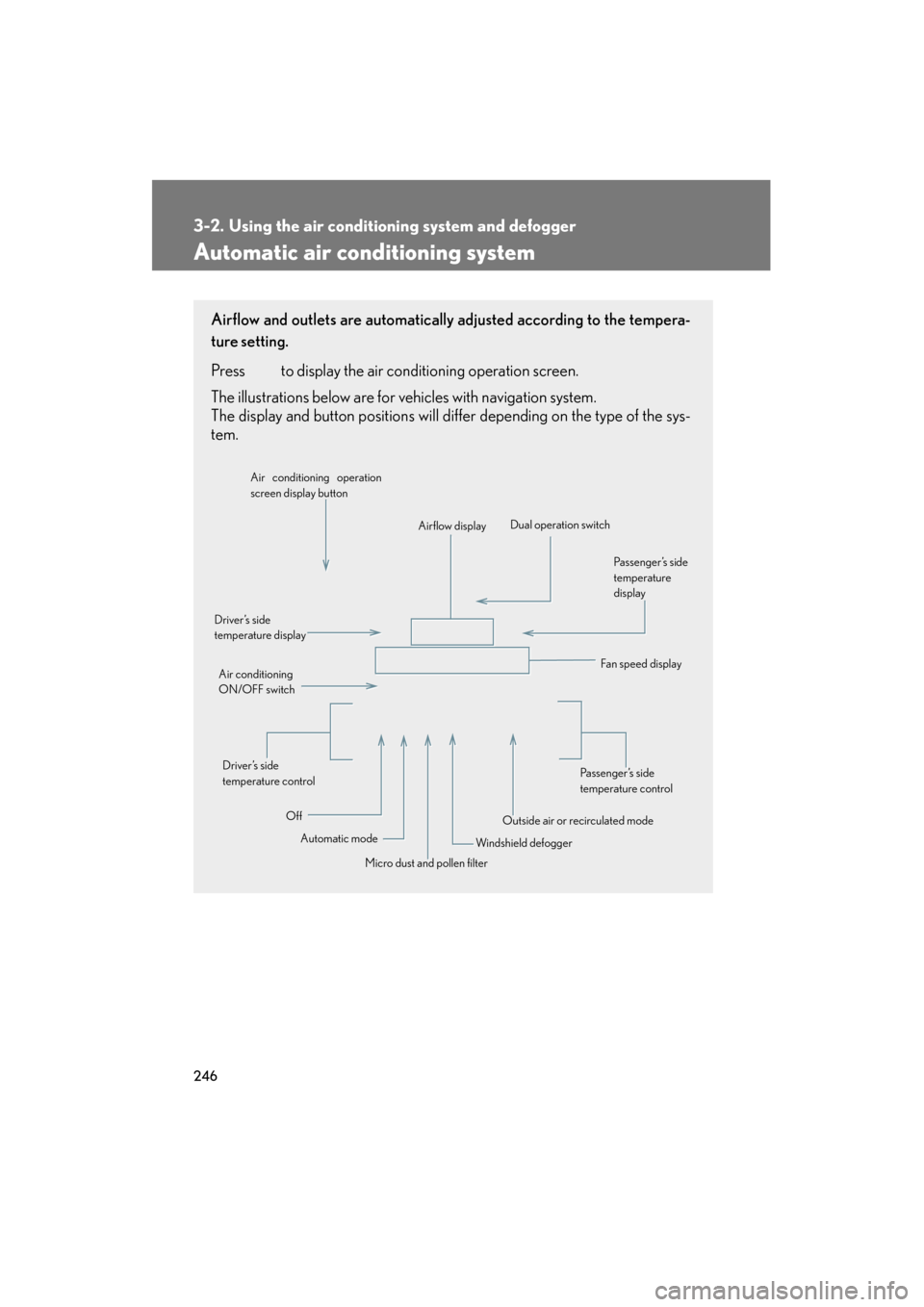
Airflow and outlets are automatically adjusted according to the tempera-
ture setting.
Press
to display the air conditioning operation screen.
The illustrations below are for vehicles with navigation system.
The display and button positions will di ffer depending on the type of the sys-
tem.
Automatic mode
Driver’s side
temperature display
Fan speed display
Off Airflow display
Air conditioning operation
screen display button
Passenger’s side
temperature
display
Micro dust and pollen filter
Driver’s side
temperature control
Air conditioning
ON/OFF switch
Outside air or recirculated mode
Windshield defogger Passenger’s side
temperature control
Dual operation switch
Page 248 of 654
247
3-2. Using the air conditioning system and defogger
3
Interior features
GS_G_U (OM30C11U)
May 21, 2010 12:06 pm
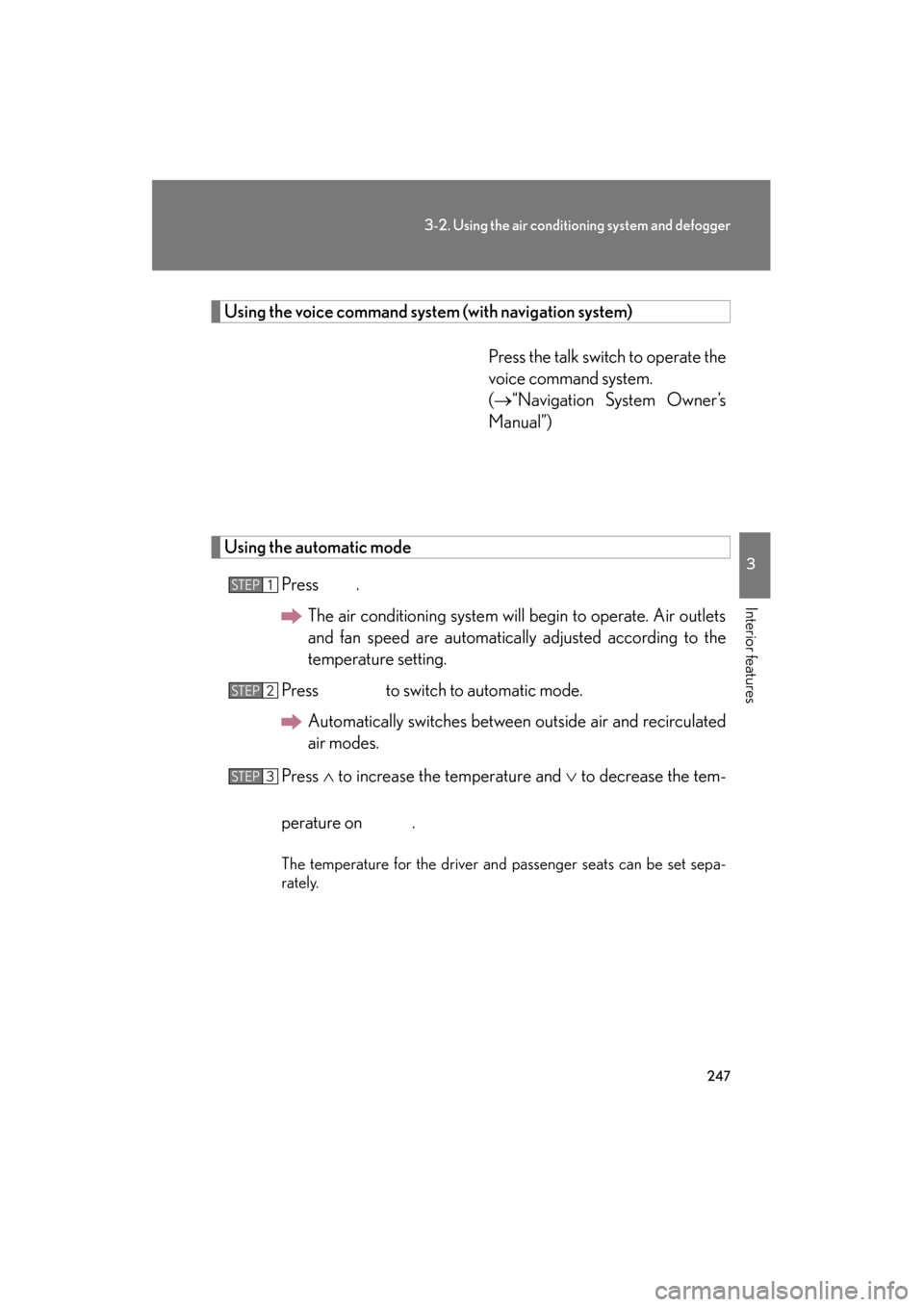
Using the voice command system (with navigation system)
Press the talk switch to operate the
voice command system.
(→“Navigation System Owner’s
Manual”)
Using the automatic mode
Press .The air conditioning system will begin to operate. Air outlets
and fan speed are automatically adjusted according to the
temperature setting.
Press to switch to automatic mode. Automatically switches between outside air and recirculated
air modes.
Press ∧ to increase the temperature and ∨ to decrease the tem-
perature on .
The temperature for the driver and passenger seats can be set sepa-
rately.
STEP1
STEP2
STEP3
Page 249 of 654
248
3-2. Using the air conditioning system and defogger
GS_G_U (OM30C11U)
May 21, 2010 12:06 pm
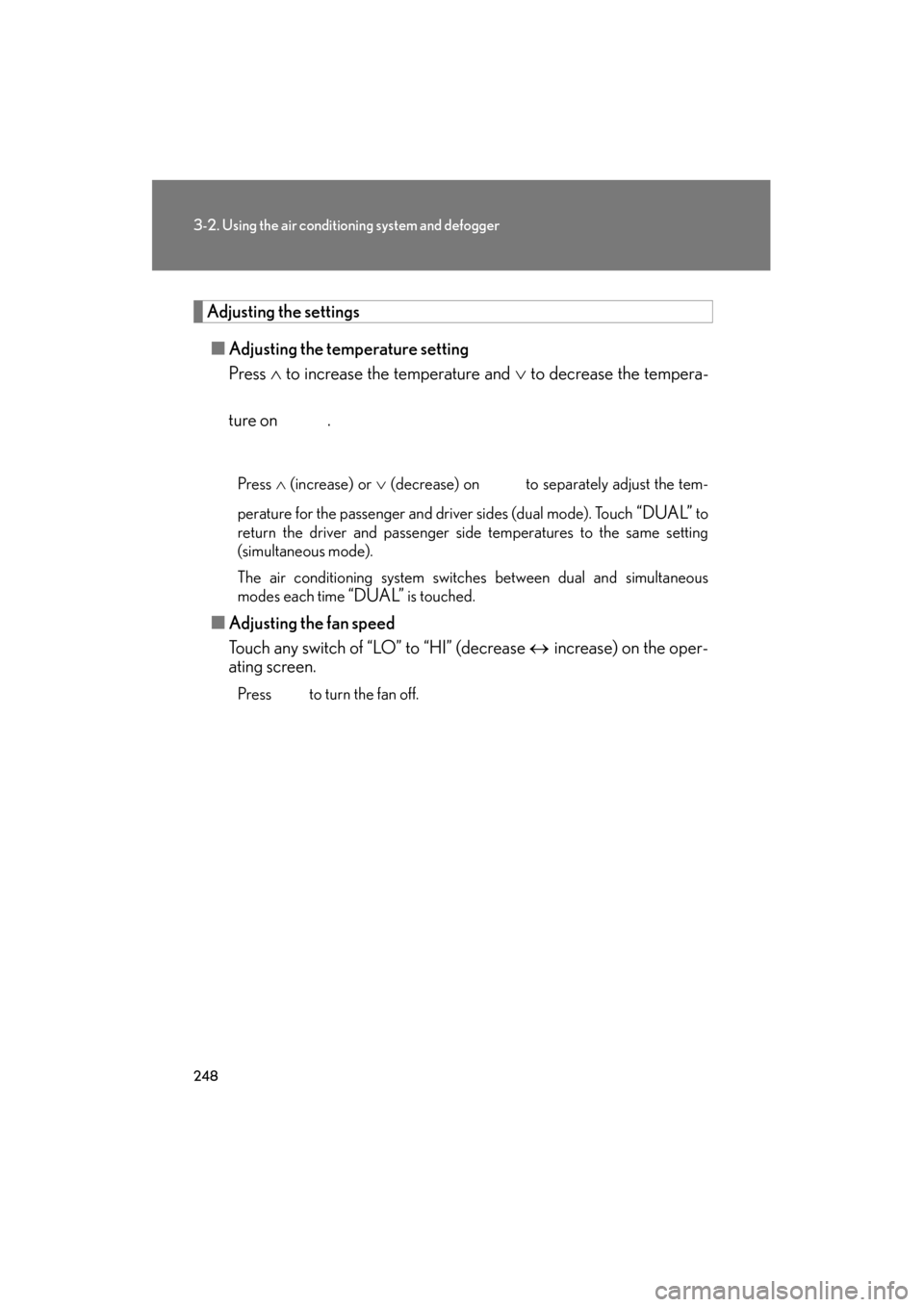
Adjusting the settings■ Adjusting the temperature setting
Press ∧ to increase the temperature and ∨ to decrease the tempera-
ture on .
Press ∧ (increase) or ∨ (decrease) on to separately adjust the tem-
perature for the passenger and driver sides (dual mode). Touch
“DUAL” to
return the driver and passenger side temperatures to the same setting
(simultaneous mode).
The air conditioning system switches between dual and simultaneous
modes each time
“DUAL” is touched.
■ Adjusting the fan speed
Touch any switch of “LO” to “HI” (decrease ↔ increase) on the oper-
ating screen.
Press to turn the fan off.
Page 250 of 654
249
3-2. Using the air conditioning system and defogger
3
Interior features
GS_G_U (OM30C11U)
May 21, 2010 12:06 pm
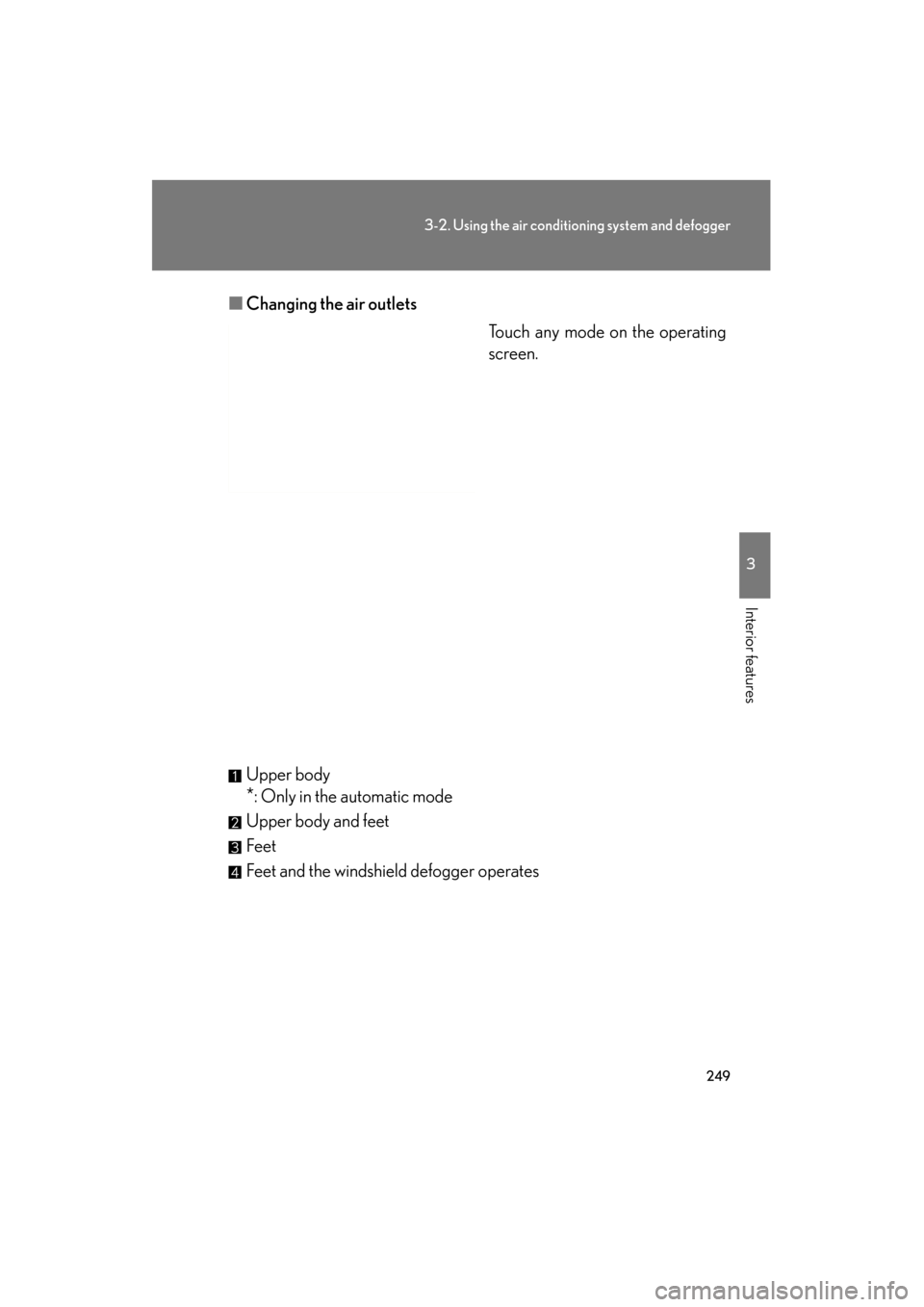
■Changing the air outlets
Touch any mode on the operating
screen.
Upper body
*: Only in the automatic mode
Upper body and feet
Feet
Feet and the windshield defogger operates
Page 251 of 654
250
3-2. Using the air conditioning system and defogger
GS_G_U (OM30C11U)
May 21, 2010 12:06 pm
■Switching between outside air and recirculated air modes
Press .
The mode switches between (recycles air inside the vehicle), “AUTO”
and (introduces air from outside the vehicle) modes each time the
button is pressed.
When the system is switched to automatic mode, the air conditioning sys-
tem operates automatically.
Defogging the windshield
Press
.
The air conditioning system control
operates automatically.
Page 252 of 654
251
3-2. Using the air conditioning system and defogger
3
Interior features
GS_G_U (OM30C11U)
May 21, 2010 12:06 pm
Micro dust and pollen filterPress .
Outside air mode switches to (recirculated air) mode. Pol-
len is removed from the air and the
air flows to the upper part of the
body.
Usually the system will turn off
automatically approximately 3
minutes later.
To stop the operation, press
again.
Adjusting the sensitivity of the ai r intake control in automatic mode
Press until the smog sensor screen appears while the
vehicle is stopped. Touch any switch of “LO” to “HI”
(lower sensitivity ↔ higher sensi-
tivity) on the operating screen.
STEP1
STEP2