reset Lexus GS350 2011 User Guide
[x] Cancel search | Manufacturer: LEXUS, Model Year: 2011, Model line: GS350, Model: Lexus GS350 2011Pages: 654, PDF Size: 11.03 MB
Page 261 of 654
260
3-3. Using the audio system
GS_G_U (OM30C11U)
October 28, 2011 5:15 pm
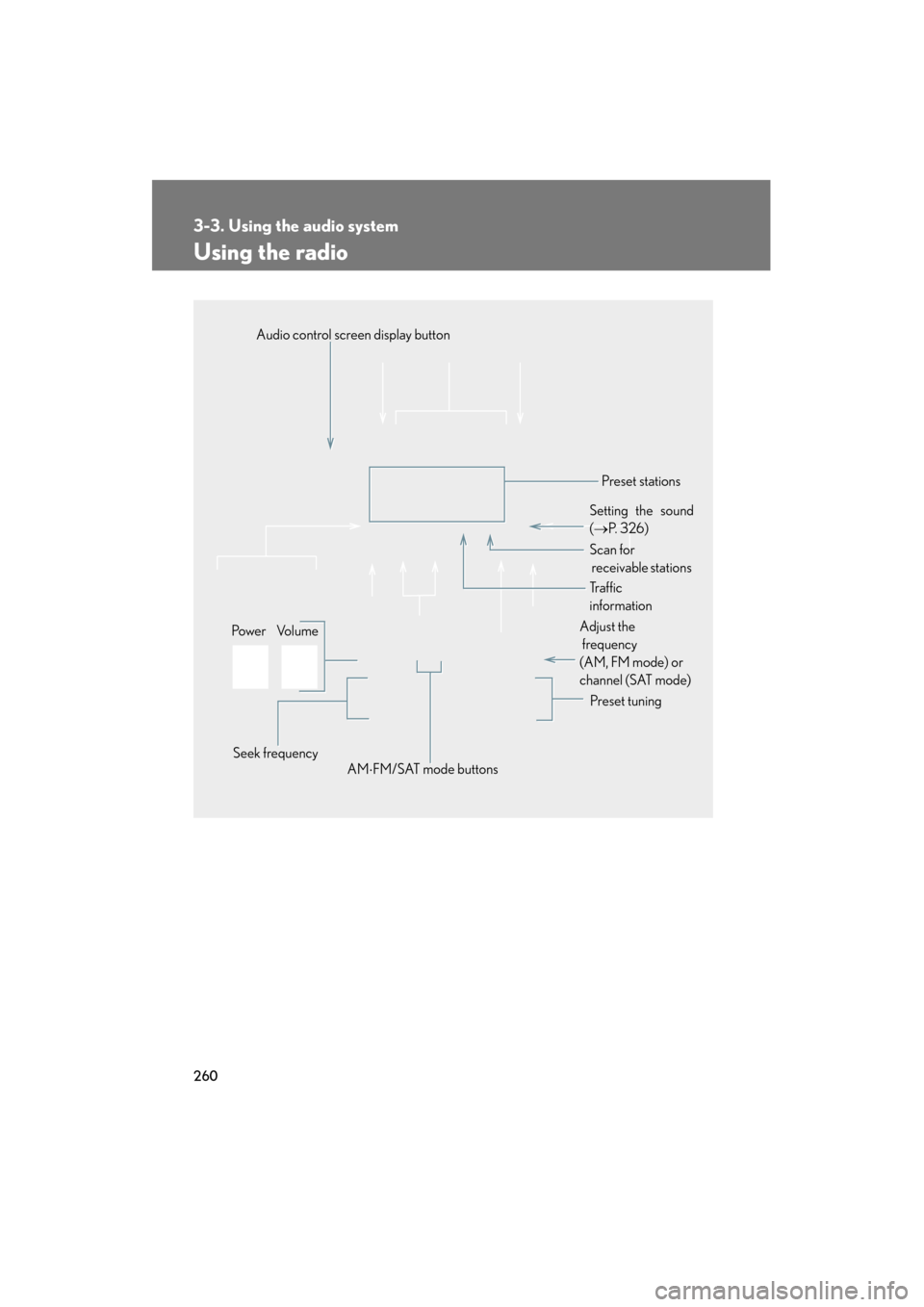
Using the radio
Audio control screen display button
Po we r Vo l u m e Seek frequency Preset tuning
Adjust the
frequency
(AM, FM mode) or
channel (SAT mode)
AM ⋅FM/SAT mode buttons Preset stations
Setting the sound
( → P. 3 2 6 )
Scan for
receivable stations
Tr a f f i c
information
Page 262 of 654
261
3-3. Using the audio system
3
Interior features
GS_G_U (OM30C11U)
October 28, 2011 5:15 pm
Setting station presets (excluding XM® Satellite Radio)
Search for desired stations by turning
or pressing
∧ or ∨ on .
Touch and hold one of the preset stations (1 - 6) until you hear a
beep.
Scanning radio stations (excluding XM® Satellite Radio)
■ Scanning the preset radio stations
Touch “SCAN” on the screen until “P ⋅SCAN” appears.
Preset stations will be played for a few seconds each.
When the desired station is reached, touch “SCAN” once again.
■ Scanning all radio stations within range
Touch “SCAN” on the screen.
“SCAN” appears on the screen and all stations with reception will be
played for a few seconds each.
When the desired station is reached, touch “SCAN” once again.
STEP1
STEP2
STEP1
STEP2
STEP1
STEP2
Page 265 of 654
264
3-3. Using the audio system
GS_G_U (OM30C11U)
October 28, 2011 5:15 pm
XM® Satellite Radio (if equipped)
■ Receiving XM
® Satellite Radio
Press or touch “SAT” tab on
the screen.
The display changes as follows
each time the switch is pressed.
SAT1 → SAT2 → SAT3
Turn to select a desired channel from all the categories or
press ∧ or ∨ on to select a desired channel in the current
category.
■ Presetting XM
® Satellite Radio channels
Select the desired channel. Touch one of the preset stations (1 - 6) and
hold it until you hear a beep.
■ Changing the channel category
Touch “ Type” or “Type ” on the screen.
STEP1
STEP2
Page 266 of 654
265
3-3. Using the audio system
3
Interior features
GS_G_U (OM30C11U)
October 28, 2011 5:15 pm
■Scanning XM® Satellite Radio channels
● Scanning channels in the current category
Touch “SCAN” on the screen.
“SCAN” appears on the screen.
When the desired channel is reached, touch “SCAN” once
again.
● Scanning preset channels
Touch “SCAN” on the screen and hold it until you hear a
beep.
“P⋅SCAN” appears on the screen.
When the desired channel is reached, touch “SCAN” once
again.
■ Displaying the title and artist name
Touch “Text” on the screen.
The screen will display up to 16
characters.
Touch the switch once again to
return to the previous screen.
STEP1
STEP2
STEP1
STEP2
Page 267 of 654
266
3-3. Using the audio system
GS_G_U (OM30C11U)
October 28, 2011 5:15 pm
■When the 12 volt battery is disconnected
All preset stations are erased.
■Reception sensitivity
●Maintaining perfect radio reception at all times is difficult due to the continually
changing position of the antenna, differences in signal strength and surrounding
objects, such as trains, transmitters, etc.
●The radio antenna is mounted inside the rear window. To maintain clear radio
reception, do not attach metallic window tinting or other metallic objects to the
antenna wire mounted inside the rear window.
■Receiving XM® Satellite Radio
An XM
® Satellite Radio is a tuner designed exclusively to receive broadcasts pro-
vide under a separate subscription. Availability is limited to the 48 contiguous
states and 10 Canadian provinces.
●XM® subscriptions
For detailed information about XM® Satellite Radio or to subscribe:
U. S .A .-
Visit on the web at www.xmradio.com
or call 1-877-515-3987.
Canada-
Visit on the web at www.xmradio.ca
or call 1-877-515-3987.
●Radio ID
You will need the radio ID when activating XM
® service or reporting a prob-
lem. Select “CH000” using the dial, and the receiver’s 8-character ID
number will appear.
●Satellite tuner
The tuner supports only Audio Services (Music and Talk) and the accompany-
ing Text Information of XM
® Satellite Radio.
*: Terms and services provided by XM® Satellite Radio are subject to change with-
out notice.
Page 321 of 654
320
3-3. Using the audio system
GS_G_U (OM30C11U)
October 28, 2011 5:15 pm
Repeat play■ Repeating a file/track
Touch “RPT” on the screen.
■ Repeating a all of the files in a folder (USB memory only)
Touch and hold “RPT” on the screen until “FLD.RPT” appears.
■Canceling random and repeat playback
Touch “RAND” or “RPT” on the screen once again.
■About iPod
●Apple is not responsible for the operation of this device or its compliance with
safety and regulatory standards.
●iPod is a trademark of Apple Inc., registered in the U.S. and other countries.
■iPod functions
●When an iPod is connected and the audio source is changed to iPod mode, the
iPod will resume play from the same point in which it was last used.
●Depending on the iPod that is connected to the system, certain functions may
not be available. Disconnecting the device and reconnecting it once again may
resolve some malfunctions.
■USB memory functions
Depending on the USB memory that is connected to the system, certain functions
may not be available. Disconnecting the device and reconnecting it once again may
resolve some malfunctions.
■iPod problems
To resolve most problems encountered when using your iPod, disconnect your iPod
from the vehicle iPod connection and reset it. For instructions on how to reset your
iPod, refer to your iPod Owner’s Manual.
Page 454 of 654
453
4-3. Do-it-yourself maintenance
4
Maintenance and care
GS_G_U (OM30C11U)
October 28, 2011 5:15 pm
■Engine oil consumption
●The amount of engine oil consumed depends on the oil viscosity, the quality of
the oil and the way the vehicle is driven.
●More oil is consumed under driving conditions such as high speeds, frequent
acceleration and deceleration.
●A new engine consumes more oil.
●When judging the amount of oil consumption, keep in mind that the oil may
have become diluted, making it difficult to judge the true level accurately.
●Oil consumption: Max. 1.1 qt./600 miles, 0.9 Imp.qt./600 miles (1.0 L per 1000
km). If the vehicle consumes more than this amount, contact your Lexus dealer.
■Resetting the engine oil maintenance data (U.S.A. only)
Perform the following steps:Press the “DISP” switch ( →P. 153) to change the multi-information dis-
play to blank.
Turn the “ENGINE START STOP” switch to OFF.
Turn the “ENGINE START STOP” switch to IGNITION ON mode with
the trip meter reset button held down.
Keep pressing the button for longer than 7 seconds after the “ENGINE
START STOP” switch is in IGNITION ON mode.
STEP1
STEP2
STEP3
STEP4
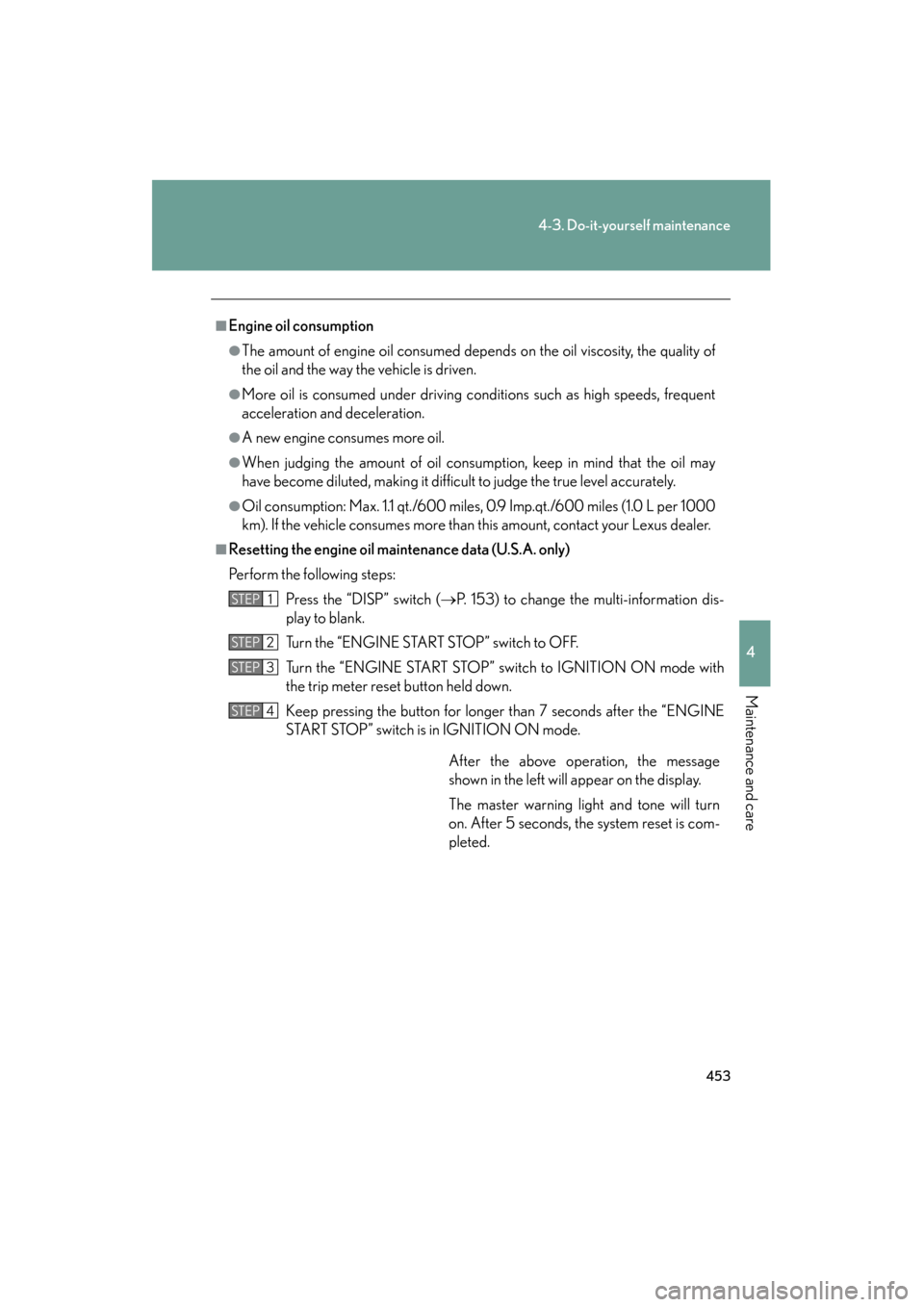
After the above operation, the message
shown in the left will appear on the display.
The master warning light and tone will turn
on. After 5 seconds, the system reset is com-
pleted.
Page 466 of 654
465
4-3. Do-it-yourself maintenance
4
Maintenance and care
GS_G_U (OM30C11U)
October 28, 2011 5:15 pm
■How to initialize the tire pressure warning system
Park the vehicle in safe place and turn the “ENGINE START
STOP” switch to OFF.
While the vehicle is moving, initialization is not performed.
Adjust the tire inflation pressure to the specified cold tire inflation
pressure level. ( →P. 5 9 6 )
Make sure to adjust the tire pressure to the specified cold tire inflation
pressure level. The tire pressure warning system will operate based on
this pressure level.
Turn the “ENGINE START STOP” switch to IGNITION ON
mode.
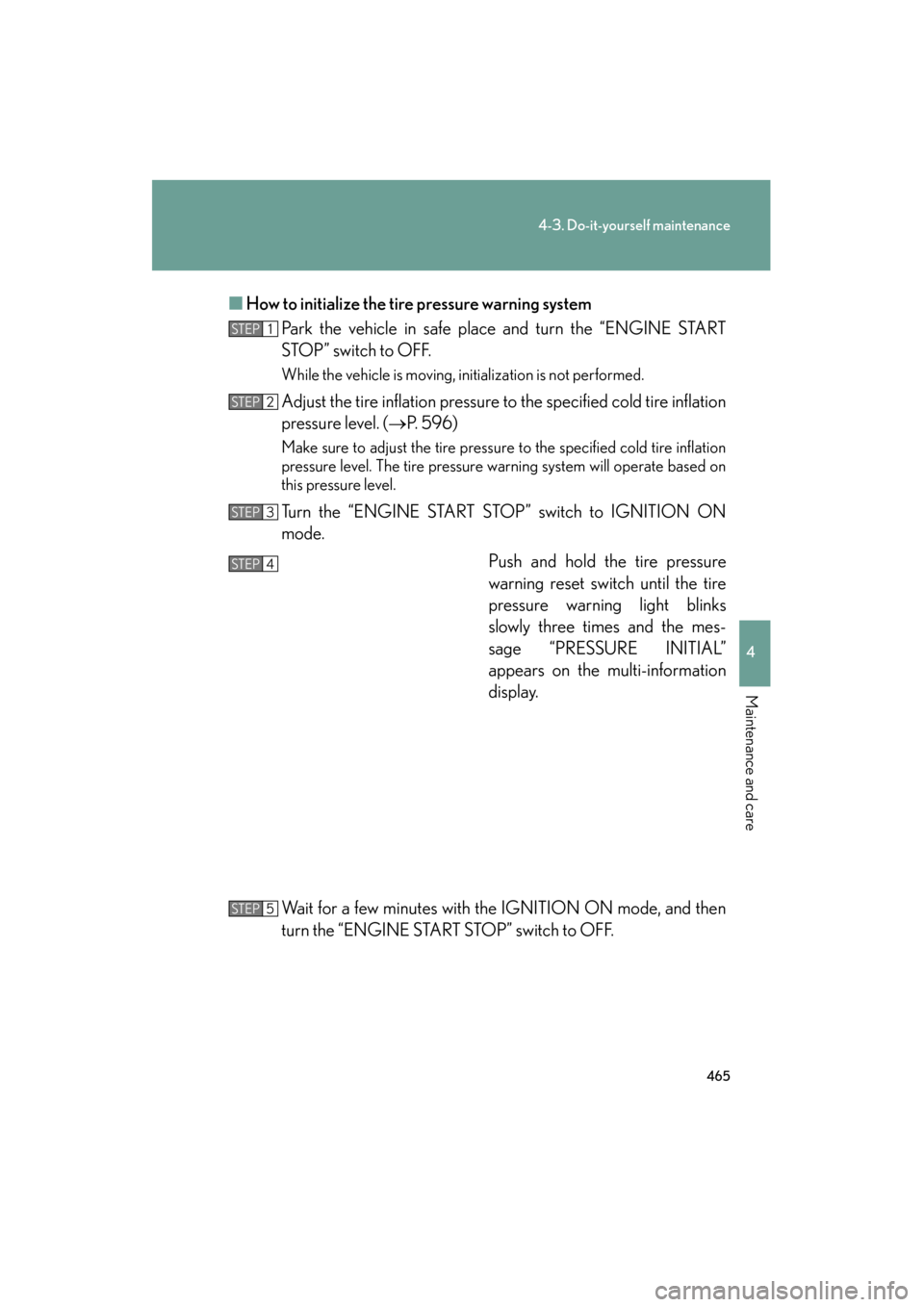
Push and hold the tire pressure
warning reset switch until the tire
pressure warning light blinks
slowly three times and the mes-
sage “PRESSURE INITIAL”
appears on the multi-information
display.
Wait for a few minutes with the IGNITION ON mode, and then
turn the “ENGINE START STOP” switch to OFF.
STEP1
STEP2
STEP3
STEP4
STEP5
Page 470 of 654
469
4-3. Do-it-yourself maintenance
4
Maintenance and care
GS_G_U (OM30C11U)
October 28, 2011 5:15 pm
■Initializing the tire pressure warning system
Initialize the system with the tire inflation pressure adjusted to the specified level.
■If you push the tire pressure warning reset switch accidentally
If initialization is performed, adjust the tire inflation pressure to the specified level
and initialize the system again.
■When the initialization of the tire pressure warning system has failed
Initialization can be completed in a few minutes. However, in the following cases,
the settings have not been recorded and the system will not operate properly. If
repeated attempts to record tire inflation pressure settings are unsuccessful, have
the vehicle inspected by your Lexus dealer.
●When operating the tire pressure warning reset switch, the tire pressure warn-
ing light does not flash 3 times and the setting message does not appear on the
multi-information display.
●After carrying out the initialization procedure, the tire pressure warning light
blinks for 1 minute then stays on after driving for 20 minutes.
■Routine tire inflation pressure checks
The tire pressure warning system does not replace routine tire inflation pressure
checks. Make sure to check tire inflation pressure as part of your routine of daily
vehicle checks.
Page 472 of 654
471
4-3. Do-it-yourself maintenance
4
Maintenance and care
GS_G_U (OM30C11U)
October 28, 2011 5:15 pm
CAUTION
■Tire pressure warning system operation
The tire pressure warning system may not provide warning immediately if a tire
bursts or if sudden air leakage occurs.
■When inspecting or replacing tires
Observe the following precautions to prevent accidents. Failure to do so may cause
damage to parts of the drive train, as well as dangerous handling characteristics,
which may lead to an accident resulting in death or serious injury.
●Do not mix tires of different makes, models or tread patterns.
Also, do not mix tires of remarkably different treadwear.
●Do not use tire sizes other than those recommended by Lexus.
●Do not mix differently constructed tires (radial, bias-belted or bias-ply tires).
●Do not mix summer, all season and winter tires.
●Do not use tires that have been used on another vehicle.
Do not use tires if you do not know how they were used previously.
■When initializing the tire pressure warning system
Do not push the tire pressure warning reset switch without first adjusting the tire
inflation pressure to the specified level. Otherwise, the tire pressure warning light
may not come on even if the tire inflation pressure is low, or it may come on when
the tire inflation pressure is actually normal.