CD player Lexus GS350 2011 Owner's Guide
[x] Cancel search | Manufacturer: LEXUS, Model Year: 2011, Model line: GS350, Model: Lexus GS350 2011Pages: 654, PDF Size: 11.03 MB
Page 315 of 654
314
3-3. Using the audio system
GS_G_U (OM30C11U)
October 28, 2011 5:15 pm
■Compatible models
Portable players must correspond to the following specifications:
●Bluetooth® specification
Ve r. 1 .1 o r h i g h e r
(Recommended: Ver. 2.0+EDR or higher)
●Profile
• A2DP (Advanced Audio Distribution Profile) Ver. 1.0 or higher
• AVRCP (Audio/Video Remote Control Profile) Ver. 1.0 or higher
(Recommended: Ver. 1.3 or higher)
However, please note that some functions may be limited depending on the type of
portable player.
Please go to the website at http://www.lexus.com/
to find approved portable play-
ers for this system.
■Certification
→ P. 3 3 6
■Reconnecting the portable player
If the portable player is disconnected with a poor reception when the “ENGINE
START STOP” switch is in ACCESSORY or IGNITION ON mode, the system
automatically reconnects the portable player.
If you have switched off the portable player yourself, follow the instructions below to
reconnect:
●Select the portable player again
●Enter the portable player
■When transferring ownership of your vehicle
Be sure to remove the registered portable player from the system.
Page 316 of 654
315
3-3. Using the audio system
3
Interior features
GS_G_U (OM30C11U)
October 28, 2011 5:15 pm
CAUTION
■While driving
Do not use the portable player or connect the Bluetooth
® system.
NOTICE
■When leaving the vehicle
Do not leave your portable player in the vehicle. The inside of the vehicle may
become hot, causing damage to the portable player.
Page 318 of 654
317
3-3. Using the audio system
3
Interior features
GS_G_U (OM30C11U)
October 28, 2011 5:15 pm
Connecting the USB memory/iPodOpen the cover and connect the
player.
Turn on the power of the USB
memory/iPod if it is not turned on.
Playing an iPod■ Play/pause
Touch or to play/pause.
■ Selecting a play mode
Touch “Menu” on the “USB” screen.
Select the desired play mode.
STEP1
STEP2
Page 326 of 654
325
3-3. Using the audio system
3
Interior features
GS_G_U (OM30C11U)
October 28, 2011 5:15 pm
CAUTION
■While driving
Do not connect an iPod or USB memory or operate the controls.
NOTICE
■To prevent damage to the player or its terminal
●Do not leave your portable player in the vehicle. The temperature inside of the
vehicle may become high, resulting in damage to the player.
●Do not push down on or apply unnecessary pressure to the player while it is con-
nected.
●Do not insert foreign objects into the port.
Page 330 of 654
329
3-3. Using the audio system
3
Interior features
GS_G_U (OM30C11U)
October 28, 2011 5:15 pm
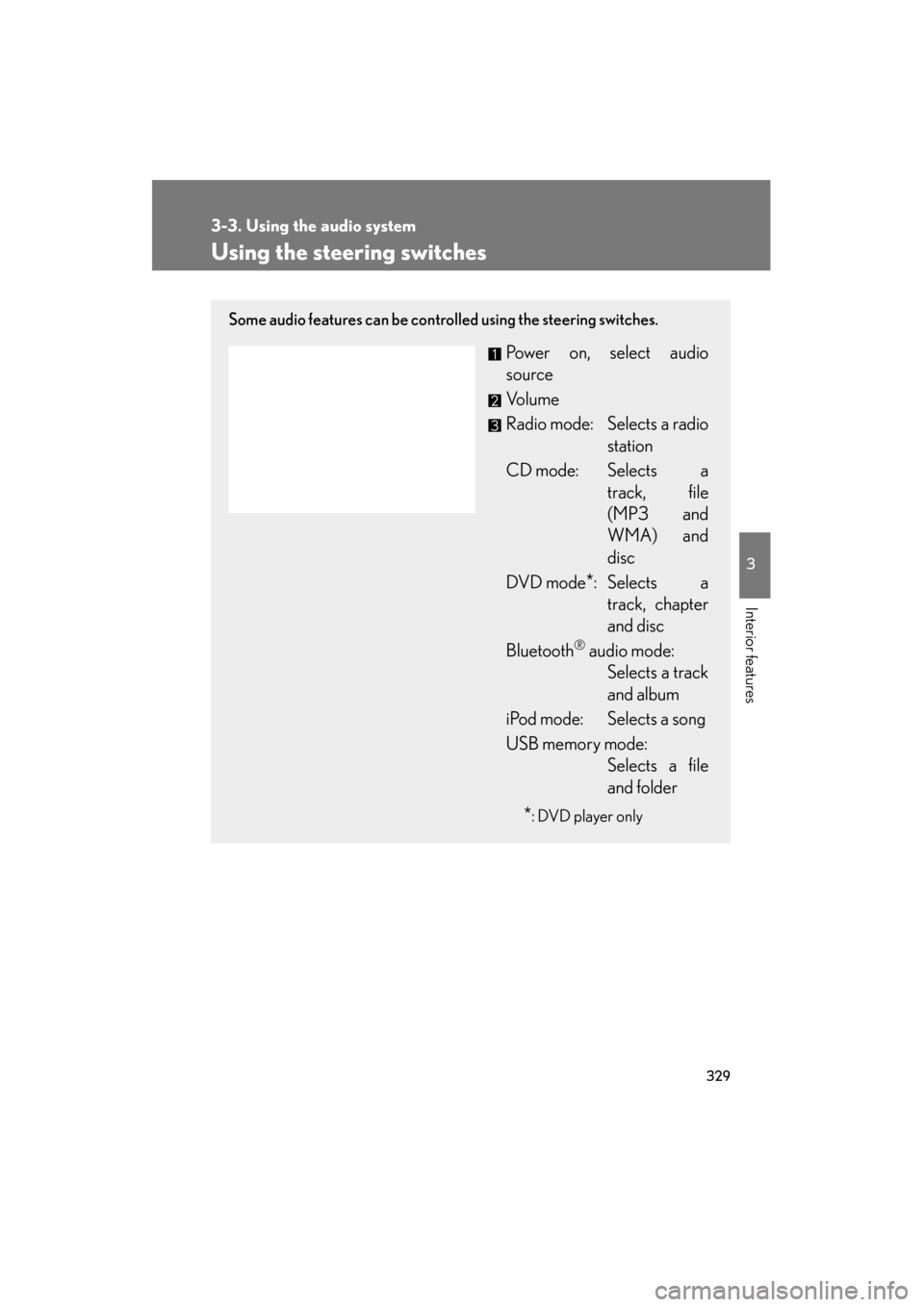
Using the steering switches
Some audio features can be controlled using the steering switches.
Power on, select audio
source
Vo l u m e
Radio mode: Selects a radiostation
CD mode: Selects a track, file
(MP3 and
WMA) and
disc
DVD mode
*: Selects a track, chapter
and disc
Bluetooth
® audio mode: Selects a track
and album
iPod mode: Selects a song
USB memory mode: Selects a file
and folder
*: DVD player only
Page 331 of 654
330
3-3. Using the audio system
GS_G_U (OM30C11U)
October 28, 2011 5:15 pm
Turning on the powerPress when the audio system is off.
The audio system can be turned off by holding the switch down for 1 second
or more.
Changing the audio sourcePress when the audio system is on. The audio source changes as fol-
lows each time the switch is pressed. If a mode cannot be used, it will be
skipped. FM (1, 2) → SAT (1, 2, 3) → CD/DVD player → Bluetooth
® audio
→ AUX → iPod/USB memory → AM
Adjusting the volume
Press “+” on to increase the volume and “-” to decrease the vol-
ume.
Hold down the switch to continue increasing or decreasing the volume.
Selecting a radio station Press to select the radio mode.
Press ∧ or ∨ on to select a radio station.
To seek stations, press and hold the switch until you hear a beep.
Selecting a track/file or chapter
Press to select CD/DVD, Bluetooth
® audio, iPod or USB
memory mode.
Press ∧ or ∨ on to select the desired track/file or
chapter.
STEP1
STEP2
STEP1
STEP2
Page 332 of 654
331
3-3. Using the audio system
3
Interior features
GS_G_U (OM30C11U)
October 28, 2011 5:15 pm
Selecting a disc in the CD or DVD playerPress to select the CD or DVD mode.
Press and hold ∧ or ∨ on until you hear a beep.
Selecting an album
Press to select Bluetooth
® audio mode.
Press and hold ∧ or ∨ on until you hear a beep.
Selecting a folder
Press to select CD (only when MP3/WMA disc is in use) or
USB memory mode.
Press and hold ∧ or ∨ on until you hear a beep.
■Canceling automatic seek station
Push the same switch.
CAUTION
■To reduce the risk of an accident
Exercise care when operating the audio switches on the steering wheel.
STEP1
STEP2
STEP1
STEP2
STEP1
STEP2
Page 639 of 654
638
GS_G_U (OM30C11U)
October 28, 2011 5:15 pm
Alphabetical index
Alphabetical index
A/C ............................................................ 246
ABS.............................................................. 199
ACCESSORY mode .......................... 134
Active stabilizer suspension system...................................................... 199
Adaptive variable
suspension system ............................. 198
Air conditioning system
Air conditioning filter ....................... 479
Automatic air conditioning system .................................................. 246
Airbags
Airbag operating conditions........... 95
Airbag precautions for your child............................................... 99
Airbag warning light ........................535
Curtain shield airbag precautions .........................................102
General airbag precautions ........... 99
Locations of airbags............................ 92
Modification and disposal of airbags .................................................. 103
Proper driving posture ...................... 90
Side airbag precautions .................... 99
Side and curtain shield airbags operating conditions ....................... 95
SRS airbags ............................................. 92 Alarm............................................................ 87
Antenna .................................................... 266
Anti-lock brake system ........................199
Armrest .................................................... 402
Ashtrays.................................................... 397
Audio input.............................................. 328
Audio system
Antenna.................................................. 266
Audio input........................................... 328
AUX port .............................................. 328
Bluetooth
® audio..............................308
CD player/changer ......................... 269
DVD information ...............................297
DVD player/changer ..................... 280
DVD video/audio............................. 280
iPod ............................................................ 316
MP3/WMA disc................................276
Optimal use ..........................................326
Portable music player ..................... 328
Radio ....................................................... 260
Steering switches ...............................329
USB memory ........................................ 316
Video CD ..............................................294
Automatic headlight leveling
system ......................................................157
Automatic light control system........ 155
Automatic transmission If the shift lever cannot be
shifted from “P” ............................... 569
Mode select switch ............................ 138
S mode ..................................................... 139
AUX port................................................. 328
A
Page 640 of 654
639
Alphabetical index
GS_G_U (OM30C11U)
October 28, 2011 5:15 pm
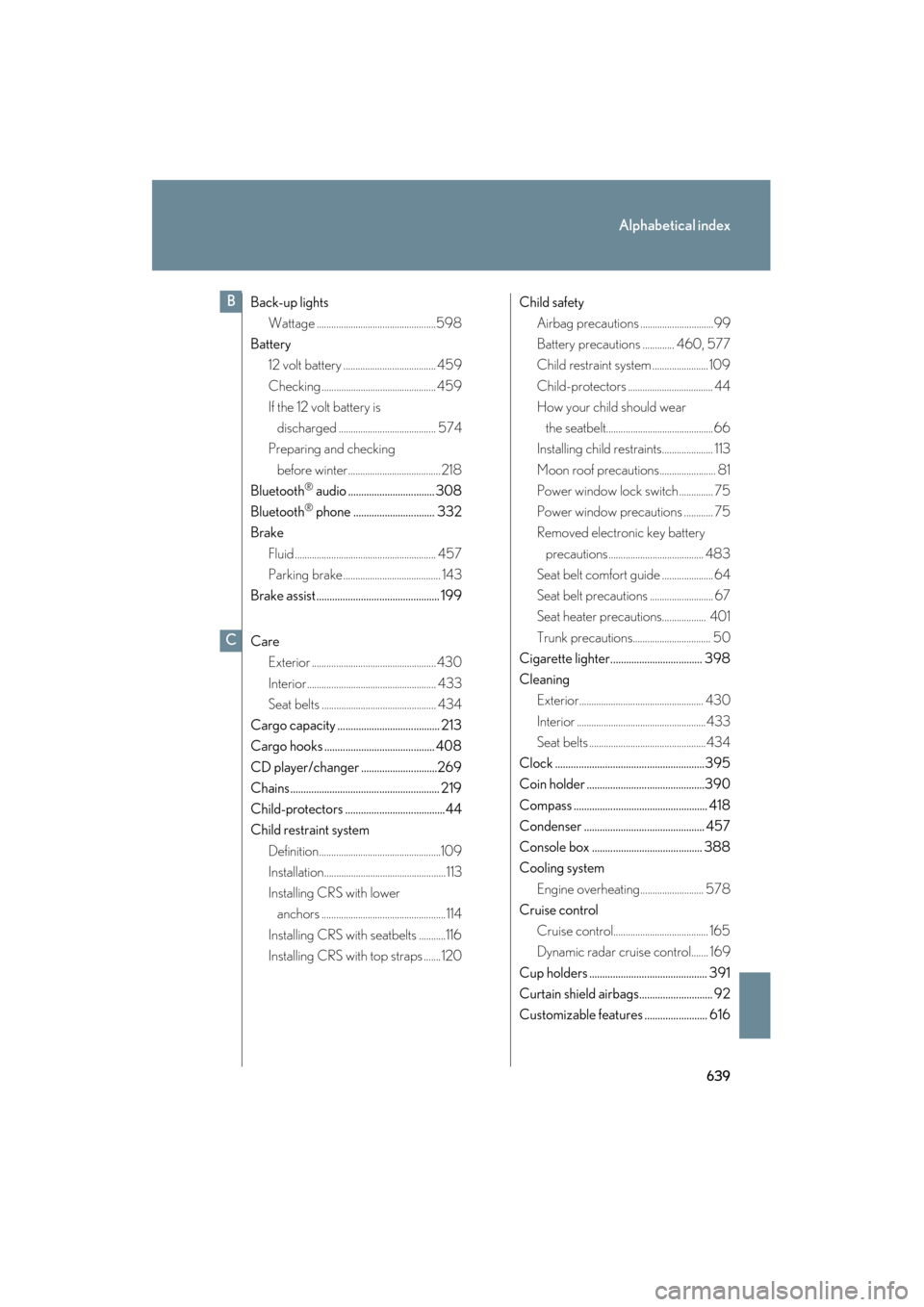
Back-up lightsWattage .................................................598
Battery 12 volt battery ...................................... 459
Checking ............................................... 459
If the 12 volt battery is
discharged ........................................ 574
Preparing and checking
before winter...................................... 218
Bluetooth
® audio ................................. 308
Bluetooth
® phone ............................... 332
Brake
Fluid .......................................................... 457
Parking brake ........................................ 143
Brake assist ............................................... 199
Care Exterior ................................................... 430
Interior..................................................... 433
Seat belts ............................................... 434
Cargo capacity ....................................... 213
Cargo hooks .......................................... 408
CD player/changer .............................269
Chains......................................................... 219
Child-protectors ......................................44
Child restraint system Definition..................................................109
Installation..................................................113
Installing CRS with lower anchors ................................................... 114
Installing CRS with seatbelts ...........116
Installing CRS with top straps ....... 120 Child safety
Airbag precautions ..............................99
Battery precautions ............. 460, 577
Child restraint system ....................... 109
Child-protectors ................................... 44
How your child should wear
the seatbelt............................................66
Installing child restraints..................... 113
Moon roof precautions....................... 81
Power window lock switch .............. 75
Power window precautions ............ 75
Removed electronic key battery
precautions....................................... 483
Seat belt comfort guide ..................... 64
Seat belt precautions .......................... 67
Seat heater precautions.................. 401
Trunk precautions................................ 50
Cigarette lighter................................... 398
Cleaning Exterior................................................... 430
Interior .....................................................433
Seat belts ................................................434
Clock .........................................................395
Coin holder .............................................390
Compass ................................................... 418
Condenser .............................................. 457
Console box .......................................... 388
Cooling system Engine overheating.......................... 578
Cruise control
Cruise control....................................... 165
Dynamic radar cruise control....... 169
Cup holders ............................................. 391
Curtain shield airbags............................ 92
Customizable features ........................ 616
B
C
Page 641 of 654
640
Alphabetical index
GS_G_U (OM30C11U)
October 28, 2011 5:15 pm
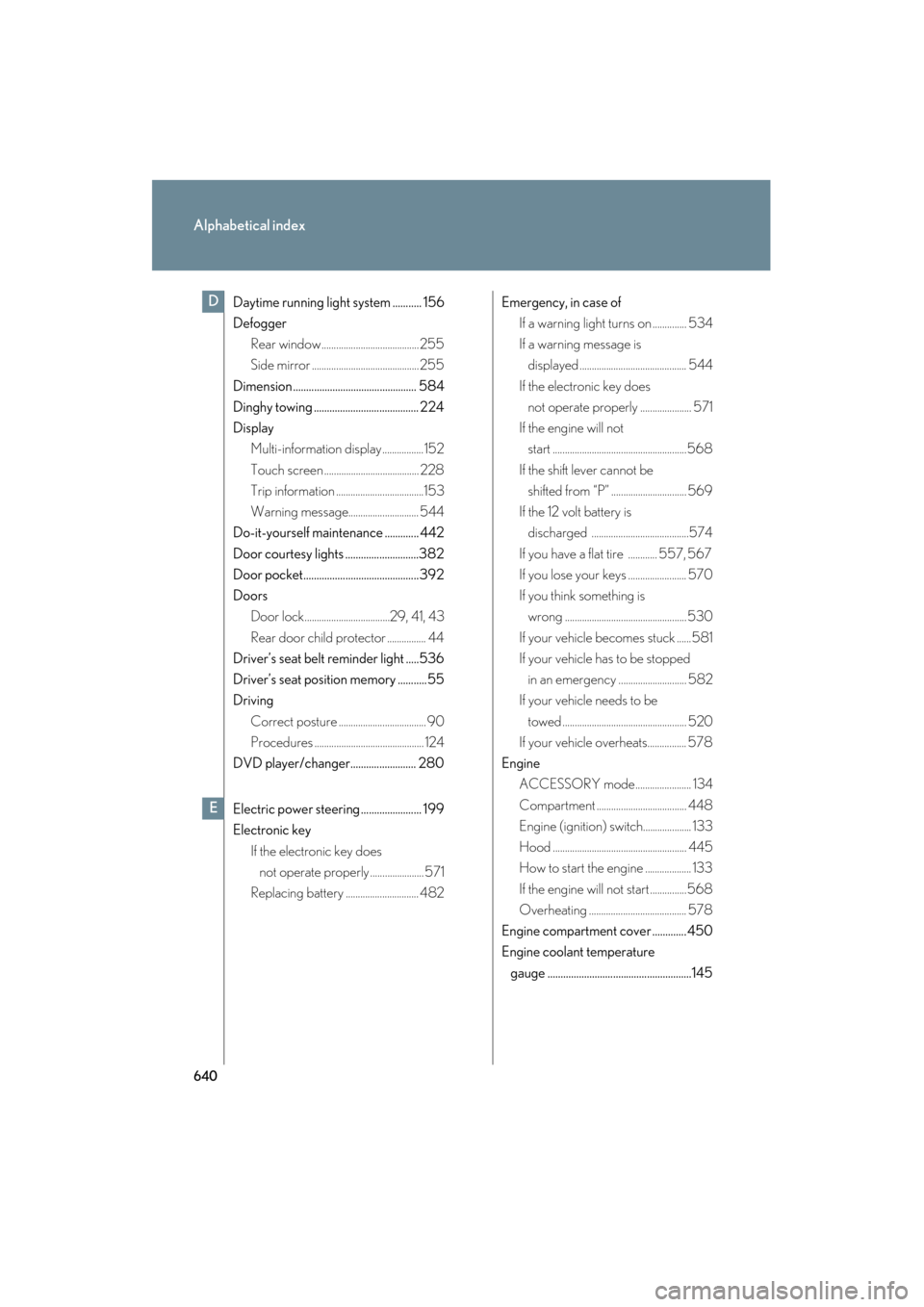
Daytime running light system ........... 156
DefoggerRear window........................................255
Side mirror ............................................255
Dimension ............................................... 584
Dinghy towing ........................................ 224
Display Multi-information display................. 152
Touch screen ....................................... 228
Trip information ....................................153
Warning message............................. 544
Do-it-yourself maintenance ............. 442
Door courtesy lights ............................382
Door pocket............................................392
Doors Door lock...................................29, 41, 43
Rear door child protector ................ 44
Driver’s seat belt reminder light .....536
Driver’s seat position memory ...........55
Driving
Correct posture .................................... 90
Procedures ............................................. 124
DVD player/changer......................... 280
Electric power steering ....................... 199
Electronic key If the electronic key does not operate properly ...................... 571
Replacing battery .............................. 482 Emergency, in case of
If a warning light turns on .............. 534
If a warning message is displayed ............................................ 544
If the electronic key does not operate properly ..................... 571
If the engine will not start .......................................................568
If the shift lever cannot be shifted from “P” ............................... 569
If the 12 volt battery is discharged ........................................574
If you have a flat tire ............ 557, 567
If you lose your keys ........................ 570
If you think something is wrong .................................................. 530
If your vehicle becomes stuck ......581
If your vehicle has to be stopped in an emergency ............................ 582
If your vehicle needs to be
towed ................................................... 520
If your vehicle overheats................ 578
Engine ACCESSORY mode....................... 134
Compartment ..................................... 448
Engine (ignition) switch.................... 133
Hood ....................................................... 445
How to start the engine ................... 133
If the engine will not start ...............568
Overheating ........................................ 578
Engine compartment cover ............. 450
Engine coolant temperature gauge .......................................................145D
E