warning Lexus GS350 2011 Owner's Guide
[x] Cancel search | Manufacturer: LEXUS, Model Year: 2011, Model line: GS350, Model: Lexus GS350 2011Pages: 654, PDF Size: 11.03 MB
Page 208 of 654
207
2-4. Using other driving systems
2
When driving
GS_G_U (OM30C11U)
October 28, 2011 5:15 pm
Disabling pre-collision brakingPre-collision braking enabled
Pre-collision braking disabled
The “PCS” warning light flashes
when pre-collision braking is dis-
abled.
Radar sensorDetects vehicles or other obsta-
cles on or near the road ahead and
determines whether a collision is
imminent based on the position,
speed, and heading of the obsta-
cles. Grille cover
Radar sensor
Page 210 of 654
209
2-4. Using other driving systems
2
When driving
GS_G_U (OM30C11U)
October 28, 2011 5:15 pm
■Conditions that may trigger the system even if there is no possibility of collision
●When there is an object by the roadside at the entrance to a curve
●When passing an oncoming vehicle on a curve
●When driving over a narrow iron bridge
●When there is a metal object on the road surface
●When driving on an uneven road surface
●When passing an oncoming vehicle on a left-turn
●When your vehicle rapidly closes on the vehicle in front
●When a grade separation/interchange, sign, billboard, or other structure
appears to be directly in the vehicle’s line of travel
●When an extreme change in vehicle height occurs
●When there is an abnormality in the radar sensor
●When climbing a steep hill causes an overhead billboard or other metallic struc-
ture to appear directly in the vehicle’s line of travel
●When passing through certain ETC (Electronic Toll Collection system) gates
When the system is activated in the situations described above there is also a possi-
bility that the seat belts will retract quickly and the brakes will be applied with a force
greater than normal. When the seat belt is locked in the retracted position, stop the
vehicle in a safe place, release the seat belt and refasten.
■When there is a malfunction in the system
Warning lights and/or warning messages will turn on or flash. ( →P. 535, 546)
Page 211 of 654
210
2-4. Using other driving systems
GS_G_U (OM30C11U)
October 28, 2011 5:15 pm
■CertificationFor vehicles sold in the U.S.A.
FCC ID: HYQDNMWR005
This device complies with Part 15 of the FCC Rules. Operation is subject to the fol-
lowing two conditions: (1) this device may not cause harmful interference, and (2)
this device must accept any interference received, including interference that may
cause undesired operation.
FCC WARNING
Changes or modifications not expressly approved by the party responsible for
compliance could void the user’s authority to operate the equipment.
Radio frequency radiation exposure Information:
This equipment complies with FCC radiation exposure limits set forth for an uncon-
trolled environment.
This equipment should be installed and operated with minimum distance of 20 cm
between the radiator and your body.
This transmitter must not be co-located or operating in conjunction with any other
antenna or transmitter. For vehicles sold in Canada
Operation is subject to the following two conditions: (1) this device may not cause
interference, and (2) this device must accept any interference, including interfer-
ence that may cause undesired operation of the device.
L’utilisation de ce dispositif est autorisée seulement aux deux conditions suivantes:
(1) il ne doit pas produire de brouillage, et (2) l’utilisateur du dispositif doit être prêt
à accepter tout brouillage radioélectrique reçu, même si ce brouillage est suscepti-
ble de compromettre le fonctionnement du dispositif.
Page 223 of 654
222
2-5. Driving information
GS_G_U (OM30C11U)
October 28, 2011 5:15 pm
NOTICE
■Repairing or replacing snow tires
Request repairs of and obtain replacement snow tires from Lexus dealers or legiti-
mate tire retailers.
This is because the removal and attachment of snow tires affects the operation of
the tire pressure warning valves and transmitters.
■Fitting tire chains
The tire pressure warning valves and transmitters may not function correctly when
tire chains are fitted.
Page 246 of 654
245
3-1. Using the touch screen
3
Interior features
GS_G_U (OM30C11U)
October 28, 2011 5:15 pm
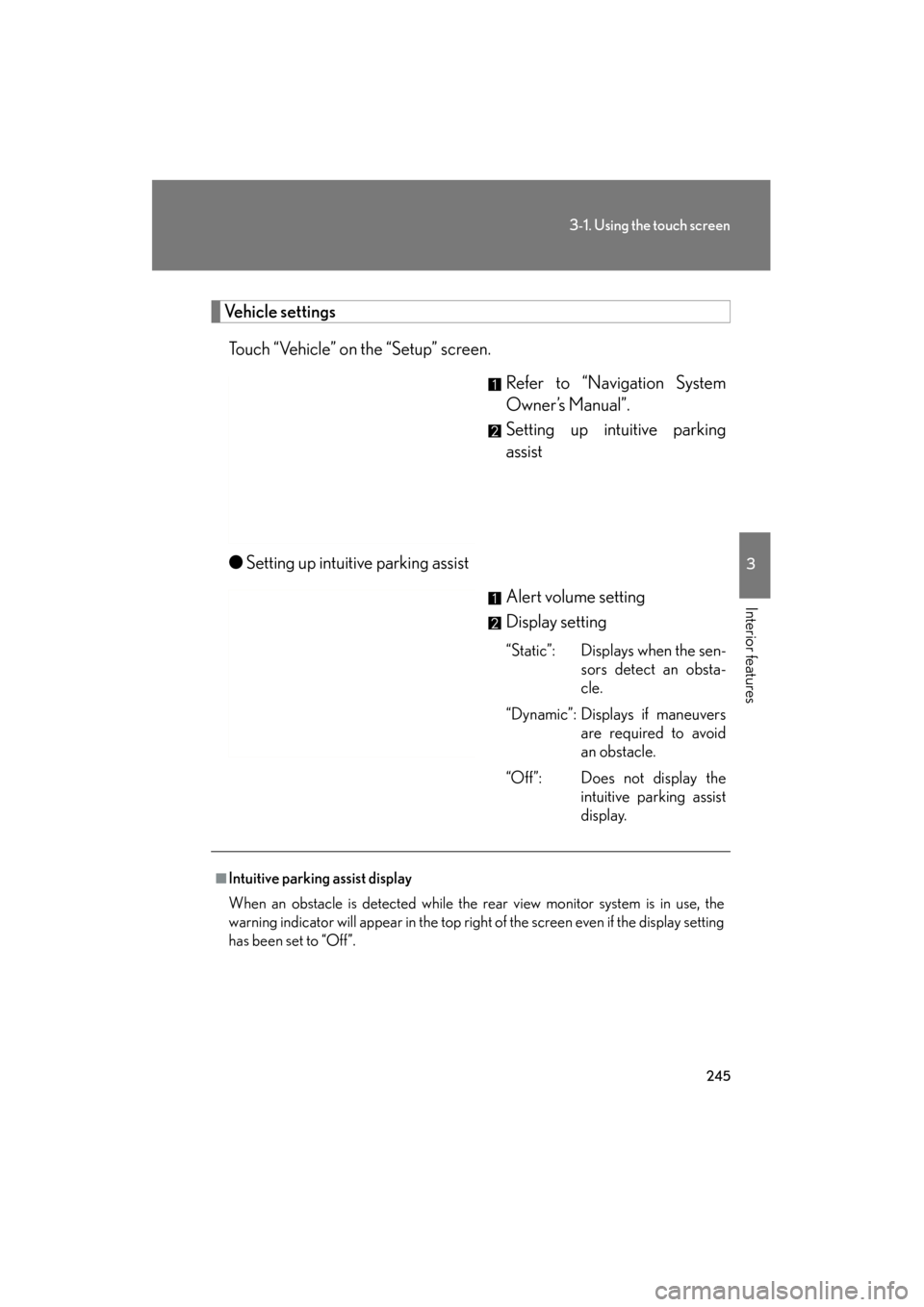
Vehicle settingsTouch “Vehicle” on the “Setup” screen. Refer to “Navigation System
Owner’s Manual”.
Setting up intuitive parking
assist
● Setting up intuitive parking assist
Alert volume setting
Display setting
“Static”: Displays when the sen-sors detect an obsta-
cle.
“Dynamic”: Displays if maneuvers are required to avoid
an obstacle.
“Off”: Does not display the intuitive parking assist
display.
■Intuitive parking assist display
When an obstacle is detected while the rear view monitor system is in use, the
warning indicator will appear in the top right of the screen even if the display setting
has been set to “Off”.
Page 260 of 654
259
3-3. Using the audio system
3
Interior features
GS_G_U (OM30C11U)
October 28, 2011 5:15 pm
■Using cellular phones
Interference may be heard through the audio system’s speakers if a cellular phone is
being used inside or close to the vehicle while the audio system is operating.
CAUTION
■For vehicles sold in the U.S.A. and Canada
●Pa r t 1 5 o f t h e FCC Ru l e s
FCC Warning:
Any unauthorized changes or modifications to this equipment will void the user’s
authority to operate this device.
●Laser products
• Do not take this unit apart or attempt to make any changes yourself. This is an intricate unit that uses a laser pickup to retrieve information from the
surface of compact discs. The laser is carefully shielded so that its rays remain
inside the cabinet. Therefore, never try to disassemble the player or alter any
of its parts since you may be exposed to laser rays and dangerous voltages.
• This product utilizes a laser. Use of controls or adjustments or performance of procedures other than
those specified herein may result in hazardous radiation exposure.
NOTICE
■To prevent 12 volt battery discharge
Do not leave the audio system on longer than necessary with the engine off.
■To avoid damaging the audio/video system
Take care not to spill drinks or other fluids over the audio system.
Page 338 of 654
337
3-4. Using the hands-free system (for cellular phone)
3
Interior features
GS_G_U (OM30C11U)
October 28, 2011 5:15 pm
CAUTION
■FCC WARNING
Changes or modifications not expressly approved by the party responsible for
compliance could void the user’s authority to operate the equipment.
Radio Frequency Exposure. This equipment complies with FCC/IC radiation expo-
sure limits set forth for uncontrolled equipment and meets the FCC radio fre-
quency (RF) Exposure Guidelines in Supplement C to OET65 and RSS-102 of the
IC radio frequency (RF) Exposure rules. This equipment has very low levels of RF
energy that it deemed to comply without maximum permissive exposure evaluation
(MPE). But it is desirable that it should be installed and operated with at least 7.9 in.
(20 cm) and more between the radiator and person’s body (excluding extremities:
hands, wrists, feet and ankles).
This transmitter must not be co-located or operated in conjunction with any other
antenna or transmitter.
■Caution while driving
Do not use the mobile phone or connect the Bluetooth
® system.
NOTICE
■When leaving the vehicle
Do not leave your mobile phone in the vehicle. The inside of the vehicle may
become hot, causing damage to the phone.
Page 417 of 654
416
3-7. Other interior features
GS_G_U (OM30C11U)
October 28, 2011 5:15 pm
■Before programming
●Install a new battery in the remote control transmitter.
●The battery side of the remote control transmitter must be pointed away from
the HomeLink® button.
■Certification for the garage door opener
FCC ID: NZLWZLHL4
FCC ID: NZLOBIHL4For vehicles sold in the U.S.A.
NOTE:
This device complies with Part 15 of the FCC Rules.
Operation is subject to the following two conditions: (1) this device may not cause
harmful interference, and (2) this device must accept any interference received,
including interference that may cause undesired operation.
FCC WARNING:
Changes or modifications not expressly approved by the party responsible for
compliance could void the user’s authority to operate the equipment. For vehicles sold in Canada
NOTE:
Operation is subject to the following two conditions: (1) this device may not cause
interference, and (2) this device must accept any interference, including interfer-
ence that may cause undesired operation of the device.
■When support is necessary
Visit on the web at www.homelink.com
or call 1-800-355-3515
Page 429 of 654
428
3-7. Other interior features
GS_G_U (OM30C11U)
October 28, 2011 5:15 pm
■License
Licensed by QUALCOMM Incorporated under one or more of the following
United States Patents and/or their counterparts in other nations:
4,901,307 5,490,165 5,056,109 5,504,773 5,101,501
5,506,865 5,109,390 5,511,073 5,228,054 5,535,239
5,267,261 5,544,196 5,267,262 5,568,483 5,337,338
5,600,754 5,414,796 5,657,420 5,416,797 5,659,569
5,710,784 5,778,338
■Certification for Lexus Enform with Safety Connect
FCC ID: O9EGTM1
FCC ID: O6Y-CDMRF101
NOTE:
This device complies with Part 15 of the FCC Rules. Operation is subject to the fol-
lowing two conditions: (1) This device may not cause harmful interference, and (2)
this device must accept any interference received, including interference that may
cause undesired operation.
FCC WARNING:
Changes or modifications not expressly approved by the party responsible for
compliance could void the user’s authority to operate the equipment.
Page 454 of 654
453
4-3. Do-it-yourself maintenance
4
Maintenance and care
GS_G_U (OM30C11U)
October 28, 2011 5:15 pm
■Engine oil consumption
●The amount of engine oil consumed depends on the oil viscosity, the quality of
the oil and the way the vehicle is driven.
●More oil is consumed under driving conditions such as high speeds, frequent
acceleration and deceleration.
●A new engine consumes more oil.
●When judging the amount of oil consumption, keep in mind that the oil may
have become diluted, making it difficult to judge the true level accurately.
●Oil consumption: Max. 1.1 qt./600 miles, 0.9 Imp.qt./600 miles (1.0 L per 1000
km). If the vehicle consumes more than this amount, contact your Lexus dealer.
■Resetting the engine oil maintenance data (U.S.A. only)
Perform the following steps:Press the “DISP” switch ( →P. 153) to change the multi-information dis-
play to blank.
Turn the “ENGINE START STOP” switch to OFF.
Turn the “ENGINE START STOP” switch to IGNITION ON mode with
the trip meter reset button held down.
Keep pressing the button for longer than 7 seconds after the “ENGINE
START STOP” switch is in IGNITION ON mode.
STEP1
STEP2
STEP3
STEP4
After the above operation, the message
shown in the left will appear on the display.
The master warning light and tone will turn
on. After 5 seconds, the system reset is com-
pleted.