ignition Lexus GS350 2011 Service Manual
[x] Cancel search | Manufacturer: LEXUS, Model Year: 2011, Model line: GS350, Model: Lexus GS350 2011Pages: 654, PDF Size: 11.03 MB
Page 315 of 654
314
3-3. Using the audio system
GS_G_U (OM30C11U)
October 28, 2011 5:15 pm
■Compatible models
Portable players must correspond to the following specifications:
●Bluetooth® specification
Ve r. 1 .1 o r h i g h e r
(Recommended: Ver. 2.0+EDR or higher)
●Profile
• A2DP (Advanced Audio Distribution Profile) Ver. 1.0 or higher
• AVRCP (Audio/Video Remote Control Profile) Ver. 1.0 or higher
(Recommended: Ver. 1.3 or higher)
However, please note that some functions may be limited depending on the type of
portable player.
Please go to the website at http://www.lexus.com/
to find approved portable play-
ers for this system.
■Certification
→ P. 3 3 6
■Reconnecting the portable player
If the portable player is disconnected with a poor reception when the “ENGINE
START STOP” switch is in ACCESSORY or IGNITION ON mode, the system
automatically reconnects the portable player.
If you have switched off the portable player yourself, follow the instructions below to
reconnect:
●Select the portable player again
●Enter the portable player
■When transferring ownership of your vehicle
Be sure to remove the registered portable player from the system.
Page 341 of 654
340
3-4. Using the hands-free system (for cellular phone)
GS_G_U (OM30C11U)
October 28, 2011 5:15 pm
Bluetooth® phone connection
There are two connection methods available — automatic and manual. Automatic When you register your phone,
auto connection will be activated.
Always set it to this mode and
leave the Bluetooth
® phone on the
place where connection can be
established.
When the “ENGINE START
STOP” switch is turned to
ACCESSORY or IGNITION ON
mode, the system will search for a
nearby cellular phone you have
registered. Next, the system auto-
matically connects with the most
recent of the phones connected to
in the past. Then, the connection
result is displayed.
Page 343 of 654
342
3-4. Using the hands-free system (for cellular phone)
GS_G_U (OM30C11U)
October 28, 2011 5:15 pm
■Reconnecting to the Bluetooth® phone
If the system cannot connect due to poor signal strength with the “ENGINE START
STOP” switch in ACCESSORY or IGNITION ON mode, the system will automat-
ically attempt to reconnect.
If the phone is turned off, the system will not attempt to reconnect. In this case, it
must be connected manually, or the phone must be re-selected or re-entered.
■Connecting the phone while Bluetooth® audio is playing
●Bluetooth® audio will stop temporarily.
●It may take time to connect.
■Help icon
When “?” is displayed on the screen, an explanation of the function can be dis-
played.
To display the explanation of the function, touch “?” and choose the desired func-
tion.
Page 360 of 654
359
3-4. Using the hands-free system (for cellular phone)
3
Interior features
GS_G_U (OM30C11U)
October 28, 2011 5:15 pm
■When another Bluetooth® device is connected while registering or selecting a
phone
When another Bluetooth
® device is connected, a confirmation message will be dis-
played. If you want to disconnect it, touch “Yes”.
■When Bluetooth® audio is connected while registering a phone
When you register your phone, Bluetooth
® audio will disconnect. It will reconnect
automatically when you finish registration. It will not be reconnected depending on
the phone you are using.
■Connecting the phone while Bluetooth® audio is playing
Bluetooth
® audio will disconnect. It will reconnect automatically when you finish
registration. It will not be reconnected depending on the phone you are using.
■Setting the “Handsfree Power”
The state changes between “On” and “Off” every time you select “Handsfree
Power” on the “Connect Phone” screen. When “Handsfree Power” is “On”, the
Bluetooth
® phone is automatically connected when you turn the “ENGINE START
STOP” switch is in ACCESSORY or IGNITION ON mode.
■Editing the “Device Name”
If you change a device name, the name registered in your cellular phone is not
changed.
■About “Device Address”
This address is specific to the system and cannot be changed. If you have registered
two Bluetooth
® phones with the same device name and you cannot distinguish one
from the other, refer to this address.
■When you delete a Bluetooth® phone
The phonebook data will be deleted at the same time.
■Connecting the phone by voice recognition
“Connect Phone” includes “Select Phone”, “Add New Phone” and “Handsfree
Power Off (On)” can be operated by voice recognition. ( →P. 3 4 7 )
Page 379 of 654
378
3-4. Using the hands-free system (for cellular phone)
GS_G_U (OM30C11U)
October 28, 2011 5:15 pm
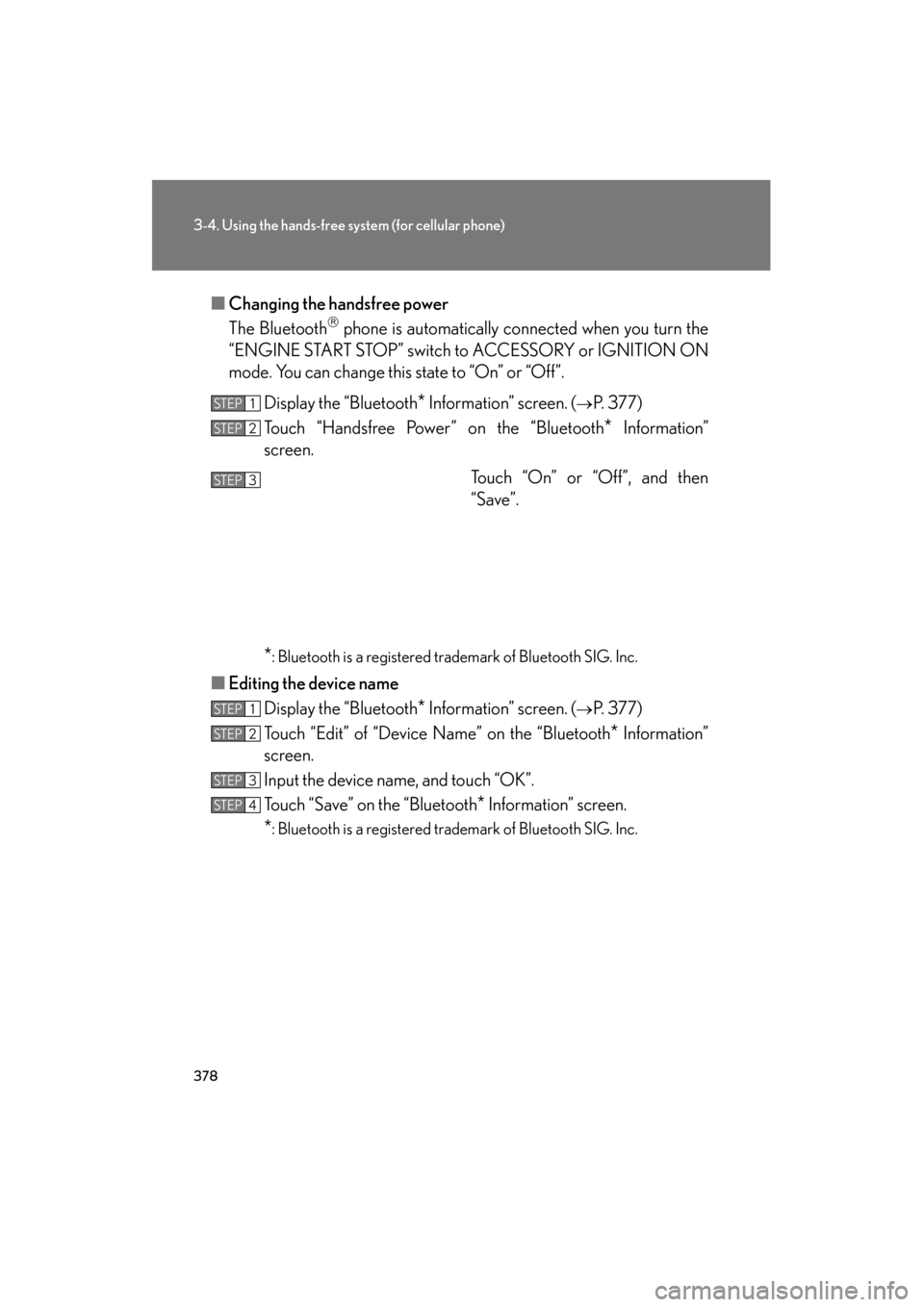
■Changing the handsfree power
The Bluetooth
phone is automatically connected when you turn the
“ENGINE START STOP” switch to ACCESSORY or IGNITION ON
mode. You can change this state to “On” or “Off”.
Display the “Bluetooth
* Information” screen. (→P. 3 7 7 )
Touch “Handsfree Power” on the “Bluetooth
* Information”
screen.
Touch “On” or “Off”, and then
“Save”.
*: Bluetooth is a registered trademark of Bluetooth SIG. Inc.
■Editing the device name
Display the “Bluetooth
* Information” screen. (→P. 3 7 7 )
Touch “Edit” of “Device Name” on the “Bluetooth
* Information”
screen.
Input the device name, and touch “OK”.
Touch “Save” on the “Bluetooth
* Information” screen.
*: Bluetooth is a registered trademark of Bluetooth SIG. Inc.
STEP1
STEP2
STEP3
STEP1
STEP2
STEP3
STEP4
Page 396 of 654
395
3-7. Other interior features
3
Interior features
GS_G_U (OM30C11U)
October 28, 2011 5:15 pm
Clock
■The clock is displayed when
The “ENGINE START STOP” switch is in ACCESSORY or IGNITION ON mode.
■When the 12 volt battery is disconnected
The time display will automatically be set to 1:00.
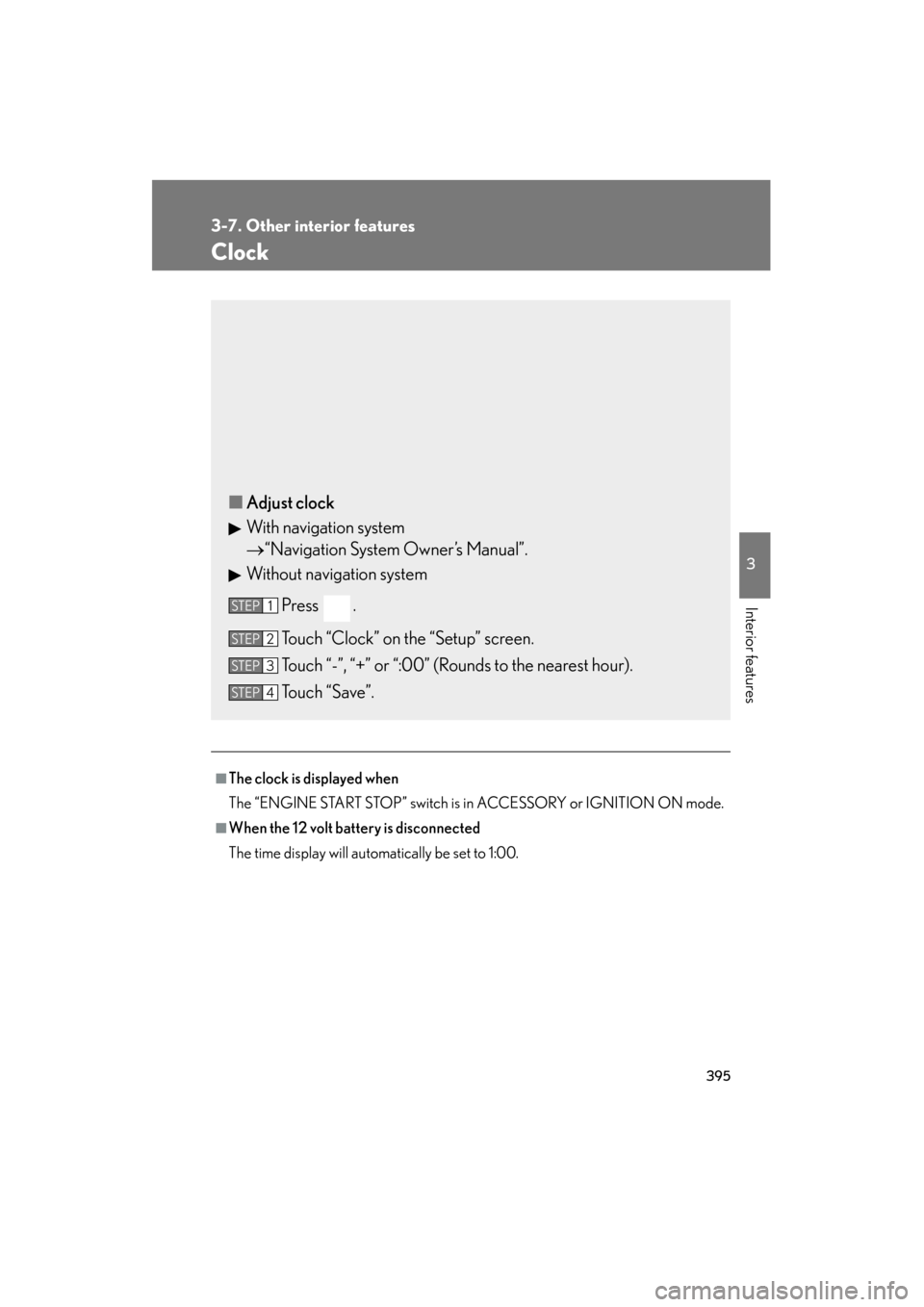
■Adjust clock
With navigation system
→ “Navigation System Owner’s Manual”.
Without navigation system
Press .
Touch “Clock” on the “Setup” screen.
Touch “-”, “+” or “:00” (Rounds to the nearest hour).
Touch “Save”.
STEP1
STEP2
STEP3
STEP4
Page 397 of 654
396
3-7. Other interior features
GS_G_U (OM30C11U)
October 28, 2011 5:15 pm
Outside temperature display
■The outside temperature is displayed when
The “ENGINE START STOP” switch is in IGNITION ON mode.
■When “--” or “E” is displayed
The system may be malfunctioning. Take your vehicle to your Lexus dealer.
■On the multi-information display
→P. 1 5 4
■Display
In the following situations, the correct outside temperature may not be displayed, or
the display may take longer than normal to change.
●When stopped, or driving at low speeds (less than 12 mph [20 km/h])
●When the outside temperature has changed suddenly (at the entrance/exit of a
garage, tunnel, etc.)
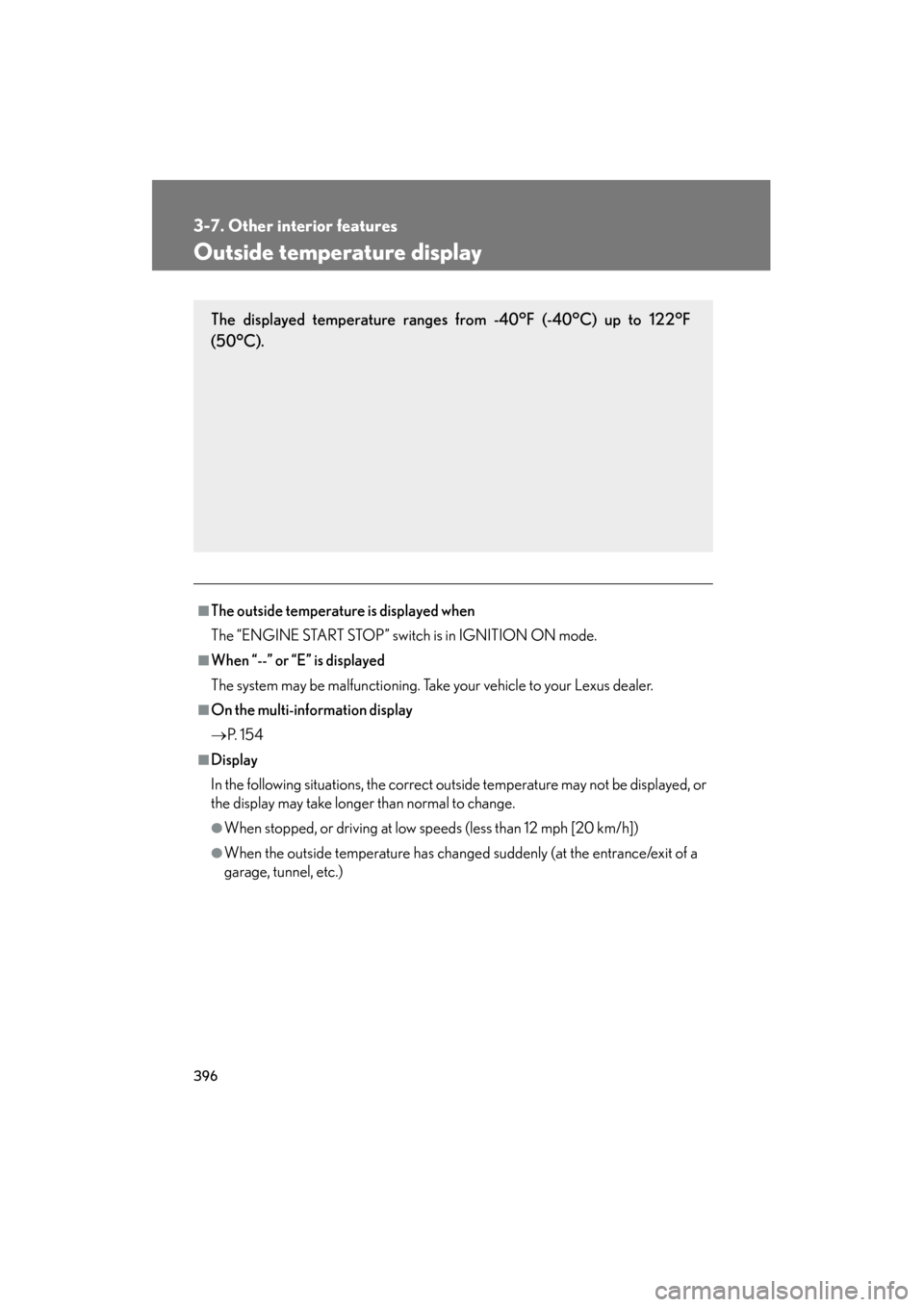
The displayed temperature ranges from -40°F (-40°C) up to 122°F
(50°C).
Page 399 of 654
398
3-7. Other interior features
GS_G_U (OM30C11U)
October 28, 2011 5:15 pm
Cigarette lighter
■The cigarette lighter can be used when
The “ENGINE START STOP” switch is in ACCESSORY or IGNITION ON mode.
CAUTION
■To avoid burns or fires
●Do not touch the metal parts of the cigarette lighter.
●Do not hold the cigarette lighter down. It could overheat and cause a fire.
●Do not insert anything other than the cigarette lighter into the outlet.
■When not in use
Keep the ashtray lid closed.
Injuries may result in the event of sudden braking, sudden swerving or an accident.
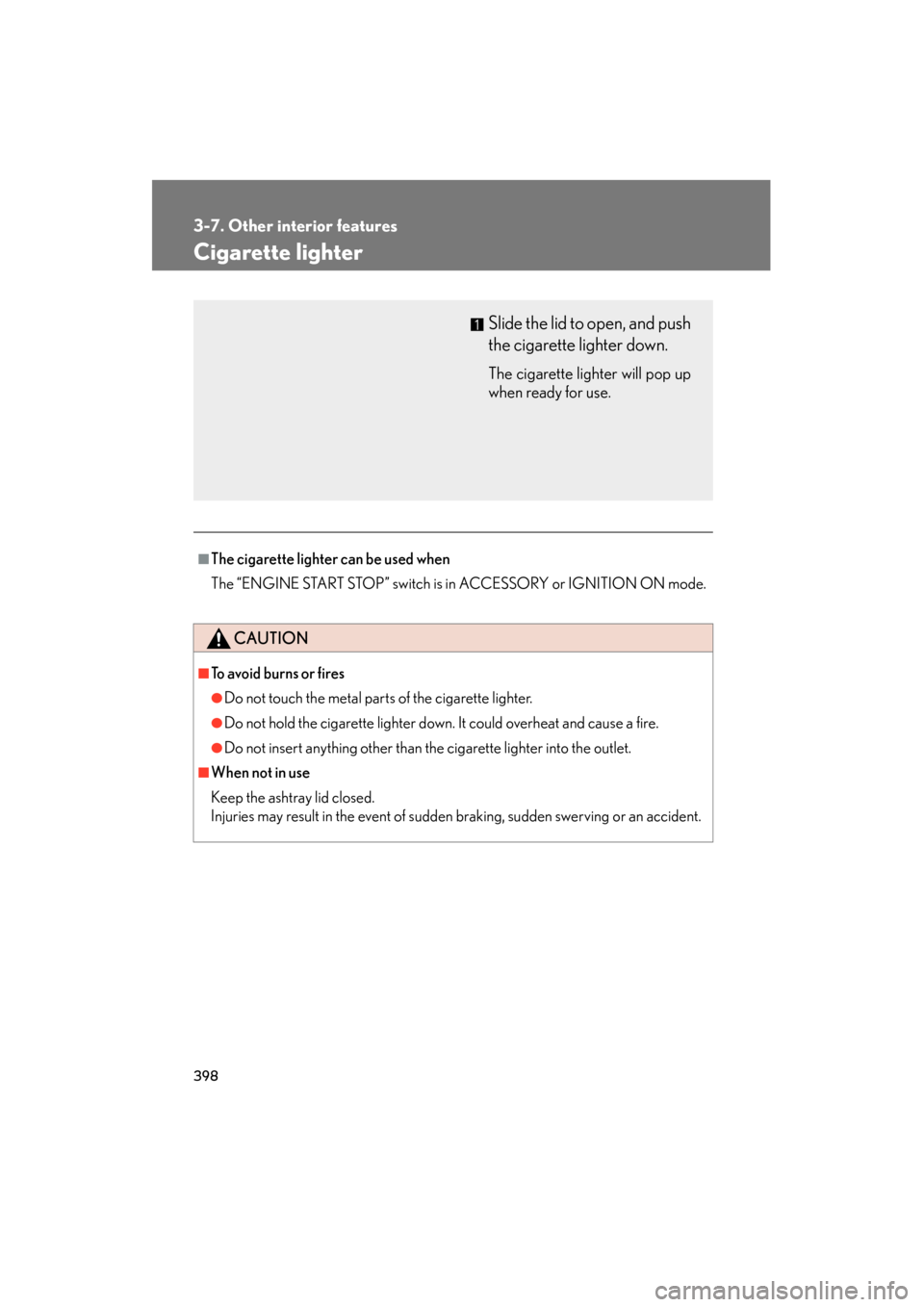
Slide the lid to open, and push
the cigarette lighter down.
The cigarette lighter will pop up
when ready for use.
Page 400 of 654
399
3-7. Other interior features
3
Interior features
GS_G_U (OM30C11U)
October 28, 2011 5:15 pm
Power outlet
■The power outlet can be used when
The “ENGINE START STOP” switch is in ACCESSORY or IGNITION ON mode.
NOTICE
■To avoid damaging the power outlet
Close the power outlet lid when not in use.
Foreign objects or liquids that enter the power outlet may cause a short circuit.
■To prevent the fuse from being blown
Do not use an accessory that uses more than 12V/10A.
■To prevent 12 volt battery discharge
Do not use the power outlet longer than necessary when the engine is off.
The power outlet can be used for 12V accessories that run on less than
10A.
Page 401 of 654
400
3-7. Other interior features
GS_G_U (OM30C11U)
October 28, 2011 5:15 pm
Seat heaters/ventilators∗
■The seat heaters/ventilators can be used when
The “ENGINE START STOP” switch is in IGNITION ON mode.
■When not in use
Set the dial to “0”. The indicator light turns off.
∗: If equipped
The temperature of the seats can be adjusted individually.
■ Seat heaters
Heats the seats
The indicator light comes on.
The higher the number, the
warmer the seats become.
■Seat heaters/ventilators
Heats the seats
The indicator light (red) comes
on.
The higher the number, the
warmer the seats become.
Blows air from the seats
The indicator light (green)
comes on.
The higher the number, the
stronger the airflow becomes.