USB Lexus GS350 2011 Owner's Manual
[x] Cancel search | Manufacturer: LEXUS, Model Year: 2011, Model line: GS350, Model: Lexus GS350 2011Pages: 654, PDF Size: 11.03 MB
Page 5 of 654
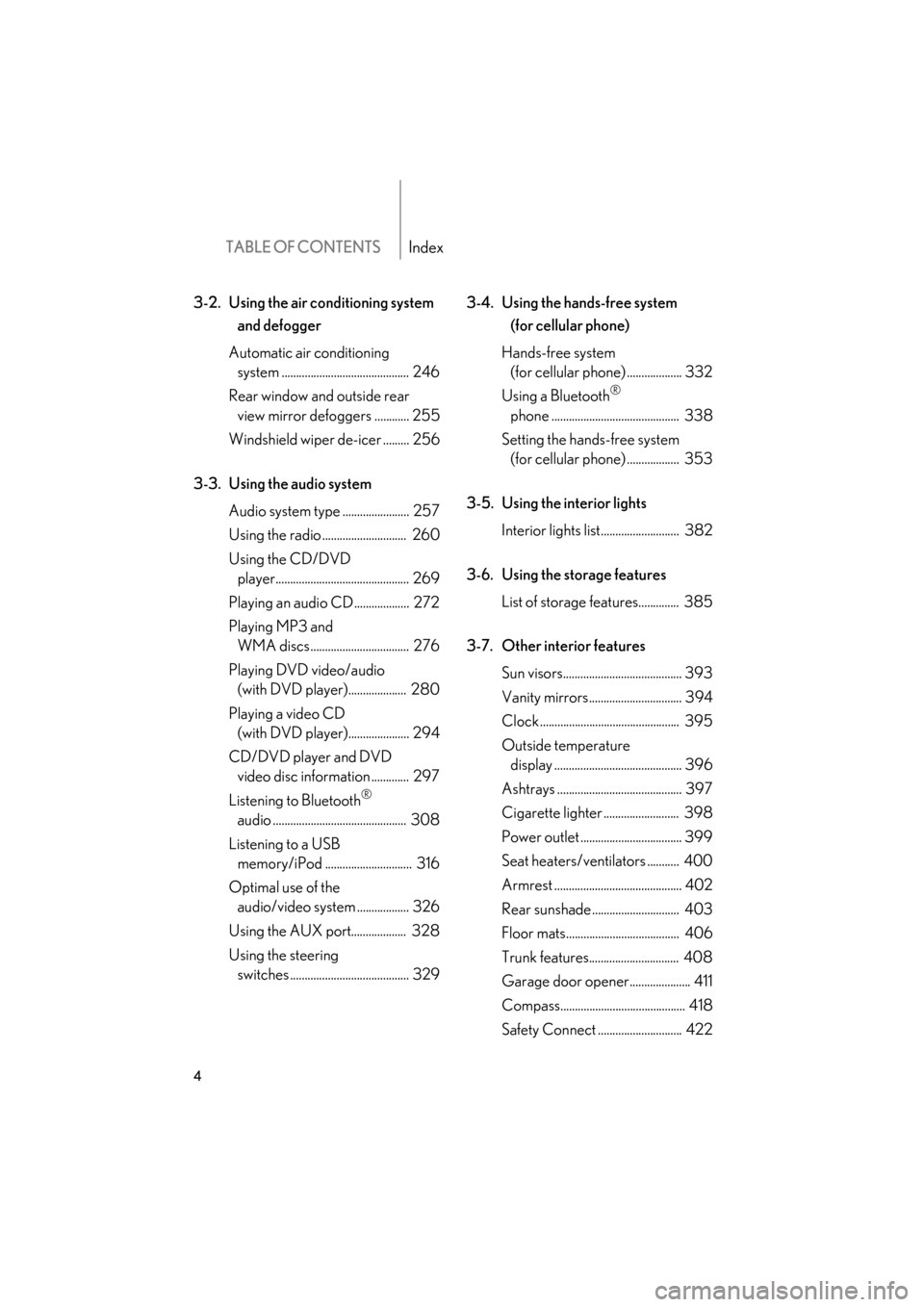
TABLE OF CONTENTSIndex
4
GS_G_U (OM30C11U)
May 21, 2010 12:06 pm
3-2. Using the air conditioning system and defogger
Automatic air conditioning system ............................................ 246
Rear window and outside rear view mirror defoggers ............ 255
Windshield wiper de-icer ......... 256
3-3. Using the audio system Audio system type ....................... 257
Using the radio ............................. 260
Using the CD/DVD player.............................................. 269
Playing an audio CD................... 272
Playing MP3 and WMA discs.................................. 276
Playing DVD video/audio (with DVD player).................... 280
Playing a video CD (with DVD player)..................... 294
CD/DVD player and DVD video disc information ............. 297
Listening to Bluetooth
®
audio .............................................. 308
Listening to a USB memory/iPod .............................. 316
Optimal use of the audio/video system .................. 326
Using the AUX port................... 328
Using the steering switches ......................................... 329 3-4. Using the hands-free system
(for cellular phone)
Hands-free system (for cellular phone) ................... 332
Using a Bluetooth
®
phone ............................................ 338
Setting the hands-free system (for cellular phone) .................. 353
3-5. Using the interior lights Interior lights list........................... 382
3-6. Using the storage features List of storage features.............. 385
3-7. Other interior features Sun visors......................................... 393
Vanity mirrors................................ 394
Clock ................................................ 395
Outside temperature display ............................................ 396
Ashtrays ........................................... 397
Cigarette lighter .......................... 398
Power outlet ................................... 399
Seat heaters/ventilators ........... 400
Armrest ............................................ 402
Rear sunshade .............................. 403
Floor mats....................................... 406
Trunk features............................... 408
Garage door opener..................... 411
Compass........................................... 418
Safety Connect ............................. 422
Page 11 of 654
10
GS_G_U (OM30C11U)
October 28, 2011 5:15 pm
A
Pictorial indexInterior
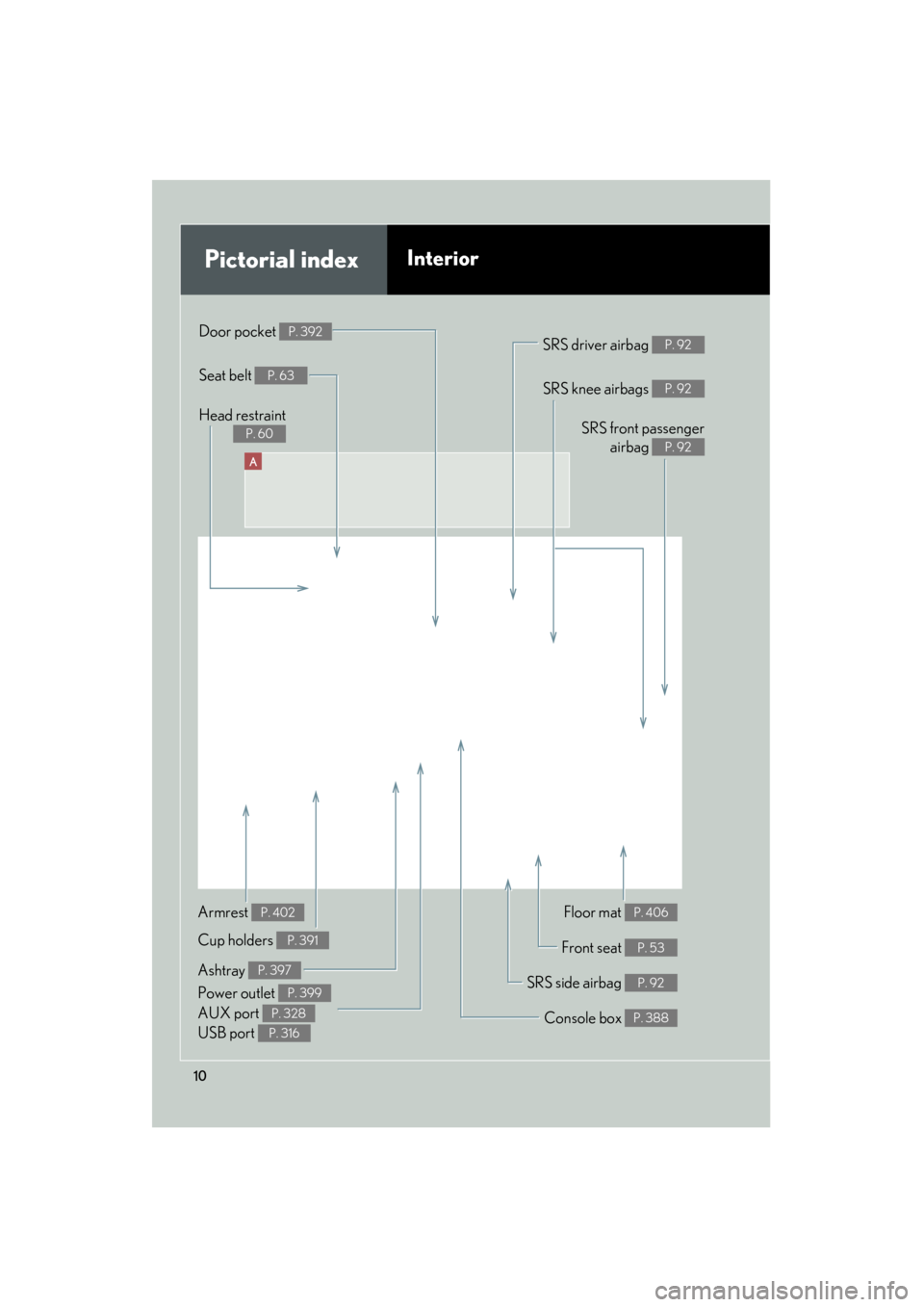
SRS front passengerairbag
P. 92
SRS knee airbags P. 92
Floor mat P. 406
Front seat P. 53
SRS side airbag P. 92
Console box P. 388
Power outlet P. 399
Ashtray P. 397
Cup holders P. 391
Armrest P. 402
SRS driver airbag P. 92
Seat belt P. 63
Door pocket P. 392
Head restraint
P. 60
AUX port P. 328
USB port P. 316
Page 228 of 654
Interior features3
227
GS_G_U (OM30C11U)
May 21, 2010 4:03 pm
3-3. Using the audio systemAudio system type.................. 257
Using the radio........................ 260
Using the CD/DVD player ...................................... 269
Playing an audio CD ............. 272
Playing MP3 and WMA discs............................. 276
Playing DVD video/audio (with DVD player) .............. 280
Playing a video CD
(with DVD player) ............... 294
CD/DVD player and DVD video disc information ....... 297
Listening to Bluetooth
®
audio....................................... 308
Listening to a USB
memory/iPod ......................... 316
Optimal use of the audio/video system ............. 326
Using the AUX port ............. 328
Using the steering switches.................................. 329 3-4. Using the hands-free system
(for cellular phone)
Hands-free system (for cellular phone) ............. 332
Using a Bluetooth
®
phone ...................................... 338
Setting the hands-free system (for cellular phone) ............. 353
3-5. Using the interior lights Interior lights list .................... 382
3-6. Using the storage features List of storage features......... 385
3-7. Other interior features Sun visors ................................. 393
Vanity mirrors ......................... 394
Clock ......................................... 395
Outside temperature
display..................................... 396
Ashtrays.................................... 397
Cigarette lighter .................... 398
Power outlet ............................ 399
Seat heaters/ventilators ...... 400
Armrest .................................... 402
Rear sunshade ........................ 403
Floor mats ................................ 406
Trunk features ......................... 408
Garage door opener .............. 411
Compass ................................... 418
Safety Connect ...................... 422
Page 259 of 654
258
3-3. Using the audio system
GS_G_U (OM30C11U)
October 28, 2011 5:15 pm
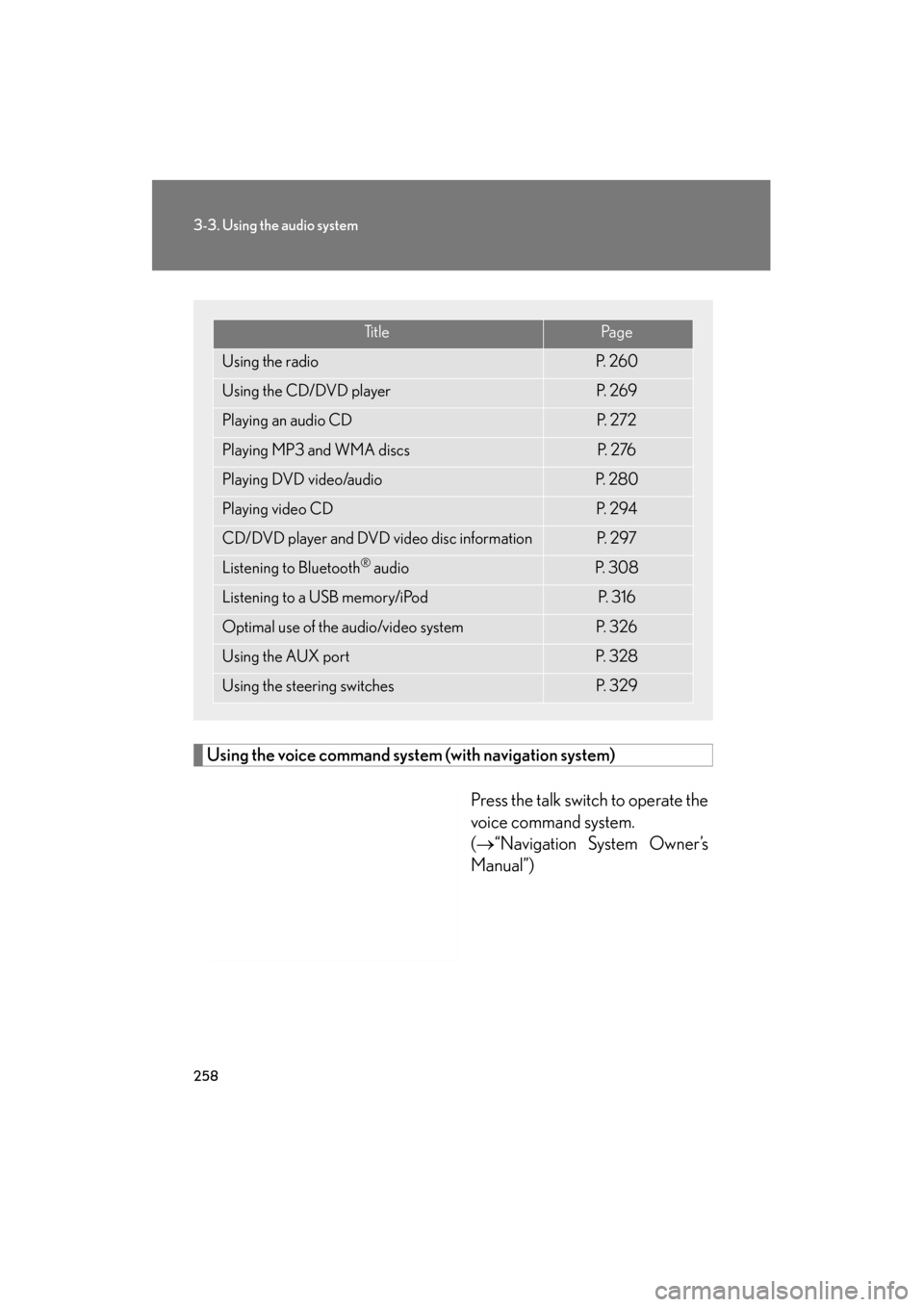
Using the voice command system (with navigation system)
Press the talk switch to operate the
voice command system.
(→“Navigation System Owner’s
Manual”)
Ti t l ePa g e
Using the radioP. 2 6 0
Using the CD/DVD playerP. 2 6 9
Playing an audio CDP. 2 7 2
Playing MP3 and WMA discsP. 2 76
Playing DVD video/audioP. 2 8 0
Playing video CDP. 2 9 4
CD/DVD player and DVD video disc informationP. 2 9 7
Listening to Bluetooth® audioP. 3 0 8
Listening to a USB memory/iPodP. 3 1 6
Optimal use of the audio/video systemP. 3 2 6
Using the AUX portP. 3 2 8
Using the steering switchesP. 3 2 9
Page 317 of 654
316
3-3. Using the audio system
GS_G_U (OM30C11U)
October 28, 2011 5:15 pm
Listening to a USB memory/iPod
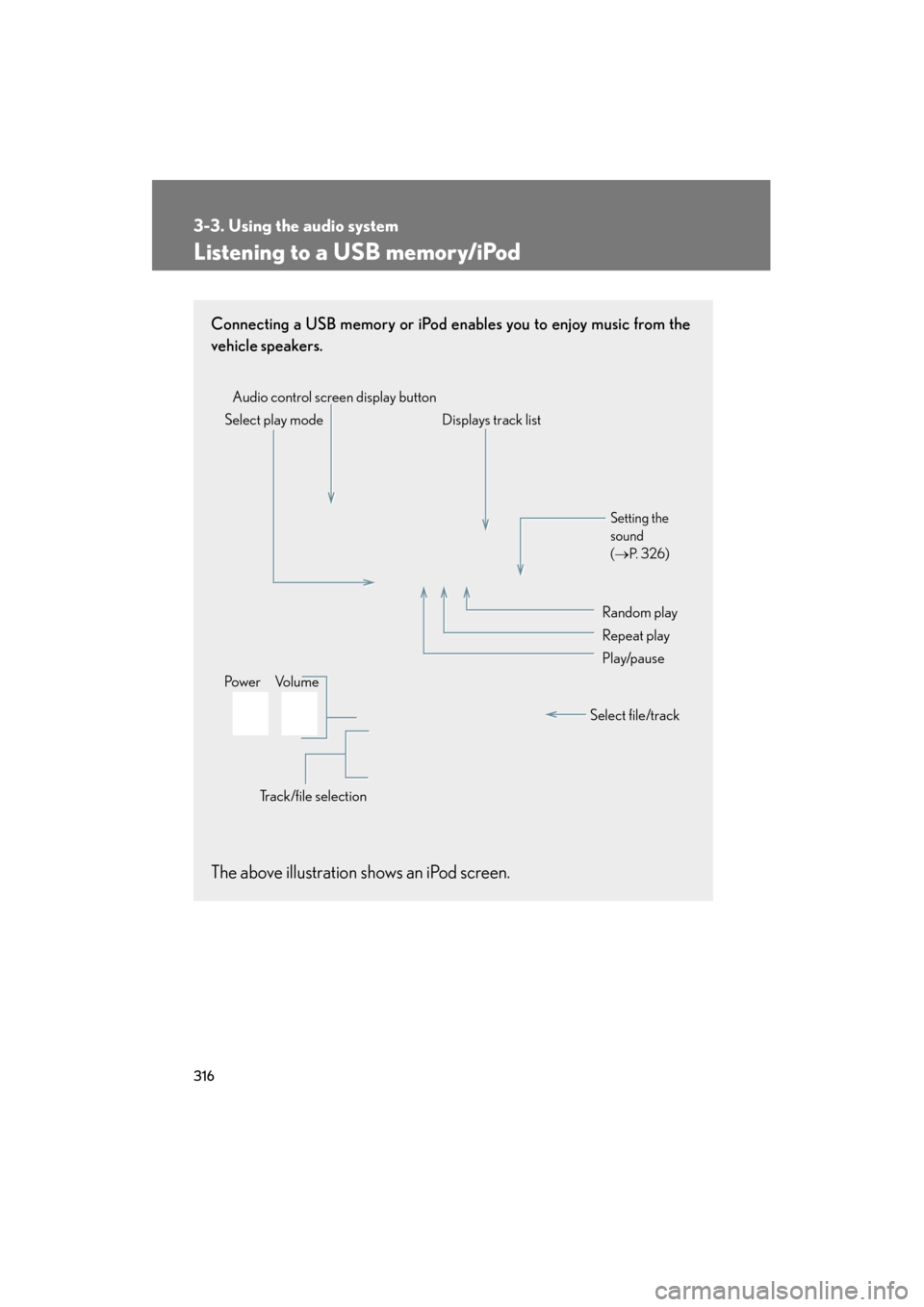
Connecting a USB memory or iPod enables you to enjoy music from the
vehicle speakers.
The above illustration shows an iPod screen.
Audio control screen display buttonTrack/file selectionVo l u m e
Po w e r Select play mode Displays track list
Setting the
sound
(
→ P. 3 2 6 )
Random play
Repeat play
Play/pause
Select file/track
Page 318 of 654
317
3-3. Using the audio system
3
Interior features
GS_G_U (OM30C11U)
October 28, 2011 5:15 pm
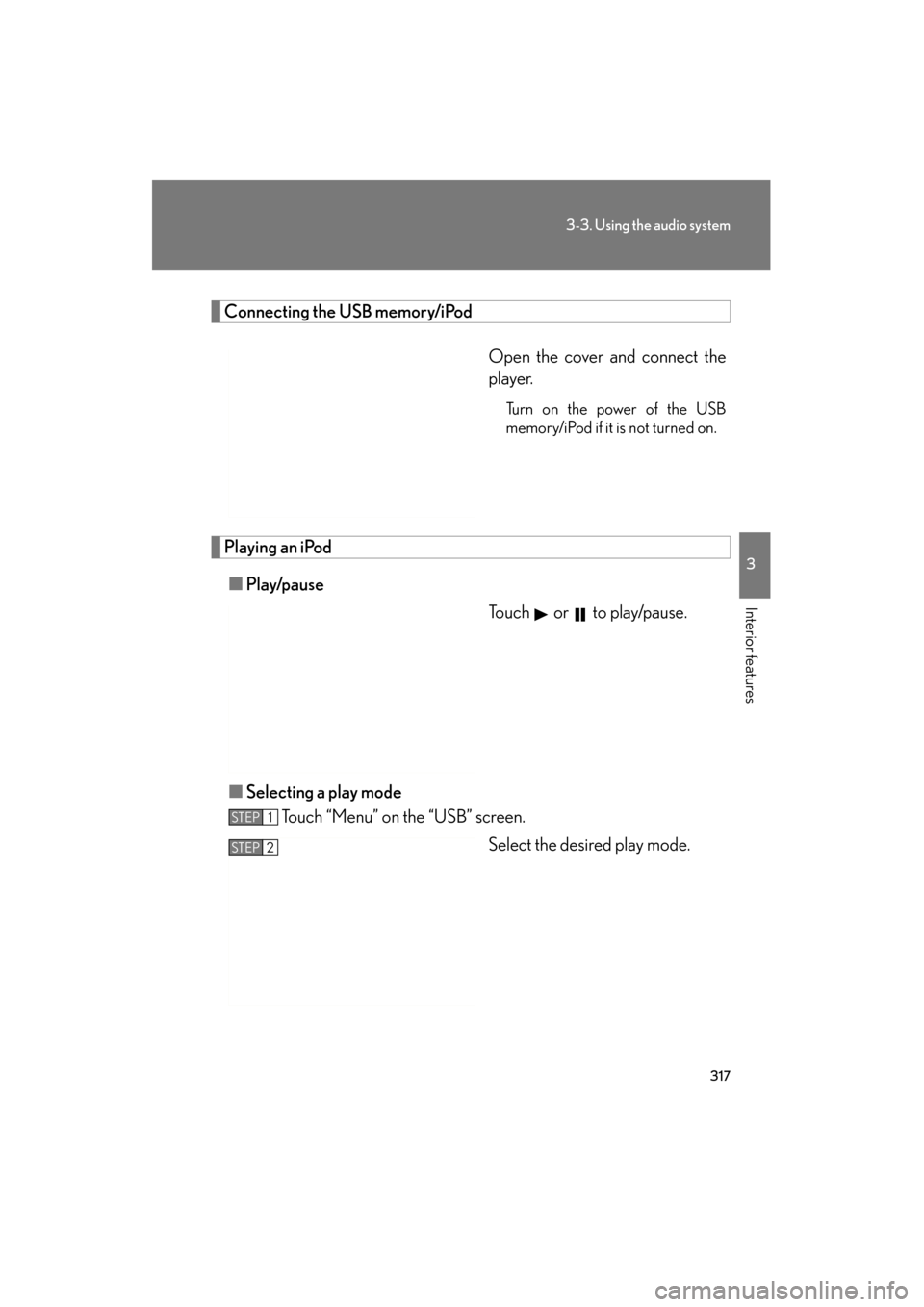
Connecting the USB memory/iPodOpen the cover and connect the
player.
Turn on the power of the USB
memory/iPod if it is not turned on.
Playing an iPod■ Play/pause
Touch or to play/pause.
■ Selecting a play mode
Touch “Menu” on the “USB” screen.
Select the desired play mode.
STEP1
STEP2
Page 319 of 654
318
3-3. Using the audio system
GS_G_U (OM30C11U)
October 28, 2011 5:15 pm
Selecting a folder (USB memory only)
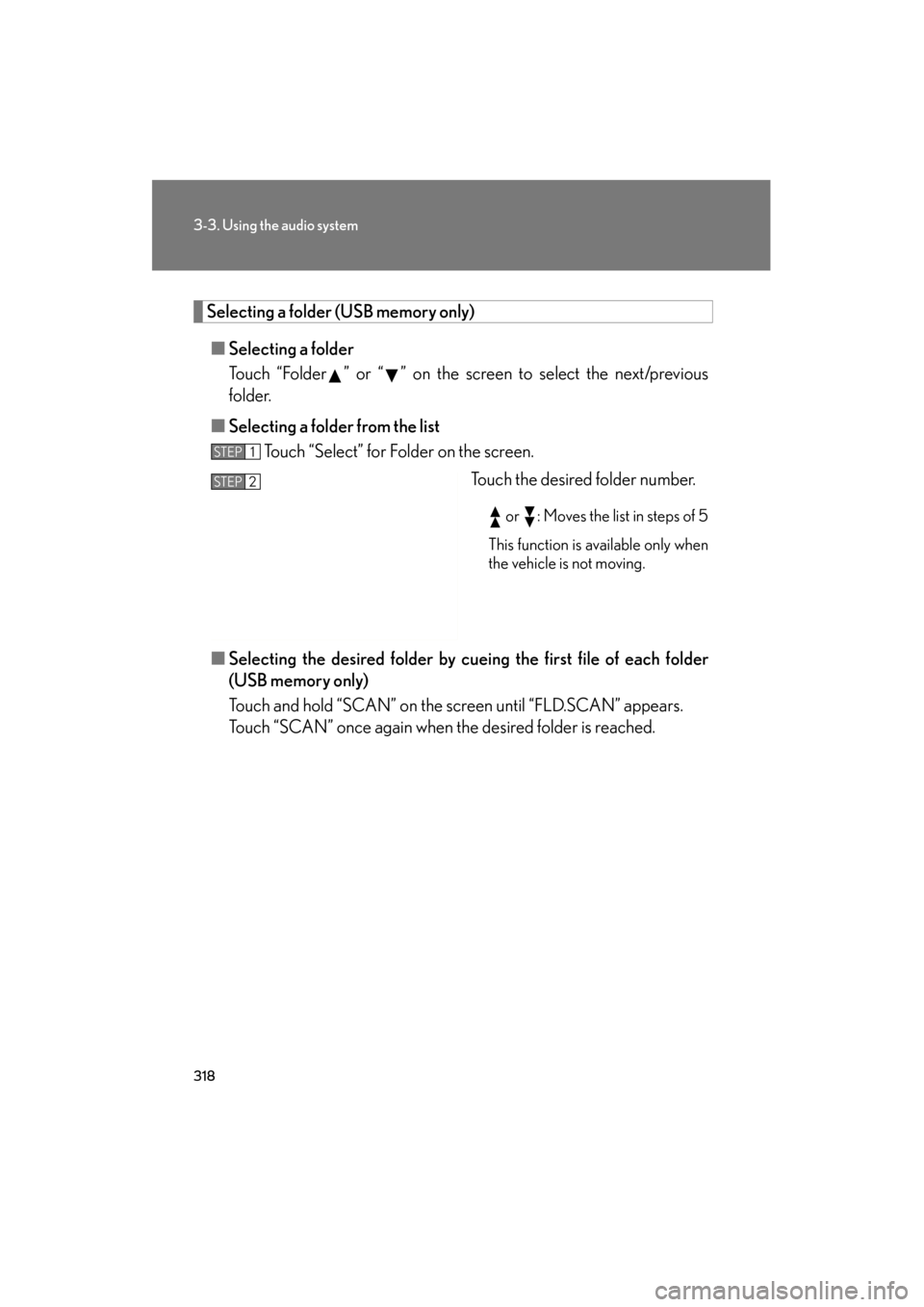
■ Selecting a folder
Touch “Folder ” or “ ” on the screen to select the next/previous
folder.
■ Selecting a folder from the list
Touch “Select” for Folder on the screen.
Touch the desired folder number.
or : Moves the list in steps of 5
This function is available only when
the vehicle is not moving.
■ Selecting the desired folder by cuei ng the first file of each folder
(USB memory only)
Touch and hold “SCAN” on the screen until “FLD.SCAN” appears.
Touch “SCAN” once again when the desired folder is reached.
STEP1
STEP2
Page 320 of 654
319
3-3. Using the audio system
3
Interior features
GS_G_U (OM30C11U)
October 28, 2011 5:15 pm
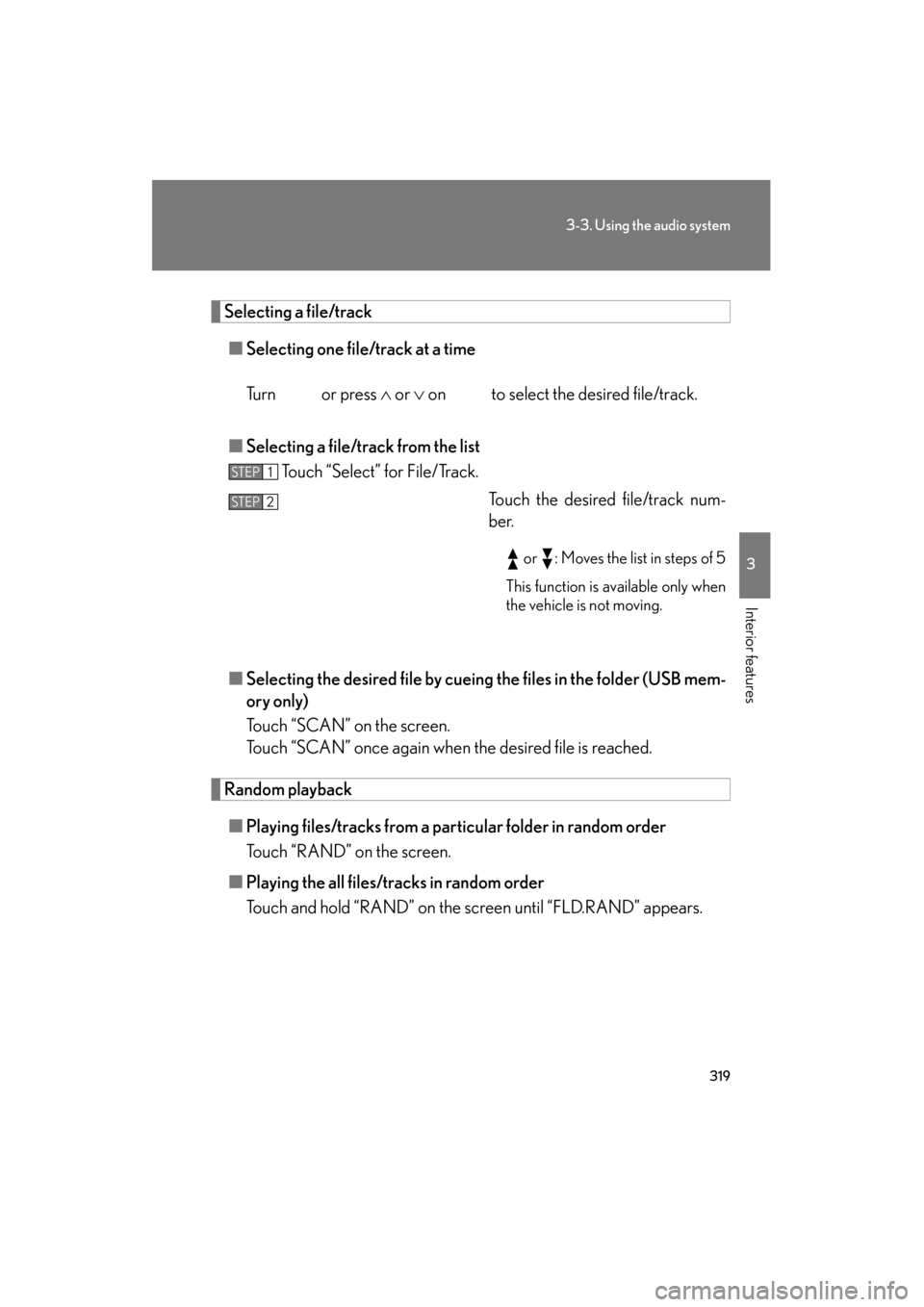
Selecting a file/track■ Selecting one file/track at a time
Tu r n o r p r e s s ∧ or ∨ on to select the desired file/track.
■ Selecting a file/track from the list
Touch “Select” for File/Track.
Touch the desired file/track num-
ber.
or : Moves the list in steps of 5
This function is available only when
the vehicle is not moving.
■ Selecting the desired file by cueing the files in the folder (USB mem-
ory only)
Touch “SCAN” on the screen.
Touch “SCAN” once again when the desired file is reached.
Random playback
■ Playing files/tracks from a part icular folder in random order
Touch “RAND” on the screen.
■ Playing the all files/tracks in random order
Touch and hold “RAND” on the screen until “FLD.RAND” appears.
STEP1
STEP2
Page 321 of 654
320
3-3. Using the audio system
GS_G_U (OM30C11U)
October 28, 2011 5:15 pm
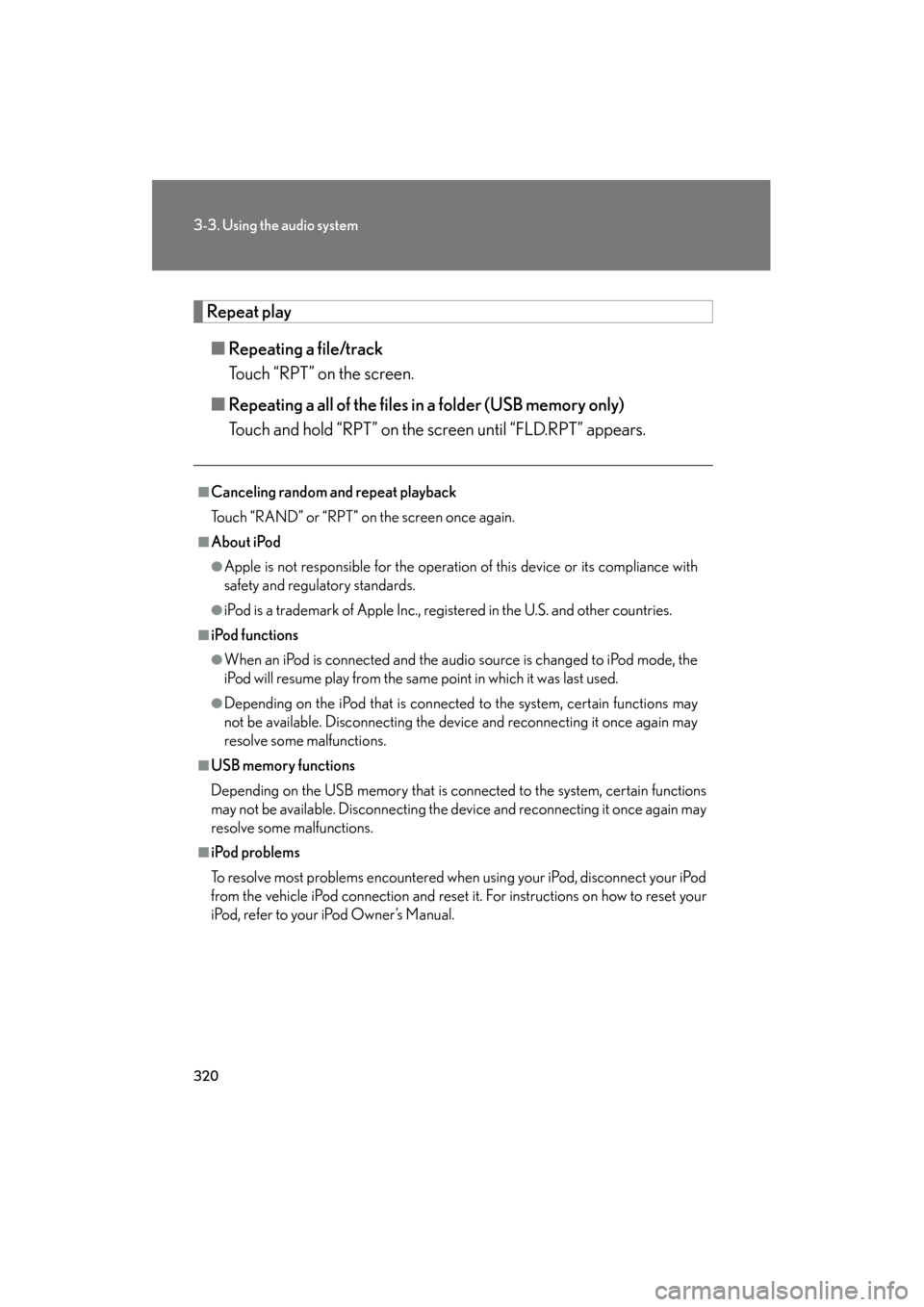
Repeat play■ Repeating a file/track
Touch “RPT” on the screen.
■ Repeating a all of the files in a folder (USB memory only)
Touch and hold “RPT” on the screen until “FLD.RPT” appears.
■Canceling random and repeat playback
Touch “RAND” or “RPT” on the screen once again.
■About iPod
●Apple is not responsible for the operation of this device or its compliance with
safety and regulatory standards.
●iPod is a trademark of Apple Inc., registered in the U.S. and other countries.
■iPod functions
●When an iPod is connected and the audio source is changed to iPod mode, the
iPod will resume play from the same point in which it was last used.
●Depending on the iPod that is connected to the system, certain functions may
not be available. Disconnecting the device and reconnecting it once again may
resolve some malfunctions.
■USB memory functions
Depending on the USB memory that is connected to the system, certain functions
may not be available. Disconnecting the device and reconnecting it once again may
resolve some malfunctions.
■iPod problems
To resolve most problems encountered when using your iPod, disconnect your iPod
from the vehicle iPod connection and reset it. For instructions on how to reset your
iPod, refer to your iPod Owner’s Manual.
Page 322 of 654
321
3-3. Using the audio system
3
Interior features
GS_G_U (OM30C11U)
October 28, 2011 5:15 pm
■Error messages for iPod
“ERROR”: This indicates a problem in the iPod or its connection.
“NO MUSIC”: This indicates that there is no music data in the iPod.
“EMPTY”: This indicates that an empty playlist is selected.
“UPDATE”: This indicates that the version of the iPod is not compatible. Upgradeyour iPod software to the latest version.
■Error messages for USB memory
“ERROR”: This indicates a problem in the USB memory or its connection.
“NO MUSIC”: This indicates that no MP3/WMA files are included in the USB memory.
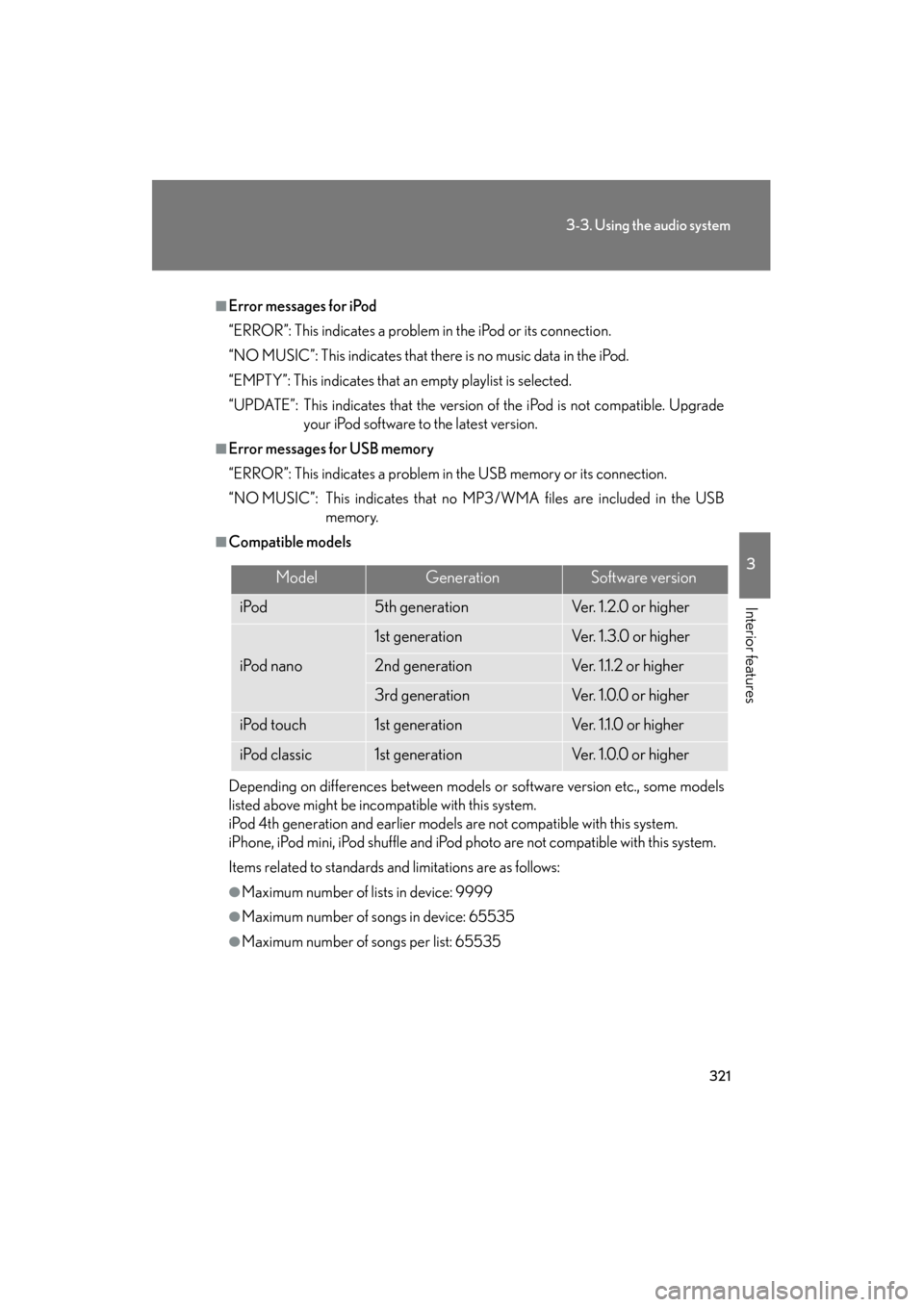
■Compatible models
Depending on differences between models or software version etc., some models
listed above might be incompatible with this system.
iPod 4th generation and earlier models are not compatible with this system.
iPhone, iPod mini, iPod shuffle and iPod ph oto are not compatible with this system.
Items related to standards and limitations are as follows:
●Maximum number of lists in device: 9999
●Maximum number of songs in device: 65535
●Maximum number of songs per list: 65535
ModelGenerationSoftware version
iPod5th generationVe r. 1 . 2 .0 o r h i g h e r
iPod nano
1st generationVe r. 1 . 3 . 0 o r h i g h e r
2nd generationVer. 1.1.2 or higher
3rd generationVe r. 1 .0 . 0 o r h i g h e r
iPod touch1st generationVer. 1.1.0 or higher
iPod classic1st generationVe r. 1 .0 . 0 o r h i g h e r