maintenance Lexus GS350 2011 Owner's Manual
[x] Cancel search | Manufacturer: LEXUS, Model Year: 2011, Model line: GS350, Model: Lexus GS350 2011Pages: 654, PDF Size: 11.03 MB
Page 2 of 654
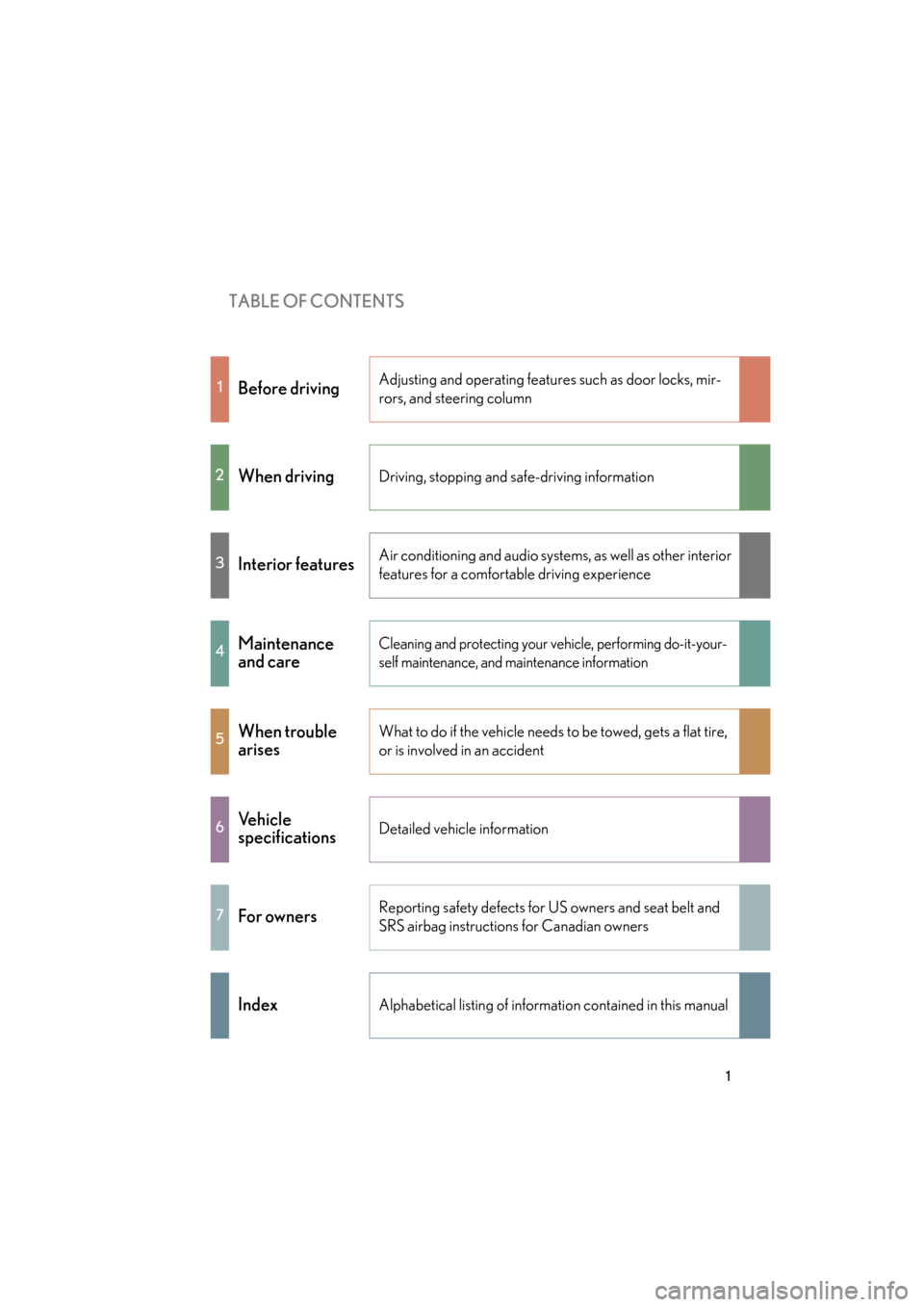
TABLE OF CONTENTS
1
GS_G_U (OM30C11U)
May 21, 2010 12:06 pm
1Before drivingAdjusting and operating features such as door locks, mir-
rors, and steering column
2When drivingDriving, stopping and safe-driving information
3Interior featuresAir conditioning and audio systems, as well as other interior
features for a comfortable driving experience
4Maintenance
and careCleaning and protecting your vehicle, performing do-it-your-
self maintenance, and maintenance information
5When trouble
arisesWhat to do if the vehicle needs to be towed, gets a flat tire,
or is involved in an accident
6Ve h i c l e
specificationsDetailed vehicle information
7For ownersReporting safety defects for US owners and seat belt and
SRS airbag instructions for Canadian owners
IndexAlphabetical listing of information contained in this manual
Page 6 of 654
1
2
3
4
5
6
7
5
GS_G_U (OM30C11U)
May 21, 2010 12:06 pm
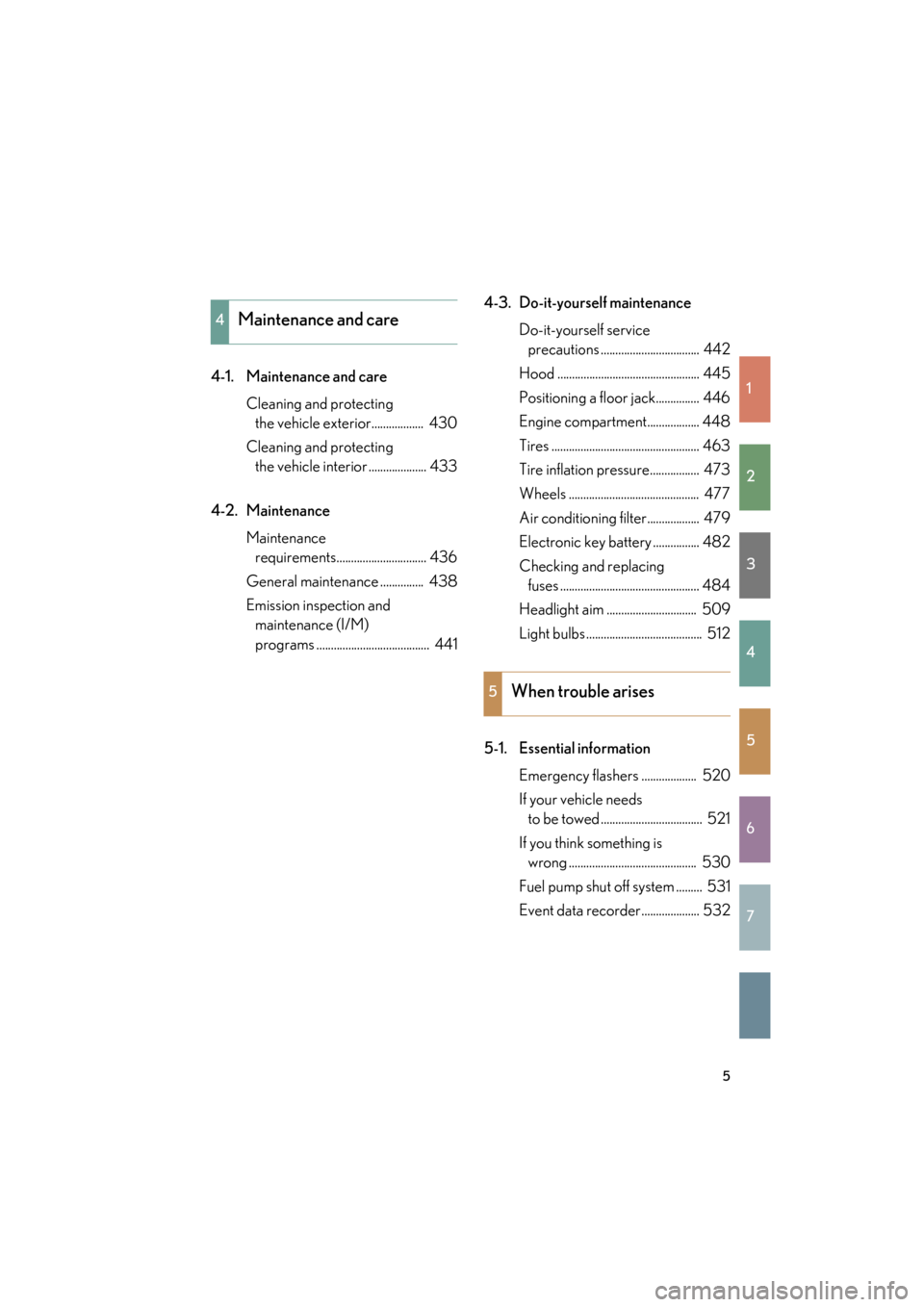
4-1. Maintenance and careCleaning and protecting the vehicle exterior.................. 430
Cleaning and protecting the vehicle interior .................... 433
4-2. Maintenance Maintenance requirements............................... 436
General maintenance ............... 438
Emission inspection and maintenance (I/M)
programs ....................................... 441 4-3. Do-it-yourself maintenance
Do-it-yourself service precautions .................................. 442
Hood ................................................. 445
Positioning a floor jack............... 446
Engine compartment.................. 448
Tires ................................................... 463
Tire inflation pressure................. 473
Wheels ............................................. 477
Air conditioning filter.................. 479
Electronic key battery ................ 482
Checking and replacing fuses ................................................ 484
Headlight aim ............................... 509
Light bulbs ........................................ 512
5-1. Essential information Emergency flashers ................... 520
If your vehicle needs to be towed ................................... 521
If you think something is wrong ............................................ 530
Fuel pump shut off system ......... 531
Event data recorder.................... 532
4Maintenance and care
5When trouble arises
Page 7 of 654
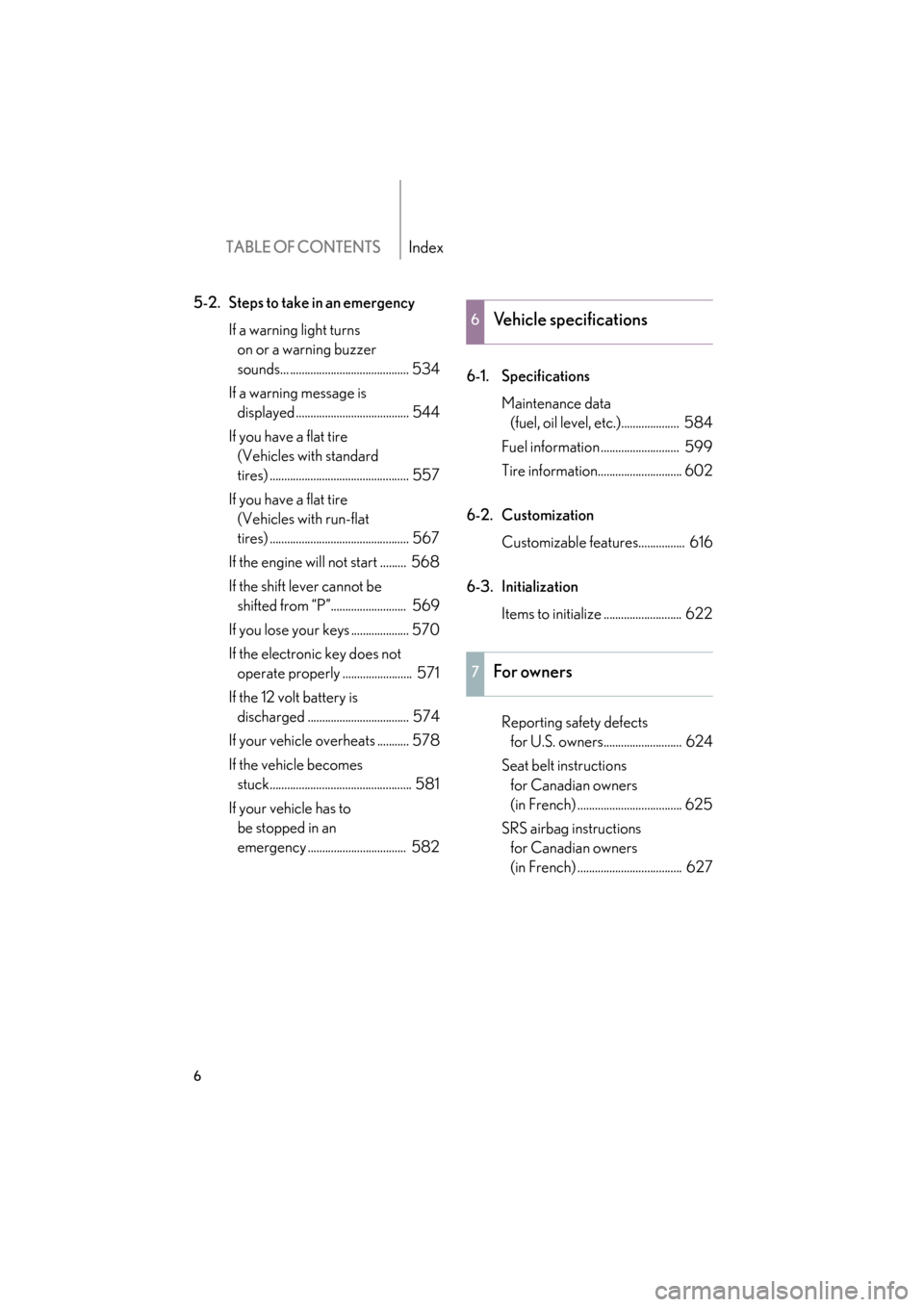
TABLE OF CONTENTSIndex
6
GS_G_U (OM30C11U)
May 21, 2010 12:06 pm
5-2. Steps to take in an emergencyIf a warning light turns on or a warning buzzer
sounds... ......................................... 534
If a warning message is displayed ....................................... 544
If you have a flat tire (Vehicles with standard
tires) ................................................ 557
If you have a flat tire (Vehicles with run-flat
tires) ................................................ 567
If the engine will not start ......... 568
If the shift lever cannot be shifted from “P”.......................... 569
If you lose your keys .................... 570
If the electronic key does not operate properly ........................ 571
If the 12 volt battery is discharged ................................... 574
If your vehicle overheats ........... 578
If the vehicle becomes stuck................................................. 581
If your vehicle has to be stopped in an
emergency .................................. 582 6-1. Specifications
Maintenance data (fuel, oil level, etc.).................... 584
Fuel information ........................... 599
Tire information............................. 602
6-2. Customization Customizable features................ 616
6-3. Initialization Items to initialize ........................... 622
Reporting safety defects for U.S. owners........................... 624
Seat belt instructions for Canadian owners
(in French) .................................... 625
SRS airbag instructions for Canadian owners
(in French) .................................... 627
6Vehicle specifications
7For owners
Page 86 of 654
85
1
Before driving
GS_G_U (OM30C11U)
May 21, 2010 12:06 pm
1-6. Theft deterrent system
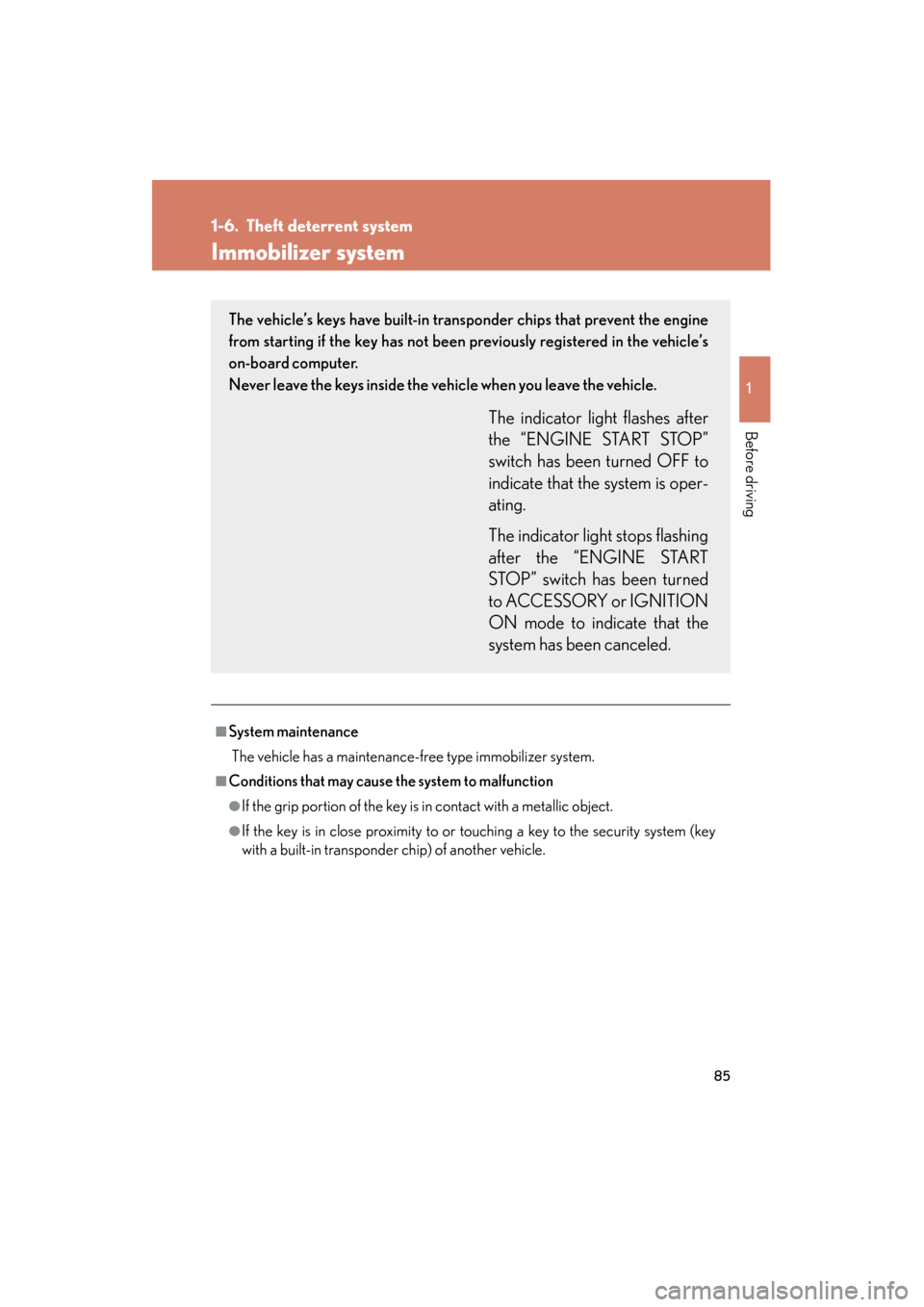
Immobilizer system
■System maintenance
The vehicle has a maintenance-free type immobilizer system.
■Conditions that may cause the system to malfunction
●If the grip portion of the key is in contact with a metallic object.
●If the key is in close proximity to or touching a key to the security system (key
with a built-in transponder chip) of another vehicle.
The vehicle’s keys have built-in transponder chips that prevent the engine
from starting if the key has not been previously registered in the vehicle’s
on-board computer.
Never leave the keys inside the vehicle when you leave the vehicle.
The indicator light flashes after
the “ENGINE START STOP”
switch has been turned OFF to
indicate that the system is oper-
ating.
The indicator light stops flashing
after the “ENGINE START
STOP” switch has been turned
to ACCESSORY or IGNITION
ON mode to indicate that the
system has been canceled.
Page 89 of 654
88
1-6. Theft deterrent system
GS_G_U (OM30C11U)
May 21, 2010 12:06 pm
■System maintenance
The vehicle has a maintenance-free type alarm system.
■Items to check before locking the vehicle
To prevent unexpected triggering of the alarm and vehicle theft, make sure of the
following:
●Nobody is in the vehicle.
●The windows and moon roof are closed before the alarm is set.
●No valuables or other personal items are left in the vehicle.
■Triggering of the alarm
The alarm may be triggered in the following situations.
(Stopping the alarm deactivates the alarm system.)
●A person inside the vehicle opens a door,
the trunk or hood.
●The 12 volt battery is recharged or
replaced when the vehicle is locked.
Page 239 of 654
238
3-1. Using the touch screen
GS_G_U (OM30C11U)
October 28, 2011 5:15 pm
■Delete personal data
Touch “Delete Personal Data” on the “General Settings” screen.
Touch “Delete”.
Check carefully beforehand, as
data cannot be retrieved once
deleted.
A confirmation screen will be displayed. Touch “Yes”.
The following personal data can be deleted or turned to their default settings:
• Radio preset stations
•Phonebook data
•Call history data
• Speed dial data
• Voice tag data
• Bluetooth
® phone data
• Volume setting
• Details setting
• Maintenance conditions
*
• Maintenance information “off” setting*
• Address book*
• Areas to avoid*
•Previous points*
•Route guidance*
•Route trace*
*
: If the navigation system is equipped
STEP1
STEP2
STEP3
Page 430 of 654
Maintenance and care4
429
GS_G_U (OM30C11U)
May 21, 2010 12:06 pm
4-1. Maintenance and careCleaning and protecting the vehicle exterior............ 430
Cleaning and protecting the vehicle interior .............. 433 4-2. Maintenance
Maintenance requirements........................ 436
General maintenance .......... 438
Emission inspection and maintenance (I/M)
programs ................................ 441
4-3. Do-it-yourself maintenance Do-it-yourself service precautions ........................... 442
Hood .......................................... 445
Positioning a floor jack ......... 446
Engine compartment ........... 448
Tires............................................ 463
Tire inflation pressure........... 473
Wheels ....................................... 477
Air conditioning filter ............ 479
Electronic key battery.......... 482
Checking and replacing fuses ........................................ 484
Headlight aim ......................... 509
Light bulbs................................. 512
Page 431 of 654
430
GS_G_U (OM30C11U)
October 28, 2011 5:15 pm
4-1. Maintenance and care
Cleaning and protecting the vehicle exterior
Perform the following to protect the vehicle and maintain it in prime condi-
tion.
●Working from top to bottom, liberally apply water to the vehicle
body, wheel wells and underside of the vehicle to remove any dirt
and dust.
Wash the vehicle body using a sponge or soft cloth, such as a chamois.
●For hard-to-remove marks, use car wash soap and rinse thor-
oughly with water.
● Wipe away any water.
● Wax the vehicle when the waterproof coating deteriorates.
If water does not bead on a clean surface, apply wax when the vehicle
body is cool.
Page 432 of 654
431
4-1. Maintenance and care
4
Maintenance and care
GS_G_U (OM30C11U)
October 28, 2011 5:15 pm
■Automatic car washes
●Fold the mirrors back before washing the vehicle.
●Brushes used in automatic car washes may scratch the vehicle surface and
harm your vehicle’s paint.
●Before entering an automatic car wash, check that the fuel filler door is closed.
■High pressure washers
Do not allow the nozzles of the washers to come within close proximity of the win-
dows and fuel filler door.
■Aluminum wheels
●Remove any dirt immediately by using a neutral detergent. Do not use hard
brushes or abrasive cleaners. Do not use strong or harsh chemical cleaners.
Use the same mild detergent and wax as used on the paint.
●Do not use detergent on the wheels when they are hot, for example after driving
for long distance in the hot weather.
●Wash detergent from the wheels immediately after use.
■Bumpers and side moldings
Do not scrub with abrasive cleaners.
CAUTION
■Caution about the exhaust pipe
Exhaust gasses cause the exhaust pipe to become quite hot.
When washing the vehicle, be careful not to touch the pipe until it has cooled suffi-
ciently, as touching a hot exhaust pipe can cause burns.
Page 433 of 654
432
4-1. Maintenance and care
GS_G_U (OM30C11U)
October 28, 2011 5:15 pm
NOTICE
■To prevent paint deterioration and corrosion on the body and components
(aluminum wheels etc.)
●Wash the vehicle immediately in the following cases:
• After driving near the sea coast
• After driving on salted roads
• If you see coal tar or tree sap on the paint surface
• If you see dead insects, insect droppings or bird droppings on the paint
• After driving in an area contaminated with soot, oily smoke, mine dust, iron
powder or chemical substances
• If the vehicle becomes heavily soiled in dust or mud
• If liquids such as benzene and gasoline are spilled on the paint surface
●If the paint is chipped or scratched, have it repaired immediately.
●To prevent the wheels from corroding, remove any dirt and store in a place with
low humidity when storing the wheels.
■Cleaning the exterior lights
●Wash carefully. Do not use organic substances or scrub with a hard brush.
This may damage the surfaces of the lights.
●Do not apply wax on the surfaces of the lights.
Wax may cause damage to the lenses.
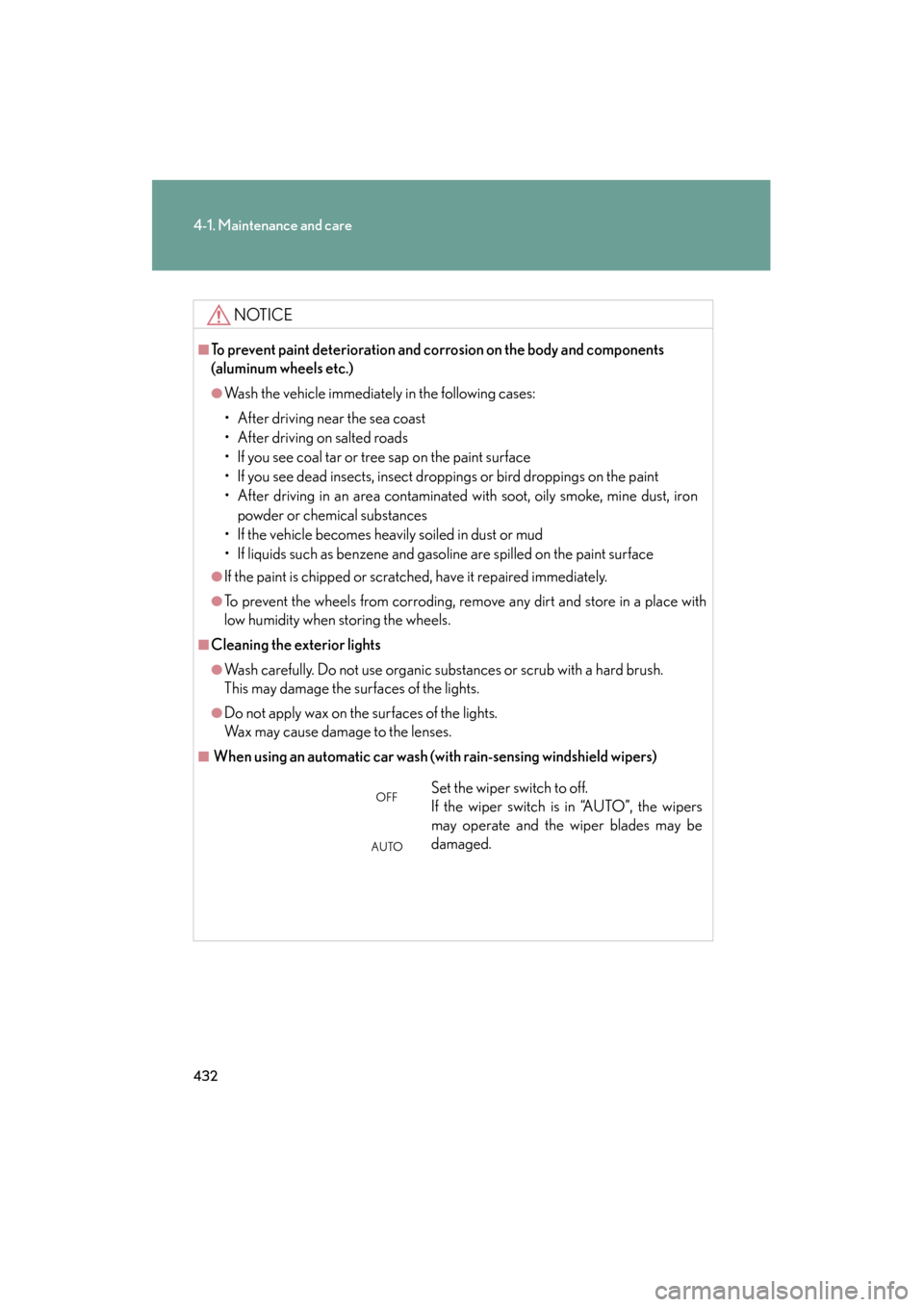
■ When using an automatic car wash (with rain-sensing windshield wipers)
Set the wiper switch to off.
If the wiper switch is in “AUTO”, the wipers
may operate and the wiper blades may be
damaged.OFF
AUTO