ad blue Lexus GS350 2012 User Guide
[x] Cancel search | Manufacturer: LEXUS, Model Year: 2012, Model line: GS350, Model: Lexus GS350 2012Pages: 914, PDF Size: 49.39 MB
Page 392 of 914
3825-1. Remote Touch screen
GS350/250_EE (OM30C36E)
Set up screen
*: Bluetooth is a registered trademark of Bluetooth SIG. Inc.
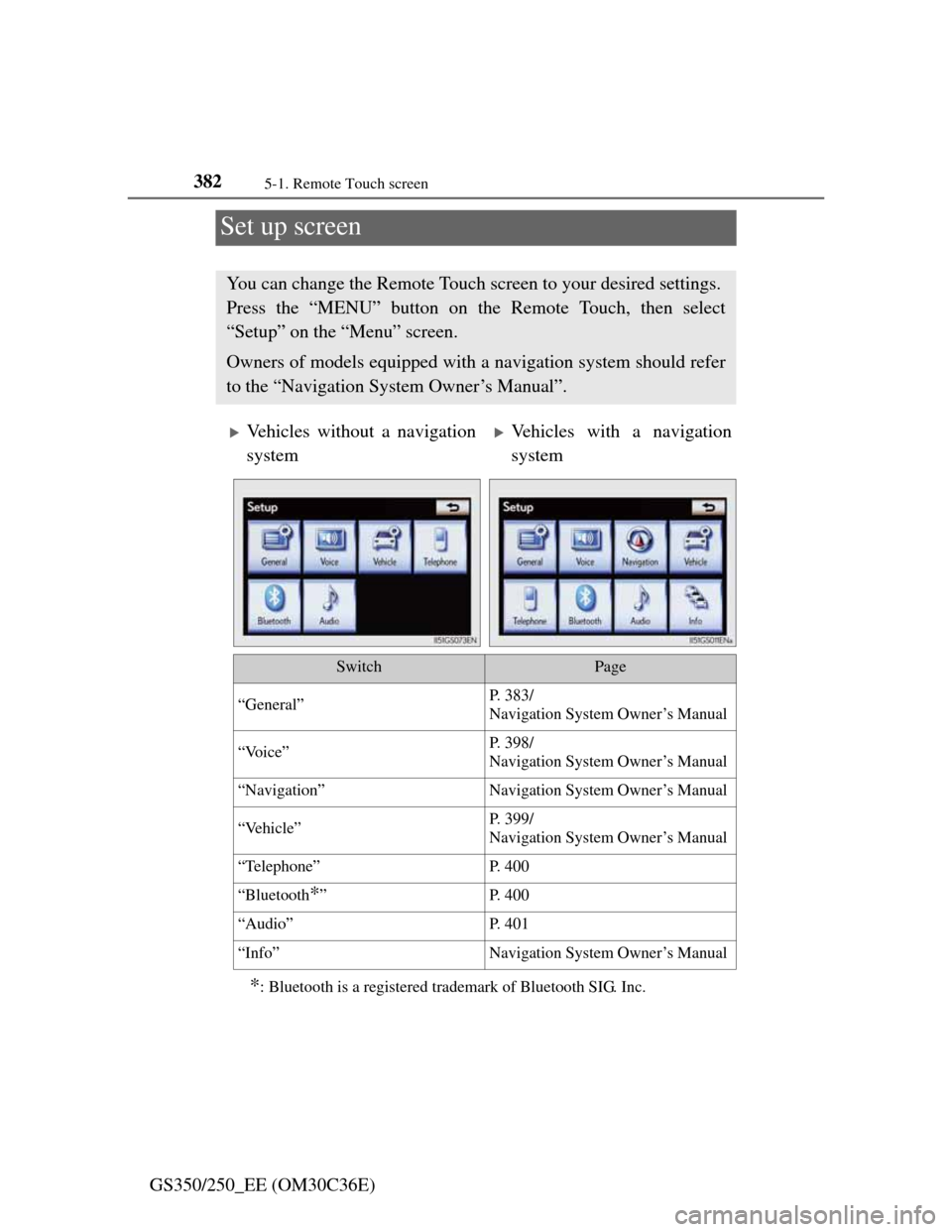
You can change the Remote Touch screen to your desired settings.
Press the “MENU” button on the Remote Touch, then select
“Setup” on the “Menu” screen.
Owners of models equipped with a navigation system should refer
to the “Navigation System Owner’s Manual”.
Vehicles without a navigation
systemVehicles with a navigation
system
SwitchPage
“General”P. 383/
Navigation System Owner’s Manual
“Voice”P. 398/
Navigation System Owner’s Manual
“Navigation”Navigation System Owner’s Manual
“Vehicle”P. 399/
Navigation System Owner’s Manual
“Telephone”P. 4 0 0
“Bluetooth*”P. 4 0 0
“Audio”P. 4 0 1
“Info”Navigation System Owner’s Manual
Page 406 of 914

3965-1. Remote Touch screen
GS350/250_EE (OM30C36E)
Delete personal data
This function is not available while driving.
Select “Delete personal data” on the “General settings” screen.
Select “Delete”.
Check carefully beforehand, as
data cannot be retrieved once
deleted.
Select “Yes”.
The following personal data can be deleted or returned to their default set-
tings:
• Maintenance conditions
*
• Maintenance information off setting*
• Memory point*
• Password settings for backing up and copying memory points*
•Areas to avoid*
• Previous points*
• Route guidance*
•Route trace*
• Phonebook data
• Call history data
• Speed dial data
•Bluetooth
® phone data
• Phone sound settings
• Phone display settings
• Message settings
• Audio setting
•Bluetooth
® audio setting
• Search engine settings
• Opening image data
• Screen off image data
*: Vehicles with a navigation system.
1
2
3
Page 410 of 914
4005-1. Remote Touch screen
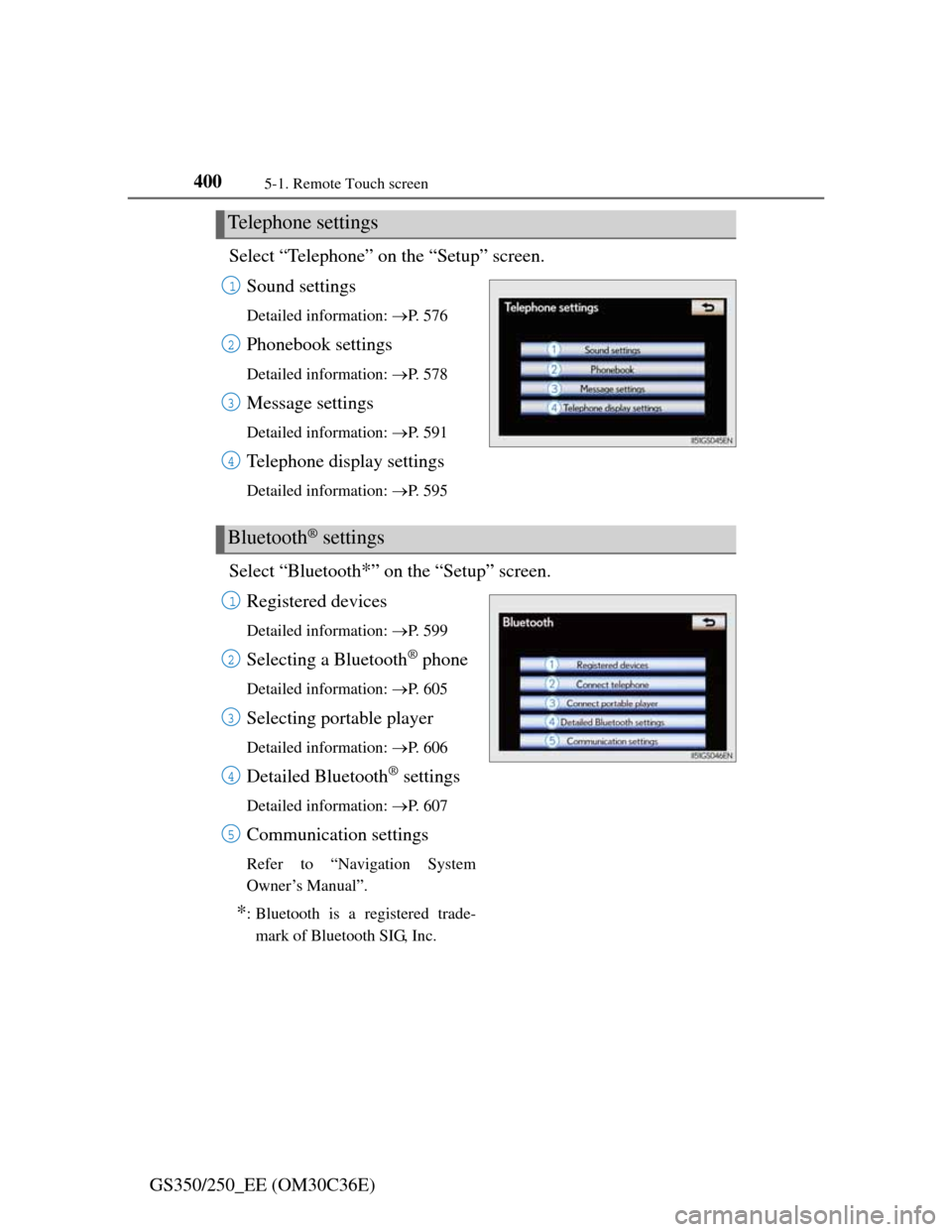
GS350/250_EE (OM30C36E)Select “Telephone” on the “Setup” screen.
Sound settings
Detailed information: P. 5 7 6
Phonebook settings
Detailed information: P. 5 7 8
Message settings
Detailed information: P. 5 9 1
Telephone display settings
Detailed information: P. 5 9 5
Select “Bluetooth*” on the “Setup” screen.
Registered devices
Detailed information: P. 5 9 9
Selecting a Bluetooth® phone
Detailed information: P. 6 0 5
Selecting portable player
Detailed information: P. 6 0 6
Detailed Bluetooth® settings
Detailed information: P. 6 0 7
Communication settings
Refer to “Navigation System
Owner’s Manual”.
*: Bluetooth is a registered trade-
mark of Bluetooth SIG, Inc.
Telephone settings
1
2
3
4
Bluetooth® settings
1
2
3
4
5
Page 445 of 914
4345-3. Using the audio system
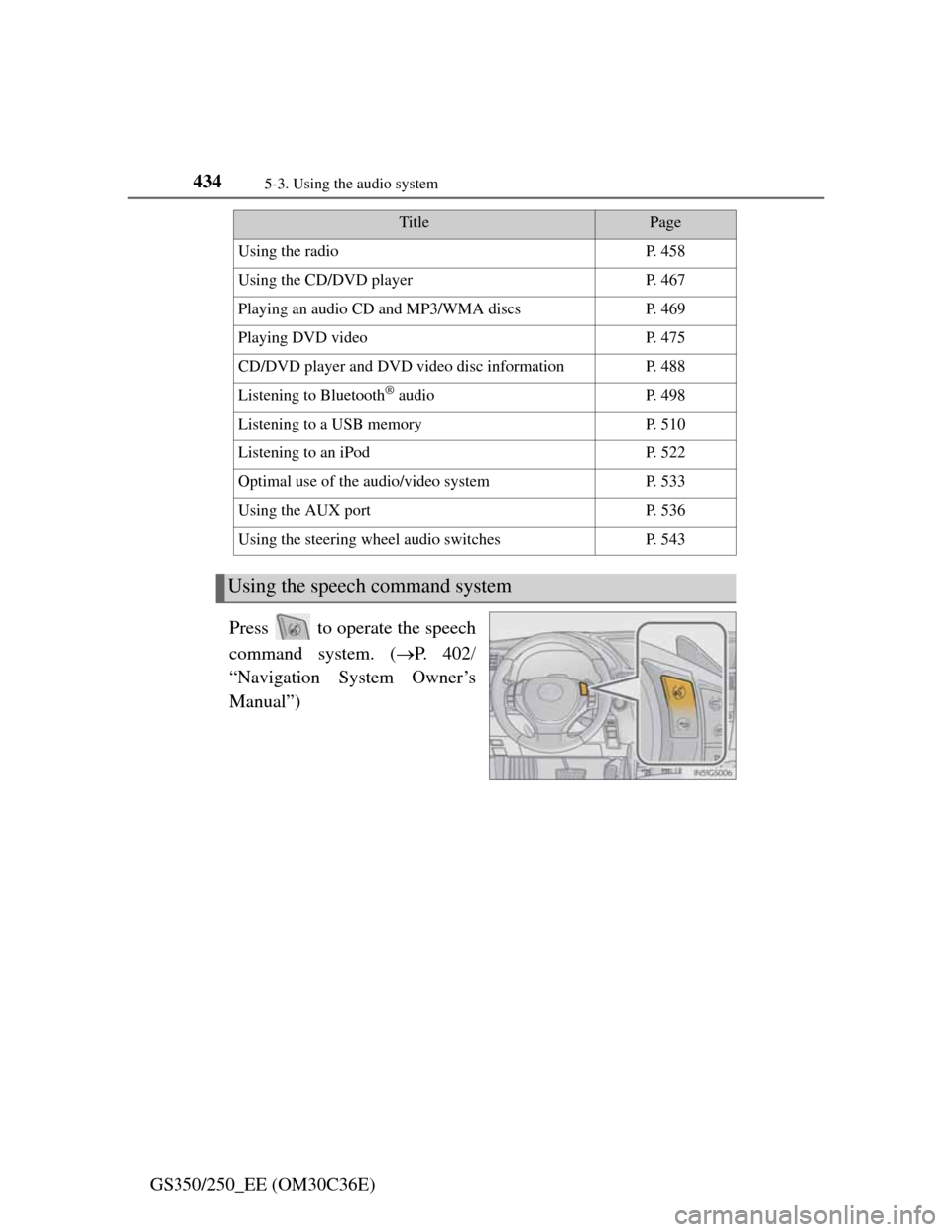
GS350/250_EE (OM30C36E)Press to operate the speech
command system. (P. 4 0 2
“Navigation System Owner’s
Manual”)
TitlePage
Using the radioP. 4 5 8
Using the CD/DVD playerP. 4 6 7
Playing an audio CD and MP3/WMA discsP. 4 6 9
Playing DVD videoP. 4 7 5
CD/DVD player and DVD video disc informationP. 4 8 8
Listening to Bluetooth® audioP. 4 9 8
Listening to a USB memoryP. 5 1 0
Listening to an iPodP. 5 2 2
Optimal use of the audio/video systemP. 5 3 3
Using the AUX portP. 5 3 6
Using the steering wheel audio switchesP. 5 4 3
Using the speech command system
Page 509 of 914

4985-3. Using the audio system
GS350/250_EE (OM30C36E)
Listening to Bluetooth® audio
The Bluetooth® audio system enables users to enjoy music played
on a portable player from the vehicle speaker via wireless commu-
nication.
This audio system supports Bluetooth
®, a wireless data system
capable of playing portable audio music without cables. If your
portable player does not support Bluetooth
®, the Bluetooth® audio
system will not function.
Press the “MEDIA” button if a Bluetooth
® audio player has
already been connected.
Select the “BT audio” tab or press the “MEDIA” button repeatedly
until the “BT audio” tab is selected.
Page 510 of 914

4995-3. Using the audio system
5
Interior features
GS350/250_EE (OM30C36E)
Folder/album selection
Track selection
Displays folder/album list
Displays track list
Connection status
Connecting Bluetooth
® audio
player
Play/pauseRepeat play
“TUNE/SCROLL” knob:
Track selection
“CH•TRACK” button:
Track selection/fast forward/
rewind
MEDIA button
Power
Vo l u m e
Random playback
1
2
3
4
5
6
7
8
9
10
11
12
13
14
Page 512 of 914

5015-3. Using the audio system
5
Interior features
GS350/250_EE (OM30C36E)To use the Bluetooth
® audio system, you need to enter your porta-
ble player into the system. Once registered, you can enjoy your
music on the vehicle’s audio system. (P. 606)
For the operation procedure for the portable player, consult your
player’s accompanying instruction manual.
When “Bluetooth* power” is turned on
When the portable player is on standby for the connection, it will
be automatically connected whenever the engine switch is in
either ACCESSORY or IGNITION ON mode.
When “Bluetooth* power” is turned off
Manually connect the portable player in accordance with the fol-
lowing procedure.
Select “Connect”.
Select the desired portable
player.
*: Bluetooth is a registered trademark of Bluetooth SIG, Inc.
Connecting Bluetooth® audio player
1
2
Page 513 of 914
5025-3. Using the audio system
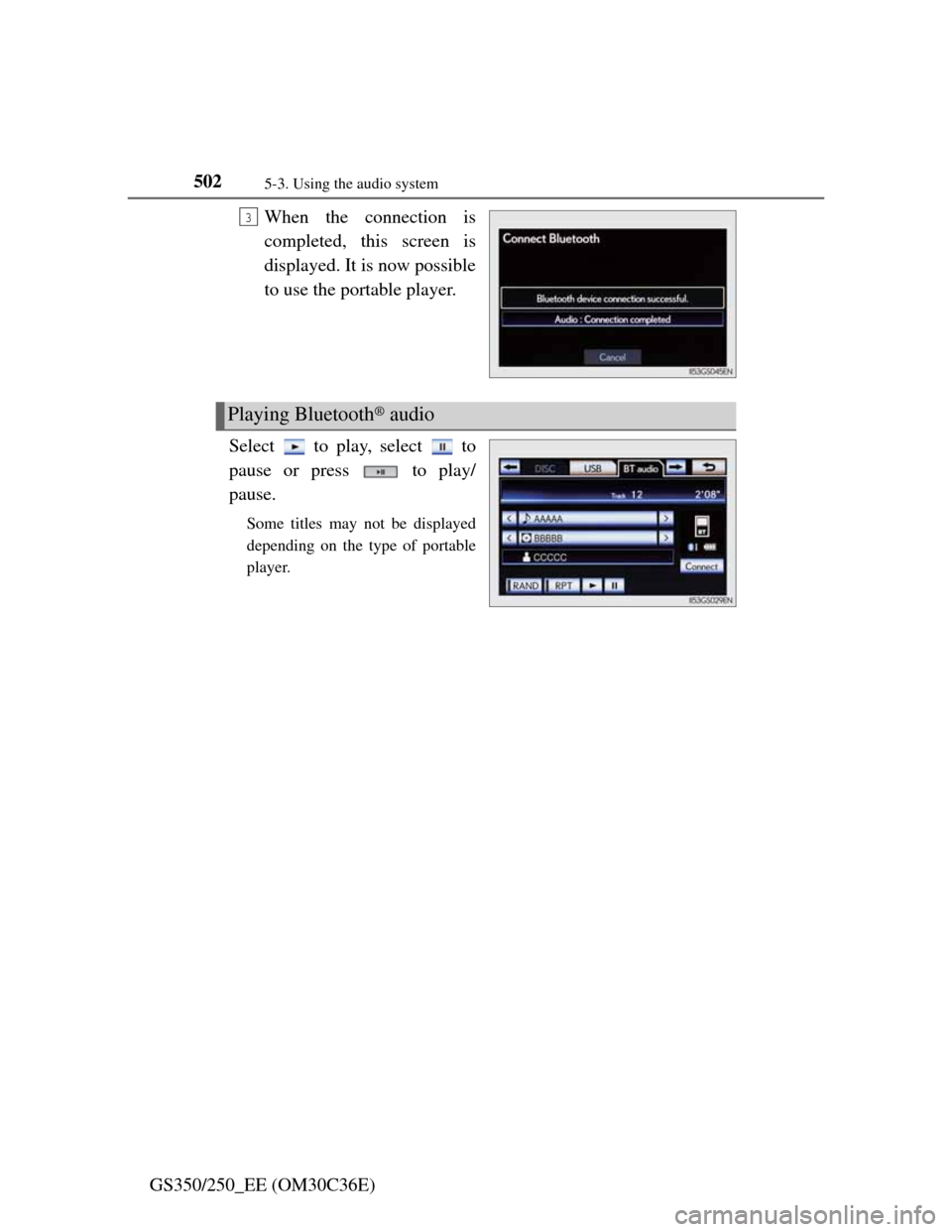
GS350/250_EE (OM30C36E)When the connection is
completed, this screen is
displayed. It is now possible
to use the portable player.
Select to play, select to
pause or press to play/
pause.
Some titles may not be displayed
depending on the type of portable
player.
3
Playing Bluetooth® audio
Page 518 of 914

5075-3. Using the audio system
5
Interior features
GS350/250_EE (OM30C36E)
If you select
The display returns to the previous screen.
Connecting Bluetooth® audio player
Selecting “Connect portable player” on the “Bluetooth*” screen also con-
nects a Bluetooth® audio player. (P. 606)
When none of the selectable portable players have been registered, a screen
confirming registration is displayed. The registration method is the same as
phone registration. (P. 599)
When the currently connected portable player is selected, a screen confirm-
ing the selected player’s disconnection is displayed. (P. 599)
If connection fails once, a changing connection method confirmation screen
is displayed. If connection fails 2 or more times, a message will be dis-
played. When this message is displayed, try again.
*: Bluetooth is a registered trademark of Bluetooth SIG. Inc.
When using the Bluetooth® audio system
In the following conditions, the system may not function.
• The portable player is turned off
• The portable player is not connected
• The portable player battery is low
There may be a delay if phone connection is carried out during Bluetooth®
audio play.
Depending on the type of portable player that is connected to the system,
operation may differ slightly and certain functions may not be available.
Bluetooth® antenna
The antenna is built into the instrument panel. If the portable player is behind
the seat or in the glove box or console box, or is touching or covered by
metal objects, connection status may deteriorate.
Battery charge/signal status
This display may not correspond exactly with the portable player, and this
system does not have a charging function.
Page 519 of 914
5085-3. Using the audio system
GS350/250_EE (OM30C36E)
About Bluetooth®
Compatible models
Portable players must correspond to the following specifications:
Bluetooth® specification
Ver. 1.1 or higher
(Recommended: Ver. 2.1+EDR or higher)
Profile
• A2DP (Advanced Audio Distribution Profile) Ver. 1.0 or higher
(Recommended: Ver. 1.2 or higher)
• AVRCP (Audio/Video Remote Control Profile) Ver. 1.0 or higher
(Recommended: Ver. 1.4 or higher)
However, please note that some functions may be limited depending on the
type of portable player. Also, the different screen is displayed depending on
which portable player is connecting.
Certification
P. 5 4 9
Reconnecting the portable player
If the portable player is disconnected with a poor reception when the engine
switch is in ACCESSORY or IGNITION ON mode, the system automati-
cally reconnects the portable player.
If you have switched off the portable player yourself, follow the instructions
below to reconnect:
Select the portable player again
Enter the portable player
When transferring ownership of your vehicle
Be sure to remove the registered portable player from the system. (P. 601) Bluetooth is a registered trademark of
Bluetooth SIG. Inc.