instrument cluster Lexus GS350 2013 Adjusting the steering wheel and mirrors / LEXUS 2013 GS350 (OM30C34U) Owner's Manual
[x] Cancel search | Manufacturer: LEXUS, Model Year: 2013, Model line: GS350, Model: Lexus GS350 2013Pages: 828, PDF Size: 10.43 MB
Page 91 of 828

GS350_U (OM30C34U)
912. Instrument cluster
2
Instrument cluster
●Vehicle speed
●Tachometer
●Shift position and shift range
Displays the selected shift position or selected shift range ( P. 1 7 8 )
●
Eco Driving Indicator ( P. 8 3 )
●Audio display
Displays audio information for approximately 3 seconds when the audio system is
operated
●
Route guidance display (vehicles with navigation system) (P. 9 4 )
When approaching an intersection while the navigation system is giving route
guidance, an arrow will automatically be displayed to indicate the direction of
travel.
●
Lane departure warning display (LKA [Lane-Keeping Assist])
(if equipped) ( P. 7 0 9 )
●Approach warning display (dyn amic radar cruise control)
(if equipped) ( P. 7 0 8 )
●Pre-collision braking warning message (pre-collision system)
(if equipped) ( P. 6 9 9 )
Head-up display contents
Page 92 of 828
92
GS350_U (OM30C34U)
2. Instrument cluster
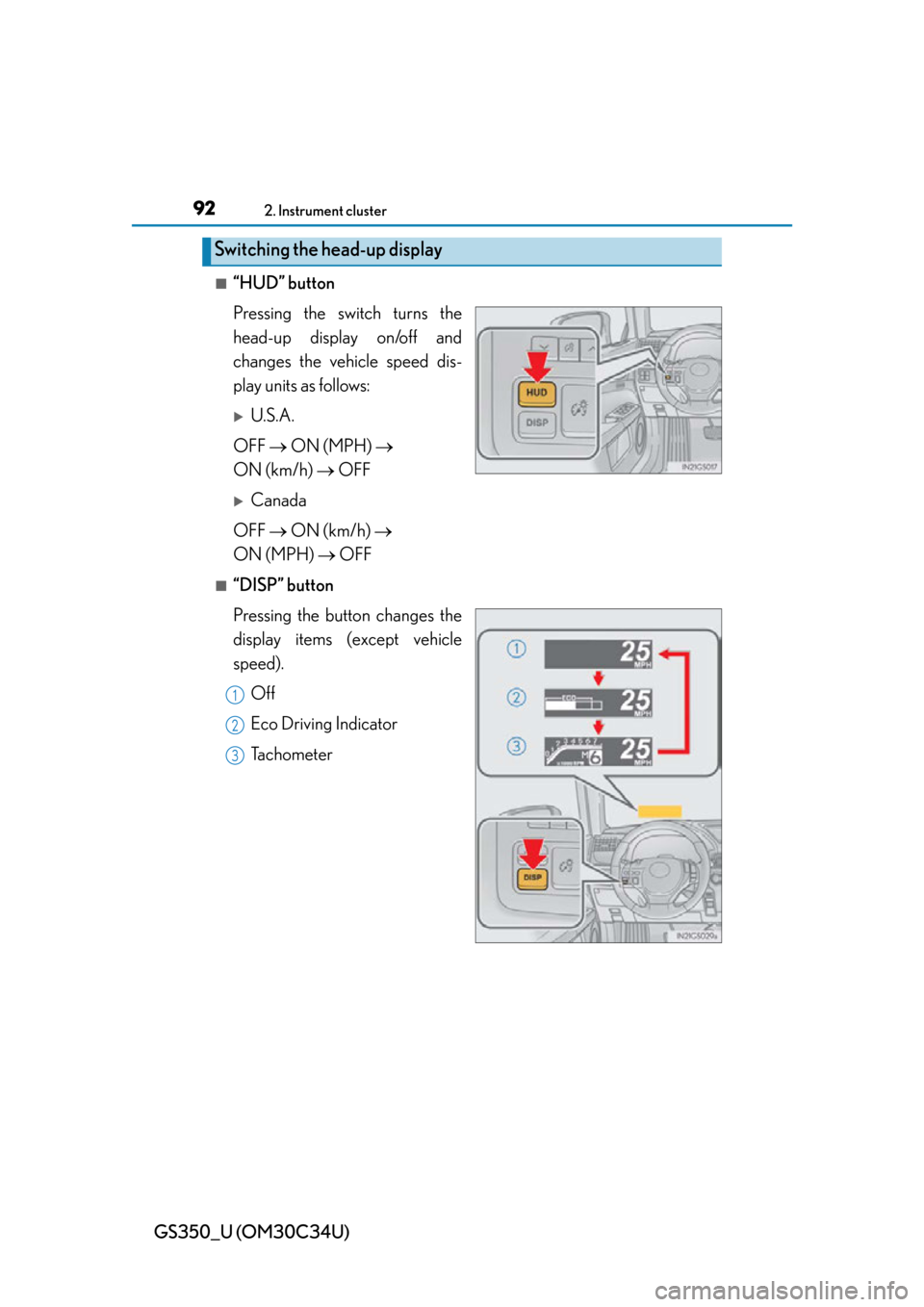
■“HUD” button
Pressing the switch turns the
head-up display on/off and
changes the vehicle speed dis-
play units as follows:
U.S.A.
OFF ON (MPH)
ON (km/h) OFF
Canada
OFF ON (km/h)
ON (MPH) OFF
■“DISP” button
Pressing the button changes the
display items (except vehicle
speed).
Off
Eco Driving Indicator
Tachometer
Switching the head-up display
1
2
3
Page 93 of 828
GS350_U (OM30C34U)
932. Instrument cluster
2
Instrument cluster
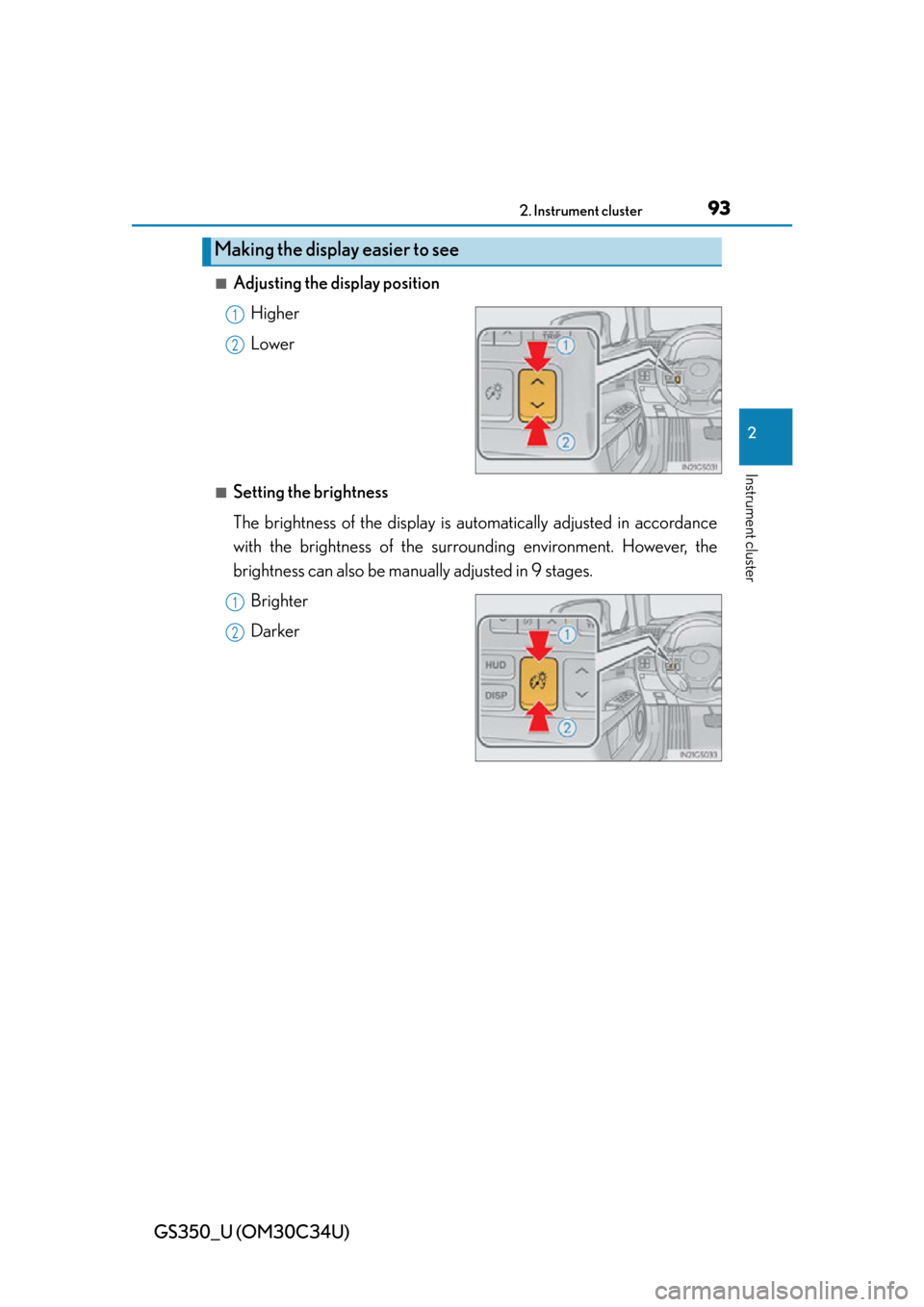
■Adjusting the display positionHigher
Lower
■Setting the brightness
The brightness of the display is automatically adjusted in accordance
with the brightness of the surrounding environment. However, the
brightness can also be manually adjusted in 9 stages.Brighter
Darker
Making the display easier to see
1
2
1
2
Page 94 of 828
94
GS350_U (OM30C34U)
2. Instrument cluster
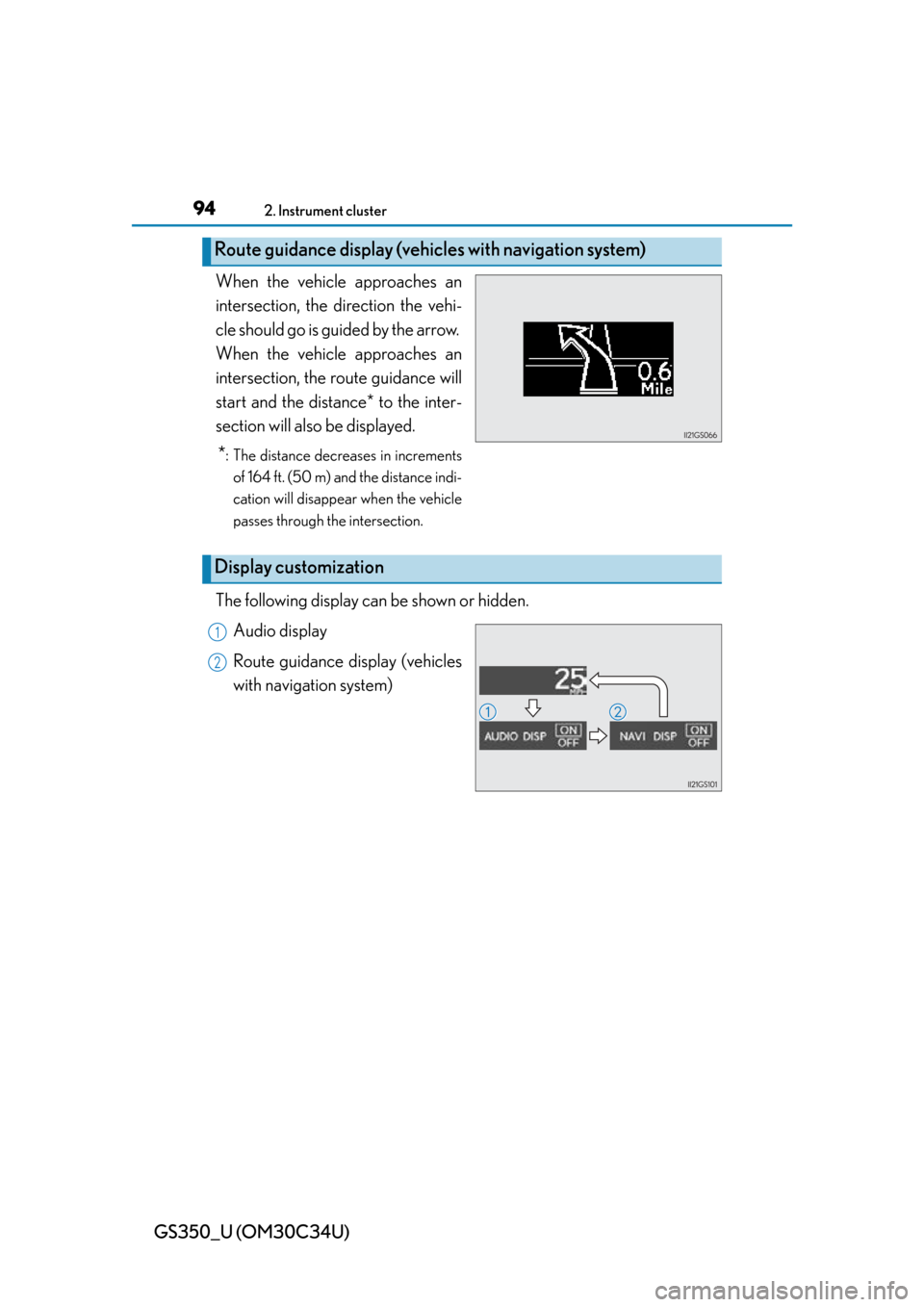
When the vehicle approaches an
intersection, the direction the vehi-
cle should go is guided by the arrow.
When the vehicle approaches an
intersection, the route guidance will
start and the distance* to the inter-
section will also be displayed.
*: The distance decreases in increments
of 164 ft. (50 m) and the distance indi-
cation will disappear when the vehicle
passes through the intersection.
The following display can be shown or hidden.
Audio display
Route guidance display (vehicles
with navigation system)
Route guidance display (vehic les with navigation system)
Display customization
1
2
Page 95 of 828
GS350_U (OM30C34U)
952. Instrument cluster
2
Instrument cluster
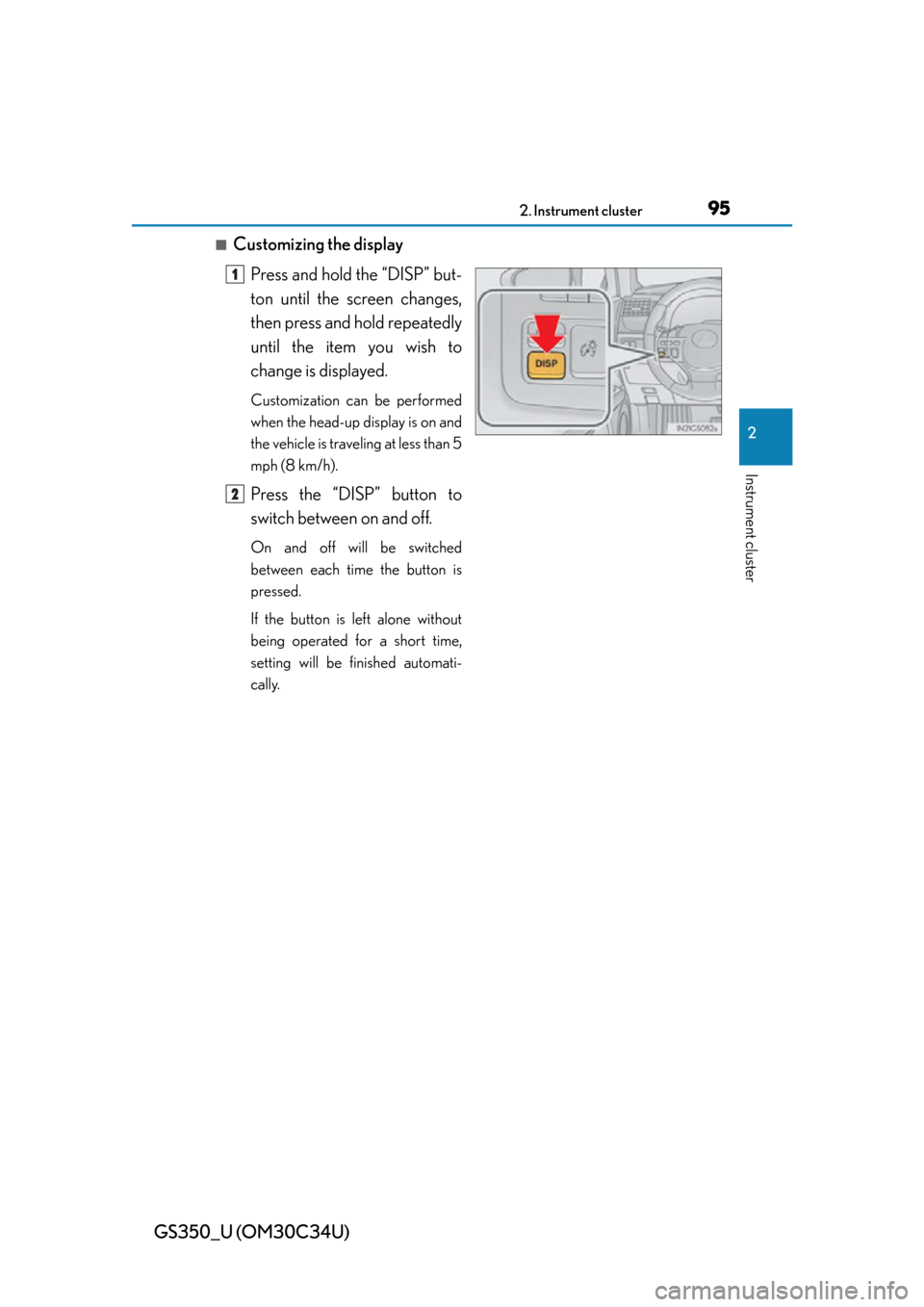
■Customizing the displayPress and hold the “DISP” but-
ton until the screen changes,
then press and hold repeatedly
until the item you wish to
change is displayed.
Customization can be performed
when the head-up display is on and
the vehicle is traveling at less than 5
mph (8 km/h).
Press the “DISP” button to
switch between on and off.
On and off will be switched
between each time the button is
pressed.
If the button is left alone without
being operated for a short time,
setting will be finished automati-
cally.
1
2
Page 96 of 828
96
GS350_U (OM30C34U)
2. Instrument cluster
■Head-up display
●The head-up display may seem dark and hard to see when viewed through sun-
glasses, especially polarized sunglasses.
Adjust the brightness of the head-up display or remove your sunglasses.
●When the head-up display is turned off, it will remain off even if the engine switch is
turned to IGNITION ON mode after th e engine switch has been turned off.
■When the battery is disconnected
The customize settings of the head-up display will be reset.
CAUTION
■Before using the head-up display
Check that the position and brightness of the head-up display image does not
interfere with safe driving. Incorrect adjustment of the image’s position or bright-
ness may obstruct the driver’s view and lead to an accident, resulting in death or
serious injury.
NOTICE
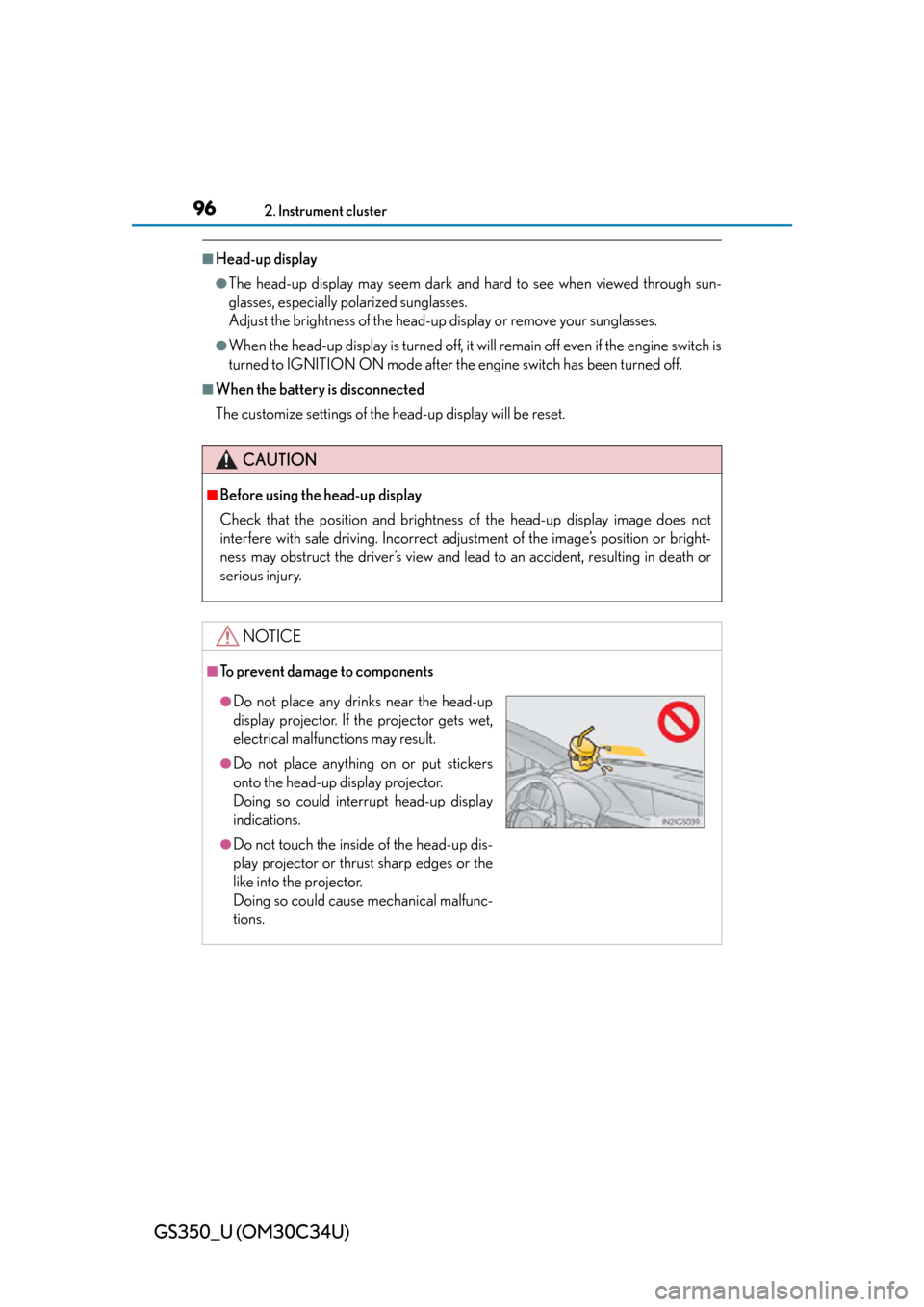
■To prevent damage to components
●Do not place any drinks near the head-up
display projector. If the projector gets wet,
electrical malfunctions may result.
●Do not place anything on or put stickers
onto the head-up display projector.
Doing so could interrupt head-up display
indications.
●Do not touch the inside of the head-up dis-
play projector or thrust sharp edges or the
like into the projector.
Doing so could cause mechanical malfunc-
tions.
Page 147 of 828

GS350_U (OM30C34U)
1473-5. Opening, closing the windows and moon roof
3
Operation of each component
■Door lock linked window operation
●The power windows can be opened and closed using the mechanical key.*
( P. 74 0 )
●The power windows can be opened using the wireless remote control.* ( P. 114)
*: These settings must be cust omized at your Lexus dealer.
■When the battery is disconnected
The window lock switch is disabled. If nece ssary, press the window lock switch after
reconnecting the battery.
■Power windows open warning buzzer
The buzzer sounds and a message is shown on the multi-information display in the
instrument cluster wh en the engine switch is turned off and the driver’s door is
opened with the power windows open.
■Customization
Settings (e.g. linked door lock operation) can be changed.
(Customizable features: P. 777)
CAUTION
Observe the following precautions.
Failure to do so may result in death or serious injury.
■Closing the windows
●Check to make sure that all passengers do not have any part of their body in a
position where it could be caught when a window is being operated.
●Do not allow children to operate the power windows.
Closing a power window on someone can cause serious injury, and in some
instances, even death.
■Jam protection function
●Never use any part of your body to inte ntionally activate the jam protection func-
tion.
●The jam protection function may not work if something gets caught just before
the window fully closes.
Page 151 of 828
GS350_U (OM30C34U)
1513-5. Opening, closing the windows and moon roof
3
Operation of each component
■Moon roof open warning buzzer
The buzzer sounds and a message is shown on the multi-information display in the
instrument cluster wh en the engine switch is turned off and the driver’s door is
opened with the moon roof open.
■Customization
Settings (e.g. linked door lock operation) can be changed.
(Customizable features: P. 777)
CAUTION
Observe the following precautions.
Failure to do so may cause death or serious injury.
■Opening the moon roof
●Do not allow any passengers to put thei r hands or heads outside the vehicle while
it is moving.
●Do not sit on top of the moon roof.
■Closing the moon roof
●Check to make sure that all passengers do not have any part of their body in a
position where it could be caught wh en the moon roof is being operated.
●Do not allow children to operate the moon roof.
Closing the moon roof on someone can cause death or serious injury.
■Jam protection function
●Never use any part of your body to inte ntionally activate the jam protection func-
tion.
●The jam protection function may not work if something gets caught just before
the moon roof fully closes.
Page 264 of 828
264
GS350_U (OM30C34U)
4-5. Using the driving support systems
Sport mode
An acceleration response suitable for sports driving is provided by con-
trolling steering response and transm ission. Suitable for when precise
handling is desirable, for exampl e when driving on mountain roads.
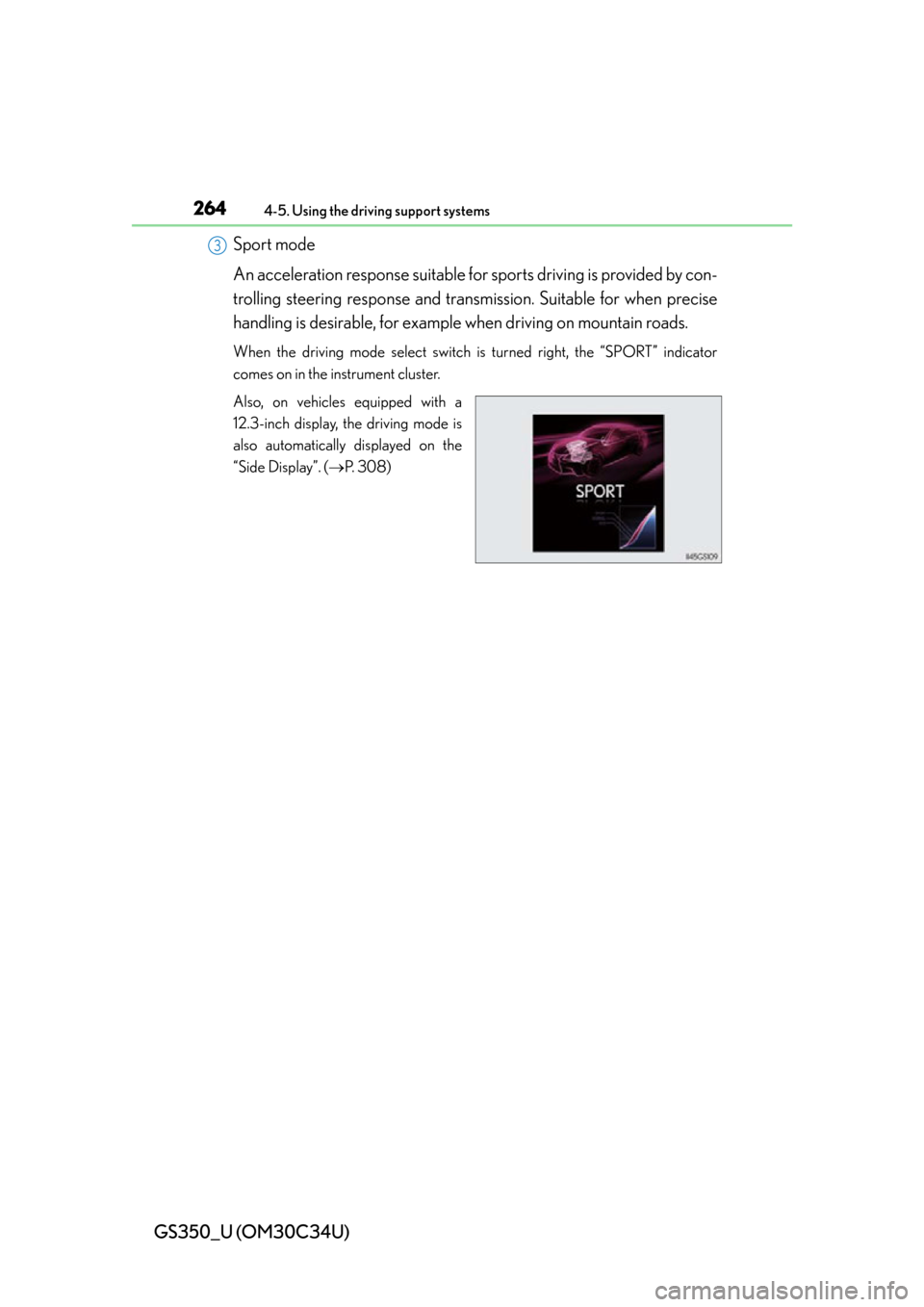
When the driving mode select switch is turned right, the “SPORT” indicator
comes on in the instrument cluster.
Also, on vehicles equipped with a
12.3-inch display, the driving mode is
also automatically displayed on the
“Side Display”. ( P. 3 0 8 )
3
Page 266 of 828
266
GS350_U (OM30C34U)
4-5. Using the driving support systems
Sport mode• SPORT S mode
Improves acceleration response by controlling the transmission.
Suitable for when precise handling is desirable, for example when
driving on mountain roads.
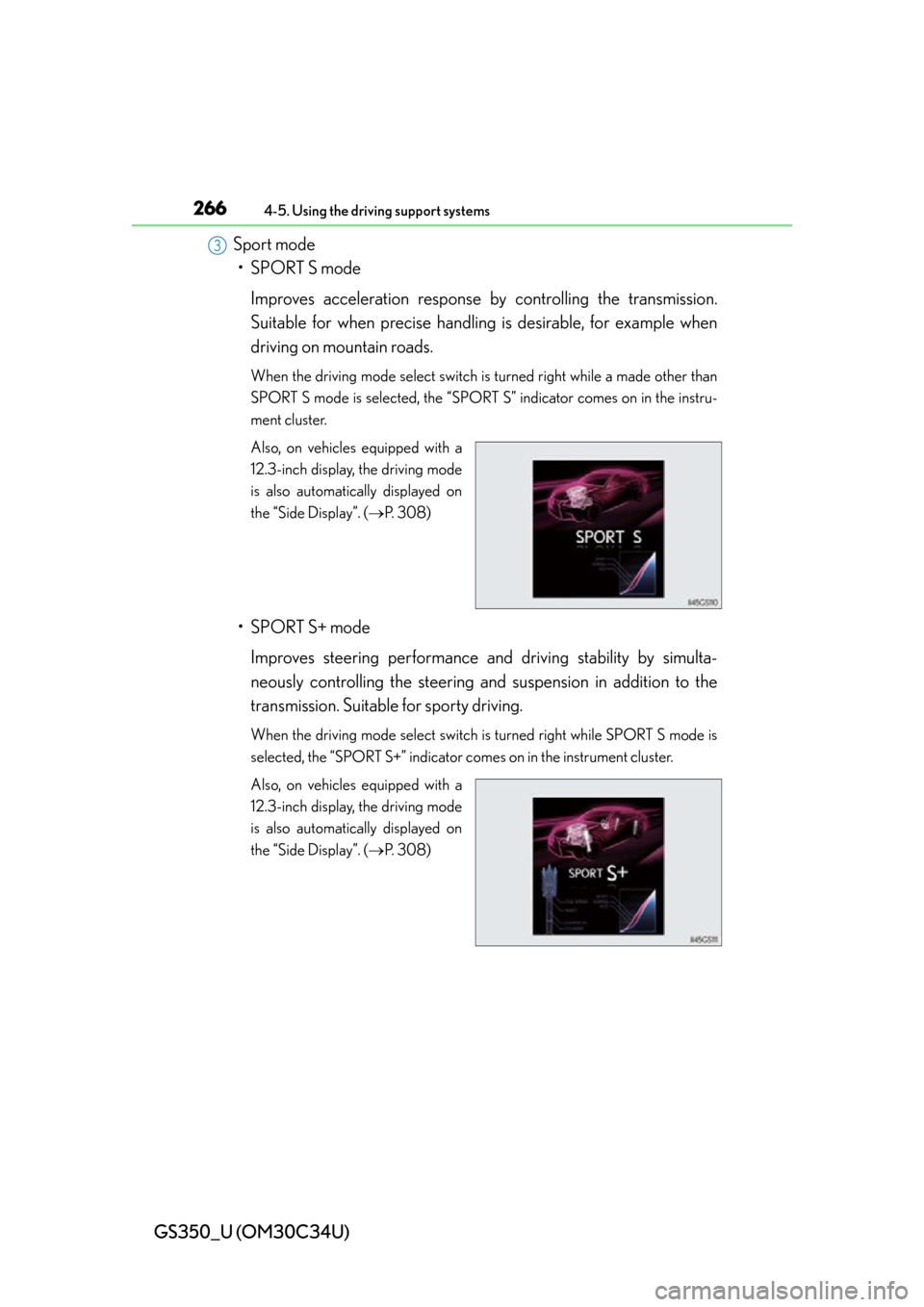
When the driving mode select switch is turned right while a made other than
SPORT S mode is selected, the “SPORT S” indicator comes on in the instru-
ment cluster.
Also, on vehicles equipped with a
12.3-inch display, the driving mode
is also automatically displayed on
the “Side Display”. ( P. 3 0 8 )
• SPORT S+ mode
Improves steering performance and driving stability by simulta-
neously controlling the steering and suspension in addition to the
transmission. Suitable for sporty driving.
When the driving mode select switch is turned right while SPORT S mode is
selected, the “SPORT S+” indicator comes on in the instrument cluster.
Also, on vehicles equipped with a
12.3-inch display, the driving mode
is also automatically displayed on
the “Side Display”. (P. 3 0 8 )
3