navigation Lexus GS350 2013 Owner's Guide
[x] Cancel search | Manufacturer: LEXUS, Model Year: 2013, Model line: GS350, Model: Lexus GS350 2013Pages: 830, PDF Size: 9.71 MB
Page 533 of 830
532
GS350_U (OM30C34U)
5-4. Using the hands-free phone system (for cellular phone)
Depending on the phone, this function may not be available even if the
phone is PBAP compatible. Changing the incoming call display mode
Changing the display phonebook transfer status on/off
*
Changing the display call history transfer status on/off*
Changing the contact image during incoming call on/off*
Changing the rotate contact image*
*
: For PBAP compatible models
To display the screen above, follow the steps below.
Press the “MENU” button on the Remote Touch, then select “Setup”,
and select “Phone” on the “Setup” screen.
Select “Phone Display Settings” on the “Phone Settings” screen.
Phone display settings
XVehicles without a navigation
systemXVehicles with a navigation sys-
tem
1
2
3
14
15
1
2
Page 534 of 830
GS350_U (OM30C34U)
5335-4. Using the hands-free phone system (for cellular phone)
5
Interior features
■Changing the incoming call display mode
You can select the method of the incoming call display.
Display the “Phone Display Settings” screen. ( →P. 5 3 2 )
Select “Incoming Call Display Mode” on the “Phone Display Set-
tings” screen.
XVehicles without a navigation system
Select “Full Screen” or “Drop
Down”, and select “Save”.
“Full Screen”: The hands-free
screen is displayed when a call is
received, and you can operate the
system from that screen.
“Drop Down”: A message is dis-
played at the top of the screen, and
you can only operate the system
with the steering switches.
XVehicles with a navigation system
Select “Main Screen” or “Side
Screen”, and select “Save”.
“Main Screen”: The hands-free
screen is displayed when a call is
received, and you can operate the
system from that screen.
“Side Screen”: A message is dis-
played at the side screen, and you
can only operate the system with
the steering switches.
1
2
3
3
Page 658 of 830
GS350_U (OM30C34U)
6576-3. Do-it-yourself maintenance
6
Maintenance and care
■Passenger’s side instrument panel
FuseAmpereCircuit
1P/ S E AT 1 F/ R30Po w e r s e a t s
2FR P/OUTLET15Po w e r o u t l e t ( f r o n t )
3RR P/OUTLET15Po w e r o u t l e t ( r e a r )
4P/ S E AT 2 F/ R25Po w e r s e a t s
5AV S20AV S
6STRG HTR15Heated steering wheel
7WA S H20Windshield washer
8RH ECU-IG10
Navigation system, VGRS, pre-collision seat
belts, air conditioning system, Lexus night
view
9RH-IG10
Tension reducer, seat heater/ventilator
switches, AWD system, front right-hand
door ECU, CAN gateway ECU, tire pres-
sure warning system, power seats, driver
monitor system
10DOOR FR30
Front right-hand door control system (out-
side rear view mirror defoggers, power win-
dow)
11DOOR RR30Power window (rear right-hand)
12RAD NO.230Audio system
13AM27. 5Smart access system with push-button start
Page 659 of 830
658
GS350_U (OM30C34U)
6-3. Do-it-yourself maintenance
14MULTIMEDIA10Navigation system, Remote Touch
15RAD NO.130Audio system
16AIR BAG10SRS airbag system, occupant classification
system
17OBD7. 5On-board diagnosis system
18ACC7. 5
Body ECU, head-up display, RR CTRL, navi-
gation system, transmission, Remote Touch,
DCM, Remote Touch screen
FuseAmpereCircuit
Page 734 of 830
7337-2. Steps to take in an emergency
GS350_U (OM30C34U)
7
When trouble arises
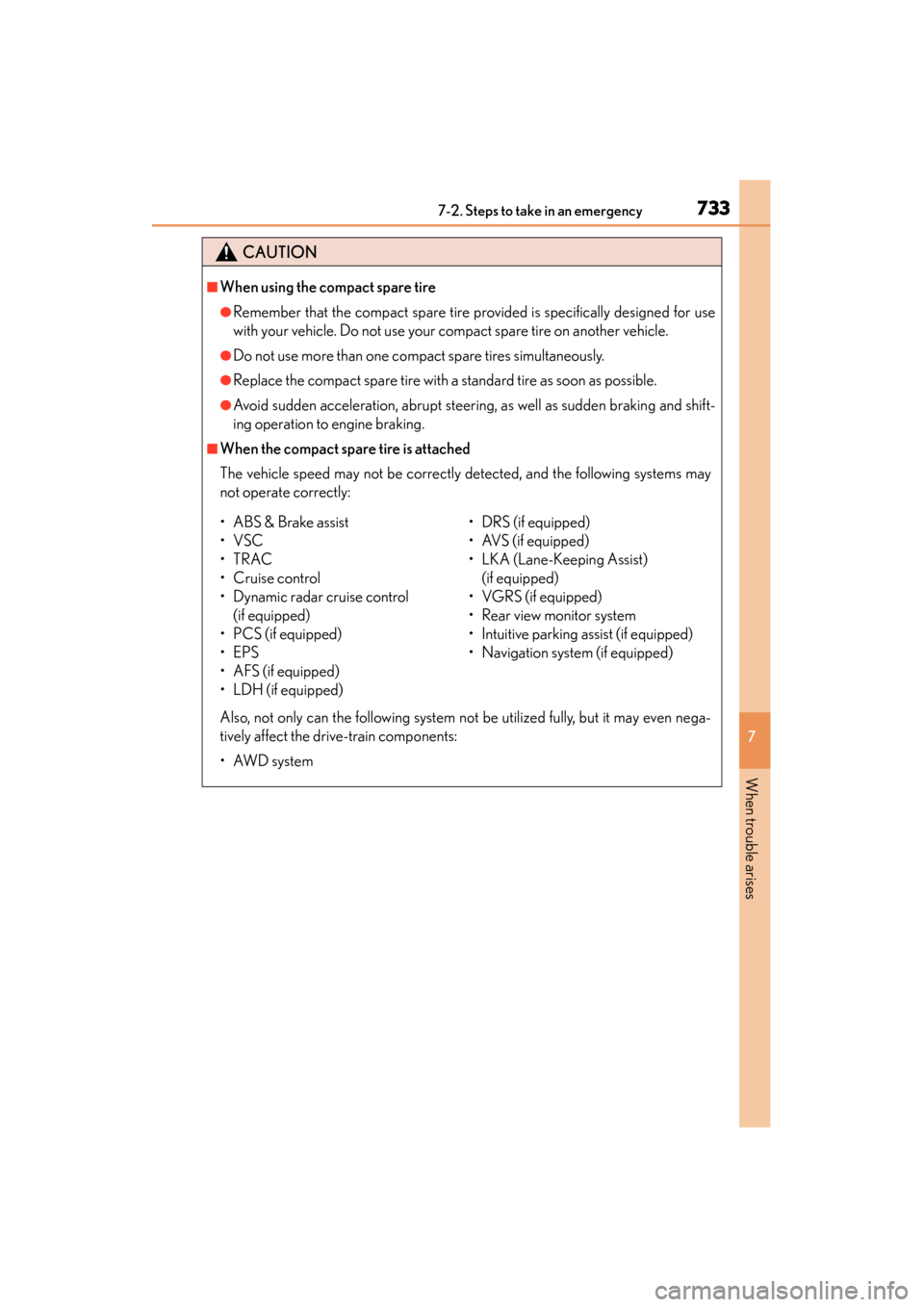
CAUTION
■When using the compact spare tire
●Remember that the compact spare tire provided is specifically designed for use
with your vehicle. Do not use your compact spare tire on another vehicle.
●Do not use more than one compact spare tires simultaneously.
●Replace the compact spare tire with a standard tire as soon as possible.
●Avoid sudden acceleration, abrupt steering, as well as sudden braking and shift-
ing operation to engine braking.
■When the compact spare tire is attached
The vehicle speed may not be correctly detected, and the following systems may
not operate correctly:
Also, not only can the following system not be utilized fully, but it may even nega-
tively affect the drive-train components:
•AWD system
• ABS & Brake assist
•VSC
•TRAC
•Cruise control
• Dynamic radar cruise control (if equipped)
• PCS (if equipped)
•EPS
• AFS (if equipped)
• LDH (if equipped) • DRS (if equipped)
• AVS (if equipped)
• LKA (Lane-Keeping Assist)
(if equipped)
• VGRS (if equipped)
• Rear view monitor system
• Intuitive parking assist (if equipped)
• Navigation system (if equipped)
Page 778 of 830
777
GS350_U (OM30C34U)8-2. Customization
8
Vehicle specifications
Customizable features
■Changing by using the Remote Touch
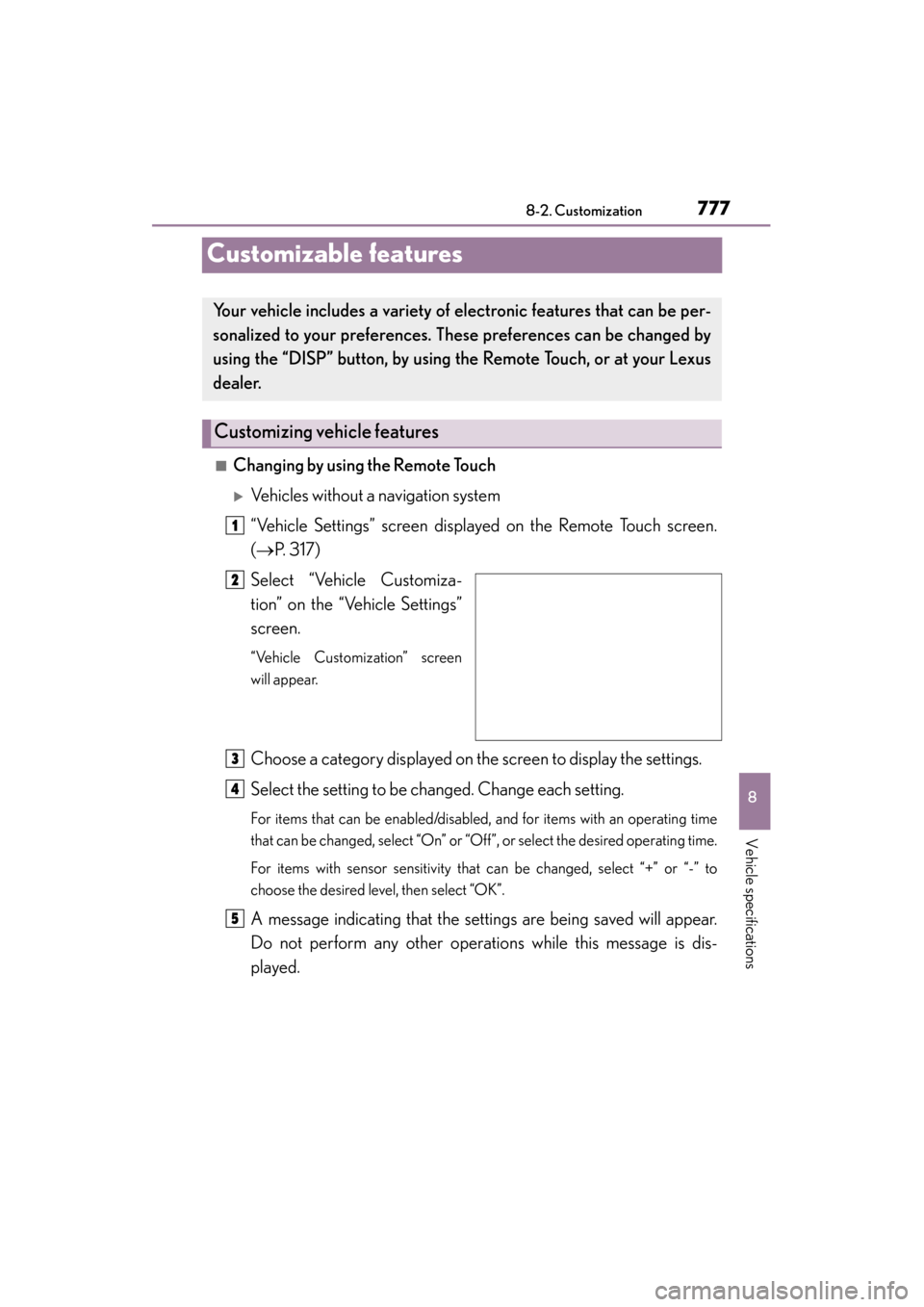
XVehicles without a navigation system
“Vehicle Settings” screen displayed on the Remote Touch screen.
(→ P. 317)
Select “Vehicle Customiza-
tion” on the “Vehicle Settings”
screen.
“Vehicle Customization” screen
will appear.
Choose a category displayed on the screen to display the settings.
Select the setting to be changed. Change each setting.
For items that can be enabled/disabled, and for items with an operating time
that can be changed, select “On” or “Off”, or select the desired operating time.
For items with sensor sensitivity that can be changed, select “+” or “-” to
choose the desired level, then select “OK”.
A message indicating that the settings are being saved will appear.
Do not perform any other operations while this message is dis-
played.
Your vehicle includes a variety of electronic features that can be per-
sonalized to your preferences. These preferences can be changed by
using the “DISP” button, by using th e Remote Touch, or at your Lexus
dealer.
Customizing vehicle features
1
2
3
4
5
Page 779 of 830

778
GS350_U (OM30C34U)
8-2. Customization
XVehicles with a navigation system
→ Refer to “Navigation System Owner’s Manual”.
■Changing by using the “DISP” button
→P. 8 6
Page 804 of 830
803
GS350_U (OM30C34U)
Index
What to do if... (Troubleshooting)............................... 804
Alphabetical index.................................. 810
For vehicles with a navigation system, refer to the “Navigation Sys-
tem Owner’s Manual” for information regarding the navigation
system.
Page 818 of 830
817Alphabetical index
GS350_U (OM30C34U)
Keyless entry ............................................. 101Smart access system with push-button start ..................... 101
Wireless remote control ................... 114
Keys............................................................... 98
Battery-saving function .................... 107
Electronic key .........................................98
Engine switch .......................................... 171
If the electronic key does not operate properly ........740
Key number plate .................................98
Keyless entry .................................. 101, 114
Mechanical key ......................................98
Replacing the battery ...................... 646
Warning buzzer .................................. 105
Wireless remote control key .......... 114
Knee airbags ............................................. 36
Language (multi-information display) ............... 86
LATCH anchors ...................................... 58
LDH (Lexus Dynamic Handling system) .............................. 269
Lever
Auxiliary catch lever .......................... 612
Hood lock release lever .................. 612
Internal trunk release lever ..............124
Shift lever ................................................. 178
Turn signal lever .................................. 184
Wiper lever ............................................ 196
Lexus Dynamic Handling system (LDH)...................................... 269 Lexus Enform
*
Lexus night view ................................... 293
License plate lights ................................190
Light switch............................................ 190
Replacing light bulbs ......................... 671
Welcome light
illumination control........................... 101
Lights
Fog light switch .....................................195
Headlight switch ................................. 190
Illuminated entry system................ 550
Interior light........................................... 549
Interior lights list..................................548
Personal lights ..................................... 549
Replacing light bulbs .......................665
Trunk light................................................ 122
Turn signal lever ...................................184
Vanity lights ............................................561
Wattage ................................................... 761
Welcome light illumination control..................................................... 101
Light bulbs
Replacing ...............................................665
Wattage ................................................... 761
LKA (Lane-Keeping Assist) ............ 228 Operation.............................................. 229
Warning messages ......700, 707, 708, 709
Lock steering column........................... 174
Low profile tire ...................................... 634
Luggage hook ....................................... 558
Luggage security system .................... 122
K
L
*: For vehicles with a navigation system, refer to the “Navigation System Owner’s Manual”.
Page 819 of 830
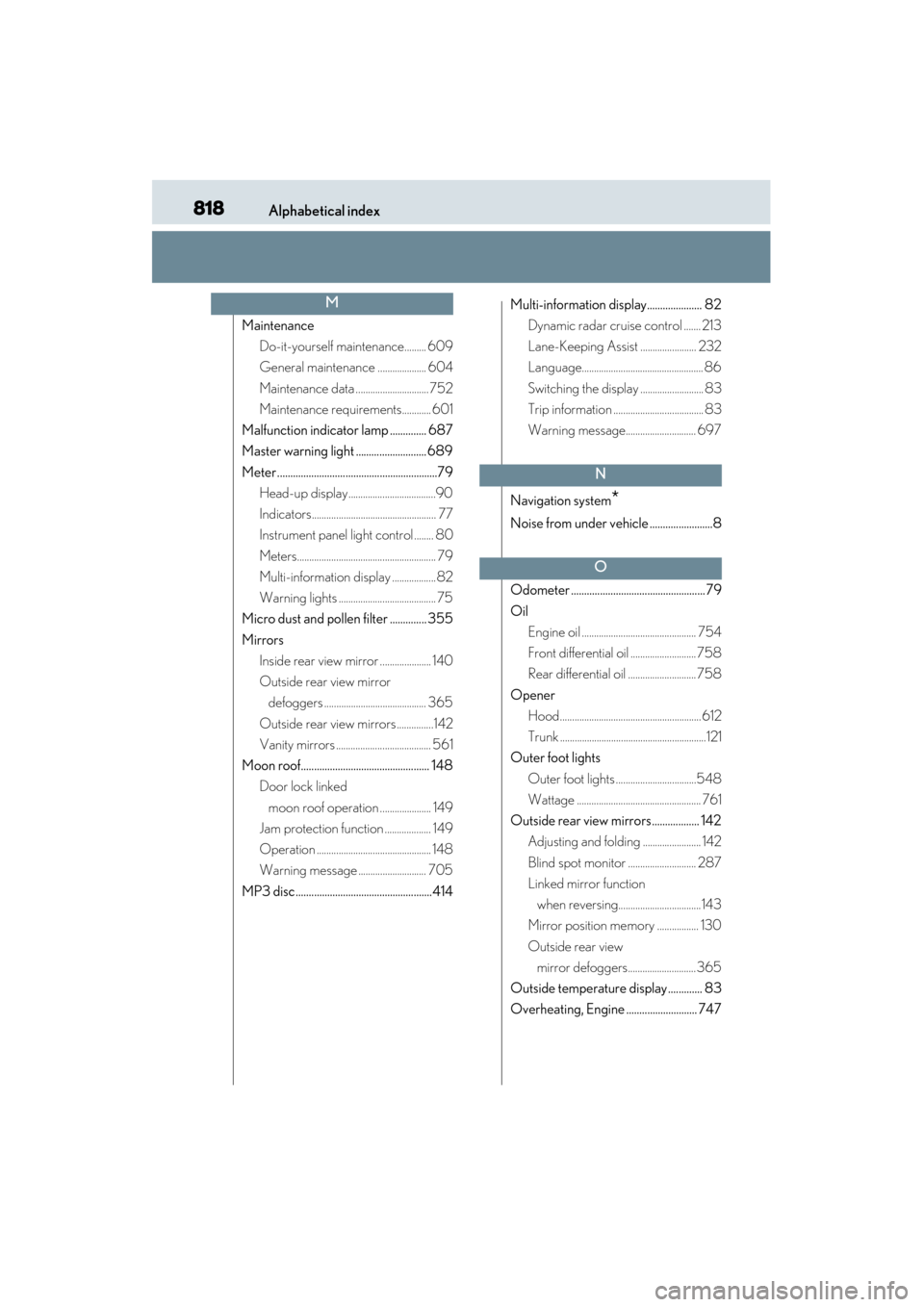
818Alphabetical index
GS350_U (OM30C34U)
MaintenanceDo-it-yourself maintenance......... 609
General maintenance .................... 604
Maintenance data .............................. 752
Maintenance requirements............ 601
Malfunction indicator lamp .............. 687
Master warning light ........................... 689
Meter .............................................................79 Head-up display....................................90
Indicators................................................... 77
Instrument panel light control ........ 80
Meters......................................................... 79
Multi-information display .................. 82
Warning lights ........................................ 75
Micro dust and pollen filter .............. 355
Mirrors Inside rear view mirror ..................... 140
Outside rear view mirror defoggers .......................................... 365
Outside rear view mirrors ...............142
Vanity mirrors ....................................... 561
Moon roof................................................. 148 Door lock linked
moon roof operation ..................... 149
Jam protection function ................... 149
Operation ............................................... 148
Warning message ............................ 705
MP3 disc ....................................................414 Multi-information display..................... 82
Dynamic radar crui se control ....... 213
Lane-Keeping Assist ....................... 232
Language.................................................. 86
Switching the display .......................... 83
Trip information ..................................... 83
Warning message............................. 697
Navigation system
*
Noise from under vehicle ........................8
Odometer ................................................... 79
Oil Engine oil ............................................... 754
Front differential oil ........................... 758
Rear differential oil ............................ 758
Opener Hood.......................................................... 612
Trunk ............................................................121
Outer foot lights
Outer foot lights .................................548
Wattage ................................................... 761
Outside rear view mirrors.................. 142 Adjusting and folding ........................ 142
Blind spot monitor ............................ 287
Linked mirror function
when reversing.................................. 143
Mirror position memory ................. 130
Outside rear view mirror defoggers............................ 365
Outside temperature display ............. 83
Overheating, Engine ........................... 747
M
N
O