Parking sensor Lexus GS350 2013 Owner's Manual
[x] Cancel search | Manufacturer: LEXUS, Model Year: 2013, Model line: GS350, Model: Lexus GS350 2013Pages: 830, PDF Size: 9.71 MB
Page 194 of 830
GS350_U (OM30C34U)
1934-3. Operating the lights and wipers
4
Driving
■Daytime running light system
●To make your vehicle more visible to other drivers, the parking lights turn on auto-
matically (at an increased intensity) whenever the engine is started and the parking
brake is released. Daytime running lights are not designed for use at night.
●Compared to turning on the headlights, the daytime running light system offers
greater durability and consumes less electricity, so it can help improve fuel econ-
omy.
■Headlight control sensor
■Automatic light off system
When the light switch is in : The headlights and tail lights turn off 30 seconds
after the engine switch is turned to ACCESSORY mode or turned off and a door is
opened and all of the doors and trunk are closed. (The lights turn off immediately if on the key is pressed twice after all the doors are closed.)
To turn the lights on again, turn the engine switch to IGNITION ON mode, or turn
the light switch off once and then back to or .
If any of the doors or trunk lid is kept open, the lights automatically turn off after 20
minutes.
■Light reminder buzzer
A buzzer sounds when the engine switch is turned off or turned to ACCESSORY
mode and the driver’s door is opened while the lights are turned on.
■Automatic headlight leveling system
The level of the headlights is automatically adjusted according to the number of pas-
sengers and the loading condition of the vehi cle to ensure that the headlights do not
interfere with other road users. The sensor may not function properly if an
object is placed on the sensor, or anything
that blocks the sensor is affixed to the wind-
shield.
Doing so interferes with the sensor detecting
the level of ambient light and may cause the
automatic headlight system to malfunction.
Page 239 of 830
238
GS350_U (OM30C34U)
4-5. Using the driving support systems
Intuitive parking assist∗
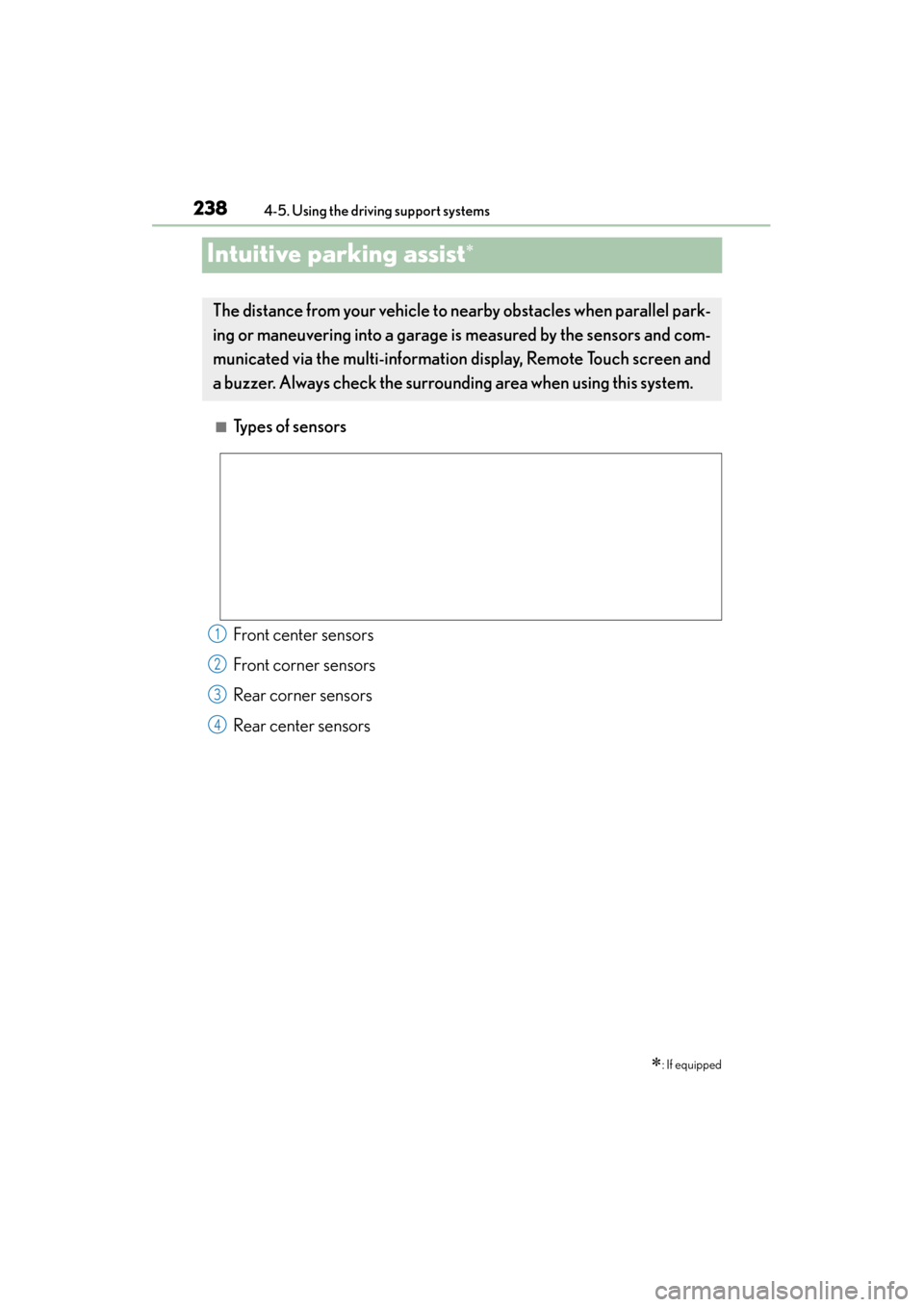
■Types of sensors
∗: If equipped
The distance from your vehicle to nearby obstacles when parallel park-
ing or maneuvering into a garage is measured by the sensors and com-
municated via the multi-information display, Remote Touch screen and
a buzzer. Always check the surrounding area when using this system.
Front center sensors
Front corner sensors
Rear corner sensors
Rear center sensors1
2
3
4
Page 248 of 830
GS350_U (OM30C34U)
2474-5. Using the driving support systems
4
Driving
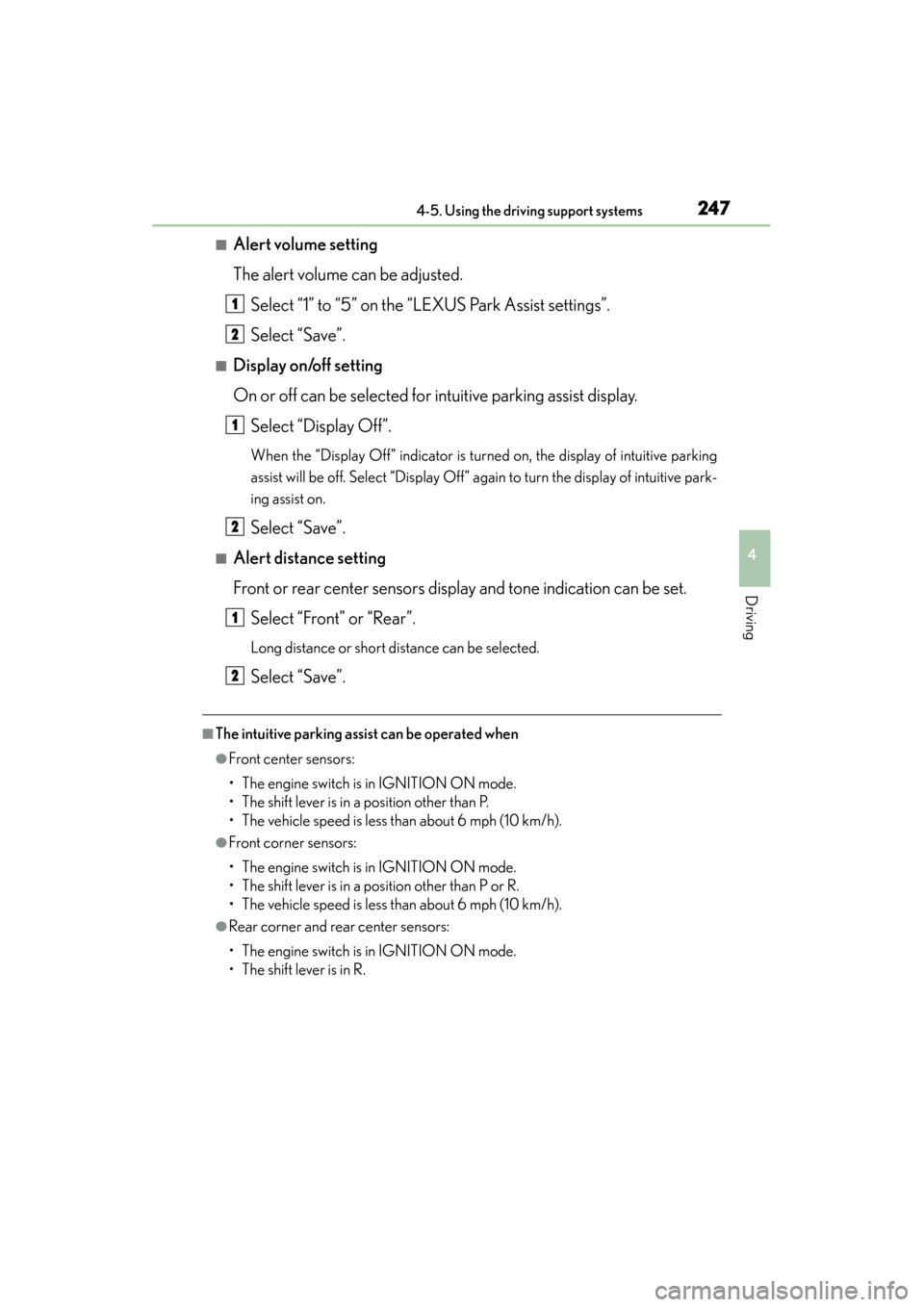
■Alert volume setting
The alert volume can be adjusted.Select “1” to “5” on the “LEXUS Park Assist settings”.
Select “Save”.
■Display on/off setting
On or off can be selected for intuitive parking assist display.Select “Display Off”.
When the “Display Off” indicator is turned on, the display of intuitive parking
assist will be off. Select “Display Off” again to turn the display of intuitive park-
ing assist on.
Select “Save”.
■Alert distance setting
Front or rear center sensors display and tone indication can be set.Select “Front” or “Rear”.
Long distance or short distance can be selected.
Select “Save”.
■The intuitive parking assist can be operated when
●Front center sensors:
• The engine switch is in IGNITION ON mode.
• The shift lever is in a position other than P.
• The vehicle speed is less than about 6 mph (10 km/h).
●Front corner sensors:
• The engine switch is in IGNITION ON mode.
• The shift lever is in a position other than P or R.
• The vehicle speed is less than about 6 mph (10 km/h).
●Rear corner and rear center sensors:
• The engine switch is in IGNITION ON mode.
• The shift lever is in R.
1
2
1
2
1
2
Page 249 of 830
248
GS350_U (OM30C34U)
4-5. Using the driving support systems
■Intuitive parking assist display
When an obstacle is detected while the rear view monitor system, is in use, the warn-
ing indicator will appear in the top right of the screen even if the display setting has
been set to off.
■Sensor detection information
●The sensor’s detection areas are limited to the areas around the vehicle’s front cor-
ner and rear bumpers.
●Certain vehicle conditions and the surrounding environment may affect the ability
of the sensor to correctly detect obstacles. Particular instances where this may
occur are listed below.
• There is dirt, snow or ice on the sensor. (Wiping the sensors will resolve thisproblem.)
• The sensor is frozen. (Thawing the area will resolve this problem.) In especially cold weather, if a sensor is frozen the screen may show an abnor-
mal display, or obstacles may not be detected.
• The sensor is covered in any way.
• The vehicle is leaning considerably to one side.
• On an extremely bumpy road, on an incline, on gravel, or on grass.
• The vicinity of the vehicle is noisy due to vehicle horns, motorcycle engines, air brakes of large vehicles, or other loud noises producing ultrasonic waves.
• There is another vehicle equipped with parking assist sensors in the vicinity.
• The sensor is coated with a sheet of spray or heavy rain.
• The vehicle is equipped with a fender pole or wireless antenna.
• Towing eyelets are installed.
• The bumper or sensor receives a strong impact.
• The vehicle is approaching a tall or curved curb.
• In harsh sunlight or intense cold weather.
• The area directly under the bumpers is not detected.
• If obstacles draw too close to the sensor.
• A non-genuine Lexus suspension (lowered suspension etc.) is installed.
• People may not be detected if they are wearing certain types of clothing.
In addition to the examples above, there are instances in which, because of their
shape, signs and other objects may be judged by the sensor to be closer than they
are.
Page 251 of 830
250
GS350_U (OM30C34U)
4-5. Using the driving support systems
CAUTION
■When using the intuitive parking assist
Observe the following precautions.
Failing to do so may result in the vehicle being unable to be driven safely and possi-
bly cause an accident.
●Do not use the sensor at speeds in excess of 6 mph (10 km/h).
●The sensors’ detection areas and reaction times are limited. When moving for-
ward or reversing, check the areas surrounding the vehicle (especially the sides
of the vehicle) for safety, and drive slowly, using the brake to control the vehicle’s
speed.
●Do not install accessories within the sensors’ detection areas.
NOTICE
■When using intuitive parking assist-sensor
In the following situations, the system may not function correctly due to a sensor
malfunction etc. Have the vehicle checked by your Lexus dealer.
●The intuitive parking assist operation display flashes, and a beep sounds when no
obstacles are detected.
●If the area around a sensor collides with something, or is subjected to strong
impact.
●If the bumper collides with something.
●If the display shows continuously without a beep.
●If a display error occurs, first check the sensor.
If the error occurs even if there is no ice, snow or mud on the sensor, it is likely that
the sensor is malfunctioning.
■Notes when washing the vehicle
Do not apply intensive bursts of water or steam to the sensor area.
Doing so may result in the sensor malfunctioning.
Page 253 of 830
252
GS350_U (OM30C34U)
4-5. Using the driving support systems
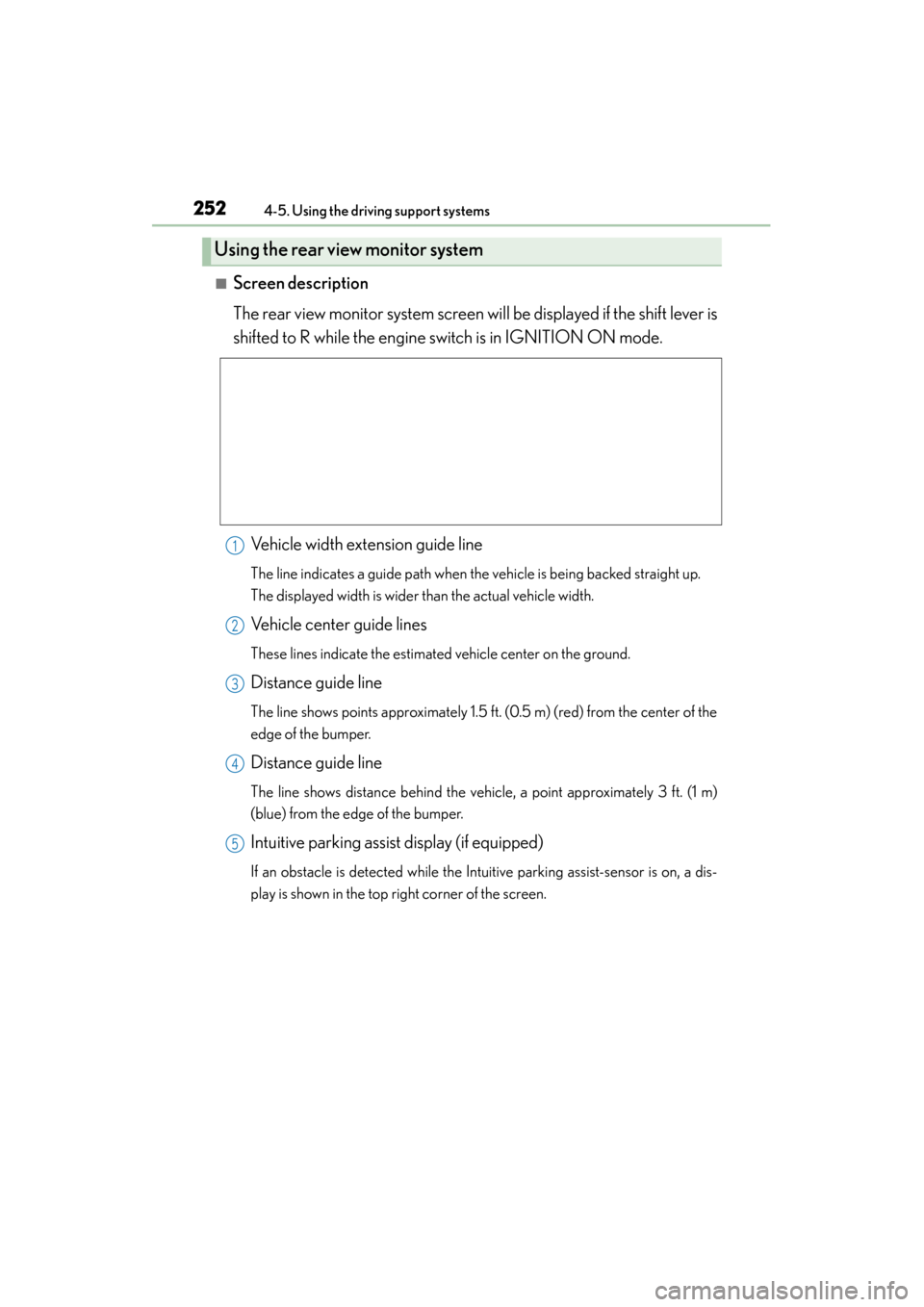
■Screen description
The rear view monitor system screen will be displayed if the shift lever is
shifted to R while the engine switch is in IGNITION ON mode.
Vehicle width extension guide line
The line indicates a guide path when the vehicle is being backed straight up.
The displayed width is wider than the actual vehicle width.
Vehicle center guide lines
These lines indicate the estimated vehicle center on the ground.
Distance guide line
The line shows points approximately 1.5 ft. (0.5 m) (red) from the center of the
edge of the bumper.
Distance guide line
The line shows distance behind the vehicle, a point approximately 3 ft. (1 m)
(blue) from the edge of the bumper.
Intuitive parking assist display (if equipped)
If an obstacle is detected while the Intuitive parking assist-sensor is on, a dis-
play is shown in the top right corner of the screen.
Using the rear view monitor system
1
2
3
4
5
Page 656 of 830
GS350_U (OM30C34U)
6556-3. Do-it-yourself maintenance
6
Maintenance and care
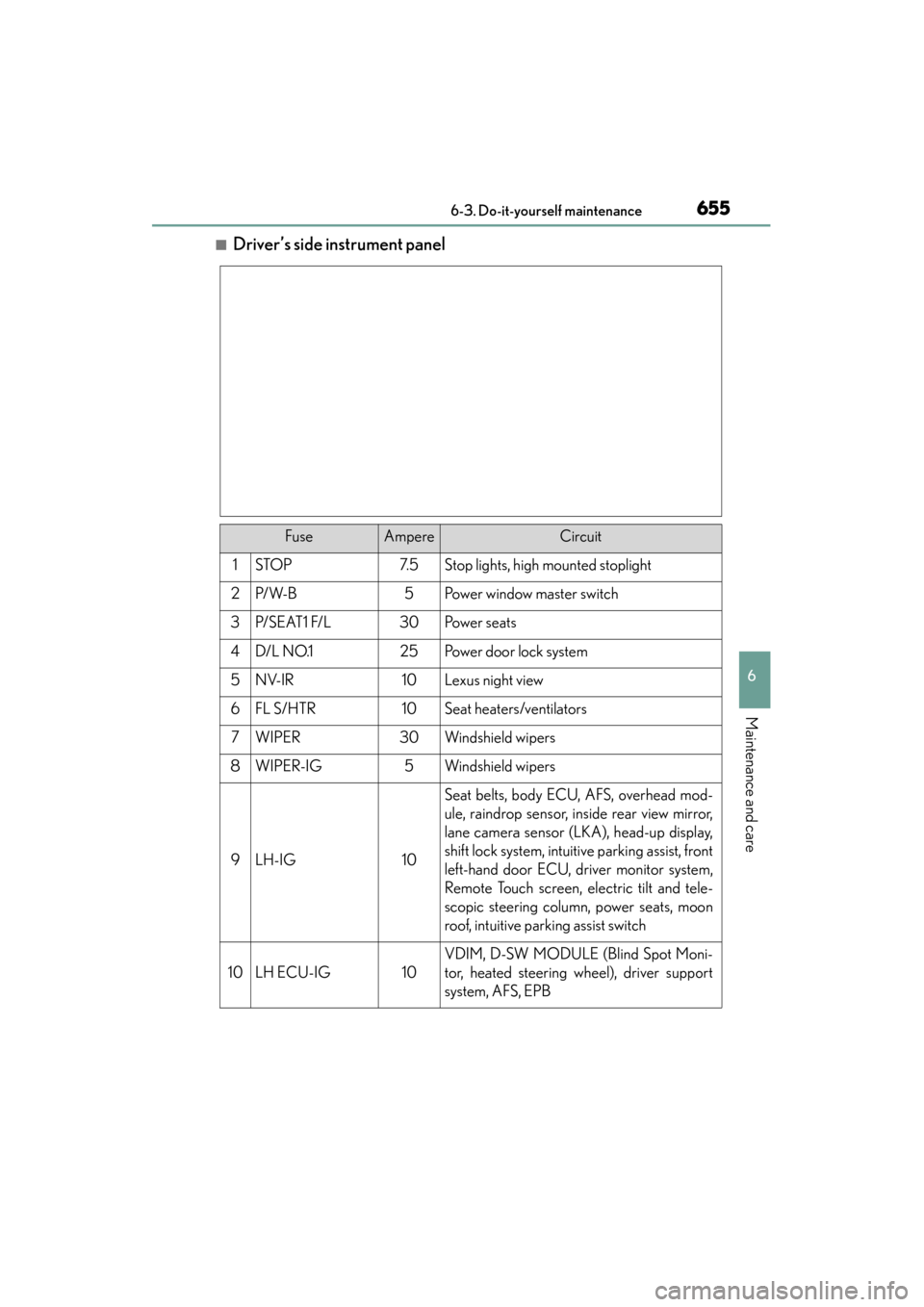
■Driver’s side instrument panel
FuseAmpereCircuit
1STOP7. 5Stop lights, high mounted stoplight
2P/ W- B5Power window master switch
3P/ S E AT 1 F/ L30Po w e r s e a t s
4D/L NO.125Po w e r d o o r l o c k s y s t e m
5NV-IR10Lexus night view
6FL S/HTR10Seat heaters/ventilators
7WIPER30Windshield wipers
8WIPER-IG5Windshield wipers
9LH-IG10
Seat belts, body ECU, AFS, overhead mod-
ule, raindrop sensor, inside rear view mirror,
lane camera sensor (LKA), head-up display,
shift lock system, intuitive parking assist, front
left-hand door ECU, driver monitor system,
Remote Touch screen, electric tilt and tele-
scopic steering column, power seats, moon
roof, intuitive parking assist switch
10LH ECU-IG10
VDIM, D-SW MODULE (Blind Spot Moni-
tor, heated steering wheel), driver support
system, AFS, EPB
Page 660 of 830
GS350_U (OM30C34U)
6596-3. Do-it-yourself maintenance
6
Maintenance and care
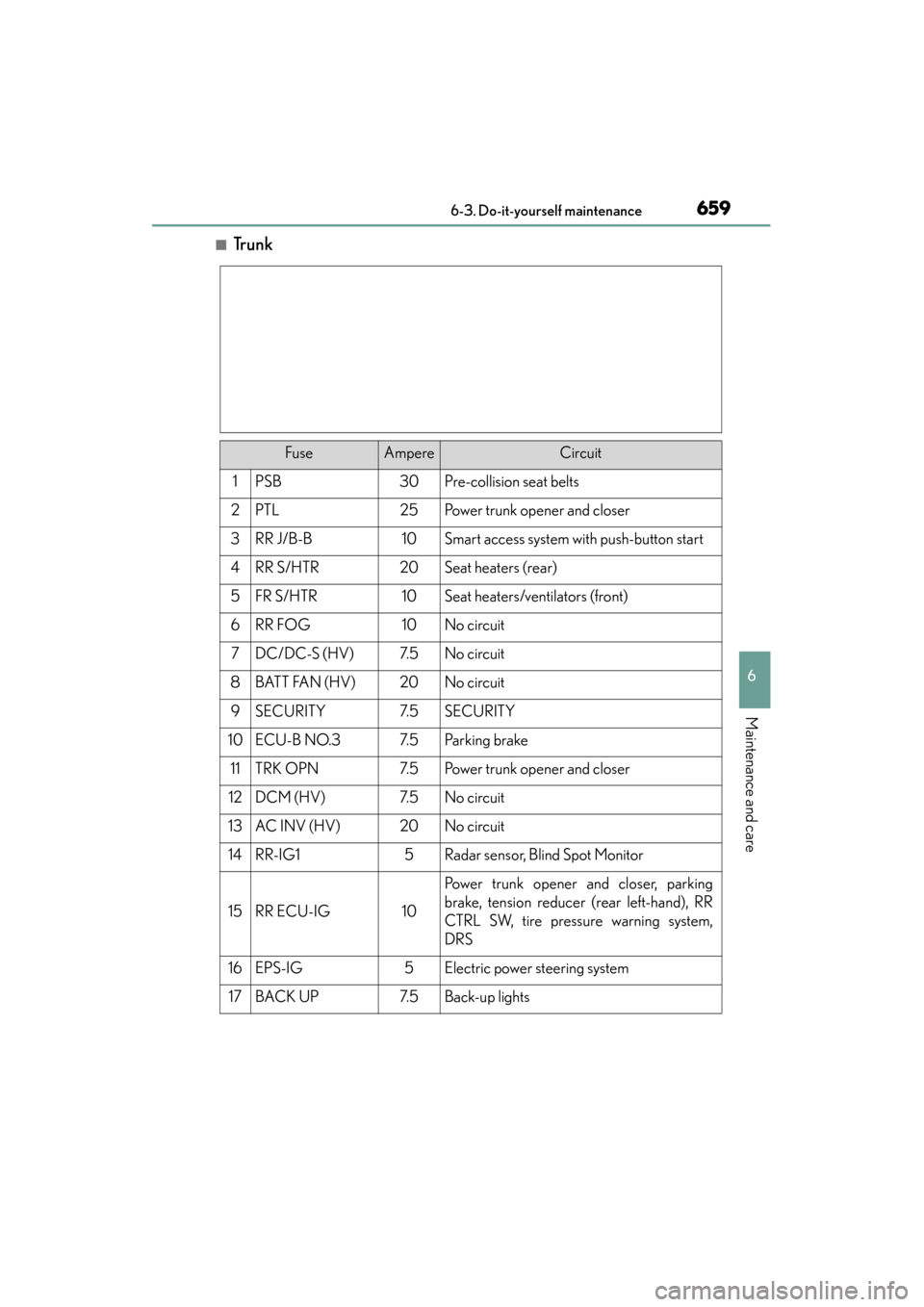
■Tr u n k
FuseAmpereCircuit
1PSB30Pre-collision seat belts
2PTL25Power trunk opener and closer
3RR J/B-B10Smart access system with push-button start
4RR S/HTR20Seat heaters (rear)
5FR S/HTR10Seat heaters/ventilators (front)
6RR FOG10No circuit
7DC/DC-S (HV)7. 5No circuit
8BATT FAN (HV)20No circuit
9SECURITY7. 5SECURITY
10ECU-B NO.37. 5Pa r k i n g b r a ke
11TRK OPN7. 5Power trunk opener and closer
12DCM (HV)7. 5No circuit
13AC INV (HV)20No circuit
14RR-IG15Radar sensor, Blind Spot Monitor
15RR ECU-IG10
Power trunk opener and closer, parking
brake, tension reducer (rear left-hand), RR
CTRL SW, tire pressure warning system,
DRS
16EPS-IG5Electric power steering system
17BACK UP7. 5Back-up lights
Page 701 of 830
7007-2. Steps to take in an emergency
GS350_U (OM30C34U)
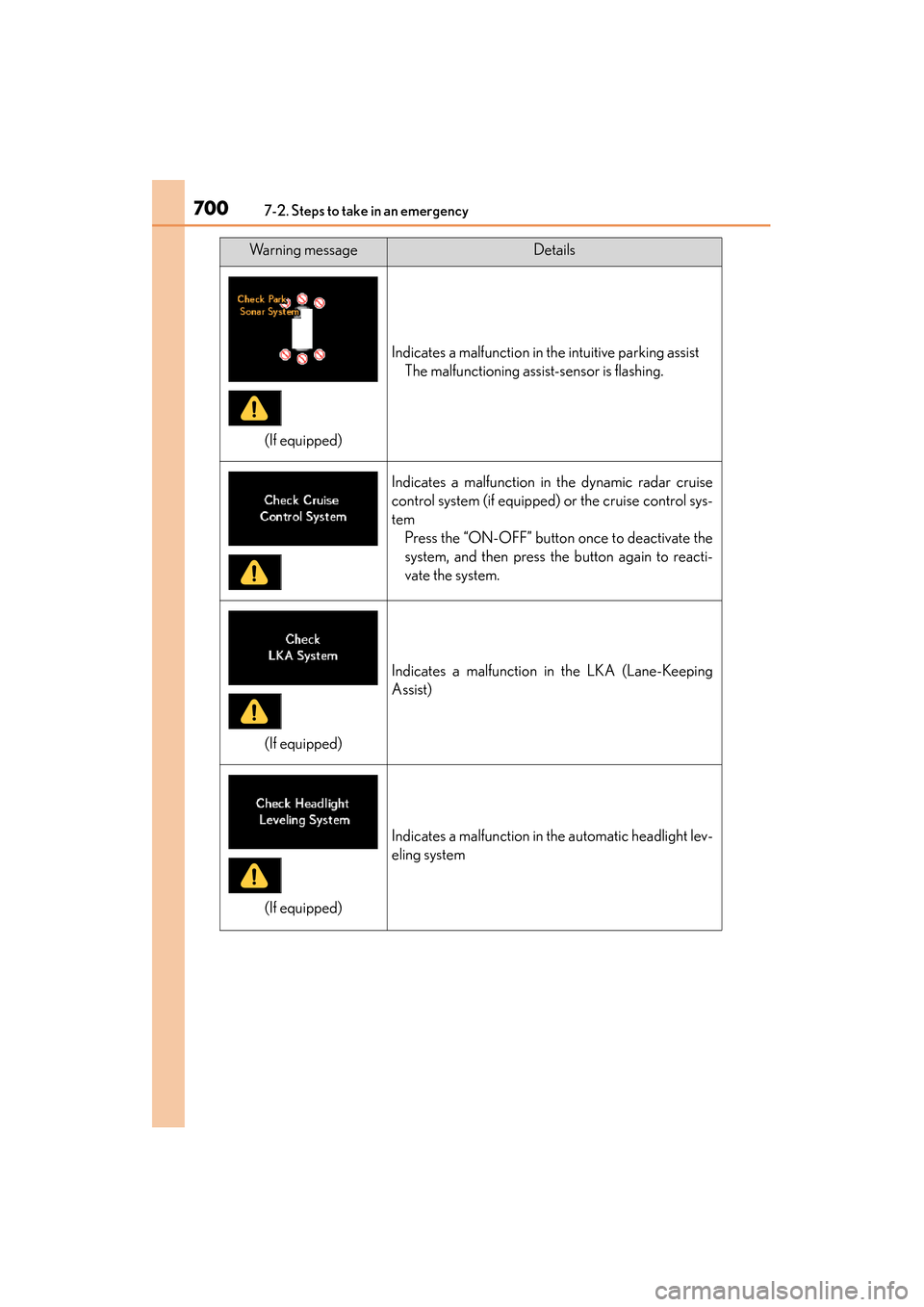
Indicates a malfunction in the intuitive parking assistThe malfunctioning assist-sensor is flashing.
Indicates a malfunction in the dynamic radar cruise
control system (if equipped) or the cruise control sys-
temPress the “ON-OFF” button once to deactivate the
system, and then press the button again to reacti-
vate the system.
Indicates a malfunction in the LKA (Lane-Keeping
Assist)
Indicates a malfunction in the automatic headlight lev-
eling system
Warning messageDetails
(If equipped)
(If equipped)
(If equipped)
Page 708 of 830
7077-2. Steps to take in an emergency
GS350_U (OM30C34U)
7
When trouble arises
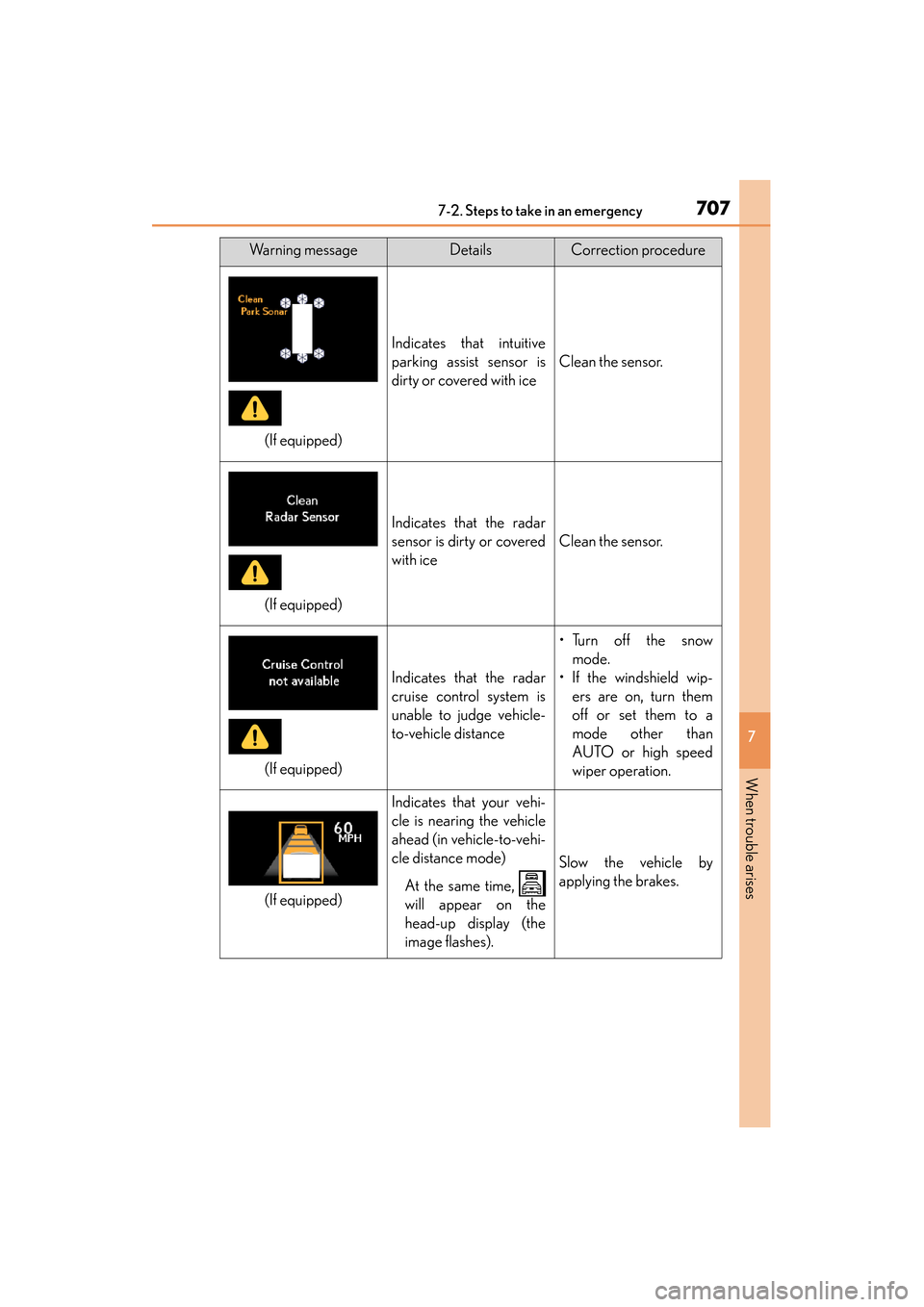
Indicates that intuitive
parking assist sensor is
dirty or covered with ice
Clean the sensor.
Indicates that the radar
sensor is dirty or covered
with ice
Clean the sensor.
Indicates that the radar
cruise control system is
unable to judge vehicle-
to-vehicle distance
•Turn off the snowmode.
• If the windshield wip- ers are on, turn them
off or set them to a
mode other than
AUTO or high speed
wiper operation.
Indicates that your vehi-
cle is nearing the vehicle
ahead (in vehicle-to-vehi-
cle distance mode)
At the same time,
will appear on the
head-up display (the
image flashes).
Slow the vehicle by
applying the brakes.
Warning messageDetailsCorrection procedure
(If equipped)
(If equipped)
(If equipped)
(If equipped)