car battery Lexus GS350 2013 Owner's Manual
[x] Cancel search | Manufacturer: LEXUS, Model Year: 2013, Model line: GS350, Model: Lexus GS350 2013Pages: 830, PDF Size: 9.71 MB
Page 6 of 830
5
1
8 7
6
5
4
3
2
GS350_U (OM30C34U)
5-6. Using the storage featuresList of storage features ..............551• Glove box ............................... 553
• Console box .......................... 554
• Cup holders ........................... 555
• Auxiliary boxes ..................... 557
Trunk features ..............................558
5-7. Other interior features Sun visors and vanity mirrors ..................... 561
Clock .............................................. 562
Ashtrays ......................................... 563
Power outlets ............................... 564
Heated steering wheel ............ 566
Seat heaters/ seat ventilators .........................568
Armrest............................................ 571
Rear sunshade/ rear door sunshades...............572
Trunk storage extension ...........575
Coat hooks .................................... 576
Assist grip.......................................577
Utility hook ................................... 578
Garage door opener ................579
Safety Connect...........................586 6-1. Maintenance and care
Cleaning and protecting the vehicle exterior ................ 594
Cleaning and protecting the vehicle interior.................. 598
6-2. Maintenance Maintenance requirements .... 601
General maintenance.............. 604
Emission inspection and maintenance (I/M)
programs ....................................608
6-3. Do-it-yourself maintenance Do-it-yourself service precautions................................ 609
Hood ................................................. 612
Positioning a floor jack............... 613
Engine compartment ................. 615
Tires.................................................. 629
Tire inflation pressure ............... 639
Wheels ........................................... 642
Air conditioning filter ............... 644
Electronic key battery.............. 646
Checking and replacing fuses.............................................. 648
Headlight aim ................................ 661
Light bulbs .................................... 6636Maintenance and care
Page 90 of 830
GS350_U (OM30C34U)
892. Instrument cluster
2
Instrument cluster
■Tire inflation pressure (if equipped)
●It may take a few minutes to display the tire inflation pressure after the engine
switch is turned to IGNITION ON mode. It may also take a few minutes to display
the tire inflation pressure after inflation pressure has been adjusted.
●“---” may be displayed if the tire information cannot be determined due to unfavor-
able radio wave conditions.
●Tire inflation pressure changes with temperature. The displayed values may also be
different from the values measured using a tire pressure gauge.
■Liquid crystal display
Small spots or light spots may appear on the display. This phenomenon is character-
istic of liquid crystal displays, and there is no problem continuing to use the display.
■Customization
Setting of available languages can be changed. (Customizable features →P. 777)
CAUTION
■The information display at low temperatures
Allow the interior of the vehicle to warm up before using the liquid crystal informa-
tion display. At extremely low temperatures, the information display monitor may
respond slowly, and display changes may be delayed.
For example, there is a lag between the driver’s shifting and the new gear number
appearing on the display. This lag could cause the driver to downshift again, caus-
ing rapid and excessive engine braking and possibly an accident resulting in death
or injury.
■Cautions during setting up the display
As the engine needs to be running during setting up the display, ensure that the
vehicle is parked in a place with adequate ventilation. In a closed area such as a
garage, exhaust gases including harmful carbon monoxide (CO) may collect and
enter the vehicle. This may lead to death or a serious health hazard.
NOTICE
■During setting up the display
To prevent battery discharge, ensure that the engine is running while setting up the
display features.
Page 99 of 830
98
GS350_U (OM30C34U)
3-1. Key information
Keys
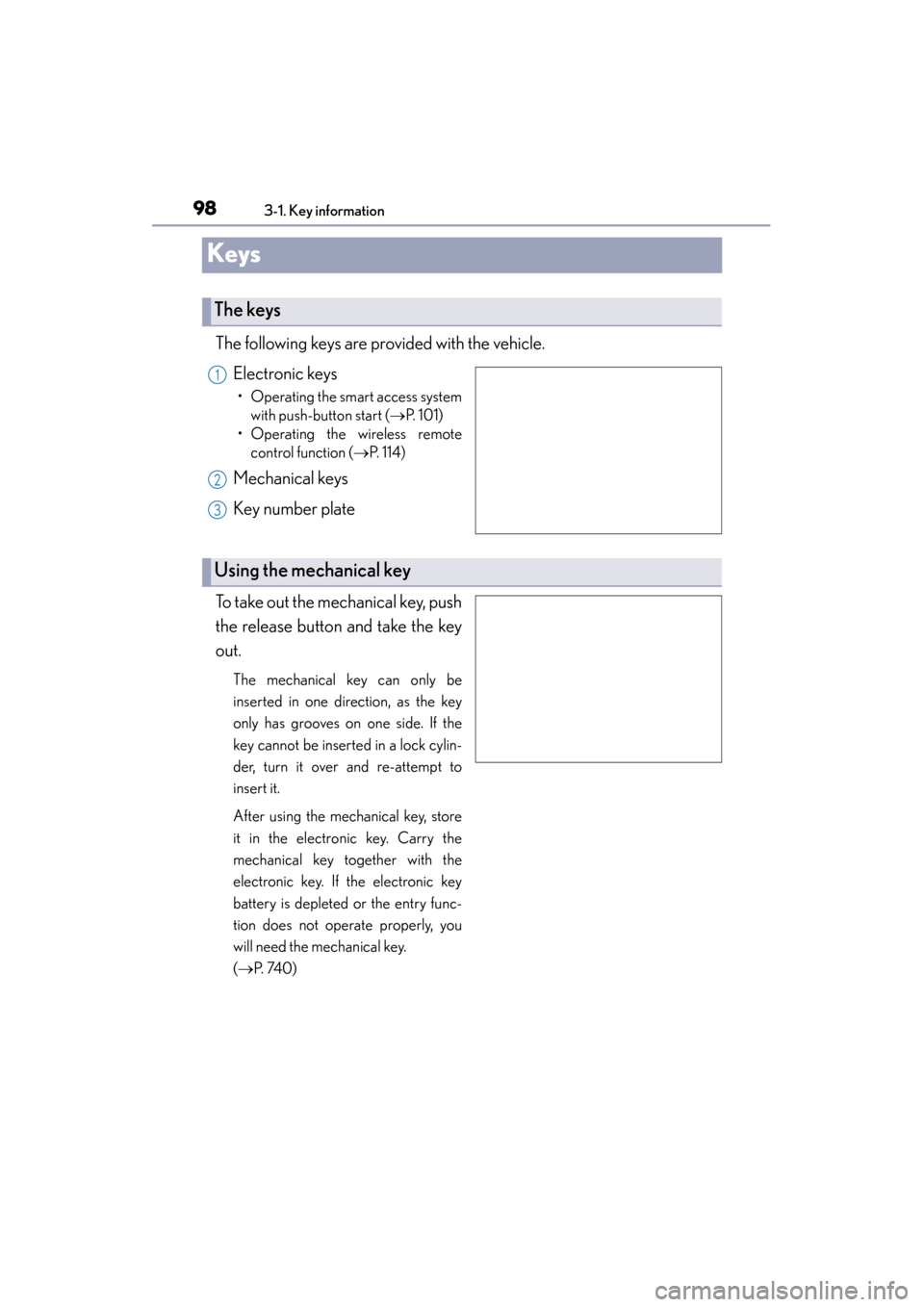
The following keys are provided with the vehicle.Electronic keys
• Operating the smart access systemwith push-button start ( →P. 1 0 1 )
• Operating the wireless remote control function ( →P. 114)
Mechanical keys
Key number plate
To take out the mechanical key, push
the release button and take the key
out.
The mechanical key can only be
inserted in one direction, as the key
only has grooves on one side. If the
key cannot be inserted in a lock cylin-
der, turn it over and re-attempt to
insert it.
After using the mechanical key, store
it in the electronic key. Carry the
mechanical key together with the
electronic key. If the electronic key
battery is depleted or the entry func-
tion does not operate properly, you
will need the mechanical key.
( → P. 74 0 )
The keys
1
2
3
Using the mechanical key
Page 109 of 830
108
GS350_U (OM30C34U)
3-2. Opening, closing and locking the doors and trunk
■Conditions affecting operation
The smart access system with push-button start uses weak radio waves. In the follow-
ing situations, the communication between the electronic key and the vehicle may be
affected, preventing the smart access system with push-button start, wireless remote
control and engine immobilizer system from operating properly. (Ways of coping:
→P. 74 0 )
●When the electronic key battery is depleted
●Near a TV tower, electric power plant, gas station, radio station, large display, air-
port or other facility that generates strong radio waves or electrical noise
●When carrying a portable radio, cellular phone, cordless phone or other wireless
communication device
●When the electronic key is in contact with, or is covered by the following metallic
objects
• Cards to which aluminum foil is attached
• Cigarette boxes that have aluminum foil inside
• Metallic wallets or bags
•Coins
• Hand warmers made of metal
• Media such as CDs and DVDs
●When other wireless keys (that emit radio waves) are being used nearby
●When carrying the electronic key together with the following devices that emit
radio waves
• Another vehicle’s electronic key or a wireless key that emits radio waves
• Personal computers or personal digital assistants (PDAs)
• Digital audio players
• Portable game systems
●If window tint with a metallic content or metallic objects are attached to the rear
window
Page 111 of 830
110
GS350_U (OM30C34U)
3-2. Opening, closing and locking the doors and trunk
■Note for locking the doors
●Touching the door lock sensor while wearing gloves may delay or prevent lock
operation. Remove the gloves and touch the lock sensor again.
●If the door handle becomes wet while the electronic key is within the effective
range, the door may lock and unlock repeatedly. In that case, follow the following
correction procedures to wash the vehicle:
• Place the electronic key in a location 6 ft. (2 m) or more away from the vehicle.(Take care to ensure that the key is not stolen.)
• Set the electronic key to battery-saving mode to disable the smart access sys- tem with push-button start. (→ P. 1 0 7 )
●If the electronic key is inside the vehicle and a door handle becomes wet during a
car wash, a message may be shown on the multi-information display and a buzzer
will sound outside the vehicle. To turn off the alarm, lock all the doors.
●The lock sensor may not work properly if it comes into contact with ice, snow, mud,
etc. Clean the lock sensor and attempt to operate it again, or use the lock sensor
on the lower part of the door handle.
●Fingernails may scrape against the door during operation of the door handle. Be
careful not to injure fingernails or damage the surface of the door.
■Note for the unlocking function
●A sudden approach to the effective range or door handle may prevent the doors
from being unlocked. In this case, return the door handle to the original position
and check that the doors unlock before pulling the door handle again.
●Gripping the door handle when wearing a glove may not unlock the door.
●If the door handle becomes wet while the electronic key is within the effective
range, the door may lock and unlock repeatedly. In that case, follow the following
correction procedures to wash the vehicle:
• Place the electronic key in a location 6 ft. (2 m) or more away from the vehicle. (Take care to ensure that the key is not stolen.)
• Set the electronic key to battery-saving mode to disable the smart access sys- tem with push-button start. (→ P. 1 0 7 )
●If there is another electronic key in the detection area, it may take slightly longer to
unlock the doors after the door handle is gripped.
●Fingernails may scrape against the door during operation of the door handle. Be
careful not to injure fingernails or damage the surface of the door.
Page 127 of 830
126
GS350_U (OM30C34U)
3-2. Opening, closing and locking the doors and trunk
CAUTION
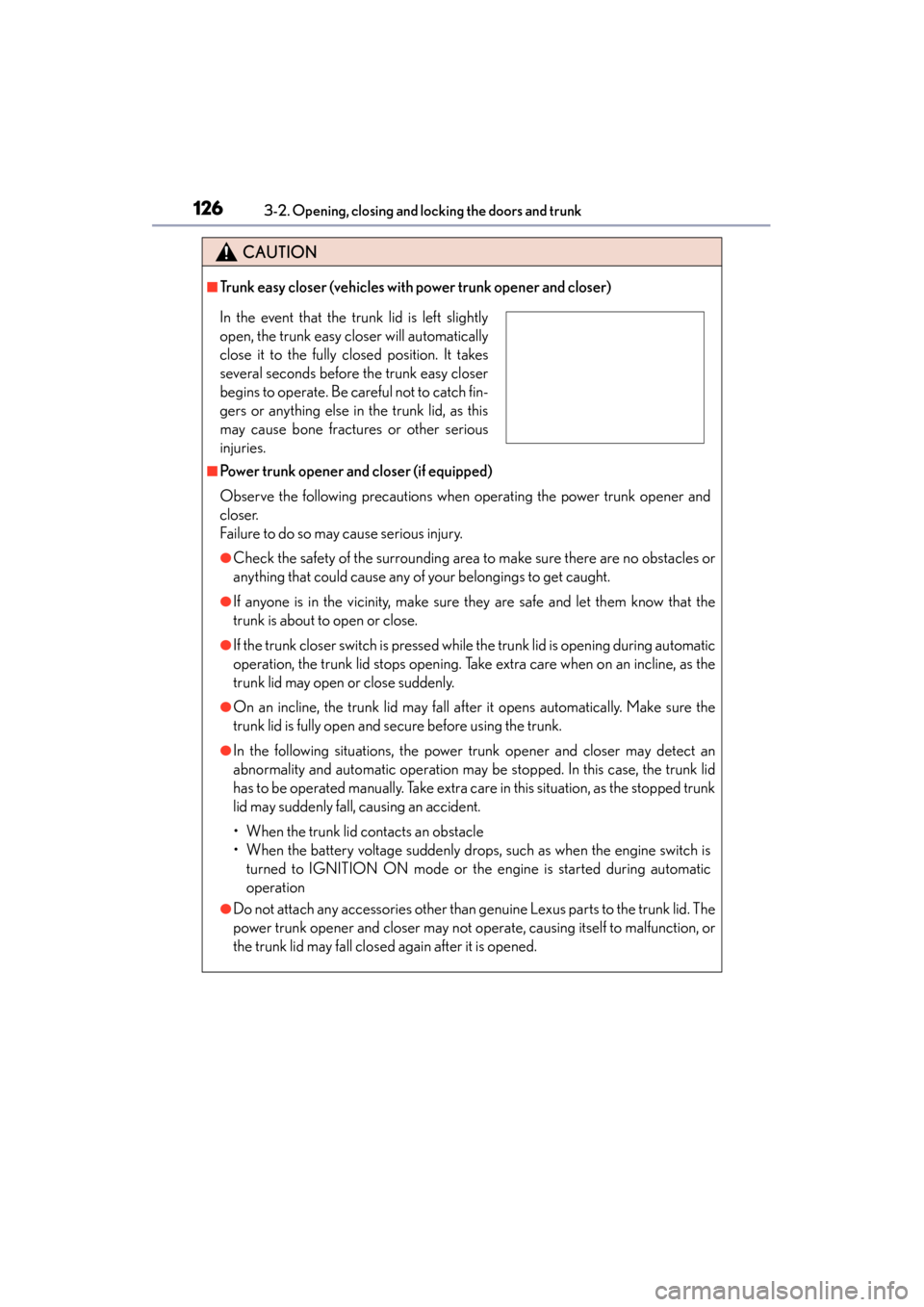
■Trunk easy closer (vehicles with power trunk opener and closer)
■Power trunk opener and closer (if equipped)
Observe the following precautions when operating the power trunk opener and
closer.
Failure to do so may cause serious injury.
●Check the safety of the surrounding area to make sure there are no obstacles or
anything that could cause any of your belongings to get caught.
●If anyone is in the vicinity, make sure they are safe and let them know that the
trunk is about to open or close.
●If the trunk closer switch is pressed while the trunk lid is opening during automatic
operation, the trunk lid stops opening. Take extra care when on an incline, as the
trunk lid may open or close suddenly.
●On an incline, the trunk lid may fall after it opens automatically. Make sure the
trunk lid is fully open and secure before using the trunk.
●In the following situations, the power trunk opener and closer may detect an
abnormality and automatic operation may be stopped. In this case, the trunk lid
has to be operated manually. Take extra care in this situation, as the stopped trunk
lid may suddenly fall, causing an accident.
• When the trunk lid contacts an obstacle
• When the battery voltage suddenly drops, such as when the engine switch is turned to IGNITION ON mode or the engine is started during automatic
operation
●Do not attach any accessories other than genuine Lexus parts to the trunk lid. The
power trunk opener and closer may not operate, causing itself to malfunction, or
the trunk lid may fall closed again after it is opened.
In the event that the trunk lid is left slightly
open, the trunk easy closer will automatically
close it to the fully closed position. It takes
several seconds before the trunk easy closer
begins to operate. Be careful not to catch fin-
gers or anything else in the trunk lid, as this
may cause bone fractures or other serious
injuries.
Page 297 of 830
296
GS350_U (OM30C34U)
4-5. Using the driving support systems
CAUTION
■Before using the Lexus night view
Never depend on this system only.
Lexus night view is intended as a supplemental aid to help you see pedestrians and
road conditions ahead of the vehicle. As there are limits to the system, do not rely
solely on the system while in use, and drive safely while observing the following
precautions.
■When using the Lexus night view
Observe the following precautions.
Failure to do so may cause an accident resulting in death or serious injury.
●Never drive while looking at the Lexus night view screen only.
●Do not look continuously at the Lexus night view screen while driving. Pedestri-
ans, objects etc. ahead of the vehicle may be overlooked by the system. The sys-
tem should always be used as a supplemental aid only.
●Lexus night view is designed to help you see objects better when driving in dark-
ness on a road with few curves. Do not use the Lexus night view in well-lit areas or
on roads with many curves or slopes. There may be areas that cannot be dis-
played by the system due to the road conditions (curve size, gradient, etc.)
●Lexus night view may be unable to project some features at an appropriate level
of brightness. Some or all parts of certain features may be dark or difficult to see.
Do not rely solely on the Lexus night view, and drive carefully while checking the
surroundings for safety, as you would with a normal vehicle. Also, the following
features and conditions may not be displayed clearly.
Features that are difficult to display:
• Clothing of a pedestrian made of a certain kind of material (ex. leather jackets)
• The characters on signs and billboards
• The information on road signs
Conditions in which display is difficult:
• Unfavorable weather conditions such as rain, fog, snowfall, snow storms etc.
• There are large puddles of water on the road surface following rainfall
• The area of the front windshield in front of the camera is fogged up, dirty or icy
• The areas around the headlights are covered with ice, snow, mud etc.
• The battery voltage is remarkably low
• There are bright lights ahead of the vehicle
Page 299 of 830
298
GS350_U (OM30C34U)
4-6. Driving tips
Winter driving tips
●Use fluids that are appropriate to the prevailing outside temperatures.
• Engine oil
• Engine coolant
•Washer fluid
●Have a service technician inspect the condition of the battery.
●Have the vehicle fitted with four snow tires or purchase a set of tire
chains for the rear tires.
*
Ensure that all tires are the specified size and brand, and that chains match the
size of the tires.
*: Tire chains cannot be mounted on the vehicles with front and rear tires of dif-
fering sizes and vehicles with LDH and 19-inch tires.
Carry out the necessary preparatio ns and inspections before driving
the vehicle in winter. Always drive the vehicle in a manner appropriate
to the prevailing weather conditions.
Preparation for winter
Page 371 of 830
370
GS350_U (OM30C34U)
5-3. Using the audio system
■Using cellular phones
Interference may be heard through the audio system’s speakers if a cellular phone is
being used inside or close to the vehicle while the audio system is operating.
■When using the Remote Touch screen
Dimmed screen buttons cannot be operated.
■Ta b
Select or , located either side of the screen tabs, to display tabs from the pre-
vious or next page.
■About Dolby
Manufactured under license from Dolby Laboratories. Dolby and the double-D sym-
bol are trademarks of Dolby Laboratories.
CAUTION
■For vehicles sold in the U.S.A. and Canada
●Part 15 of the FCC Rules
FCC Warning:
Changes or modifications not expressly approved by the party responsible for
compliance could void the user’s authority to operate the equipment.
●Laser products
• USE OF CONTROL OR ADJUSTMENT OR PERFORMANCE OF PRO- CEDURES OTHER THAN THOSE SPECIFIED HEREIN MAY RESULT IN
HAZARDOUS RADIATION EXPOSURE.
• THE USE OF OPTICAL INSTRUMENTS WITH THIS PRODUCT WILL INCREASE EYE HAZARD.
NOTICE
■To prevent battery discharge
Do not leave the audio system on longer than necessary when the engine is off.
■To avoid damaging the audio system
Take care not to spill drinks or other fluids on the audio system.
Page 402 of 830
GS350_U (OM30C34U)
4015-3. Using the audio system
5
Interior features
■If you select
The display returns to the previous screen.
■When the battery is disconnected
All preset stations are erased.
■Reception sensitivity
●Cargo loaded on the roof luggage carrier, especially metal objects, may adversely
affect the reception of XM® Satellite Radio.
●Maintaining perfect radio reception at all times is difficult due to the continually
changing position of the antenna, differences in signal strength and surrounding
objects, such as trains, transmitters, etc.
●The radio antenna is mounted inside the rear quarter window. To maintain clear
radio reception, do not attach metallic window tinting or other metallic objects to
the antenna wire mounted inside the rear quarter window.
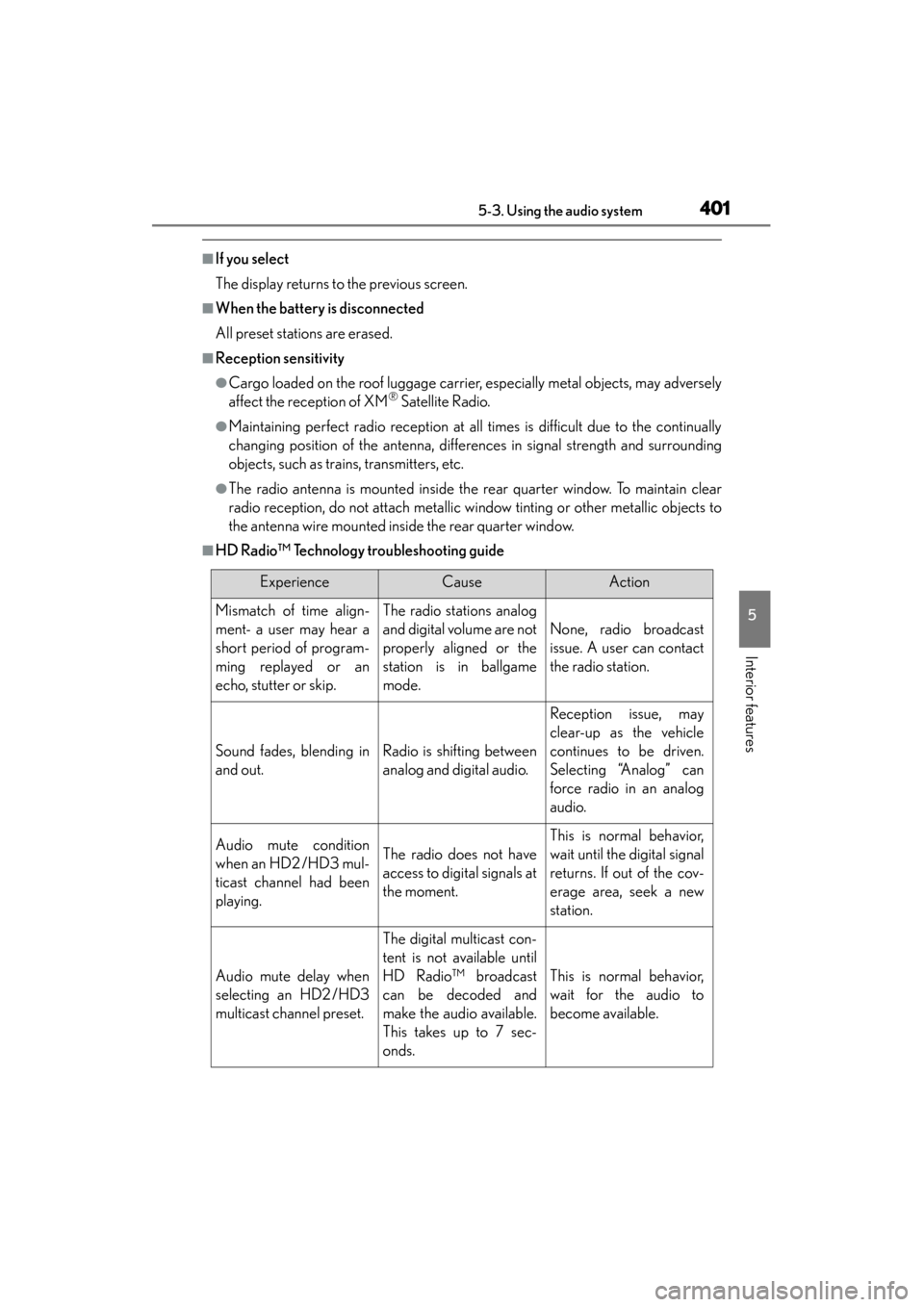
■HD Radio™ Technology troubleshooting guide
ExperienceCauseAction
Mismatch of time align-
ment- a user may hear a
short period of program-
ming replayed or an
echo, stutter or skip.The radio stations analog
and digital volume are not
properly aligned or the
station is in ballgame
mode.
None, radio broadcast
issue. A user can contact
the radio station.
Sound fades, blending in
and out.Radio is shifting between
analog and digital audio.
Reception issue, may
clear-up as the vehicle
continues to be driven.
Selecting “Analog” can
force radio in an analog
audio.
Audio mute condition
when an HD2 /HD3 mul-
ticast channel had been
playing.The radio does not have
access to digital signals at
the moment.
This is normal behavior,
wait until the digital signal
returns. If out of the cov-
erage area, seek a new
station.
Audio mute delay when
selecting an HD2 /HD3
multicast channel preset.
The digital multicast con-
tent is not available until
HD Radio™ broadcast
can be decoded and
make the audio available.
This takes up to 7 sec-
onds.
This is normal behavior,
wait for the audio to
become available.