audio Lexus GS350 2016 User Guide
[x] Cancel search | Manufacturer: LEXUS, Model Year: 2016, Model line: GS350, Model: Lexus GS350 2016Pages: 624, PDF Size: 15.29 MB
Page 255 of 624
GS350_200t_GS F_OM_OM30E86U_(U)
2554-5. Using the driving support systems
4
Driving
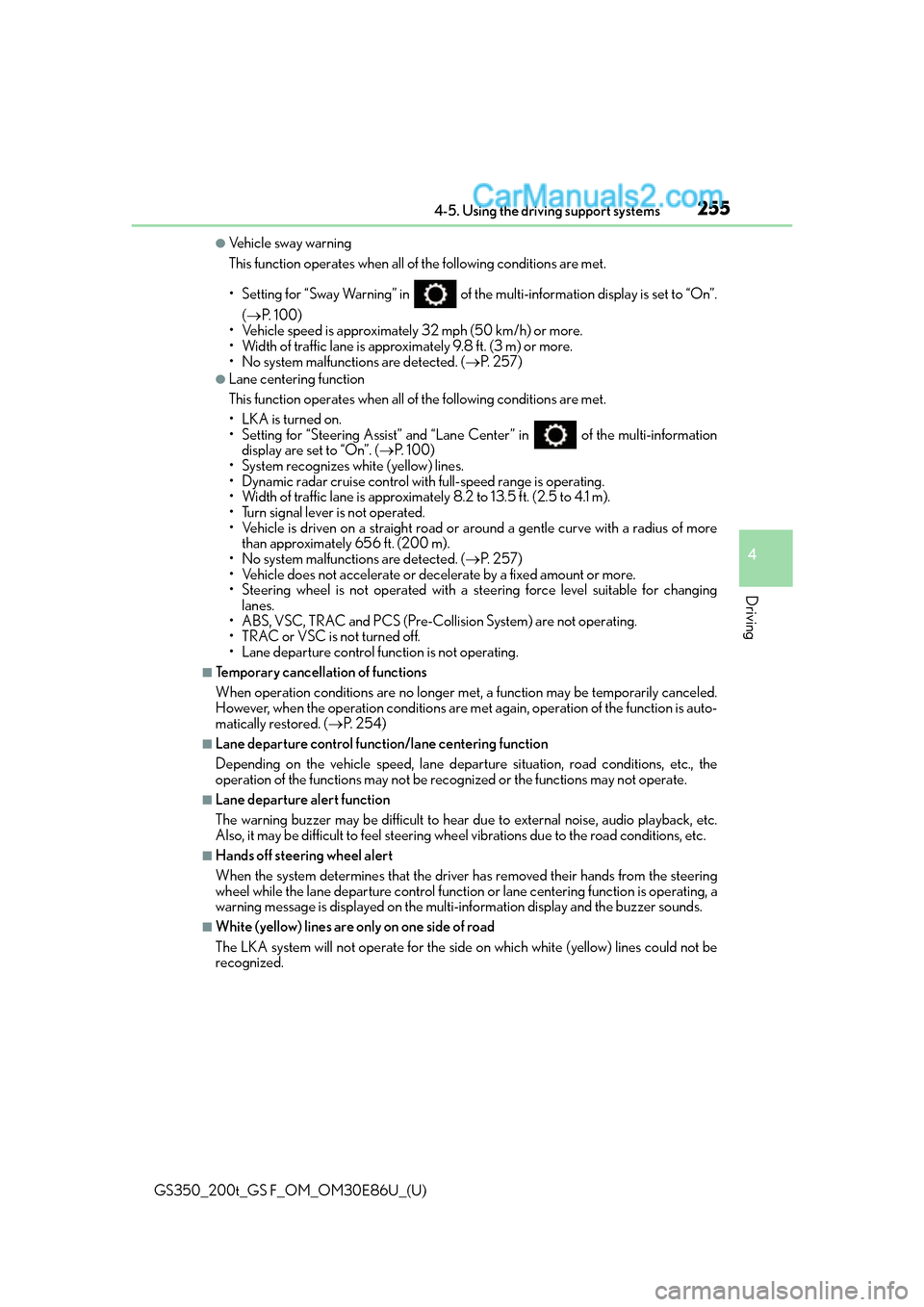
●Ve h i c l e s w a y w a r n i n g
This function operates when all of the following conditions are met.
• Setting for “Sway Warning” in of the multi-information display is set to “On”.
( P. 1 0 0 )
• Vehicle speed is approximately 32 mph (50 km/h) or more.
• Width of traffic lane is approximately 9.8 ft. (3 m) or more.
• No system malfunctions are detected. ( P. 2 5 7 )
●Lane centering function
This function operates when all of the following conditions are met.
• LKA is turned on.
• Setting for “Steering Assist” and “Lane Center” in of the multi-information
display are set to “On”. ( P. 1 0 0 )
• System recognizes white (yellow) lines.
• Dynamic radar cruise control with full-speed range is operating.
• Width of traffic lane is approximat ely 8.2 to 13.5 ft. (2.5 to 4.1 m).
• Turn signal lever is not operated.
• Vehicle is driven on a straight road or around a gentle curve with a radius of more
than approximately 656 ft. (200 m).
• No system malfunctions are detected. ( P. 2 5 7 )
• Vehicle does not accelerate or decelerate by a fixed amount or more.
• Steering wheel is not operated with a st eering force level suitable for changing
lanes.
• ABS, VSC, TRAC and PCS (Pre-Collision System) are not operating.
• TRAC or VSC is not turned off.
• Lane departure control function is not operating.
■Temporary cancellation of functions
When operation conditions are no longer me t, a function may be temporarily canceled.
However, when the operation conditions are met again, operation of the function is auto-
matically restored. ( P. 2 5 4 )
■Lane departure control function/lane centering function
Depending on the vehicle speed, lane depart ure situation, road conditions, etc., the
operation of the functions may not be reco gnized or the functions may not operate.
■Lane departure alert function
The warning buzzer may be difficult to hear due to external noise, audio playback, etc.
Also, it may be difficult to feel steering wheel vibrations due to the road conditions, etc.
■Hands off steering wheel alert
When the system determines that the driver has removed their hands from the steering
wheel while the lane departure control function or lane centering function is operating, a
warning message is displayed on the multi- information display and the buzzer sounds.
■White (yellow) lines are only on one side of road
The LKA system will not operate for the side on which white (yellow) lines could not be
recognized.
Page 263 of 624
GS350_200t_GS F_OM_OM30E86U_(U)
2634-5. Using the driving support systems
4
Driving
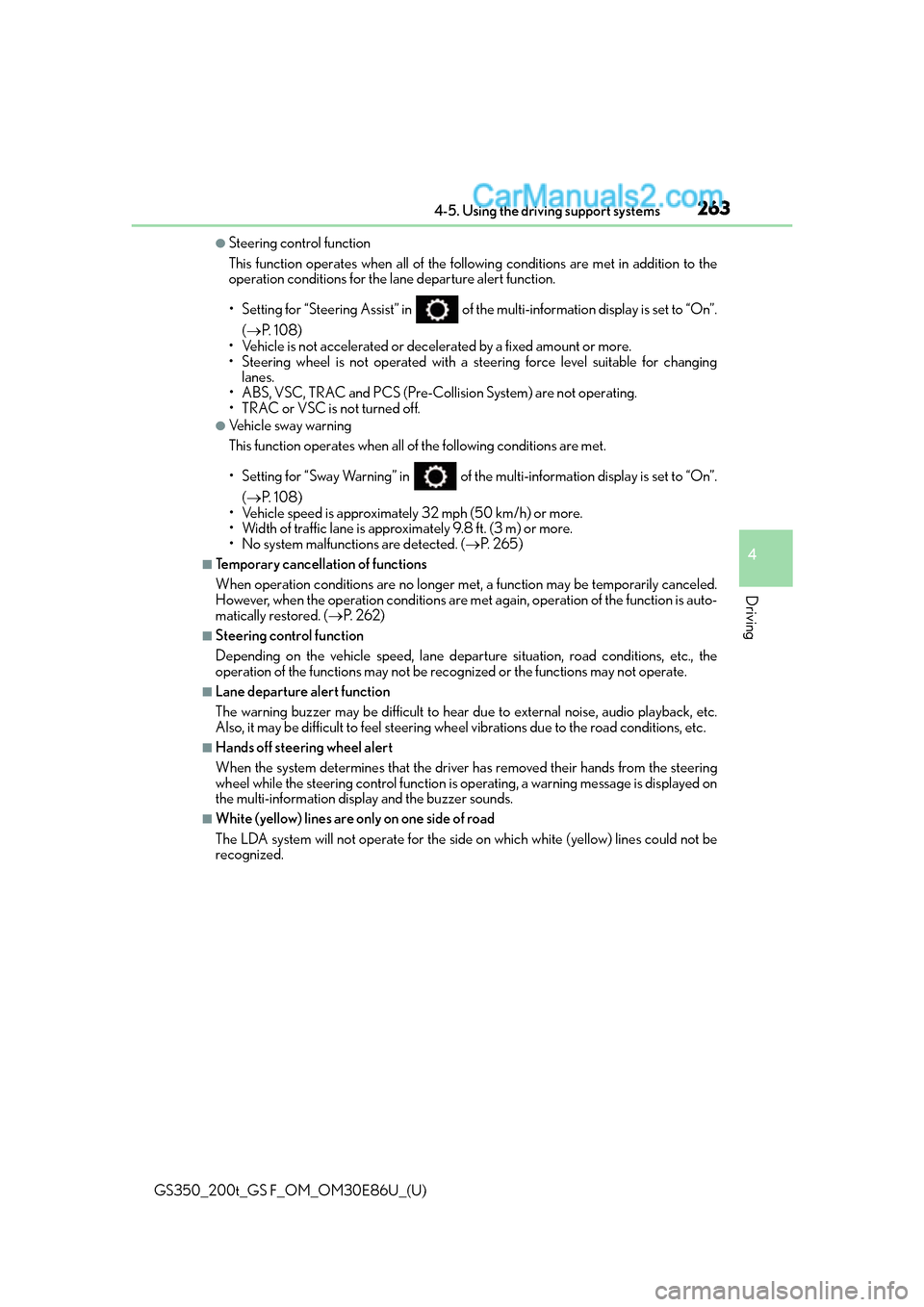
●Steering control function
This function operates when all of the following conditions are met in addition to the
operation conditions for the lane departure alert function.
• Setting for “Steering Assist” in of the multi-information display is set to “On”.
( P. 1 0 8 )
• Vehicle is not accelerated or decelerated by a fixed amount or more.
• Steering wheel is not operated with a st eering force level suitable for changing
lanes.
• ABS, VSC, TRAC and PCS (Pre-Collision System) are not operating.
• TRAC or VSC is not turned off.
●Ve h i c l e s w a y w a r n i n g
This function operates when all of the following conditions are met.
• Setting for “Sway Warning” in of the multi-information display is set to “On”.
( P. 1 0 8 )
• Vehicle speed is approximately 32 mph (50 km/h) or more.
• Width of traffic lane is approximately 9.8 ft. (3 m) or more.
• No system malfunctions are detected. ( P. 2 6 5 )
■Temporary cancellation of functions
When operation conditions are no longer me t, a function may be temporarily canceled.
However, when the operation conditions are met again, operation of the function is auto-
matically restored. ( P. 2 6 2 )
■Steering control function
Depending on the vehicle speed, lane depart ure situation, road conditions, etc., the
operation of the functions may not be reco gnized or the functions may not operate.
■Lane departure alert function
The warning buzzer may be difficult to hear due to external noise, audio playback, etc.
Also, it may be difficult to feel steering wheel vibrations due to the road conditions, etc.
■Hands off steering wheel alert
When the system determines that the driver has removed their hands from the steering
wheel while the steering control function is operating, a warning message is displayed on
the multi-information displa y and the buzzer sounds.
■White (yellow) lines are only on one side of road
The LDA system will not operate for the side on which white (yellow) lines could not be
recognized.
Page 299 of 624
GS350_200t_GS F_OM_OM30E86U_(U)
2994-5. Using the driving support systems
4
Driving
■The outside rear view mirror indicators visibility
When under strong sunlight, the outside rear view mirror indicator may be difficult to
see.
■Rear Cross Traffic Alert buzzer hearing
Rear Cross Traffic Alert function may be difficult to hear over loud noises such as high
audio volume.
■When there is a malfunction in the Blind Spot Monitor
If a system malfunction is detected due to any of the following reasons, warning mes-
sages will be displayed: ( P. 4 5 9 )
●There is a malfunction with the sensors
●The sensors have become dirty
●The outside temperature is extremely high or low
●The sensor voltage has become abnormal
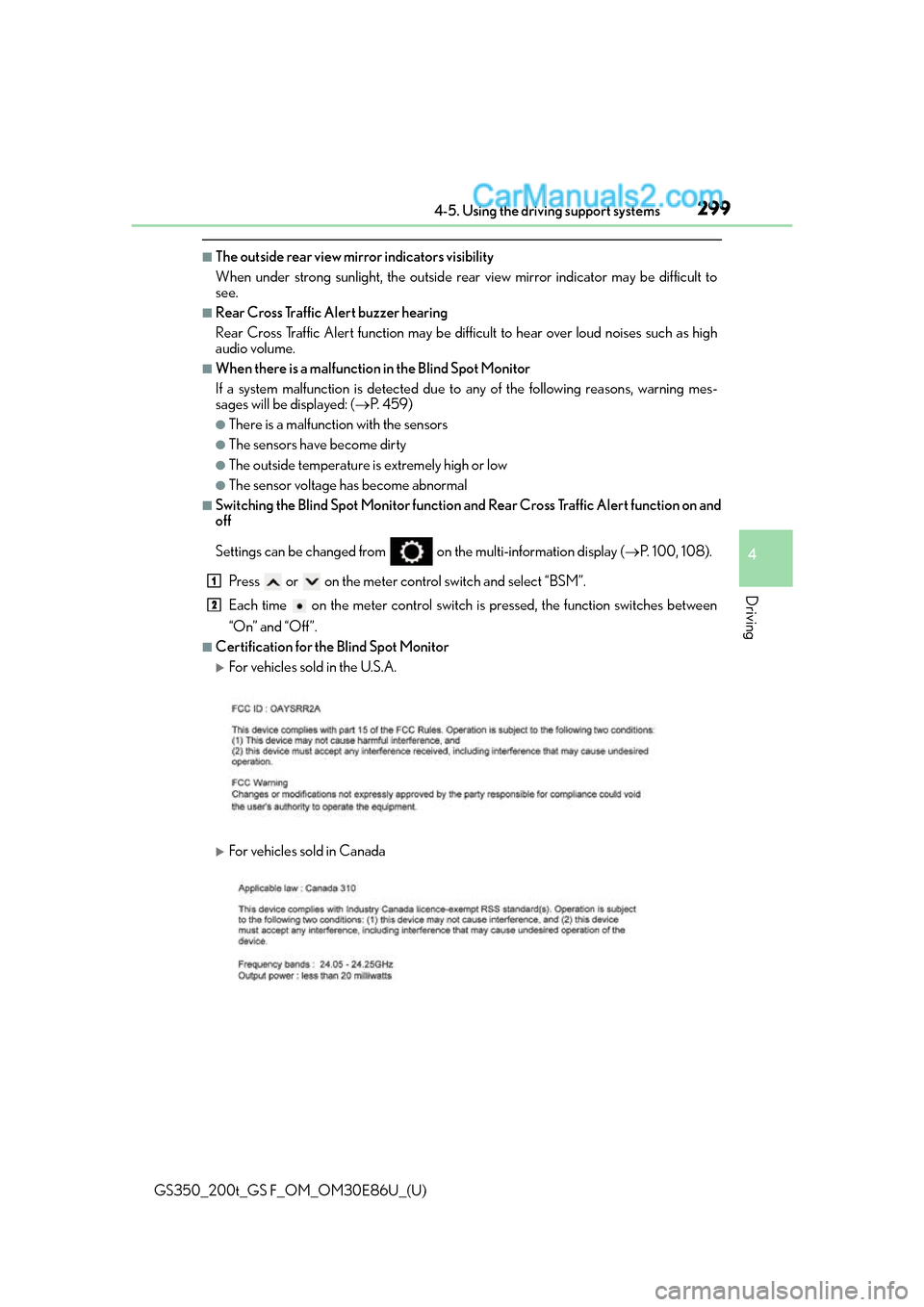
■Switching the Blind Spot Monitor function and Rear Cross Traffic Alert function on and
off
Settings can be changed from on the multi-information display (P. 100, 108).
Press or on the meter cont rol switch and select “BSM”.
Each time on the meter control switch is pressed, the function switches between
“On” and “Off”.
■Certification for the Blind Spot Monitor
For vehicles sold in the U.S.A.
For vehicles sold in Canada
1
2
Page 327 of 624
GS350_200t_GS F_OM_OM30E86U_(U)
3275-1. Remote Touch screen
5
Interior features
For details of the functions and operation of the main display, refer to the respec-
tive section.
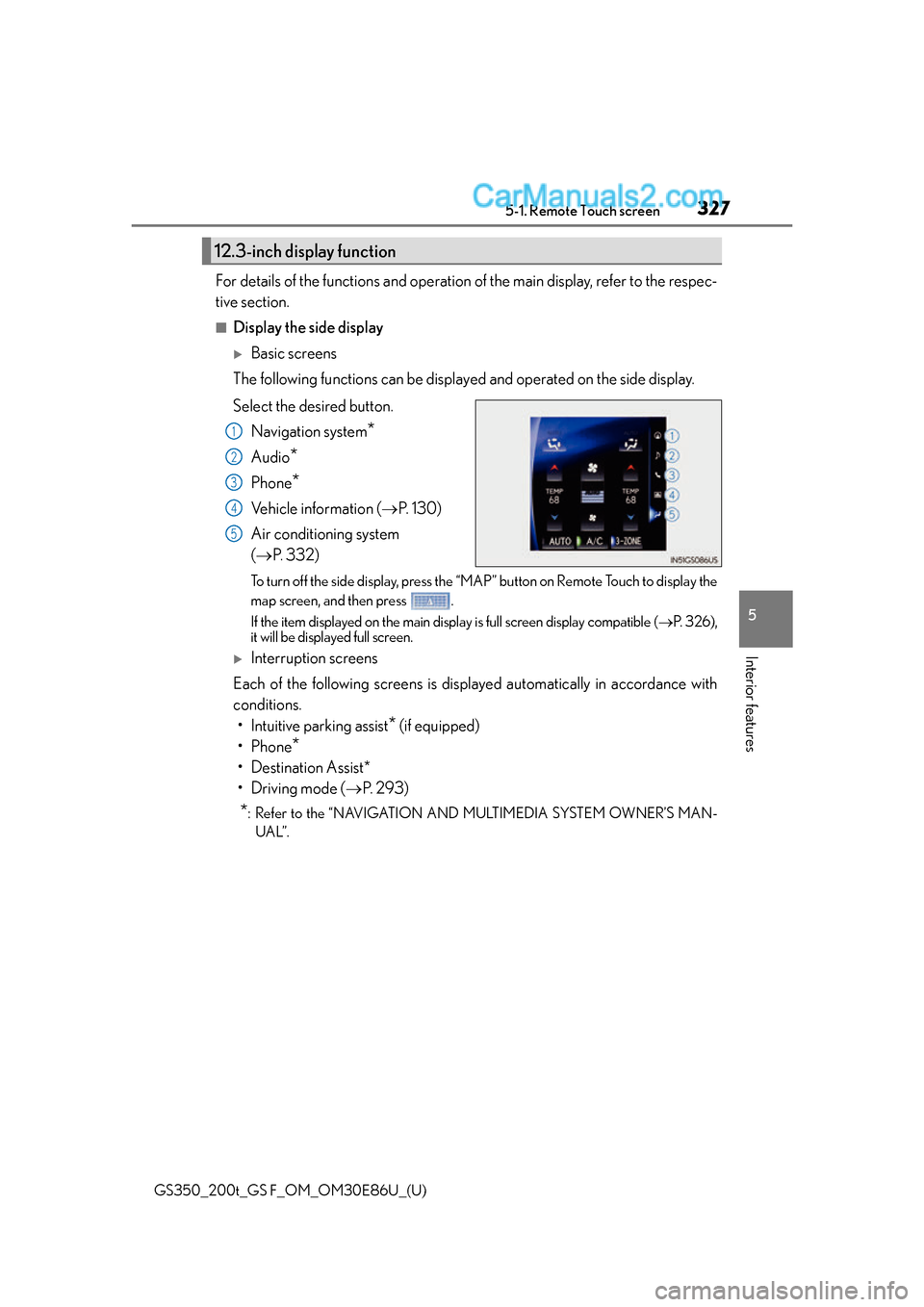
■Display the side display
Basic screens
The following functions can be displaye d and operated on the side display.
Select the desired button. Navigation system
*
Audio*
Phone*
Vehicle information ( P. 1 3 0 )
Air conditioning system
( P. 3 3 2 )
To turn off the side display, press the “MAP” button on Remote Touch to display the
map screen, and then press .
If the item displayed on the main displa y is full screen display compatible (P. 3 2 6 ) ,
it will be displayed full screen.
Interruption screens
Each of the following screens is displayed automatically in accordance with
conditions. • Intuitive parking assist
* (if equipped)
•Phone
*
• Destination Assist*
•Driving mode ( P. 2 9 3 )
*: Refer to the “NAVIGATION AND MULTIMEDIA SYSTEM OWNER’S MAN-
UAL”.
12.3-inch display function
1
2
3
4
5
Page 384 of 624
384
GS350_200t_GS F_OM_OM30E86U_(U)6-1. Maintenance and care
NOTICE
■Cleaning detergents
●Do not use the following types of detergent, as they may discolor the vehicle interior
or cause streaks or damage to painted surfaces:
• Non-seat portions: Organic substances su
ch as benzene or gasoline, alkaline or
acidic solutions, dye, and bleach
• Seats: Alkaline or acidic solutions, such as thinner, benzene, and alcohol
●Do not use polish wax or polish cleaner. The instrument panel’s or other interior part’s
painted surface may be damaged.
■Preventing damage to leather surfaces
Observe the following precautions to avoid damage to and deterioration of leather
surfaces:
●Remove any dust or dirt from leather surfaces immediately.
●Do not expose the vehicle to direct sunlight for extended periods of time. Park the
vehicle in the shade, especially during summer.
●Do not place items made of vinyl, plastic, or containing wax on the upholstery, as they
may stick to the leather su rface if the vehicle interior heats up significantly.
■Water on the floor
Do not wash the vehicle floor with water.
Vehicle systems such as the audio system may be damaged if water comes into contact
with electrical components such as the au dio system above or under the floor of the
vehicle. Water may also cause the body to rust.
■When cleaning the inside of the windshie ld (vehicles with Lexus Safety System+)
Do not allow glass cleaner to contact the lens. Also, do not touch the lens. ( P. 2 3 3 )
■Cleaning the inside of the rear window
●Do not use glass cleaner to clean the rear window, as this may cause damage to the
rear window defogger heater wires or antenna. Use a cloth dampened with luke-
warm water to gently wipe the window cl ean. Wipe the window in strokes running
parallel to the heater wires or antenna.
●Be careful not to scratch or damage the heater wires or antenna.
Page 457 of 624
4577-2. Steps to take in an emergency
GS350_200t_GS F_OM_OM30E86U_(U)
7
When trouble arises
■Warning buzzer
In some cases, the buzzer may not be heard because of noisy place or an audio sound.
■Customization
The vehicle speed linked seat belt reminder buzzer can be disabled.
(Customizable features: P. 5 6 8 )
WA R N I N G
■If both the ABS and the brake system warning lights remain on
Stop your vehicle in a safe place immediat ely and contact your Lexus dealer. The vehi-
cle will become extremely unstable during braking, and the ABS system may fail, which
could cause an accident resulting in death or serious injury.
■When the electric power steering system warning light comes on
The steering wheel may become extremely heavy.
If the steering wheel becomes heavier than us ual when operating, hold firmly and oper-
ate using more force than usual.
■If the tire pressure warning light comes on
Be sure to observe the following precautions. Failure to do so could cause a loss of
vehicle control and result in death or serious injury.
●Stop your vehicle in a safe place as soon as possible. Adjust the tire inflation pressure
immediately.
●If the tire pressure warning light comes on even after tire inflation pressure adjust-
ment, it is probable that you have a flat tire. Check the tires. If a tire is flat, change it
with the spare tire and have the flat tire repaired by the nearest Lexus dealer.
●Avoid abrupt maneuvering and braking. If the vehicle tires deteriorate, you could lose
control of the steering wheel or the brakes.
■If a blowout or sudden air leakage should occur
The tire pressure warning system may not activate immediately.
Page 485 of 624
4857-2. Steps to take in an emergency
GS350_200t_GS F_OM_OM30E86U_(U)
7
When trouble arises
■Warning message in radar cruise mode (if equipped)
In the following cases, the warning message ma y not be displayed even if vehicle-to-vehi-
cle distance decreases:
●When your vehicle and the vehicle ahead are traveling at the same speed or the vehicle
ahead is traveling more quickly than your vehicle
●When the vehicle ahead is traveling at a very low speed
●Immediately after cruise control speed is set
●At the instant the accelerator pedal is depressed
■Open door warning message (GS350/GS200t only)
The open door warning message continues to display until a door or the trunk is fully
closed, even if the engine switch is turned off. However, approximately 20 minutes after a
door or the trunk is not fully closed, the batt ery-saving function operates and the display
turns off even though a door or the trunk is not fully closed.
■Warning buzzer
In some cases, the buzzer may not be heard because of noisy place or an audio sound.
Page 490 of 624
4907-2. Steps to take in an emergency
GS350_200t_GS F_OM_OM30E86U_(U)
■Warning buzzer
In some cases, the buzzer may not be heard because of noisy place or an audio sound.
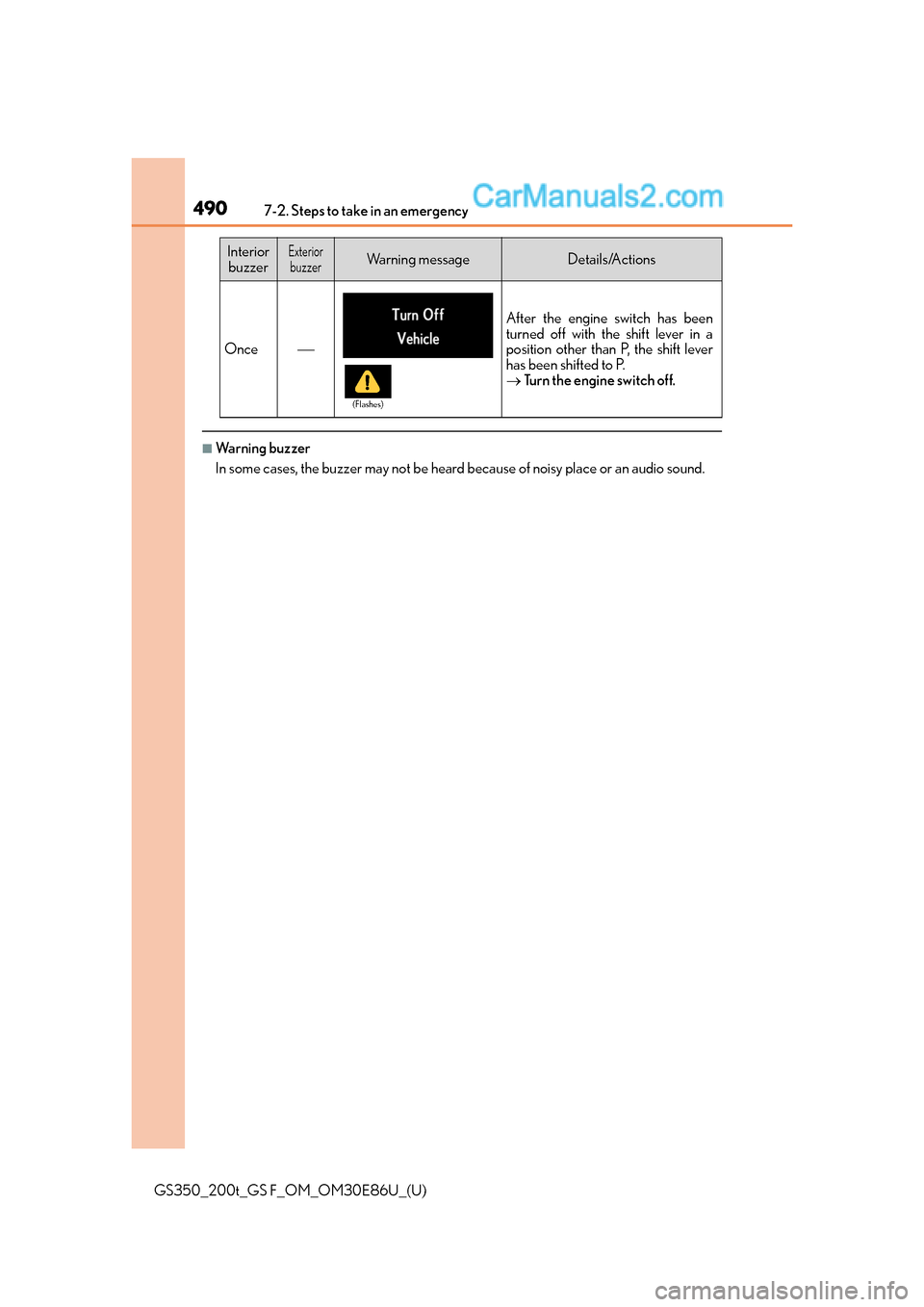
Once
After the engine switch has been
turned off with the shift lever in a
position other than P, the shift lever
has been shifted to P.
Turn the engine switch off.
Interior
buzzerExteriorbuzzerWa r n i n g m e s s a g eDetails/Actions
(Flashes)
Page 526 of 624
5267-2. Steps to take in an emergency
GS350_200t_GS F_OM_OM30E86U_(U)
■Starting the engine when the battery is discharged
The engine cannot be started by push-starting.
■To prevent battery discharge
●Turn off the headlights and the audio system while the engine is off.
●Turn off any unnecessary electrical components when the vehicle is running at a low
speed for an extended period, such as in heavy traffic.
■Charging the battery
The electricity stored in the battery will discharge gradually even when the vehicle is not
in use, due to natural discharge and the draining effects of certain electrical appliances. If
the vehicle is left for a long time, the battery may discharge, and the engine may be
unable to start. (The battery recharges automatically during driving.)
■When recharging or replacing the battery
●In some cases, it may not be possible to unlock the doors using the smart access system
with push-button start when the battery is discharged. Use the wireless remote control
or the mechanical key to lock or unlock the doors.
●The engine may not start on the first attempt after the battery has recharged but will
start normally after the second attempt. This is not a malfunction.
●The engine switch mode is memorized by the vehicle. When the battery is recon-
nected, the system will return to the mode it was in before the battery was discharged.
Before disconnecting the battery, turn the engine switch off.
If you are unsure what mode the engine switch was in before the battery discharged, be
especially careful when reconnecting the battery.
Page 599 of 624
599
GS350_200t_GS F_OM_OM30E86U_(U)
Index
What to do if... (Troubleshooting)............................... 600
Alphabetical index.................................604
For information regarding the equipm ent listed below, refer to the
“NAVIGATION AND MULTIMEDIA SYSTEM OWNER’S MAN-
UAL”.
•Audio system
• Navigation system
• Intuitive parking assist
• Lexus parking assist monitor