mirror Lexus GS350 2020 Owner's Guide
[x] Cancel search | Manufacturer: LEXUS, Model Year: 2020, Model line: GS350, Model: Lexus GS350 2020Pages: 600, PDF Size: 13.38 MB
Page 324 of 600
324
GS350_GS F_OM_OM30J07U_(U)5-2. Using the air conditio
ning system and defogger
■Switching between outside air and recirculated air modes
Press .
The mode switches among (recirculated air mode), automatic and
(outside air mode) modes each time the button is pressed.
When the system is switched to automatic mode, the air conditioning system oper-
ates automatically.
■Defogging the windshield
Defoggers are used to defog the wi ndshield and front side windows.
Press .
Set the outside/recirculated air mode button to outside air mode if the recirculated
air mode is used. (It may switch automatically.)
To defog the windshield and the side wind ows early, turn the air flow and tempera-
ture up.
To return to the previous mode, press
again when the windshield is
defogged.
■Defogging the rear window and outside rear view mirrors
Defoggers are used to defog the rear window and to remove raindrops, dew and frost
from the outside rear view mirrors.
Press .
The defoggers will automatically turn off af ter 15 to 60 minutes. The operation
time changes according to the ambi ent temperature and vehicle speed.
■Windshield wiper de-icer (if equipped)
This feature is used to prevent ice fr om building up on the windshield and
wiper blades.
Select on the option control screen.
The windshield wiper de-icer will automa tically turn off after approximately 15
minutes.
■Micro dust and pollen filter
Pollen is removed from the air and the air flows to the upper part of the body.
Select on the option control screen.
Usually the system will turn off automatically.
In order to prevent the windshield from fo gging up when the outside air is cold, the
dehumidification function may operate.
The pollens are filtered out even if the micro dust and pollen filter is turned off.
Other functions
Page 328 of 600

328
GS350_GS F_OM_OM30J07U_(U)5-2. Using the air conditioning system and defogger
■Air conditioning filter
P. 409
■Customization
Settings (e.g. exhaust gas sensor sensitivity) can be changed.
(Customizable features: P. 542)
WARNING
■To prevent the windshield from fogging up
●Do not use during cool air operation in extremely humid weather. The differ-
ence between the temperature of the outside air and that of the windshield can cause
the outer surface of the windshield to fog up, blocking your vision.
■To prevent burns
●Do not touch the rear view mirror surfaces when the outside rear view mirror defog-
gers are on.
●Vehicles with windshield wiper de-icer: Do not touch the glass at lower part of the
windshield or to the side of the front pill ars when the windshield wiper de-icer is on.
NOTICE
■To prevent battery discharge
Do not leave the air conditioning system on longer than necessary when the engine is
stopped.
●Do not place anything on the instrument
panel which may cover th e air outlets. Other-
wise, air flow may be obstructed, preventing
the windshield defoggers from defogging.
Page 346 of 600
346
GS350_GS F_OM_OM30J07U_(U)5-5. Using the other interior features
Other interior features
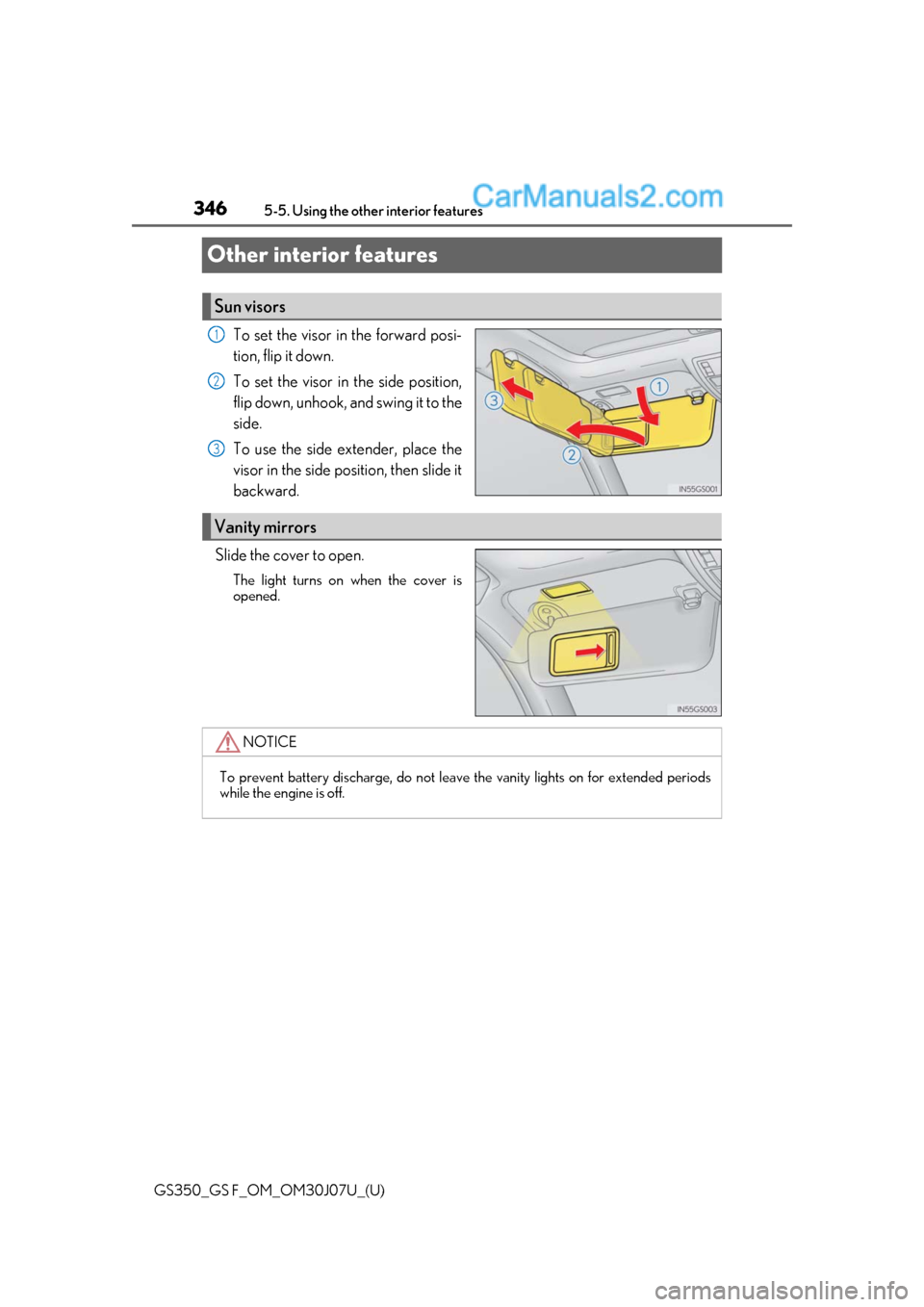
To set the visor in the forward posi-
tion, flip it down.
To set the visor in the side position,
flip down, unhook, and swing it to the
side.
To use the side extender, place the
visor in the side position, then slide it
backward.
Slide the cover to open.
The light turns on when the cover is
opened.
Sun visors
1
2
3
Vanity mirrors
NOTICE
To prevent battery discharge, do not leave the vanity lights on for extended periods
while the engine is off.
Page 354 of 600

354
GS350_GS F_OM_OM30J07U_(U)5-5. Using the other interior features
■Programming HomeLink®
Steps through must be performed
within 60 seconds, otherwise the
indicator light will stop flashing and pr ogramming will not be able to be com-
pleted.
Press and release the HomeLink
® button you want to program and check
that the HomeLink® indicator light flashes (orange).
Point the remote control transmit-
ter for the device at the rear view
mirror, 1 to 3 in. (25 to 75 mm)
from the HomeLink
® buttons.
Keep the HomeLink® indicator light
in view while programming.
Program a device.
Programming a device other than an entry gate (for U.S.A. owners)
Press and hold the remote control transmitter button until the HomeLink
®
indicator light changes from slowly flashing orange to rapidly flashing
green (rolling code) or cont inuously lit green (fixed code), then release the
button.
Programming an entry gate (for U. S.A. owners)/Programming a device
in the Canadian market
Press and release the remote control transm itter button at 2 second inter-
vals, repeatedly, until the HomeLink
® indicator light changes from slowly
flashing (orange) to rapidly flashing (green) (rolling code) or continuously
lit (green) (fixed code).
13
1
2
3
Page 363 of 600
GS350_GS F_OM_OM30J07U_(U)
3636-1. Maintenance and care
6
Maintenance and care
■Automatic car washes
●Fold the mirrors before washing the vehicle. Start washing from the front of the vehicle.
Make sure to extend the mirrors before driving.
●Brushes used in automatic car washes may scratch the vehicle surface and harm your
vehicle’s paint.
●Rear spoiler (if equipped) may not be washable in some automatic car washes. There
may also be an increased risk of damage to vehicle.
■High-pressure car washes
●As water may enter the cabin, do not bring the nozzle tip near the gaps around the
doors or perimeter of the windows, or spray these areas continuously.
●Before using the car wash, check that the fuel filler door on your vehicle is closed prop-
erly.
■Notes for a smart access system with push-button start
If the door handle becomes wet while the electronic key is within the effective range, the
door may lock and unlock repeatedly. In that case, follow the following correction proce-
dures to wash the vehicle:
●Place the key in a position 6 ft. (2 m) or more separate from the vehicle while the vehi-
cle is being washed. (Take care to ensure that the key is not stolen.)
●Set the electronic key to battery-saving mode to disable the sm art access system with
push-button start. ( P. 158)
■Aluminum wheels (vehicles without matte black painted wheels)
●Remove any dirt immediately by using a neutral detergent.
●Wash detergent off with water immediately after use.
●To protect the paint from damage, make sure to observe the following precautions.
• Do not use acidic, alkaline or abrasive detergent
• Do not use hard brushes
• Do not use detergent on the wheels when they are hot, such as after driving or park- ing in hot weather
■Aluminum wheels (vehicles with matte black painted wheels)
As matte black painted wheels require differ ent cleaning methods than conventional alu-
minum wheels, be sure to observer the follo wing. For details, consult your Lexus dealer.
●Remove dirt using water. If the wheels are excessively dirty, use a sponge or soft cloth
dampened with a diluted neutral detergent to remove the dirt.
●When using detergent, make sure to rinse it off with water immediately. Then use a soft
cloth to wipe off the water.
●To prevent the matte black paint from being damaged, make sure to observe the follow-
ing precautions:
• Do not scrub or polish the wheels using a brush or dry cloth.
• Do not use any wheel coatings or abrasive detergents.
• When using an automatic car wash, disable/ do not select the wheel brush function
(if such an option is available).
• Do not use a high pressure washer or steam cleaner.
• Do not use detergent on the wheels when they are hot, such as after driving or park- ing in hot weather.
Page 550 of 600
550
GS350_GS F_OM_OM30J07U_(U)8-2. Customization
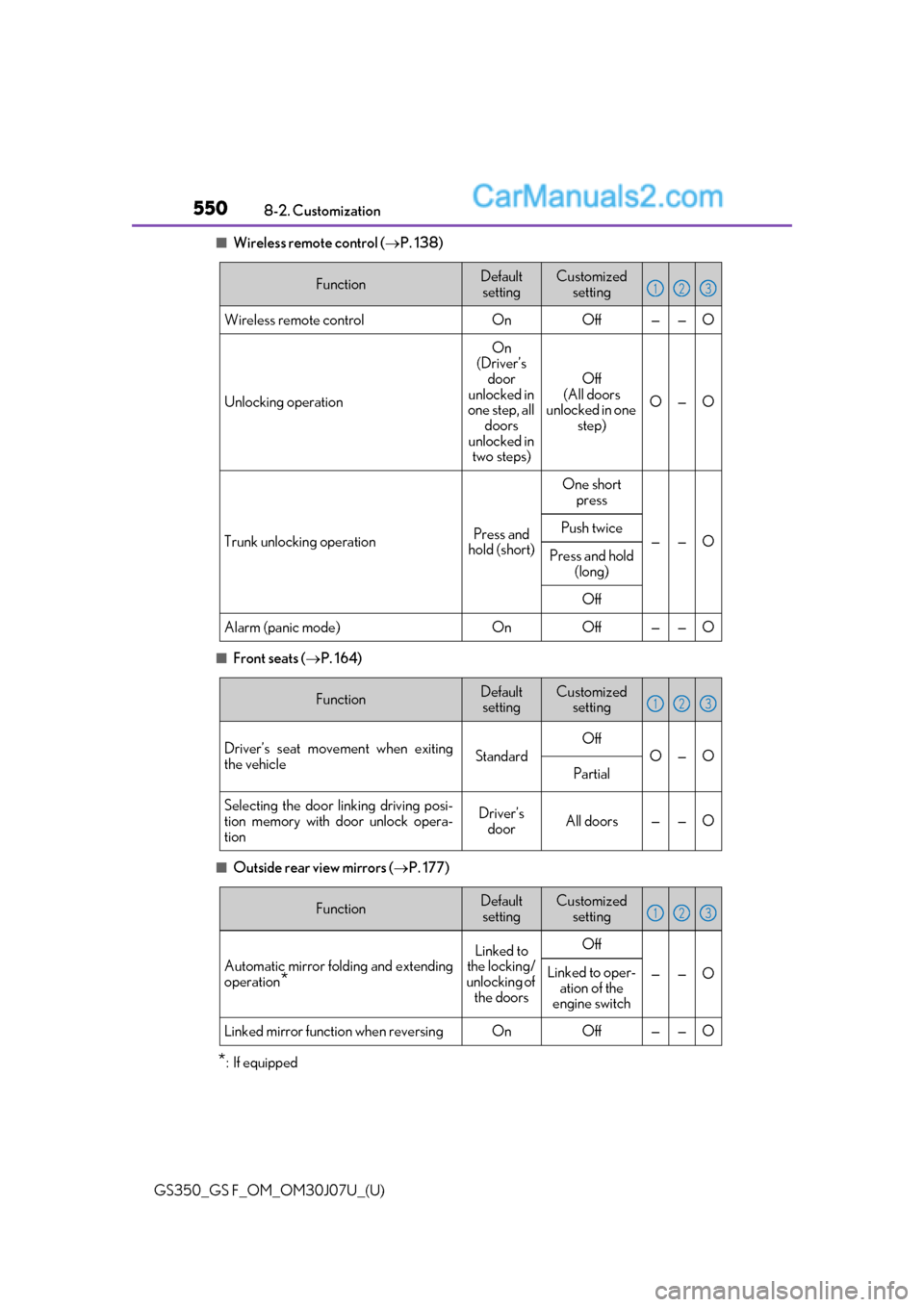
■Wireless remote control (
P. 138)
■Front seats ( P. 164)
■Outside rear view mirrors ( P. 177)
*: If equipped
FunctionDefault
settingCustomized setting
Wireless remote controlOnOff——O
Unlocking operation
On
(Driver’s door
unlocked in
one step, all doors
unlocked in two steps)
Off
(All doors
unlocked in one step)
O—O
Trunk unlocking operationPress and
hold (short)
One short press
——OPush twice
Press and hold
(long)
Off
Alarm (panic mode)OnOff——O
123
FunctionDefaultsettingCustomized setting
Driver’s seat movement when exiting
the vehicleStandard
Off
O—O
Partial
Selecting the door linking driving posi-
tion memory with door unlock opera-
tionDriver’s doorAll doors——O
123
FunctionDefault
settingCustomized setting
Automatic mirror fold ing and extending
operation
*
Linked to
the locking/
unlocking of the doorsOff
——OLinked to oper- ation of the
engine switch
Linked mirror function when reversingOnOff——O
123
Page 580 of 600
580Alphabetical index
GS350_GS F_OM_OM30J07U_(U)
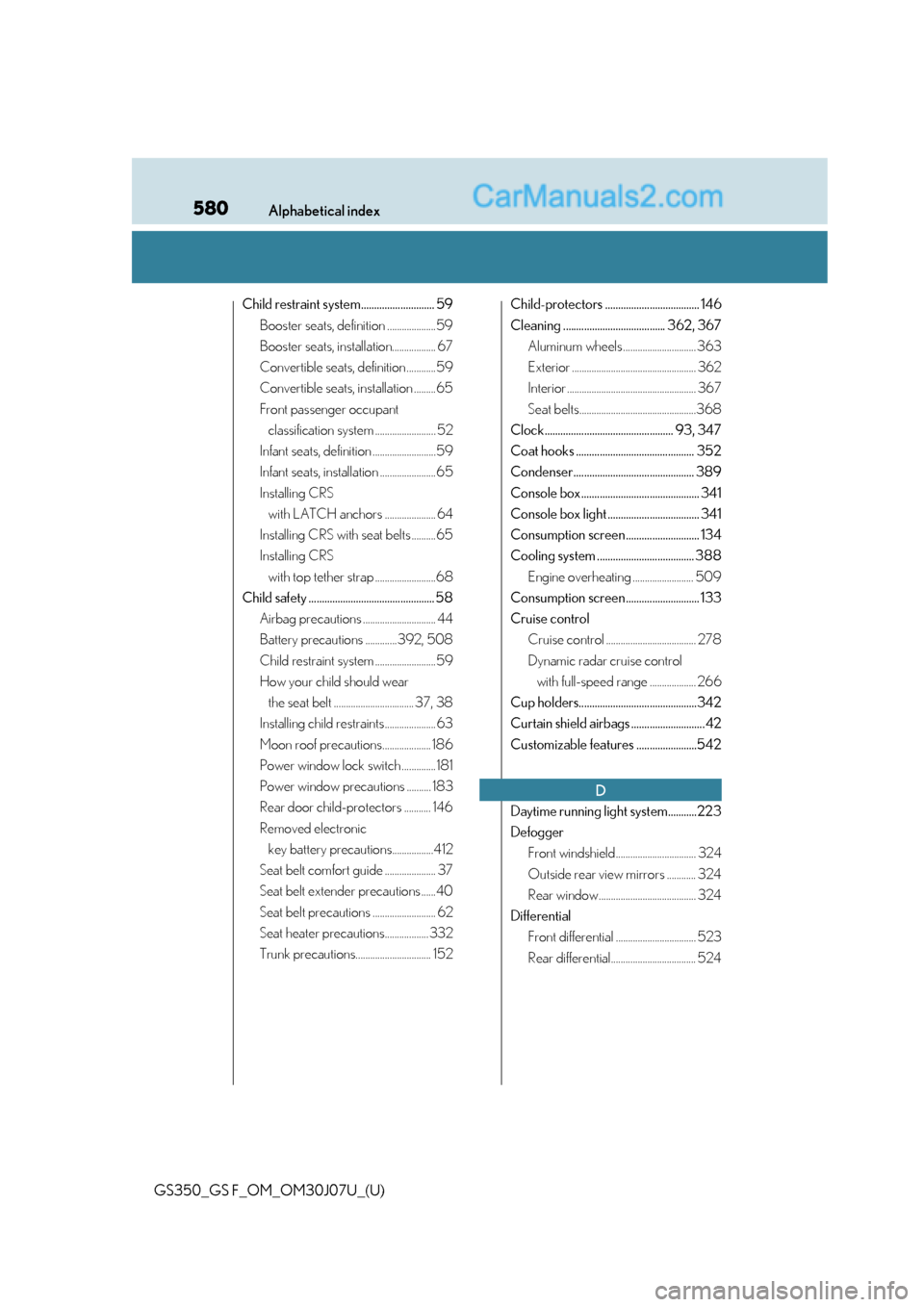
Child restraint system............................ 59Booster seats, definition ....................59
Booster seats, installation.................. 67
Convertible seats, definition ............59
Convertible seats, installation .........65
Front passenger occupant classification system ......................... 52
Infant seats, definition ..........................59
Infant seats, installation .......................65
Installing CRS with LATCH anchors ..................... 64
Installing CRS with seat belts ..........65
Installing CRS with top tether strap .........................68
Child safety ................................................ 58 Airbag precautions .............................. 44
Battery precautions .............392, 508
Child restraint system .........................59
How your child should wear the seat belt ................................. 37, 38
Installing child restraints..................... 63
Moon roof precautions.................... 186
Power window lock switch .............. 181
Power window precautions .......... 183
Rear door child-protectors ........... 146
Removed electronic key battery precautions.................412
Seat belt comfort guide ..................... 37
Seat belt extender precautions ......40
Seat belt precautions .......................... 62
Seat heater precautions.................. 332
Trunk precautions............................... 152 Child-protectors .................................... 146
Cleaning ....................................... 362, 367
Aluminum wheels .............................. 363
Exterior ................................................... 362
Interior ..................................................... 367
Seat belts................................................368
Clock................................................. 93, 347
Coat hooks ............................................. 352
Condenser.............................................. 389
Console box ............................................. 341
Console box light ................................... 341
Consumption screen ............................ 134
Cooling system ..................................... 388 Engine overheating ......................... 509
Consumption screen ............................ 133
Cruise control Cruise control ..................................... 278
Dynamic radar cruise control with full-speed range ................... 266
Cup holders.............................................342
Curtain shield airbags ............................ 42
Customizable features .......................542
Daytime running light system...........223
Defogger Front windshield................................. 324
Outside rear view mirrors ............ 324
Rear window........................................ 324
Differential Front differential ................................. 523
Rear differential................................... 524
D
Page 581 of 600
581Alphabetical index
GS350_GS F_OM_OM30J07U_(U)
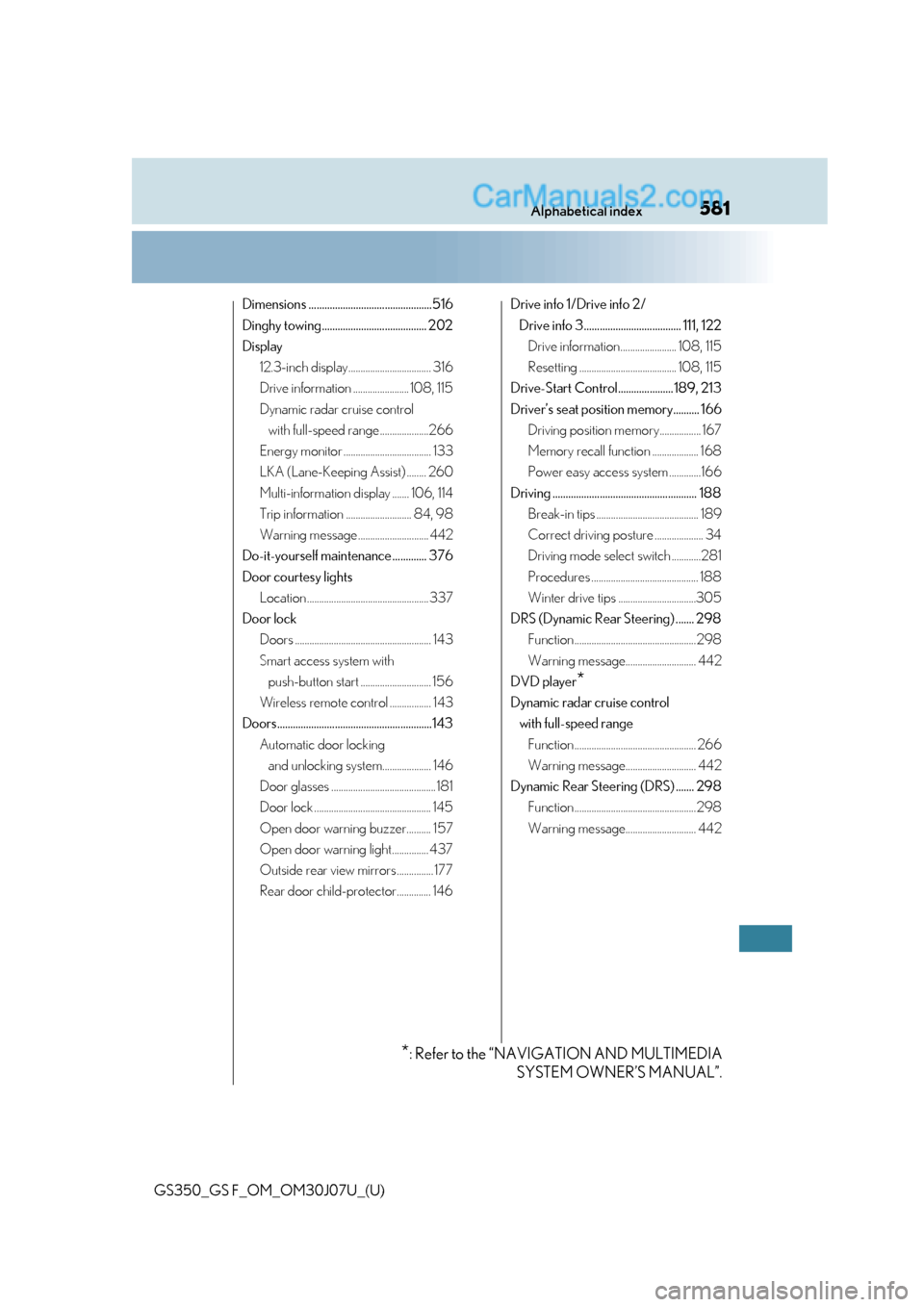
Dimensions ...............................................516
Dinghy towing........................................ 202
Display12.3-inch display.................................. 316
Drive information ....................... 108, 115
Dynamic radar cruise control with full-speed range ....................266
Energy monitor .................................... 133
LKA (Lane-Keeping Assist) ........ 260
Multi-information display ....... 106, 114
Trip information ........................... 84, 98
Warning message ............................. 442
Do-it-yourself maintenance ............. 376
Door courtesy lights Location .................................................. 337
Door lock Doors ........................................................ 143
Smart access system with push-button start ............................. 156
Wireless remote control ................. 143
Doors...........................................................143 Automatic door locking and unlocking system.................... 146
Door glasses ........................................... 181
Door lock ................................................ 145
Open door warning buzzer.......... 157
Open door warning light............... 437
Outside rear view mirrors ............... 177
Rear door child-protector.............. 146 Drive info 1/Drive info 2/
Drive info 3..................................... 111, 122 Drive information....................... 108, 115
Resetting ........................................ 108, 115
Drive-Start Control.....................189, 213
Driver’s seat position memory.......... 166 Driving position memory................. 167
Memory recall function ................... 168
Power easy access system .............166
Driving ....................................................... 188 Break-in tips .......................................... 189
Correct driving posture .................... 34
Driving mode select switch ............281
Procedures ............................................ 188
Winter drive tips ................................305
DRS (Dynamic Rear Steering) ....... 298 Function .................................................. 298
Warning message............................. 442
DVD player
*
Dynamic radar cruise control with full-speed range Function .................................................. 266
Warning message............................. 442
Dynamic Rear Steering (DRS) ....... 298 Function .................................................. 298
Warning message............................. 442
*: Refer to the “NAVIGATION AND MULTIMEDIA SYSTEM OWNER’S MANUAL”.
Page 584 of 600
584Alphabetical index
GS350_GS F_OM_OM30J07U_(U)
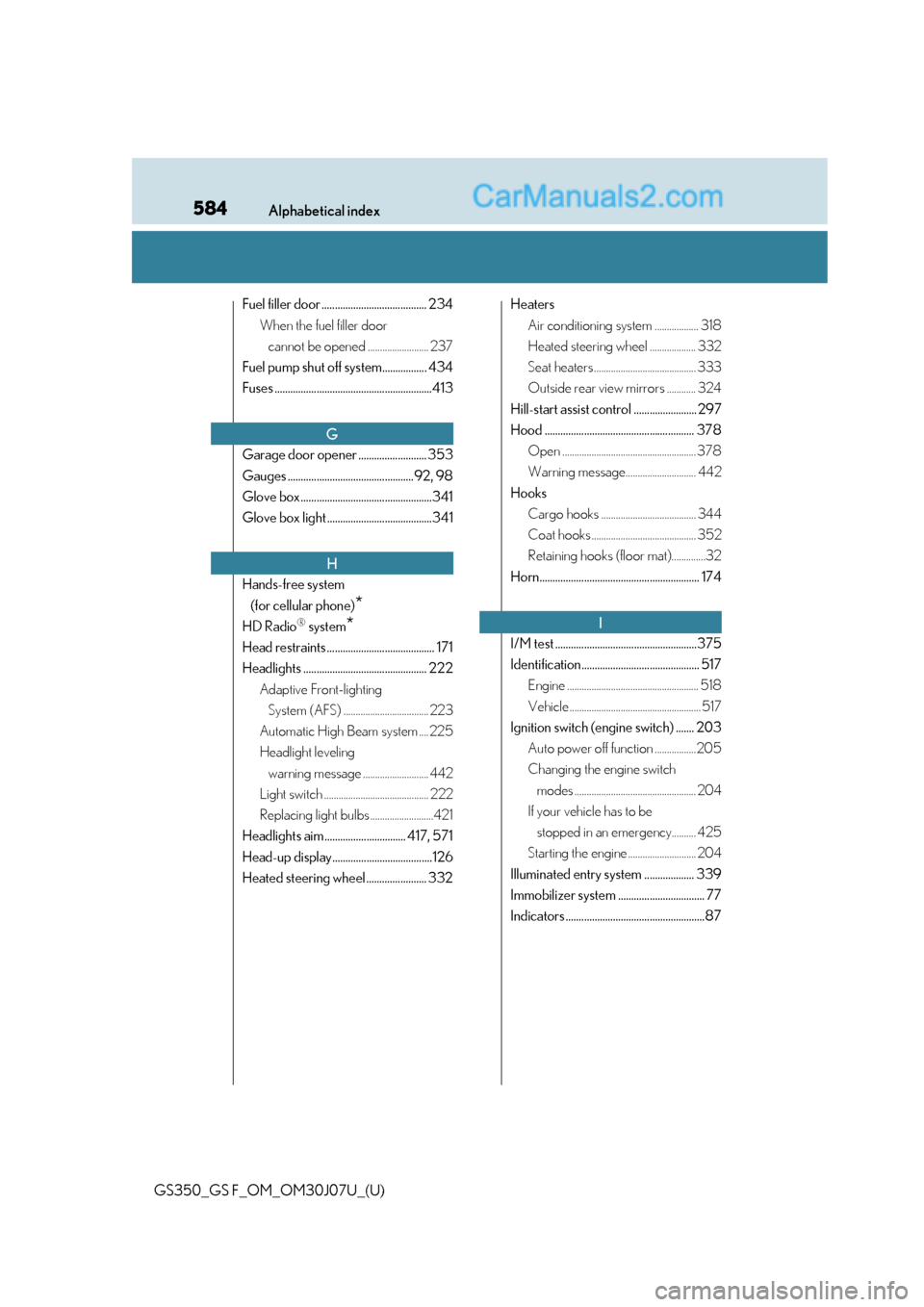
Fuel filler door ........................................ 234When the fuel filler door cannot be opened ......................... 237
Fuel pump shut off system................. 434
Fuses ............................................................413
Garage door opener .......................... 353
Gauges ................................................92, 98
Glove box ..................................................341
Glove box light ........................................341
Hands-free system (for cellular phone)
*
HD Radio® system*
Head restraints ......................................... 171
Headlights ............................................... 222 Adaptive Front-lighting System (AFS) ................................... 223
Automatic High Beam system .... 225
Headlight leveling warning message ........................... 442
Light switch ........................................... 222
Replacing light bulbs ..........................421
Headlights aim ............................... 417, 571
Head-up display......................................126
Heated steering wheel ....................... 332 Heaters
Air conditioning system .................. 318
Heated steering wheel ................... 332
Seat heaters .......................................... 333
Outside rear view mirrors ............ 324
Hill-start assist control ........................ 297
Hood ......................................................... 378 Open ....................................................... 378
Warning message............................. 442
Hooks Cargo hooks ....................................... 344
Coat hooks ........................................... 352
Retaining hooks (floor mat)..............32
Horn............................................................. 174
I/M test ......................................................375
Identification............................................. 517 Engine ...................................................... 518
Vehicle ...................................................... 517
Ignition switch (engine switch) ....... 203 Auto power off function .................205
Changing the engine switch modes .................................................. 204
If your vehicle has to be stopped in an emergency.......... 425
Starting the engine ............................ 204
Illuminated entry system ................... 339
Immobilizer system ................................. 77
Indicators .....................................................87
G
H
I
Page 585 of 600
585Alphabetical index
GS350_GS F_OM_OM30J07U_(U)
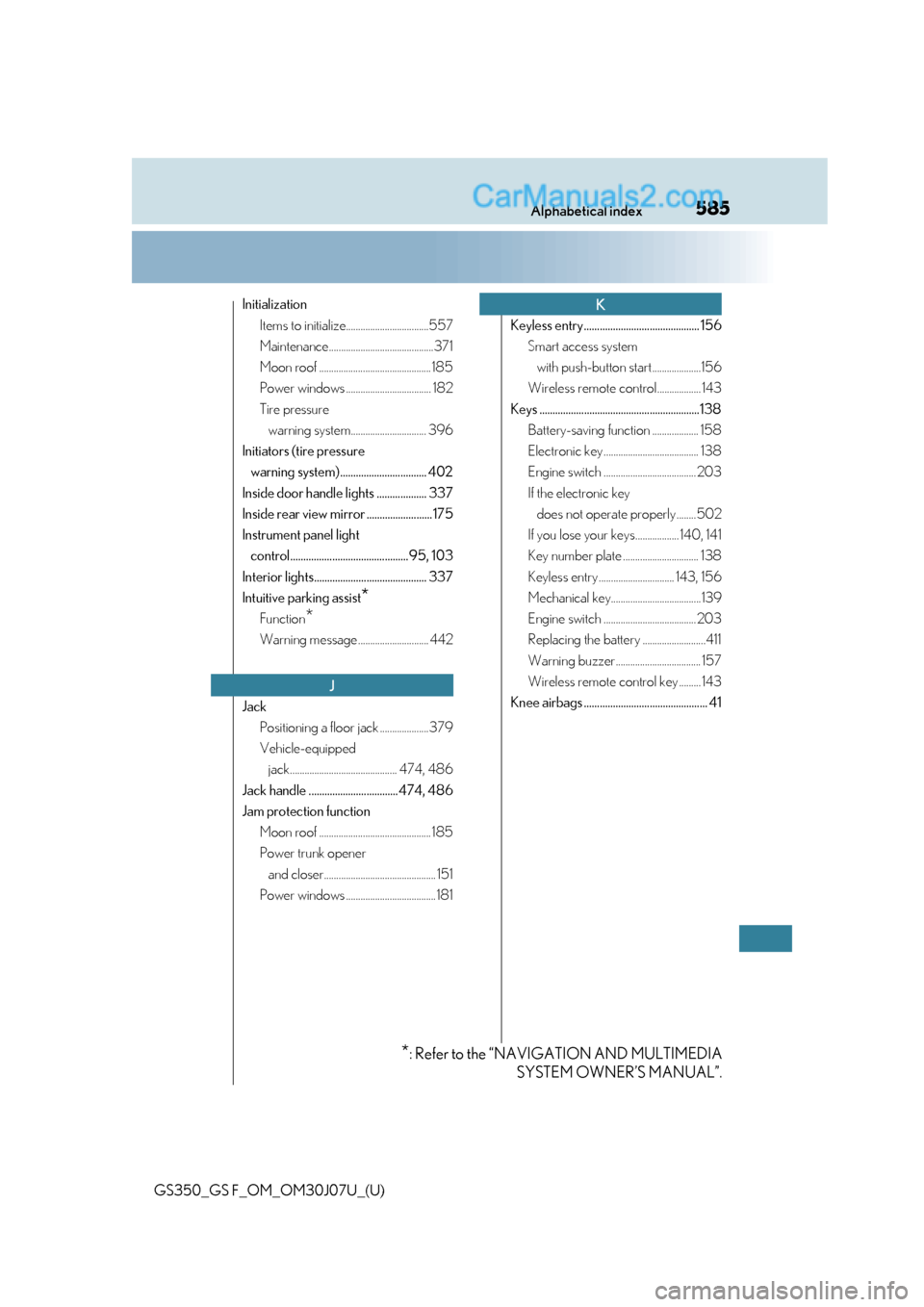
InitializationItems to initialize..................................557
Maintenance...........................................371
Moon roof .............................................. 185
Power windows ................................... 182
Tire pressure warning system............................... 396
Initiators (tire pressure warning system)................................. 402
Inside door handle lights ................... 337
Inside rear view mirror ......................... 175
Instrument panel light control............................................. 95, 103
Interior lights........................................... 337
Intuitive parking assist
*
Function*
Warning message ............................. 442
Jack Positioning a floor jack ....................379
Vehicle-equipped jack............................................ 474, 486
Jack handle .................................. 474, 486
Jam protection function Moon roof .............................................. 185
Power trunk opener and closer.............................................. 151
Power windows ..................................... 181 Keyless entry ............................................ 156
Smart access system with push-button start....................156
Wireless remote control.................. 143
Keys .............................................................138 Battery-saving function ................... 158
Electronic key ....................................... 138
Engine switch ...................................... 203
If the electronic key does not operate properly ........502
If you lose your keys.................. 140, 141
Key number plate ............................... 138
Keyless entry ............................... 143, 156
Mechanical key.....................................139
Engine switch ...................................... 203
Replacing the battery ..........................411
Warning buzzer................................... 157
Wireless remote control key ......... 143
Knee airbags ............................................... 41
J
K
*: Refer to the “NAVIGATION AND MULTIMEDIA SYSTEM OWNER’S MANUAL”.