ad blue Lexus GS450h 2013 Owner's Manual
[x] Cancel search | Manufacturer: LEXUS, Model Year: 2013, Model line: GS450h, Model: Lexus GS450h 2013Pages: 862, PDF Size: 19.06 MB
Page 5 of 862
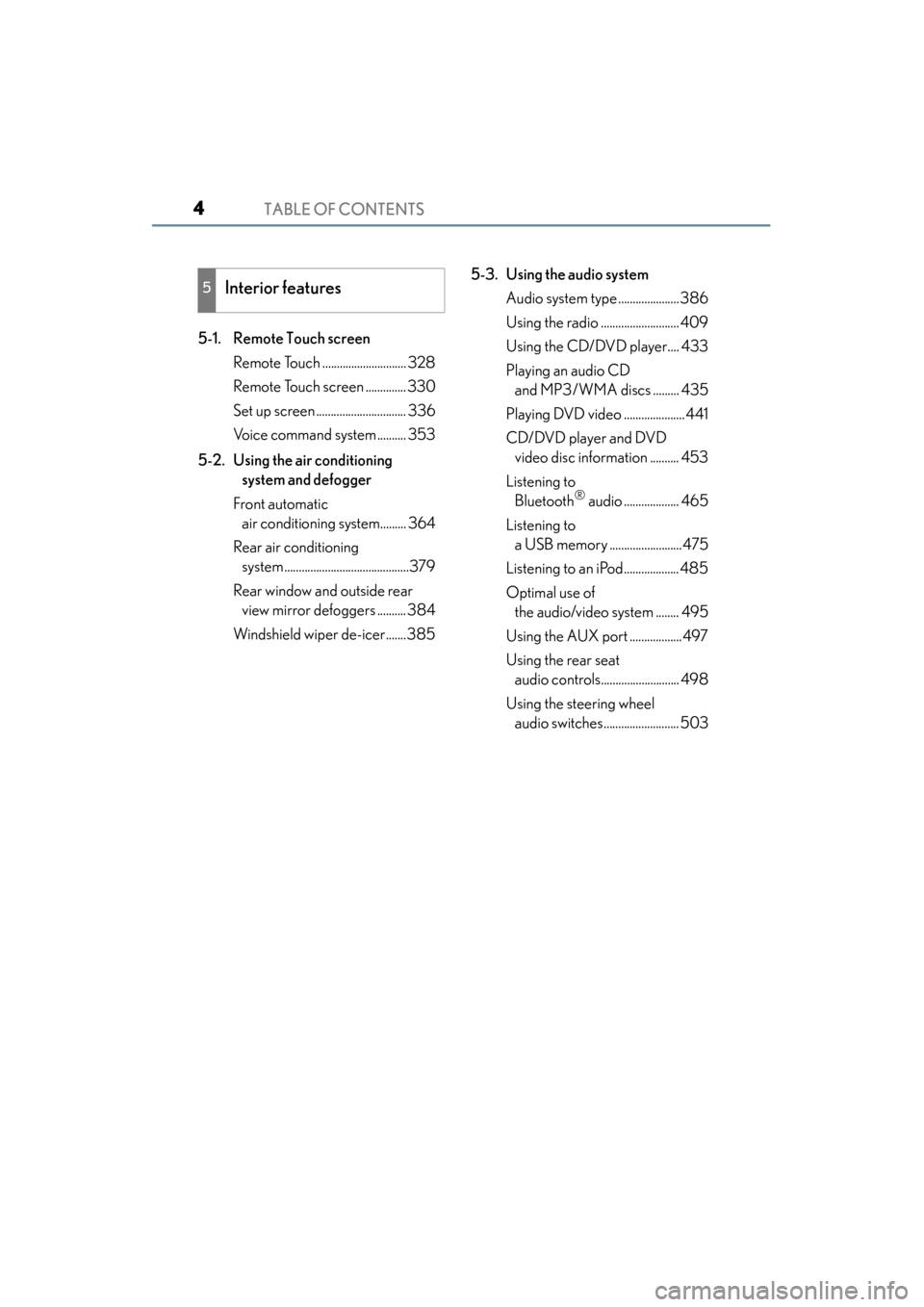
TABLE OF CONTENTS4
GS450h_U (OM30D01U)
5-1. Remote Touch screenRemote Touch ............................. 328
Remote Touch screen .............. 330
Set up screen ............................... 336
Voice command system .......... 353
5-2. Using the air conditioning system and defogger
Front automatic air conditioning system......... 364
Rear air conditioning system ...........................................379
Rear window and outside rear view mirror defoggers .......... 384
Windshield wiper de-icer.......385 5-3. Using the audio system
Audio system type ..................... 386
Using the radio ........................... 409
Using the CD/DVD player.... 433
Playing an audio CD and MP3/WMA discs ......... 435
Playing DVD video ..................... 441
CD/DVD player and DVD video disc information .......... 453
Listening to Bluetooth
® audio ................... 465
Listening to a USB memory .........................475
Listening to an iPod................... 485
Optimal use of the audio/video system ........ 495
Using the AUX port .................. 497
Using the rear seat audio controls........................... 498
Using the steering wheel audio switches.......................... 503
5Interior features
GS450h_U.book Page 4 Monday, January 23, 2012 10:20 AM
Page 6 of 862
5
1
8 7
6
5
4
3
2
GS450h_U (OM30D01U)
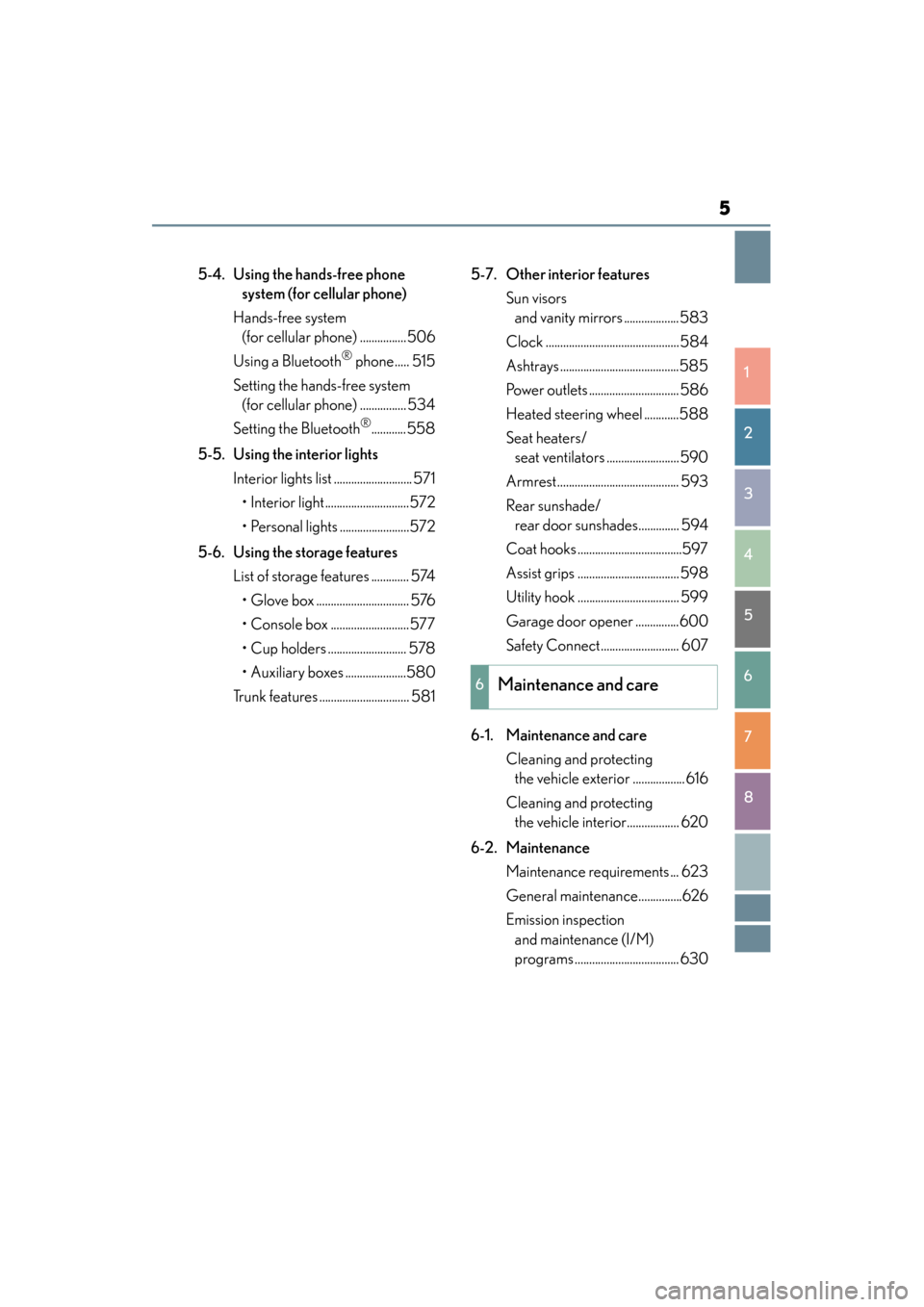
5-4. Using the hands-free phone system (for cellular phone)
Hands-free system (for cellular phone) ................506
Using a Bluetooth
® phone..... 515
Setting the hands-free system (for cellular phone) ................ 534
Setting the Bluetooth
®............558
5-5. Using the interior lights Interior lights list ........................... 571• Interior light.............................572
• Personal lights ........................572
5-6. Using the storage features List of storage features ............. 574• Glove box ................................ 576
• Console box ...........................577
• Cup holders ........................... 578
• Auxiliary boxes .....................580
Trunk features ............................... 581 5-7. Other interior features
Sun visors and vanity mirrors ...................583
Clock ..............................................584
Ashtrays .........................................585
Power outlets ............................... 586
Heated steering wheel ............588
Seat heaters/ seat ventilators ......................... 590
Armrest.......................................... 593
Rear sunshade/ rear door sunshades.............. 594
Coat hooks ....................................597
Assist grips ................................... 598
Utility hook ................................... 599
Garage door opener ...............600
Safety Connect........................... 607
6-1. Maintenance and care Cleaning and protecting the vehicle exterior .................. 616
Cleaning and protecting the vehicle interior.................. 620
6-2. Maintenance Maintenance requirements ... 623
General maintenance...............626
Emission inspection and maintenance (I/M)
programs .................................... 630
6Maintenance and care
GS450h_U.book Page 5 Monday, January 23, 2012 10:20 AM
Page 94 of 862
GS450h_U (OM30D01U)
932. Instrument cluster
2
Instrument cluster
■ECO lamp and SPORT lamp
●When sport mode is selected, SPORT lamp (red) will illuminate.
●When all of the following conditions are satisfied and Eco-friendly driving, ECO
lamp (blue) will illuminate. (ECO lamp will become brighter the more Eco-friendly
driving you perform. Also, while the vehicle is stopped or the acceleration exceeds
Zone of Eco driving, ECO lamp turns off. (→P. 92) However, when Eco drive
mode is selected, while the vehicle is stopped or the acceleration exceeds Zone of
Eco driving, ECO lamp does not turn off.):
• Driving with the shift lever in D
• Paddle shift switch is not operated.
• Either normal mode or Eco drive mode is selected.
• The vehicle speed is approximately 80 mph (130 km/h) or below.
■Tachometer
Hybrid System Indicator switches to the tachometer when driving mode is in sport
mode.
■Engine speed
On hybrid vehicles, engine speed is precisely controlled in order to help improve
fuel efficiency and reduce exhaust emissions etc.
There are times when the engine speed that is displayed may differ even when vehi-
cle operation and driving conditions are the same.
■Customization
Settings (e.g. on/off operation of ECO lamp) can be changed.
(Customizable features →P. 807)
NOTICE
■To prevent damage to the engine and its components
●Do not let the indicator needle of the tachometer enter the red zone, which indi-
cates the maximum engine speed.
●The engine may be overheating if the engine coolant temperature gauge is in the
red zone (H). In this case, immediately stop the vehicle in a safe place, and check
the engine after it has cooled completely. ( →P. 7 74 )
GS450h_U.book Page 93 Monday, January 23, 2012 10:20 AM
Page 276 of 862

GS450h_U (OM30D01U)
2754-5. Using the driving support systems
4
Driving
■Screen description
The rear view monitor system screen will be displayed if the shift lever is
shifted to R while the power switch is in ON mode.Vehicle width extension guide line
The line indicates a guide path when the vehicle is being backed straight up.
The displayed width is wider than the actual vehicle width.
Vehicle center guide lines
These lines indicate the estimated vehicle center on the ground.
Distance guide line
The line shows points approximately 1.5 ft. (0.5 m) (red) from the center of the
edge of the bumper.
Distance guide line
The line shows distance behind the vehicle, a point approximately 3 ft. (1 m)
(blue) from the edge of the bumper.
Intuitive parking assist display (if equipped)
If an obstacle is detected while the Intuitive parking assist-sensor is on, a dis-
play is shown in the top right corner of the screen.
Using the rear view monitor system
1
2
3
4
5
GS450h_U.book Page 275 Monday, January 23, 2012 10:20 AM
Page 327 of 862
326
GS450h_U (OM30D01U)
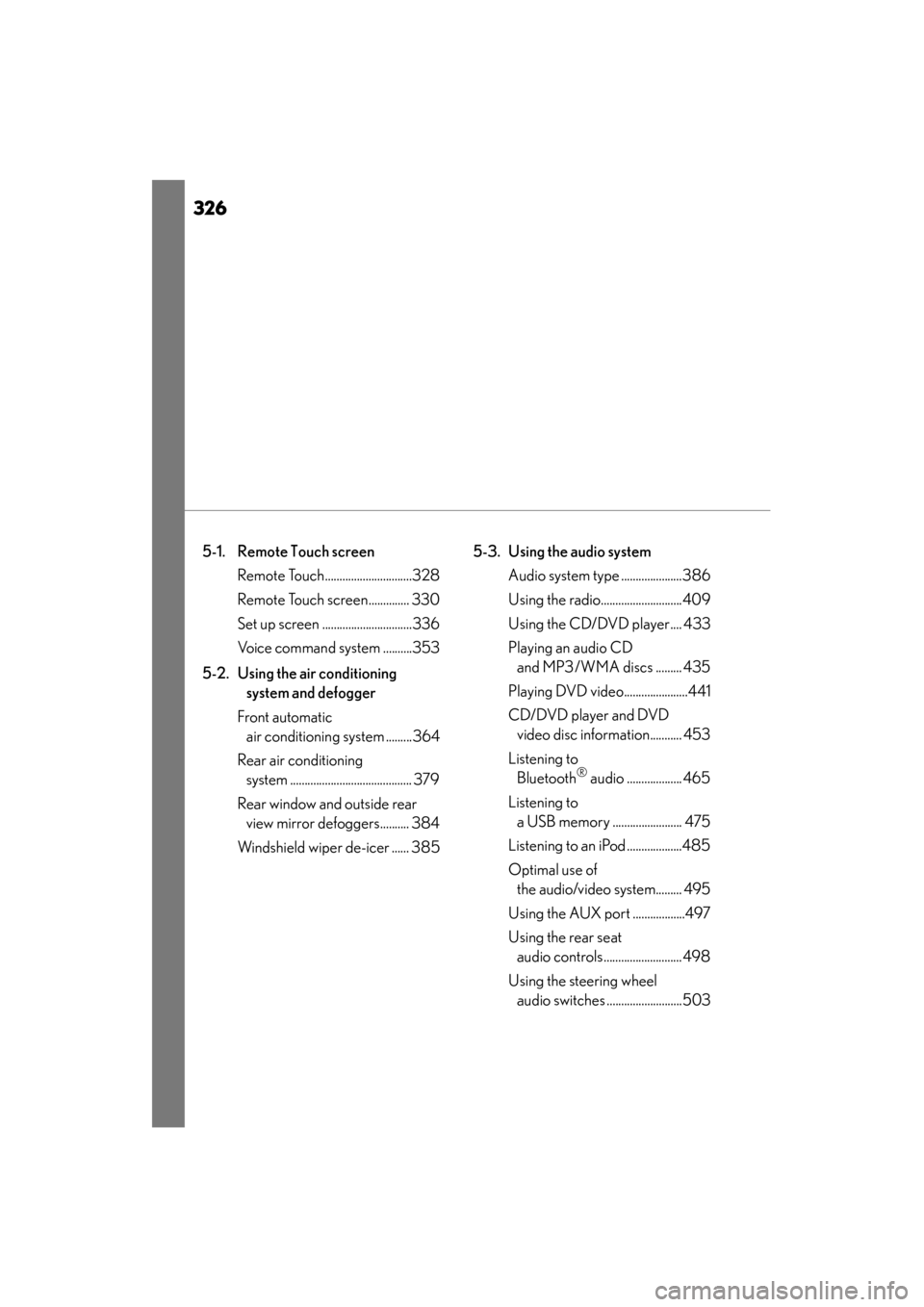
5-1. Remote Touch screen Remote Touch..............................328
Remote Touch screen.............. 330
Set up screen ...............................336
Voice command system ..........353
5-2. Using the air conditioning system and defogger
Front automatic air conditioning system .........364
Rear air conditioning system .......................................... 379
Rear window and outside rear view mirror defoggers.......... 384
Windshield wiper de-icer ...... 385 5-3. Using the audio system
Audio system type .....................386
Using the radio............................409
Using the CD/DVD player.... 433
Playing an audio CD and MP3/WMA discs ......... 435
Playing DVD video......................441
CD/DVD player and DVD video disc information........... 453
Listening to Bluetooth
® audio ................... 465
Listening to a USB memory ........................ 475
Listening to an iPod ...................485
Optimal use of the audio/video system......... 495
Using the AUX port ..................497
Using the rear seat audio controls........................... 498
Using the steering wheel audio switches ..........................503
GS450h_U.book Page 326 Monday, January 23, 2012 10:20 AM
Page 328 of 862
327
GS450h_U (OM30D01U)
5Interior features
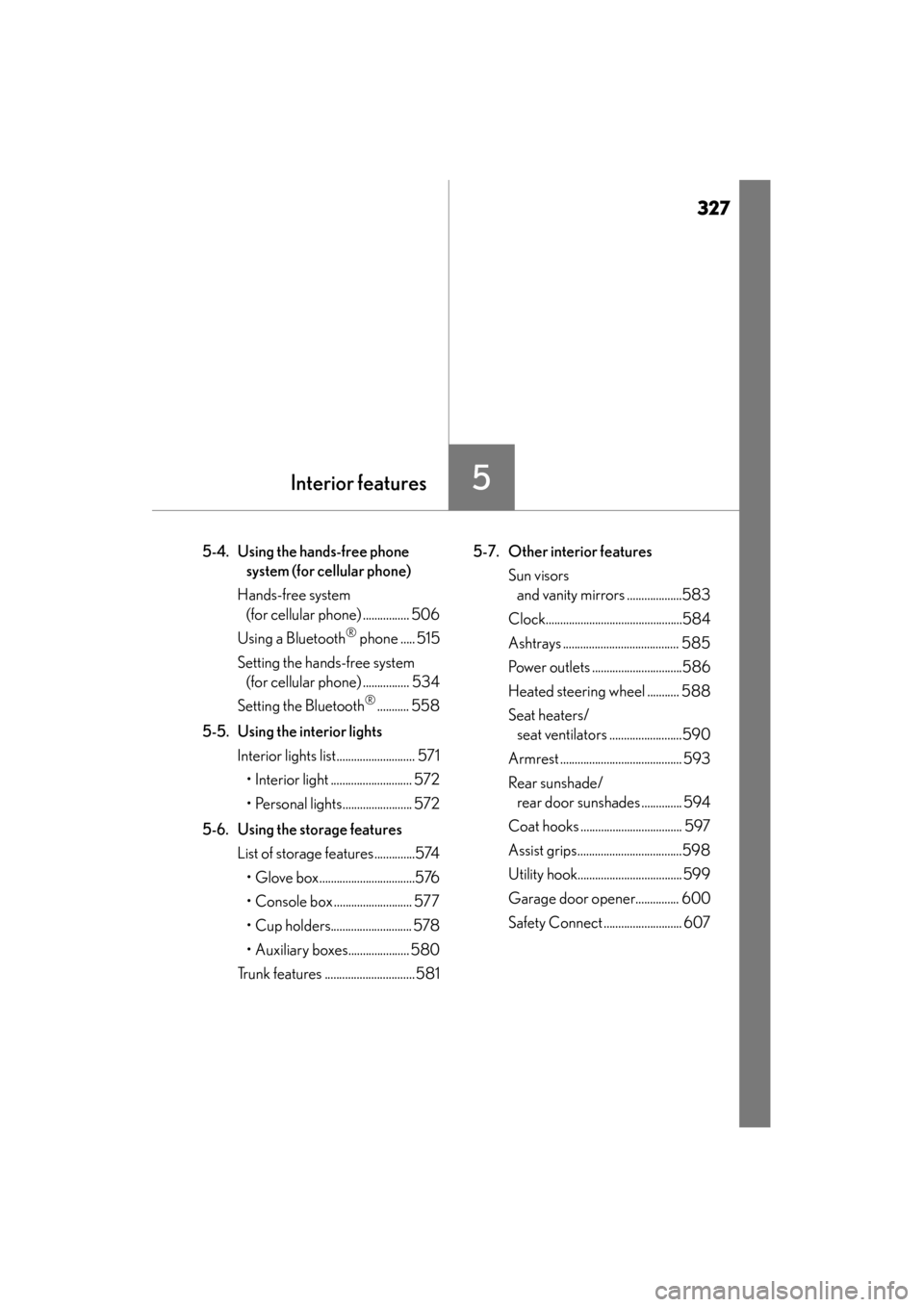
5-4. Using the hands-free phone system (for cellular phone)
Hands-free system (for cellular phone) ................ 506
Using a Bluetooth
® phone ..... 515
Setting the hands-free system (for cellular phone) ................ 534
Setting the Bluetooth
®........... 558
5-5. Using the interior lights Interior lights list........................... 571• Interior light ............................ 572
• Personal lights........................ 572
5-6. Using the storage features List of storage features..............574• Glove box.................................576
• Console box ........................... 577
• Cup holders............................ 578
• Auxiliary boxes..................... 580
Trunk features ...............................581 5-7. Other interior features
Sun visors and vanity mirrors ...................583
Clock...............................................584
Ashtrays ........................................ 585
Power outlets ...............................586
Heated steering wheel ........... 588
Seat heaters/ seat ventilators .........................590
Armrest .......................................... 593
Rear sunshade/ rear door sunshades .............. 594
Coat hooks ................................... 597
Assist grips....................................598
Utility hook.................................... 599
Garage door opener............... 600
Safety Connect ........................... 607
GS450h_U.book Page 327 Monday, January 23, 2012 10:20 AM
Page 337 of 862
336
GS450h_U (OM30D01U)
5-1. Remote Touch screen
Set up screen
*: Bluetooth is a registered trademark of Bluetooth SIG. Inc.
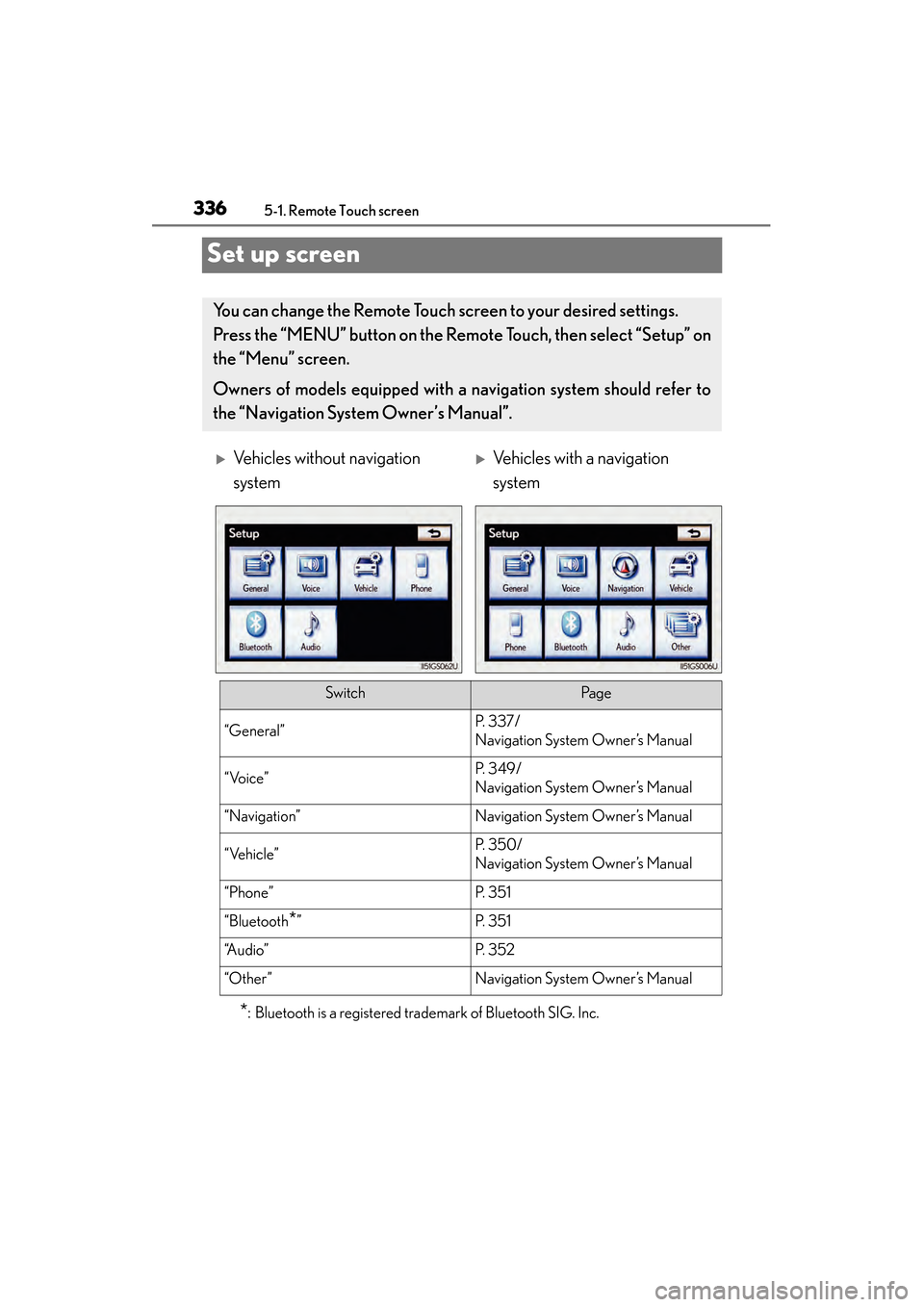
You can change the Remote Touch screen to your desired settings.
Press the “MENU” button on the Remote Touch, then select “Setup” on
the “Menu” screen.
Owners of models equipped with a navigation system should refer to
the “Navigation System Owner’s Manual”.
XVehicles without navigation
systemXVehicles with a navigation
system
SwitchPa g e
“General”P. 3 3 7 /
Navigation System Owner’s Manual
“Voice”P. 3 4 9 /
Navigation System Owner’s Manual
“Navigation”Navigation System Owner’s Manual
“Vehicle”P. 3 5 0 /
Navigation System Owner’s Manual
“Phone”P. 3 5 1
“Bluetooth*”P. 3 5 1
“A u d i o ”P. 3 5 2
“Other ”Navigation System Owner’s Manual
GS450h_U.book Page 336 Monday, January 23, 2012 10:20 AM
Page 348 of 862
GS450h_U (OM30D01U)
3475-1. Remote Touch screen
5
Interior features
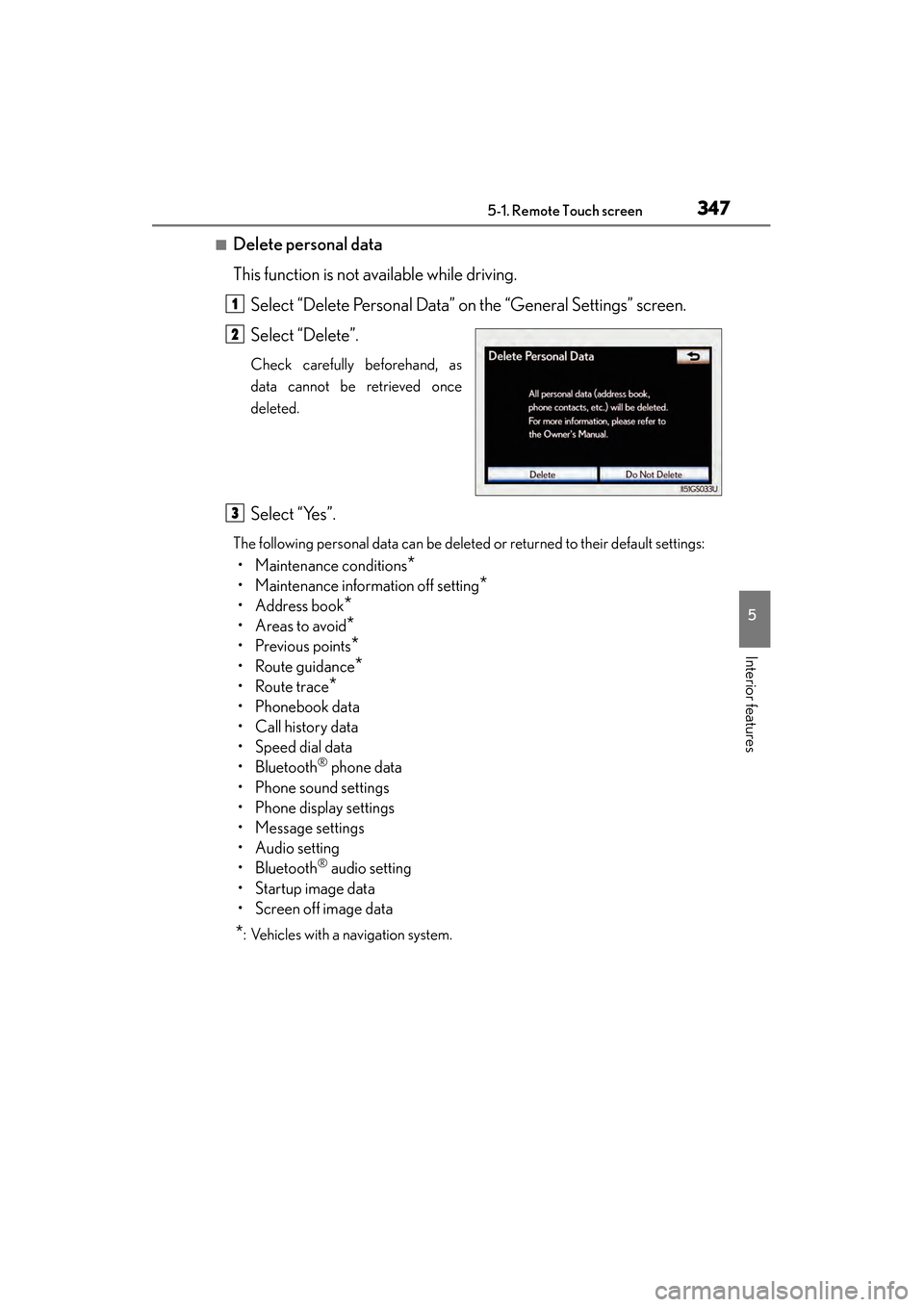
■Delete personal data
This function is not available while driving.Select “Delete Personal Data” on the “General Settings” screen.
Select “Delete”.
Check carefully beforehand, as
data cannot be retrieved once
deleted.
Select “Yes”.
The following personal data can be deleted or returned to their default settings:
• Maintenance conditions*
• Maintenance information off setting*
• Address book*
•Areas to avoid*
•Previous points*
• Route guidance*
•Route trace*
• Phonebook data
•Call history data
• Speed dial data
•Bluetooth
® phone data
• Phone sound settings
• Phone display settings
• Message settings
• Audio setting
•Bluetooth
® audio setting
•Startup image data
• Screen off image data
*: Vehicles with a navigation system.
1
2
3
GS450h_U.book Page 347 Monday, January 23, 2012 10:20 AM
Page 352 of 862
GS450h_U (OM30D01U)
3515-1. Remote Touch screen
5
Interior features
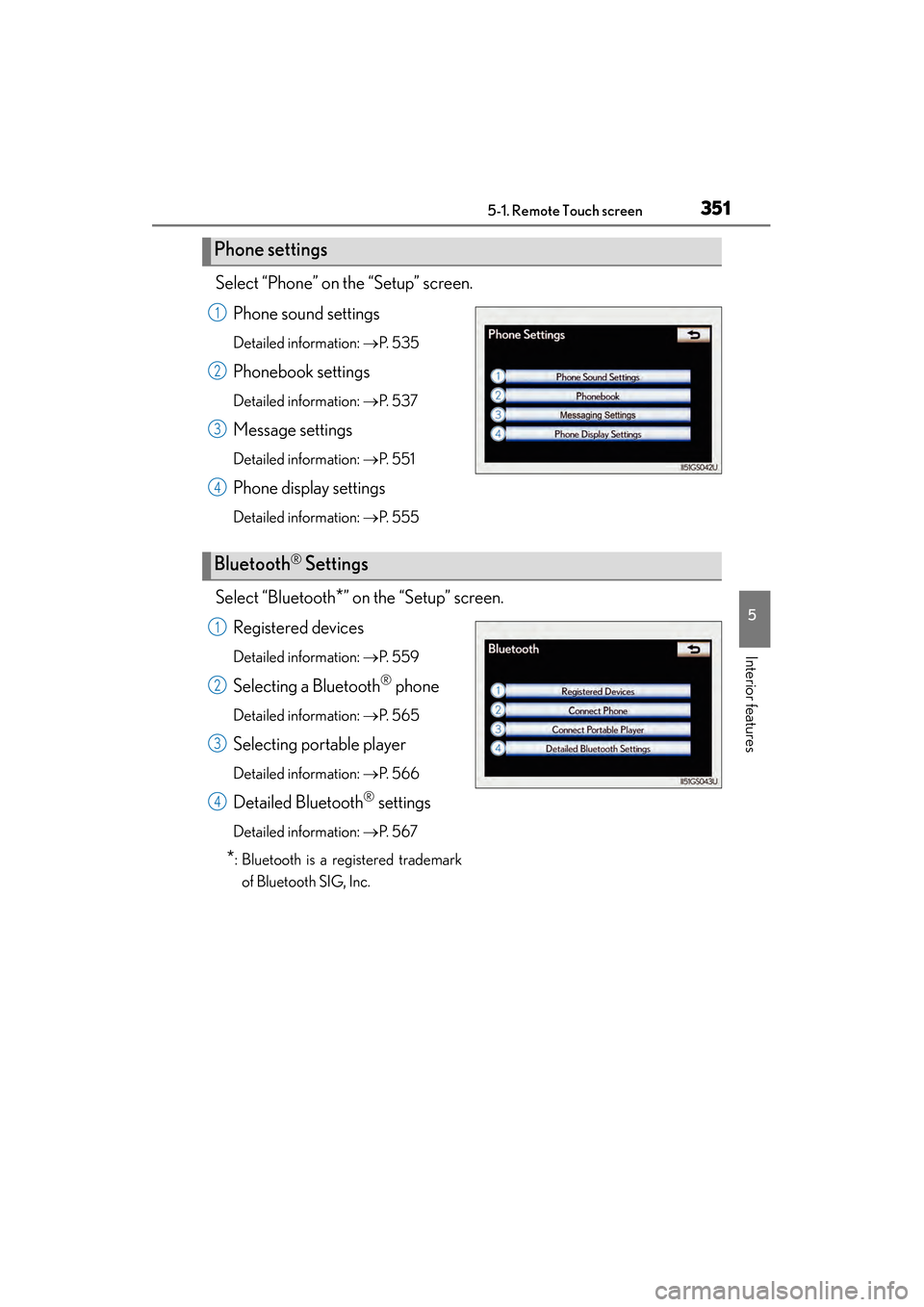
Select “Phone” on the “Setup” screen.Phone sound settings
Detailed information: →P. 5 3 5
Phonebook settings
Detailed information: →P. 5 3 7
Message settings
Detailed information: →P. 5 5 1
Phone display settings
Detailed information: →P. 555
Select “Bluetooth*” on the “Setup” screen.
Registered devices
Detailed information: →P. 559
Selecting a Bluetooth® phone
Detailed information: →P. 5 6 5
Selecting portable player
Detailed information: →P. 5 6 6
Detailed Bluetooth® settings
Detailed information: →P. 5 6 7
*: Bluetooth is a registered trademark
of Bluetooth SIG, Inc.
Phone settings
1
2
3
4
Bluetooth® Settings
1
2
3
4
GS450h_U.book Page 351 Monday, January 23, 2012 10:20 AM
Page 361 of 862
3605-1. Remote Touch screen
GS450h_U (OM30D01U)
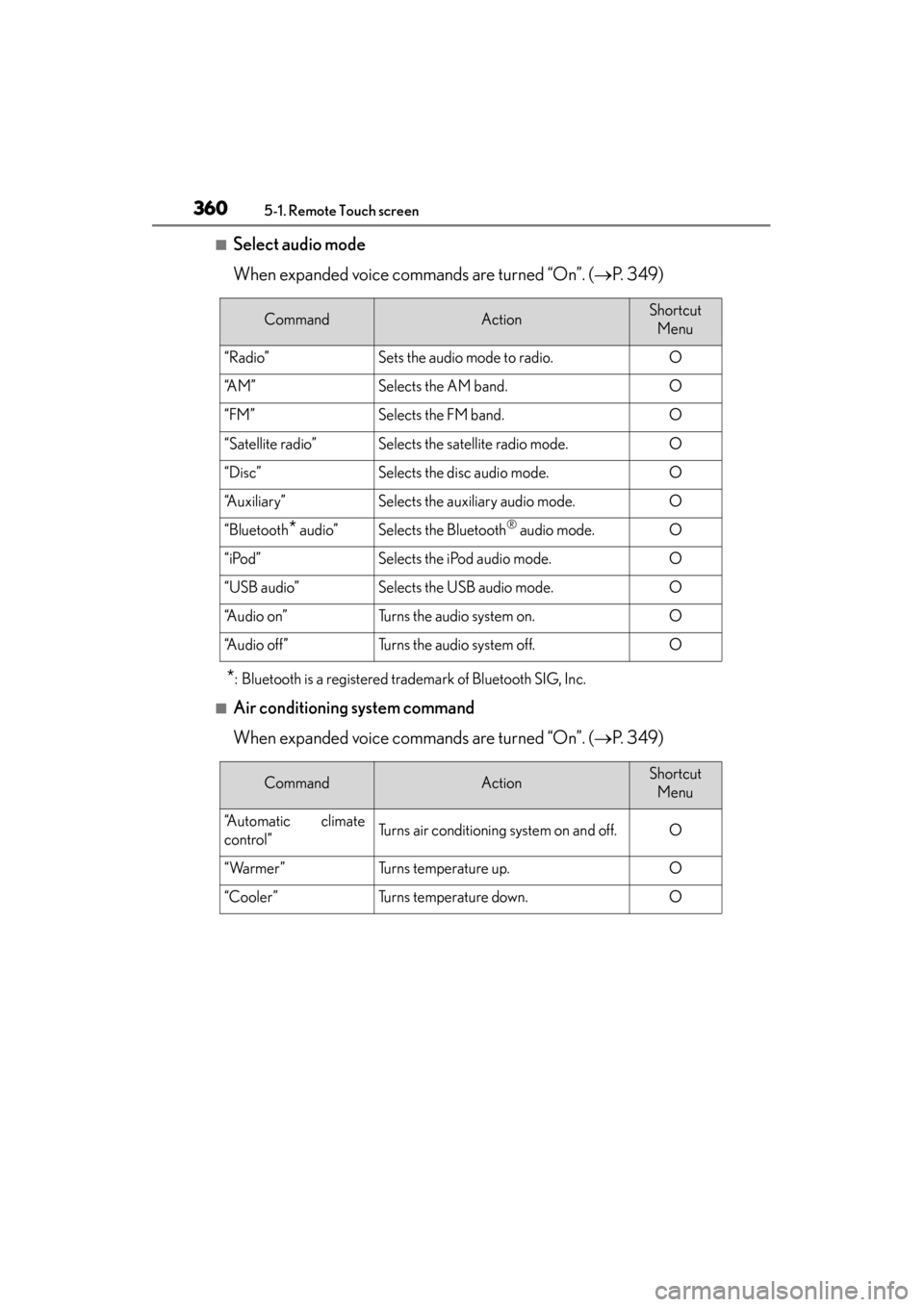
■Select audio mode
When expanded voice commands are turned “On”. (→P. 3 4 9 )
*: Bluetooth is a registered trademark of Bluetooth SIG, Inc.
■Air conditioning system command
When expanded voice commands are turned “On”. ( →P. 3 4 9 )
CommandActionShortcut
Menu
“Radio”Sets the audio mode to radio.O
“A M ”Selects the AM band.O
“FM”Selects the FM band.O
“Satellite radio”Selects the satellite radio mode.O
“Disc”Selects the disc audio mode.O
“Auxiliary”Selects the auxiliary audio mode.O
“Bluetooth* audio”Selects the Bluetooth® audio mode.O
“iPod”Selects the iPod audio mode.O
“USB audio”Selects the USB audio mode.O
“A u d i o o n ”Turns the audio system on.O
“Audio off”Turns the audio system off.O
CommandActionShortcut Menu
“Automatic climate
control”Turns air conditioning system on and off.O
“Warmer”Turns temperature up.O
“Cooler”Turns temperature down.O
GS450h_U.book Page 360 Monday, January 23, 2012 10:20 AM