light case Lexus GX460 2013 User Guide
[x] Cancel search | Manufacturer: LEXUS, Model Year: 2013, Model line: GX460, Model: Lexus GX460 2013Pages: 846, PDF Size: 19.76 MB
Page 294 of 846
293
2-4. Using other driving systems
2
When driving
GX460_OM_OM60J63U_(U)
■The wide view front & side monitor can be operated when
●The “ENGINE START STOP” switch is in IGNITION ON mode.
●The vehicle speed is less than approximately 6 mph (10km/h).
■Automatic system cancelation
In the following situations, the system is canceled automatically.
●When the vehicle speed exceeds approximately 7 mph (12 km/h).
●When the shift lever is in P or R.
■When the outside rear view mirrors have been folded
The side monitor screen can be displayed even if the outside rear view mirrors have
been folded. In this case, there will be a slight difference between the image dis-
played when the outside rear view mirrors are extended and when the outside rear
view mirrors have been folded.
If the side monitor is displayed while the outside rear view mirrors are folded, you
cannot check the area near the front edge of the vehicle as the base of the outside
rear view mirrors will be in the way.
GX460_OM_OM60J63U_(U).book Page 293 Thursday, March 29, 2012 9:10 AM
Page 297 of 846
296
2-4. Using other driving systems
GX460_OM_OM60J63U_(U)
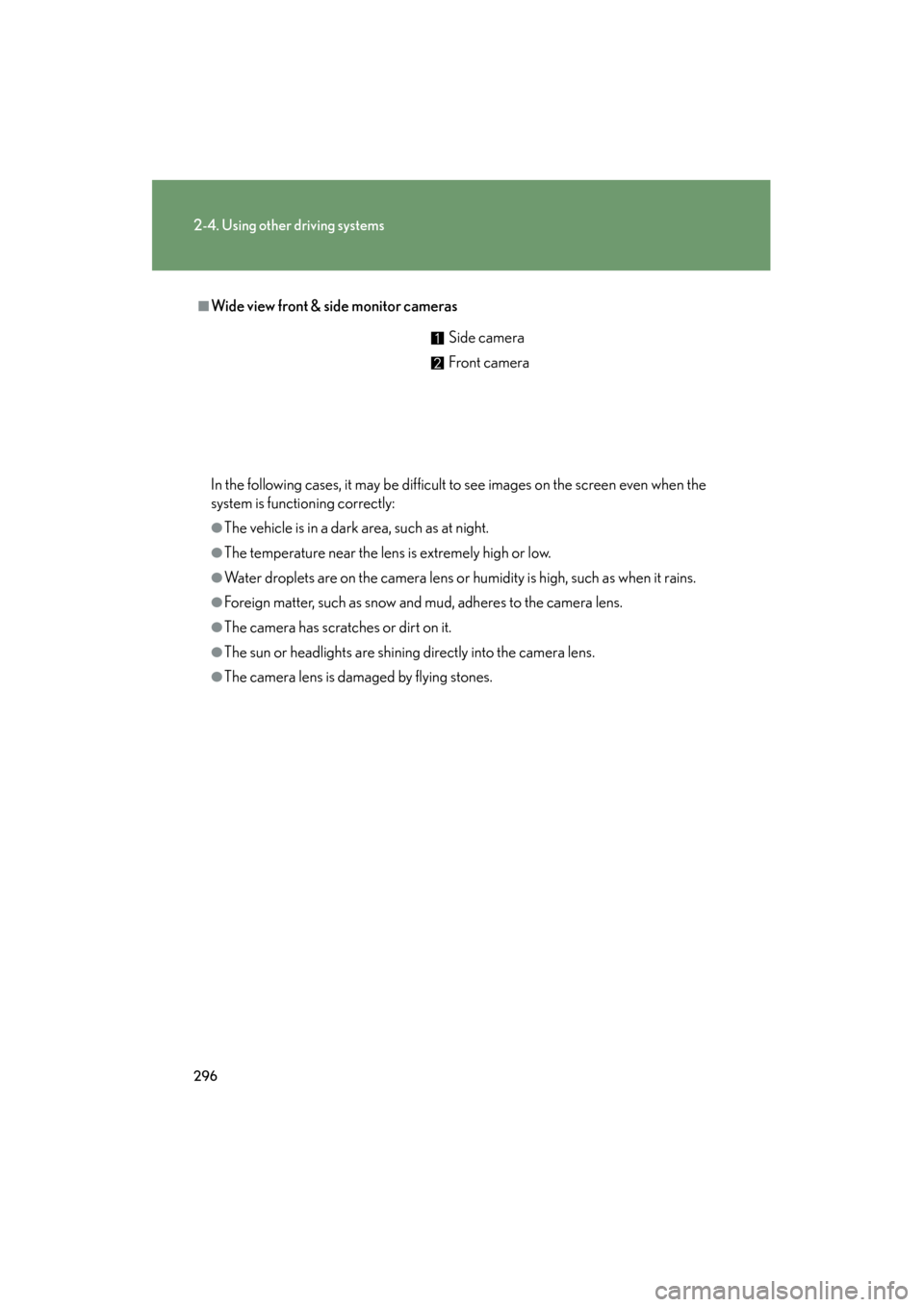
■Wide view front & side monitor cameras
In the following cases, it may be difficult to see images on the screen even when the
system is functioning correctly:
●The vehicle is in a dark area, such as at night.
●The temperature near the lens is extremely high or low.
●Water droplets are on the camera lens or humidity is high, such as when it rains.
●Foreign matter, such as snow and mud, adheres to the camera lens.
●The camera has scratches or dirt on it.
●The sun or headlights are shining directly into the camera lens.
●The camera lens is damaged by flying stones.Side camera
Front camera
GX460_OM_OM60J63U_(U).book Page 296 Thursday, March 29, 2012 9:10 AM
Page 317 of 846
316
2-4. Using other driving systems
GX460_OM_OM60J63U_(U)
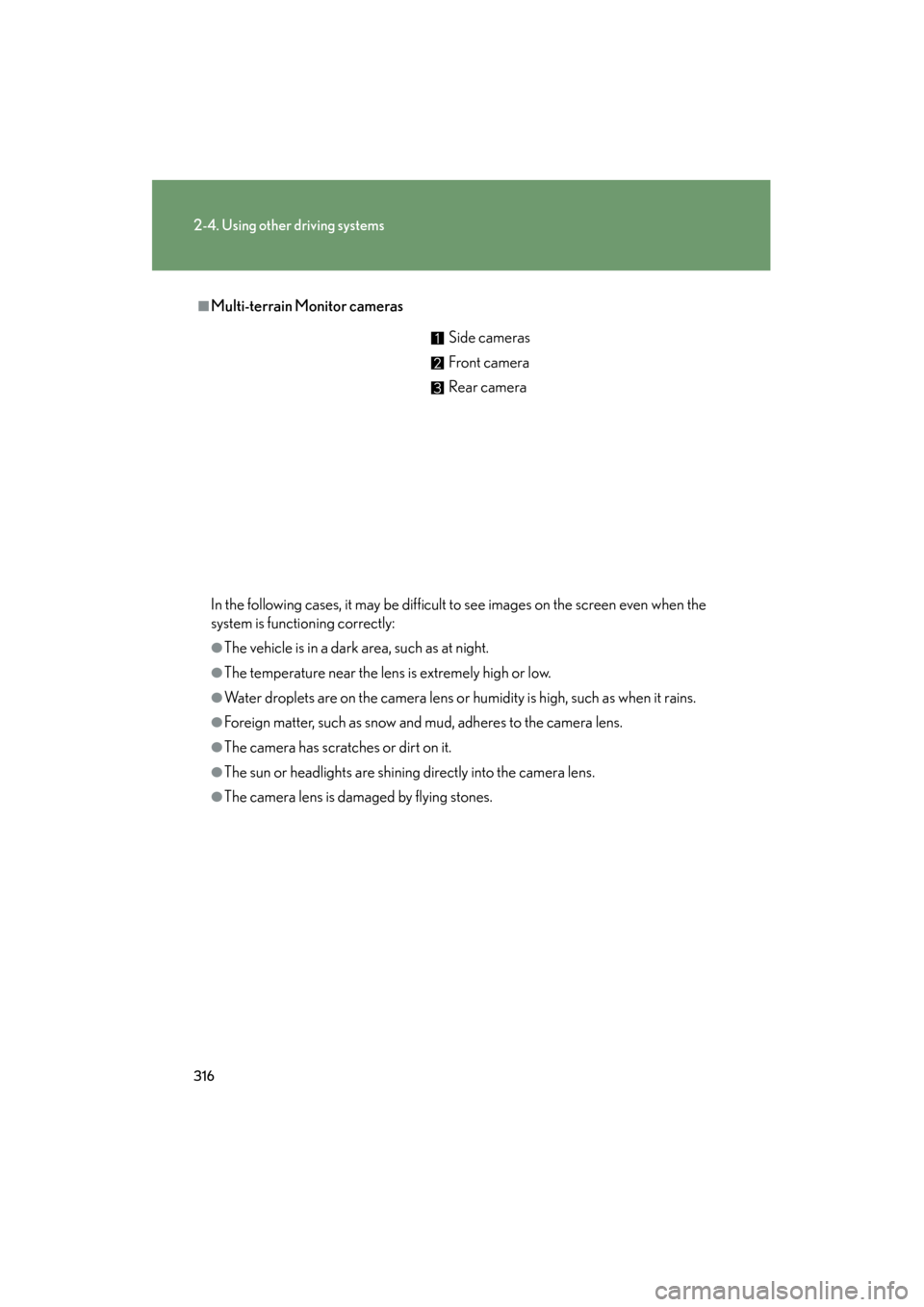
■Multi-terrain Monitor cameras
In the following cases, it may be difficult to see images on the screen even when the
system is functioning correctly:
●The vehicle is in a dark area, such as at night.
●The temperature near the lens is extremely high or low.
●Water droplets are on the camera lens or humidity is high, such as when it rains.
●Foreign matter, such as snow and mud, adheres to the camera lens.
●The camera has scratches or dirt on it.
●The sun or headlights are shining directly into the camera lens.
●The camera lens is damaged by flying stones.Side cameras
Front camera
Rear camera
GX460_OM_OM60J63U_(U).book Page 316 Thursday, March 29, 2012 9:10 AM
Page 353 of 846
352
2-4. Using other driving systems
GX460_OM_OM60J63U_(U)
■Situations in which the pre-collision system does not function properly
The system may not function effectively in situations such as the following:
●On roads with sharp bends or uneven surfaces
●If a vehicle suddenly moves in front of your vehicle, such as at an intersection
●If a vehicle suddenly cuts in front of your vehicle, such as when overtaking
●In inclement weather such as heavy rain, fog, snow or sand storms
●When your vehicle is skidding with the VSC system off
●When an extreme change in vehicle height occurs
●When the axis of the radar is out of adjustment
■Automatic cancelation of the pre-collision system
When a malfunction occurs due to sensor contaminations, etc. that results in the
sensors being unable to detect obstacles, the pre-collision system will be automati-
cally disabled. In this case, the system will not activate even if there is a collision pos-
sibility.
■Obstacles not detected
The system cannot detect plastic obstacles such as pylons. There may also be occa-
sions when the system cannot detect pedestrians, animals, bicycles, motorcycles,
trees, or snowdrifts.
■When there is a malfunction in the system
Warning lights and/or warning messages will turn on or flash. (→P. 6 9 3 , 7 0 5 )
GX460_OM_OM60J63U_(U).book Page 352 Thursday, March 29, 2012 9:10 AM
Page 591 of 846
590
3-7. Other interior features
GX460_OM_OM60J63U_(U)
Safety Connect LED light IndicatorsWhen the “ENGINE START STOP” switch is turned to IGNITION ON
mode, the red indicator light comes on for 2 seconds then turns off.
Afterward, the green indicator light comes on, indicating that the service
is active.
The following indicator light patterns indicate specific system usage con-
ditions:
● Green indicator light on = Active service
● Green indicator light flashing = Safety Connect call in process
● Red indicator light (except at vehicle start-up) = System malfunction
(contact your Lexus dealer)
● No indicator light (off) = Safety Connect service not active
Safety Connect services
■ Automatic Collis ion Notification
In case of either airbag deployment or severe rear-end collision, the
system is designed to automatically call the response center. The
responding agent receives the vehicle’s location and attempts to speak
with the vehicle occupants to assess the level of emergency. If the
occupants are unable to communicate, the agent automatically treats
the call as an emergency, contacts the nearest emergency services
provider to describe the situation, and requests that assistance be sent
to the location.
GX460_OM_OM60J63U_(U).book Page 590 Thursday, March 29, 2012 9:10 AM
Page 600 of 846
599
4-1. Maintenance and care
4
Maintenance and care
GX460_OM_OM60J63U_(U)
NOTICE
■To prevent paint deterioration and corrosion on the body and components (alu-
minum wheels etc.)
●Wash the vehicle immediately in the following cases:
• After driving near the sea coast
• After driving on salted roads
• If coal tar or tree sap is present on the paint surface
• If you see dead insects, insect droppings or bird droppings on the paint
• After driving in an area contaminated with soot, oily smoke, mine dust, ironpowder or chemical substances
• If the vehicle becomes heavily soiled in dust or mud
• If liquids such as benzene and gasoline are spilled on the paint surface
●If the paint is chipped or scratched, have it repaired immediately.
●To prevent the wheels from corroding, remove any dirt and store in a place with
low humidity when storing wheels.
■Cleaning the exterior lights
●Wash carefully. Do not use organic substances or scrub with a hard brush.
This may damage the surfaces of the lights.
●Do not apply wax on the surfaces of the lights.
Wax may cause damage to the lenses.
GX460_OM_OM60J63U_(U).book Page 599 Thursday, March 29, 2012 9:10 AM
Page 701 of 846
700
5-2. Steps to take in an emergency
GX460_OM_OM60J63U_(U)
■When the tire pressure warning light comes on
Check the tire inflation pressure and adjust to the appropriate level.
■The tire pressure warning light may turn on due to natural causes
The tire pressure warning light may turn on due to natural causes such as natural air
leaks or tire inflation pressure changes caused by temperature. In this case, adjust-
ing the tire inflation pressure will turn off the warning light (after a few minutes).
■When a tire is replaced with a spare tire
The spare tire is also equipped with the tire pressure warning valve and transmitter.
The tire pressure warning light will turn on if the tire inflation pressure of the spare
tire is low. If a tire goes flat, even though the flat tire is replaced with the spare tire,
the tire pressure warning light does not turn off. Replace the spare tire with the
repaired tire and adjust the proper tire inflation pressure. The tire pressure warning
light will turn off after a few minutes.
■If the tire pressure warning system is inoperative
The tire pressure warning system will become inoperative in the following condi-
tions:
(When the condition becomes normal, the system will work properly.)
●If tires not equipped with tire pressure warning valves and transmitters are used.
●If the ID code on the tire pressure warning valves and transmitters is not regis-
tered in the tire pressure warning computer.
●If the tire inflation pressure is 73 psi (500 kPa, 5.1 kgf/cm2 or bar) or higher.
GX460_OM_OM60J63U_(U).book Page 700 Thursday, March 29, 2012 9:10 AM
Page 726 of 846
5
When trouble arises
725
5-2. Steps to take in an emergency
GX460_OM_OM60J63U_(U)
Other messagesIf the following message is displayed, take appropriate action and confirm
that the message has disappeared. (→ P. 3 3 2 )
MessageCorrection procedure
(If equipped)
Select the four-wheel driving position switch in L4
and shift the shift lever to D or R.
(If equipped)
Confirm the operating conditions.
■Warning light display in radar cruise mode (if equipped)
In the following cases, the warning light may not be displayed even if vehicle-to-
vehicle distance decreases:
●When your vehicle and the vehicle ahead are traveling at the same speed or the
vehicle ahead is traveling more quickly than your vehicle
●When the vehicle ahead is traveling at a very low speed
●Immediately after cruise control speed is set
●At the instant the accelerator pedal is depressed
GX460_OM_OM60J63U_(U).book Page 725 Thursday, March 29, 2012 9:10 AM
Page 771 of 846
770
6-1. Specifications
GX460_OM_OM60J63U_(U)
Fuel information
■Fuel tank opening for unleaded gasoline
To help prevent incorrect fueling, your Lexus has a fuel tank opening that only
accommodates the special nozzle on unleaded fuel pumps.
■If your engine knocks
●Consult your Lexus dealer.
●You may occasionally notice light knocking for a short time while accelerating
or driving uphill. This is normal and there is no need for concern.
■Gasoline quality
In very few cases, driveability problems may be caused by the brand of gasoline you
are using. If driveability problems persist, try changing the brand of gasoline. If this
does not correct the problem, consult your Lexus dealer.
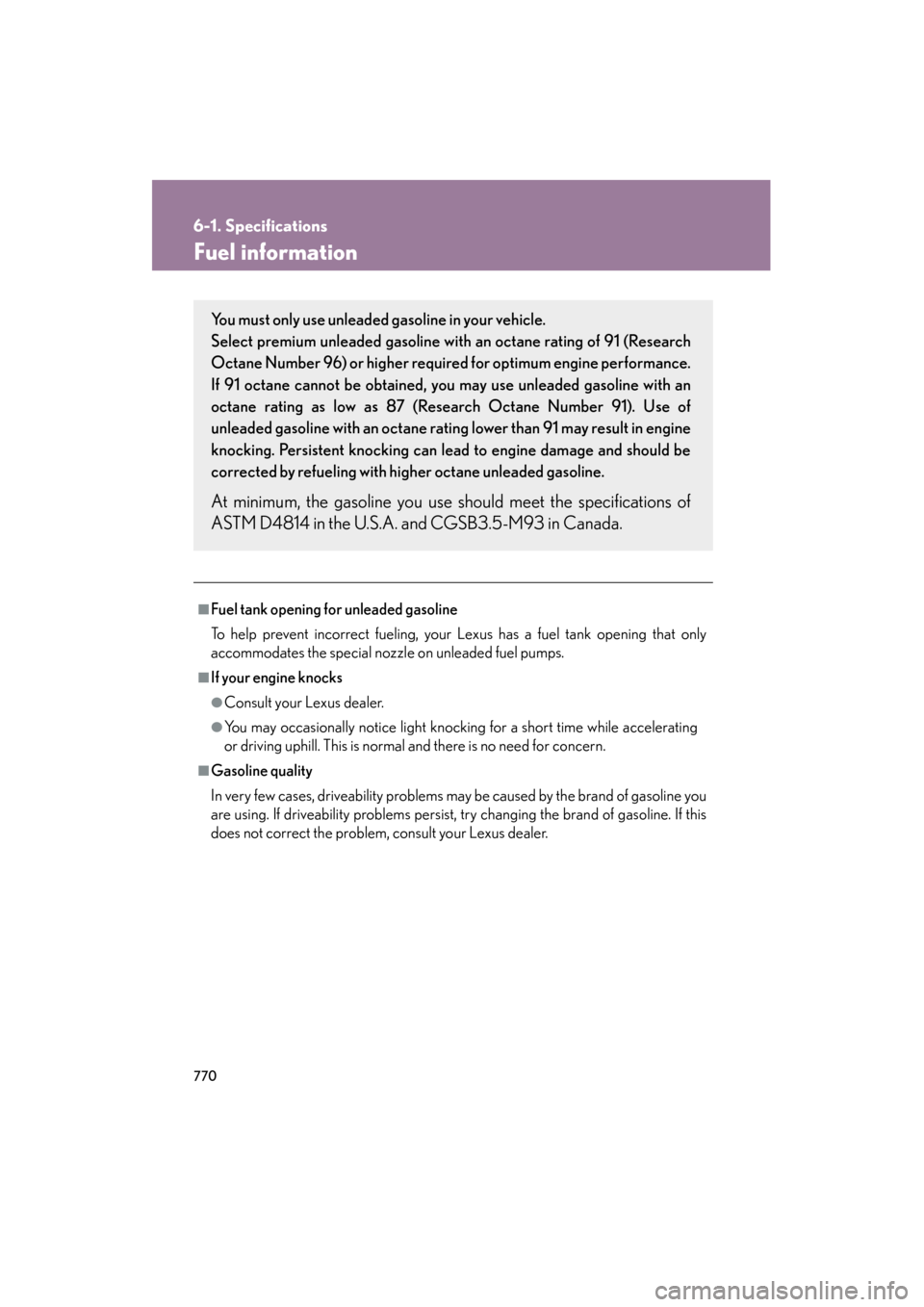
You must only use unleaded gasoline in your vehicle.
Select premium unleaded gasoline with an octane rating of 91 (Research
Octane Number 96) or higher required for optimum engine performance.
If 91 octane cannot be obtained, you may use unleaded gasoline with an
octane rating as low as 87 (Research Octane Number 91). Use of
unleaded gasoline with an octane rating lower than 91 may result in engine
knocking. Persistent knocking can lead to engine damage and should be
corrected by refueling with higher octane unleaded gasoline.
At minimum, the gasoline you use should meet the specifications of
ASTM D4814 in the U.S.A. and CGSB3.5-M93 in Canada.
GX460_OM_OM60J63U_(U).book Page 770 Thursday, March 29, 2012 9:10 AM
Page 830 of 846
829
Alphabetical index
GX460_OM_OM60J63U_(U)
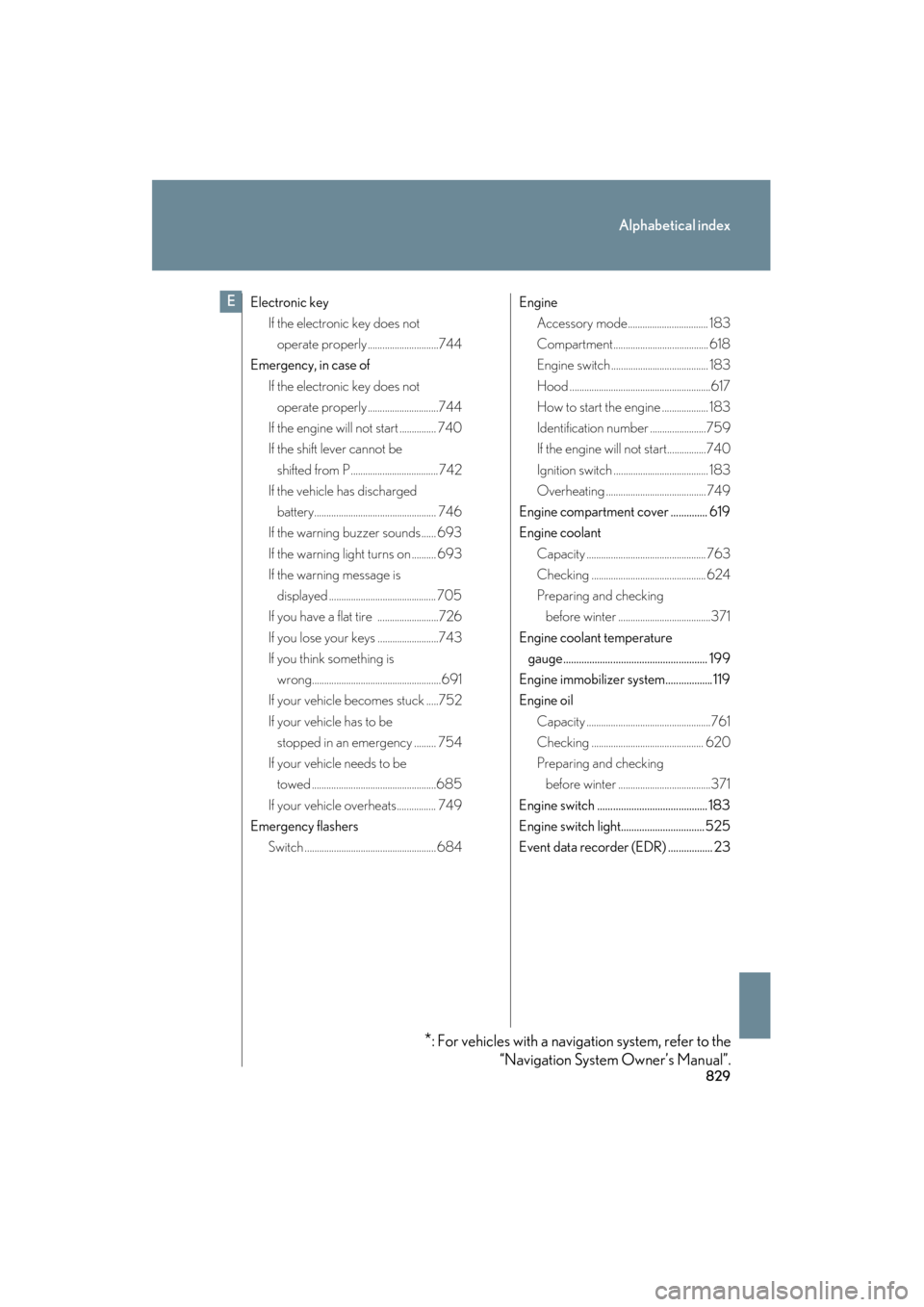
Electronic keyIf the electronic key does not
operate properly .............................744
Emergency, in case of
If the electronic key does not operate properly .............................744
If the engine will not start ............... 740
If the shift lever cannot be shifted from P.................................... 742
If the vehicle has discharged
battery.................................................. 746
If the warning buzzer sounds...... 693
If the warning light turns on .......... 693
If the warning message is
displayed ............................................ 705
If you have a flat tire .........................726
If you lose your keys .........................743
If you think something is
wrong.....................................................691
If your vehicle becomes stuck .....752
If your vehicle has to be stopped in an emergency ......... 754
If your vehicle needs to be towed ...................................................685
If your vehicle overheats................ 749
Emergency flashers
Switch ......................................................684 Engine
Accessory mode................................. 183
Compartment....................................... 618
Engine switch ........................................ 183
Hood ..........................................................617
How to start the engine ................... 183
Identification number .......................759
If the engine will not start................740
Ignition switch ....................................... 183
Overheating ......................................... 749
Engine compartment cover .............. 619
Engine coolant Capacity ................................................. 763
Checking ............................................... 624
Preparing and checking before winter ......................................371
Engine coolant temperature gauge....................................................... 199
Engine immobilizer system.................. 119
Engine oil Capacity ...................................................761
Checking .............................................. 620
Preparing and checking before winter ......................................371
Engine switch .......................................... 183
Engine switch light................................ 525
Event data recorder (EDR) ................. 23E
*: For vehicles with a navigation system, refer to the “Navigation System Owner’s Manual”.
sec_08-02.fm Page 829 Thursday, March 29, 2012 10:00 AM