lock Lexus GX460 2014 Owners Manual
[x] Cancel search | Manufacturer: LEXUS, Model Year: 2014, Model line: GX460, Model: Lexus GX460 2014Pages: 624, PDF Size: 19.39 MB
Page 337 of 624
GX 460 _O M_ OM6 0K 80 U_ (U)
3354-5. Using the driving support systems
4
Driving
CAUTION
■While driving
Observe the following precautions. Failure to do so may cause an accident resulting in
death or serious injury.
●Never move the four-wheel drive control switch if the wheels have lost traction.
●Do not operate the center differential lock/unlock when the vehicle is turning or
when its wheels are spinning freely off the ground.
NOTICE
■To prevent damage to the center differential
●For normal driving on dry and hard surface roads, unlock the center differential.
●Unlock the center differential after the wheels are out of the ditch or off the slippery
or bumpy surface.
GX460_OM_OM60K80U_(U).book Page 335 Wednesday, July 3, 2013 11:40 AM
Page 343 of 624

341
GX 460 _O M_ OM6 0K 80 U_ (U)4-5. Using the driving support systems
4
Driving
Driving assist systems
◆ABS (Anti-lock Brake System)
Helps to prevent wheel lock when the brakes are applied suddenly, or if the brakes are
applied while driving on a slippery road surface
◆Multi Terrain ABS (Anti-lock Brake System) (vehicles with a Multi-terrain
Select system)
Helps to prevent wheel lock when the brakes are applied suddenly, or if the brakes are
applied while driving on a slippery road su
rface, or in off-road conditions (such as
rough roads, sand and mud)
The Multi Terrain ABS operates in synchr onization with the Multi-terrain Select
◆Brake assist
Generates an increased level of braking force after the brake pedal is depressed
when the system detects a panic stop situation
◆VSC (Vehicle Stability Control)
Helps the driver to control skidding when swerving suddenly or turning on slippery
road surfaces
◆TRAC (Traction Control) for H4 position
Helps to maintain drive power and prevent the drive wheels from spinning when start-
ing the vehicle or accelerating on slippery roads
To help enhance driving safety and performance, the following systems oper-
ate automatically in response to various driving situations. Be aware, however,
that these systems are supplementary and should not be relied upon too
heavily when operating the vehicle.
GX460_OM_OM60K80U_(U).book Page 341 Wednesday, July 3, 2013 11:40 AM
Page 363 of 624
GX 460 _O M_ OM6 0K 80 U_ (U)
3614-5. Using the driving support systems
4
Driving
■Automatic cancelation of pre-collision system
When a malfunction occurs due to sensor contaminations, etc. that results in the sensors
being unable to detect obstacles, the pre-collision system will be automatically disabled.
In this case, the system will not activat e even if there is a collision possibility.
■Obstacles not detected
The system cannot detect plastic obstacles such as pylons. There may also be occasions
when the system cannot detect pedestrians, animals, bicycles, motorcycles, trees, or
snowdrifts.
■Conditions that may trigger the system even if there is no possibility of a collision
●When there is an object by the roadside at the entrance to a curve
●When passing an oncoming vehicle on a curve
●When driving over a narrow iron bridge
●When there is a metal object on the road surface
●When driving on an uneven road surface (nose up, nose down)
●When passing an oncoming vehicle on a left turn
●When your vehicle rapidly closes on the vehicle in front
●When a grade separation/interchange, sign, billboard, or other structure appears to be
directly in the vehicle’s line of travel
●When a billboard or other metallic structure appears to be in the direct line of travel
due to driving on a hill
●When there are excessive changes in the vehicle height (when it tilts forwards or back-
wards)
●When the axis of the radar is out of adjustment
●When passing through certain toll gates
●When passing through an overpass
●When passing through a tunnel
When the system is activated in the situations described above, there is also a possibility
that the seat belts will retract quickly and the brakes will be applied with a force greater
than normal. When the seat belt is locked in the restricted position, stop the vehicle in a
safe place, release the seat belt and refasten it.
■When there is a malfunction in the system, or if the system is temporarily unusable
Warning lights and/or warning messages will turn on or flash. ( →P. 5 0 7 , 5 1 4 )
GX460_OM_OM60K80U_(U).book Page 361 Wednesday, July 3, 2013 11:40 AM
Page 367 of 624
GX 460 _O M_ OM6 0K 80 U_ (U)
3654-5. Using the driving support systems
4
Driving
CAUTION
■Handling the driver monitor sensor (vehicles with driver monitor sensor)
Observe the following to ensure the driver monitor sensor can function effectively.
Failure to do so may result in a malfunction or may prevent the system from correctly
determining the direction the driver is facing, resulting in an unexpected accident.
●Do not disassemble, damage, lift or pull on the sensor.
●Do not touch the sensor while driving.
●Do not wet or spill water on the sensor.
●Do not drop anything on or allow anything to hit against the sensor. Do not subject the
sensor to an impact.
●Make sure that there are no scratches, dirt or stickers on the side of the sensor that
faces the driver.
●Do not place any objects in front of the si de of the sensor that faces the driver or
cover the sensor.
■Determining the direction the driver is facing (vehicles with dr iver monitor sensor)
The direction the driver is facing may not be determined correctly if the following con-
ditions exist:
●There is an object between the driver monitor sensor and the driver’s face, such as
when the sensor is blocked.
●A part of the driver’s face is covered.
●The sensor or the driver’s face is exposed to intense light such as sunlight.
●The driving posture is improper.
NOTICE
■Precautions for cleaning the driver monitor sensor (vehicles with driver monitor sen-
sor)
●Gently wipe the sensor with a soft cloth to prevent damage.
●Wipe any excess dirt with a cloth dampened with neutral detergent, all liquids having
been wrung out of the cloth. After that, wipe again with a dry cloth.
●Do not use benzene, thinner, glass cleaners, wax, etc.
GX460_OM_OM60K80U_(U).book Page 365 Wednesday, July 3, 2013 11:40 AM
Page 369 of 624
GX 460 _O M_ OM6 0K 80 U_ (U)
3674-6. Driving tips
4
Driving
Accelerate the vehicle slowly, keep a safe distance between you and the vehicle
ahead, and drive at a reduced speed suitable to road conditions.
Park the vehicle and move the shift lever to P without setting the parking brake.
The parking brake may freeze up, preventing it from being released. If necessary,
block the wheels to prevent inadvertent sliding or creeping.
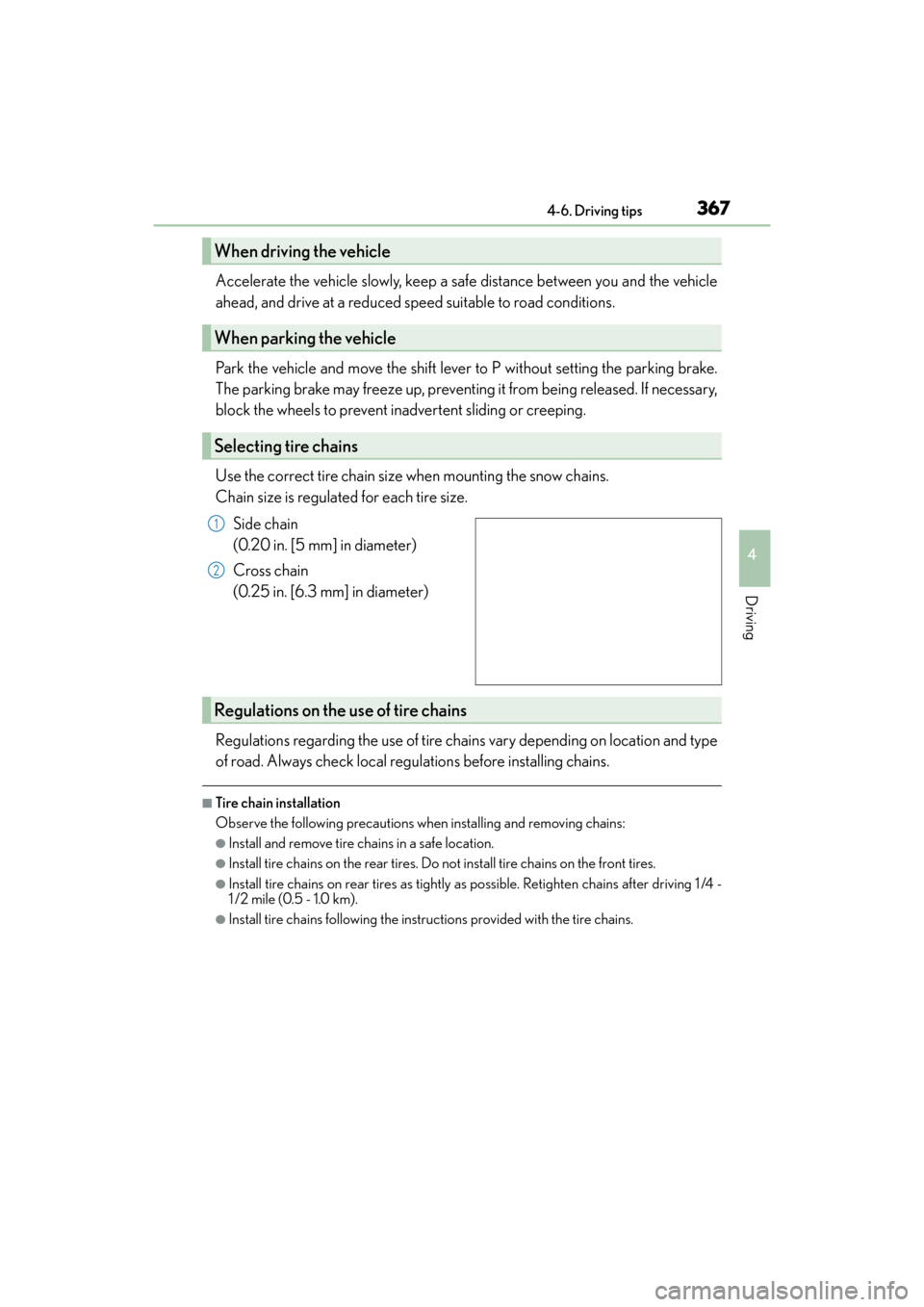
Use the correct tire chain size when mounting the snow chains.
Chain size is regulated for each tire size.
Side chain
(0.20 in. [5 mm] in diameter)
Cross chain
(0.25 in. [6.3 mm] in diameter)
Regulations regarding the use of tire chains vary depending on location and type
of road. Always check local regulations before installing chains.
■Tire chain installation
Observe the following precautions wh en installing and removing chains:
●Install and remove tire chains in a safe location.
●Install tire chains on the rear tires. Do not install tire chains on the front tires.
●Install tire chains on rear tires as tightly as possible. Retighten chains after driving 1 /4 -
1 /2 mile (0.5 - 1.0 km).
●Install tire chains following the instructions provided with the tire chains.
When driving the vehicle
When parking the vehicle
Selecting tire chains
1
2
Regulations on the use of tire chains
GX460_OM_OM60K80U_(U).book Page 367 Wednesday, July 3, 2013 11:40 AM
Page 375 of 624
GX 460 _O M_ OM6 0K 80 U_ (U)
3734-6. Driving tips
4
Driving
NOTICE
■To prevent the water damage
Take all necessary safety measures to ensure that water damage to the engine or other
components does not occur.
●Water entering the engine air intake will cause severe engine damage.
●Water entering the automatic transmission will cause deterioration in shift quality,
locking up of your transmission accompanied by vibration, and ultimately damage.
●Water can wash the grease from wheel bearings, causing rusting and premature fail-
ure, and may also enter the differentials, transmission and transfer case, reducing the
gear oil’s lubricating qualities.
■When you drive through water
If driving through water, such as when crossing shallow streams, first check the depth of
the water and the bottom of the riverbed for firmness. Drive slowly and avoid deep
water.
■Inspection after off-road driving
●Sand and mud that has accumulated in brake drums and around brake discs may
affect braking efficiency and may damage brake system components.
●Always perform a maintenance inspection afte r each day of off-road driving that has
taken you through rough terrain, sand, mud, or water. For scheduled maintenance
information, refer to the “Warranty and Services Guide”, “Owner’s Manual Supple-
ment” or “Scheduled Maintenance”.
GX460_OM_OM60K80U_(U).book Page 373 Wednesday, July 3, 2013 11:40 AM
Page 377 of 624

375
GX 460 _O M_ OM6 0K 80 U_ (U)
5Interior features
5-1. Using the air conditioning system and defogger
Front automatic air conditioning system ................376
Rear air conditioning system ......................................... 386
Heated steering wheel/seat heaters/seat ventilators........ 389
5-2. Using the interior lights Interior lights list..........................392• Personal/interior lights main switch .............................393
• Personal/interior lights.......394 5-3. Using the storage features
List of storage features ............ 395• Glove box ............................... 396
• Console box........................... 396
• Coin holder ............................398
• Cup holders/bottle holders/ door pockets..........................398
• Auxiliary boxes .................... 400
Luggage compartment features........................................ 402
5-4. Using the other interior features
Other interior features ............409 • Cool box ..................................409
• Sun visors ................................... 411
• Vanity mirror ............................. 411
• Conversation mirror.............412
• Clock ..........................................412
• Power outlets .......................... 413
• Armrest ......................................417
• Coat hooks ...............................417
• Assist grips............................... 418
• Compass .................................. 419
Garage door opener................ 423
Safety Connect ........................... 428
GX460_OM_OM60K80U_(U).book Page 375 Wednesday, July 3, 2013 11:40 AM
Page 385 of 624

GX 460 _O M_ OM6 0K 80 U_ (U)
3835-1. Using the air conditioning system and defogger
5
Interior features
■Registering air conditioning settings to electronic keys
●Unlocking the vehicle using an electronic key and turning the engine switch to
IGNITION ON mode will recall that key’s registered air conditioning settings.
●When the engine switch is turned off, the current air conditioning settings will automat-
ically be registered to the electronic key that was used to unlock the vehicle.
The system may not operate correctly if more th an one electronic key is in the vicinity or
if the smart access system with push-button start is used to unlock a passenger door.
Settings for the electronic key and the corresponding door can be changed.
Contact your Lexus dealer.
■Using automatic mode
Fan speed is adjusted automatically according to the temperature setting and the ambi-
ent conditions.
Therefore, the fan may stop for a while until warm or cool air is ready to flow immediately
after the “AUTO” button is pressed.
■When the outside temperature exceeds 75 °F (24 °C) and the air conditioning system
is on
●In order to reduce the air conditioning power consumption, the air conditioning system
may switch to recirculated air mode automatically.
This may also reduce fuel consumption.
●Recirculated air mode is selected as a default mode when the engine switch is turned to
IGNITION ON mode.
●It is possible to switch to outsid e air mode at any time by pressing or
.
■Fogging up of the windows
●The windows will easily fog up when the humidity in the vehicle is high. Touching “A/C”
on will dehumidify the air from the outlet s and defog the windshield effectively.
●If you turn “A/C” off, the windows may fog up more easily.
●The windows may fog up if the recirculated air mode is used.
■Outside/recirculated air mode
●When driving on dusty roads such as tunnels or in heavy traffic, set the outside/recircu-
lated air mode button to the recirculated air mode. This is effective in preventing out-
side air from entering the vehicle interi or. During cooling operation, setting the
recirculated air mode will also cool the vehicle interior effectively.
●Outside/recirculated air mode may automatically switch depending on the tempera-
ture setting or the inside temperature.
■Automatic mode for air intake control (veh icles with rear air conditioning system)
In automatic mode, the system detects exhaust gas and other pollutants and automati-
cally switches between outside air and recirculated air modes.
When the dehumidification function is off, and the fan is operating, turning automatic
mode on will activate the dehumidification function.
GX460_OM_OM60K80U_(U).book Page 383 Wednesday, July 3, 2013 11:40 AM
Page 387 of 624
GX 460 _O M_ OM6 0K 80 U_ (U)
3855-1. Using the air conditioning system and defogger
5
Interior features
CAUTION
■To prevent the windshield from fogging up
●Do not use during cool air operation in extremely humid weather. The differ-
ence between the temperature of the outside air and that of the windshield can cause
the outer surface of the windshield to fog up, blocking your vision.
■To prevent burns
●Do not touch the rear view mirror surfaces when the outside rear view mirror defog-
gers are on.
●Do not touch the glass at lower part of the windshield or to the side of the front pillars
when the windshield wiper de-icer is on. (vehicles with windshield wiper de-icer)
NOTICE
■To prevent battery discharge
Do not leave the air conditioning system on longer than necessary when the engine is
off.
●Do not place anything on the instrument
panel which may cover the air outlets. Other-
wise, air flow may be obstructed, preventing
the windshield defoggers from defogging.
GX460_OM_OM60K80U_(U).book Page 385 Wednesday, July 3, 2013 11:40 AM
Page 390 of 624

3885-1. Using the air conditioning system and defogger
GX 460 _O M_ OM6 0K 80 U_ (U)
■Registering air conditioning settings to electronic keys
●Unlocking the vehicle using an electronic key and turning the engine switch to
IGNITION ON mode will recall that key’s registered air conditioning settings.
●When the engine switch is turned off, the current air conditioning settings will automat-
ically be registered to the electronic key that was used to unlock the vehicle.
The system may not operate correctly if more th an one electronic key is in the vicinity or
if the smart access system with push-button start is used to unlock a passenger door.
Settings for the electronic key and the corresponding door can be changed.
Contact your Lexus dealer.
NOTICE
■To prevent battery discharge
Do not leave the air conditioning system on longer than necessary when the engine is
off.
GX460_OM_OM60K80U_(U).book Page 388 Wednesday, July 3, 2013 11:40 AM