steering Lexus GX460 2014 Workshop Manual
[x] Cancel search | Manufacturer: LEXUS, Model Year: 2014, Model line: GX460, Model: Lexus GX460 2014Pages: 624, PDF Size: 19.39 MB
Page 278 of 624
276
GX 460 _O M_ OM6 0K 80 U_ (U)4-5. Using the driving support systems
CAUTION
■When using the Lexus parking assist monitor system
The parking assist monitor is a supplemental
device intended to assist the driver when
backing up. When backing up, be sure to check visually behind and all around the vehi-
cle before proceeding.
Observe the following precautions to avoid an accident that could result in death or
serious injuries.
●Never depend on the parking assist monitor entirely when backing up. The image
and the position of the guide lines displayed on the screen may differ from the actual
state.
Use caution, just as you would when backing up any vehicle.
●Be sure to back up slowly, depressing the brake pedal to control vehicle speed.
●If you seem likely to hit nearby vehicles, obstacles, people or mount the shoulder,
depress the brake pedal to stop the vehicle, then disable the assist system by select
on the screen to cancel the system.
●The instructions given are only guidelines.
When and how much to turn the steering wh eel will vary according to traffic condi-
tions, road surface conditions, vehicle condit ion, etc. when parking. It is necessary to
be fully aware of this before using the parking assist system.
●When parking, be sure to check that the parking space will accommodate your vehi-
cle before maneuvering into it.
●Do not use the parking assist monitor in the following cases:
• On icy or slick road surfaces, or in snow
•When using tire chains
• When the back door is not closed completely
• On roads that are not flat or straight, such as curves or slopes.
●In low temperatures, the screen may darken or the image may become faint. The
image could distort when the vehicle is moving, or you may become unable to see the
image on the screen. Be sure to check direct visually and with the mirrors all around
the vehicle before proceeding.
●If the tire sizes are changed, the position of the guide lines displayed on the screen
may change.
●The camera uses a special lens. The distances between objects and pedestrians that
appear in the image displayed on the scre en will differ from the actual distances.
( → P. 2 7 0 )
GX460_OM_OM60K80U_(U).book Page 276 Wednesday, July 3, 2013 11:40 AM
Page 279 of 624

GX 460 _O M_ OM6 0K 80 U_ (U)
2774-5. Using the driving support systems
4
Driving
CAUTION
■When using the perpendicular parking assist screen
Estimated course line display mode: If the steering wheel is straight and the vehicle
width extension guide lines and the estimate d course lines are not in alignment, have
the vehicle inspected by your Lexus dealer.
■When using the parallel parking assist screen
●Do not use the system if the display is incorrect due to an uneven (curvy/hilly) road or
a non-straight road.
●Make sure to operate the steering wheel only when the vehicle is stopped.
●Be sure to check that there are no obstacles inside the blue outline.
If there are any obstacles inside the blue ou tline, do not use the parallel parking assist.
●When positioning the blue outline over the parking space, be sure to position it so
that the extended blue line may not cross the tire of the vehicle parked in front of the
empty space.
●If the extended line of the blue outline may be
crossing the parked vehicle, your vehicle is
too close. Check that there is a gap of
approximately 3 ft. (1 m) between your vehi-
cle and the parked vehicle.
GX460_OM_OM60K80U_(U).book Page 277 Wednesday, July 3, 2013 11:40 AM
Page 283 of 624
GX 460 _O M_ OM6 0K 80 U_ (U)
2814-5. Using the driving support systems
4
Driving
■Side monitor
The image from the side camera is displayed. Use this monitor to help check
the area to the right of the vehicle, for example when taking off and stopping,
when turning right, etc. If displayed, the course line can be used as rough
guide for steering wheel operation when turning right. (→P. 2 8 4 )
XFull view display modeXFront view enlarged display mode
GX460_OM_OM60K80U_(U).book Page 281 Wednesday, July 3, 2013 11:40 AM
Page 286 of 624
284
GX 460 _O M_ OM6 0K 80 U_ (U)4-5. Using the driving support systems
●Simultaneous display
Front wheel contact point
Shows the position of the vehicle’s
front tire.
Vehicle front edge line
Shows the position of the vehicle’s
leading edge.
Vehicle width line (blue)
Indicates the width of the vehicle
including the outside rear view mir-
ror.
Projected course line (yellow)
Displays a rough guide of the vehicle path that moves according to the steering
wheel position. Displayed along with the minimum projected turning circle.
Minimum projected turning circle (blue)
Displays the smallest turning circle projected by the system if the steering wheel is
turned to full lock. Displayed when the steering wheel is turned to the right (further
than 90 ° from straight ahead).
Rear wheel contact point
Shows the position of the vehicle’s rear tire.
Using the side monitor
1
2
3
4
5
6
GX460_OM_OM60K80U_(U).book Page 284 Wednesday, July 3, 2013 11:40 AM
Page 287 of 624
GX 460 _O M_ OM6 0K 80 U_ (U)
2854-5. Using the driving support systems
4
Driving
●Individual display
Front wheel contact point
Shows the position of the vehicle’s front tire.
Vehicle front edge line
Shows the position of the vehicle’s leading edge.
Vehicle width line (blue)
Indicates the width of the vehicle including the outside rear view mirror.
Projected course line (yellow)
Displays a rough guide of the vehicle path that moves according to the steering wheel
position. Displayed along with the minimum projected turning circle.
Minimum projected turning circle (blue)
Displays the smallest turning circle projected by the system if the steering wheel is
turned to full lock. Displayed when the steer ing wheel is turned to the right (further
than 90 ° from straight ahead).
Projected course line switching button
The course line display mode will change as follows each time the switch is selected.
When the shift lever is in R, it will not be displayed.
Rear wheel contact point
Shows the position of the vehicle’s rear tire.
Individual display mode switching button
Switches the full view display mode or Front view enlarged display mode.
XFull view display modeXFront view enlarged display mode
1
2
3
4
5
6
7
8
GX460_OM_OM60K80U_(U).book Page 285 Wednesday, July 3, 2013 11:40 AM
Page 291 of 624
GX 460 _O M_ OM6 0K 80 U_ (U)
2894-5. Using the driving support systems
4
Driving
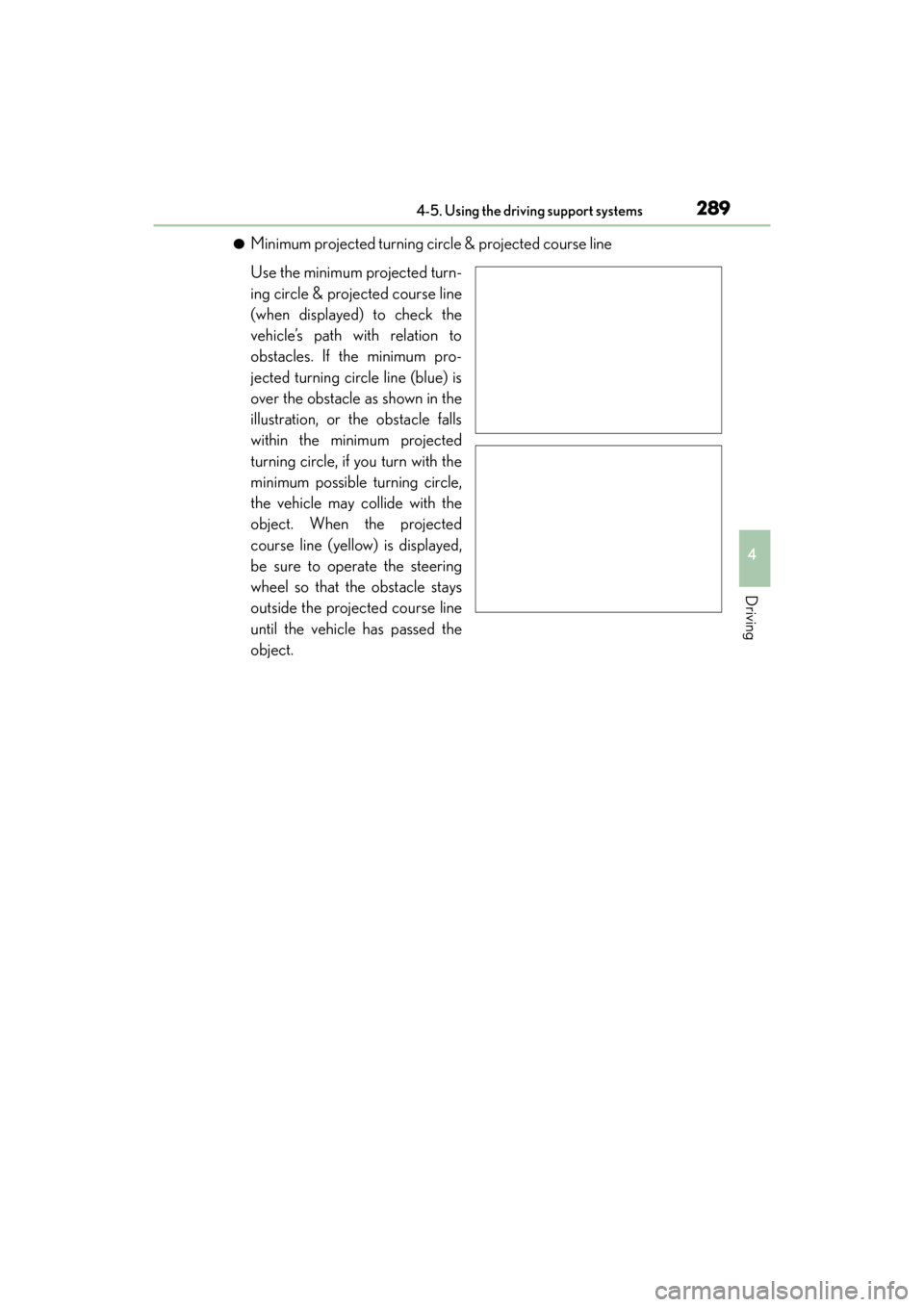
●Minimum projected turning circle & projected course line
Use the minimum projected turn-
ing circle & projected course line
(when displayed) to check the
vehicle’s path with relation to
obstacles. If the minimum pro-
jected turning circle line (blue) is
over the obstacle as shown in the
illustration, or the obstacle falls
within the minimum projected
turning circle, if you turn with the
minimum possible turning circle,
the vehicle may collide with the
object. When the projected
course line (yellow) is displayed,
be sure to operate the steering
wheel so that the obstacle stays
outside the projected course line
until the vehicle has passed the
object.
GX460_OM_OM60K80U_(U).book Page 289 Wednesday, July 3, 2013 11:40 AM
Page 296 of 624

294
GX 460 _O M_ OM6 0K 80 U_ (U)4-5. Using the driving support systems
‰
Switch sound effects do not work
The multimedia or navigation system vol-
ume setting is low or muted.Increase the volume in the multimedia or
navigation system volume settings.
‰The fixed guide lines are very far out of alignment
The camera position is out of alignment.Have the vehicle inspected by your Lexus
dealer.
• The vehicle is tilted (there is a heavy
load on the vehicle, tire pressure is low
due to a tire puncture, etc.)
• The vehicle is used on an incline.If this happens due to these causes, it
does not indicate a malfunction.
Drive carefully while visually checking the
vehicle’s surroundings.
‰ “System is initializing.” is displayed
• The battery has been reinstalled.
• The steering wheel has been moved
while the battery was being reinstalled.
• Battery power is low.
• The steering sensor has been rein- stalled.
• There is a malfunction in the signals
being output by the steering sensor.Stop the vehicle, and turn the steering
wheel as far as it will go to the left and
right. (Selecting “?” on the screen displays
the operating procedure above.)
If this does not resolve the symptom, have
the vehicle inspected by your Lexus
dealer.
‰ The color of buttons on the screen are toned down
The vehicle is driven at 7 mph (12 km/h)
or more while the side monitor is dis-
played.The color of buttons displayed on the side
monitor that are toned down return to
normal when the vehicle speed slows to
approximately 6 mph (10 km/h).
Likely causeSolution
GX460_OM_OM60K80U_(U).book Page 294 Wednesday, July 3, 2013 11:40 AM
Page 297 of 624
GX 460 _O M_ OM6 0K 80 U_ (U)
2954-5. Using the driving support systems
4
Driving
CAUTION
■When using the wide view front & side monitor system
Observe the following precautions to avoid an accident that could result in death or
serious injuries.
●When attempting to use the side camera while the door mirror is folded in, the base
of the door mirror is displayed on the screen and the area in front of the vehicle can-
not be observed. The image displayed on the screen differs depending on the posi-
tion of the door mirror.
●The field of view of the camera is limited. Do not rely solely upon the wide view front &
side monitor.
As with unequipped vehicles, drive carefully while directly confirming the safety of
your surroundings.
●Always check visually to confirm your intended path is clear.
●The camera uses a special lens. The distances between objects and pedestrians that
appear in the image displayed on the sc reen will differ from the actual distances.
●When the monitor is in front view enlarged display mode, even if obstacles in the
image from the side monitor have disappeared, do not turn the steering wheel any
further until the vehicle has passed the obstacle. By turning the steering wheel further,
the vehicle may make a tight turn, causing the vehicle to make contact with the obsta-
cle.
●Do not drive the vehicle while only lookin g at the monitor screen under any circum-
stances.
Driving while only viewing the monitor screen may cause a collision or lead to an
accident, as the image displayed on the monitor screen may differ from actual condi-
tions. Make sure to visually check the surrounding areas with and without the mirror
while driving.
●Do not use the wide view front & side monitor in the following cases:
• On icy or slick road surfaces, or in snow.
• When the front passenger’s door is not closed completely
•When using tire chains
• On roads that is not flat, such as slopes
●In low temperatures, the screen may darken or the image may become faint. The
image could distort when the vehicle is moving, or you may become unable to see the
image on the screen. Be sure to check dire ct visually all around the vehicle before
proceeding.
●If the tires are changed, the position of the guide lines displayed on the screen may be
incorrect. When changing the tires, consult your Lexus dealer.
●Depending on the circumstances of the ve hicle (number of passengers, amount of
luggage, etc.), the position of the guide lines displayed on the screen may change. Be
sure to check visually behind and all around the vehicle before proceeding.
●When washing the vehicle, do not apply intensive bursts of water to the camera or
camera area. Doing so may result in the camera malfunctioning.
GX460_OM_OM60K80U_(U).book Page 295 Wednesday, July 3, 2013 11:40 AM
Page 298 of 624
296
GX 460 _O M_ OM6 0K 80 U_ (U)4-5. Using the driving support systems
NOTICE
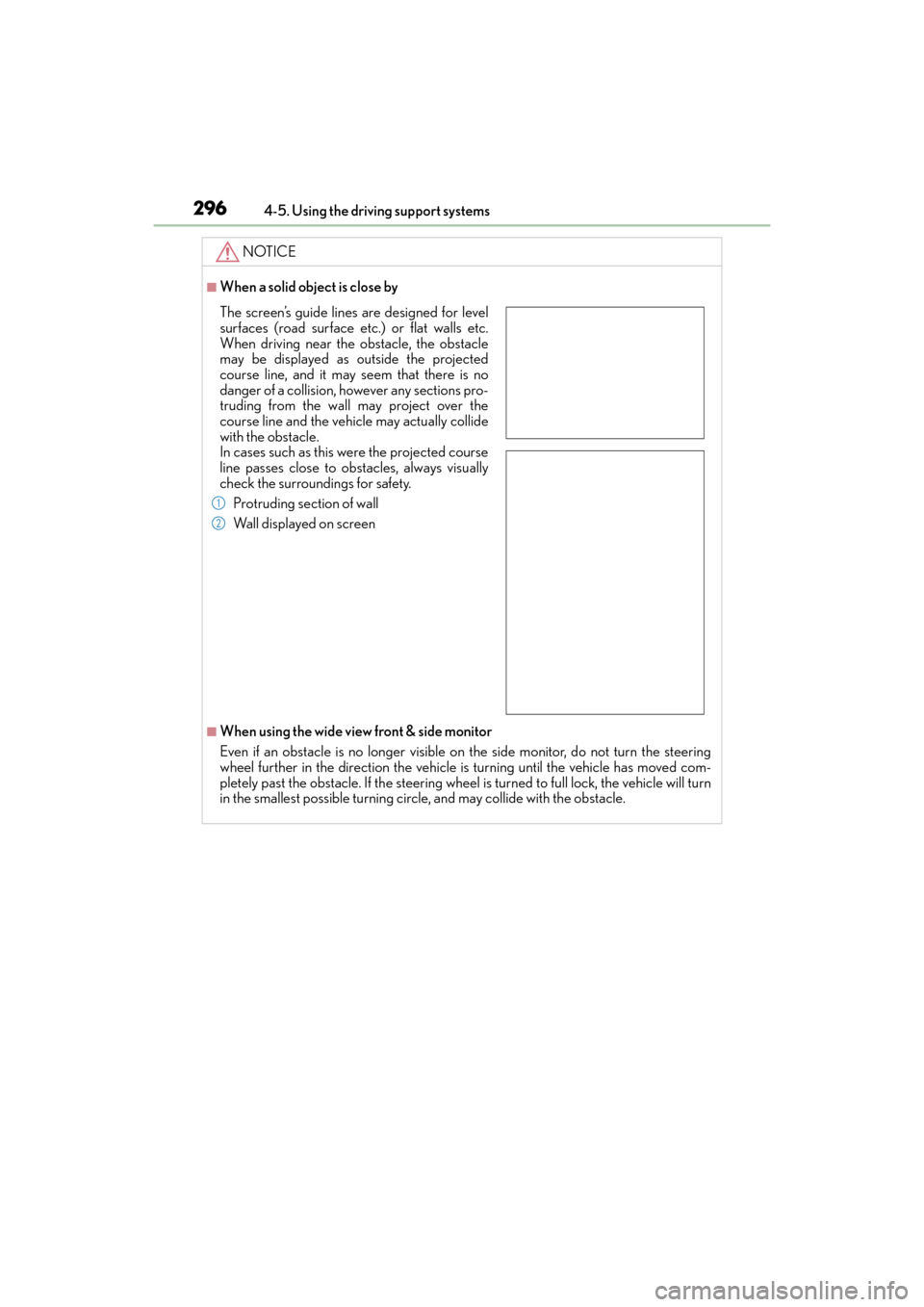
■When a solid object is close by
■When using the wide view front & side monitor
Even if an obstacle is no longer visible on
the side monitor, do not turn the steering
wheel further in the direction the vehicle is turning until the vehicle has moved com-
pletely past the obstacle. If th e steering wheel is turned to full lock, the vehicle will turn
in the smallest possible turning circ le, and may collide with the obstacle.
The screen’s guide lines are designed for level
surfaces (road surface etc.) or flat walls etc.
When driving near the obstacle, the obstacle
may be displayed as outside the projected
course line, and it may seem that there is no
danger of a collision, however any sections pro-
truding from the wall may project over the
course line and the vehicle may actually collide
with the obstacle.
In cases such as this were the projected course
line passes close to obstacles, always visually
check the surroundings for safety.
Protruding section of wall
Wall displayed on screen
1
2
GX460_OM_OM60K80U_(U).book Page 296 Wednesday, July 3, 2013 11:40 AM
Page 309 of 624

GX 460 _O M_ OM6 0K 80 U_ (U)
3074-5. Using the driving support systems
4
Driving
■Front monitor
The image from the front camera is
displayed. Use this monitor to help
check the area in front of the vehicle
for safety. Guidelines are shown to
help determine the course.
■Wide view front & side monitor display
Images from the front and the sides
of the vehicle are displayed.
This display is used to verify the situa-
tion at crossings with poor visibility,
and to assist with safety confirmation
when turning right.
Guidelines can also be displayed as a
steering guide when turning right.
Display
GX460_OM_OM60K80U_(U).book Page 307 Wednesday, July 3, 2013 11:40 AM