lock Lexus GX460 2015 Owner's Manual
[x] Cancel search | Manufacturer: LEXUS, Model Year: 2015, Model line: GX460, Model: Lexus GX460 2015Pages: 634, PDF Size: 19.09 MB
Page 390 of 634
GX 460 _O M_ OM6 0L 72U _( U)
3895-1. Using the air conditioning system and defogger
5
Interior features
CAUTION
■To prevent the windshield from fogging up
●Do not use during cool air operation in extremely humid weather. The differ-
ence between the temperature of the outside air and that of the windshield can cause
the outer surface of the windshield to fog up, blocking your vision.
■To prevent burns
●Do not touch the rear view mirror surfaces when the outside rear view mirror defog-
gers are on.
●Do not touch the glass at lower part of the windshield or to the side of the front pillars
when the windshield wiper de-icer is on. (vehicles with windshield wiper de-icer)
NOTICE
■To prevent battery discharge
Do not leave the air conditioning system on longer than necessary when the engine is
off.
●Do not place anything on the instrument
panel which may cover the air outlets. Other-
wise, air flow may be obstructed, preventing
the windshield defoggers from defogging.
GX460_OM_OM60L72U_(U).book Page 389 Friday, May 16, 2014 3:03 PM
Page 393 of 634
3925-1. Using the air conditioning system and defogger
GX 460 _O M_ OM6 0L 72U _( U)
■Registering air conditioning settings to electronic keys
●Unlocking the vehicle using an electronic key and turning the engine switch to
IGNITION ON mode will recall that key’s registered air conditioning settings.
●When the engine switch is turned off, the current air conditioning settings will automat-
ically be registered to the electronic key that was used to unlock the vehicle.
The system may not operate correctly if more th an one electronic key is in the vicinity or
if the smart access system with push-button start is used to unlock a passenger door.
Settings for the electronic key and the corresponding door can be changed.
Contact your Lexus dealer.
NOTICE
■To prevent battery discharge
Do not leave the air conditioning system on longer than necessary when the engine is
off.
GX460_OM_OM60L72U_(U).book Page 392 Friday, May 16, 2014 3:03 PM
Page 399 of 634
398
GX 460 _O M_ OM6 0L 72U _( U)5-2. Using the interior lights
■Illuminated entry system
The lights automatically turn on/off according
to engine switch mode, the presence of the
electronic key, whether the doors are locked/unlocked, and whether the doors are
open/closed.
■To prevent battery discharge
If the following lights remain on when the engine switch is turned off the lights will go off
automatically after 20 minutes:
●Personal/interior light
●Inside door handle lights
●Footwell lights
●Running board lights
■Customization
Settings (e.g. adjust the time elapsed before the interior lights automatically turn off) can
be changed. (Customizable features: →P. 5 8 6 )
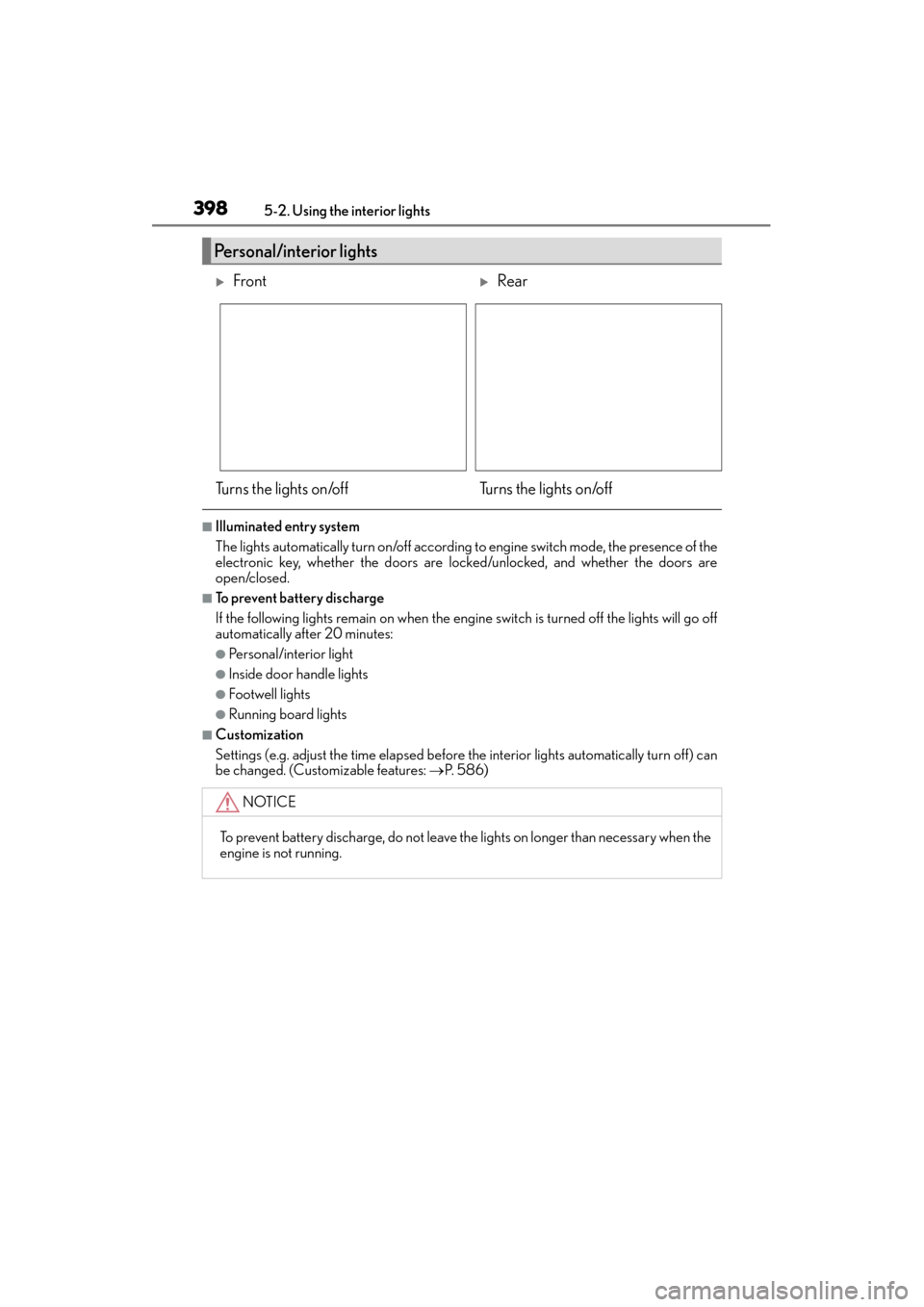
Personal/interior lights
XFrontXRear
Turns the lights on/off Turns the lights on/off
NOTICE
To prevent battery discharge, do not leave the lights on longer than necessary when the
engine is not running.
GX460_OM_OM60L72U_(U).book Page 398 Friday, May 16, 2014 3:03 PM
Page 401 of 634
400
GX 460 _O M_ OM6 0L 72U _( U)5-3. Using the storage features
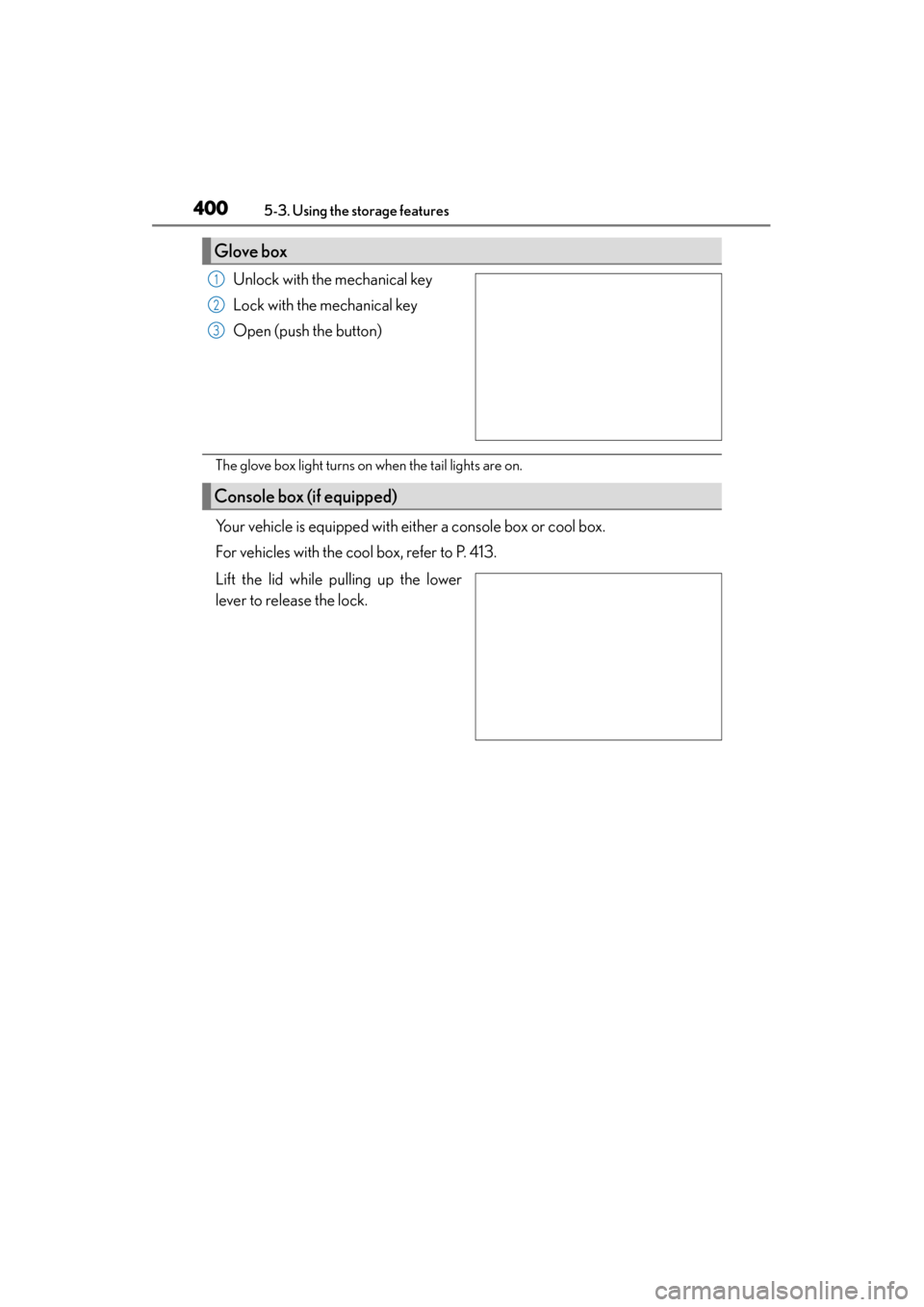
Unlock with the mechanical key
Lock with the mechanical key
Open (push the button)
The glove box light turns on when the tail lights are on.
Your vehicle is equipped with either a console box or cool box.
For vehicles with the cool box, refer to P. 413.
Lift the lid while pulling up the lower
lever to release the lock.
Glove box
1
2
3
Console box (if equipped)
GX460_OM_OM60L72U_(U).book Page 400 Friday, May 16, 2014 3:03 PM
Page 402 of 634
GX 460 _O M_ OM6 0L 72U _( U)
4015-3. Using the storage features
5
Interior features
●The console box light turns on when the tail lights are on.
●When using the console box lid as an armrest,
slide the console box lid forward or backward
as needed. Slide the lid while pulling up the
upper lever to release the lock.
●The tray in the console box slides forward/
backward.
●To remove the tray, lift up.
NOTICE
Do not insert items exceeding the height of the tray. Doing so may prevent opening and
closing of the lid.
GX460_OM_OM60L72U_(U).book Page 401 Friday, May 16, 2014 3:03 PM
Page 407 of 634

406
GX 460 _O M_ OM6 0L 72U _( U)5-3. Using the storage features
Luggage compartment features
Raise the hook to use.
The cargo hooks are provided for
securing loose items.
When using the deck hooks, the third
seat must be fold down. (
→P. 1 2 6 )
Open the cover.
Turn the knob clockwise.
Open the cover.
Secure the warning reflector.
The warning reflector itself is not
included as an original equipment.
Cargo hooks
Warning reflector holder
1
1
2
2
GX460_OM_OM60L72U_(U).book Page 406 Friday, May 16, 2014 3:03 PM
Page 410 of 634

GX 460 _O M_ OM6 0L 72U _( U)
4095-3. Using the storage features
5
Interior features
■Stowing the luggage cover
Push the case while pressing the
lock release button.
Vehicles without a rear automatic air
conditioning system: Shorten one
side only.
Vehicles with a rear automatic air
conditioning system: Shorten both
sides.
Push the case until it locks.
Check that the lock release button
can be seen.
Vehicles without a rear automatic air
conditioning system: Shorten one
side only.
Vehicles with a rear automatic air
conditioning system: Shorten both
sides.
Secure the luggage cover with
luggage cover restraining bands.
Check that luggage cover and lug-
gage cover restraining bands are
secured.
Fold over the cover and the sub
cover.
Lock release button
1
Lock releasebutton
2
3
4
GX460_OM_OM60L72U_(U).book Page 409 Friday, May 16, 2014 3:03 PM
Page 411 of 634

410
GX 460 _O M_ OM6 0L 72U _( U)5-3. Using the storage features
Stow the hooks.
Fold over the sub cover.
■Extending the case
Push the lock release button.
Pull the case until it locks.
Check that the lock release button
can be seen.
5
6
Lock release button
1
Lock release button
2
GX460_OM_OM60L72U_(U).book Page 410 Friday, May 16, 2014 3:03 PM
Page 412 of 634

GX 460 _O M_ OM6 0L 72U _( U)
4115-3. Using the storage features
5
Interior features
■Adjusting the sub cover
Fasten the button when the second seats are in the rear-most position.
Unfasten the buttons before sliding the second seats forward.
CAUTION
●To avoid injury, always return the cargo hooks to their stowed positions when not in
use.
●Keep the auxiliary box closed. In the event of sudden braking or sudden swerving, an
accident may occur due to an occupant being struck by an open auxiliary box or the
items stored inside.
●Keep the both sides of the luggage cover case locked. Otherwise, the luggage cover
may fly out in case of the sudden braking, sudden swerving or an accident, resulting in
death or serious injury.
●When stowing the luggage cover in the luggage compartment, use the luggage
cover restraining bands to secure the left and right sides of the luggage cover. Other-
wise, the luggage cover may fly out in case of the sudden braking, sudden swerving or
an accident, resulting in death or serious injury.
●Do not allow children to climb on the luggage cover. Climbing on the luggage cover
could result in damage to the luggage cove r, possibly causing death or serious injury
to the child.
GX460_OM_OM60L72U_(U).book Page 411 Friday, May 16, 2014 3:03 PM
Page 414 of 634

413
GX 460 _O M_ OM6 0L 72U _( U)5-4. Using the other interior features
5
Interior features
Other interior features
Lift the lid while pulling up the lower
lever to release the lock.
Turns the cool box on/off
When on, the indicator light comes on.
■The cool box can be operated when
The engine switch is in IGNITION ON mode.
■If the front air conditioning system is no
t in use when the cool box is turned on
The front air conditioning system is automatically turned on.
Cool box (if equipped)
1
2
GX460_OM_OM60L72U_(U).book Page 413 Friday, May 16, 2014 3:03 PM