radio Lexus HS250h 2010 User Guide
[x] Cancel search | Manufacturer: LEXUS, Model Year: 2010, Model line: HS250h, Model: Lexus HS250h 2010Pages: 611, PDF Size: 11 MB
Page 215 of 611
213
2-4. Using other driving systems
2
When driving
HS250h_U_75033U(Canada)
■Certification
For vehicles sold in the U.S.A.
FCC ID: HYQDNMWR004
This device complies with Part 15 of the FCC Rules. Operation is subject to the fol-
lowing two conditions: (1) this device may not cause harmful interference, and (2)
this device must accept any interference received, including interference that may
cause undesired operation.
FCC WARNING
Changes or modifications not expressly approved by the party responsible for
compliance could void the user’s authority to operate the equipment.
Radio frequency radiation exposure Information:
This equipment complies with FCC radiation exposure limits set forth for an uncon-
trolled environment.
This equipment should be installed and operated with minimum distance of 20 cm
between the radiator (antenna) and your body.
This transmitter must not be co-located or operating in conjunction with any other
antenna or transmitter.
CAUTION
■Before using dynamic radar cruise control
Do not overly rely on vehicle-to-vehicle distance control.
Be aware of the set speed. If automatic deceleration/acceleration is not appropri-
ate, adjust the vehicle speed, as well as the distance between your vehicle and vehi-
cles ahead by applying the brakes etc.
Page 238 of 611
236
2-4. Using other driving systems
HS250h_U_75033U(Canada)
■Certification
For vehicles sold in the U.S.A.
FCC ID: HYQDNMWR004
This device complies with Part 15 of the FCC Rules. Operation is subject to the fol-
lowing two conditions: (1) this device may not cause harmful interference, and (2)
this device must accept any interference received, including interference that may
cause undesired operation.
FCC WARNING
Changes or modifications not expressly approved by the party responsible for
compliance could void the user’s authority to operate the equipment.
Radio frequency radiation exposure Information:
This equipment complies with FCC radiation exposure limits set forth for an uncon-
trolled environment.
This equipment should be installed and operated with minimum distance of 20 cm
between the radiator (antenna) and your body.
This transmitter must not be co-located or operating in conjunction with any other
antenna or transmitter.
Page 252 of 611
250
HS250h_U_75033U(Canada)
3-1. Using the air conditioning system and defogger
Automatic air conditioning system ..................................... 252
Rear window defogger switch ...................................... 260
Windshield wiper de-icer ...... 261
3-2. Using the audio system Audio system........................... 262
Using the radio ....................... 265
Using the CD player ............. 273
Playing MP3 and WMA
discs.......................................... 281
Operating an iPod ................. 288
Operating a USB memory ................................. 296
Optimal use of the audio system ..................................... 304
Using the AUX adapter....... 307
Using the steering wheel audio switches...................... 308
Page 264 of 611
262
HS250h_U_75033U(Canada)
3-2. Using the audio system
Audio system
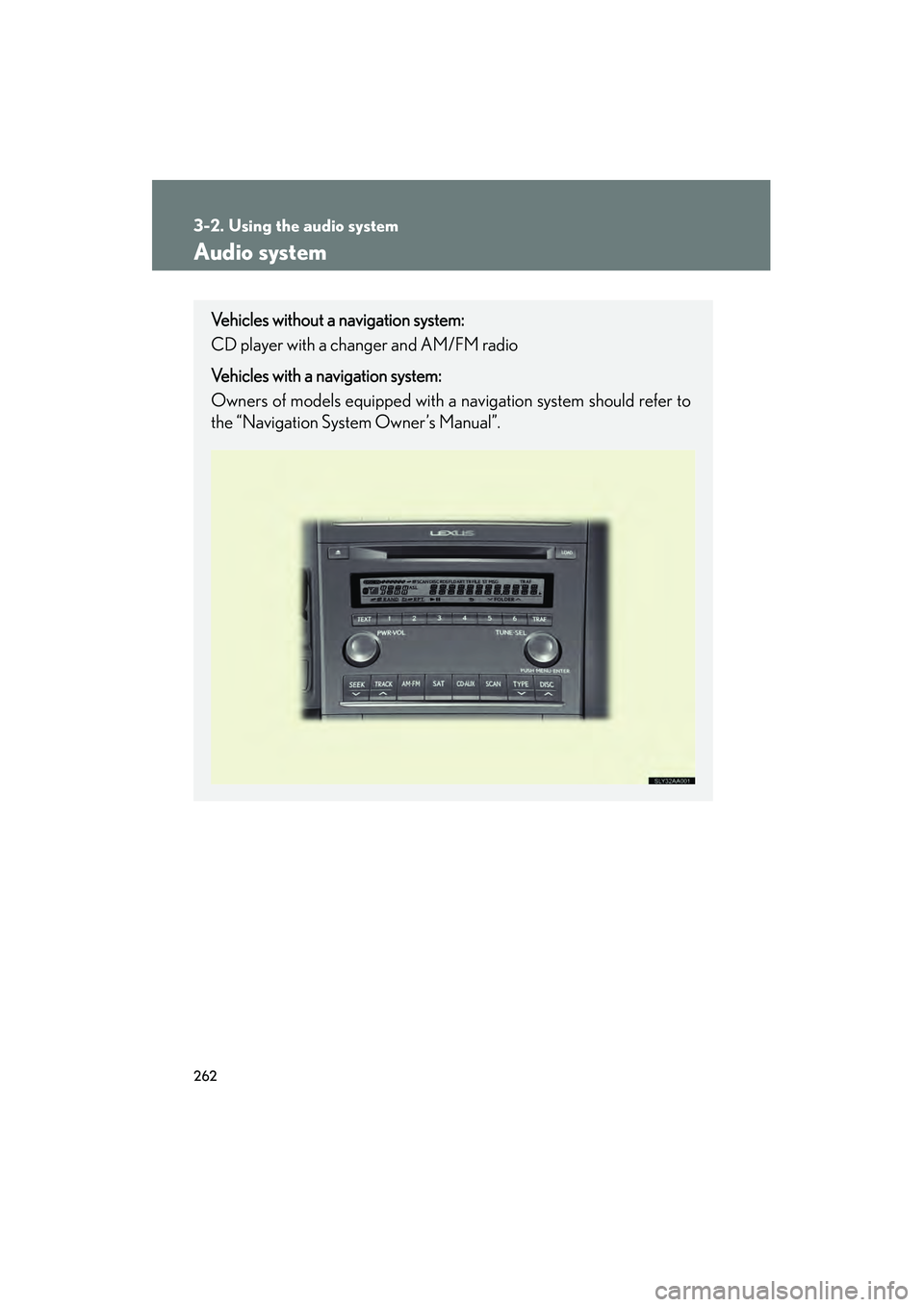
Vehicles without a navigation system:
CD player with a changer and AM/FM radio
Vehicles with a navigation system:
Owners of models equipped with a navigation system should refer to
the “Navigation System Owner’s Manual”.
Page 265 of 611
263
3-2. Using the audio system
3
Interior features
HS250h_U_75033U(Canada)
■Using cellular phones
Interference may be heard through the audio system’s speakers if a cellular phone
is being used inside or close to the vehicle while the audio system is operating.
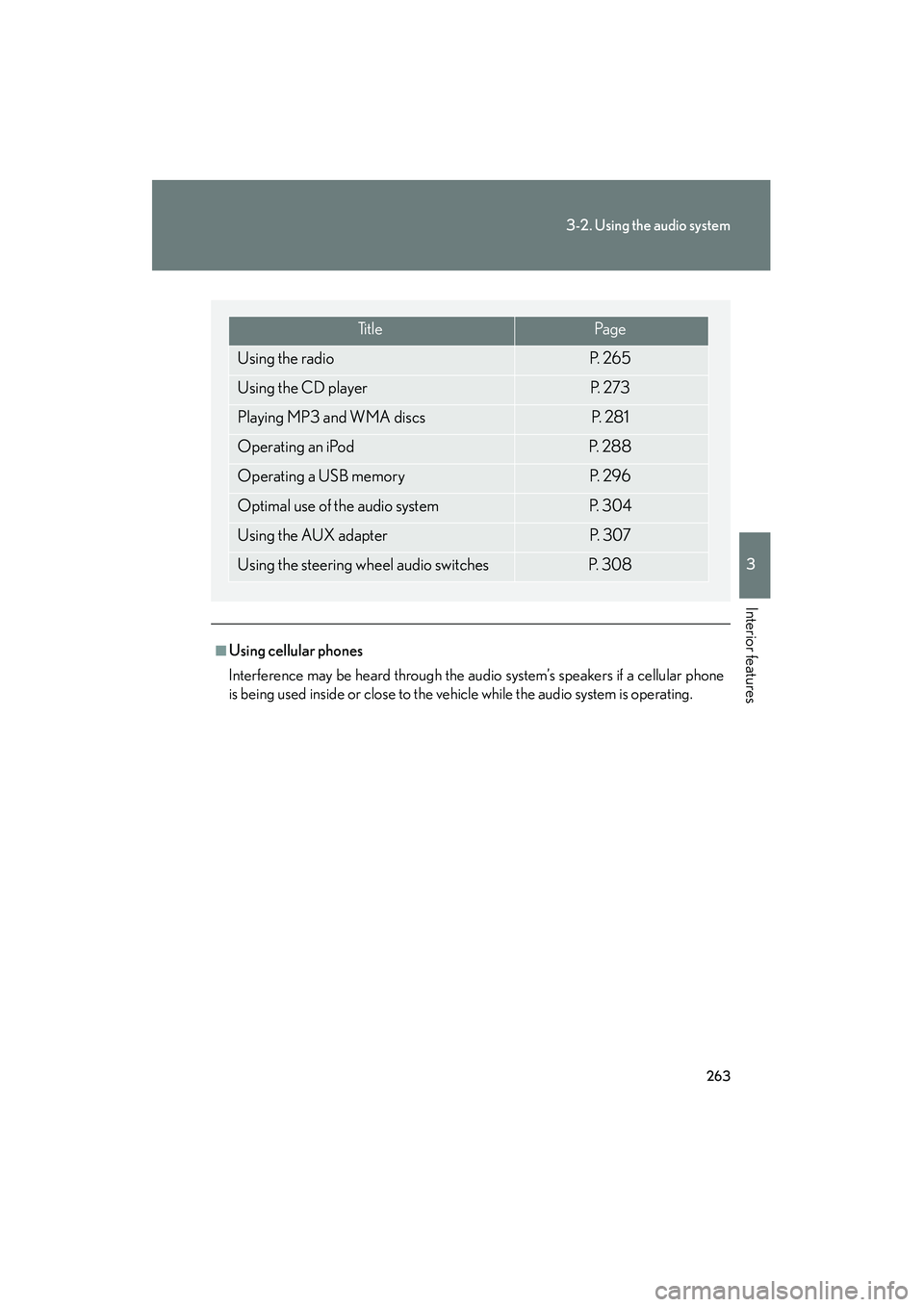
Ti t l ePa g e
Using the radioP. 2 6 5
Using the CD playerP. 2 7 3
Playing MP3 and WMA discsP. 2 8 1
Operating an iPodP. 2 8 8
Operating a USB memoryP. 2 9 6
Optimal use of the audio systemP. 3 0 4
Using the AUX adapterP. 3 0 7
Using the steering wheel audio switchesP. 3 0 8
Page 267 of 611
265
3-2. Using the audio system
3
Interior features
HS250h_U_75033U(Canada)
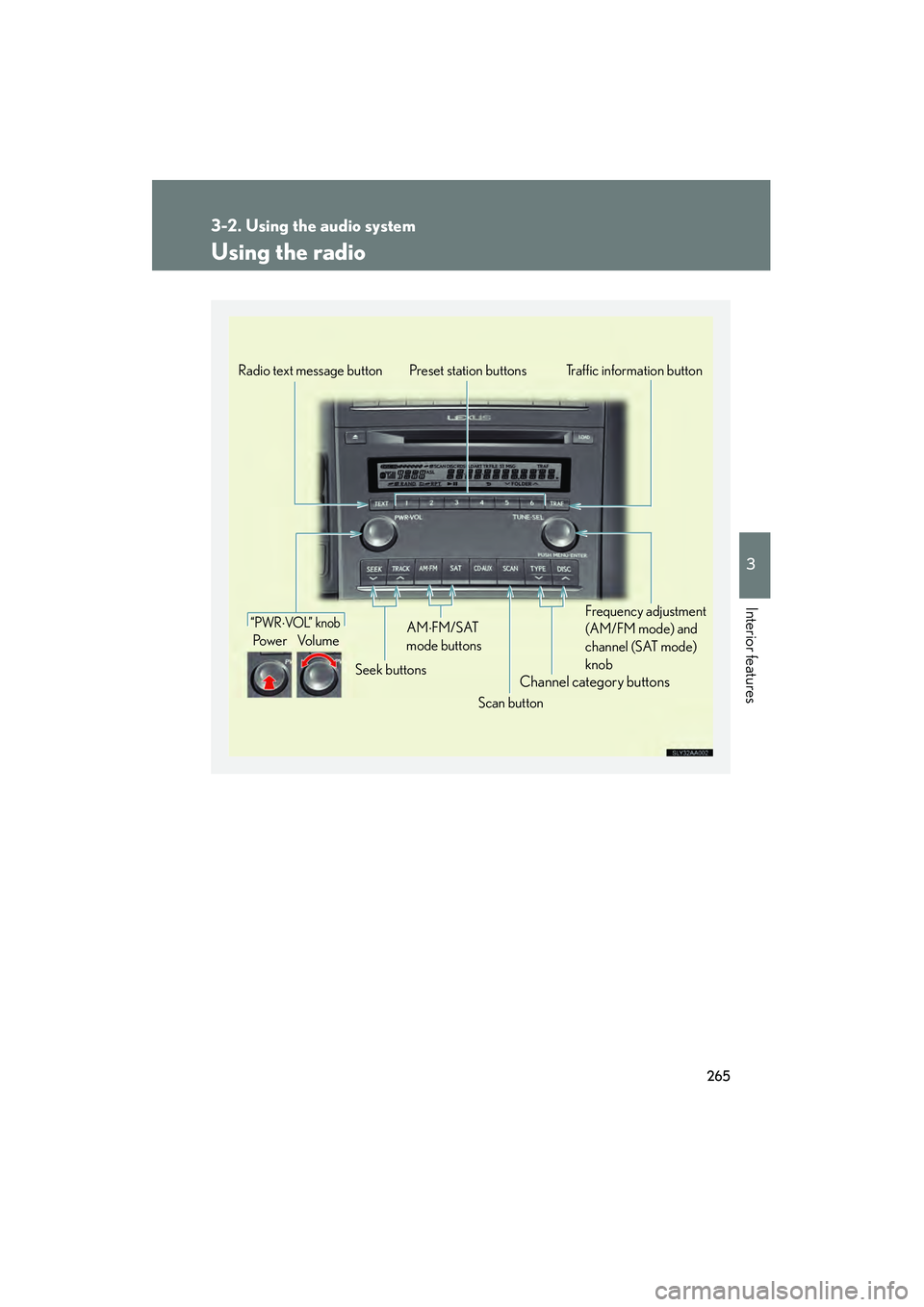
Using the radio
Channel category buttons
“PWR⋅VOL” knob
Po we r Vo l u m eTraffic information button
Preset station buttons
Scan button
Seek buttons
Radio text message button
Frequency adjustment
(AM/FM mode) and
channel (SAT mode)
knob
AM⋅FM/SAT
mode buttons
Page 268 of 611
266
3-2. Using the audio system
HS250h_U_75033U(Canada)
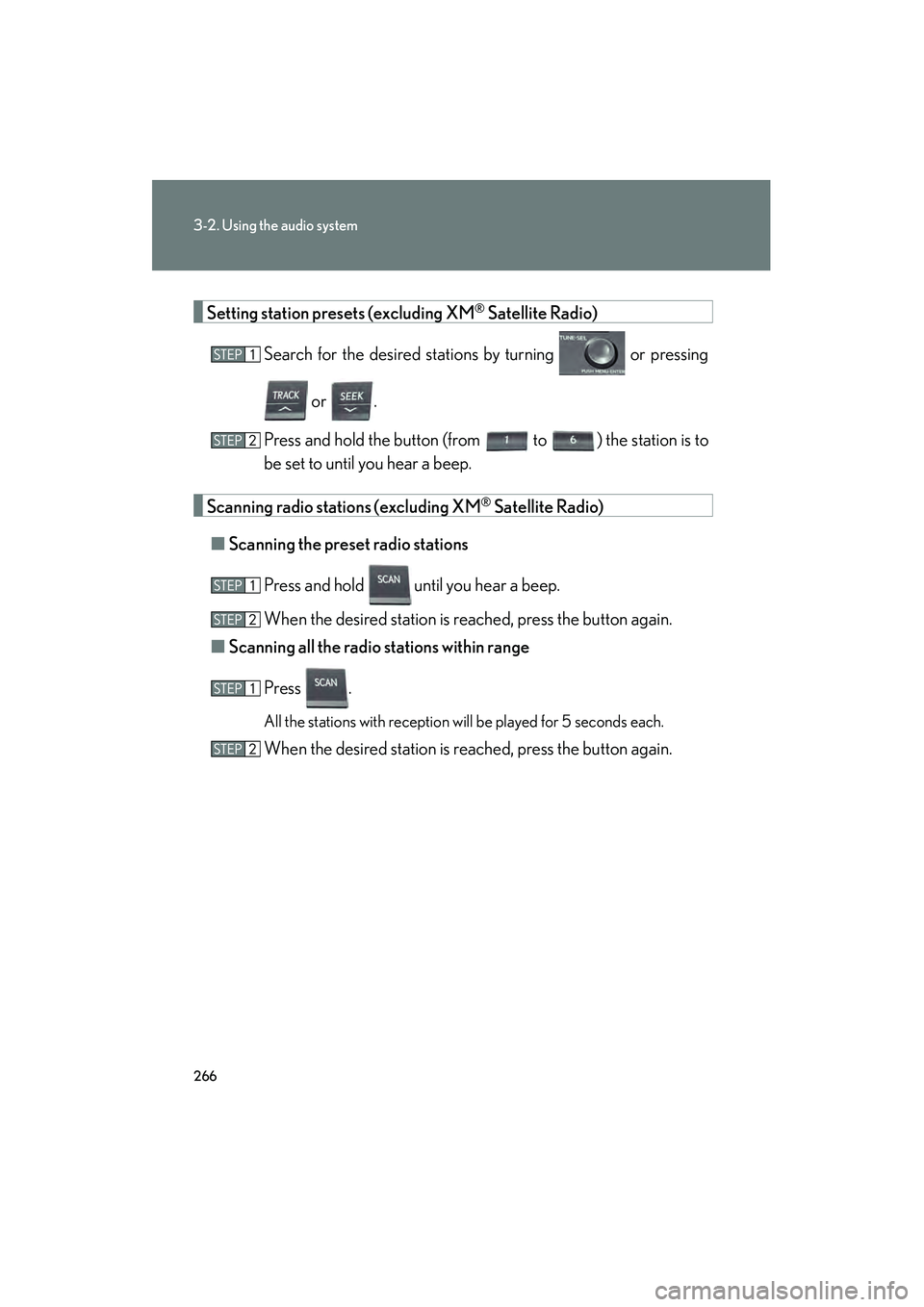
Setting station presets (excluding XM® Satellite Radio)
Search for the desired stations by turning or pressing
or .
Press and hold the button (from
to ) the station is to
be set to until you hear a beep.
Scanning radio stations (excluding XM® Satellite Radio)
■ Scanning the preset radio stations
Press and hold
until you hear a beep.
When the desired station is reached, press the button again.
■ Scanning all the radio st ations within range
Press .
All the stations with reception will be played for 5 seconds each.
When the desired station is reached, press the button again.
Page 269 of 611
267
3-2. Using the audio system
3
Interior features
HS250h_U_75033U(Canada)
RDS (Radio Data System)This feature allows your radio to receive station identification information
and program information (classical, jazz, etc.) from radio stations which
broadcast this information.
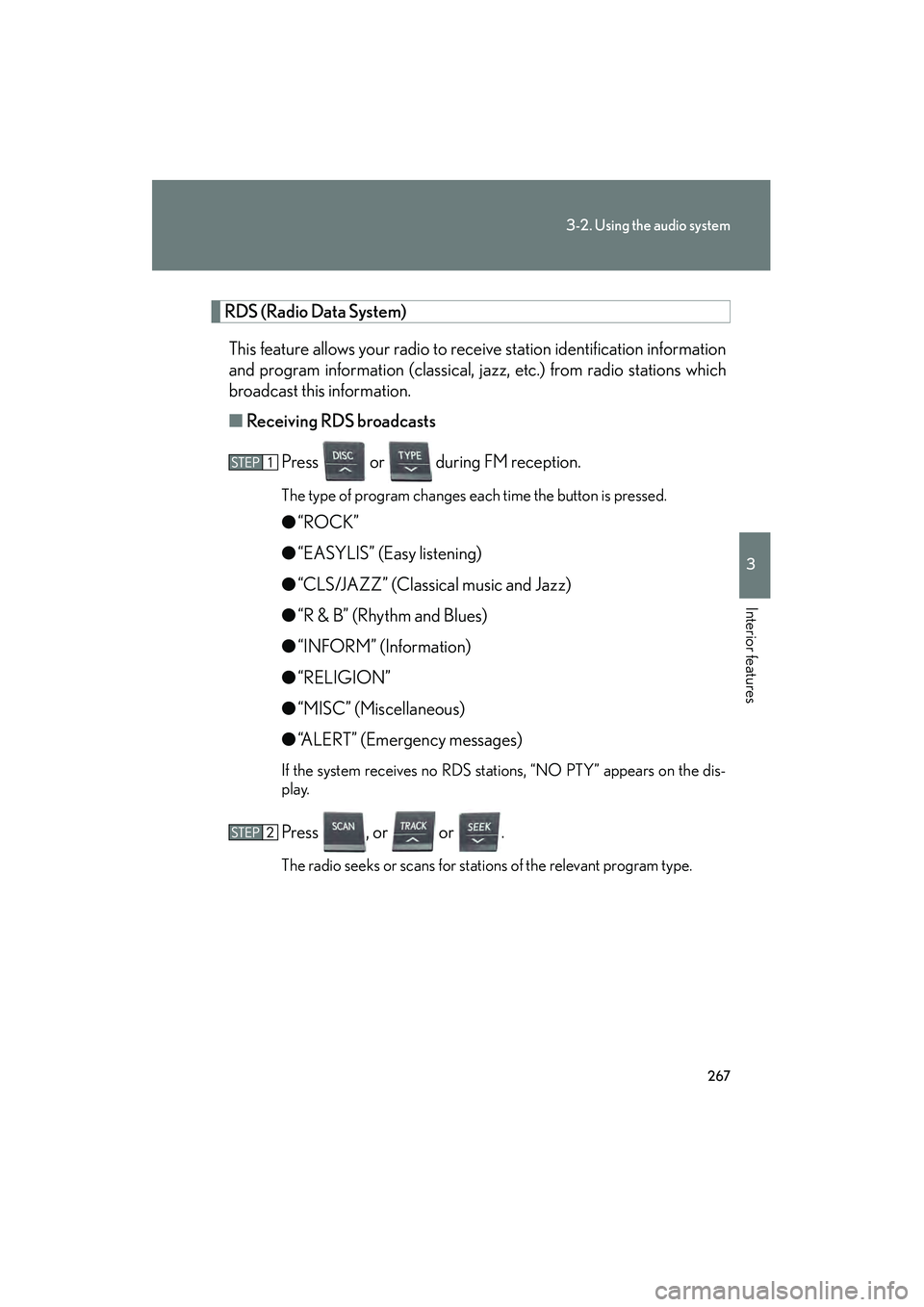
■ Receiving RDS broadcasts
Press or during FM reception.
The type of program changes each time the button is pressed.
●“ROCK”
● “EASYLIS” (Easy listening)
● “CLS/JAZZ” (Classical music and Jazz)
● “R & B” (Rhythm and Blues)
● “INFORM” (Information)
● “RELIGION”
● “MISC” (Miscellaneous)
● “ALERT” (Emergency messages)
If the system receives no RDS stations, “NO PTY” appears on the dis-
play.
Press , or or .
The radio seeks or scans for stations of the relevant program type.
Page 270 of 611

268
3-2. Using the audio system
HS250h_U_75033U(Canada)■
Displaying radio station names
Press .
■ Displaying radio text messages
Press twice.
A text message is displayed when “MSG” is shown on the screen.
If the text continues past the end of the display, is displayed. Press and
hold until you hear a beep.
XM® Satellite Radio
■ Receiving XM
® Satellite Radio
Press .
The display changes as follows each time the button is pressed:
“SAT1” → “SAT2” → “SAT3”
Turn to select the desired channel in all the categories
or press or to select the desired channel in the cur-
rent category.
■ Setting XM
® Satellite Radio channel presets
Select the desired channel. Press and hold the button (from
to
) the channel is to be set to until you hear a beep.
■ Changing the channel category
Press or .
Page 271 of 611
269
3-2. Using the audio system
3
Interior features
HS250h_U_75033U(Canada)■
Scanning the XM
® Satellite Radio channels
● Scanning the channels in the current category
Press .
When the desired channel is reached, press the button
again.
● Scanning the preset channels
Press and hold until you hear a beep.
When the desired channel is reached, press the button
again.
■ Displaying text information
Press .
The display will show up to 10 characters.
The display changes as follows each time the button is pressed:
● CH NAME
● TITLE (SONG/PROGRAM TITLE)
● NAME (ARTIST NAME/FEATURE)
● CH NUMBER