steering Lexus HS250h 2010 Workshop Manual
[x] Cancel search | Manufacturer: LEXUS, Model Year: 2010, Model line: HS250h, Model: Lexus HS250h 2010Pages: 611, PDF Size: 11 MB
Page 244 of 611

242
2-5. Driving information
HS250h_U_75033U(Canada)
CAUTION
■Things that must not be carried in the trunk
The following things may cause a fire if loaded in the trunk:
●Receptacles containing gasoline
●Aerosol cans
■Storage precautions
Observe the following precautions.
Failing to do so may result in death or serious injury.
●Stow cargo and luggage in the trunk whenever possible.
●Do not place cargo or luggage in or on the following locations as the item may
get under the brake or accelerator pedal and prevent the pedals from being
depressed properly, block the driver’s vision, or hit the driver or passengers,
causing an accident:
• At the feet of the driver
• On the front passenger or rear seats (when stacking items)
• On the package tray
• On the instrument panel
•On the dashboard
●Secure all items in the occupant compartment, as they may shift and injure some-
one during sudden braking, sudden swerving or an accident.
■Capacity and distribution
●Do not exceed the maximum axle weight rating or the total vehicle weight rating.
●Even if the total load of occupant’s weight and the cargo load is less than the total
load capacity, do not apply the load unevenly. Improper loading may cause dete-
rioration of steering or braking control which may cause death or serious injury.
Page 245 of 611
243
2-5. Driving information
2
When driving
HS250h_U_75033U(Canada)
Vehicle load limits
■Total load capacity and seating capacity
These details are also described on the tire and loading information label.
(→ P. 4 4 5 )
CAUTION
■Overloading the vehicle
Do not overload the vehicle.
It may not only cause damage to the tires, but also degrade steering and braking
ability, resulting in an accident.
Vehicle load limits include total load capacity, seating capacity, towing
capacity and cargo capacity.
■Total load capacity: 825 lb. (375 kg)
Total load capacity means the combined weight of occupants, cargo and
luggage.
■Seating capacity: 5 occupants (Front 2, Rear 3)
Seating capacity means the maximum number of occupants whose esti-
mated average weight is 150 lb. (68 kg) per person.
■Towing capacity
Lexus does not recommend towing a trailer with your vehicle.
■Cargo capacity
Cargo capacity may increase or decrease depending on the weight and
the number of occupants.
Page 252 of 611
250
HS250h_U_75033U(Canada)
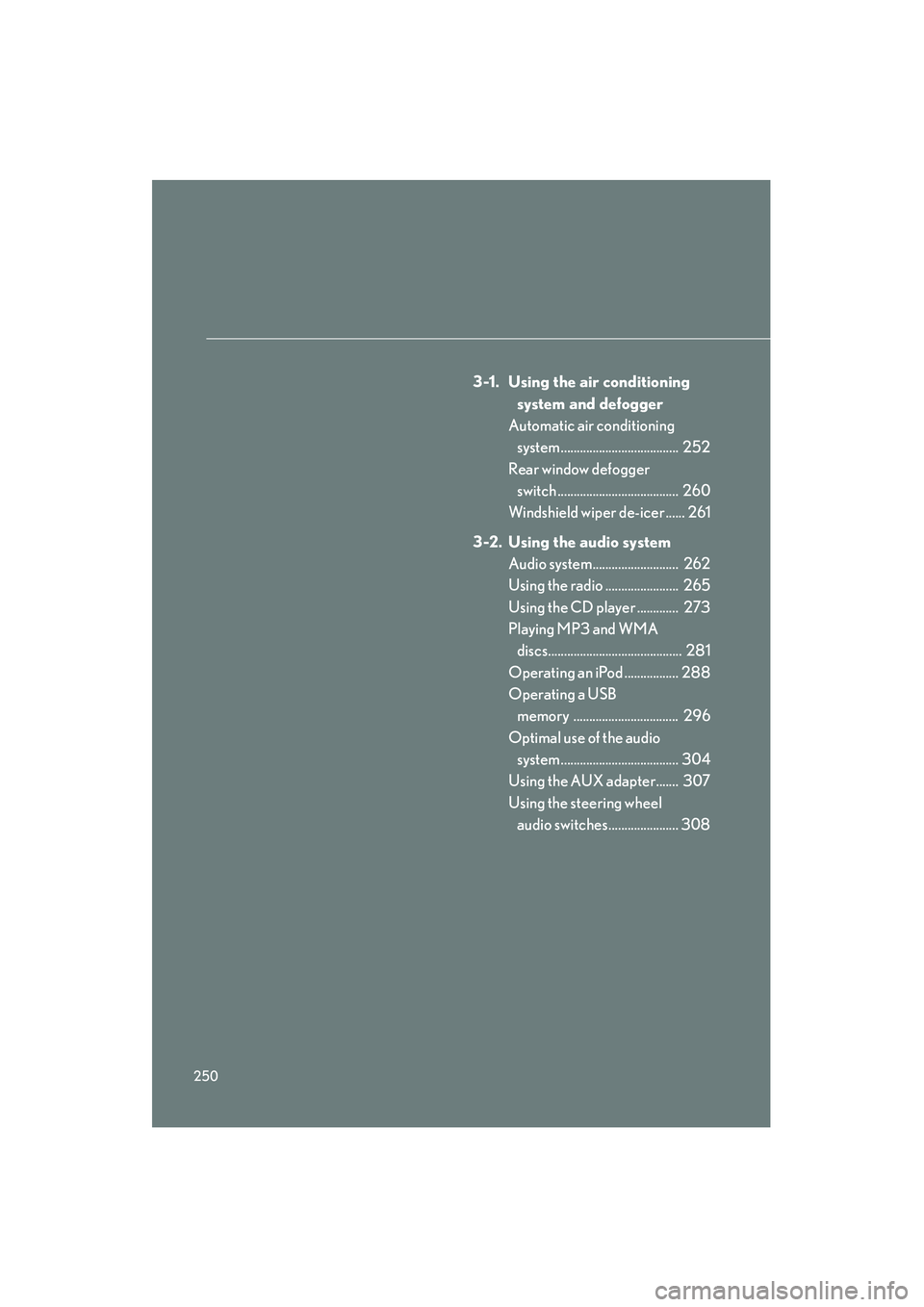
3-1. Using the air conditioning system and defogger
Automatic air conditioning system ..................................... 252
Rear window defogger switch ...................................... 260
Windshield wiper de-icer ...... 261
3-2. Using the audio system Audio system........................... 262
Using the radio ....................... 265
Using the CD player ............. 273
Playing MP3 and WMA
discs.......................................... 281
Operating an iPod ................. 288
Operating a USB memory ................................. 296
Optimal use of the audio system ..................................... 304
Using the AUX adapter....... 307
Using the steering wheel audio switches...................... 308
Page 265 of 611
263
3-2. Using the audio system
3
Interior features
HS250h_U_75033U(Canada)
■Using cellular phones
Interference may be heard through the audio system’s speakers if a cellular phone
is being used inside or close to the vehicle while the audio system is operating.
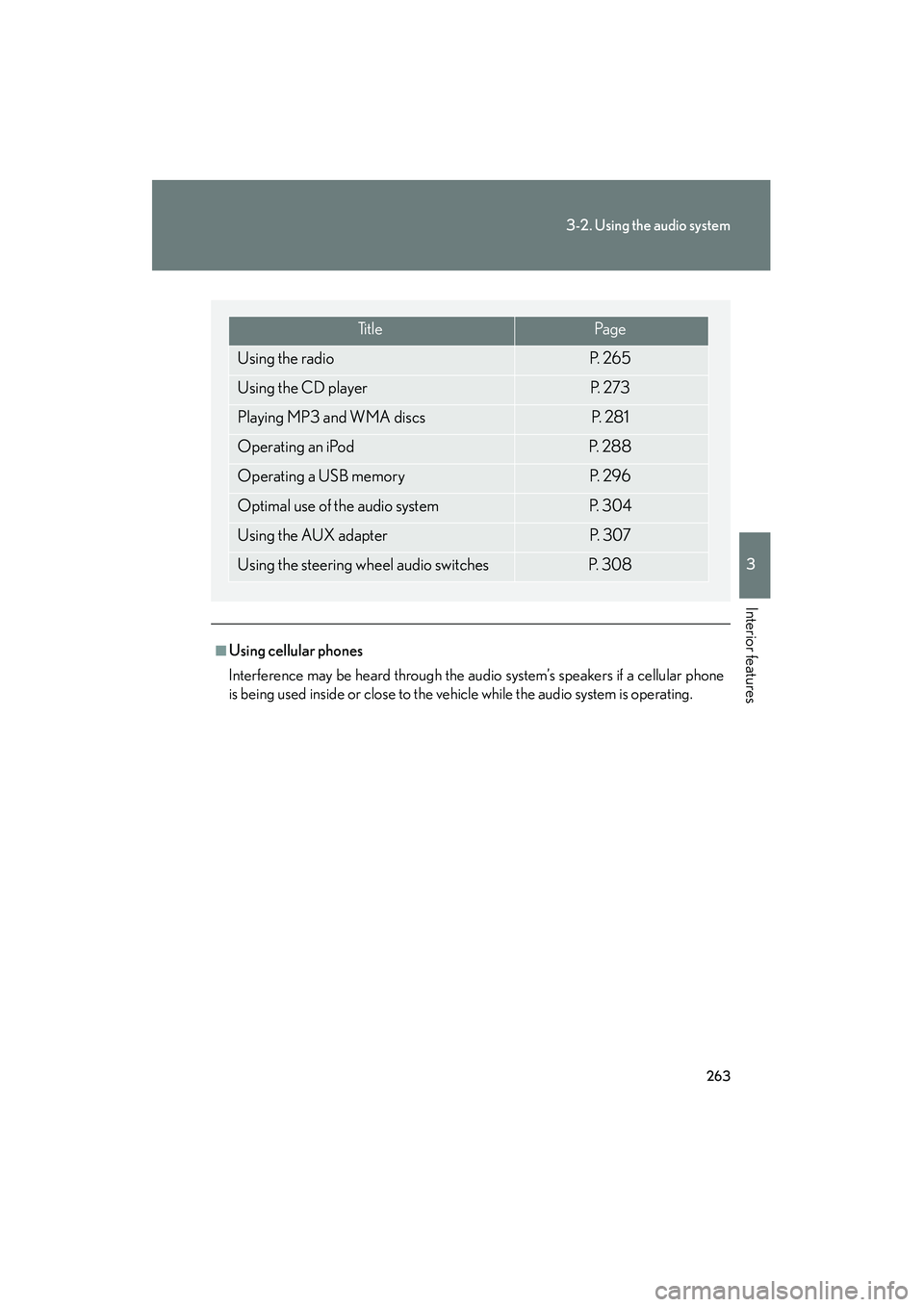
Ti t l ePa g e
Using the radioP. 2 6 5
Using the CD playerP. 2 7 3
Playing MP3 and WMA discsP. 2 8 1
Operating an iPodP. 2 8 8
Operating a USB memoryP. 2 9 6
Optimal use of the audio systemP. 3 0 4
Using the AUX adapterP. 3 0 7
Using the steering wheel audio switchesP. 3 0 8
Page 310 of 611

308
3-2. Using the audio system
HS250h_U_75033U(Canada)
Using the steering wheel audio switches
Turning the power onPress when the audio system is turned off.
The audio system can be turned off by holding the switch down for 1 second
or more.
Some audio features can be controlled using the switches on the steering
wheel.
Turns the power on, selects
an audio source
Increases/decreases volume
Radio mode: Selects a radio station
CD mode: Selects a track, file (MP3 and
WMA) and disc
Bluetooth
® audio mode:
Selects a track and
album
iPod mode: Selects a song
USB memory mode: Selects a file and folder
Page 312 of 611

310
3-2. Using the audio system
HS250h_U_75033U(Canada)
Selecting an albumPress to select Bluetooth
® audio mode.
Press and hold “ ∧” or “ ∨” on until you hear a beep.
Selecting a folder
Press to select USB memory mode.
Press and hold “ ∧” or “ ∨” on until you hear a beep.
Selecting a disc in the CD player
Press to select CD mode.
Press and hold “ ∧” or “ ∨” on until you hear a beep.
■Canceling automatic selection of a radio station
Press again.
CAUTION
■To reduce the risk of an accident
Exercise care when operating the audio switches on the steering wheel.
Page 316 of 611

314
3-3. Using the Bluetooth® audio system
HS250h_U_75033U(Canada)
Using the Bluetooth® audio system
■Audio unit
Display
A message, name, number,
etc. is displayed.
Lower-case characters and
special characters cannot be
displayed.
Displays information that is
too long to be displayed at
one time on the display (press
and hold)
Selects items such as menu
and number
Turn: Selects an item
Press: Inputs the selected
item
Bluetooth
® connection con-
dition
If “BT” is not displayed, the
Bluetooth® audio system
cannot be used.
■ Steering wheel switches
Talk switch
Turns the voice command
system on (press)/turns the
voice command system off
(press and hold)
Page 323 of 611
321
3-3. Using the Bluetooth® audio system
3
Interior features
HS250h_U_75033U(Canada)
Switching the displayPress .
Each time the button is pressed, the display changes in the following order:
Elapsed time → Album title → Track title → Artist name
Using the steering wh eel audio switches
→ P. 308
■Bluetooth® audio system functions
Depending on the portable player that is connected to the system, certain functions
may not be available.
■Display
→ P. 2 7 7
■Error messages
“Memory Error”: This indicates a problem in the system.
Page 335 of 611
333
3-4. Using the hands-free phone system (for cellular phones)
3
Interior features
HS250h_U_75033U(Canada)
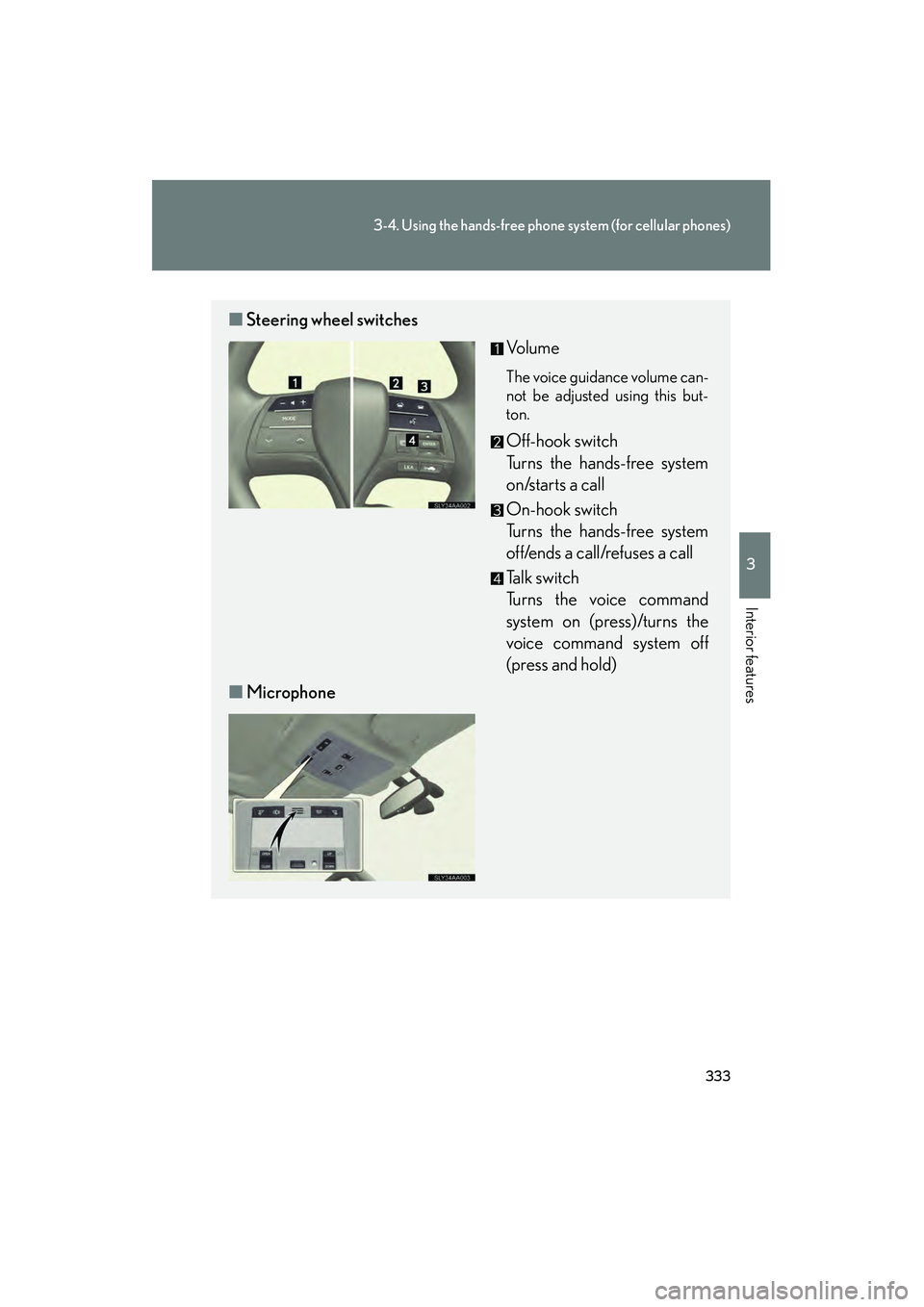
■Steering wheel switches
Vo l u m e
The voice guidance volume can-
not be adjusted using this but-
ton.
Off-hook switch
Turns the hands-free system
on/starts a call
On-hook switch
Turns the hands-free system
off/ends a call/refuses a call
Talk switch
Turns the voice command
system on (press)/turns the
voice command system off
(press and hold)
■ Microphone
Page 415 of 611
413
4-2. Maintenance
4
Maintenance and care
HS250h_U_75033U(Canada)
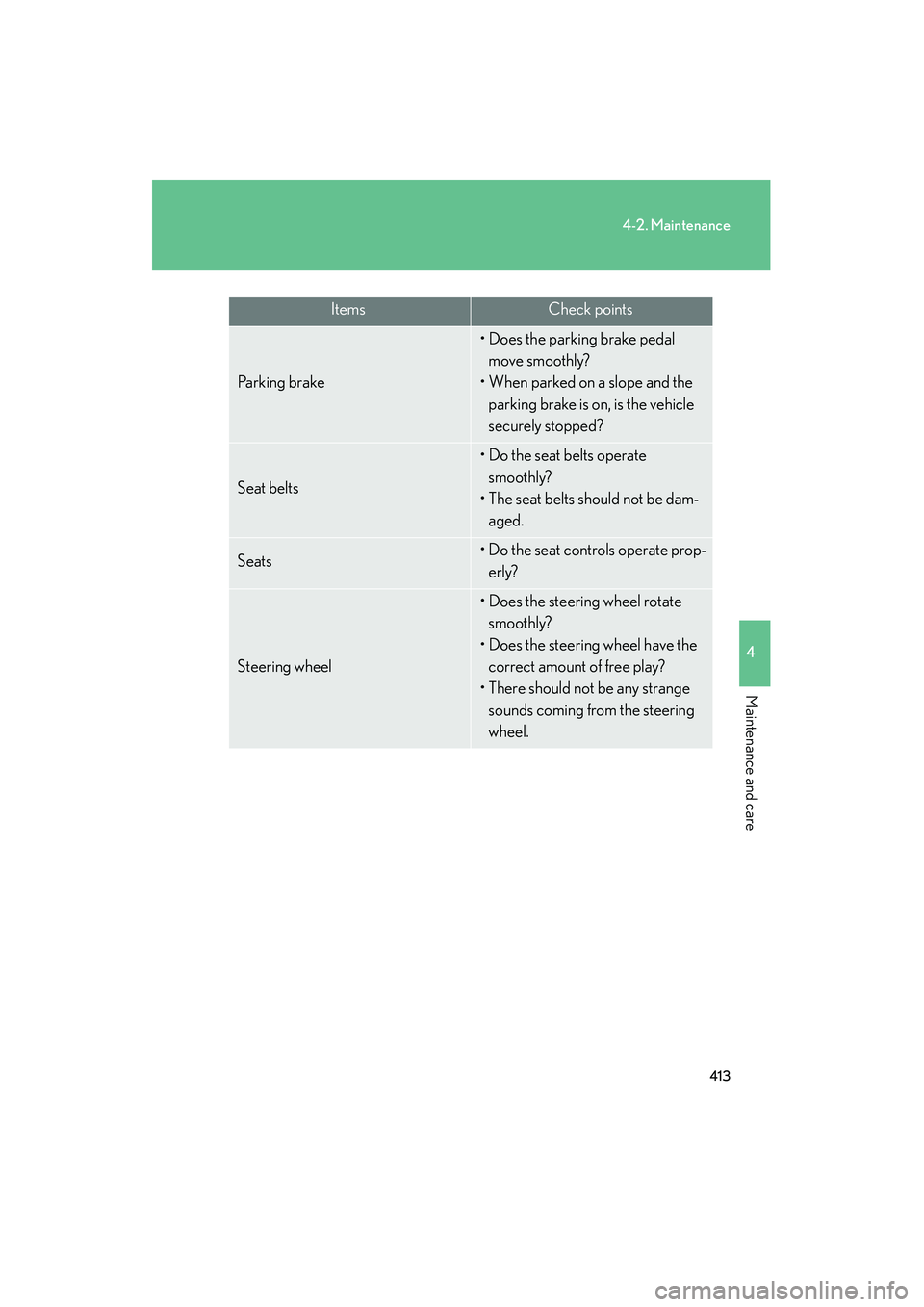
ItemsCheck points
Pa r k i n g b r a ke
• Does the parking brake pedal move smoothly?
• When parked on a slope and the parking brake is on , is the vehicle
securely stopped?
Seat belts
• Do the seat belts operate smoothly?
• The seat belts should not be dam-
aged.
Seats• Do the seat controls operate prop-erly?
Steering wheel
• Does the steering wheel rotate smoothly?
• Does the steering wheel have the correct amount of free play?
• There should not be any strange sounds coming from the steering
wheel.