change time Lexus HS250h 2012 User Guide
[x] Cancel search | Manufacturer: LEXUS, Model Year: 2012, Model line: HS250h, Model: Lexus HS250h 2012Pages: 630, PDF Size: 16.1 MB
Page 219 of 630
218
2-4. Using other driving systems
HS250h_U_75050U
■Adjusting the set speed
To change the set speed, operate the lever until the desired set
speed is displayed.
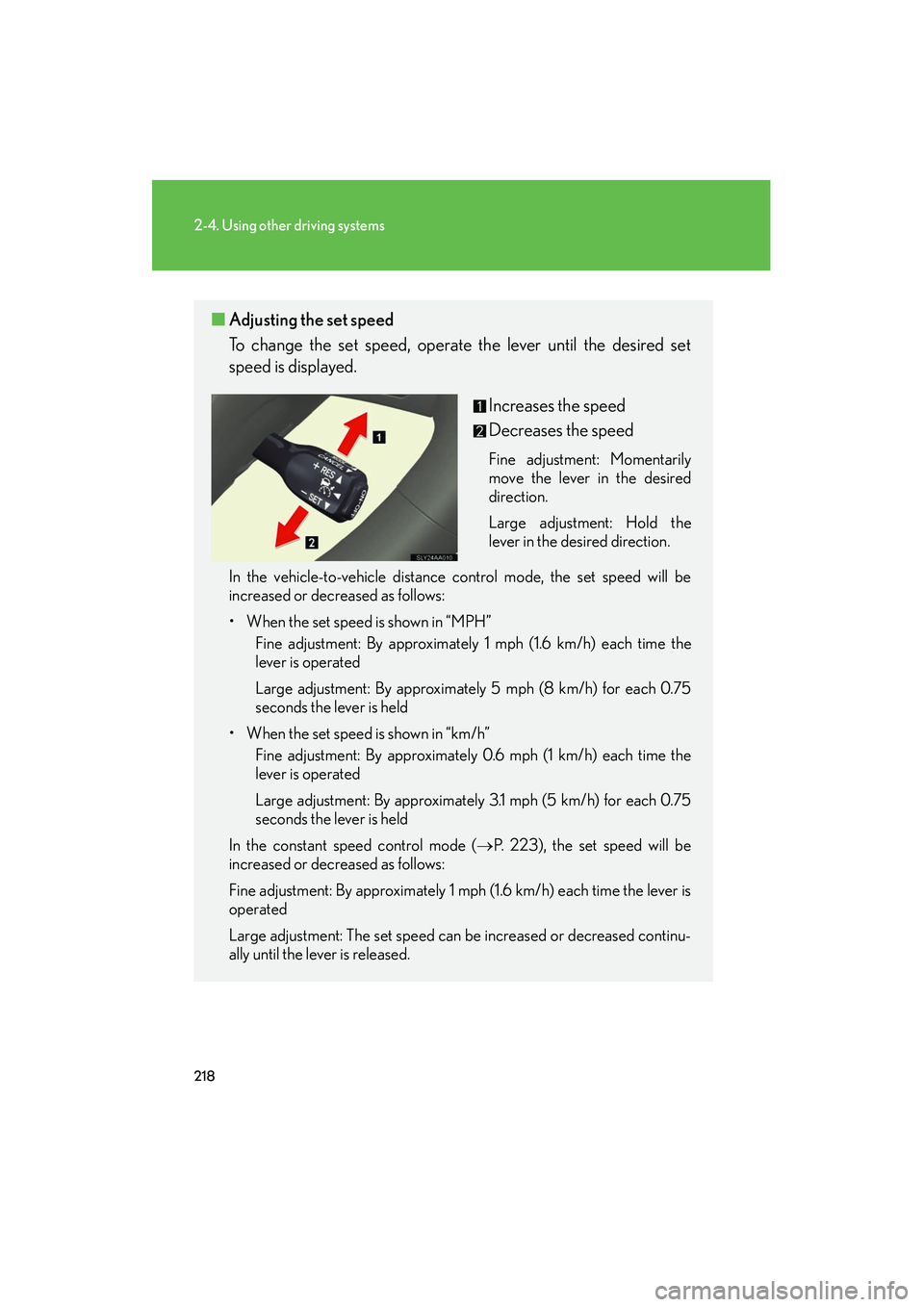
Increases the speed
Decreases the speed
Fine adjustment: Momentarily
move the lever in the desired
direction.
Large adjustment: Hold the
lever in the desired direction.
In the vehicle-to-vehicle distance control mode, the set speed will be
increased or decreased as follows:
• When the set speed is shown in “MPH” Fine adjustment: By approximately 1 mph (1.6 km/h) each time the
lever is operated
Large adjustment: By approximately 5 mph (8 km/h) for each 0.75
seconds the lever is held
• When the set speed is shown in “km/h” Fine adjustment: By approximately 0.6 mph (1 km/h) each time the
lever is operated
Large adjustment: By approximately 3.1 mph (5 km/h) for each 0.75
seconds the lever is held
In the constant speed control mode ( →P. 223), the set speed will be
increased or decreased as follows:
Fine adjustment: By approximately 1 mph (1.6 km/h) each time the lever is
operated
Large adjustment: The set speed can be increased or decreased continu-
ally until the lever is released.
Page 238 of 630
237
2-4. Using other driving systems
2
When driving
HS250h_U_75050U
NOTICE
■Camera sensor
●Keep the windshield clean at all times.
LKA performance may deteriorate due to the presence of raindrops, condensa-
tion, ice or snow on the windshield.
●Do not attach a sticker or other items to the windshield near the camera sensor.
●When adjusting the rear view mirror, make sure that it does not block the camera
lens.
●When it is cold, using the heater with air blowing to the feet may allow the upper
part of the windshield to fog up. This will have a negative effect on the images. In
such a case, use the windshield defogger to provide warm, dry air to the wind-
shield.
●Do not place anything on the dashboard.
The camera sensor may recognize the image reflected on the windshield as lane
markers by mistake.
●Do not scratch the camera lens, or let it get dirty.
●Do not change the installation position of the camera sensor or remove it. The
direction of the camera sensor is precisely adjusted.
●Do not subject the camera sensor to strong impact or force, and do not disas-
semble the camera sensor.
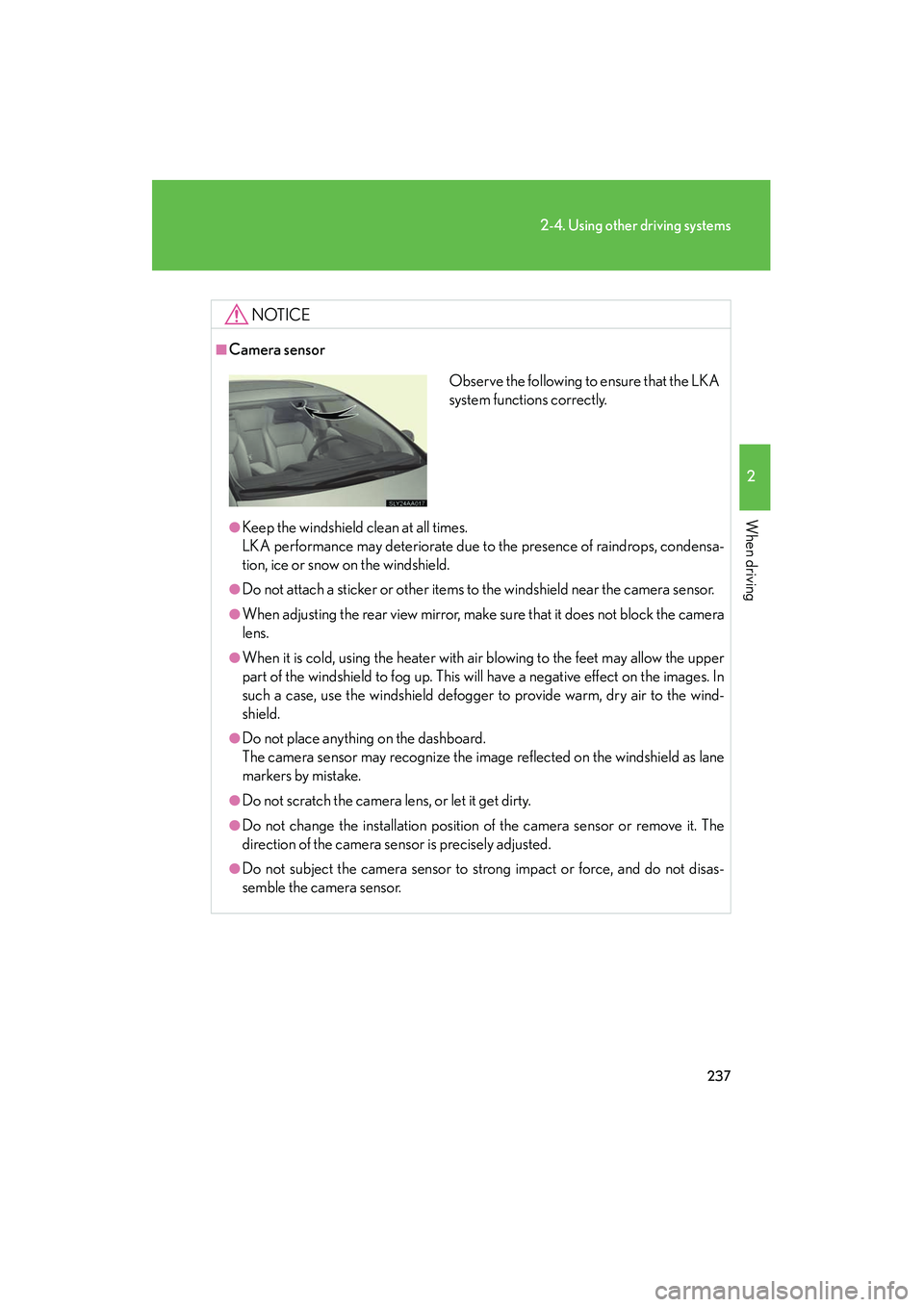
Observe the following to ensure that the LKA
system functions correctly.
Page 269 of 630
268
3-1. Using the air conditioning system and defogger
HS250h_U_75050U
Adjusting the settings manually■ Basic setting
To turn on the air conditioning system and adjust the fan speed,
press “ ∧” on to increase the fan speed and “∨ ” on to
decrease the fan speed.
Press to turn the fan off.
To adjust the temperature setting, press “ ∧” on to increase
the temperature and “ ∨” to decrease the temperature.
When is pressed (the indicator on is on) or the passen-
ger’s side temperature control button is pressed, the temperature for
the driver and passenger seats can be adjusted separately.
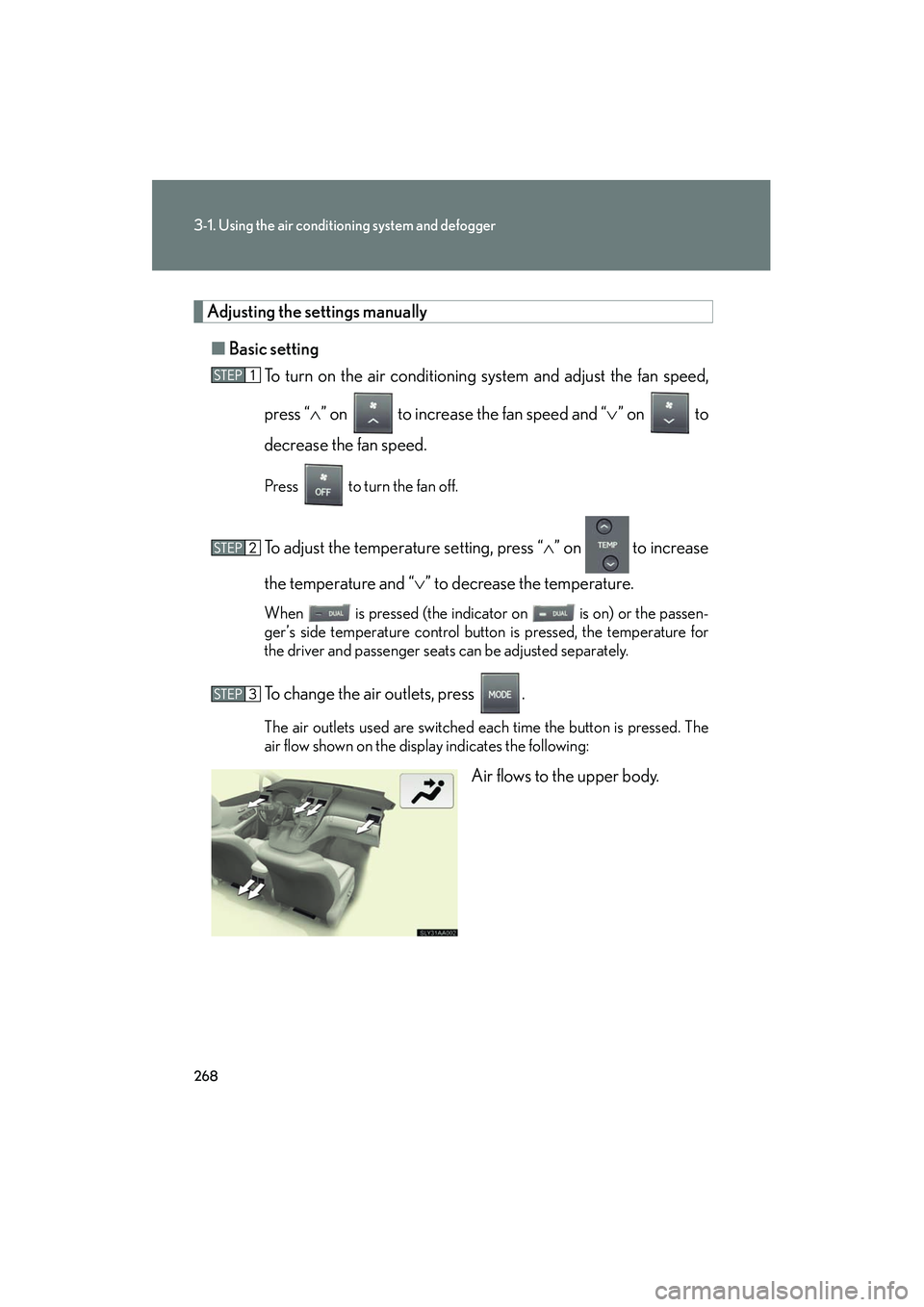
To change the air outlets, press .
The air outlets used are switched each time the button is pressed. The
air flow shown on the display indicates the following:
Air flows to the upper body.
Page 282 of 630
281
3-2. Using the audio system
3
Interior features
HS250h_U_75050U
RDS (Radio Data System)This feature allows your radio to receive station identification information
and program information (classical, jazz, etc.) from radio stations which
broadcast this information.
■ Receiving RDS broadcasts
Press or during FM reception.
The type of program changes each time the button is pressed.
●“ROCK”
● “EASYLIS” (Easy listening)
● “CLS/JAZZ” (Classical music and Jazz)
● “R & B” (Rhythm and Blues)
● “INFORM” (Information)
● “RELIGION”
● “MISC” (Miscellaneous)
● “ALERT” (Emergency messages)
If the system receives no RDS stations, “NO PTY” appears on the dis-
play.
Press , or or .
The radio seeks or scans for stations of the relevant program type.
Page 283 of 630
282
3-2. Using the audio system
HS250h_U_75050U■
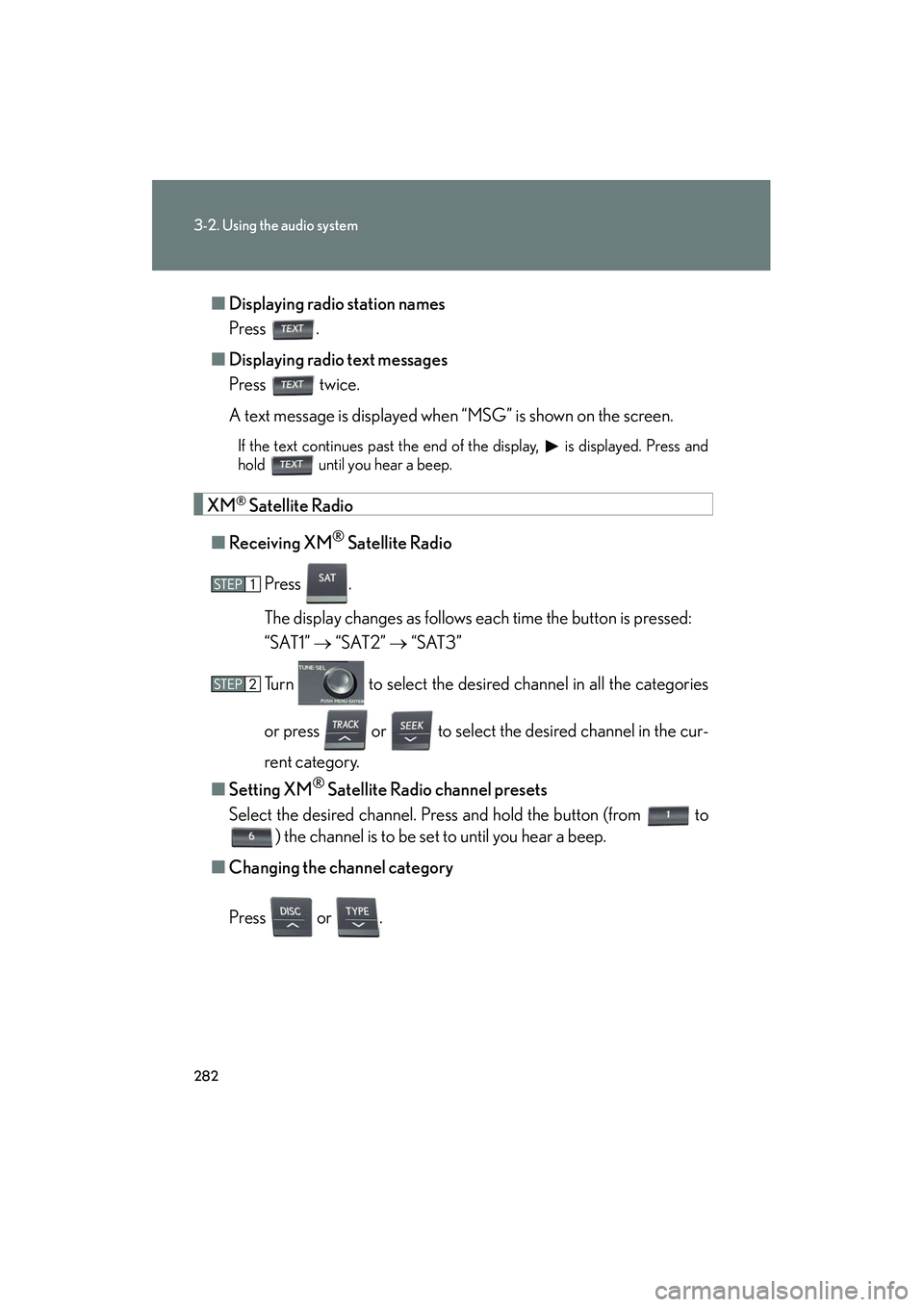
Displaying radio station names
Press .
■ Displaying radio text messages
Press twice.
A text message is displayed when “MSG” is shown on the screen.
If the text continues past the end of the display, is displayed. Press and
hold until you hear a beep.
XM® Satellite Radio
■ Receiving XM
® Satellite Radio
Press .
The display changes as follows each time the button is pressed:
“SAT1” → “SAT2” → “SAT3”
Turn to select the desired channel in all the categories
or press or to select the desired channel in the cur-
rent category.
■ Setting XM
® Satellite Radio channel presets
Select the desired channel. Press and hold the button (from
to
) the channel is to be set to until you hear a beep.
■ Changing the channel category
Press or .
Page 284 of 630
283
3-2. Using the audio system
3
Interior features
HS250h_U_75050U■
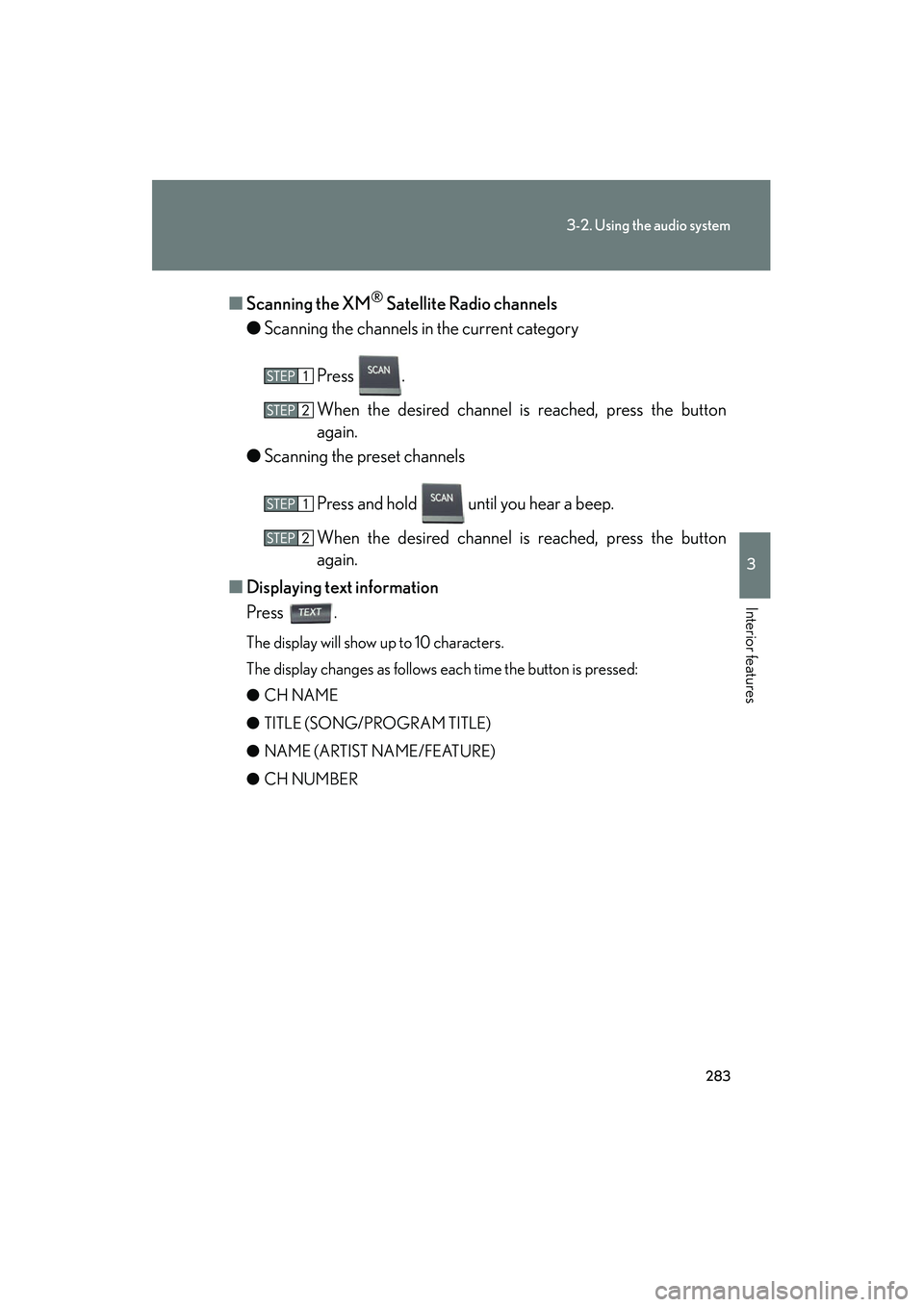
Scanning the XM
® Satellite Radio channels
● Scanning the channels in the current category
Press .
When the desired channel is reached, press the button
again.
● Scanning the preset channels
Press and hold until you hear a beep.
When the desired channel is reached, press the button
again.
■ Displaying text information
Press .
The display will show up to 10 characters.
The display changes as follows each time the button is pressed:
● CH NAME
● TITLE (SONG/PROGRAM TITLE)
● NAME (ARTIST NAME/FEATURE)
● CH NUMBER
Page 287 of 630
286
3-2. Using the audio system
HS250h_U_75050U
Contact the XM® Listener Care Center at 1-877-515-3987.
■Certifications for the radio tuner
This equipment has been tested and found to comply with the limits for a class B
digital device, pursuant to Part 15 of the FCC Rules. These limits are designed to
provide reasonable protection against harmful interference in a residential installa-
tion. This equipment generates, uses and can radiate radio frequency energy and, if
not installed and used in accordance with the instructions, may cause harmful inter-
ference to radio communications. However, there is no guarantee that interference
will not occur in a particular installation.
If this equipment does cause harmful interference to radio or television reception,
which can be determined by turning the equipment off and on, the user is encour-
aged to try to correct the interference by trying one or more of the following:
●Reorienting or relocate the receiving antenna.
●Increasing the separation between the equipment and receiver.
●Connecting the equipment into an outlet on a circuit different from that to which
the receiver is connected.
●Consulting the dealer or an experienced radio/TV technician for help.
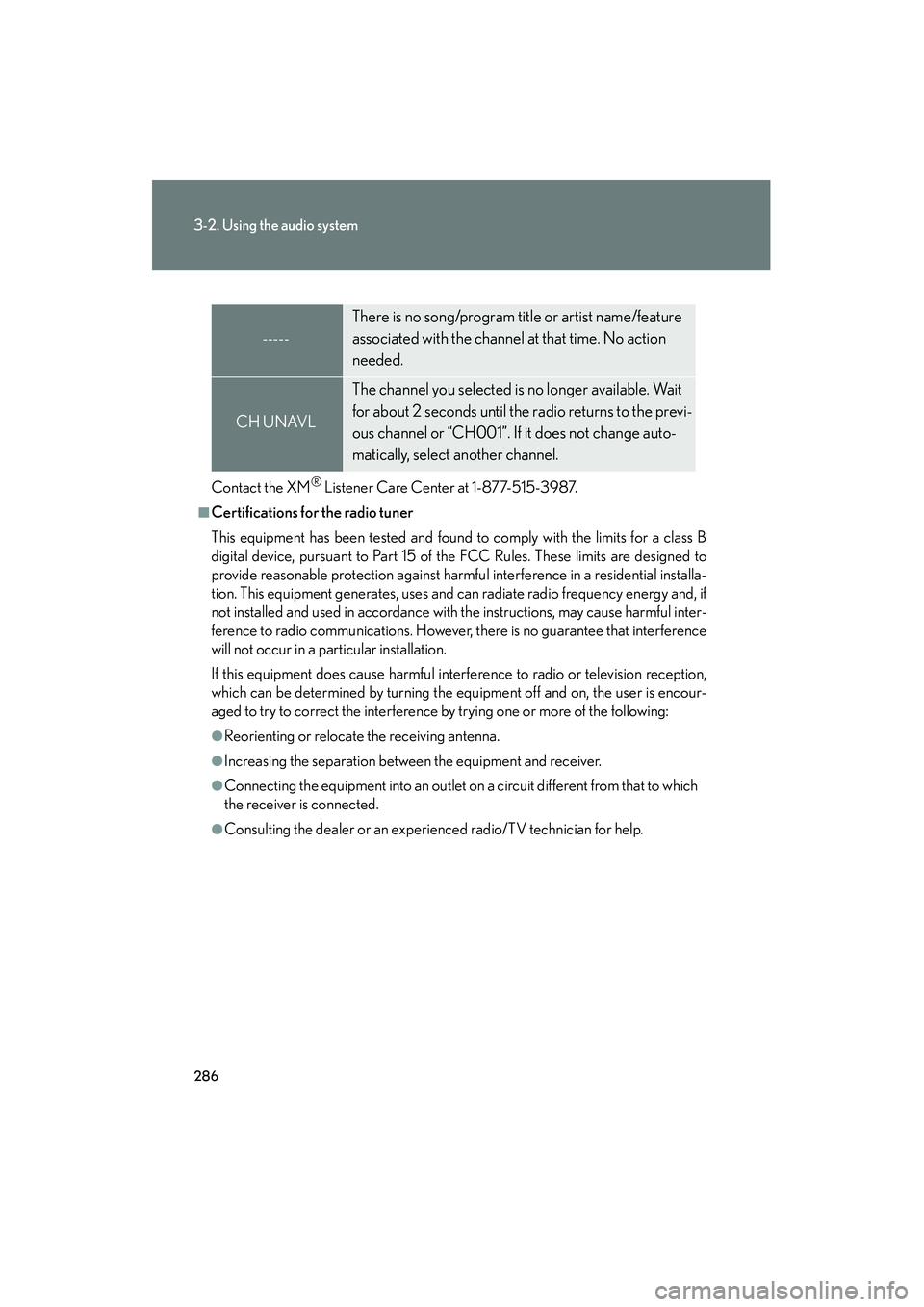
-----
There is no song/program title or artist name/feature
associated with the channel at that time. No action
needed.
CH UNAVL
The channel you selected is no longer available. Wait
for about 2 seconds until the radio returns to the previ-
ous channel or “CH001”. If it does not change auto-
matically, select another channel.
Page 292 of 630
291
3-2. Using the audio system
3
Interior features
HS250h_U_75050U
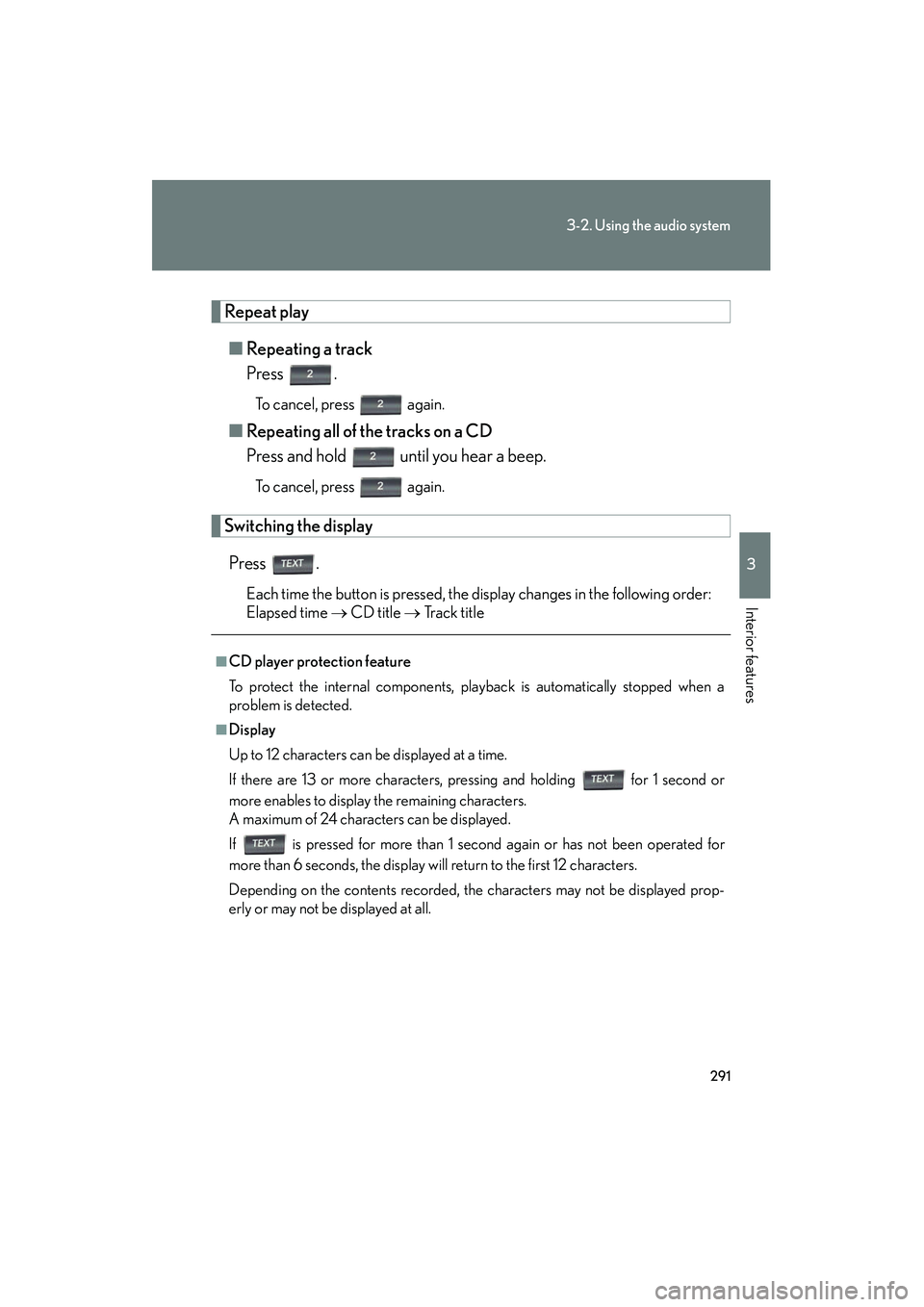
Repeat play■ Repeating a track
Press .
To cancel, press again.
■Repeating all of the tracks on a CD
Press and hold until you hear a beep.
To cancel, press again.
Switching the display
Press .
Each time the button is pressed, the display changes in the following order:
Elapsed time → CD title → Track title
■CD player protection feature
To protect the internal components, playback is automatically stopped when a
problem is detected.
■Display
Up to 12 characters can be displayed at a time.
If there are 13 or more characters, pressing and holding for 1 second or
more enables to display the remaining characters.
A maximum of 24 characters can be displayed.
If is pressed for more than 1 second again or has not been operated for
more than 6 seconds, the display will return to the first 12 characters.
Depending on the contents recorded, the characters may not be displayed prop-
erly or may not be displayed at all.
Page 299 of 630
298
3-2. Using the audio system
HS250h_U_75050U
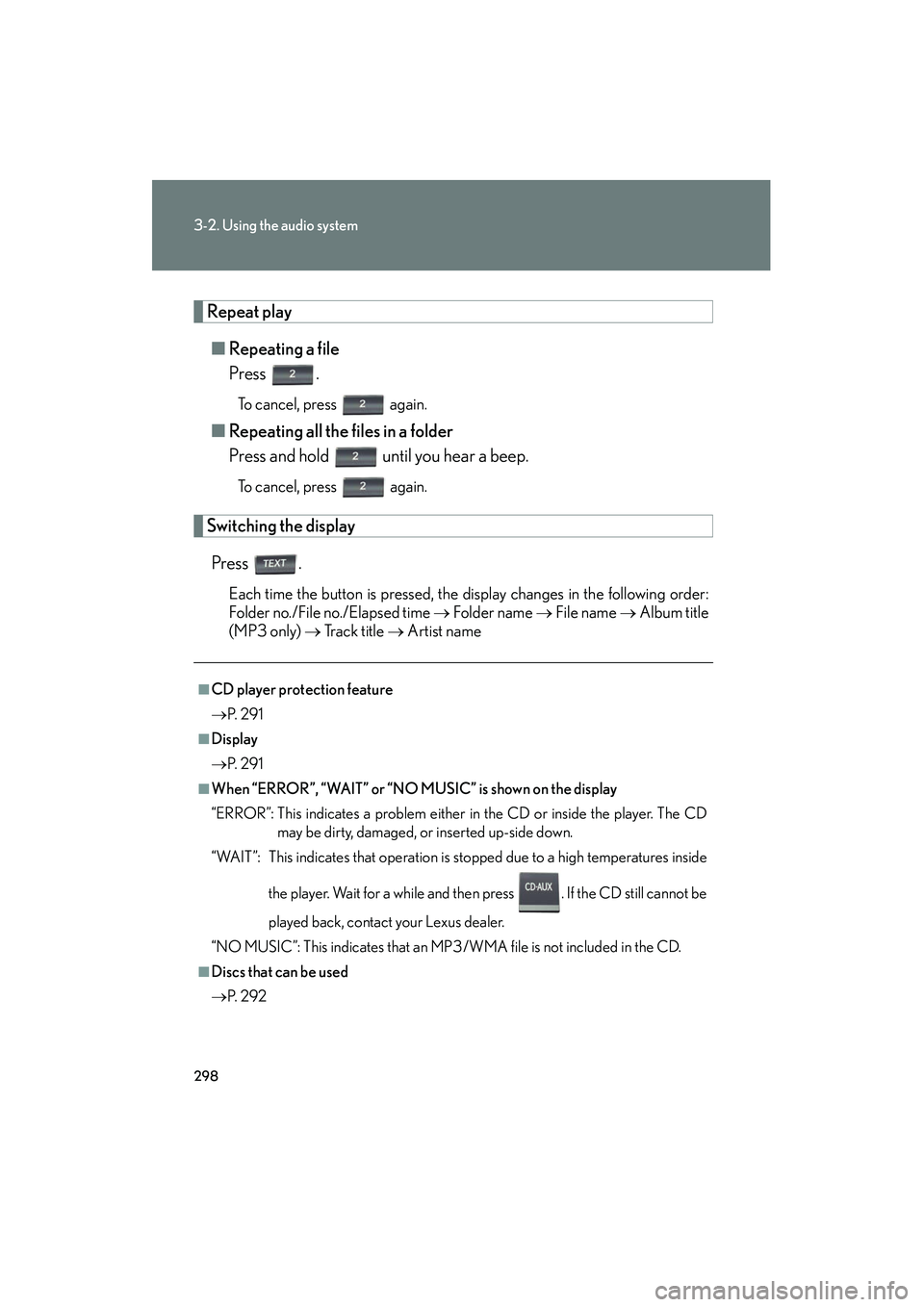
Repeat play■ Repeating a file
Press .
To cancel, press again.
■Repeating all the files in a folder
Press and hold until you hear a beep.
To cancel, press again.
Switching the display
Press .
Each time the button is pressed, the display changes in the following order:
Folder no./File no./Elapsed time → Folder name → File name → Album title
(MP3 only) → Tr a c k t i t l e → Artist name
■CD player protection feature
→ P. 2 9 1
■Display
→P. 2 9 1
■When “ERROR”, “WAIT” or “NO MUSIC” is shown on the display
“ERROR”: This indicates a problem either in the CD or inside the player. The CD
may be dirty, damaged, or inserted up-side down.
“WAIT”: This indicates that operation is stopped due to a high temperatures inside
the player. Wait for a while and then press . If the CD still cannot be
played back, contact your Lexus dealer.
“NO MUSIC”: This indicates that an MP3/WMA file is not included in the CD.
■Discs that can be used
→ P. 2 9 2
Page 307 of 630
306
3-2. Using the audio system
HS250h_U_75050U
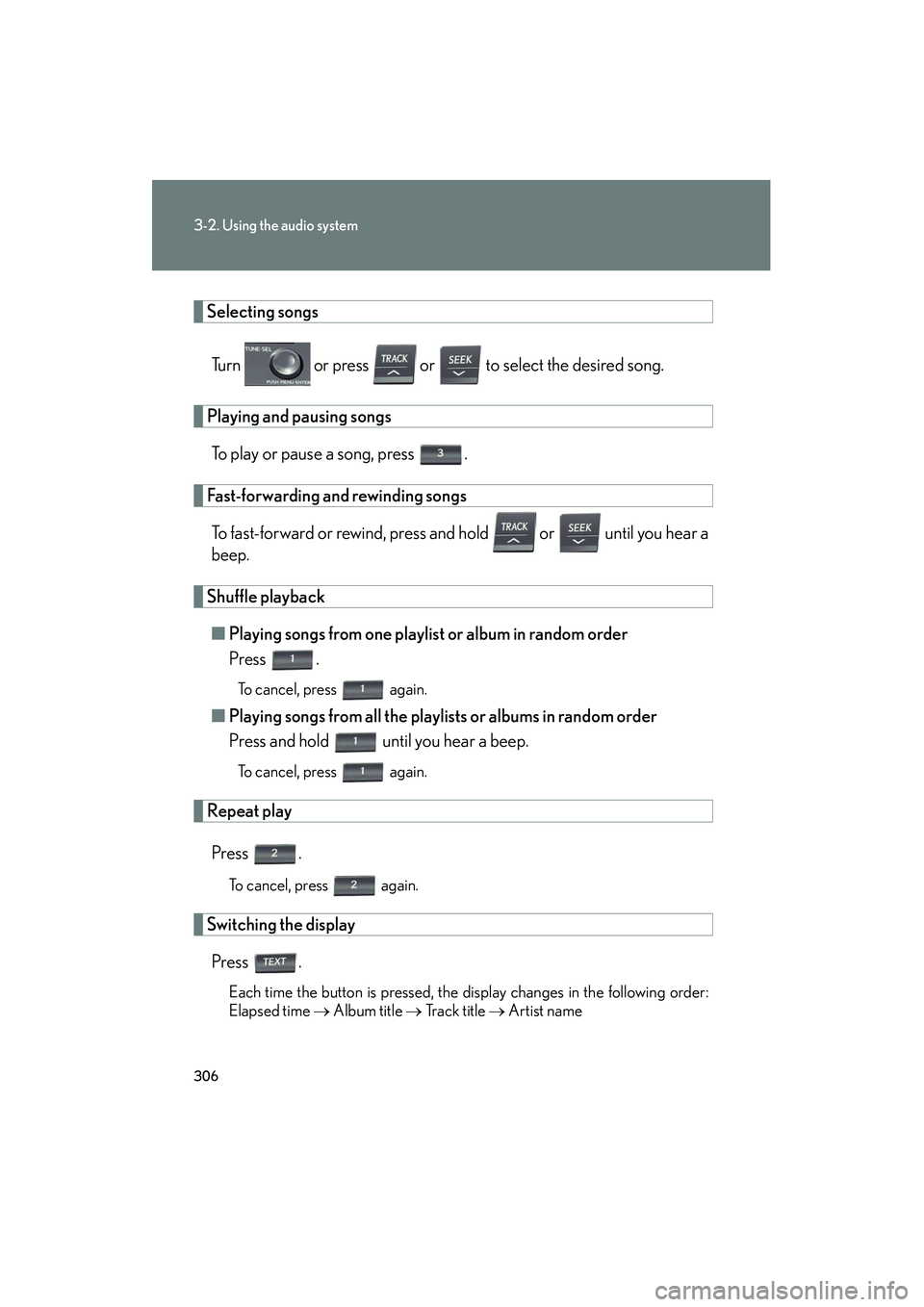
Selecting songsTurn or press or to select the desired song.
Playing and pausing songsTo play or pause a song, press .
Fast-forwarding and rewinding songsTo fast-forward or rewind, press and hold or until you hear a
beep.
Shuffle playback■ Playing songs from one playlist or album in random order
Press .
To cancel, press again.
■Playing songs from all the playlists or albums in random order
Press and hold until you hear a beep.
To cancel, press again.
Repeat play
Press .
To cancel, press again.
Switching the displayPress .
Each time the button is pressed, the display changes in the following order:
Elapsed time → Album title → Tr a c k t i t l e → Artist name