reset Lexus HS250h 2012 User Guide
[x] Cancel search | Manufacturer: LEXUS, Model Year: 2012, Model line: HS250h, Model: Lexus HS250h 2012Pages: 630, PDF Size: 16.1 MB
Page 281 of 630
280
3-2. Using the audio system
HS250h_U_75050U
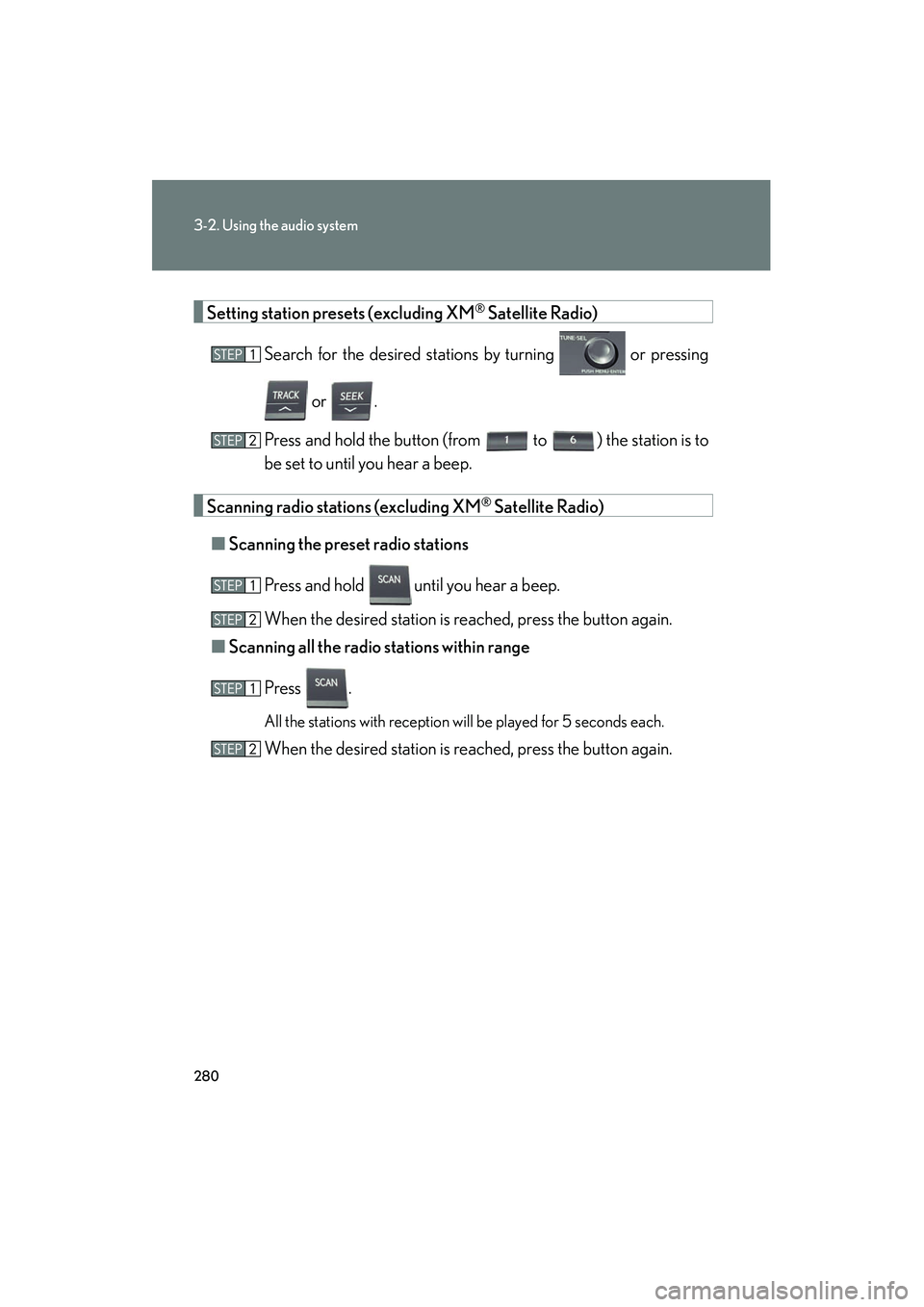
Setting station presets (excluding XM® Satellite Radio)
Search for the desired stations by turning or pressing
or .
Press and hold the button (from
to ) the station is to
be set to until you hear a beep.
Scanning radio stations (excluding XM® Satellite Radio)
■ Scanning the preset radio stations
Press and hold
until you hear a beep.
When the desired station is reached, press the button again.
■ Scanning all the radio st ations within range
Press .
All the stations with reception will be played for 5 seconds each.
When the desired station is reached, press the button again.
Page 283 of 630
282
3-2. Using the audio system
HS250h_U_75050U■
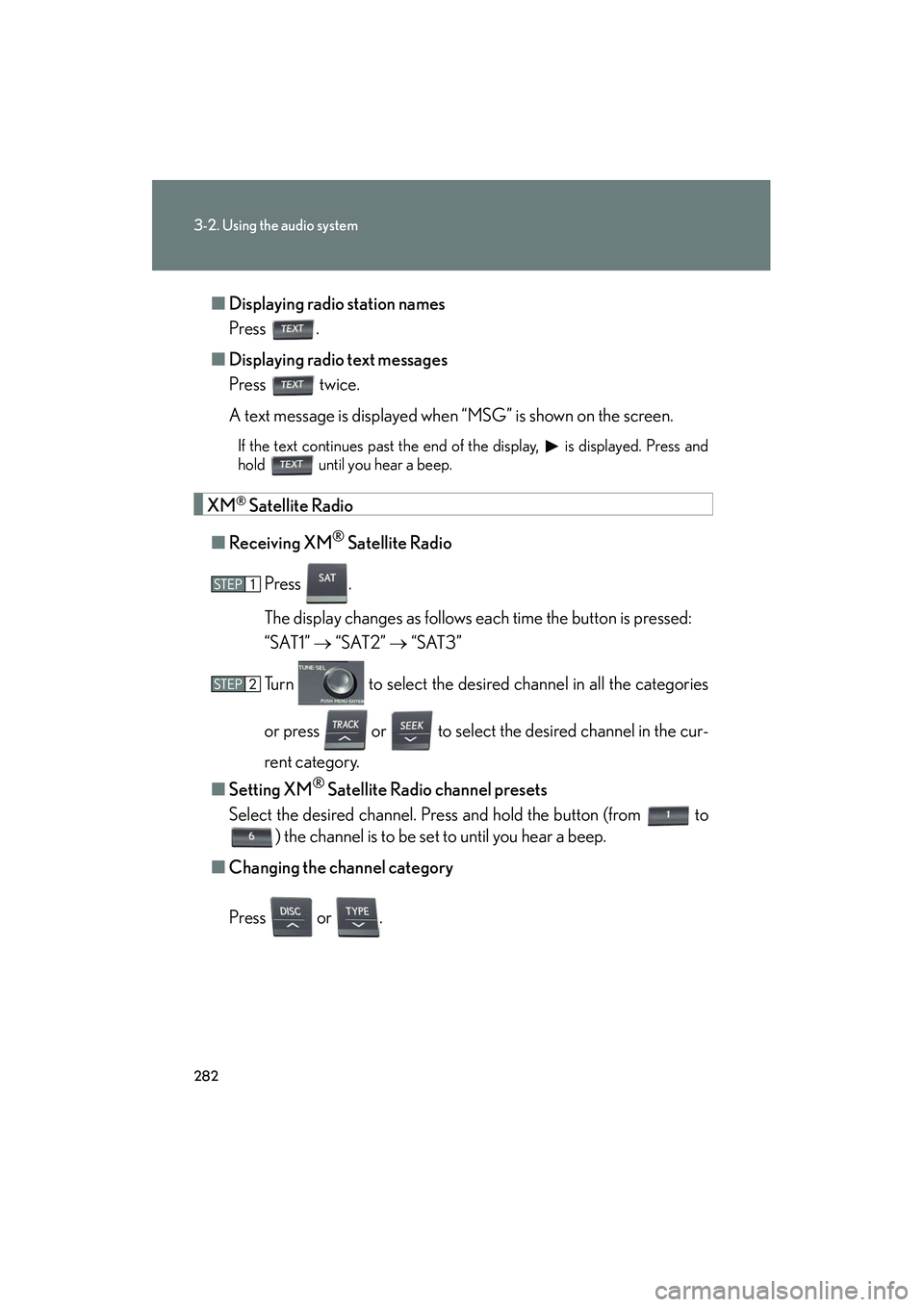
Displaying radio station names
Press .
■ Displaying radio text messages
Press twice.
A text message is displayed when “MSG” is shown on the screen.
If the text continues past the end of the display, is displayed. Press and
hold until you hear a beep.
XM® Satellite Radio
■ Receiving XM
® Satellite Radio
Press .
The display changes as follows each time the button is pressed:
“SAT1” → “SAT2” → “SAT3”
Turn to select the desired channel in all the categories
or press or to select the desired channel in the cur-
rent category.
■ Setting XM
® Satellite Radio channel presets
Select the desired channel. Press and hold the button (from
to
) the channel is to be set to until you hear a beep.
■ Changing the channel category
Press or .
Page 284 of 630
283
3-2. Using the audio system
3
Interior features
HS250h_U_75050U■
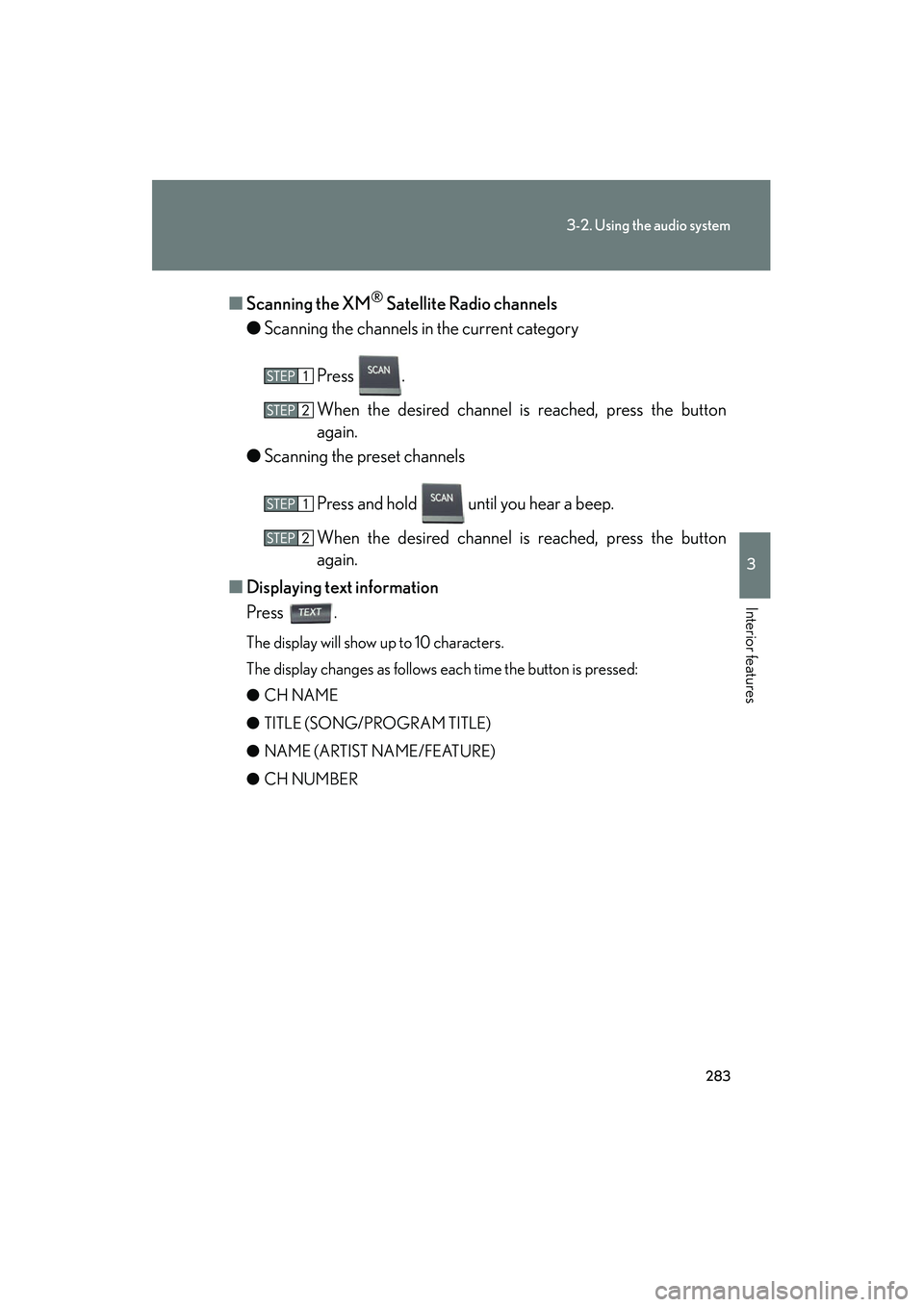
Scanning the XM
® Satellite Radio channels
● Scanning the channels in the current category
Press .
When the desired channel is reached, press the button
again.
● Scanning the preset channels
Press and hold until you hear a beep.
When the desired channel is reached, press the button
again.
■ Displaying text information
Press .
The display will show up to 10 characters.
The display changes as follows each time the button is pressed:
● CH NAME
● TITLE (SONG/PROGRAM TITLE)
● NAME (ARTIST NAME/FEATURE)
● CH NUMBER
Page 285 of 630
284
3-2. Using the audio system
HS250h_U_75050U
■When the 12-volt battery is disconnected
All preset stations are erased.
■Reception sensitivity
●Cargo loaded on the roof luggage carrier, especially metal objects, may
adversely affect the reception of XM® Satellite Radio.
●It is difficult to maintain perfect radio reception at all times due to the continually
changing position of the antenna, differences in signal strength and surrounding
objects, such as trains and transmitters.
●The radio antenna is mounted inside the rear window. To maintain clear radio
reception, do not attach metallic window tinting or other metallic objects to the
antenna wire mounted inside the rear window.
■Receiving XM® Satellite Radio
An XM
® Satellite Radio is a tuner designed exclusively to receive broadcasts pro-
vided under a separate subscription. Availability is limited to the 48 contiguous
states and 10 Canadian provinces.
●XM® subscriptions
For detailed information about XM® Satellite Radio or to subscribe:
U. S .A .
Visit on the web at www.xmradio.com
or call 1-877-515-3987.
Canada
Visit on the web at www.xmradio.ca
or call 1-877-515-3987.
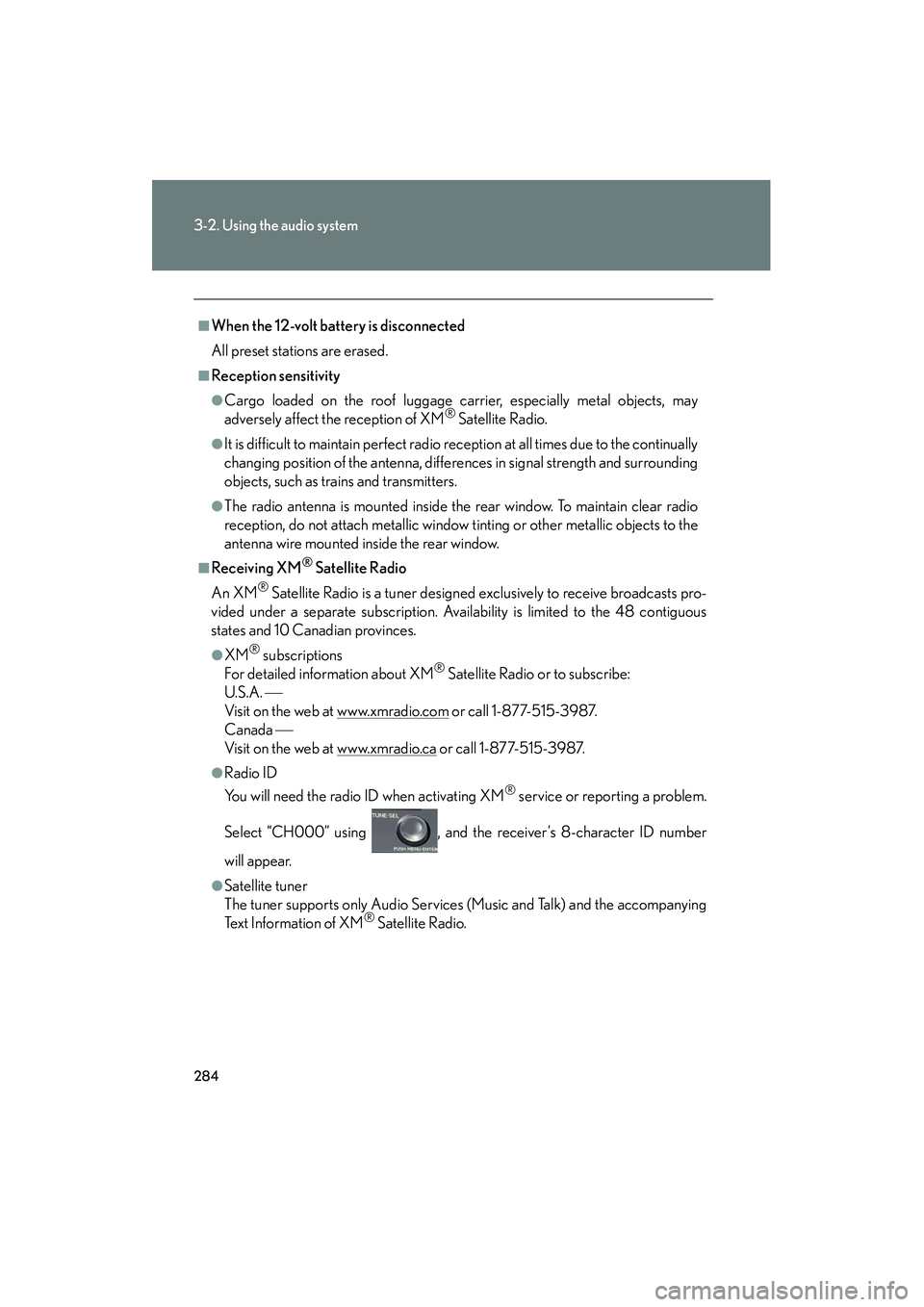
●Radio ID
You will need the radio ID when activating XM
® service or reporting a problem.
Select “CH000” using , and the receiver’s 8-character ID number
will appear.
●Satellite tuner
The tuner supports only Audio Services (Music and Talk) and the accompanying
Te x t I n f o r m a t i o n o f X M
® Satellite Radio.
Page 308 of 630
307
3-2. Using the audio system
3
Interior features
HS250h_U_75050U
Adjusting sound quality and volume balancePress to enter iPod menu mode.
Pressing changes sound modes. ( →P. 319)
■About iPod
●Apple is not responsible for the operation of this device or its compliance with
safety and regulatory standards.
●iPod is a trademark of Apple Inc., registered in the U.S. and other countries.
■iPod functions
●When an iPod is connected and the audio source is changed to iPod mode, the
iPod will resume play from the same point in which it was last used.
●Depending on the iPod that is connected to the system, certain functions may
not be available. Disconnecting the device and reconnecting it once again may
resolve some malfunctions.
■iPod problems
To resolve most problems encountered when using your iPod, disconnect your iPod
from the vehicle iPod connection and reset it.
For instructions on how to reset your iPod, refer to your iPod Owner’s Manual.
■Display
→ P. 2 9 1
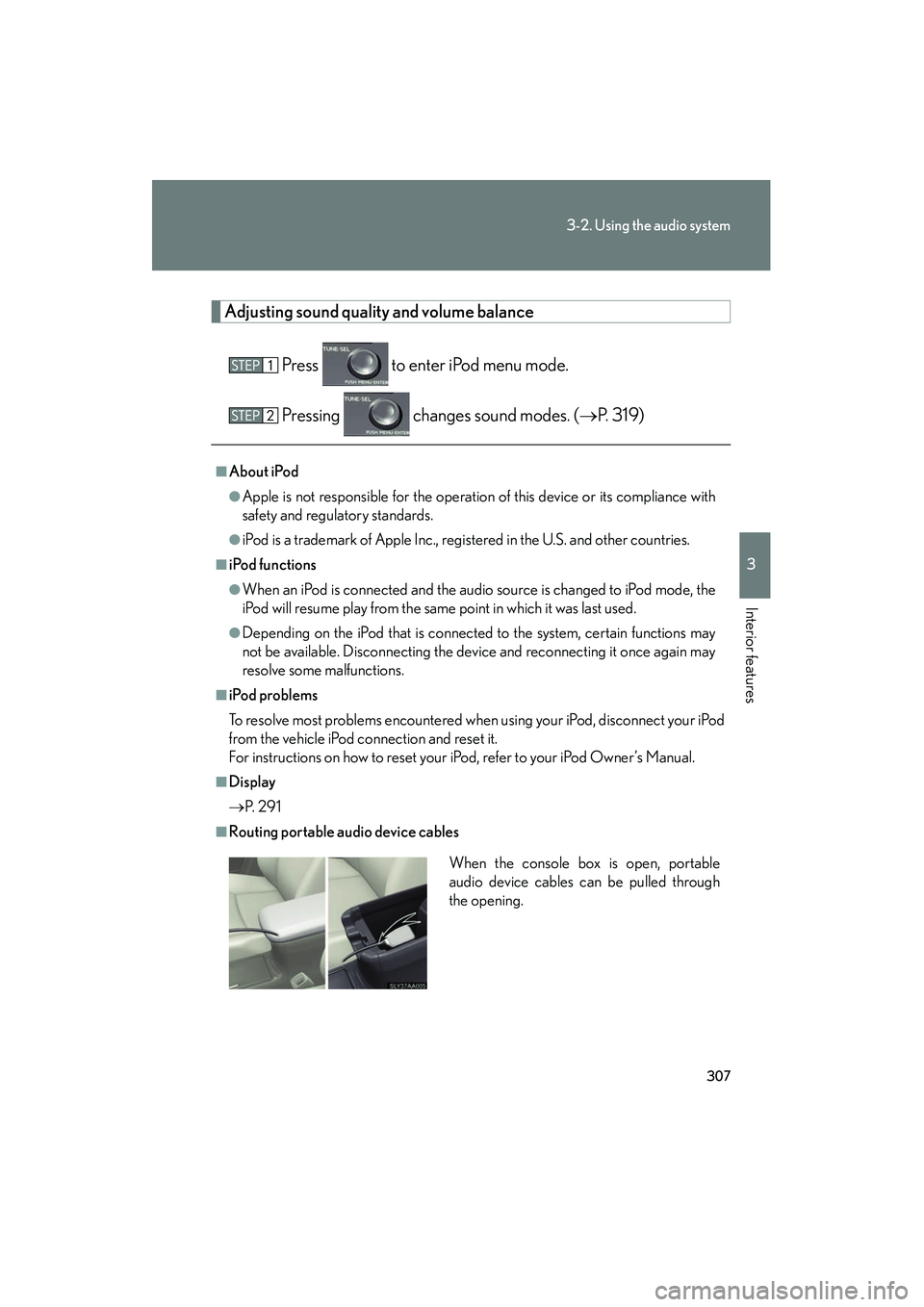
■Routing portable audio device cables
When the console box is open, portable
audio device cables can be pulled through
the opening.
Page 356 of 630
355
3-4. Using the hands-free phone system (for cellular phones)
3
Interior features
HS250h_U_75050U
Dialing by inputting a numberPress the talk switch and say “Dial by number”.
Press the talk switch and say the phone number.
Dial by one of the following methods:
a. Press the off-hook switch.
b. Press the talk switch and say “Dial”.
c. Select “Dial” using .
Dialing by inputting a namePress the talk switch and say “Dial by name”.
Select a registered name to be input by either of the following
methods:
a. Press the talk switch and say a registered name.
b. Press the talk switch and say “List Names”. Press the talk switchwhen the desired name is read aloud.
Dial by one of the following methods:
a. Press the off-hook switch.
b. Press the talk switch and say “Dial”.
c. Select “Dial” using .
Speed dialing
Press the off-hook switch.
Press the preset button in which the desired number is registered.
Press the off-hook switch.
Page 373 of 630
372
3-4. Using the hands-free phone system (for cellular phones)
HS250h_U_75050U
Listing the registered dataSelect “List Names” using a voice command or . The list of the
registered data will be read aloud.
When listing is complete, the system returns to the “Phonebook”.
Pressing the talk switch while the desired data is being read aloud selects
the data, and the following function will become available:
● Dialing: “Dial”
● Changing a registered name: “Change Name”
● Deleting an entry: “Delete Entry”
● Setting a speed dial: “Set Speed Dial (Speed Dial)”
Setting speed dials
Select “Set Speed Dial (Speed Dial)” using a voice command or .
Select the data to be registered as a speed dial by either of the
following methods, and select “Confirm” using a voice command
or :
a. Press the talk switch, say the desired name.
b. Press the talk switch, and say “List Names”. When the desired name is read aloud, press the talk switch.
Select the desired preset button, and register the data into speed
dial by either of the following methods:
a. Press the desired preset button, and select “Confirm” by using
a voice command or .
b. Press and hold the desired preset button.
Page 374 of 630
373
3-4. Using the hands-free phone system (for cellular phones)
3
Interior features
HS250h_U_75050U
Deleting the registered dataSelect “Delete Entry” using a voice command or .
Select the data to be deleted by either of the following methods,
and select “Confirm” using a voice command or :
a. Press the talk switch, and say the name of the desired phonenumber.
b. Press the talk switch, say “List Names”. When the name of the desired phone number is read aloud, press the talk switch.
Deleting speed dials
Select “Delete Speed Dial (Del Spd Dial)” using a voice com-
mand or .
Press the preset button to which the desired speed dial is regis-
tered, and select “Confirm” using a voice command or .
■Limitation of number of digits
A phone number that exceeds 24 digits cannot be registered.
Page 425 of 630
424
4-2. Maintenance
HS250h_U_75050U
■Reset the maintenance data (U.S.A. only)
After the required maintenance is performed according to the maintenance sched-
ule, please reset the maintenance data.
To reset the data, follow the procedures described below:Switch the display to the trip meter “A” when the hybrid system is operat-
ing. (→P. 1 7 0 )
Turn the “POWER” switch off.
While pressing the trip meter reset button ( →P. 170), turn the “POWER”
switch to ON mode (do not start the hybrid system because otherwise
the reset mode will be canceled). Continue to press and hold the button
until the trip meter displays “000000” and the multi-information display
indicates that the reset is complete.
■Allow inspection and repairs to be performed by a Lexus dealer
●Lexus technicians are well-trained specialists and are kept up to date with the
latest service information. They are well informed about the operation of all sys-
tems on your vehicle.
●Keep a copy of the repair order. It proves that the maintenance that has been
performed is under warranty coverage. If any problem should arise while your
vehicle is under warranty, your Lexus dealer will promptly take care of it.
Page 454 of 630
453
4-3. Do-it-yourself maintenance
4
Maintenance and care
HS250h_U_75050U■
How to initialize the tire pressure warning system
Park the vehicle in a safe place and turn the “POWER” switch off.
Initialization cannot be performed while the vehicle is moving.
Adjust the tire inflation pressure to the specified cold tire inflation
pressure level. ( →P. 567)
Make sure to adjust the tire pressure to the specified cold tire inflation
pressure level. The tire pressure warning system will operate based on
this pressure level.
Turn the “POWER” switch to ON mode.
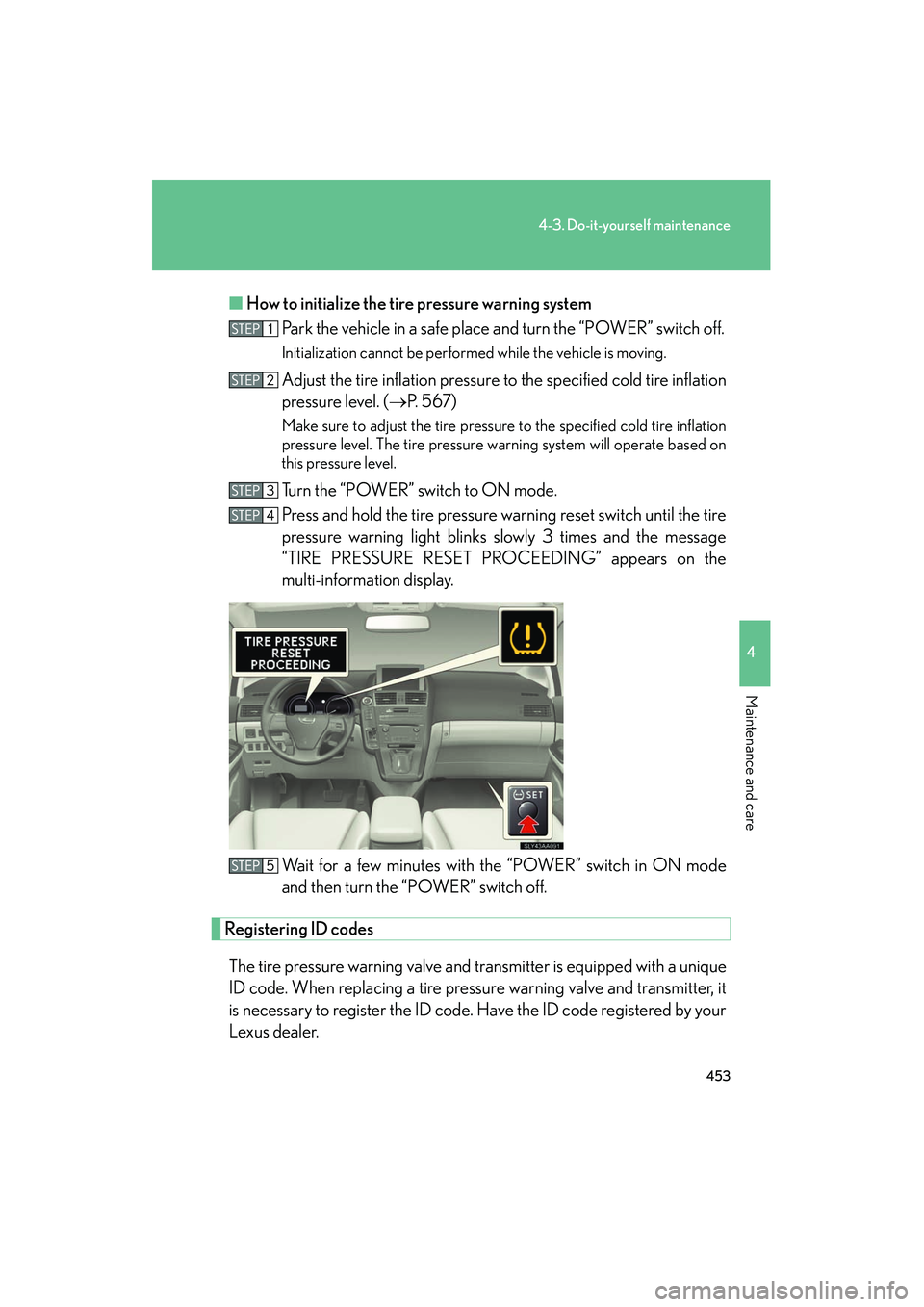
Press and hold the tire pressure warning reset switch until the tire
pressure warning light blinks slowly 3 times and the message
“TIRE PRESSURE RESET PROCEEDING” appears on the
multi-information display.
Wait for a few minutes with the “POWER” switch in ON mode
and then turn the “POWER” switch off.
Registering ID codes
The tire pressure warning valve and transmitter is equipped with a unique
ID code. When replacing a tire pressure warning valve and transmitter, it
is necessary to register the ID code. Have the ID code registered by your
Lexus dealer.